engine LINCOLN NAVIGATOR 2019 Owners Manual
[x] Cancel search | Manufacturer: LINCOLN, Model Year: 2019, Model line: NAVIGATOR, Model: LINCOLN NAVIGATOR 2019Pages: 645, PDF Size: 5.02 MB
Page 598 of 645
(b) use your own personal judgment whiledriving. If you feel that a route suggested bythe TeleNav Software instructs you toperform an unsafe or illegal maneuver,places you in an unsafe situation, or directsyou into an area that you consider to beunsafe, do not follow such instructions;
(c) do not input destinations, or otherwisemanipulate the TeleNav Software, unlessyour vehicle is stationary and parked;
(d) do not use the TeleNav Software for anyillegal, unauthorized, unintended, unsafe,hazardous, or unlawful purposes, or in anymanner inconsistent with this Agreement;
(e) arrange all GPS and wireless devices andcables necessary for use of the TeleNavSoftware in a secure manner in your vehicleso that they will not interfere with yourdriving and will not prevent the operation ofany safety device (such as an airbag).
You agree to indemnify and hold TeleNavharmless against all claims resulting from anydangerous or otherwise inappropriate useof the TeleNav Software in any movingvehicle, including as a result of your failureto comply with the directions above.
2. Account Information
You agree: (a) when registering the TeleNavSoftware, to provide TeleNav with true,accurate, current, and complete informationabout yourself, and (b) to inform TeleNavpromptly of any changes to such information,and to keep it true, accurate, current andcomplete.
3. Software License
•Subject to your compliance with theterms of this Agreement, TeleNav herebygrants to you a personal, non-exclusive,non-transferable license (except asexpressly permitted below in connectionwith your permanent transfer of theTeleNav Software license), without theright to sublicense, to use the TeleNavSoftware (in object code form only) inorder to access and use the TeleNavSoftware. This license shall terminateupon any termination or expiration of thisAgreement. You agree that you will usethe TeleNav Software only for yourpersonal business or leisure purposes,and not to provide commercial navigationservices to other parties.
3.1 License Limitations
•(a) reverse engineer, decompile,disassemble, translate, modify, alter orotherwise change the TeleNav Softwareor any part thereof; (b) attempt to derivethe source code, audio library orstructure of the TeleNav Software withoutthe prior express written consent ofTeleNav; (c) remove from the TeleNavSoftware, or alter, any of TeleNav's or itssuppliers' trademarks, trade names,logos, patent or copyright notices, orother notices or markings; (d) distribute,sublicense or otherwise transfer theTeleNav Software to others, except aspart of your permanent transfer of theTeleNav Software; or (e) use the TeleNavSoftware in any manner that
I. infringes the intellectual property orproprietary rights, rights of publicity orprivacy or other rights of any party,
ii. violates any law, statute, ordinance orregulation, including but not limited to lawsand regulations related to spamming, privacy,consumer and child protection, obscenity ordefamation, or
595
Navigator (TB9) Canada/United States of America, enUSA, Edition date: 201808, First-Printing
Appendices
Page 602 of 645
9.1 End User Terms Required by HERENorth America, LLC
The data (“Data”) is provided for yourpersonal, internal use only and not for resale.It is protected by copyright, and is subject tothe following terms and conditions which areagreed to by you, on the one hand, andTelenav (“Telenav”) and its licensors(including their licensors and suppliers) onthe other hand.
© 2013 HERE. All rights reserved.
The Data for areas of Canada includesinformation taken with permission fromCanadian authorities, including: © HerMajesty the Queen in Right of Canada, ©Queen's Printer for Ontario, © Canada PostCorporation, GeoBase®, © Department ofNatural Resources Canada.
HERE holds a non-exclusive license from theUnited States Postal Service® to publish andsell ZIP+4® information.
©United States Postal Service® 2014. Pricesare not established, controlled or approvedby the United States Postal Service®. Thefollowing trademarks and registrations areowned by the USPS: United States PostalService, USPS, and ZIP+4
The Data for Mexico includes certain datafrom Instituto Nacional de Estadística yGeografía.
9.2 End User Terms Required by NAV2(Shanghai) Co., Ltd
The data (“Data”) is provided for yourpersonal, internal use only and not for resale.It is protected by copyright, and is subject tothe following terms and conditions which areagreed to by you, on the one hand, andNAV2 (Shanghai) Co., Ltd (“NAV2”) and itslicensors (including their licensors andsuppliers) on the other hand. 20xx. All rightsreserved
Terms and Conditions
Permitted Use. You agree to use this Datatogether with the Telenav Software solelyfor the internal business and personalpurposes for which you were licensed, andnot for service bureau, time-sharing or othersimilar purposes. Accordingly, but subject tothe restrictions set forth in the followingparagraphs, you agree not to otherwisereproduce, copy, modify, decompile,disassemble, create any derivative works of,or reverse engineer any portion of this Data,and may not transfer or distribute it in anyform, for any purpose, except to the extentpermitted by mandatory laws.
Restrictions. Except where you have beenspecifically licensed to do so by Telenav, andwithout limiting the preceding paragraph,you may not use this Data (a) with anyproducts, systems, or applications installedor otherwise connected to or incommunication with vehicles, capable ofvehicle navigation, positioning, dispatch, realtime route guidance, fleet management orsimilar applications; or (b) with or in
599
Navigator (TB9) Canada/United States of America, enUSA, Edition date: 201808, First-Printing
Appendices
Page 612 of 645
it, and (ii) save it, provided that you do notremove any copyright notices that appearand do not modify the Data in any way. Youagree not to otherwise reproduce, copy,modify, decompile, disassemble or reverseengineer any portion of this Data, and maynot transfer or distribute it in any form, forany purpose, except to the extent permittedby mandatory laws.
Restrictions
Except where you have been specificallylicensed to do so by NAV2 , and withoutlimiting the preceding paragraph, you maynot (a) use this Data with any products,systems, or applications installed orotherwise connected to or in communicationwith vehicles, capable of vehicle navigation,positioning, dispatch, real time routeguidance, fleet management or similarapplications; or (b) with or in communicationwith any positioning devices or any mobileor wireless-connected electronic or computer
devices, including without limitation cellularphones, palmtop and handheld computers,pagers, and personal digital assistants orPDAs. You agree to cease using this Data ifyou fail to comply with these terms andconditions.
Limited Warranty
NAV2 warrants that (a) the Data will performsubstantially in accordance with theaccompanying written materials for a periodof ninety (90) days from the date of receipt,and (b) any support services provided byNAV2 shall be substantially as described inapplicable written materials provided to youby NAV2, and NAV2’s support engineers willmake commercially reasonable efforts tosolve any problem issues.
rigCustomer Remedies
NAV2 and its suppliers’ entire liability andyour exclusive remedy shall be, at NAV2’ssole discretion, either (a) return of the pricepaid, if any, or (b) repair or replacement ofthe Data that do not meet NAV2’s LimitedWarranty and that are returned to NAV2 witha copy of your receipt. This Limited Warranty
is void if failure of the Data has resulted fromaccident, abuse, or misapplication. Anyreplacement Data will be warranted for theremainder of the original warranty period orthirty (30) days, whichever is longer. Neitherthese remedies nor any product supportservices offered by NAV2 are availablewithout proof of purchase from an authorizedinternational source.
No Other Warranty:
EXCEPT FOR THE LMITED WARRANTY SETFORTH ABOVE AND TO THE EXTENTPERMITTED BY APPLICABLE LAW, NAV2AND ITS LICENSORS (INCLUDING THEIRLICENSORS AND SUPPLIERS) DISCLAIMANY WARRANTIES, EXPRESS OR IMPLIED,OF QUALITY, PERFORMANCE,MERCHANTABILITY, FITNESS FOR APARTICULAR PURPOSE, OWNERSHIP ORNON-INFRINGEMENT. Certain warrantyexclusions may not be permitted underapplicable law, so to that extent the aboveexclusion may not apply to you.
609
Navigator (TB9) Canada/United States of America, enUSA, Edition date: 201808, First-Printing
Appendices
Page 632 of 645
3
360 Degree Camera...................................252Advanced Camera Views................................252Camera Views.....................................................252Front Camera......................................................253Keep Out Zone....................................................253Side Camera........................................................253
4
4WDSee: Four-Wheel Drive.......................................216
A
A/CSee: Climate Control..........................................152
About This Manual............................................7ABSSee: Brakes..........................................................225
ABS driving hintsSee: Hints on Driving With Anti-LockBrakes...............................................................226
Accessories...................................................542Exterior Style.......................................................542Interior Style.........................................................542Lifestyle.................................................................542
Peace of Mind.....................................................542
AccessoriesSee: Replacement Parts Recommendation.....12
ACCSee: Using Adaptive Cruise Control.............256
Active Park Assist.........................................240Using Active Park Assist...................................242
Adaptive Headlamps.....................................101Speed Dependent Lamps..................................101
Adjusting the Headlamps...........................374Horizontal Aim Adjustment..............................376Vertical Aim Adjustment....................................374
Adjusting the Pedals......................................93Adjusting the Steering Wheel.....................89End of Travel Position..........................................89Memory Feature....................................................89
AFSSee: Adaptive Headlamps.................................101
Airbag Disposal...............................................60Air ConditioningSee: Climate Control..........................................152
Air FilterSee: Changing the Engine Air Filter..............376
AlarmSee: Anti-Theft Alarm - Vehicles With: Anti-TheftAlarm System....................................................86See: Anti-Theft Alarm - Vehicles With: InteriorSensor.................................................................85
Ambient Lighting...........................................104Adjusting the Brightness...................................104Changing the Color............................................104Switching Ambient Lighting Off.......................104Switching Ambient Lighting On.......................104
Anti-Theft Alarm - Vehicles With: Anti-TheftAlarm System................................................86Arming the Alarm..................................................86Disarming the Alarm............................................86
Anti-Theft Alarm - Vehicles With: InteriorSensor.............................................................85Alarm Settings.......................................................85Alarm System.........................................................85Arming the Alarm..................................................85Ask on Exit..............................................................85Disarming the Alarm............................................86Triggering the Alarm............................................85
Appendices....................................................579Apps.................................................................501.................................................................................501SiriusXM Traffic and Travel Link.....................502
At a Glance........................................................16Audible Warnings and Indicators...............119Headlamps On Warning Chime........................119Keyless Warning Alert.........................................119Parking Brake On Warning Chime...................119
Audio Control..................................................90Seek, Next or Previous.......................................90
629
Navigator (TB9) Canada/United States of America, enUSA, Edition date: 201808, First-Printing
Index
Page 634 of 645
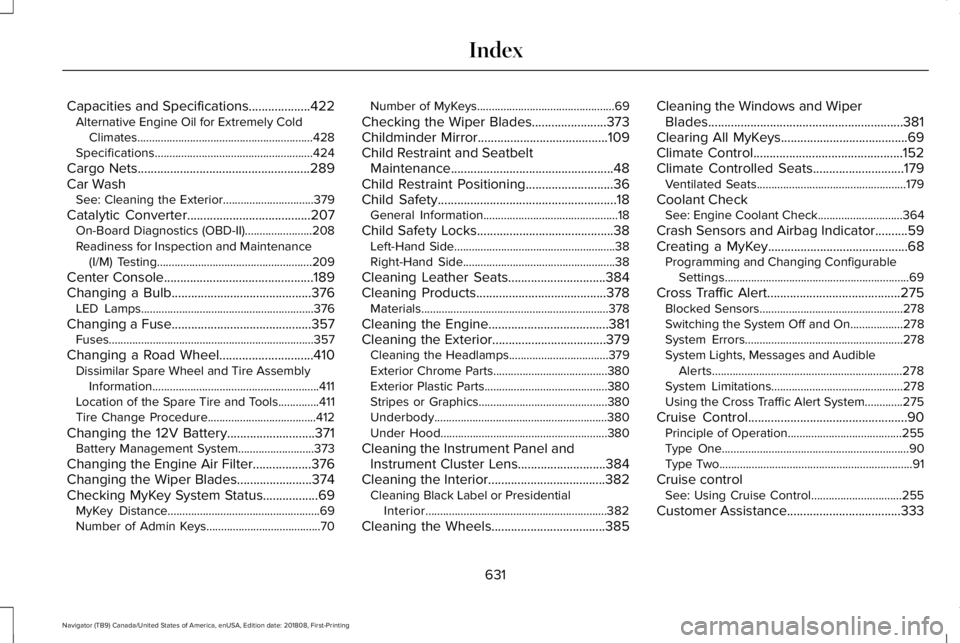
Capacities and Specifications...................422Alternative Engine Oil for Extremely ColdClimates............................................................428Specifications......................................................424
Cargo Nets.....................................................289Car WashSee: Cleaning the Exterior...............................379
Catalytic Converter......................................207On-Board Diagnostics (OBD-II).......................208Readiness for Inspection and Maintenance(I/M) Testing.....................................................209
Center Console..............................................189Changing a Bulb...........................................376LED Lamps...........................................................376
Changing a Fuse...........................................357Fuses......................................................................357
Changing a Road Wheel.............................410Dissimilar Spare Wheel and Tire AssemblyInformation.........................................................411Location of the Spare Tire and Tools..............411Tire Change Procedure.....................................412
Changing the 12V Battery...........................371Battery Management System..........................373
Changing the Engine Air Filter..................376Changing the Wiper Blades.......................374Checking MyKey System Status.................69MyKey Distance....................................................69Number of Admin Keys.......................................70
Number of MyKeys...............................................69
Checking the Wiper Blades.......................373Childminder Mirror........................................109Child Restraint and SeatbeltMaintenance..................................................48Child Restraint Positioning...........................36Child Safety.......................................................18General Information..............................................18
Child Safety Locks..........................................38Left-Hand Side.......................................................38Right-Hand Side....................................................38
Cleaning Leather Seats..............................384Cleaning Products........................................378Materials................................................................378
Cleaning the Engine.....................................381Cleaning the Exterior...................................379Cleaning the Headlamps..................................379Exterior Chrome Parts.......................................380Exterior Plastic Parts..........................................380Stripes or Graphics............................................380Underbody...........................................................380Under Hood.........................................................380
Cleaning the Instrument Panel andInstrument Cluster Lens...........................384Cleaning the Interior....................................382Cleaning Black Label or PresidentialInterior..............................................................382
Cleaning the Wheels...................................385
Cleaning the Windows and WiperBlades............................................................381Clearing All MyKeys.......................................69Climate Control..............................................152Climate Controlled Seats............................179Ventilated Seats...................................................179
Coolant CheckSee: Engine Coolant Check.............................364
Crash Sensors and Airbag Indicator..........59Creating a MyKey...........................................68Programming and Changing ConfigurableSettings...............................................................69
Cross Traffic Alert.........................................275Blocked Sensors.................................................278Switching the System Off and On..................278System Errors......................................................278System Lights, Messages and AudibleAlerts.................................................................278System Limitations.............................................278Using the Cross Traffic Alert System.............275
Cruise Control.................................................90Principle of Operation.......................................255Type One................................................................90Type Two..................................................................91
Cruise controlSee: Using Cruise Control...............................255
Customer Assistance...................................333
631
Navigator (TB9) Canada/United States of America, enUSA, Edition date: 201808, First-Printing
Index
Page 635 of 645
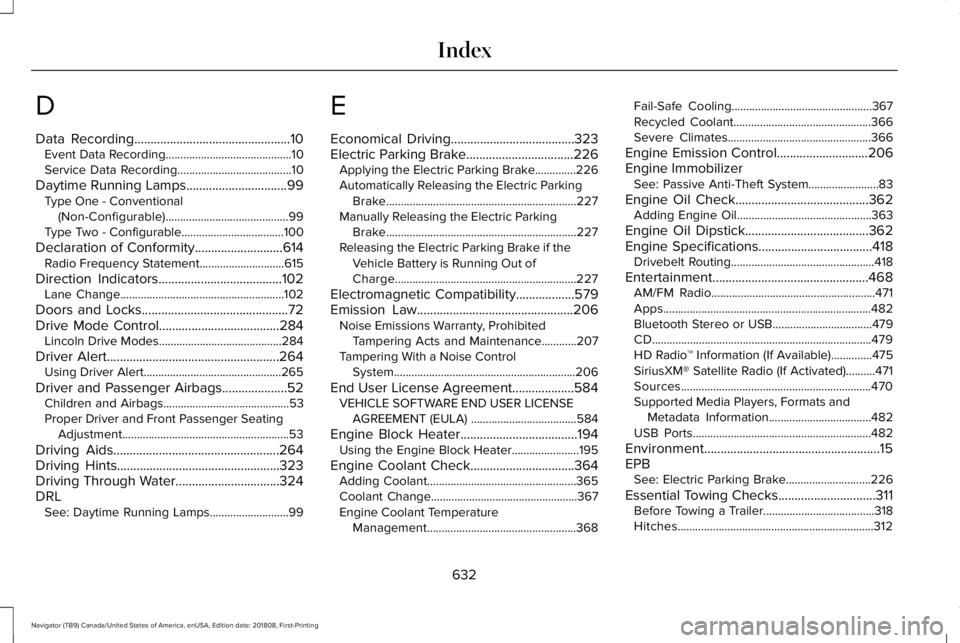
D
Data Recording................................................10Event Data Recording...........................................10Service Data Recording.......................................10
Daytime Running Lamps...............................99Type One - Conventional(Non-Configurable)..........................................99Type Two - Configurable...................................100
Declaration of Conformity...........................614Radio Frequency Statement.............................615
Direction Indicators......................................102Lane Change........................................................102
Doors and Locks.............................................72Drive Mode Control.....................................284Lincoln Drive Modes..........................................284
Driver Alert.....................................................264Using Driver Alert...............................................265
Driver and Passenger Airbags....................52Children and Airbags...........................................53Proper Driver and Front Passenger SeatingAdjustment.........................................................53
Driving Aids...................................................264Driving Hints..................................................323Driving Through Water................................324DRLSee: Daytime Running Lamps...........................99
E
Economical Driving......................................323Electric Parking Brake.................................226Applying the Electric Parking Brake..............226Automatically Releasing the Electric ParkingBrake.................................................................227Manually Releasing the Electric ParkingBrake.................................................................227Releasing the Electric Parking Brake if theVehicle Battery is Running Out ofCharge..............................................................227
Electromagnetic Compatibility..................579Emission Law................................................206Noise Emissions Warranty, ProhibitedTampering Acts and Maintenance............207Tampering With a Noise ControlSystem..............................................................206
End User License Agreement...................584VEHICLE SOFTWARE END USER LICENSEAGREEMENT (EULA) ....................................584
Engine Block Heater....................................194Using the Engine Block Heater.......................195
Engine Coolant Check................................364Adding Coolant...................................................365Coolant Change..................................................367Engine Coolant TemperatureManagement...................................................368
Fail-Safe Cooling................................................367Recycled Coolant...............................................366Severe Climates.................................................366
Engine Emission Control............................206Engine ImmobilizerSee: Passive Anti-Theft System........................83
Engine Oil Check.........................................362Adding Engine Oil..............................................363
Engine Oil Dipstick......................................362Engine Specifications...................................418Drivebelt Routing.................................................418
Entertainment................................................468AM/FM Radio........................................................471Apps.......................................................................482Bluetooth Stereo or USB..................................479CD...........................................................................479HD Radio™ Information (If Available)..............475SiriusXM® Satellite Radio (If Activated)..........471Sources.................................................................470Supported Media Players, Formats andMetadata Information...................................482USB Ports.............................................................482
Environment......................................................15EPBSee: Electric Parking Brake.............................226
Essential Towing Checks..............................311Before Towing a Trailer......................................318Hitches...................................................................312
632
Navigator (TB9) Canada/United States of America, enUSA, Edition date: 201808, First-Printing
Index
Page 636 of 645
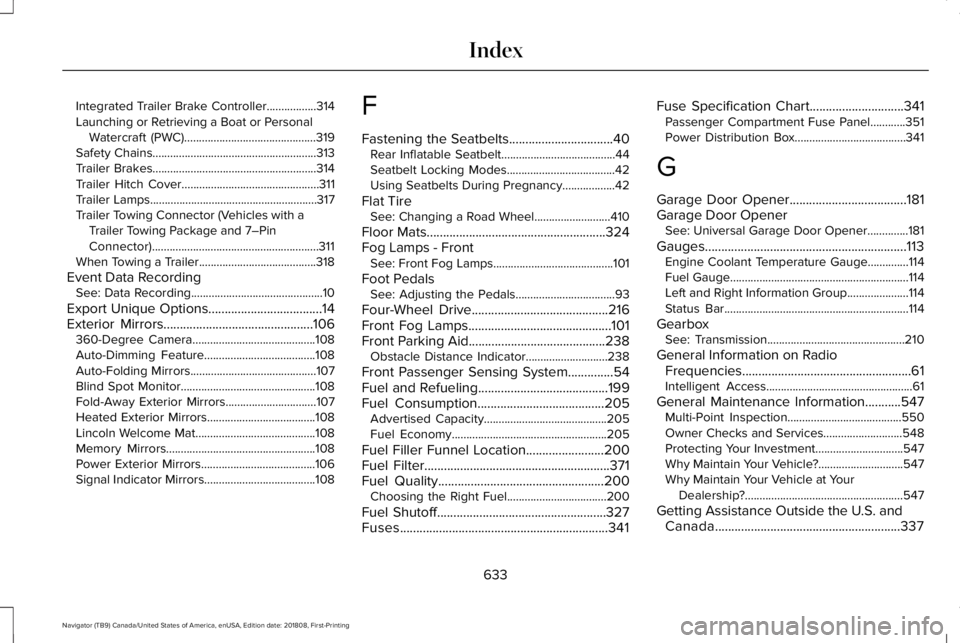
Integrated Trailer Brake Controller.................314Launching or Retrieving a Boat or PersonalWatercraft (PWC).............................................319Safety Chains........................................................313Trailer Brakes........................................................314Trailer Hitch Cover...............................................311Trailer Lamps.........................................................317Trailer Towing Connector (Vehicles with aTrailer Towing Package and 7–PinConnector).........................................................311When Towing a Trailer........................................318
Event Data RecordingSee: Data Recording.............................................10
Export Unique Options...................................14Exterior Mirrors..............................................106360-Degree Camera..........................................108Auto-Dimming Feature......................................108Auto-Folding Mirrors...........................................107Blind Spot Monitor..............................................108Fold-Away Exterior Mirrors...............................107Heated Exterior Mirrors.....................................108Lincoln Welcome Mat.........................................108Memory Mirrors...................................................108Power Exterior Mirrors.......................................106Signal Indicator Mirrors......................................108
F
Fastening the Seatbelts................................40Rear Inflatable Seatbelt.......................................44Seatbelt Locking Modes.....................................42Using Seatbelts During Pregnancy..................42
Flat TireSee: Changing a Road Wheel..........................410
Floor Mats.......................................................324Fog Lamps - FrontSee: Front Fog Lamps.........................................101
Foot PedalsSee: Adjusting the Pedals..................................93
Four-Wheel Drive..........................................216Front Fog Lamps............................................101Front Parking Aid..........................................238Obstacle Distance Indicator............................238
Front Passenger Sensing System..............54Fuel and Refueling........................................199Fuel Consumption.......................................205Advertised Capacity..........................................205Fuel Economy.....................................................205
Fuel Filler Funnel Location........................200Fuel Filter.........................................................371Fuel Quality...................................................200Choosing the Right Fuel..................................200
Fuel Shutoff....................................................327Fuses................................................................341
Fuse Specification Chart.............................341Passenger Compartment Fuse Panel............351Power Distribution Box......................................341
G
Garage Door Opener....................................181Garage Door OpenerSee: Universal Garage Door Opener..............181
Gauges..............................................................113Engine Coolant Temperature Gauge..............114Fuel Gauge.............................................................114Left and Right Information Group.....................114Status Bar...............................................................114
GearboxSee: Transmission...............................................210
General Information on RadioFrequencies....................................................61Intelligent Access..................................................61
General Maintenance Information...........547Multi-Point Inspection.......................................550Owner Checks and Services...........................548Protecting Your Investment..............................547Why Maintain Your Vehicle?.............................547Why Maintain Your Vehicle at YourDealership?......................................................547
Getting Assistance Outside the U.S. andCanada.........................................................337
633
Navigator (TB9) Canada/United States of America, enUSA, Edition date: 201808, First-Printing
Index
Page 637 of 645
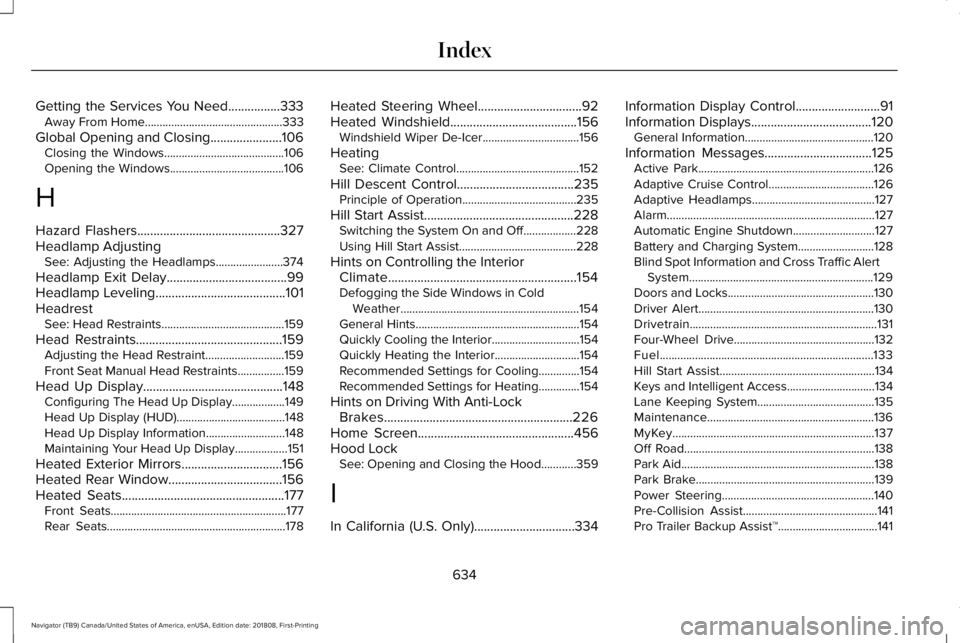
Getting the Services You Need................333Away From Home...............................................333
Global Opening and Closing......................106Closing the Windows.........................................106Opening the Windows.......................................106
H
Hazard Flashers............................................327Headlamp AdjustingSee: Adjusting the Headlamps.......................374
Headlamp Exit Delay.....................................99Headlamp Leveling........................................101HeadrestSee: Head Restraints..........................................159
Head Restraints.............................................159Adjusting the Head Restraint...........................159Front Seat Manual Head Restraints................159
Head Up Display...........................................148Configuring The Head Up Display..................149Head Up Display (HUD).....................................148Head Up Display Information...........................148Maintaining Your Head Up Display..................151
Heated Exterior Mirrors...............................156Heated Rear Window...................................156Heated Seats..................................................177Front Seats............................................................177Rear Seats.............................................................178
Heated Steering Wheel................................92Heated Windshield.......................................156Windshield Wiper De-Icer.................................156
HeatingSee: Climate Control..........................................152
Hill Descent Control....................................235Principle of Operation.......................................235
Hill Start Assist..............................................228Switching the System On and Off..................228Using Hill Start Assist........................................228
Hints on Controlling the InteriorClimate..........................................................154Defogging the Side Windows in ColdWeather.............................................................154General Hints........................................................154Quickly Cooling the Interior..............................154Quickly Heating the Interior.............................154Recommended Settings for Cooling..............154Recommended Settings for Heating..............154
Hints on Driving With Anti-LockBrakes..........................................................226Home Screen................................................456Hood LockSee: Opening and Closing the Hood............359
I
In California (U.S. Only)...............................334
Information Display Control..........................91Information Displays.....................................120General Information............................................120
Information Messages.................................125Active Park............................................................126Adaptive Cruise Control....................................126Adaptive Headlamps..........................................127Alarm.......................................................................127Automatic Engine Shutdown............................127Battery and Charging System..........................128Blind Spot Information and Cross Traffic AlertSystem...............................................................129Doors and Locks..................................................130Driver Alert............................................................130Drivetrain................................................................131Four-Wheel Drive................................................132Fuel.........................................................................133Hill Start Assist.....................................................134Keys and Intelligent Access..............................134Lane Keeping System........................................135Maintenance.........................................................136MyKey.....................................................................137Off Road.................................................................138Park Aid..................................................................138Park Brake.............................................................139Power Steering....................................................140Pre-Collision Assist..............................................141Pro Trailer Backup Assist™..................................141
634
Navigator (TB9) Canada/United States of America, enUSA, Edition date: 201808, First-Printing
Index
Page 639 of 645
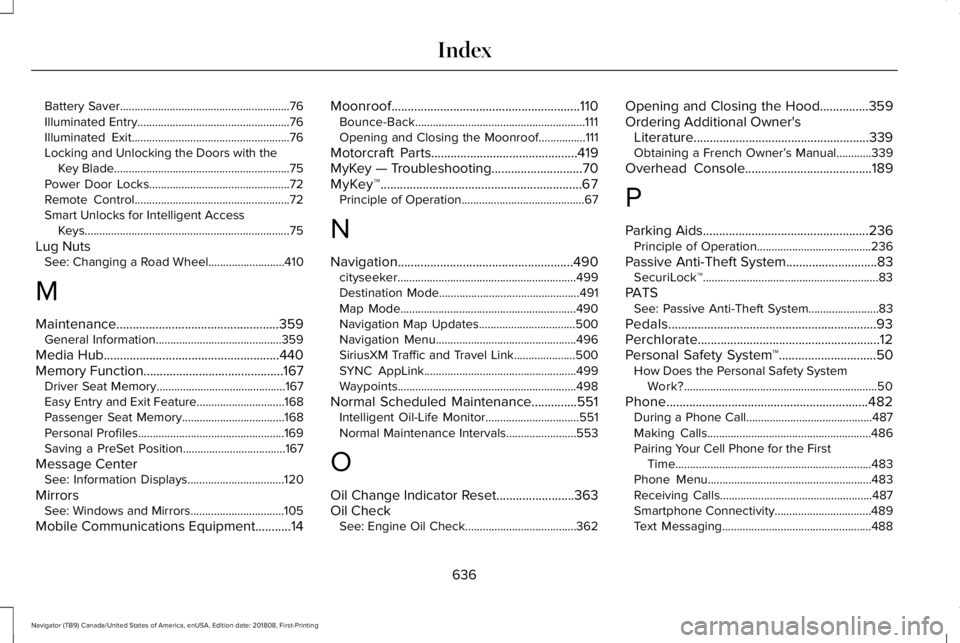
Battery Saver..........................................................76Illuminated Entry....................................................76Illuminated Exit......................................................76Locking and Unlocking the Doors with theKey Blade............................................................75Power Door Locks................................................72Remote Control.....................................................72Smart Unlocks for Intelligent AccessKeys......................................................................75
Lug NutsSee: Changing a Road Wheel..........................410
M
Maintenance..................................................359General Information...........................................359
Media Hub......................................................440Memory Function...........................................167Driver Seat Memory............................................167Easy Entry and Exit Feature..............................168Passenger Seat Memory...................................168Personal Profiles..................................................169Saving a PreSet Position...................................167
Message CenterSee: Information Displays.................................120
MirrorsSee: Windows and Mirrors................................105
Mobile Communications Equipment...........14
Moonroof..........................................................110Bounce-Back..........................................................111Opening and Closing the Moonroof................111
Motorcraft Parts.............................................419MyKey — Troubleshooting............................70MyKey™..............................................................67Principle of Operation..........................................67
N
Navigation......................................................490cityseeker.............................................................499Destination Mode................................................491Map Mode............................................................490Navigation Map Updates.................................500Navigation Menu................................................496SiriusXM Traffic and Travel Link.....................500SYNC AppLink....................................................499Waypoints.............................................................498
Normal Scheduled Maintenance..............551Intelligent Oil-Life Monitor................................551Normal Maintenance Intervals........................553
O
Oil Change Indicator Reset........................363Oil CheckSee: Engine Oil Check......................................362
Opening and Closing the Hood...............359Ordering Additional Owner'sLiterature......................................................339Obtaining a French Owner’s Manual............339
Overhead Console.......................................189
P
Parking Aids...................................................236Principle of Operation.......................................236
Passive Anti-Theft System............................83SecuriLock™............................................................83
PATSSee: Passive Anti-Theft System........................83
Pedals................................................................93Perchlorate........................................................12Personal Safety System™..............................50How Does the Personal Safety SystemWork?..................................................................50
Phone..............................................................482During a Phone Call...........................................487Making Calls........................................................486Pairing Your Cell Phone for the FirstTime...................................................................483Phone Menu........................................................483Receiving Calls....................................................487Smartphone Connectivity.................................489Text Messaging...................................................488
636
Navigator (TB9) Canada/United States of America, enUSA, Edition date: 201808, First-Printing
Index
Page 640 of 645
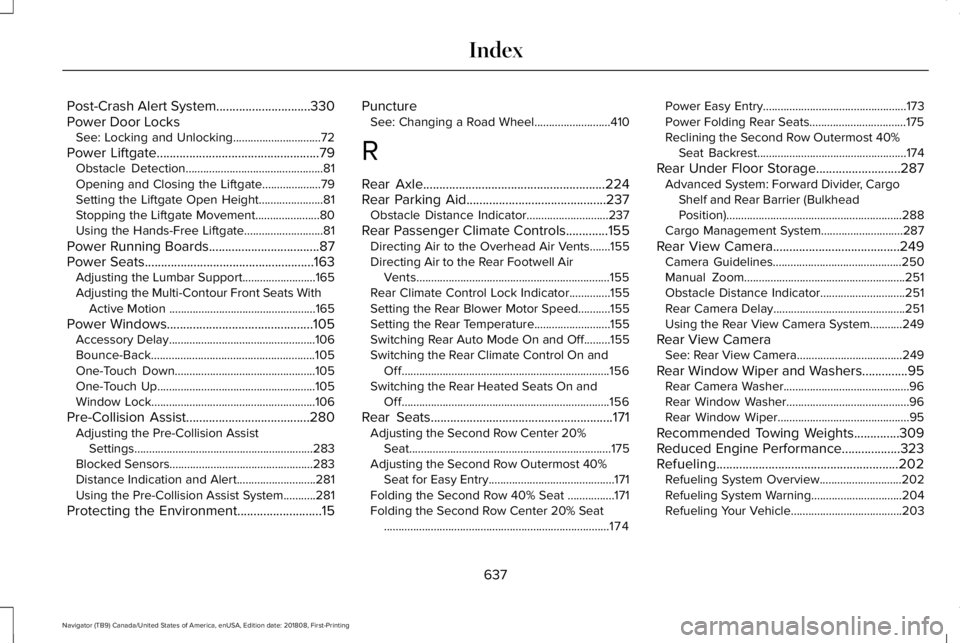
Post-Crash Alert System.............................330Power Door LocksSee: Locking and Unlocking..............................72
Power Liftgate..................................................79Obstacle Detection...............................................81Opening and Closing the Liftgate....................79Setting the Liftgate Open Height......................81Stopping the Liftgate Movement......................80Using the Hands-Free Liftgate...........................81
Power Running Boards..................................87Power Seats....................................................163Adjusting the Lumbar Support.........................165Adjusting the Multi-Contour Front Seats WithActive Motion ..................................................165
Power Windows.............................................105Accessory Delay..................................................106Bounce-Back........................................................105One-Touch Down................................................105One-Touch Up......................................................105Window Lock........................................................106
Pre-Collision Assist......................................280Adjusting the Pre-Collision AssistSettings.............................................................283Blocked Sensors.................................................283Distance Indication and Alert...........................281Using the Pre-Collision Assist System...........281
Protecting the Environment..........................15
PunctureSee: Changing a Road Wheel..........................410
R
Rear Axle........................................................224Rear Parking Aid...........................................237Obstacle Distance Indicator............................237
Rear Passenger Climate Controls.............155Directing Air to the Overhead Air Vents.......155Directing Air to the Rear Footwell AirVents..................................................................155Rear Climate Control Lock Indicator..............155Setting the Rear Blower Motor Speed...........155Setting the Rear Temperature..........................155Switching Rear Auto Mode On and Off.........155Switching the Rear Climate Control On andOff.......................................................................156Switching the Rear Heated Seats On andOff.......................................................................156
Rear Seats........................................................171Adjusting the Second Row Center 20%Seat.....................................................................175Adjusting the Second Row Outermost 40%Seat for Easy Entry...........................................171Folding the Second Row 40% Seat ................171Folding the Second Row Center 20% Seat.............................................................................174
Power Easy Entry.................................................173Power Folding Rear Seats.................................175Reclining the Second Row Outermost 40%Seat Backrest...................................................174
Rear Under Floor Storage..........................287Advanced System: Forward Divider, CargoShelf and Rear Barrier (BulkheadPosition)............................................................288Cargo Management System............................287
Rear View Camera.......................................249Camera Guidelines............................................250Manual Zoom.......................................................251Obstacle Distance Indicator.............................251Rear Camera Delay.............................................251Using the Rear View Camera System...........249
Rear View CameraSee: Rear View Camera....................................249
Rear Window Wiper and Washers..............95Rear Camera Washer...........................................96Rear Window Washer..........................................96Rear Window Wiper.............................................95
Recommended Towing Weights..............309Reduced Engine Performance..................323Refueling........................................................202Refueling System Overview............................202Refueling System Warning...............................204Refueling Your Vehicle......................................203
637
Navigator (TB9) Canada/United States of America, enUSA, Edition date: 201808, First-Printing
Index