brakes LINCOLN NAVIGATOR 2019 Service Manual
[x] Cancel search | Manufacturer: LINCOLN, Model Year: 2019, Model line: NAVIGATOR, Model: LINCOLN NAVIGATOR 2019Pages: 645, PDF Size: 5.02 MB
Page 327 of 645
There are also some things you may want toavoid doing because they reduce your fueleconomy:
•Avoid sudden or hard accelerations.
•Avoid revving the engine before turningoff the car.
•Avoid long idle periods.
•Do not warm up your vehicle on coldmornings.
•Reduce the use of air conditioning andheat.
•Avoid using speed control in hilly terrain.
•Do not rest your foot on the brake pedalwhile driving.
•Avoid carrying unnecessary weight.
•Avoid adding particular accessories toyour vehicle (e.g. bug deflectors,rollbars/light bars, running boards, skiracks).
•Avoid driving with the wheels out ofalignment.
DRIVING THROUGH WATER
WARNING: Do not drive throughflowing or deep water as you may losecontrol of your vehicle.
Note:Driving through standing water cancause vehicle damage.
Note:Engine damage can occur if waterenters the air filter.
Before driving through standing water, checkthe depth. Never drive through water that ishigher than the bottom of the wheel hubs.
When driving through standing water, drivevery slowly and do not stop your vehicle.Your brake performance and traction maybe limited. After driving through water andas soon as it is safe to do so:
•Lightly press the brake pedal to dry thebrakes and to check that they work.
•Check that the horn works.
•Check that the exterior lights work.
•Turn the steering wheel to check that thesteering power assist works.
FLOOR MATS
WARNING: Use a floor mat designedto fit the footwell of your vehicle that doesnot obstruct the pedal area. Failure tofollow this instruction could result in theloss of control of your vehicle, personalinjury or death.
WARNING: Pedals that cannot movefreely can cause loss of vehicle control andincrease the risk of serious personal injury.
324
Navigator (TB9) Canada/United States of America, enUSA, Edition date: 201808, First-Printing
Driving HintsE176913
Page 390 of 645
Cooling system
•Protect against freezing temperatures.
•When removing your vehicle fromstorage, check coolant fluid level.Confirm that there are no cooling systemleaks and that fluid is at therecommended level.
Battery
•Check and recharge as necessary. Keepconnections clean.
•If storing your vehicle for more than 30days without recharging the battery, werecommend that you disconnect thebattery cables to maintain battery chargefor quick starting.
Note:It is necessary to reset memoryfeatures if battery cables are disconnected.
Brakes
•Make sure the brakes and parking brakerelease fully.
Tires
•Maintain recommended air pressure.
Miscellaneous
•Make sure all linkages, cables, levers andpins under your vehicle are covered withgrease to prevent rust.
•Move vehicles at least 25 ft (7.5 m) every15 days to lubricate working parts andprevent corrosion.
Removing Vehicle From Storage
When your vehicle is ready to come out ofstorage, do the following:
•Wash your vehicle to remove any dirt orgrease film build-up on window surfaces.
•Check windshield wipers for anydeterioration.
•Check under the hood for any foreignmaterial that may have collected duringstorage such as mice or squirrel nests.
•Check the exhaust for any foreignmaterial that may have collected duringstorage.
•Check tire pressures and set tire inflationper the Tire Label.
•Check brake pedal operation. Drive yourvehicle 15 ft (4.5 m) back and forth toremove rust build-up.
•Check fluid levels (including coolant, oiland gas) to make sure there are no leaks,and fluids are at recommended levels.
•If you remove the battery, clean thebattery cable ends and check fordamage.
Contact an authorized dealer if you have anyconcerns or issues.
BODY STYLING KITS
The distance between the underside of yourvehicle and the ground is less than that ofother models. Drive with extreme care toavoid damage to your vehicle.
387
Navigator (TB9) Canada/United States of America, enUSA, Edition date: 201808, First-Printing
Vehicle Care
Page 401 of 645
and internal damage to the tire. It alsomay result in unnecessary tire stress,irregular wear, loss of vehicle controland accidents. A tire can lose up tohalf of its air pressure and not appearto be flat!
Always inflate your tires to the ourrecommended inflation pressure evenif it is less than the maximum inflationpressure information found on the tire.Our recommended tire inflation pressureis found on the Safety ComplianceCertification Label or Tire Label (affixedto either the door hinge pillar, door-latchpost, or the door edge that meets thedoor-latch post, next to the driver'sseating position), or Tire Label locatedon the B-pillar or the edge of the driver's
door. Failure to follow the tire pressurerecommendations can cause uneventreadwear patterns and adversely affectthe way your vehicle handles.
Note:Do not reduce tire pressure tochange the ride characteristics of thevehicle. If you do not maintain theinflation pressure at the levels specifiedby us, your vehicle may experience acondition known as shimmy. Shimmy isa severe vibration and oscillation in thesteering wheel after the vehicle travelsover a bump or dip in the road that doesnot dampen out by itself. Shimmy mayresult from significant under-inflation ofthe tires, improper tires (load range, size,or type), or vehicle modifications suchas lift-kits. In the event that your vehicleexperiences shimmy, you should slowlyreduce speed by either lifting off theaccelerator pedal or lightly applying thebrakes. The shimmy will cease as thevehicle speed decreases.
Maximum Inflation Pressure is the tiremanufacturer's maximum permissiblepressure and the pressure at which themaximum load can be carried by the tire.This pressure is normally higher than themanufacturer’s recommended coldinflation pressure which can be foundon the Safety Compliance Certification
Label (affixed to either the door hingepillar, door-latch post, or the door edgethat meets the door-latch post, next tothe driver's seating position), or TireLabel located on the B-pillar or the edgeof the driver's door. The cold inflationpressure should never be set lower thanthe recommended pressure on theSafety Compliance Certification Labelor Tire Label.
When weather temperature changesoccur, tire inflation pressures alsochange. A 10°F (6°C) temperature dropcan cause a corresponding drop of 1 psi(7 kPa) in inflation pressure. Check yourtire pressures frequently and adjustthem to the proper pressure which canbe found on the Safety ComplianceCertification Label or Tire Label.
To check the pressure in your tire(s):
1. Make sure the tires are cool, meaningthey are not hot from driving even amile.
398
Navigator (TB9) Canada/United States of America, enUSA, Edition date: 201808, First-Printing
Wheels and Tires
Page 632 of 645
3
360 Degree Camera...................................252Advanced Camera Views................................252Camera Views.....................................................252Front Camera......................................................253Keep Out Zone....................................................253Side Camera........................................................253
4
4WDSee: Four-Wheel Drive.......................................216
A
A/CSee: Climate Control..........................................152
About This Manual............................................7ABSSee: Brakes..........................................................225
ABS driving hintsSee: Hints on Driving With Anti-LockBrakes...............................................................226
Accessories...................................................542Exterior Style.......................................................542Interior Style.........................................................542Lifestyle.................................................................542
Peace of Mind.....................................................542
AccessoriesSee: Replacement Parts Recommendation.....12
ACCSee: Using Adaptive Cruise Control.............256
Active Park Assist.........................................240Using Active Park Assist...................................242
Adaptive Headlamps.....................................101Speed Dependent Lamps..................................101
Adjusting the Headlamps...........................374Horizontal Aim Adjustment..............................376Vertical Aim Adjustment....................................374
Adjusting the Pedals......................................93Adjusting the Steering Wheel.....................89End of Travel Position..........................................89Memory Feature....................................................89
AFSSee: Adaptive Headlamps.................................101
Airbag Disposal...............................................60Air ConditioningSee: Climate Control..........................................152
Air FilterSee: Changing the Engine Air Filter..............376
AlarmSee: Anti-Theft Alarm - Vehicles With: Anti-TheftAlarm System....................................................86See: Anti-Theft Alarm - Vehicles With: InteriorSensor.................................................................85
Ambient Lighting...........................................104Adjusting the Brightness...................................104Changing the Color............................................104Switching Ambient Lighting Off.......................104Switching Ambient Lighting On.......................104
Anti-Theft Alarm - Vehicles With: Anti-TheftAlarm System................................................86Arming the Alarm..................................................86Disarming the Alarm............................................86
Anti-Theft Alarm - Vehicles With: InteriorSensor.............................................................85Alarm Settings.......................................................85Alarm System.........................................................85Arming the Alarm..................................................85Ask on Exit..............................................................85Disarming the Alarm............................................86Triggering the Alarm............................................85
Appendices....................................................579Apps.................................................................501.................................................................................501SiriusXM Traffic and Travel Link.....................502
At a Glance........................................................16Audible Warnings and Indicators...............119Headlamps On Warning Chime........................119Keyless Warning Alert.........................................119Parking Brake On Warning Chime...................119
Audio Control..................................................90Seek, Next or Previous.......................................90
629
Navigator (TB9) Canada/United States of America, enUSA, Edition date: 201808, First-Printing
Index
Page 633 of 645
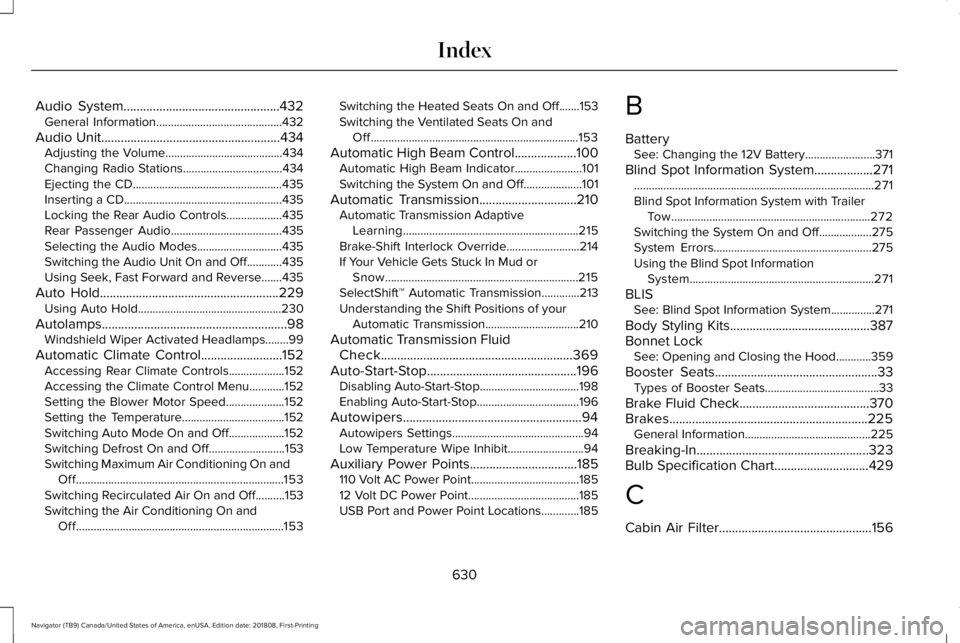
Audio System................................................432General Information...........................................432
Audio Unit.......................................................434Adjusting the Volume........................................434Changing Radio Stations..................................434Ejecting the CD...................................................435Inserting a CD......................................................435Locking the Rear Audio Controls...................435Rear Passenger Audio......................................435Selecting the Audio Modes.............................435Switching the Audio Unit On and Off............435Using Seek, Fast Forward and Reverse.......435
Auto Hold.......................................................229Using Auto Hold.................................................230
Autolamps.........................................................98Windshield Wiper Activated Headlamps........99
Automatic Climate Control.........................152Accessing Rear Climate Controls...................152Accessing the Climate Control Menu............152Setting the Blower Motor Speed....................152Setting the Temperature...................................152Switching Auto Mode On and Off...................152Switching Defrost On and Off..........................153Switching Maximum Air Conditioning On andOff.......................................................................153Switching Recirculated Air On and Off..........153Switching the Air Conditioning On andOff.......................................................................153
Switching the Heated Seats On and Off.......153Switching the Ventilated Seats On andOff.......................................................................153
Automatic High Beam Control...................100Automatic High Beam Indicator.......................101Switching the System On and Off....................101
Automatic Transmission..............................210Automatic Transmission AdaptiveLearning............................................................215Brake-Shift Interlock Override.........................214If Your Vehicle Gets Stuck In Mud orSnow..................................................................215SelectShift™ Automatic Transmission.............213Understanding the Shift Positions of yourAutomatic Transmission................................210
Automatic Transmission FluidCheck...........................................................369Auto-Start-Stop..............................................196Disabling Auto-Start-Stop..................................198Enabling Auto-Start-Stop...................................196
Autowipers.......................................................94Autowipers Settings.............................................94Low Temperature Wipe Inhibit..........................94
Auxiliary Power Points.................................185110 Volt AC Power Point.....................................18512 Volt DC Power Point......................................185USB Port and Power Point Locations.............185
B
BatterySee: Changing the 12V Battery........................371
Blind Spot Information System..................271..................................................................................271Blind Spot Information System with TrailerTow....................................................................272Switching the System On and Off..................275System Errors......................................................275Using the Blind Spot InformationSystem...............................................................271
BLISSee: Blind Spot Information System...............271
Body Styling Kits...........................................387Bonnet LockSee: Opening and Closing the Hood............359
Booster Seats..................................................33Types of Booster Seats.......................................33
Brake Fluid Check........................................370Brakes.............................................................225General Information...........................................225
Breaking-In.....................................................323Bulb Specification Chart.............................429
C
Cabin Air Filter...............................................156
630
Navigator (TB9) Canada/United States of America, enUSA, Edition date: 201808, First-Printing
Index
Page 636 of 645
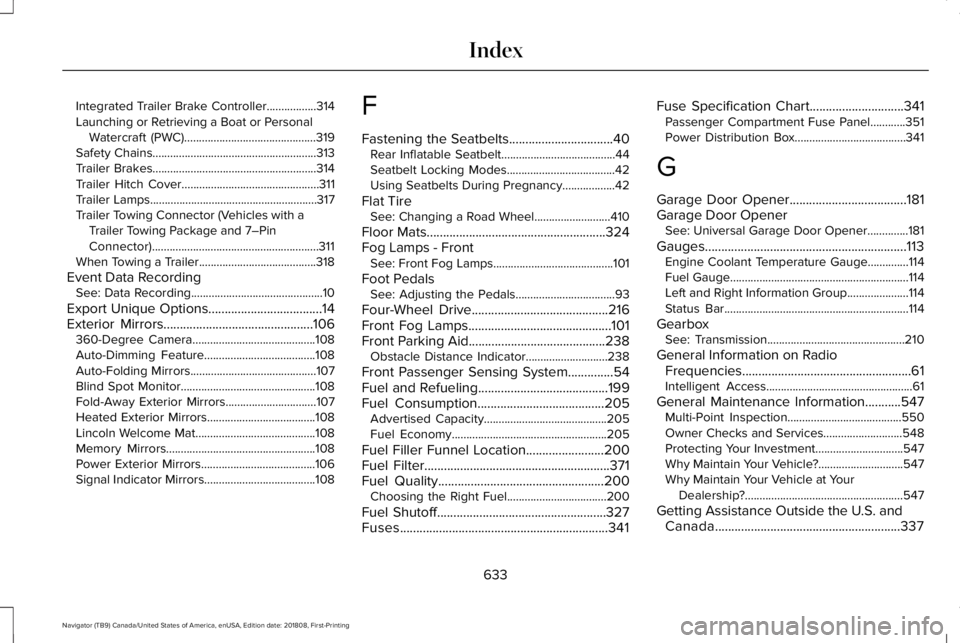
Integrated Trailer Brake Controller.................314Launching or Retrieving a Boat or PersonalWatercraft (PWC).............................................319Safety Chains........................................................313Trailer Brakes........................................................314Trailer Hitch Cover...............................................311Trailer Lamps.........................................................317Trailer Towing Connector (Vehicles with aTrailer Towing Package and 7–PinConnector).........................................................311When Towing a Trailer........................................318
Event Data RecordingSee: Data Recording.............................................10
Export Unique Options...................................14Exterior Mirrors..............................................106360-Degree Camera..........................................108Auto-Dimming Feature......................................108Auto-Folding Mirrors...........................................107Blind Spot Monitor..............................................108Fold-Away Exterior Mirrors...............................107Heated Exterior Mirrors.....................................108Lincoln Welcome Mat.........................................108Memory Mirrors...................................................108Power Exterior Mirrors.......................................106Signal Indicator Mirrors......................................108
F
Fastening the Seatbelts................................40Rear Inflatable Seatbelt.......................................44Seatbelt Locking Modes.....................................42Using Seatbelts During Pregnancy..................42
Flat TireSee: Changing a Road Wheel..........................410
Floor Mats.......................................................324Fog Lamps - FrontSee: Front Fog Lamps.........................................101
Foot PedalsSee: Adjusting the Pedals..................................93
Four-Wheel Drive..........................................216Front Fog Lamps............................................101Front Parking Aid..........................................238Obstacle Distance Indicator............................238
Front Passenger Sensing System..............54Fuel and Refueling........................................199Fuel Consumption.......................................205Advertised Capacity..........................................205Fuel Economy.....................................................205
Fuel Filler Funnel Location........................200Fuel Filter.........................................................371Fuel Quality...................................................200Choosing the Right Fuel..................................200
Fuel Shutoff....................................................327Fuses................................................................341
Fuse Specification Chart.............................341Passenger Compartment Fuse Panel............351Power Distribution Box......................................341
G
Garage Door Opener....................................181Garage Door OpenerSee: Universal Garage Door Opener..............181
Gauges..............................................................113Engine Coolant Temperature Gauge..............114Fuel Gauge.............................................................114Left and Right Information Group.....................114Status Bar...............................................................114
GearboxSee: Transmission...............................................210
General Information on RadioFrequencies....................................................61Intelligent Access..................................................61
General Maintenance Information...........547Multi-Point Inspection.......................................550Owner Checks and Services...........................548Protecting Your Investment..............................547Why Maintain Your Vehicle?.............................547Why Maintain Your Vehicle at YourDealership?......................................................547
Getting Assistance Outside the U.S. andCanada.........................................................337
633
Navigator (TB9) Canada/United States of America, enUSA, Edition date: 201808, First-Printing
Index
Page 637 of 645
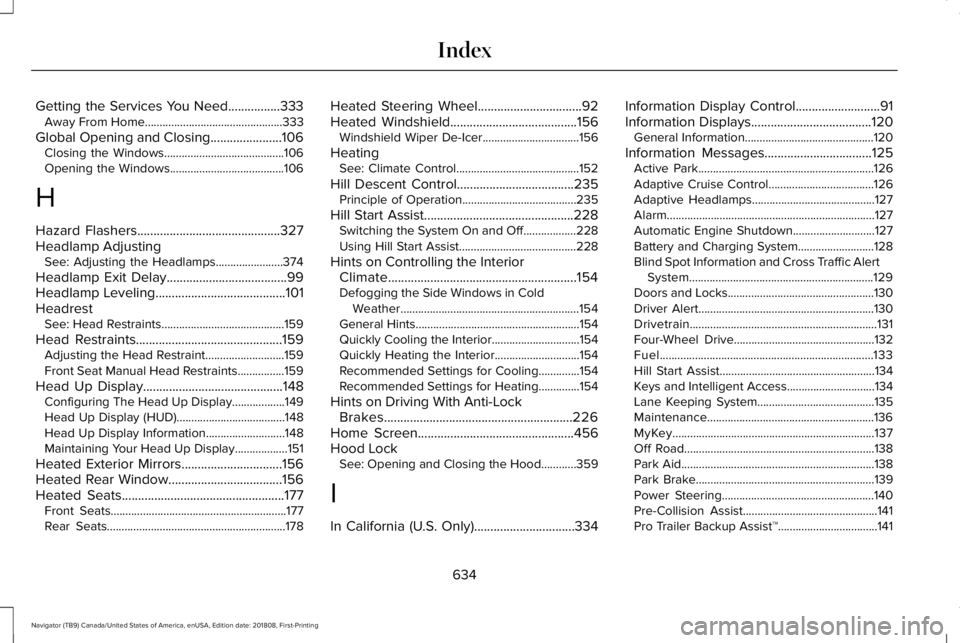
Getting the Services You Need................333Away From Home...............................................333
Global Opening and Closing......................106Closing the Windows.........................................106Opening the Windows.......................................106
H
Hazard Flashers............................................327Headlamp AdjustingSee: Adjusting the Headlamps.......................374
Headlamp Exit Delay.....................................99Headlamp Leveling........................................101HeadrestSee: Head Restraints..........................................159
Head Restraints.............................................159Adjusting the Head Restraint...........................159Front Seat Manual Head Restraints................159
Head Up Display...........................................148Configuring The Head Up Display..................149Head Up Display (HUD).....................................148Head Up Display Information...........................148Maintaining Your Head Up Display..................151
Heated Exterior Mirrors...............................156Heated Rear Window...................................156Heated Seats..................................................177Front Seats............................................................177Rear Seats.............................................................178
Heated Steering Wheel................................92Heated Windshield.......................................156Windshield Wiper De-Icer.................................156
HeatingSee: Climate Control..........................................152
Hill Descent Control....................................235Principle of Operation.......................................235
Hill Start Assist..............................................228Switching the System On and Off..................228Using Hill Start Assist........................................228
Hints on Controlling the InteriorClimate..........................................................154Defogging the Side Windows in ColdWeather.............................................................154General Hints........................................................154Quickly Cooling the Interior..............................154Quickly Heating the Interior.............................154Recommended Settings for Cooling..............154Recommended Settings for Heating..............154
Hints on Driving With Anti-LockBrakes..........................................................226Home Screen................................................456Hood LockSee: Opening and Closing the Hood............359
I
In California (U.S. Only)...............................334
Information Display Control..........................91Information Displays.....................................120General Information............................................120
Information Messages.................................125Active Park............................................................126Adaptive Cruise Control....................................126Adaptive Headlamps..........................................127Alarm.......................................................................127Automatic Engine Shutdown............................127Battery and Charging System..........................128Blind Spot Information and Cross Traffic AlertSystem...............................................................129Doors and Locks..................................................130Driver Alert............................................................130Drivetrain................................................................131Four-Wheel Drive................................................132Fuel.........................................................................133Hill Start Assist.....................................................134Keys and Intelligent Access..............................134Lane Keeping System........................................135Maintenance.........................................................136MyKey.....................................................................137Off Road.................................................................138Park Aid..................................................................138Park Brake.............................................................139Power Steering....................................................140Pre-Collision Assist..............................................141Pro Trailer Backup Assist™..................................141
634
Navigator (TB9) Canada/United States of America, enUSA, Edition date: 201808, First-Printing
Index
Page 644 of 645
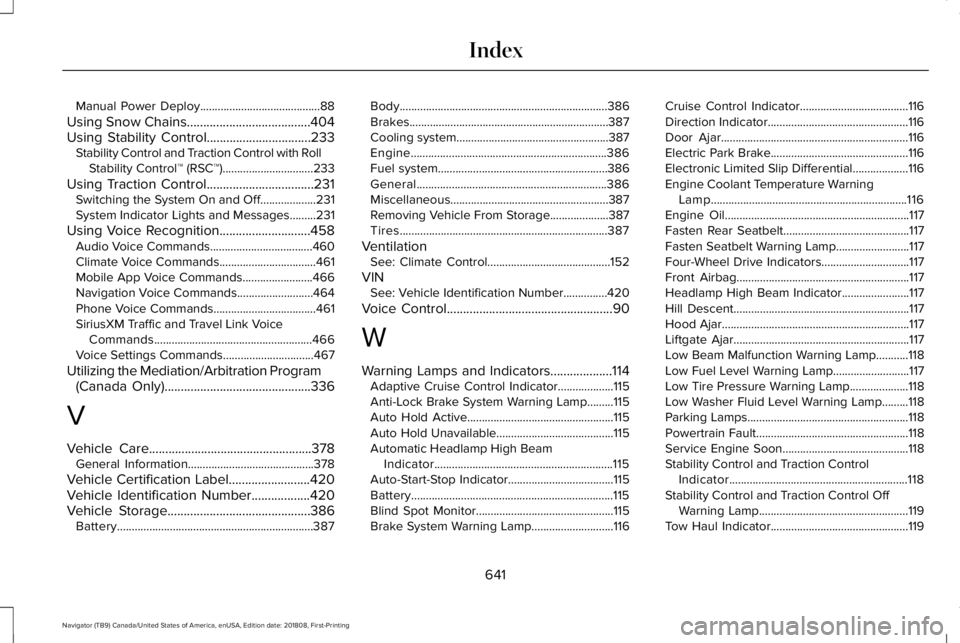
Manual Power Deploy.........................................88
Using Snow Chains......................................404Using Stability Control................................233Stability Control and Traction Control with RollStability Control™ (RSC™)...............................233
Using Traction Control.................................231Switching the System On and Off...................231System Indicator Lights and Messages.........231
Using Voice Recognition............................458Audio Voice Commands...................................460Climate Voice Commands.................................461Mobile App Voice Commands........................466Navigation Voice Commands..........................464Phone Voice Commands...................................461SiriusXM Traffic and Travel Link VoiceCommands......................................................466Voice Settings Commands...............................467
Utilizing the Mediation/Arbitration Program(Canada Only).............................................336
V
Vehicle Care..................................................378General Information...........................................378
Vehicle Certification Label.........................420Vehicle Identification Number..................420Vehicle Storage............................................386Battery...................................................................387
Body.......................................................................386Brakes....................................................................387Cooling system....................................................387Engine...................................................................386Fuel system..........................................................386General.................................................................386Miscellaneous......................................................387Removing Vehicle From Storage....................387Tires.......................................................................387
VentilationSee: Climate Control..........................................152
VINSee: Vehicle Identification Number...............420
Voice Control...................................................90
W
Warning Lamps and Indicators...................114Adaptive Cruise Control Indicator...................115Anti-Lock Brake System Warning Lamp.........115Auto Hold Active..................................................115Auto Hold Unavailable........................................115Automatic Headlamp High BeamIndicator.............................................................115Auto-Start-Stop Indicator....................................115Battery.....................................................................115Blind Spot Monitor...............................................115Brake System Warning Lamp............................116
Cruise Control Indicator.....................................116Direction Indicator................................................116Door Ajar................................................................116Electric Park Brake...............................................116Electronic Limited Slip Differential...................116Engine Coolant Temperature WarningLamp...................................................................116Engine Oil...............................................................117Fasten Rear Seatbelt...........................................117Fasten Seatbelt Warning Lamp.........................117Four-Wheel Drive Indicators..............................117Front Airbag...........................................................117Headlamp High Beam Indicator.......................117Hill Descent............................................................117Hood Ajar................................................................117Liftgate Ajar............................................................117Low Beam Malfunction Warning Lamp...........118Low Fuel Level Warning Lamp..........................117Low Tire Pressure Warning Lamp....................118Low Washer Fluid Level Warning Lamp.........118Parking Lamps.......................................................118Powertrain Fault....................................................118Service Engine Soon...........................................118Stability Control and Traction ControlIndicator.............................................................118Stability Control and Traction Control OffWarning Lamp...................................................119Tow Haul Indicator...............................................119
641
Navigator (TB9) Canada/United States of America, enUSA, Edition date: 201808, First-Printing
Index