Rear ventilated seats LINCOLN NAVIGATOR 2020 Owners Manual
[x] Cancel search | Manufacturer: LINCOLN, Model Year: 2020, Model line: NAVIGATOR, Model: LINCOLN NAVIGATOR 2020Pages: 622, PDF Size: 6.47 MB
Page 6 of 622

Overriding Automatic High Beam Control
........................................................................\
117
Windows and Mirrors
Power Windows .............................................
118
Global Opening and Closing ......................
119
Exterior Mirrors ..............................................
119
Interior Mirror .................................................
121
Childminder Mirror .......................................
122
Toll Reader .....................................................
122
Sun Visors ......................................................
123
Moonroof ........................................................
123
Liftgate Window ............................................
124
Instrument Cluster
Gauges ...........................................................
126
Warning Lamps and Indicators .................
128
Audible Warnings and Indicators .............
132
Information Displays
General Information .....................................
133
Information Messages ................................
138
Head Up Display ...........................................
161Climate Control
Automatic Climate Control
........................
165
Hints on Controlling the Interior Climate .......................................................................
167
Rear Passenger Climate Controls ............
168
Heated Windshield ......................................
170
Heated Rear Window ..................................
170
Heated Exterior Mirrors ..............................
170
Cabin Air Filter ...............................................
171
Remote Start ...................................................
171
Seats
Sitting in the Correct Position ...................
172
Head Restraints .............................................
173
Power Seats ...................................................
177
Memory Function ..........................................
181
Rear Seats ......................................................
185
Heated Seats ..................................................
191
Ventilated Seats ............................................
191
Garage Door Opener
Universal Garage Door Opener ...............
193Auxiliary Power Points
Auxiliary Power Points
................................
197
Wireless Accessory Charging ...................
198
Storage Compartments
Center Console ............................................
201
Overhead Console ......................................
201
Starting and Stopping the Engine
General Information ...................................
203
Keyless Starting ...........................................
203
Starting a Gasoline Engine .......................
204
Engine Block Heater ..................................
206
Unique Driving Characteristics
Auto-Start-Stop ............................................
208
Fuel and Refueling
Safety Precautions ........................................
211
Fuel Quality ...................................................
212
Fuel Filler Funnel Location ........................
212
Running Out of Fuel ....................................
213
3
Navigator (TB9) Canada/United States of America, enUSA, Edition date: 201907, Second-Printing Table of Contents
Page 170 of 622
Note:
In certain conditions, such as
maximum defrost, the air conditioning
compressor may continue to operate even
though you switch off the air conditioning.
Switching Maximum Air Conditioning
On and Off Press and release the button for
maximum cooling.
The left-hand and right-hand settings set to
LO, recirculated air flows through the
instrument panel air vents, air conditioning
turns on and the blower motor adjusts to the
highest speed.
Switching Recirculated Air On and Off Press and release the button to
switch between outside air and
recirculated air.
The air currently in the passenger
compartment recirculates. This may reduce
the time needed to cool the interior, when
used with A/C, and reduce unwanted odors
from entering your vehicle. Note:
Recirculated air may turn off, or
prevent you from switching on, in all air flow
modes except MAX A/C to reduce the risk
of fogging. Recirculation may also turn on
and off in various air distribution control
combinations during hot weather to improve
cooling efficiency.
Switching the Heated Seats On and Off See
Heated Seats (page 191).
Switching the Ventilated Seats On and
Off See
Ventilated Seats (page 191).
HINTS ON CONTROLLING THE
INTERIOR CLIMATE
General Hints
Note: Prolonged use of recirculated air may
cause the windows to fog up. Note:
You may feel a small amount of air
from the footwell air vents regardless of the
air distribution setting.
Note: To reduce humidity build-up inside
your vehicle, do not drive with the system
switched off or with recirculated air always
switched on.
Note: Do not place objects under the front
seats as this may interfere with the airflow
to the rear seats.
Note: Remove any snow, ice or leaves from
the air intake area at the base of the
windshield.
Note: To improve the time to reach a
comfortable temperature in hot weather,
drive with the windows open until you feel
cold air through the air vents.
Automatic Climate Control
Note: Adjusting the settings when your
vehicle interior is extremely hot or cold is not
necessary. Automatic mode is best
recommended to maintain set temperature.
167
Navigator (TB9) Canada/United States of America, enUSA, Edition date: 201907, Second-Printing Climate Control E268558
Page 173 of 622
The system adjusts the blower motor speed,
air distribution, air conditioning operation to
reach and maintain the temperature you
have set.
Switching the Rear Climate Control On
and Off
Press and release the button to
switch the rear climate control on
or off.
Note: If the system is on and Max Defrost is
switched on through the front climate
controls, the system turns off. It turns back
on when Max Defrost is switched off.
Note: If Max Defrost is switched on, the
system can be turned on at the same time.
Switching the Rear Heated Seats On
and Off (If Equipped) See
Heated Seats (page 191).Switching the Rear Ventilated Seats
On and Off
(If Equipped) See
Ventilated Seats (page 191).
HEATED WINDSHIELD
Windshield Wiper De-Icer
The windshield wiper de-icer turns on in low
temperatures.
HEATED REAR WINDOW Press the button to clear the rear
window of thin ice and fog. The
heated rear window turns off after
a short period of time.
Note: Make sure the engine is on before
operating the heated windows. Note:
Do not use harsh chemicals, razor
blades or other sharp objects to clean or
remove decals from the inside of the heated
rear window. The vehicle warranty may not
cover damage to the heated rear window
grid lines.
HEATED EXTERIOR MIRRORS
When you switch the heated rear window
on, the heated exterior mirrors turn on.
Note: Do not remove ice from the mirrors
with a scraper or adjust the mirror glass
when it is frozen in place.
Note: Do not clean the mirror housing or
glass with harsh abrasives, fuel or other
petroleum-based cleaning products. The
vehicle warranty may not cover damage
caused to the mirror housing or glass.
170
Navigator (TB9) Canada/United States of America, enUSA, Edition date: 201907, Second-Printing Climate Control E268558
Page 194 of 622
HEATED SEATS (IF EQUIPPED)
WARNING:
Use caution when using
the heated seat if you are unable to feel
pain to your skin because of advanced
age, chronic illness, diabetes, spinal cord
injury, medication, alcohol use, exhaustion
or other physical conditions. The heated
seat could cause burns even at low
temperatures, especially if used for long
periods of time. Failure to follow this
instruction could result in personal injury. WARNING:
Do not poke sharp
objects into the seat cushion or seat
backrest. This could damage the heated
seat element and cause it to overheat.
Failure to follow this instruction could result
in personal injury. WARNING:
Do not place anything on
the seat that blocks the heat, for example
a seat cover or a cushion. This could cause
the seat to overheat. Failure to follow this
instruction could result in personal injury. Front Seats
Do not do the following:
•
Place heavy objects on the seat.
• Operate the heated seat if water or any
other liquid spills on the seat. Allow the
seat to dry thoroughly.
Note: The engine must be running to use
this feature. Press the heated seat symbol to cycle
through the various heat settings and off.
More indicator lights indicate warmer
settings.
Note:
The heated seats switch on during a
remote start if they are enabled. Note:
The heated seats may switch on when
you start your vehicle if they were on when
you previously switched your vehicle off.
Automatic Climate Controlled Seats
(If
Equipped)
When you switch on the auto setting, the
seats switch between the heated seats and
ventilated seats to match your climate control
setting.
Second Row Heated Seats
The heated seat controls are on the rear of
the center console.
VENTILATED SEATS
(IF EQUIPPED)
Do not do the following:
• Spill liquid on the front seats. This may
cause the air vent holes to become
blocked and not work properly.
• Place cargo or objects under the seats.
They may block the air intake causing
the air vents to not work properly.
191
Navigator (TB9) Canada/United States of America, enUSA, Edition date: 201907, Second-Printing SeatsE146322
Page 503 of 622
Switching the Ventilated Seats On and
Off
Touch the button to cycle through
the various ventilated seat settings.
Accessing Rear Climate Controls Touch the button to access
additional controls for the rear
climate system.
Rear Climate Control Lock Indicator Touch the button.
When on, you can only operate the
rear passenger settings through
the front controls.
Switching Rear Auto Mode On and Off Touch the button to switch on rear
automatic operation, then set the
temperature. Switching the Rear Climate Controlled
Seats On and Off Touch the button to cycle through
the various climate controlled seat
settings.
Switching the Rear Heated Seats On
and Off Touch the button to cycle through
the various heat settings.
Switching the Rear Ventilated Seats
On and Off Touch the button to cycle through
the various ventilated seat settings.PHONE WARNING: Driving while distracted
can result in loss of vehicle control, crash
and injury. We strongly recommend that
you use extreme caution when using any
device that may take your focus off the
road. Your primary responsibility is the safe
operation of your vehicle. We recommend
against the use of any hand-held device
while driving and encourage the use of
voice-operated systems when possible.
Make sure you are aware of all applicable
local laws that may affect the use of
electronic devices while driving.
Check the compatibility of your device on
the regional website.
Pairing Your Cell Phone for the First
Time
Go to the settings menu on your cell phone
and switch Bluetooth on. Select the phone option on the
feature bar.
500
Navigator (TB9) Canada/United States of America, enUSA, Edition date: 201907, Second-Printing SYNC™ 3E268558 E270447 E265289 E265282 E268558
Page 609 of 622
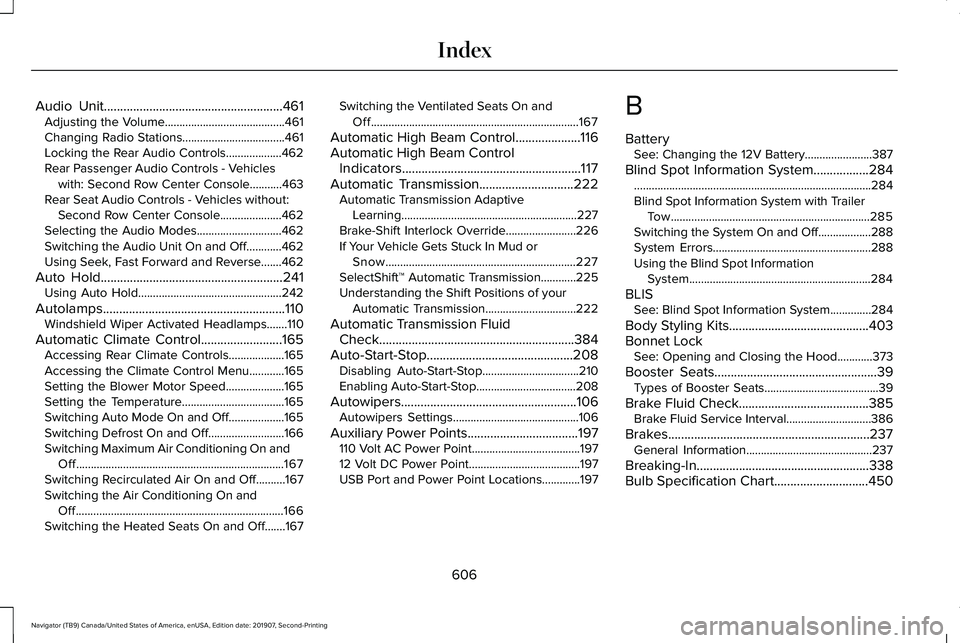
Audio Unit.......................................................461
Adjusting the Volume.........................................461
Changing Radio Stations...................................461
Locking the Rear Audio Controls...................462
Rear Passenger Audio Controls - Vehicles
with: Second Row Center Console...........463
Rear Seat Audio Controls - Vehicles without: Second Row Center Console.....................462
Selecting the Audio Modes.............................462
Switching the Audio Unit On and Off............462
Using Seek, Fast Forward and Reverse.......462
Auto Hold
........................................................241
Using Auto Hold.................................................242
Autolamps........................................................110 Windshield Wiper Activated Headlamps.......110
Automatic Climate Control
.........................165
Accessing Rear Climate Controls...................165
Accessing the Climate Control Menu............165
Setting the Blower Motor Speed....................165
Setting the Temperature...................................165
Switching Auto Mode On and Off...................
165
Switching Defrost On and Off..........................166
Switching Maximum Air Conditioning On and Off.......................................................................167
Switching Recirculated Air On and Off..........167
Switching the Air Conditioning On and Off.......................................................................166
Switching the Heated Seats On and Off.......
167 Switching the Ventilated Seats On and
Off.......................................................................167
Automatic High Beam Control
....................116
Automatic High Beam Control Indicators.......................................................117
Automatic Transmission
.............................222
Automatic Transmission Adaptive
Learning............................................................227
Brake-Shift Interlock Override........................226
If Your Vehicle Gets Stuck In Mud or Snow.................................................................227
SelectShift™ Automatic Transmission............225
Understanding the Shift Positions of your Automatic Transmission...............................222
Automatic Transmission Fluid Check............................................................384
Auto-Start-Stop.............................................208 Disabling Auto-Start-Stop.................................210
Enabling Auto-Start-Stop..................................208
Autowipers......................................................106 Autowipers Settings...........................................106
Auxiliary Power Points
..................................197
110 Volt AC Power Point.....................................197
12 Volt DC Power Point......................................197
USB Port and Power Point Locations.............197 B
Battery
See: Changing the 12V Battery.......................
387
Blind Spot Information System.................284 ........................................................................\
.........284
Blind Spot Information System with Trailer
Tow....................................................................285
Switching the System On and Off..................288
System Errors......................................................288
Using the Blind Spot Information System..............................................................284
BLIS See: Blind Spot Information System..............284
Body Styling Kits...........................................403
Bonnet Lock See: Opening and Closing the Hood............
373
Booster Seats..................................................39 Types of Booster Seats.......................................39
Brake Fluid Check
........................................385
Brake Fluid Service Interval.............................386
Brakes ..............................................................
237
General Information...........................................237
Breaking-In.....................................................338
Bulb Specification Chart
.............................450
606
Navigator (TB9) Canada/United States of America, enUSA, Edition date: 201907, Second-Printing Index
Page 611 of 622
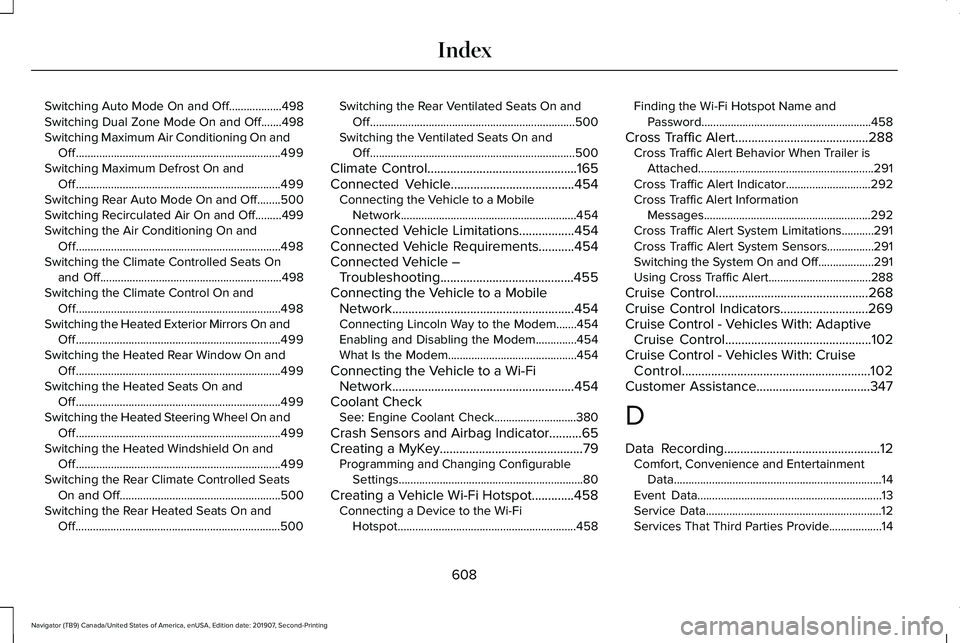
Switching Auto Mode On and Off..................498
Switching Dual Zone Mode On and Off.......498
Switching Maximum Air Conditioning On and
Off......................................................................499
Switching Maximum Defrost On and Off......................................................................499
Switching Rear Auto Mode On and Off........500
Switching Recirculated Air On and Off.........499
Switching the Air Conditioning On and Off......................................................................498
Switching the Climate Controlled Seats On and Off..............................................................498
Switching the Climate Control On and Off......................................................................498
Switching the Heated Exterior Mirrors On and Off......................................................................499
Switching the Heated Rear Window On and Off......................................................................499
Switching the Heated Seats On and Off......................................................................499
Switching the Heated Steering Wheel On and Off......................................................................499
Switching the Heated Windshield On and Off......................................................................499
Switching the Rear Climate Controlled Seats On and Off.......................................................500
Switching the Rear Heated Seats On and Off......................................................................500 Switching the Rear Ventilated Seats On and
Off......................................................................500
Switching the Ventilated Seats On and Off......................................................................500
Climate Control..............................................165
Connected Vehicle......................................454
Connecting the Vehicle to a Mobile
Network............................................................454
Connected Vehicle Limitations.................454
Connected Vehicle Requirements...........454
Connected Vehicle – Troubleshooting.........................................455
Connecting the Vehicle to a Mobile Network........................................................454
Connecting Lincoln Way to the Modem.......454
Enabling and Disabling the Modem..............454
What Is the Modem............................................454
Connecting the Vehicle to a Wi-Fi Network........................................................454
Coolant Check See: Engine Coolant Check............................380
Crash Sensors and Airbag Indicator..........65
Creating a MyKey
............................................79
Programming and Changing Configurable
Settings...............................................................80
Creating a Vehicle Wi-Fi Hotspot.............458 Connecting a Device to the Wi-Fi
Hotspot.............................................................458 Finding the Wi-Fi Hotspot Name and
Password..........................................................458
Cross Traffic Alert.........................................288 Cross Traffic Alert Behavior When Trailer is
Attached............................................................291
Cross Traffic Alert Indicator.............................
292
Cross Traffic Alert Information Messages.........................................................292
Cross Traffic Alert System Limitations...........291
Cross Traffic Alert System Sensors................291
Switching the System On and Off...................291
Using Cross Traffic Alert...................................288
Cruise Control...............................................268
Cruise Control Indicators...........................269
Cruise Control - Vehicles With: Adaptive Cruise Control
.............................................102
Cruise Control - Vehicles With: Cruise Control..........................................................102
Customer Assistance
...................................347
D
Data Recording
................................................12
Comfort, Convenience and Entertainment
Data.......................................................................14
Event Data...............................................................13
Service Data............................................................12
Services That Third Parties Provide..................14
608
Navigator (TB9) Canada/United States of America, enUSA, Edition date: 201907, Second-Printing Index
Page 617 of 622
Passive Anti-Theft System............................94
SecuriLock™............................................................94
PATS See: Passive Anti-Theft System........................94
Perchlorate........................................................16
Personal Safety System ™..............................56
How Does the Personal Safety System
Work?..................................................................56
Phone as a Key Limitations
..........................75
Phone as a Key................................................75 Phone as a Key – Troubleshooting..................76
Phone as a Key – Troubleshooting............76 Phone as a Key – Frequently Asked
Questions...........................................................76
Phone..............................................................500 Android Auto.......................................................502
Apple CarPlay.....................................................502
Pairing Your Cell Phone for the First
Time..................................................................500
Text Messaging....................................................501
Using Your Cell Phone.......................................501
Post-Crash Alert System
.............................344
Power Door Locks See: Locking and Unlocking..............................
83
Power Liftgate
.................................................90
Obstacle Detection..............................................92
Opening and Closing the Liftgate....................90
Setting the Liftgate Open Height.....................92 Stopping the Liftgate Movement.......................91
Switching the Power Liftgate On or Off..........92
Using the Hands-Free Liftgate..........................92
Power Running Boards
.................................98
Power Seats....................................................177 Adjusting the Lumbar Support.........................
179
Adjusting the Multi-Contour Front Seats With Active Motion ..................................................179
Power Windows..............................................118 Accessory Delay...................................................119
Bounce-Back.........................................................118
One-Touch Down.................................................118
One-Touch Up.......................................................118
Window Lock.........................................................119
Pre-Collision Assist......................................294 Adjusting the Pre-Collision Assist
Settings............................................................296
Blocked Sensors................................................296
Distance Indication and Alert..........................295
Using the Pre-Collision Assist System..........294
Programming Your Phone.............................75
Protecting the Environment.........................20
Puncture See: Changing a Road Wheel.........................
426
R
Rear Axle
........................................................236 Rear Parking Aid...........................................248
Object Distance Indicator................................249
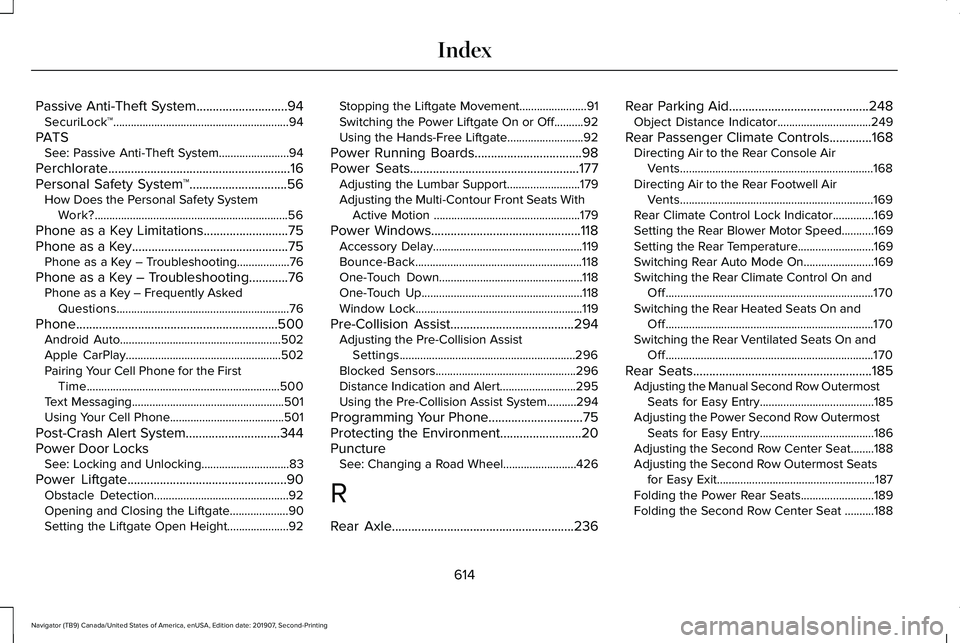
Rear Passenger Climate Controls.............168 Directing Air to the Rear Console Air
Vents..................................................................168
Directing Air to the Rear Footwell Air Vents..................................................................169
Rear Climate Control Lock Indicator..............
169
Setting the Rear Blower Motor Speed...........169
Setting the Rear Temperature..........................169
Switching Rear Auto Mode On........................169
Switching the Rear Climate Control On and Off.......................................................................170
Switching the Rear Heated Seats On and Off.......................................................................170
Switching the Rear Ventilated Seats On and Off.......................................................................170
Rear Seats
.......................................................185
Adjusting the Manual Second Row Outermost
Seats for Easy Entry.......................................185
Adjusting the Power Second Row Outermost Seats for Easy Entry.......................................186
Adjusting the Second Row Center Seat........188
Adjusting the Second Row Outermost Seats for Easy Exit......................................................187
Folding the Power Rear Seats.........................189
Folding the Second Row Center Seat ..........188
614
Navigator (TB9) Canada/United States of America, enUSA, Edition date: 201907, Second-Printing Index