fuel LINCOLN TOWN CAR 1997 Owners Manual
[x] Cancel search | Manufacturer: LINCOLN, Model Year: 1997, Model line: TOWN CAR, Model: LINCOLN TOWN CAR 1997Pages: 305, PDF Size: 2.68 MB
Page 22 of 305
17
If one or both of your turn indicators do not flash
or stay on continuously, have them serviced as soon
as possible. In the meantime, be sure to use the
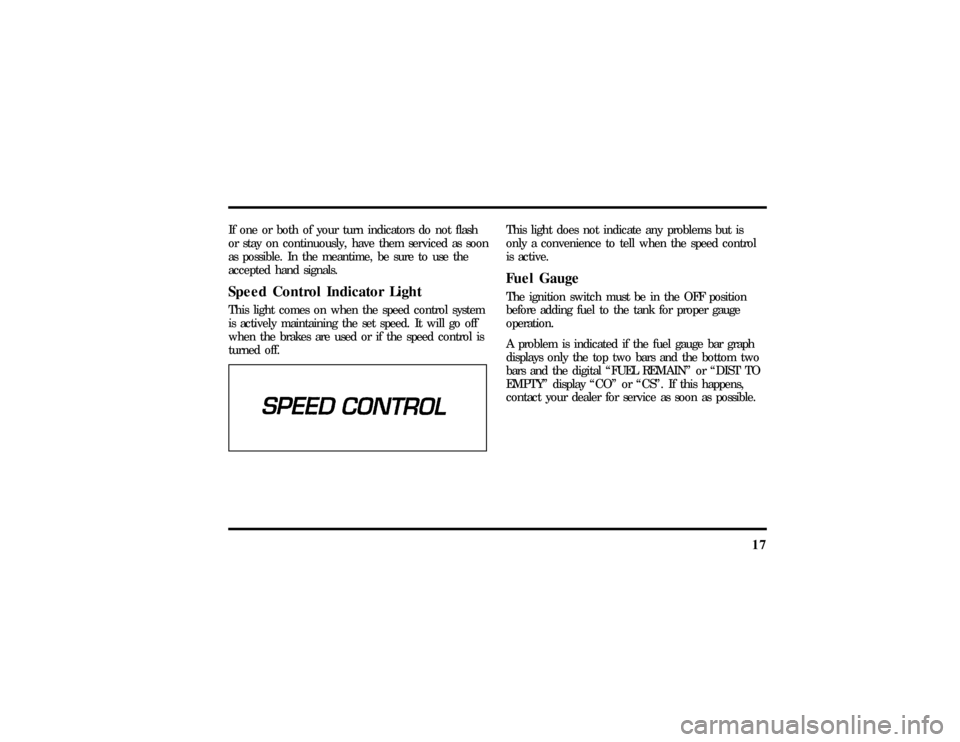
accepted hand signals.Speed Control Indicator LightThis light comes on when the speed control system
is actively maintaining the set speed. It will go off
when the brakes are used or if the speed control is
turned off.
This light does not indicate any problems but is
only a convenience to tell when the speed control
is active.Fuel GaugeThe ignition switch must be in the OFF position
before adding fuel to the tank for proper gauge
operation.
A problem is indicated if the fuel gauge bar graph
displays only the top two bars and the bottom two
bars and the digital ªFUEL REMAINº or ªDIST TO
EMPTYº display ªCOº or ªCSº. If this happens,
contact your dealer for service as soon as possible.
File:03fnist.ex
Update:Mon Jun 17 13:46:47 1996
Page 23 of 305
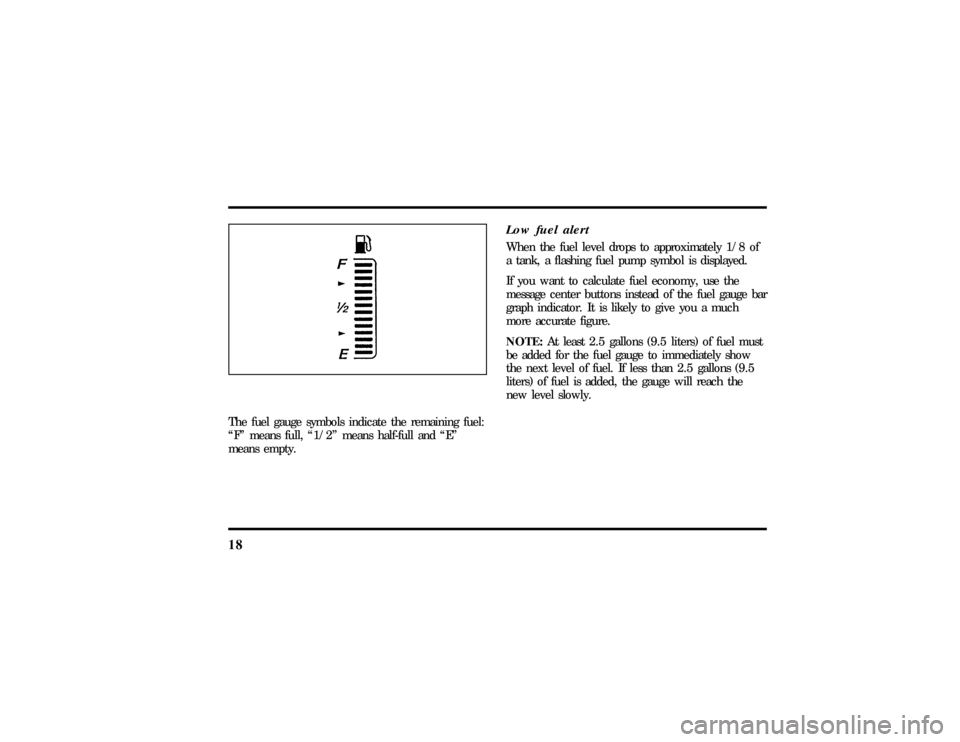
18The fuel gauge symbols indicate the remaining fuel:
ªFº means full, ª1/2º means half-full and ªEº
means empty.
Low fuel alertWhen the fuel level drops to approximately 1/8 of
a tank, a flashing fuel pump symbol is displayed.
If you want to calculate fuel economy, use the
message center buttons instead of the fuel gauge bar
graph indicator. It is likely to give you a much
more accurate figure.
NOTE:At least 2.5 gallons (9.5 liters) of fuel must
be added for the fuel gauge to immediately show
the next level of fuel. If less than 2.5 gallons (9.5
liters) of fuel is added, the gauge will reach the
new level slowly.
File:03fnist.ex
Update:Mon Jun 17 13:46:47 1996
Page 26 of 305

21
OdometerThe odometer tells you the total number of miles or
kilometers your vehicle has been driven. If the
cluster is replaced, and the accumulated mileage on
the odometer is unknown, the replacement cluster
will have the circled ªSº illuminated with zero
miles on the odometer. If the actual vehicle mileage
can be verified, then an authorized service center
can program the actual mileage into the odometer
of the replacement cluster. The actual mileage (if
known) or an estimated mileage (if unknown) is
shown on a label affixed on the door pillar.
Press the E/M (English/Metric) button located just
below the message center display to show miles or
kilometers.
If the odometer displays the word ªERRORº contact
your dealer for service.
The Electronic Message CenterAlong with information the warning lights and
gauges provide, the electronic message center lets
you:q
see problems such as Door Ajar, Air Suspension,
Trunk Ajar, Washer Fluid
q
see how many miles/kilometers you can drive
with the fuel remaining in your tank
q
see how many gallons/liters of fuel are
remaining
q
monitor your average fuel economy
q
monitor your instantaneous fuel economy
q
monitor your average speed
q
check the distance you have travelled during a
trip on either Trip A or Trip B
q
check the distance remaining from a set value
during a trip
File:03fnist.ex
Update:Mon Jun 17 13:46:47 1996
Page 29 of 305
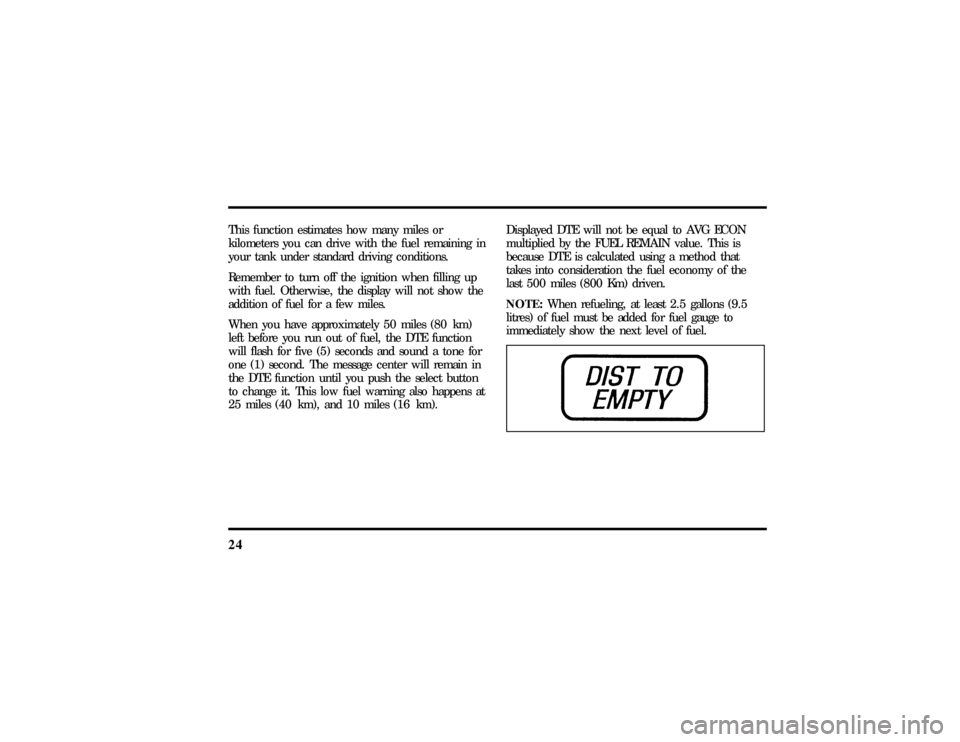
24This function estimates how many miles or
kilometers you can drive with the fuel remaining in
your tank under standard driving conditions.
Remember to turn off the ignition when filling up
with fuel. Otherwise, the display will not show the
addition of fuel for a few miles.
When you have approximately 50 miles (80 km)
left before you run out of fuel, the DTE function
will flash for five (5) seconds and sound a tone for
one (1) second. The message center will remain in
the DTE function until you push the select button
to change it. This low fuel warning also happens at
25 miles (40 km), and 10 miles (16 km).Displayed DTE will not be equal to AVG ECON
multiplied by the FUEL REMAIN value. This is
because DTE is calculated using a method that
takes into consideration the fuel economy of the
last 500 miles (800 Km) driven.
NOTE:When refueling, at least 2.5 gallons (9.5
litres) of fuel must be added for fuel gauge to
immediately show the next level of fuel.
File:03fnist.ex
Update:Mon Jun 17 13:46:47 1996
Page 30 of 305
25
If ªCOº or ªCSº is displayed, this means that there
is a problem with the fuel indication system and
you should contact your dealer for service as soon
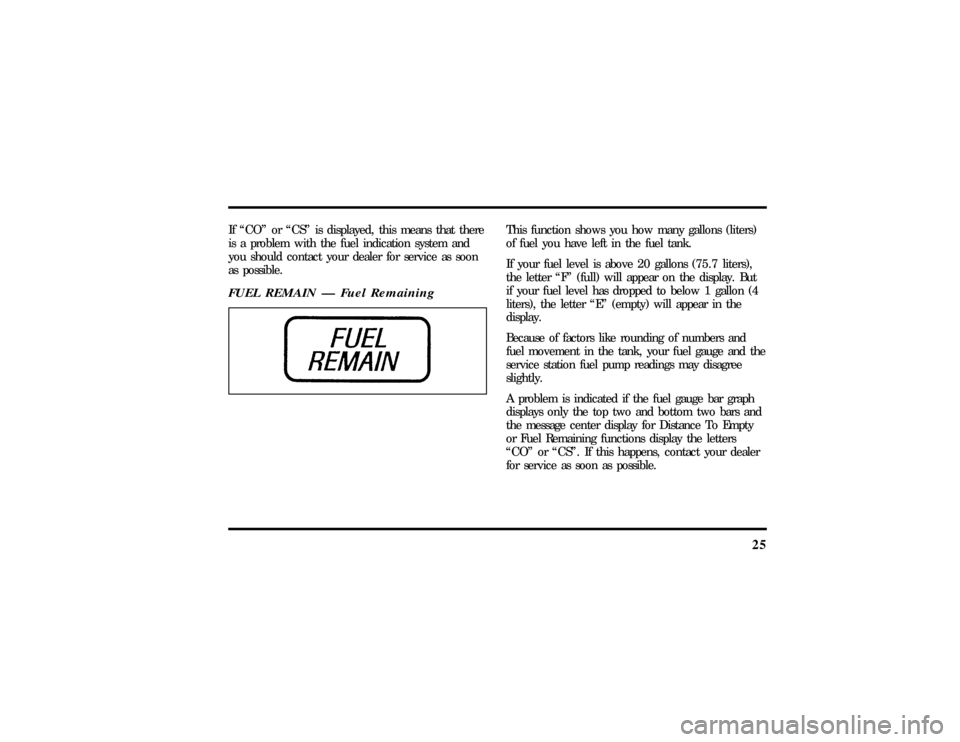
as possible.FUEL REMAIN Ð Fuel Remaining
This function shows you how many gallons (liters)
of fuel you have left in the fuel tank.
If your fuel level is above 20 gallons (75.7 liters),
the letter ªFº (full) will appear on the display. But
if your fuel level has dropped to below 1 gallon (4
liters), the letter ªEº (empty) will appear in the
display.
Because of factors like rounding of numbers and
fuel movement in the tank, your fuel gauge and the
service station fuel pump readings may disagree
slightly.
A problem is indicated if the fuel gauge bar graph
displays only the top two and bottom two bars and
the message center display for Distance To Empty
or Fuel Remaining functions display the letters
ªCOº or ªCSº. If this happens, contact your dealer
for service as soon as possible.
File:03fnist.ex
Update:Mon Jun 17 13:46:47 1996
Page 31 of 305
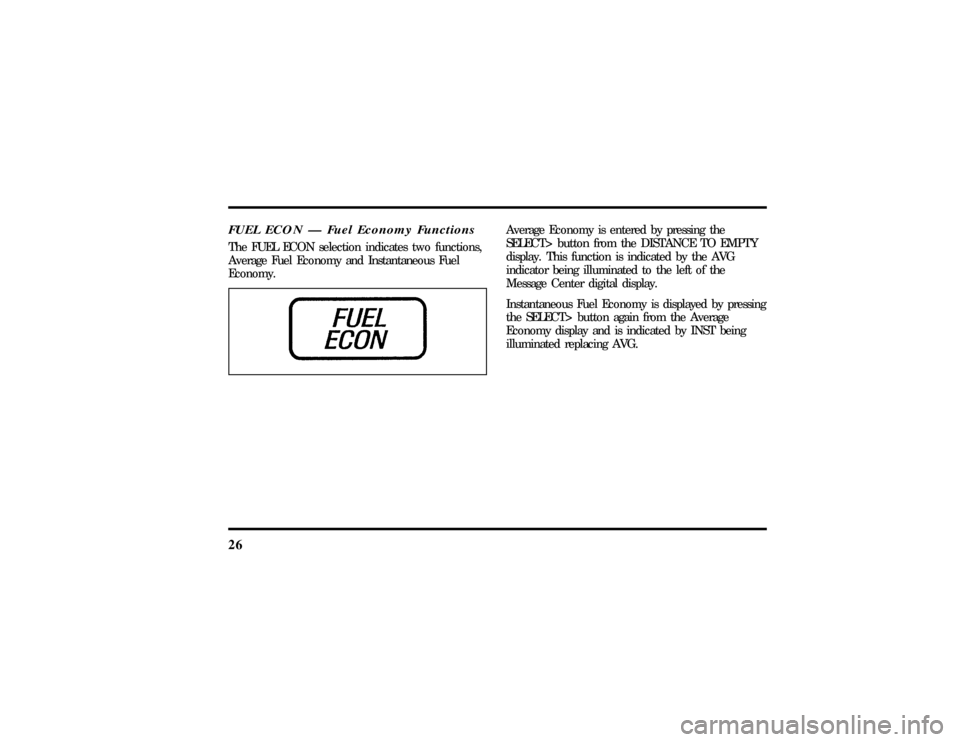
26FUEL ECON Ð Fuel Economy FunctionsThe FUEL ECON selection indicates two functions,
Average Fuel Economy and Instantaneous Fuel
Economy.
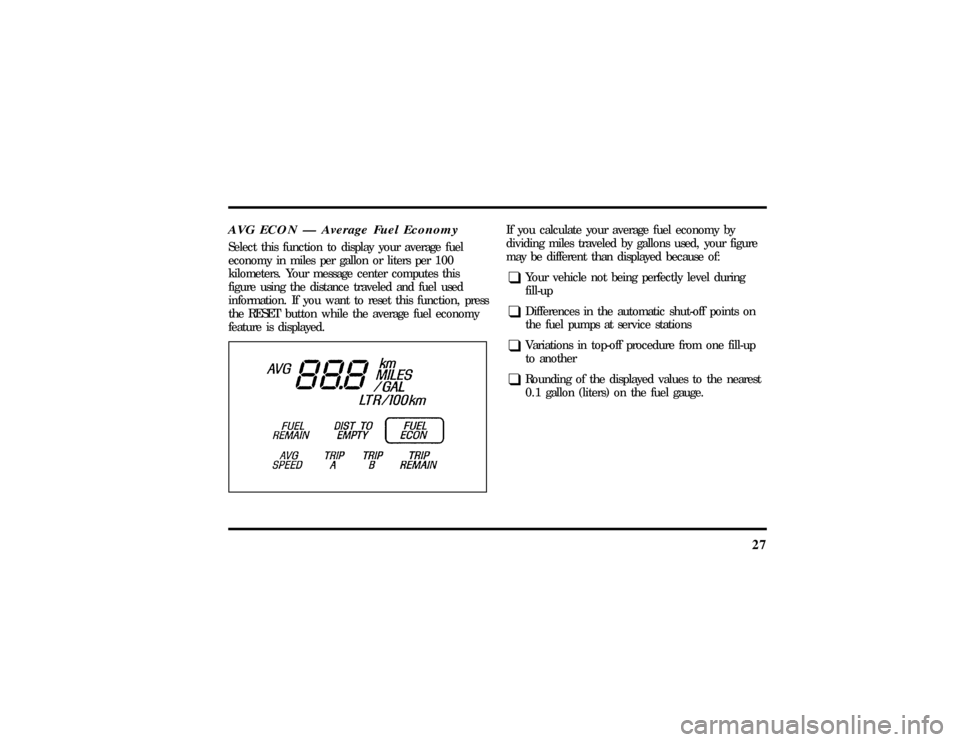
Average Economy is entered by pressing the
SELECT> button from the DISTANCE TO EMPTY
display. This function is indicated by the AVG
indicator being illuminated to the left of the
Message Center digital display.
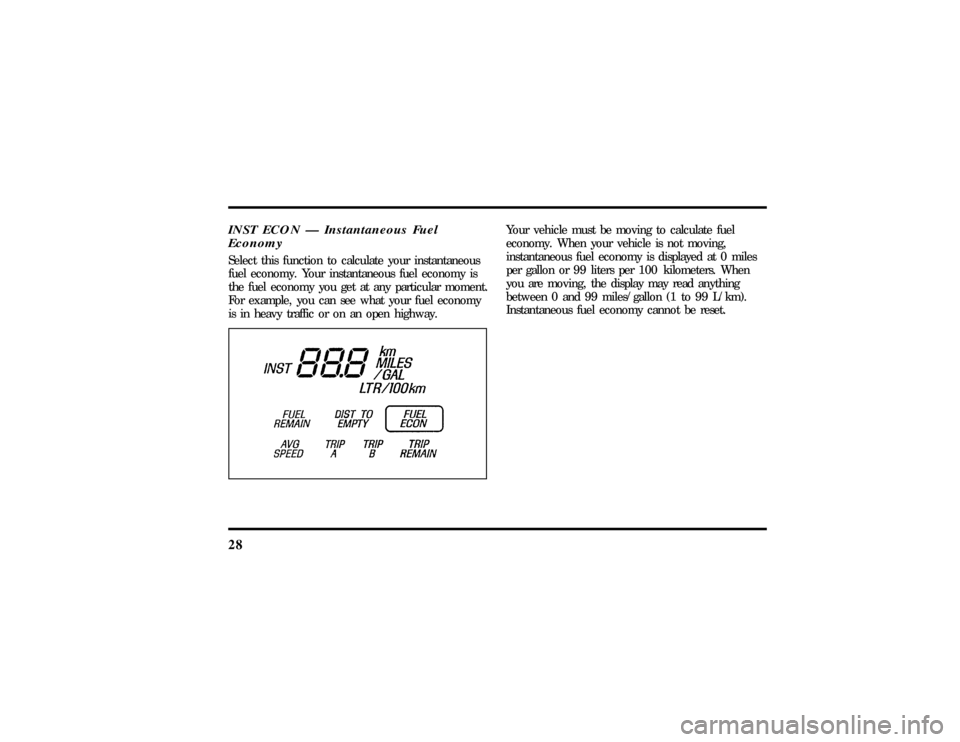
Instantaneous Fuel Economy is displayed by pressing
the SELECT> button again from the Average
Economy display and is indicated by INST being
illuminated replacing AVG.
File:03fnist.ex
Update:Mon Jun 17 13:46:47 1996
Page 32 of 305
27
AVG ECON Ð Average Fuel EconomySelect this function to display your average fuel
economy in miles per gallon or liters per 100
kilometers. Your message center computes this
figure using the distance traveled and fuel used
information. If you want to reset this function, press
the RESET button while the average fuel economy
feature is displayed.
If you calculate your average fuel economy by
dividing miles traveled by gallons used, your figure
may be different than displayed because of:q
Your vehicle not being perfectly level during
fill-up
q
Differences in the automatic shut-off points on
the fuel pumps at service stations
q
Variations in top-off procedure from one fill-up
to another
q
Rounding of the displayed values to the nearest
0.1 gallon (liters) on the fuel gauge.
File:03fnist.ex
Update:Mon Jun 17 13:46:47 1996
Page 33 of 305
28INST ECON Ð Instantaneous Fuel
EconomySelect this function to calculate your instantaneous
fuel economy. Your instantaneous fuel economy is
the fuel economy you get at any particular moment.
For example, you can see what your fuel economy
is in heavy traffic or on an open highway.
Your vehicle must be moving to calculate fuel
economy. When your vehicle is not moving,
instantaneous fuel economy is displayed at 0 miles
per gallon or 99 liters per 100 kilometers. When
you are moving, the display may read anything
between 0 and 99 miles/gallon (1 to 99 L/km).
Instantaneous fuel economy cannot be reset.
File:03fnist.ex
Update:Mon Jun 17 13:46:47 1996
Page 94 of 305
90There are two light sensors (photocells) in this
mirror. The sensor that detects rear glare is located
inside a window in the center of the mirror. The
second light sensor which determines outside light
level is located on the backside of the mirror case.
The driver's side mirror is activated by these sensors
to prevent glare when traffic is behind or around
the vehicle.
NOTE:Do not block the sensor on the backside of
the mirror (i.e., with a parking tag, car deodorizer,
etc.) since this may impair proper mirror
performance.
One important safety feature is that the mirror
automatically returns to the normal position
whenever the vehicle is placed in R (Reverse)
(when the mirror is in the ON position). This
feature ensures a bright clear view in the mirror
when backing up.
Do not clean the housing or glass of any mirror
with harsh abrasives, fuel or other petroleum-based
cleaning products.
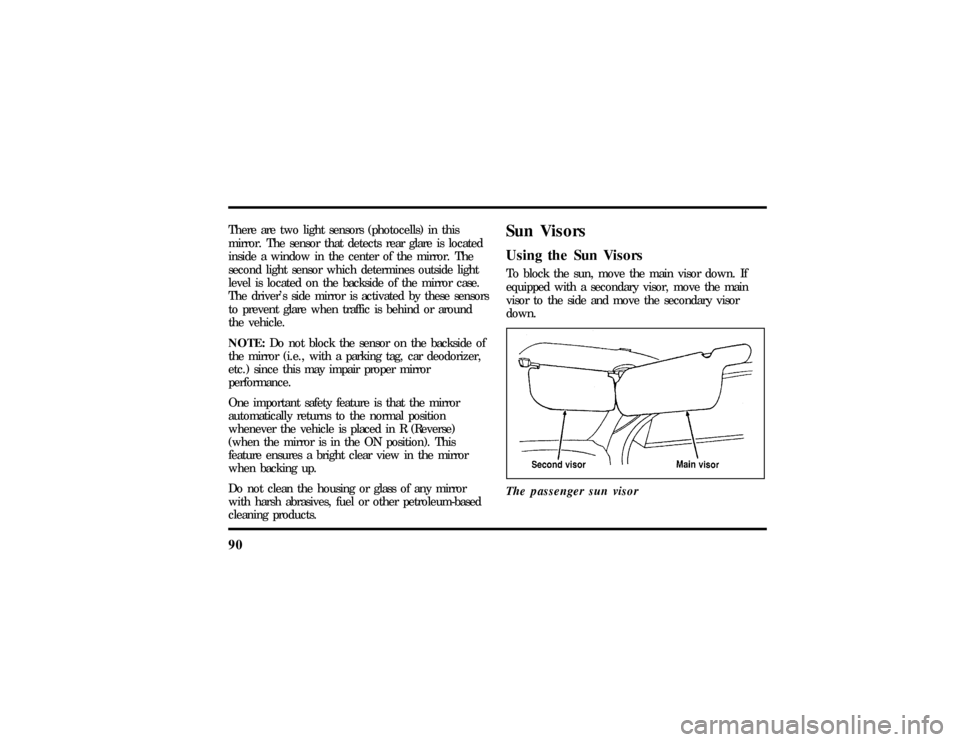
Sun VisorsUsing the Sun VisorsTo block the sun, move the main visor down. If
equipped with a secondary visor, move the main
visor to the side and move the secondary visor
down.
The passenger sun visor
File:05fncft.ex
Update:Mon Jun 17 13:49:49 1996
Page 105 of 305

101
To adjust the side mirrors:
1. Find the control switch in the driver's door
panel.
2. Select the right or left mirror by moving the
selector switch to R or L.
3. Move the mirror switch in the direction you
want to move the mirror.
4. Return the selector switch to the middle
position to keep the mirror in place.
Do not clean the housing or glass of any mirror
with harsh abrasives, fuel or other petroleum-based
cleaning products.Heated Mirror FeatureBoth mirrors are heated whenever the Electric Rear
Window Defroster is turned on. Do not remove ice
from the mirrors with a scraper or you could
damage them. If the outside mirror glass is frozenin place, do not attempt to readjust or move the
mirror glass or damage may result.
Cellular Phone (If equipped)For information about the cellular phone in your
vehicle, refer to theCellular Phone User's Manual
provided with your phone. For further questions
about your Lincoln cellular phone, contact the Ford
Cellular System at 1-800-367-3013(U.S.). In
Canada, please contact your dealer.
NOTE:It is recommended that you fold your
cellular phone antenna down onto the back glass
before entering a car wash.Front Seat Dual Storage ArmrestsSignature and Cartier Series vehicles have front seat
dual storage armrests cassette storage and coin
holder. An optional voice-activated cellular
telephone handrest is available in the passenger
armrest. (Instructions for cellular telephone are
found in a separate manual.)
File:05fncft.ex
Update:Mon Jun 17 13:49:49 1996