display LINCOLN TOWN CAR 1998 User Guide
[x] Cancel search | Manufacturer: LINCOLN, Model Year: 1998, Model line: TOWN CAR, Model: LINCOLN TOWN CAR 1998Pages: 188, PDF Size: 1.29 MB
Page 27 of 188
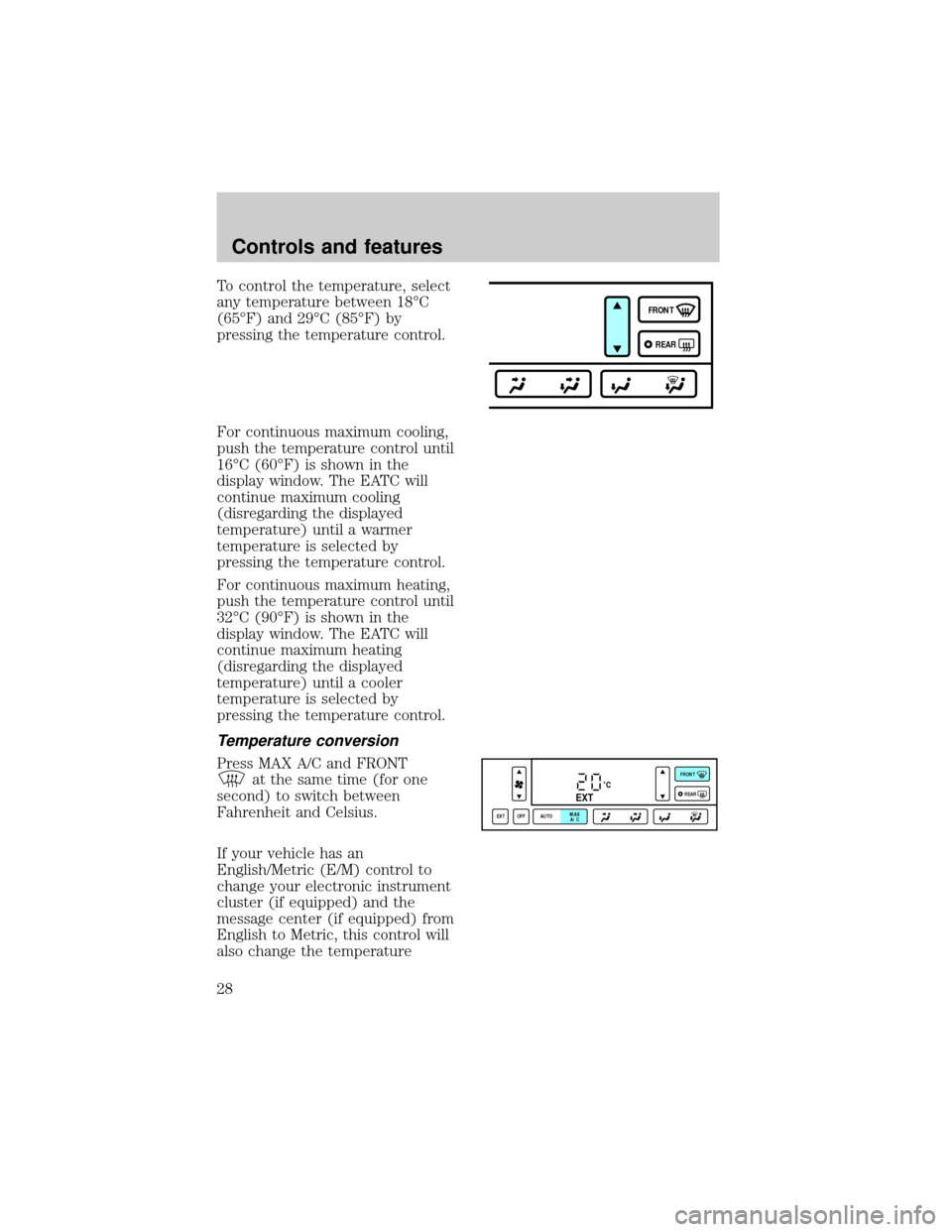
To control the temperature, select
any temperature between 18ÉC
(65ÉF) and 29ÉC (85ÉF) by
pressing the temperature control.
For continuous maximum cooling,
push the temperature control until
16ÉC (60ÉF) is shown in the
display window. The EATC will
continue maximum cooling
(disregarding the displayed
temperature) until a warmer
temperature is selected by
pressing the temperature control.
For continuous maximum heating,
push the temperature control until
32ÉC (90ÉF) is shown in the
display window. The EATC will
continue maximum heating
(disregarding the displayed
temperature) until a cooler
temperature is selected by
pressing the temperature control.
Temperature conversion
Press MAX A/C and FRONT
at the same time (for one
second) to switch between
Fahrenheit and Celsius.
If your vehicle has an
English/Metric (E/M) control to
change your electronic instrument
cluster (if equipped) and the
message center (if equipped) from
English to Metric, this control will
also change the temperature
FRONT
REAR
˚CEXT
EXT OFF AUTOMAX
A/CFRONT
REAR
Controls and features
28
Page 28 of 188
display. Refer toElectronic
Message Centerin the
Instrumentation Chapter.
Fan speed ()
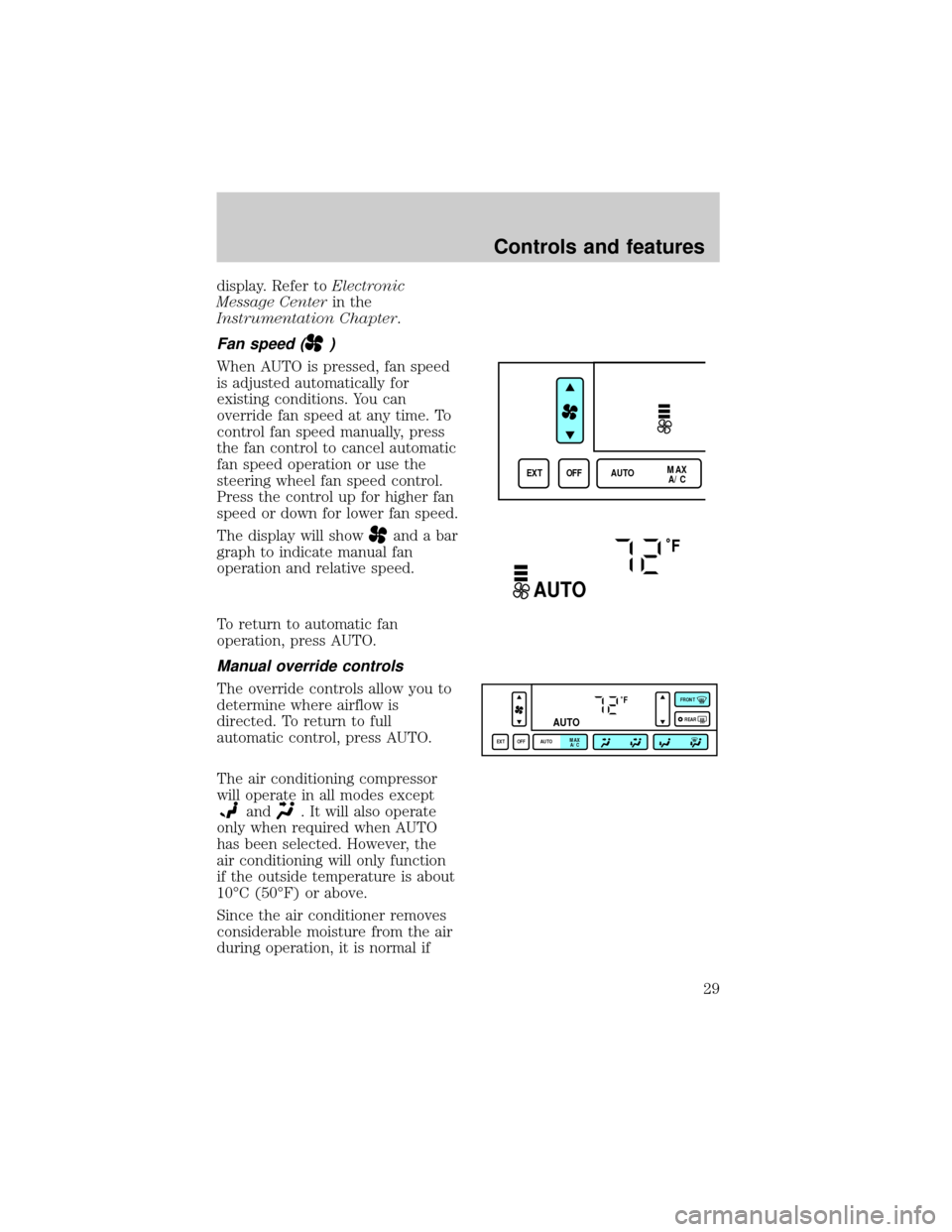
When AUTO is pressed, fan speed
is adjusted automatically for
existing conditions. You can
override fan speed at any time. To
control fan speed manually, press
the fan control to cancel automatic
fan speed operation or use the
steering wheel fan speed control.
Press the control up for higher fan
speed or down for lower fan speed.
The display will show
and a bar
graph to indicate manual fan
operation and relative speed.
To return to automatic fan
operation, press AUTO.
Manual override controls
The override controls allow you to
determine where airflow is
directed. To return to full
automatic control, press AUTO.
The air conditioning compressor
will operate in all modes except
and. It will also operate
only when required when AUTO
has been selected. However, the
air conditioning will only function
if the outside temperature is about
10ÉC (50ÉF) or above.
Since the air conditioner removes
considerable moisture from the air
during operation, it is normal if
EXT OFF AUTOMAX
A/C
˚F
AUTO
˚F
AUTO
EXT OFF AUTOMAX
A/CFRONT
REAR
Controls and features
29
Page 29 of 188

clear water drips on the ground
under the air conditioner drain
while the system is working and
even after you have stopped the
vehicle.
Under normal conditions, your
vehicle's climate control system
should be left in any position other
than MAX A/C or OFF when the
vehicle is parked. This allows the
vehicle to ªbreatheº through the
outside air inlet duct.
²MAX A/C-Uses recirculated air
to cool the vehicle. The
temperature display will remain
unchanged and air will be
cooled based on the selected
temperature. To exit, press
AUTO or any other override
controls. MAX A/C is noisier
than normal A/C but more
economical and will cool the
inside of the vehicle faster.
Airflow is from the instrument
panel registers. This mode can
also be used to prevent
undesirable odors from entering
the vehicle.
²
-Distributes outside air
through the instrument panel
registers. However, the air
cannot be cooled below the
outside temperature because the
air conditioning does not
operate in this mode.
²
-Distributes outside air
through the instrument panel
registers and the floor ducts.
Heating and air conditioning
capabilities are provided in this
Controls and features
30
Page 31 of 188

10ÉC (50ÉF) or higher, the air
conditioner will automatically
dehumidify the air to prevent
fogging.
²OFF-Outside air is shut out and
the fan will not operate. For
short periods of time only, use
this mode to prevent
undesirable odors from entering
the vehicle.
Displaying outside temperature
Press EXT to display the outside
air temperature. It will be
displayed until EXT is pressed
again.
If the selected temperature is
changed while the outside
temperature is displayed, the new
temperature will be displayed for
four seconds after it is changed,
then the outside temperature will
return to the window.
If a manual override function is
selected while the outside
temperature is displayed, the new
function will be displayed for four
seconds after it is changed, then
the outside temperature will return
to the window along with the
override selection.
The outside temperature reading is
most accurate when the vehicle is
moving. Higher readings may be
obtained when the vehicle is not
EXT OFF AUTOMAX
A/C
Controls and features
32
Page 33 of 188
reduce your ability to see
through your windshield. Also,
avoid placing small objects on
top of your instrument panel.
These objects can fall down into
the defroster outlets and block
airflow and possibly damage
your climate control system.
REAR WINDOW DEFROSTER
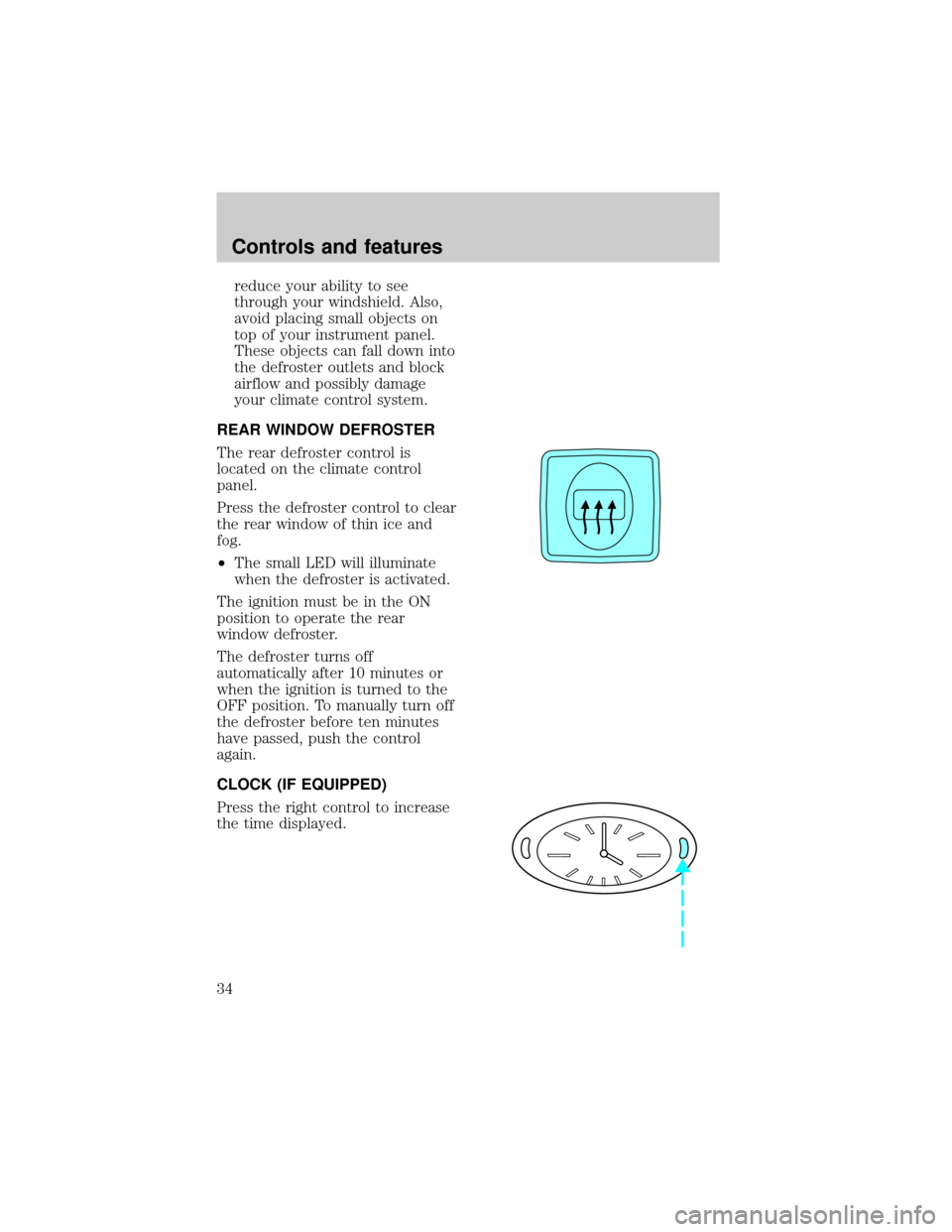
The rear defroster control is
located on the climate control
panel.
Press the defroster control to clear
the rear window of thin ice and
fog.
²The small LED will illuminate
when the defroster is activated.
The ignition must be in the ON
position to operate the rear
window defroster.
The defroster turns off
automatically after 10 minutes or
when the ignition is turned to the
OFF position. To manually turn off
the defroster before ten minutes
have passed, push the control
again.
CLOCK (IF EQUIPPED)
Press the right control to increase
the time displayed.
Controls and features
34
Page 34 of 188
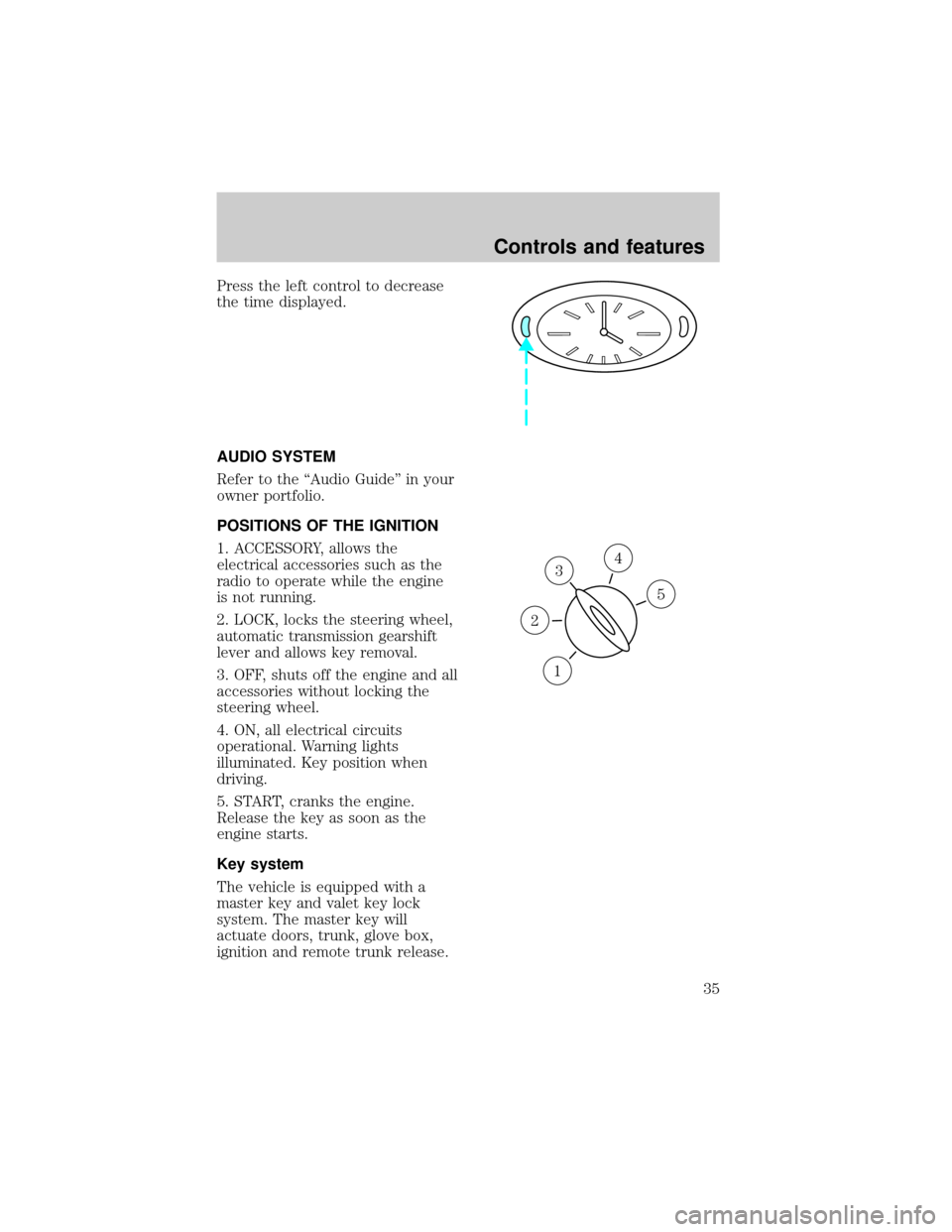
Press the left control to decrease
the time displayed.
AUDIO SYSTEM
Refer to the ªAudio Guideº in your
owner portfolio.
POSITIONS OF THE IGNITION
1. ACCESSORY, allows the
electrical accessories such as the
radio to operate while the engine
is not running.
2. LOCK, locks the steering wheel,
automatic transmission gearshift
lever and allows key removal.
3. OFF, shuts off the engine and all
accessories without locking the
steering wheel.
4. ON, all electrical circuits
operational. Warning lights
illuminated. Key position when
driving.
5. START, cranks the engine.
Release the key as soon as the
engine starts.
Key system
The vehicle is equipped with a
master key and valet key lock
system. The master key will
actuate doors, trunk, glove box,
ignition and remote trunk release.
3
1
2
5
4
Controls and features
35
Page 40 of 188
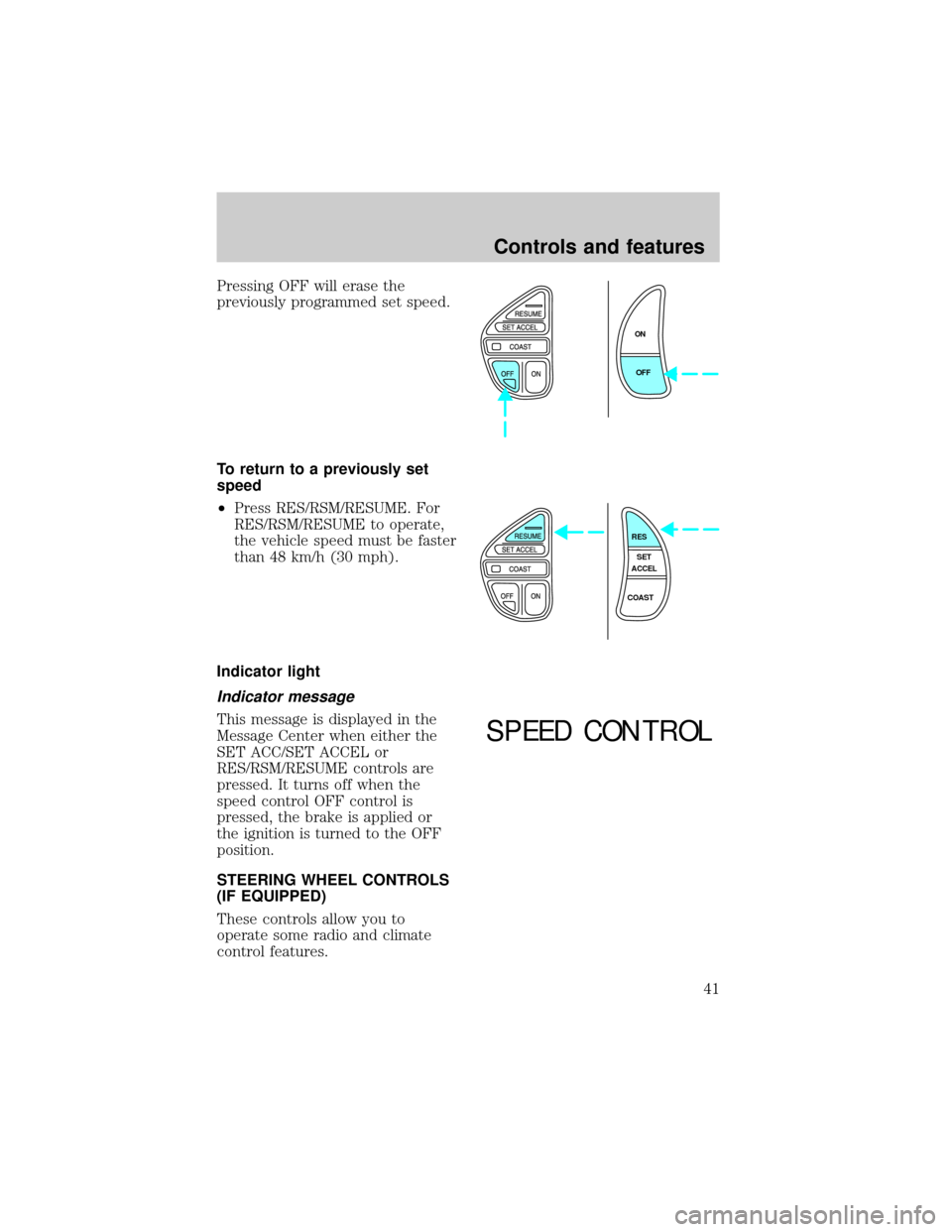
Pressing OFF will erase the
previously programmed set speed.
To return to a previously set
speed
²Press RES/RSM/RESUME. For
RES/RSM/RESUME to operate,
the vehicle speed must be faster
than 48 km/h (30 mph).
Indicator light
Indicator message
This message is displayed in the
Message Center when either the
SET ACC/SET ACCEL or
RES/RSM/RESUME controls are
pressed. It turns off when the
speed control OFF control is
pressed, the brake is applied or
the ignition is turned to the OFF
position.
STEERING WHEEL CONTROLS
(IF EQUIPPED)
These controls allow you to
operate some radio and climate
control features.
ON
OFF
RES
SET
ACCEL
COAST
SPEED CONTROL
Controls and features
41
Page 105 of 188
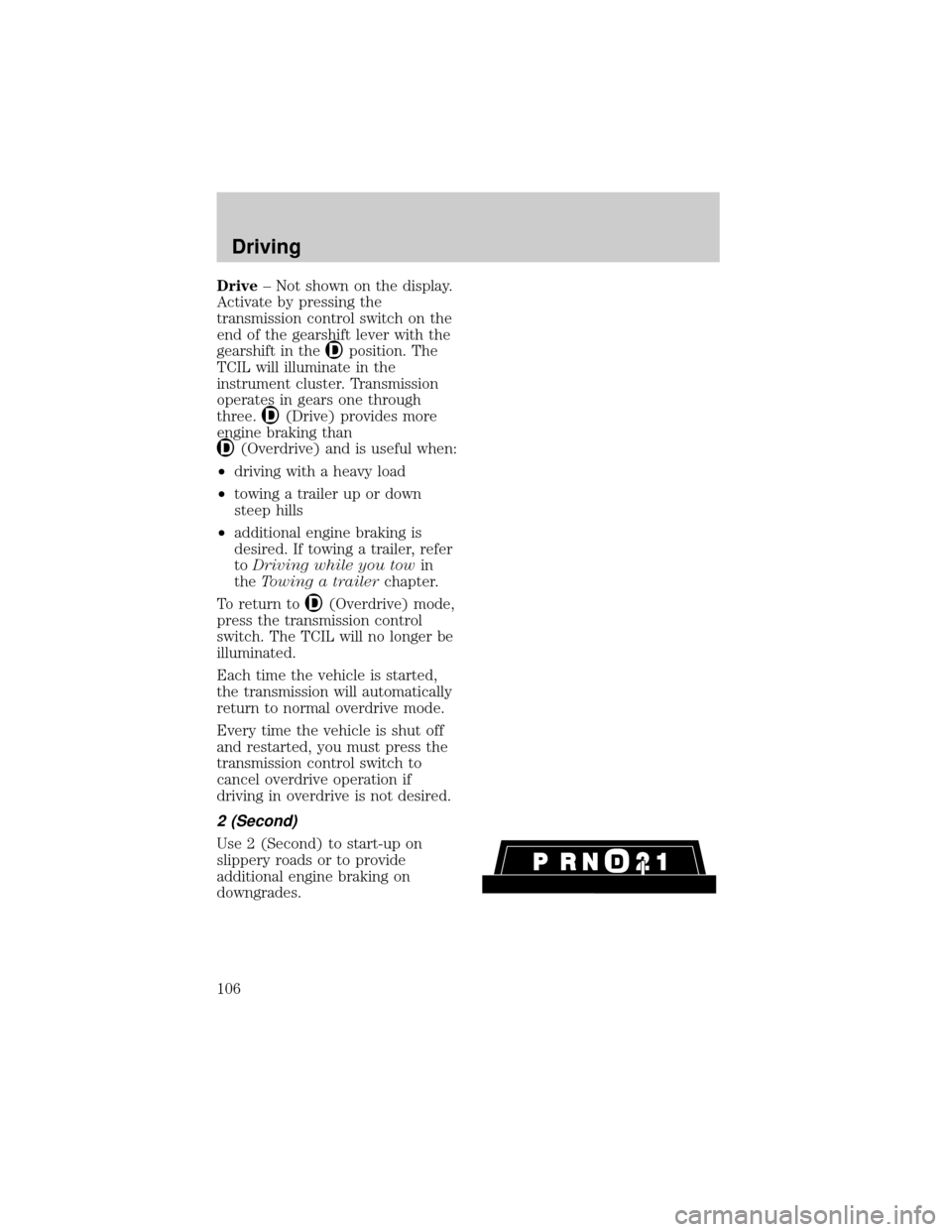
Drive± Not shown on the display.
Activate by pressing the
transmission control switch on the
end of the gearshift lever with the
gearshift in the
position. The
TCIL will illuminate in the
instrument cluster. Transmission
operates in gears one through
three.
(Drive) provides more
engine braking than
(Overdrive) and is useful when:
²driving with a heavy load
²towing a trailer up or down
steep hills
²additional engine braking is
desired. If towing a trailer, refer
toDriving while you towin
theTowing a trailerchapter.
To return to
(Overdrive) mode,
press the transmission control
switch. The TCIL will no longer be
illuminated.
Each time the vehicle is started,
the transmission will automatically
return to normal overdrive mode.
Every time the vehicle is shut off
and restarted, you must press the
transmission control switch to
cancel overdrive operation if
driving in overdrive is not desired.
2 (Second)
Use 2 (Second) to start-up on
slippery roads or to provide
additional engine braking on
downgrades.
Driving
106