service LINCOLN TOWN CAR 2002 User Guide
[x] Cancel search | Manufacturer: LINCOLN, Model Year: 2002, Model line: TOWN CAR, Model: LINCOLN TOWN CAR 2002Pages: 248, PDF Size: 1.9 MB
Page 75 of 248
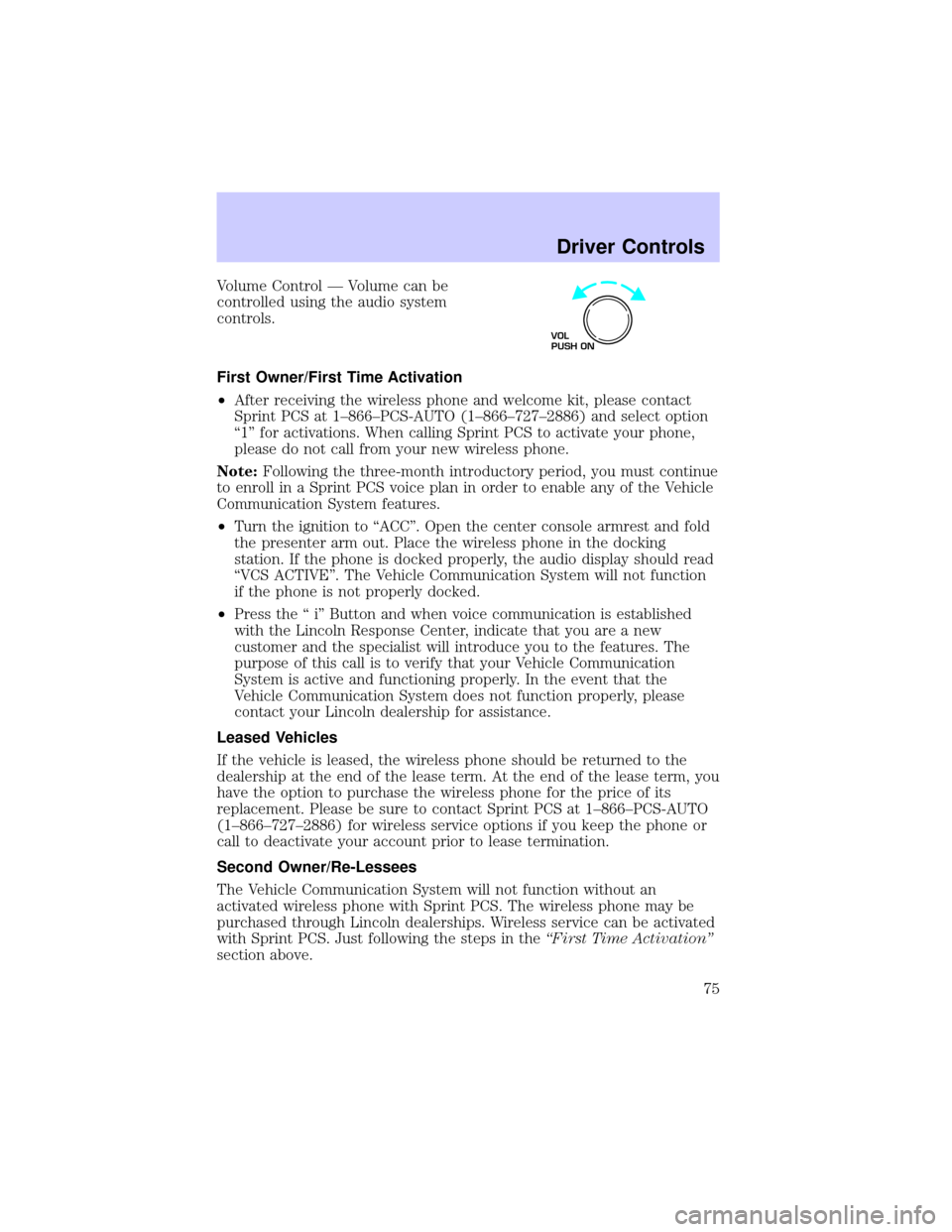
Volume Control Ð Volume can be
controlled using the audio system
controls.
First Owner/First Time Activation
²After receiving the wireless phone and welcome kit, please contact
Sprint PCS at 1±866±PCS-AUTO (1±866±727±2886) and select option
ª1º for activations. When calling Sprint PCS to activate your phone,
please do not call from your new wireless phone.
Note:Following the three-month introductory period, you must continue
to enroll in a Sprint PCS voice plan in order to enable any of the Vehicle
Communication System features.
²Turn the ignition to ªACCº. Open the center console armrest and fold
the presenter arm out. Place the wireless phone in the docking
station. If the phone is docked properly, the audio display should read
ªVCS ACTIVEº. The Vehicle Communication System will not function
if the phone is not properly docked.
²Press the ª iº Button and when voice communication is established
with the Lincoln Response Center, indicate that you are a new
customer and the specialist will introduce you to the features. The
purpose of this call is to verify that your Vehicle Communication
System is active and functioning properly. In the event that the
Vehicle Communication System does not function properly, please
contact your Lincoln dealership for assistance.
Leased Vehicles
If the vehicle is leased, the wireless phone should be returned to the
dealership at the end of the lease term. At the end of the lease term, you
have the option to purchase the wireless phone for the price of its
replacement. Please be sure to contact Sprint PCS at 1±866±PCS-AUTO
(1±866±727±2886) for wireless service options if you keep the phone or
call to deactivate your account prior to lease termination.
Second Owner/Re-Lessees
The Vehicle Communication System will not function without an
activated wireless phone with Sprint PCS. The wireless phone may be
purchased through Lincoln dealerships. Wireless service can be activated
with Sprint PCS. Just following the steps in theªFirst Time Activationº
section above.
VOL
PUSH ON
Driver Controls
75
Page 76 of 248

Vehicle Communication System Limitations
²Vehicle Communication System services are available in the 48
contiguous states and Hawaii
²Vehicle Communication System services are not available in Alaska
²Only available within range of the cellular systems
²Connection limited by atmospheric and topographical conditions
²Connection limited by cellular network capabilities and infrastructure
²The wireless phone must have an active wireless service plan with
Sprint PCS and docked in the docking station located in the center
console for Vehicle Communication System to function properly
²The vehicle must be running or the ignition must be turned to either
ªACCº or ªRUN/ONº position
²May become inoperative if the vehicle is involved in an accident,
damaging one or more components
²Sprint PCS Voice Command (SM) services are only available on the
Sprint PCS network
Global Positioning Satellites are used to deliver location information
(only at the request of the vehicle occupants or in the event an airbag
deploys) and may not be available if signal is obstructed. (If a signal is
unavailable, the last valid position obtained before the signal was
obstructed will be sent.)
Vehicle Communication System is powered by the vehicle's battery and
will not operate if the battery is discharged or disconnected.
Vehicle Communication System specialist will make all reasonable efforts
to contact the Public Safety service providers but cannot be held
responsible for their response time or their activities.
Drivers have the responsibility to pay primary attention to the road and
drive safely. A driver may want to pull over to a safe parking spot before
using Vehicle Communication System services. Drivers who allow
themselves to become distracted may cause an accident. Please use this
technology responsibly.
Due to the specialized Lincoln software contained within the phone, your
local Sprint PCS store is unable to provide service or replacement units.
Issues or questions about equipment including the wireless phone should
be directed to your Lincoln dealer.
Driver Controls
76
Page 77 of 248
Phone accessories can be purchased at Sprint PCS stores. Billing or
services issues should be directed to Sprint PCS at 1±866±PCS-AUTO
(1±866±727±2886). Select ª2º for Client Services.
ELECTRONIC MESSAGE CENTER
The electronic message center only works when the ignition is in the ON
position.
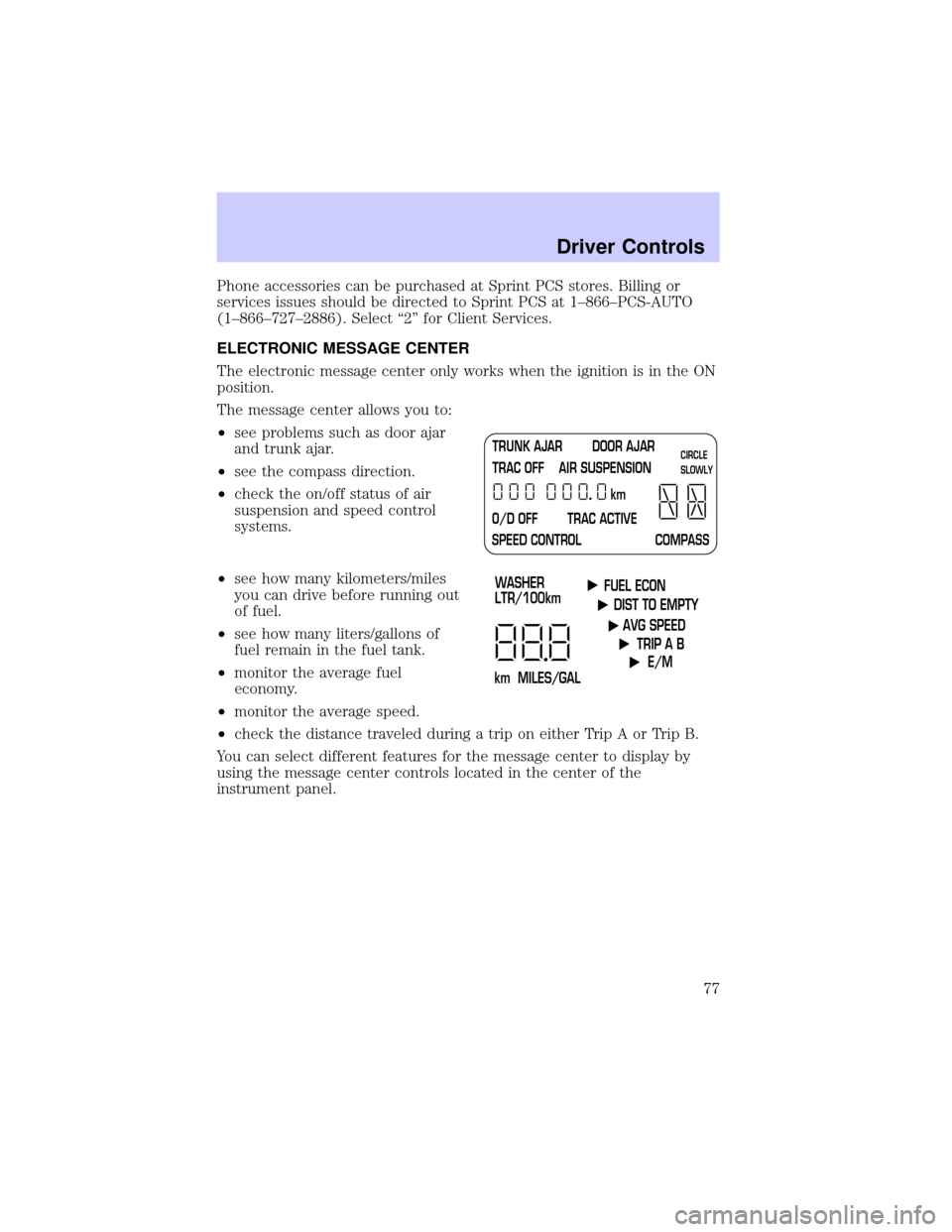
The message center allows you to:
²see problems such as door ajar
and trunk ajar.
²see the compass direction.
²check the on/off status of air
suspension and speed control
systems.
²see how many kilometers/miles
you can drive before running out
of fuel.
²see how many liters/gallons of
fuel remain in the fuel tank.
²monitor the average fuel
economy.
²monitor the average speed.
²check the distance traveled during a trip on either Trip A or Trip B.
You can select different features for the message center to display by
using the message center controls located in the center of the
instrument panel.
TRUNK AJAR DOOR AJAR
TRAC OFF AIR SUSPENSION
O/D OFF TRAC ACTIVE
SPEED CONTROL COMPASSkmCIRCLE
SLOWLY
FUEL ECON
DIST TO EMPTY
AVG SPEED
TRIP A B
E/M
km MILES/GALWASHER
LTR/100km
Driver Controls
77
Page 80 of 248
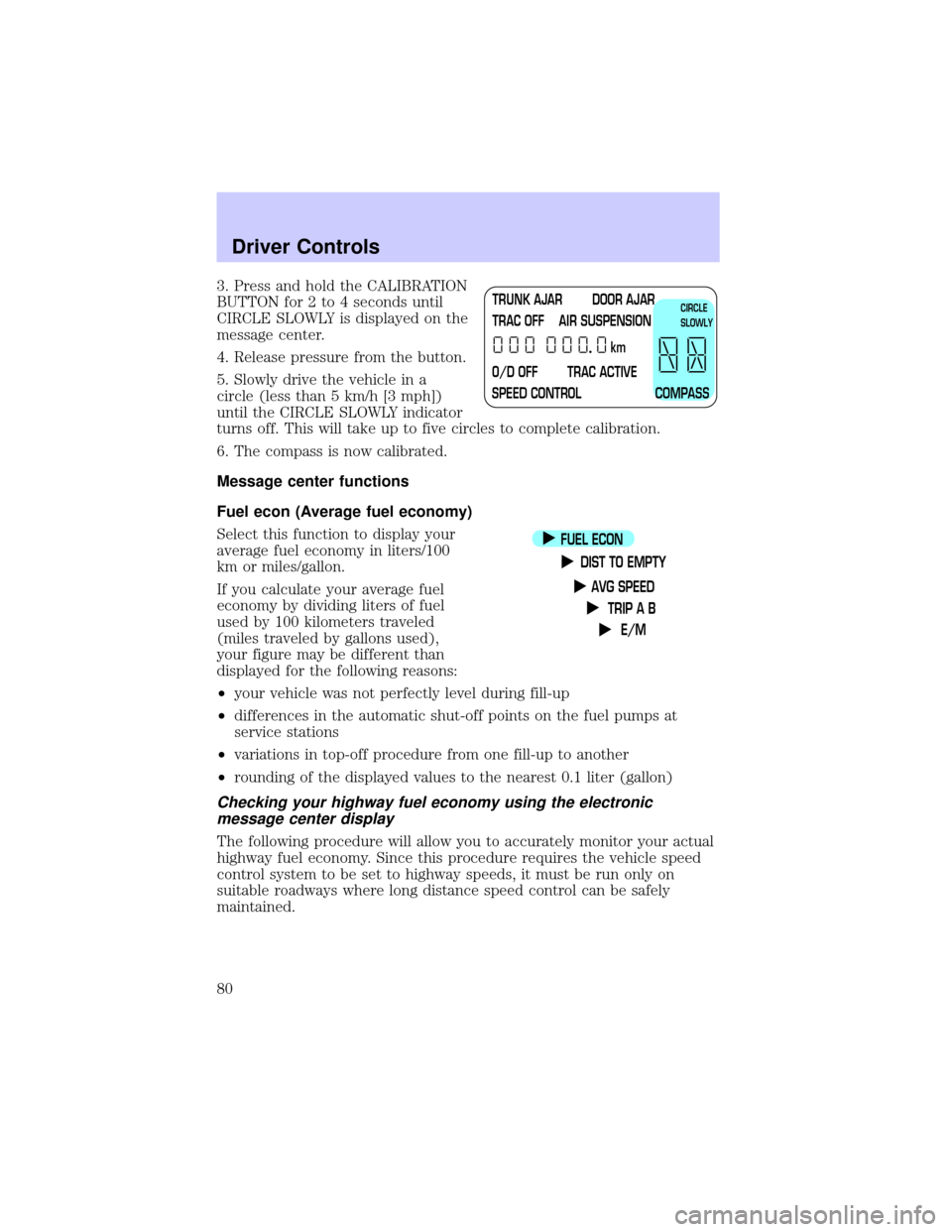
3. Press and hold the CALIBRATION
BUTTON for 2 to 4 seconds until
CIRCLE SLOWLY is displayed on the
message center.
4. Release pressure from the button.
5. Slowly drive the vehicle in a
circle (less than 5 km/h [3 mph])
until the CIRCLE SLOWLY indicator
turns off. This will take up to five circles to complete calibration.
6. The compass is now calibrated.
Message center functions
Fuel econ (Average fuel economy)
Select this function to display your
average fuel economy in liters/100
km or miles/gallon.
If you calculate your average fuel
economy by dividing liters of fuel
used by 100 kilometers traveled
(miles traveled by gallons used),
your figure may be different than
displayed for the following reasons:
²your vehicle was not perfectly level during fill-up
²differences in the automatic shut-off points on the fuel pumps at
service stations
²variations in top-off procedure from one fill-up to another
²rounding of the displayed values to the nearest 0.1 liter (gallon)
Checking your highway fuel economy using the electronic
message center display
The following procedure will allow you to accurately monitor your actual
highway fuel economy. Since this procedure requires the vehicle speed
control system to be set to highway speeds, it must be run only on
suitable roadways where long distance speed control can be safely
maintained.
TRUNK AJAR DOOR AJAR
TRAC OFF AIR SUSPENSION
O/D OFF TRAC ACTIVE
SPEED CONTROL COMPASSkmCIRCLE
SLOWLY
FUEL ECON
DIST TO EMPTY
AVG SPEED
TRIP A B
E/M
Driver Controls
80
Page 82 of 248
The DTE function will flash for 5 seconds and sound a tone for 1 second
when you have approximately:
²80 km (50 miles) left before you run out of fuel
²40 km (25 miles)
²16 km (10 miles)
If ªCOº or ªCSº is displayed, there is a problem with the fuel indication
system and you should contact your dealer for service as soon as
possible.
AVG speed
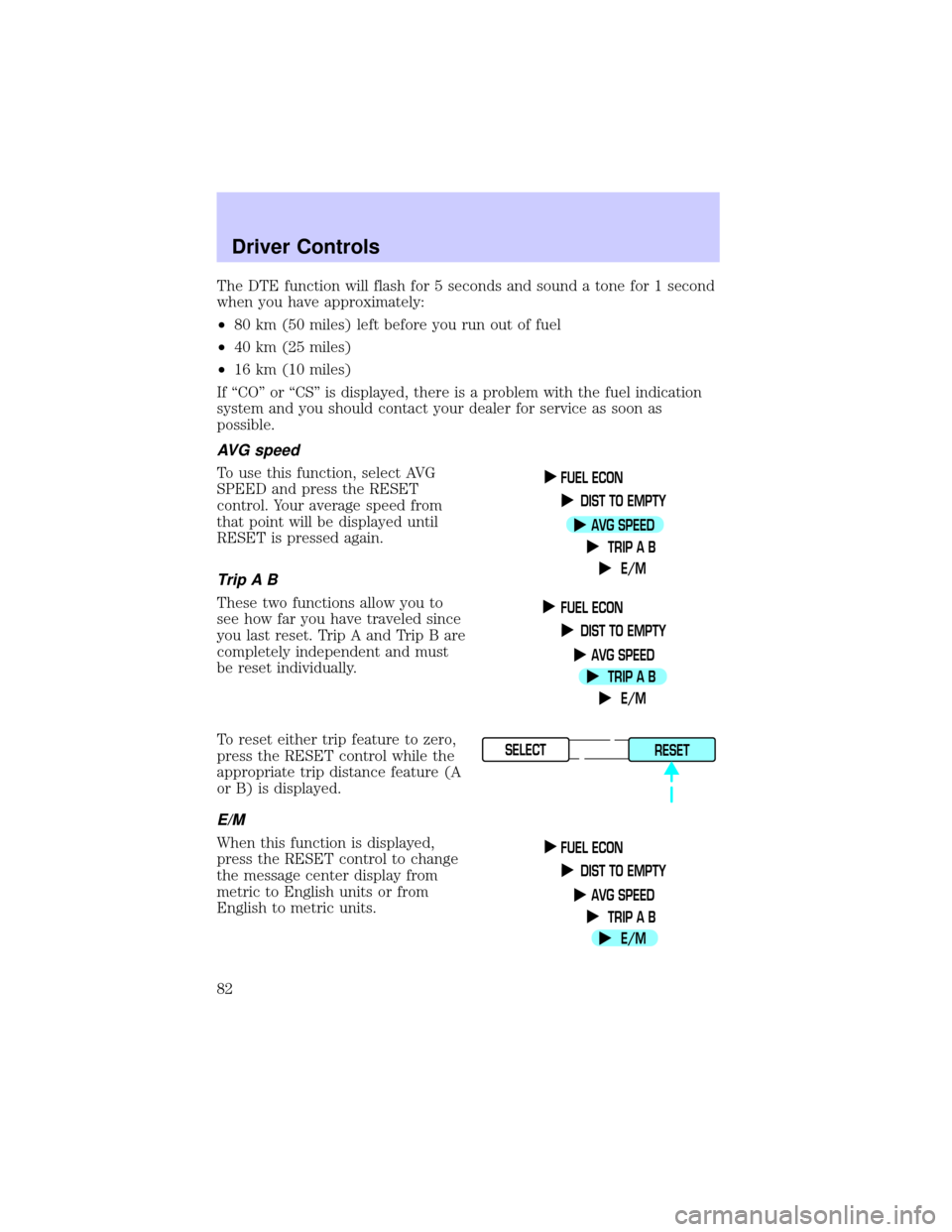
To use this function, select AVG
SPEED and press the RESET
control. Your average speed from
that point will be displayed until
RESET is pressed again.
TripAB
These two functions allow you to
see how far you have traveled since
you last reset. Trip A and Trip B are
completely independent and must
be reset individually.
To reset either trip feature to zero,
press the RESET control while the
appropriate trip distance feature (A
or B) is displayed.
E/M
When this function is displayed,
press the RESET control to change
the message center display from
metric to English units or from
English to metric units.
FUEL ECON
DIST TO EMPTY
AVG SPEED
TRIP A B
E/M
FUEL ECON
DIST TO EMPTY
AVG SPEED
TRIP A B
E/M
SELECT
RESET
FUEL ECON
DIST TO EMPTY
AVG SPEED
TRIP A B
E/M
Driver Controls
82
Page 93 of 248
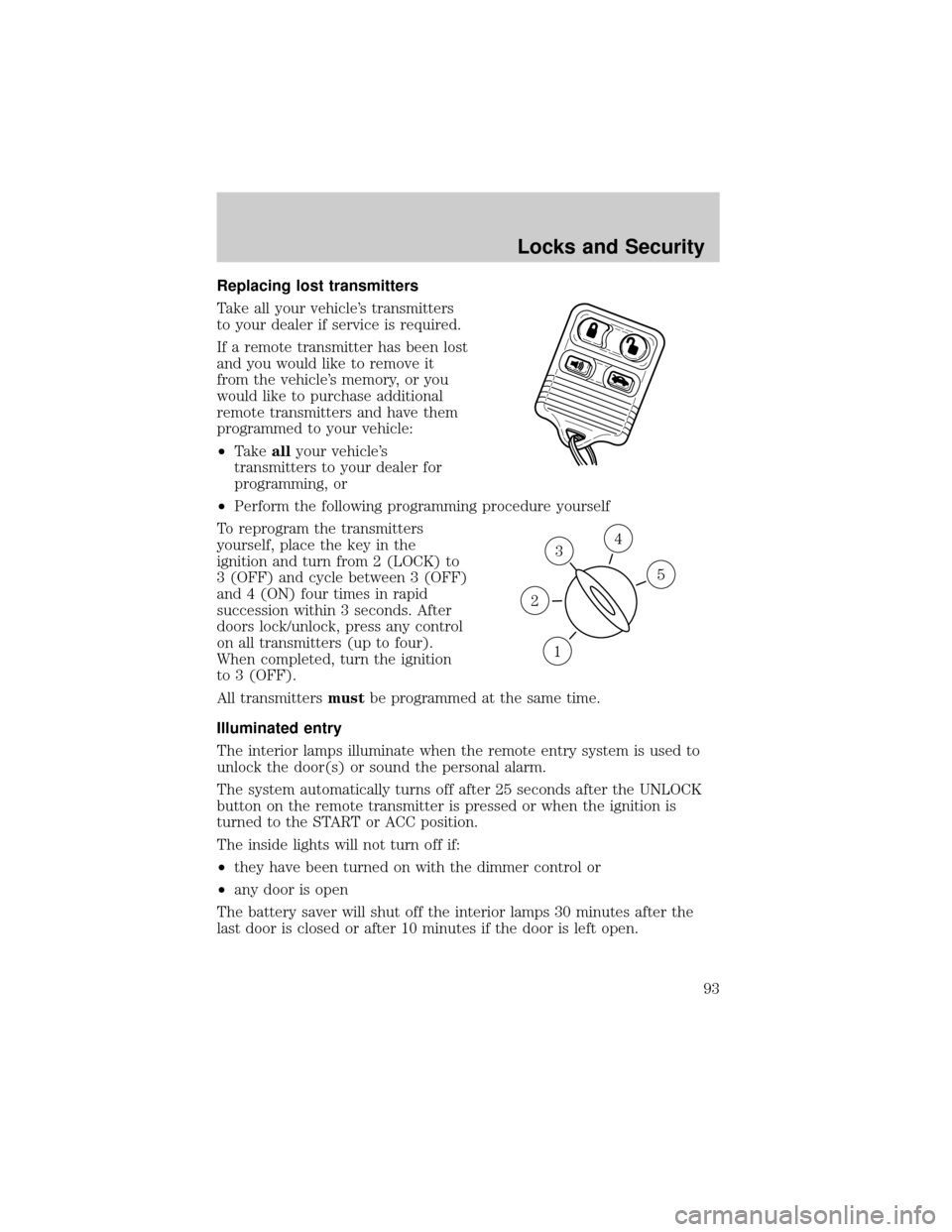
Replacing lost transmitters
Take all your vehicle's transmitters
to your dealer if service is required.
If a remote transmitter has been lost
and you would like to remove it
from the vehicle's memory, or you
would like to purchase additional
remote transmitters and have them
programmed to your vehicle:
²Takeallyour vehicle's
transmitters to your dealer for
programming, or
²Perform the following programming procedure yourself
To reprogram the transmitters
yourself, place the key in the
ignition and turn from 2 (LOCK) to
3 (OFF) and cycle between 3 (OFF)
and 4 (ON) four times in rapid
succession within 3 seconds. After
doors lock/unlock, press any control
on all transmitters (up to four).
When completed, turn the ignition
to 3 (OFF).
All transmittersmustbe programmed at the same time.
Illuminated entry
The interior lamps illuminate when the remote entry system is used to
unlock the door(s) or sound the personal alarm.
The system automatically turns off after 25 seconds after the UNLOCK
button on the remote transmitter is pressed or when the ignition is
turned to the START or ACC position.
The inside lights will not turn off if:
²they have been turned on with the dimmer control or
²any door is open
The battery saver will shut off the interior lamps 30 minutes after the
last door is closed or after 10 minutes if the door is left open.
3
1
2
5
4
Locks and Security
93
Page 98 of 248
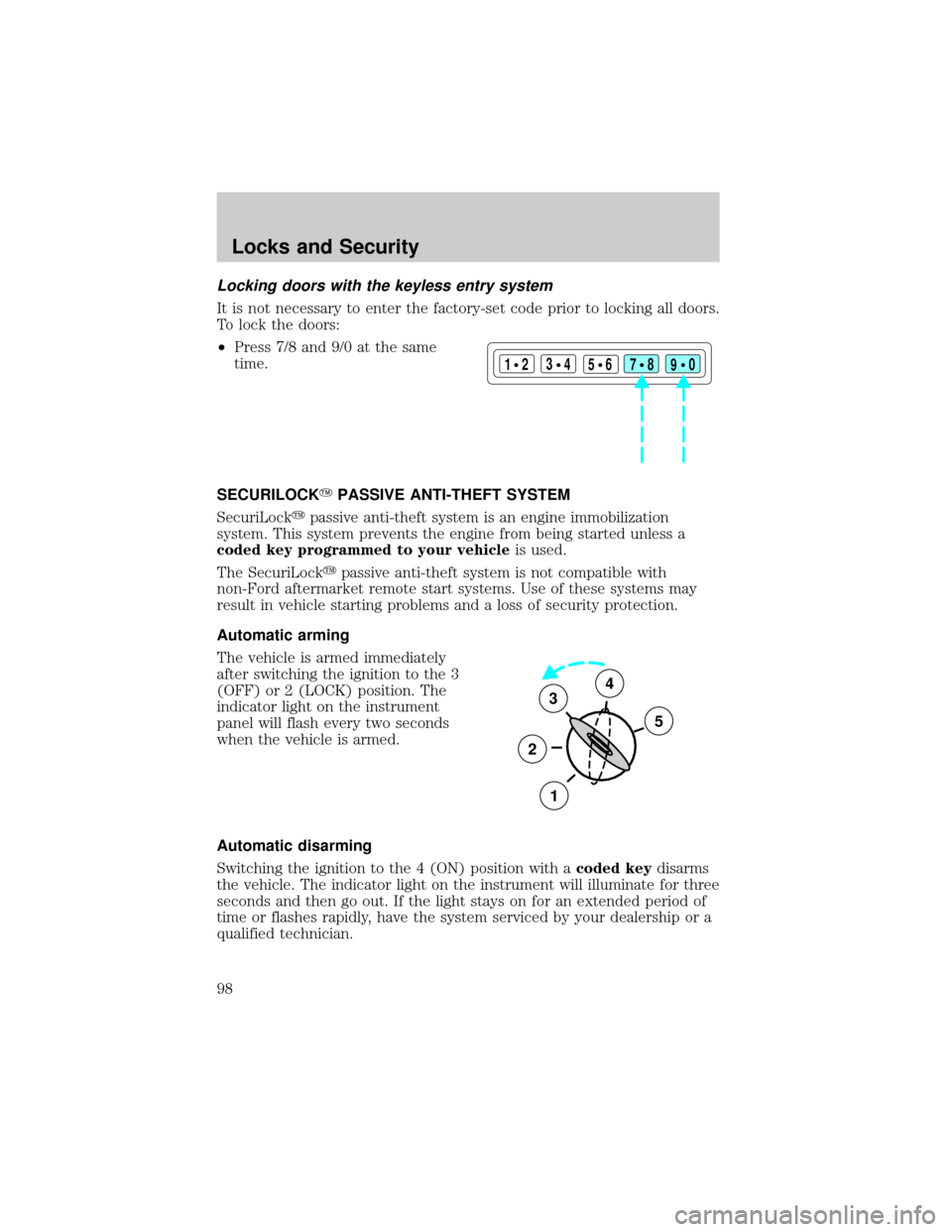
Locking doors with the keyless entry system
It is not necessary to enter the factory-set code prior to locking all doors.
To lock the doors:
²Press 7/8 and 9/0 at the same
time.
SECURILOCKYPASSIVE ANTI-THEFT SYSTEM
SecuriLockypassive anti-theft system is an engine immobilization
system. This system prevents the engine from being started unless a
coded key programmed to your vehicleis used.
The SecuriLockypassive anti-theft system is not compatible with
non-Ford aftermarket remote start systems. Use of these systems may
result in vehicle starting problems and a loss of security protection.
Automatic arming
The vehicle is armed immediately
after switching the ignition to the 3
(OFF) or 2 (LOCK) position. The
indicator light on the instrument
panel will flash every two seconds
when the vehicle is armed.
Automatic disarming
Switching the ignition to the 4 (ON) position with acoded keydisarms
the vehicle. The indicator light on the instrument will illuminate for three
seconds and then go out. If the light stays on for an extended period of
time or flashes rapidly, have the system serviced by your dealership or a
qualified technician.
123
45678
90
3
2
1
5
4
Locks and Security
98
Page 110 of 248
If any of these things happen, even intermittently, have the Personal
safety system serviced at your dealership or by a qualified technician
immediately. Unless serviced, the system may not function properly in
the event of a collision.
Safety restraints precautions
Always drive and ride with your seatback upright and the lap
belt snug and low across the hips.
To reduce the risk of injury, make sure children sit where they
can be properly restrained.
Never let a passenger hold a child on his or her lap while the
vehicle is moving. The passenger cannot protect the child from
injury in a collision.
All occupants of the vehicle, including the driver, should always
properly wear their safety belts, even when an air bag (SRS) is
provided.
It is extremely dangerous to ride in a cargo area, inside or
outside of a vehicle. In a collision, people riding in these areas
are more likely to be seriously injured or killed. Do not allow people to
ride in any area of your vehicle that is not equipped with seats and
safety belts. Be sure everyone in your vehicle is in a seat and using a
safety belt properly.
In a rollover crash, an unbelted person is significantly more likely
to die than a person wearing a safety belt.
Seating and Safety Restraints
110
Page 121 of 248
AIR BAG SUPPLEMENTAL RESTRAINT SYSTEM (SRS)
Your vehicle is equipped with a crash sensing and diagnostic module
which records information about the air bag and sensor systems. In the
event of a collision this module may save information related to the
collision including information about the air bag system and impact
severity. This information will assist Ford Motor Company in the
servicing vehicle and helping to better understand real world collisions
and further improve the safety of future vehicles.
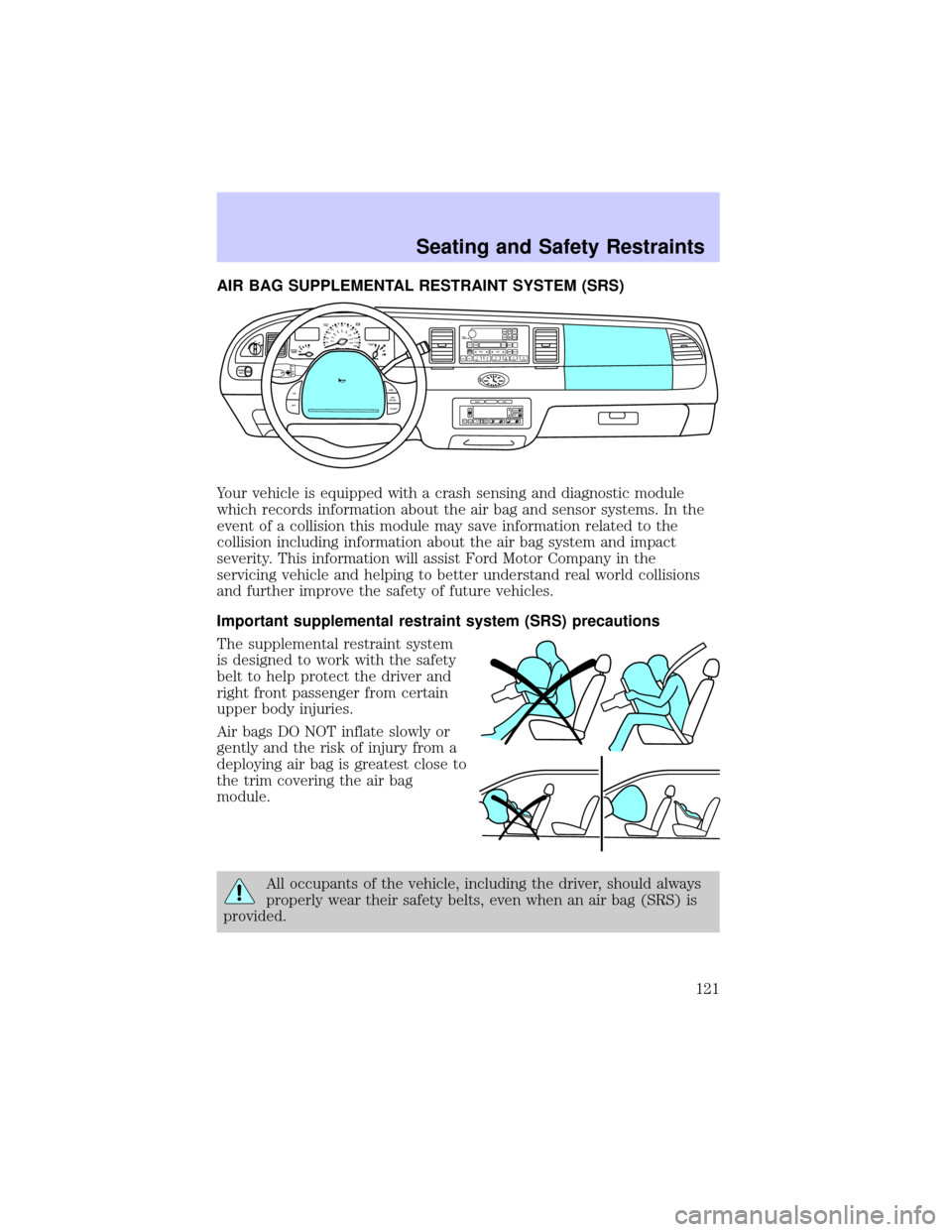
Important supplemental restraint system (SRS) precautions
The supplemental restraint system
is designed to work with the safety
belt to help protect the driver and
right front passenger from certain
upper body injuries.
Air bags DO NOT inflate slowly or
gently and the risk of injury from a
deploying air bag is greatest close to
the trim covering the air bag
module.
All occupants of the vehicle, including the driver, should always
properly wear their safety belts, even when an air bag (SRS) is
provided.
OFF
P102030405060
70
80
90
100
120206080
40100
120
160 140
180MPHkm/h110HF
E1
2FILL ON
LEFT<
CHECK
TRAC
SERVICE
ENGINE
SOON
PANEL
DIMLO
F
S
OFF
MIST
VOL
PUSH ONTAPE
MUTESEEK
TUNE
AM
FM
REW
FFSIDE 1 2
COMP
SHUFFCDEJ
RDS
SCAN AUTO123
4
56
BASS
TREBSELBAL
FADE
ON
OFFRES
SET
ACCEL
COASTEXT
OFFMAX
A/CAUTOFRONT
REARSELECTRESET
Seating and Safety Restraints
121
Page 122 of 248
Always transport children 12 years old and under in the back
seat and always properly use appropriate child restraints.
National Highway Traffic Safety Administration (NHTSA)
recommends a minimum distance of at least 25 cm (10 inches)
between an occupant's chest and the driver air bag module.
Never place your arm over the air bag module as a deploying air
bag can result in serious arm fractures or other injuries.
Steps you can take to properly position yourself away from the air bag:
²Move your seat to the rear as far as you can while still reaching the
pedals comfortably.
²Recline the seat slightly (one or two degrees) from the upright
position.
Do not put anything on or over the air bag module. Placing
objects on or over the air bag inflation area may cause those
objects to be propelled by the air bag into your face and torso causing
serious injury.
Do not attempt to service, repair, or modify the air bag
supplemental restraint systems or its fuses. See your Ford or
Lincoln Mercury dealer.
The front passenger air bag is not designed to offer protection to
occupants in the center front seating position.
Modifications to the front end of the vehicle, including frame,
bumper, front end body structure and tow hooks may affect the
performance of the air bag sensors increasing the risk of injury. Do not
modify the front end of the vehicle.
Seating and Safety Restraints
122