Windshield wiper LUCID AIR 2023 Owners Manual
[x] Cancel search | Manufacturer: LUCID, Model Year: 2023, Model line: AIR, Model: LUCID AIR 2023Pages: 241, PDF Size: 5.15 MB
Page 9 of 241
Alerts and Notifications 141
Software Updates 142
Updating Software 142 Viewing Release Notes 143High-Voltage Battery Pack &
ChargingElectric Vehicle Components 145
High-Voltage Components 145
Battery Information 147
About the Vehicle Batteries 147
High Voltage Battery Pack Care 147
Charging Instructions 148
Safety Checklist 148 Charge Port Door 148Charging the Vehicle 149Disconnecting the Charging Cable 149
Charging Status 150
Setting a Charge Limit 150
Cold Weather Charging Considerations 151MaintenanceMaintenance Requirements 153
Your Responsibility 153
Scheduled Maintenance 153
Fluid Replacement 153
Owner Maintenance 153
Electrical and High Voltage Safety 154
Maintenance Schedule 155
Multi-Point Inspection 156
Fluid Reservoirs 157
Checking Brake Fluid 157 Checking Windshield Washer Fluid 158
Wiper Blades and Washer Jets 159
Checking the Wiper Blades 159 Replacing Wiper Blades 159
Cleaning Washer Jets 159
Cabin Air Filter 161
Replacing the Cabin Air Filters 161
Vehicle Care 162
Cleaning the Exterior 162
Polishing, Paint, and Body Repairs 163
Using a Car Cover 164
Cleaning the Interior 164
Page 86 of 241
Exterior Lights
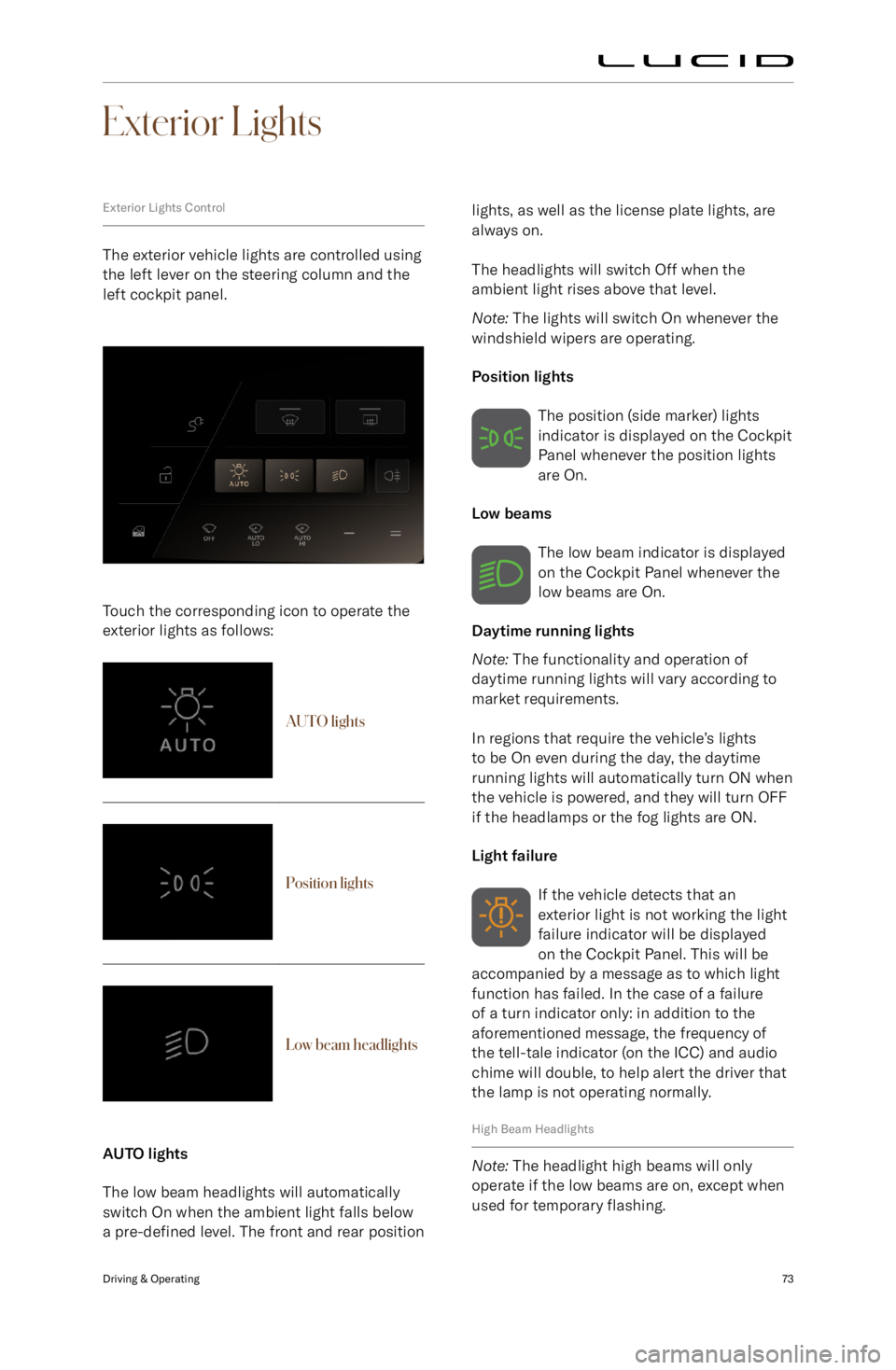
Exterior Lights Control
The exterior vehicle lights are controlled using
the left lever on the steering column and the
left cockpit panel.
Touch the corresponding icon to operate the exterior lights as follows:
AUTO lightsPosition lightsLow beam headlights
AUTO lights
The low beam headlights will automatically switch On when the ambient light falls below
a pre-defined level. The front and rear position
lights, as well as the license plate lights, are
always on.
The headlights will switch Off when the
ambient light rises above that level.
Note: The lights will switch On whenever the
windshield wipers are operating.
Position lights The position (side marker) lights
indicator is displayed on the Cockpit
Panel whenever the position lights
are On.
Low beams
The low beam indicator is displayed
on the Cockpit Panel whenever the
low beams are On.
Daytime running lights
Note: The functionality and operation of
daytime running lights will vary according to
market requirements.
In regions that require the vehicle
Page 90 of 241
Wipers and Washers
WipersCAUTION: Do not activate the wipers
if they are frozen to the windshield;
this could damage the wiper blades
and the wiper motor.CAUTION: Do not activate the wipers
on a dry windshield; this could
damage or cause unnecessary wear to
the wiper blades.
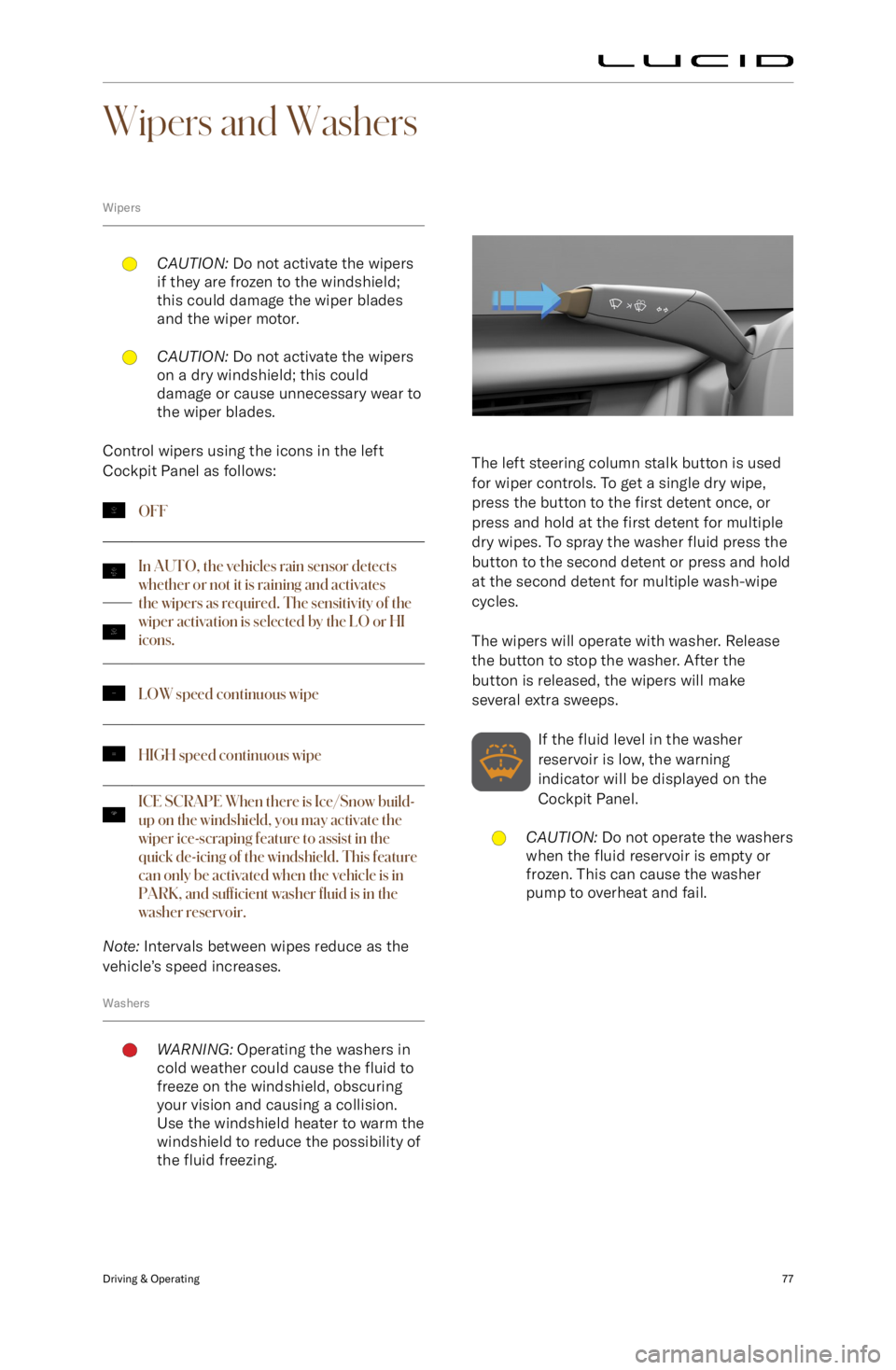
Control wipers using the icons in the left
Cockpit Panel as follows:
OFFIn AUTO, the vehicles rain sensor detects
whether or not it is raining and activates
the wipers as required. The sensitivity of the
wiper activation is selected by the LO or HI
icons.LOW speed continuous wipeHIGH speed continuous wipeICE SC
Page 172 of 241
Wiper Blades and Washer Jets
Checking the Wiper BladesCAUTION: Only use cleaning products
that have been approved for use
on automotive glass and rubber.
Inappropriate products may cause
damage, smearing, or increased glare
on the screen.
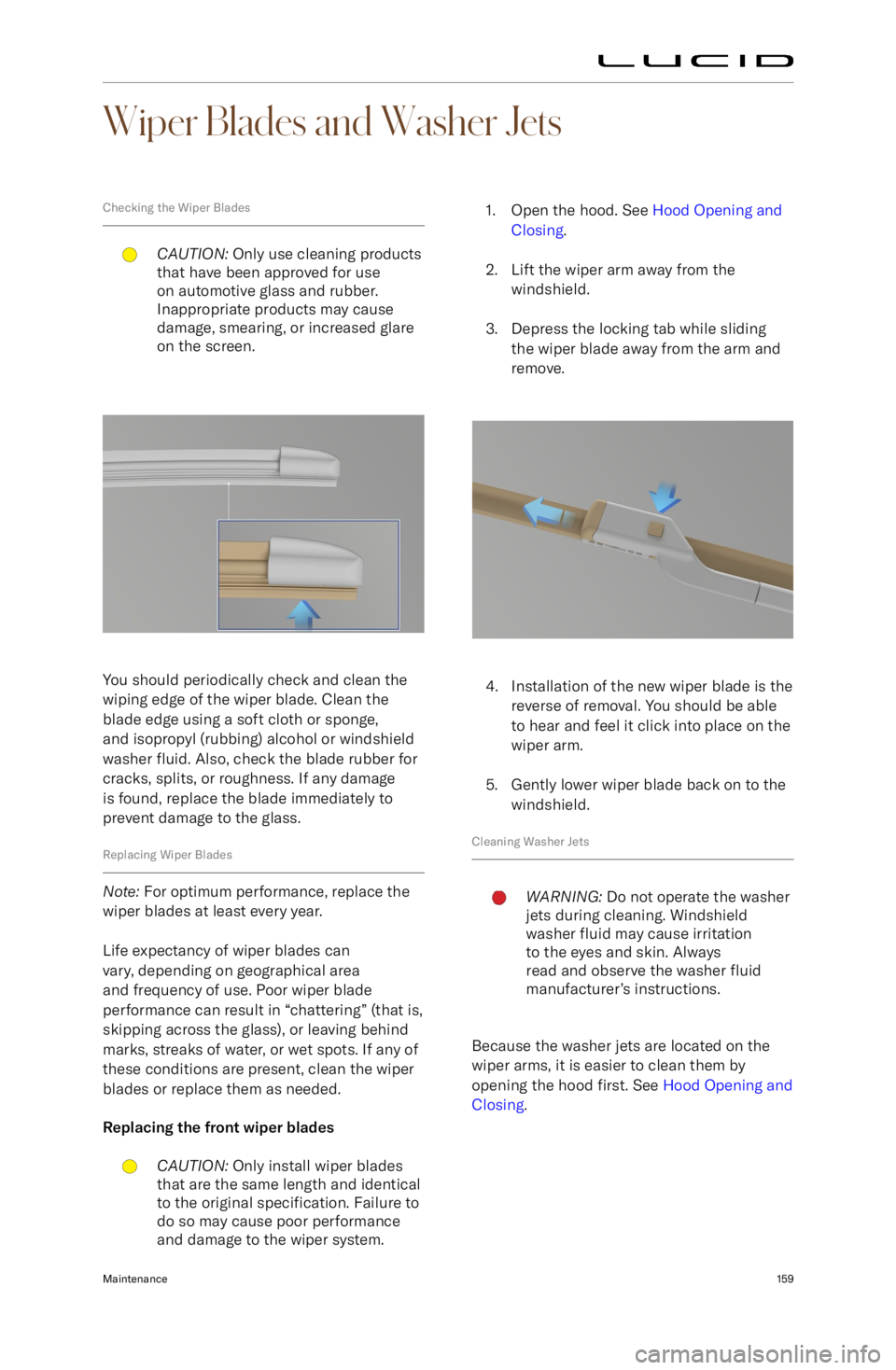
You should periodically check and clean the
wiping edge of the wiper blade. Clean the blade edge using a soft cloth or sponge,
and isopropyl (rubbing) alcohol or windshield
washer fluid. Also, check the blade rubber for
cracks, splits, or roughness. If any damage
is found, replace the blade immediately to
prevent damage to the glass.
Replacing Wiper Blades
Note: For optimum performance, replace the
wiper blades at least every year.
Life expectancy of wiper blades can
vary, depending on geographical area
and frequency of use. Poor wiper blade
performance can result in “chattering” (that is, skipping across the glass), or leaving behind
marks, streaks of water, or wet spots. If any of
these conditions are present, clean the wiper
blades or replace them as needed.
Replacing the front wiper blades
CAUTION: Only install wiper blades
that are the same length and identical to the original specification. Failure to
do so may cause poor performance and damage to the wiper system.1. Open the hood. See Hood Opening and
Closing .
2. Lift the wiper arm away from the windshield.
3. Depress the locking tab while sliding the wiper blade away from the arm and
remove.
4. Installation of the new wiper blade is the reverse of removal. You should be able
to hear and feel it click into place on the
wiper arm.
5. Gently lower wiper blade back on to the windshield.
Cleaning Washer Jets
WARNING: Do not operate the washer
jets during cleaning. Windshield
washer fluid may cause irritation
to the eyes and skin. Always
read and observe the washer fluid
manufacturer
Page 176 of 241
Automatic car washesCAUTION: Do not use a car wash
that applies cleansers containing
acid. Acid can react with the plastic
in some vehicle components and
damage them. Always check with your
car wash to confirm that acid is not
used.CAUTION: Leave the windshield
wipers in the off position while in a car wash to avoid damaging them.
Lucid recommends using only touch-free
automated car washes that do not bring
brushes or other cleaning tools in direct
contact with the vehicle body.
Note: Vehicle or paint damage caused by
using an automatic car wash will not be
covered under the vehicle warranty.
Pressure washers
CAUTION: Do not use a pressure
washer with a circular jet or bristle
attachment, as it could damage the
surface finish of components.CAUTION: Pressure washers that
have a pressure exceeding 1,200 PSI
(82 bar) can damage or even remove
vehicle paint if used improperly.CAUTION: Do not use a hot or steam
pressure washer with a temperature
exceeding 120