mazda connect MAZDA CX30 2023 User Guide
[x] Cancel search | Manufacturer: MAZDA, Model Year: 2023, Model line: CX30, Model: MAZDA CX30 2023Pages: 595, PDF Size: 21.06 MB
Page 142 of 595

Rocking the Vehicle
▼Rocking the Vehicle
WARNING
Do not spin the wheels at more than
56 km/h (35 mph), and do not allow
anyone to stand behind a wheel when
pushing the vehicle:
When the vehicle is stuck, spinning the
wheels at high speed is dangerous. The
spinning tire could overheat and
explode. This could cause serious
injuries.
CAUTION
Too much rocking may cause engine
overheating , transmission failure, and
tire damage.
If you must rock the vehicle to free it
from snow, sand or mud, depress the
accelerator slightly and slowly move
the selector lever from D to R position.
Winter Driving
▼Winter Driving
Carry emergency gear, including tire
chains, window scraper,
flares, a small
shovel, jumper cables, and a small bag
of sand or salt.
Ask an Authorized Mazda Dealer to
check the following:
Have the proper ratio of antifreeze in
the radiator.
Refer to Engine Coolant on page
6-18.
Inspect the battery and its cables.
Cold reduces battery capacity.
Use an engine oil appropriate for the
lowest ambient temperatures that
the vehicle will be driven in (page
6-16).
Inspect the ignition system for
damage and loose connections.
Use washer fluid made with
antifreeze ―but do not use engine
coolant antifreeze for washer fluid
(page 6-20).
NOTE
Remove snow before driving. Snow
left on the windshield is dangerous
as it could obstruct vision.
Do not apply excessive force to a
window scraper when removing ice
or frozen snow on the mirror glass
and windshield.
Never use warm or hot water for
removing snow or ice from windows
and mirrors as it could result in the
glass cracking.
Before Driving
Driving Tips
3-53
CX-30_8LD3-EA-22J_Edition1_new 2022-6-7 13:06:59
Page 161 of 595

Two minutes have elapsed since the
idling was stopped.
The M Hybrid battery power is
depleted.
(Engine idling is stopped while the
vehicle is stopped)
The accelerator pedal is depressed
with the selector lever in the D or
M (not in second gear fixed mode)
position.
The selector lever is shifted to the R
position.
The selector lever is shifted from N
or P position to D or M (not in
second gear fixed mode) position.
The steering wheel is operated
with the selector lever in the D or
M (not in second gear fixed mode)
position.
The selector lever is in the M
position and the second gear fixed
mode is selected.
The steering wheel is operated.(Engine idling is stopped while
driving)
The selector lever is in a position
other than the D position.
The accelerator pedal is depressed.Sport mode is selected.The steering wheel is operated.With the selector lever in the P or
N position, or the D/M range, the
driver's seat belt is unfastened, the
driver's door is opened, or the
hood is opened.
Selector lever is operated while
engine idling is stopped
If the selector lever is shifted from D or
M (not in second gear fixed mode)
position to N or P position while
engine idling is stopped, the engine
does not restart even when the brake
pedal is released. The engine will
restart if the brake pedal is depressed
again or the selector lever is shifted to
the D, M (not in second gear fixed
mode), or R position. (For the
purposes of safety, always keep the
brake pedal depressed when shifting
the selector lever.)
If the selector lever is shifted from the
D or M (not in second gear fixed
mode) to the N or P position, and the
driver's seat belt is unfastened or the
driver's door is opened, the engine
restarts.
Battery terminals have been
disconnected
Engine idling may not stop right after
the battery terminals have been
disconnected. In addition, if the
battery is replaced, the i-stop functions
must be verified. Consult an
Authorized Mazda Dealer.
▼ i-stop OFF Switch
When pressing the switch, the i-stop
function stops and the i-stop OFF
switch indicator light turns on. If the
switch is pressed again, the i-stop
function becomes operational and the
When Driving
Start/Stop Engine
4-14
CX-30_8LD3-EA-22J_Edition1_new
2022-6-7 13:06:59
Page 163 of 595

WARNING
Do not rely completely on the vehicle
roll prevention function.
The vehicle roll prevention function
is a supplementary function which
operates for a maximum of 2
seconds after releasing the brake
pedal and accelerating the vehicle
from an engine idling stop condition.
Over reliance on the system may
result in an unexpected accident if
the vehicle were to suddenly
accelerate. Before starting to drive
the vehicle, always confirm the safety
of the surroundings and operate the
selector lever, brake pedal, and
accelerator pedal appropriately.
Note that the vehicle may move
suddenly depending on the vehicle's
load or if it is towing something.
Note that the vehicle may move
suddenly after the vehicle roll
prevention function is released while
the vehicle is under the following
conditions:
The selector lever is in the N
position.
If the selector lever is shifted to the
N position and the brake pedal is
released while the i-stop function
is operating, the brake force is
gradually released. To accelerate
the vehicle, release the brake pedal
after the engine restarts and shift
the selector lever to a position
other than the N position.
NOTE
When the vehicle is stopped on a
steep grade, the vehicle roll
prevention function does not
operate because engine idling is not
stopped.
The brake pedal response may
change, sound may occur from the
brakes, or the brake pedal could
vibrate from the operation of the
vehicle roll prevention function.
However, this does not indicate a
malfunction.
▼ i-stop Warning Light (Amber)/
i-stop Indicator Light (Green)
To ensure safe and comfortable use of
the vehicle, the i-stop system
constantly monitors the driver's
operations, the vehicle's interior and
exterior environment, and the
operational status of the vehicle, and
uses the i-stop warning light (amber)
and i-stop indicator light (green) to
inform the driver of various cautions
and warnings.
NOTE
On vehicles equipped with the center
display, the i-stop operation status is
displayed in the fuel efficiency monitor
display.
Refer to the Fuel Efficiency Monitor
section in the Mazda Connect
Owner's Manual.
i-stop warning light (amber)
The light turns on/flashes continuously
if the system has a problem. Have the
vehicle inspected by an Authorized
Mazda Dealer.
i-stop indicator light (green)
When Driving
Start/Stop Engine
4-16
CX-30_8LD3-EA-22J_Edition1_new
2022-6-7 13:06:59
Page 168 of 595

The screen content changes each time the INFO switch is pressed.
1. Basic display
2. Drive information display
3. i-ACTIVSENSE display
4. Message display
*1
*1 Displayed only when a warning occurs.
The type of display for the fuel economy and the maximum driving distance can be
changed.
Refer to the Settings section in the Mazda Connect Owner's Manual.
When Driving
Instrument Cluster and Display
4-21
CX-30_8LD3-EA-22J_Edition1_new2022-6-7 13:06:59
Page 172 of 595

When the illumination dimmer is
canceled, the screen in the center
display switches to constant display
of the daytime screen.
▼Outside Temperature Display
When the ignition is switched ON, the
outside temperature is displayed.
NOTE
Under the following conditions, the
outside temperature display may
differ from the actual outside
temperature depending on the
surroundings and ve
hicle conditions:
Significantly cold or hot
temperatures.
Sudden changes in outside
temperature.
The vehicle is parked.The vehicle is driven at low speeds.
Changing the Temperature Unit of the
Outside Temperature Display
The outside temperature unit can be
switched between Celsius and
Fahrenheit.
Settings can be changed by operating
the center display screen.
Refer to the Settings section in the
Mazda Connect Owner's Manual.
▼ Distance-to-empty
This displays the approximate distance
you can travel on the remaining fuel
based on the fuel economy.
The distance-to-empty will be
calculated and displayed every second.
When the remaining
distance-to-empty is 50 km (30 miles)
or farther, the remaining
distance-to-empty indication
decreases in 10 km (10 mile)
increments, and when the remaining
distance-to-empty is 50 km (30 miles)
or shorter, it decreases in 1 km (1 mile)
increments.
NOTE
Even though the distance-to-empty
display may indicate a sufficient
amount of remaining driving distance
before refueling is required, refuel as
soon as possible if the fuel level is
very low or the low fuel warning light
illuminates.
The display will not change unless
you add more than approximately 9
L (2.3 US gal, 1.9 Imp gal) of fuel.
The distance-to-empty is the
approximate remaining distance the
vehicle can be driven until all the
graduation marks in the fuel gauge
indicating the remaining fuel supply
disappear.
When Driving
Instrument Cluster and Display
4-25
CX-30_8LD3-EA-22J_Edition1_new
2022-6-7 13:06:59
Page 181 of 595
*2 The light turns on continuously when the parking brake is applied.
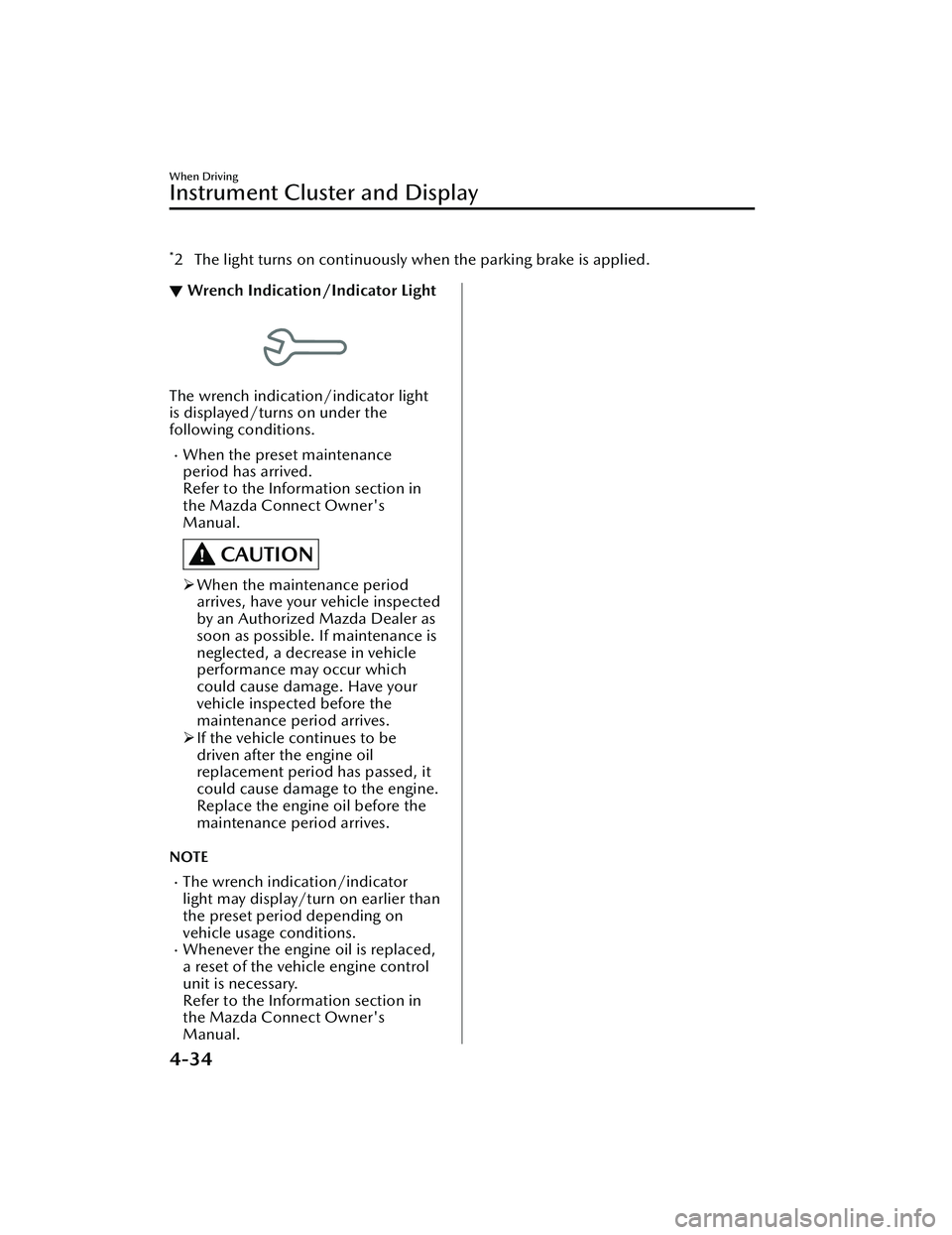
▼Wrench Indication/Indicator Light
The wrench indication/indicator light
is displayed/turns on under the
following conditions.
When the preset maintenance
period has arrived.
Refer to the Information section in
the Mazda Connect Owner's
Manual.
CAUTION
When the maintenance period
arrives, have your vehicle inspected
by an Authorized Mazda Dealer as
soon as possible. If maintenance is
neglected, a decrease in vehicle
performance may occur which
could cause damage. Have your
vehicle inspected before the
maintenance pe riod arrives.
If the vehicle continues to be
driven after the engine oil
replacement period has passed, it
could cause damage to the engine.
Replace the engine oil before the
maintenance pe riod arrives.
NOTE
The wrench indication/indicator
light may display/turn on earlier than
the preset period depending on
vehicle usage conditions.
Whenever the engine oil is replaced,
a reset of the vehicle engine control
unit is necessary.
Refer to the Information section in
the Mazda Connect Owner's
Manual.
When Driving
Instrument Cluster and Display
4-34
CX-30_8LD3-EA-22J_Edition1_new 2022-6-7 13:06:59
Page 183 of 595
The active driving display indicates the following information:
Lane Departure Warning System (LDWS) Warnings*
Refer to Lane Departure Warning System (LDWS) on page 4-103.Blind Spot Monitoring (BSM) Operation Conditions and Warnings*
Refer to Blind Spot Monitoring (BSM) on page 4-104.Traffic Sign Recognition System (TSR) traffic signs and Warnings*
Refer to Traffic Sign Recognition System (TSR) on page 4-109.Front Cross Traffic Alert (FCTA) Operation Conditions and Warning*
Refer to Front Cross Traffic Al ert (FCTA) on page 4-120.Mazda Radar Cruise Control with Stop & Go function (MRCC with Stop & Go
function) Operation Conditions and Warnings*
Refer to Mazda Radar Cruise Control with Stop & Go function (MRCC with Stop
& Go function) on page 4-127.
Traffic Jam Assist (TJA) Operation Conditions and Warnings*
Refer to Tra ffi c Jam Assist (TJA) on page 4-137.Lane-keep Assist System (LAS) Warnings*
Refer to Lane-keep Assist System (LAS) on page 4-151.Smart Brake Support (SBS) Operation Conditions and Warnings*
Refer to Smart Brake Support (SBS) on page 4-155.Cruise Control Operation Conditions
Refer to Cruise Control on page 4-208.
Navigation Guidance (vehicles with navigation system)Intersection Name (vehicles with navigation system)Street name (vehicles with navigation system)Lane Guidance (vehicles with navigation system)Speed limit indicator (vehicles with navigation system)Vehicle Speed
The active driving display settin gs can be changed or adjusted.
Refer to the Settings section in the Mazda Connect Owner's Manual.
NOTE
The desired driving position (display position, brightness level, display
information) can be called up after programming the position.
Refer to Driving Position Memory on page 2-10.
The street name may not be displayed depending on the market and region.
When Driving
Instrument Cluster and Display
4-36*Some models.
CX-30_8LD3-EA-22J_Edition1_new 2022-6-7 13:06:59
Page 197 of 595

The engine is running.
The selector lever is in a position other than P or N.
If there is a problem with M Hybrid, a warning indication is displayed.
M Hybrid operation status is displayed on the system operation status display of
the fuel efficiency monitor.
Refer to the Information section in the Mazda Connect Owner's Manual.
▼Unique M Hybrid Handling
M Hybrid vehicles have a unique
sound and vibration which differ from
normal vehicles. The following may
o cc u r, h o we v e r, t h i s i s u n i q u e t o M
Hybrid and it does not indicate a
problem.
Characteristic Occurrence status/loca-
tion
Operation sound of
deceleration regen-
eration An operational sound
can be heard from the
engine compartment
during deceleration.
Relay operation
sound of M Hybrid
battery An operational sound
can be heard from the
vehicle underfloor when
the engine is started and
stopped.
Operation sound of
brake system Sound can be heard from
the front of the vehicle
under the following con-
ditions:
The driver's door is
opened.
The ignition is switch-
ed ON.
The brake pedal is op-
erated.
The brake system op-
erates automatically.
Several minutes have
passed since the en-
gine was stopped.
Characteristic
Occurrence status/loca-
tion
Operational feed-
back through brake
pedal Operational feedback
through brake pedal
might be felt under the
following conditions.
The ignition is switch-
ed ON.
The brake pedal is op-
erated.
▼
M Hybrid battery
M Hybrid is equipped with a special
battery.
WARNING
Heed the following cautions to
prevent burns and electrical shock:
Never remove and disassemble the
brackets and connectors securing the
terminal part, wiring harness, and
the M Hybrid battery.
Never touch the M Hybrid battery
because it becomes extremely hot
under direct sunlight or after driving.
Because the M Hybrid battery is
especially dangerous when wet,
never touch it.
NOTE
The M Hybrid battery has a certain
battery life. Battery life
differs
depending on how the vehicle is used
and the driving conditions.
When Driving
M Hybrid
4-50
CX-30_8LD3-EA-22J_Edition1_new 2022-6-7 13:06:59
Page 199 of 595

WARNING
Never touch the areas where high
current is flowing:
Never touch a M Hybrid related part.
Otherwise, it could lead to an
electrical shock or burns causing
serious injury.
Never touch electrical wiring that may
be protruding into or outside of the
cabin:
Otherwise, it could lead to an
electrical shock or burns causing
serious injury.
Never touch any area where
electrolyte is visible or electrolyte is
leaking from the area:
If any electrolyte from the M Hybrid
battery gets in the eyes or on the skin,
it could cause loss of vision or skin
reactions. In the unlikely event that
electrolyte comes into contact with the
eyes or skin, flush with large quantities
of water immediately and seek
immediate medical attention.
Do not come near the vehicle if
electrolyte is leaking from the M
Hybrid battery:
Even if the M Hybrid battery is
damaged, large quantities of
electrolyte will not flow out due to the
internal structure of the battery,
however, in the unlikely event that it
does, it will produce steam. The steam
contains properties that can irritate the
eyes and skin, and could cause acute
poisoning if absorbed.
Never approach objects that are on
fire or extremely hot:
Electrolyte in the M Hybrid battery may
cause a fire.
If the vehicle catches fire, extinguish
the fire using an ABC fire
extinguisher:
Only extinguish a fire with water when
a high volume of water is available
such as from a fire hydrant.
▼ M Hybrid Control Status Display
The driver is notified of the M Hybrid
operation status by the control status
display.
The M Hybrid operation status is
displayed in the center display.
Refer to the Information section in the
Mazda Connect Owner's Manual.
When Driving
M Hybrid
4-52
CX-30_8LD3-EA-22J_Edition1_new
2022-6-7 13:06:59
Page 200 of 595

Lighting Control
▼Headlights
Turn the headlight switch to turn the headli
ghts and other exterior lights on or off.
When the taillights, parking lights, license plate lights, and the side-marker lights are
turned on, the lights-on indicator ligh t in the instrument cluster turns on.
NOTE
If the light switch is left on, the lights will automatically switch off approximately
30 seconds after switching the ignition off.
The time setting can be changed.
Refer to the Settings section in the Mazda Connect Owner's Manual.
To prevent discharging the battery, do not leave the lights on while the engine is
off unless safety requires them.
Without auto-light control
Ignition Position ACC or OFF ON
Switch Position OFF
OFF
Headlights Off Off
Off*1Off Off On
Daytime running
lights Off Off Off
On
*2On*2*3Off
Taillights
Parking lights
License plate lights
Side-marker lights Off
On
*1On*1Off On On
*1 The lights are turned on for the specified period by the auto headlight off function.
When Driving
Switches and Controls
4-53
CX-30_8LD3-EA-22J_Edition1_new
2022-6-7 13:06:59