change time MAZDA MODEL 3 4-DOOR 2016 Owner's Manual
[x] Cancel search | Manufacturer: MAZDA, Model Year: 2016, Model line: MODEL 3 4-DOOR, Model: MAZDA MODEL 3 4-DOOR 2016Pages: 598, PDF Size: 30.13 MB
Page 289 of 598
5–27
Interior Features
Audio System
*Some models.
NOTE
If not operated for several seconds, the
display returns to the previous display. To
reset bass, treble, fade, and balance, press
the menu button (
) for 2 seconds.
The unit will beep and “CLEAR” will be
displayed.
ALC (Automatic volume adjustment)
The automatic level control (ALC)
changes the audio volume automatically
according to the vehicle speed. The faster
the vehicle speed, the higher the volume
increases. ALC has ALC OFF and ALC
LEVEL 1 to 7 modes. At ALC LEVEL 7,
the amount that the volume can increase
is at the maximum. Select the mode
according to the driving conditions.
BEEP (Audio operation sound)
The setting for the operation sound when
pressing and holding a button can be
changed. The initial setting is ON. Set to
OFF to mute the operation sound.
BT SETUP mode
*
Music and other audio such as voice data
recorded on portable audio devices and
mobile phones available on the market
which are equipped with the Bluetooth
®
transmission function can be listened to
via wireless transmission over the vehicle's
speakers. Using the BT SETUP mode,
these devices can be programmed to the
Bluetooth
® unit or changed (page 5-80).
12Hr
24Hr (12 Hr/24 Hr time
adjustment)
Rotating the audio control dial switches
the display between 12 and 24-hour clock
time (page 5-28).
Mazda3_8FA4-EA-15G_Edition1.indb 272015/05/11 14:01:26
Page 296 of 598

5–34
Interior Features
Audio System
2. Press the button again to cancel the
random playback.
During MP3/WMA/AAC CD playback
(Folder random)
1. Press the random button (2) during
playback to play the tracks in the folder
randomly. “FOLDER RDM” is
displayed (
is displayed next to RDM
at the bottom of the display area).
2. To cancel the random playback, press
the button again after 3 seconds.
(CD random)
1. Press the random button (2) during
playback, and then press the button
again within 3 seconds to play the
tracks on the CD randomly. “DISC
RDM” is displayed (
is displayed
next to RDM at the bottom of the
display area).
2. Press the button again to cancel the
random playback.
Switching the display
The information displayed on the audio
display changes as follows each time the
text button (3) is pressed during playback.
Music CD
Button Information displayed
on audio display
Track number/Elapsed time
Track number Track name
Album name Artist name
MP3/WMA/AAC CD
Button Information displayed
on audio display
File number/Elapsed time
Folder number/File number
File name
Folder name
Album name Song name
Artist name
NOTE
The information viewable in the display
is only CD information (such as artist
name, song title) which has been
recorded to the CD.
This unit cannot display some
characters. Characters which cannot be
displayed are indicated by an asterisk
(
).
Display scroll
Only 13 characters can be displayed at one
time. To display the rest of the characters
of a long title, press and hold the text
button (3). The display scrolls the next 13
characters. Press and hold the text button
(3) again after the last 13 characters have
been displayed to return to the beginning
of the title.
NOTE
The number of characters which can be
displayed is restricted.
Mazda3_8FA4-EA-15G_Edition3.indb 342015/12/04 19:23:54
Page 302 of 598
5–40
Interior Features
Audio System
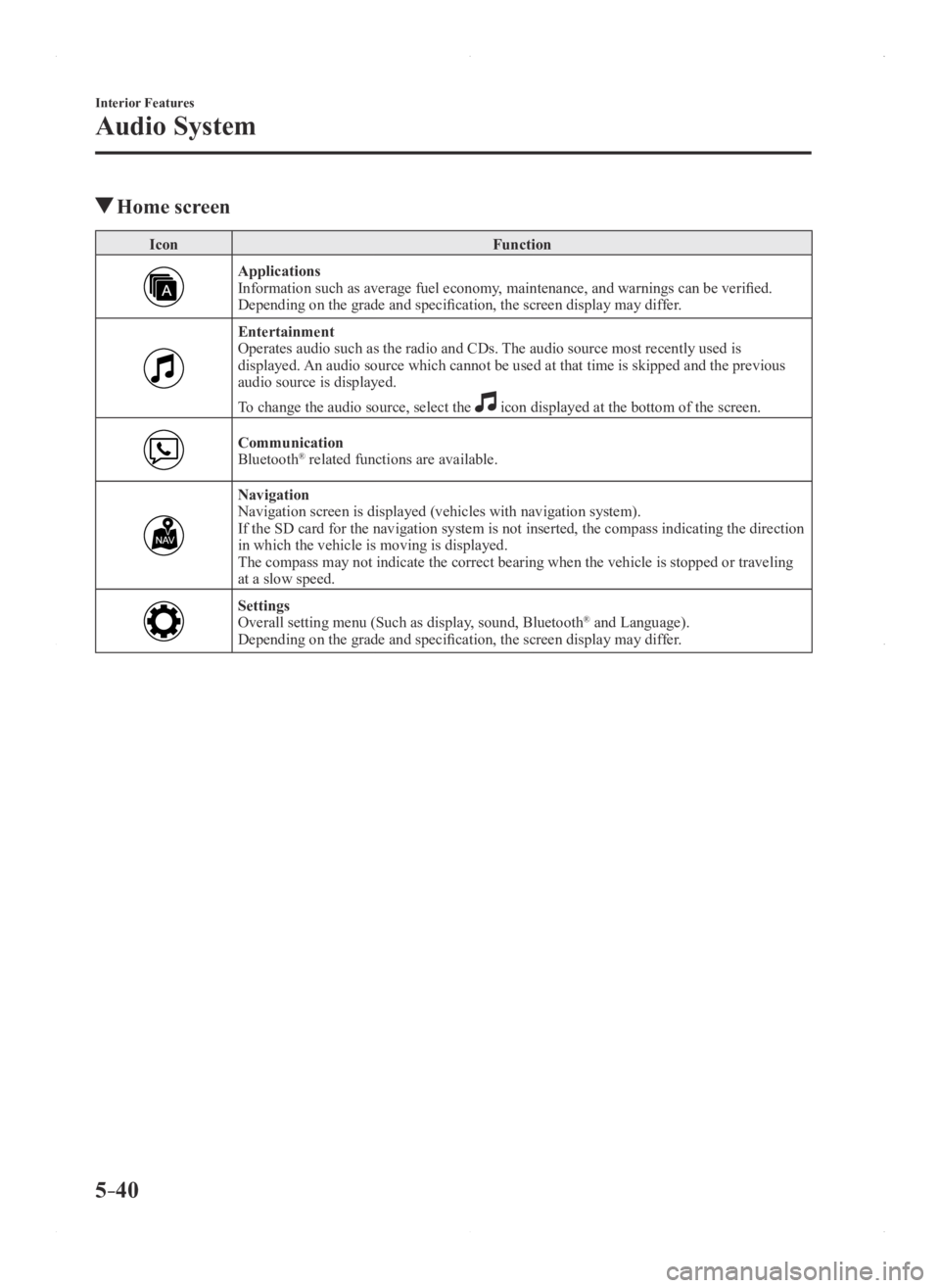
Home screen
IconFunction
ApplicationsInformation such as average fuel economy, maintenance, and warnings can be verified.
Depending on the grade and specification, the screen display may differ.
EntertainmentOperates audio such as the radio and CDs. The audio source most recently used is
displayed. An audio source which cannot be used at that time is skipped and the pre\
vious
audio source is displayed.
To change the audio source, select the
icon displayed at the bottom of the screen.
CommunicationBluetooth® related functions are available.
NavigationNavigation screen is displayed (vehicles with navigation system).
If the SD card for the navigation system is not inserted, the compass in\
dicating the direction
in which the vehicle is moving is displayed.
The compass may not indicate the correct bearing when the vehicle is sto\
pped or traveling
at a slow speed.
SettingsOverall setting menu (Such as display, sound, Bluetooth® and Language).
Depending on the grade and specification, the screen display may differ.
Mazda3_8FA4-EA-15G_Edition1.indb 402015/05/11 14:01:32
Page 304 of 598

5–42
Interior Features
Audio System
Volume/Display/Sound Controls
Volume dialCommander switchA udio control switch
Volume switch
Volume adjustment
Turn the commander switch volume dial.
The volume switch on the steering switch
can also be pressed.
Display setting
Select the
icon on the home screen to
display the Settings screen.
Select the
tab to select the item you
would like to change.
Display OFF/Clock
The center display can be turned off.
Select
to turn the display off.
When is
selected the center display turns off and
the clock is displayed.
The center display can be turned back on
as follows:
Touch the center display. Operate the commander switch.
Daytime/nighttime (System) screen
setting
The daytime or nighttime screen can be
selected.
: Switches screen automatically
according to headlight illumination
condition*1
: Daytime screen setting
: Nighttime screen setting
*1 The display is constantly on daytime
screen when the illumination dimmer is
cancelled.
Brightness adjustment
Adjust the center display brightness using
the slider.
Contrast adjustment
Adjust the center display contrast using
the slider.
Display setting reset
All of the screen setting values can be
reset to their initial settings.
1. Select .
2. Select .
Mazda3_8FA4-EA-15G_Edition1.indb 422015/05/11 14:01:33
Page 306 of 598

5–44
Interior Features
Audio System
Operating the Radio
Radio ON
Select the
icon on the home screen to display the Entertainment screen. When selecting
the desired radio, the following icons are indicated in the lower part o\
f the center display.
AM/FM Radio
IconFunction
Displays the Entertainment menu. Use to switch to a different audio source.
Displays the station list.
Select to display the frequencies of up to ten radio stations on the auto memory preset list.
Select the desired frequency.
Displays the Favorites list. Long-press to store radio station currently\
being aired.
Switches the on and off. Displays the multi-cast channel list of the
.
You can search for receivable radio stations.
Scanning stops at each station for about five seconds.
Select again to continue receiving the radio station.
You can change the radio frequency manually.
Rotate the commander knob, slide the screen, or touch the radio frequency.
Press
or to change the radio frequency one step at a time.
When
or is long-pressed, the radio frequency changes continually. It stops when you
remove your hand from the icon or the commander knob.
Launches the iTunes Tagging function (for Apple devices with USB use only). Can be used
when the is on.
Automatic radio station selection.
When long-pressed, the radio frequency changes continually. It stops when you remove
your hand from the icon or the commander knob.
Displays sound settings to adjust audio quality level.
Refer to Volume/Display/Sound Controls on page 5-42.
Mazda3_8FA4-EA-15G_Edition3.indb 442015/12/04 19:24:03
Page 308 of 598

5–46
Interior Features
Audio System
NOTE
To change the desired genre, select the
icon.
Ex.)
89.3 is currently being received. With
Rock selected as the Genre, the radio
stations broadcasting Rock are at the
following frequencies.
98.3
*1, 98.7, 104.3*1, 107.1
*1 Radio stations with good reception
The frequency changes as follows each
time
is pressed.
89.3→98.3→104.3→98.3
NOTE
Only one Genre can be selected. It may not be possible to r eceive any
station even if the Genre Seek function
is used.
If a program in the selected genre is not
broadcast to a region, reception is not
possible even if the Genre Seek function
is used.
The Genre Seek function searches for
genre code (program type) which FM
analog broadcasts transmit.
specialty programs (HD2-HD8) cannot
be searched because they are not FM
analog broadcasts.
If radio stations which are selected by
scanning using the Genre Seek function
are
broadcasting stations,
they are changed from analog
broadcasts to
broadcasts
after a few seconds if the reception
conditions are good. The genre is
displayed after the switch, however, the
genre for FM analog broadcasts may
differ.
HD Radio
What is HD Radio™ Technology and
how does it work?
HD Radio™ Technology is the digital
evolution of analog AM/FM radio. Your
radio product has a special receiver which
allows it to receive digital broadcasts
(where available) in addition to the analog
broadcasts it already receives. Digital
broadcasts have better sound quality than
analog broadcasts as digital broadcasts
provide free, crystal clear audio. For more
information, and a guide to available radio
stations and programming, please visit
www.hdradio.com.
Benefits of HD Radio™ Technology
(Information)
The song title, artist name, album name
and genre will appear on the screen when
available by the radio station.
(Multicast)
On the FM radio frequency most digital
stations have “multiple” or supplemental
programs on each FM station.
Listening to HD Radio™ Technology
If
icon turns on by selecting a radio
station which is an broadcasting
station, the analog broadcast is switched to
an
broadcast automatically after
a few seconds and then received.
If the
broadcast is stopped and
changed to an analog broadcast, press
down
to turn off .
Multicast channel selection (FM)
If multi-cast channels are available for an
broadcast currently being
received, the multi-cast channel list is
displayed. Select the desired radio station.
Mazda3_8FA4-EA-15G_Edition3.indb 462015/12/04 19:24:05
Page 317 of 598
5–55
Interior Features
Audio System
Settings
NOTE
Depending on the grade and specification, the screen display may differ.
Select the
icon on the home screen and display the Settings screen.
Switch the tab and select the setting item you want to change.
You can customize settings in the setup display as follows:
Ta bItem Function
AD-Disp Height
Brightness Control
Other Refer to Active Driving Display on page
4-18.
Display Refer to Volume/Display/Sound Controls on page 5-42.
Safety Smart City Brake Support
Blind Spot Monitoring Volume
Other Refer to Personalization Features on page
9-12.
Sound Refer to Volume/Display/Sound Controls on page 5-42.
Clock Adjust Time
Displays the currently set time is displayed.
Press
to advance the hour/minute, and select
to move the hour/minute back.
AM/PM can only be selected with the 12-hour
clock display.
GPS Sync Synchronizes with GPS when turned on.
When turned off, the time can be changed from
“Adjust Time”.
Time Format Changes the display between 12 and 24-hour
clock time.
Time Zone Select When it's not synchronized with GPS, select
the region you want to specify.
Daylight Savings Time Turns the daylight saving time setting on/off.
When ON, the time advances 1 hour. When
OFF, it returns to normal time.
Vehicle Rain Sensing Wiper
Door Locks
Other Refer to Personalization Features on page
9-12.
Devices Bluetooth
®Refer to Bluetooth® Preparation (Type B) on
page 5-94.
Mazda3_8FA4-EA-15G_Edition3.indb 552015/12/04 19:24:09
Page 327 of 598
5–65
Interior Features
Audio System
Folder search
To change to the previous folder, press the
folder down button (
), or press the folder
up button (
) to advance to the next
folder.
Music scan
This function scans the titles in a folder
currently being played and plays ten
seconds of each song to aid you in finding
a song you want to listen to.
Press and hold the scan button (
)
during playback to start the scan play
operation (the track number will flash).
Press and hold the scan button (
)
again to cancel scan playback.
NOTE
If the unit is left in scan, normal playback
will resume where scan was selected.
Repeat playback
Track repeat
1. Press the repeat button (1) during
playback to play the current track
repeatedly. “TRACK RPT” is displayed
(
is displayed next to RPT at the
bottom of the display area).
2. To cancel the repeat playback, press the
button again after 3 seconds.
Folder repeat
1. Press the repeat button (1) during
playback, and then press the button
again within 3 seconds to play the
tracks in the current folder repeatedly.
“FOLDER RPT” is displayed (
is
displayed next to RPT at the bottom of
the display area).
2. Press the button again to cancel the
repeat playback.
Random playback
Tracks are randomly selected and played.
Folder random
1. Press the random button (2) during
playback to play the tracks in the folder
randomly. “FOLDER RDM” is
displayed (
is displayed next to RDM
at the bottom of the display area).
2. To cancel the random playback, press
the button again after 3 seconds.
All random
1. Press the random button (2) during
playback, and then press the button
again within 3 seconds to play the
tracks in the USB device randomly.
“ALL RDM” is displayed (
is
displayed next to RDM at the bottom of
the display area).
2. Press the button again to cancel the
random playback.
Switching the display
The information displayed on the audio
display changes as follows each time the
text button (3) is pressed during playback.
Button Information displayed
on audio display
File number/Elapsed time
Folder number/File number
File name
Folder name
Album name Song name
Artist name
Mazda3_8FA4-EA-15G_Edition3.indb 652015/12/04 19:24:15
Page 331 of 598
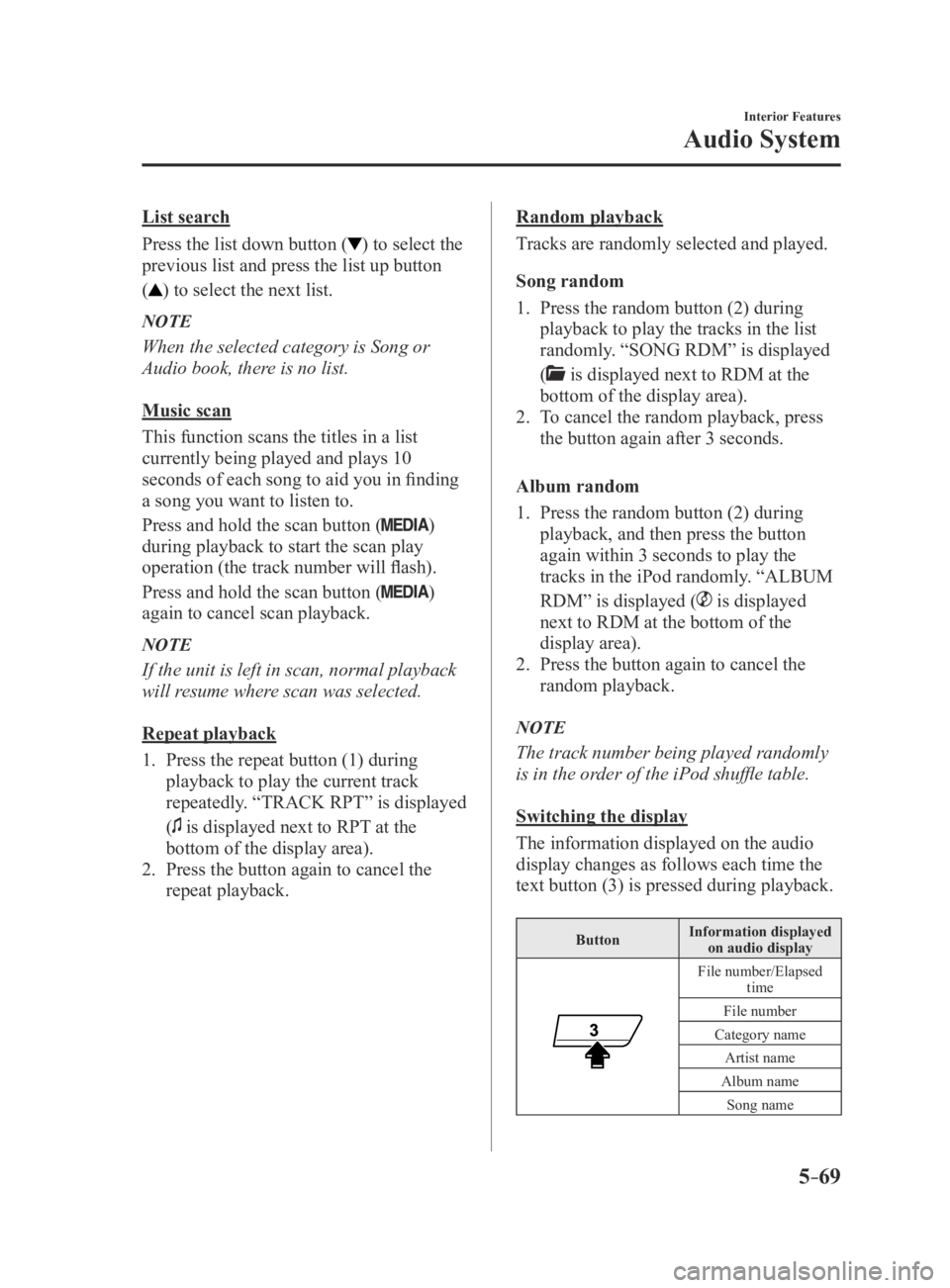
5–69
Interior Features
Audio System
List search
Press the list down button (
) to select the
previous list and press the list up button
(
) to select the next list.
NOTE
When the selected category is Song or
Audio book, there is no list.
Music scan
This function scans the titles in a list
currently being played and plays 10
seconds of each song to aid you in finding
a song you want to listen to.
Press and hold the scan button (
)
during playback to start the scan play
operation (the track number will flash).
Press and hold the scan button (
)
again to cancel scan playback.
NOTE
If the unit is left in scan, normal playback
will resume where scan was selected.
Repeat playback
1. Press the repeat button (1) during
playback to play the current track
repeatedly. “TRACK RPT” is displayed
(
is displayed next to RPT at the
bottom of the display area).
2. Press the button again to cancel the
repeat playback.
Random playback
Tracks are randomly selected and played.
Song random
1. Press the random button (2) during
playback to play the tracks in the list
randomly. “SONG RDM” is displayed
(
is displayed next to RDM at the
bottom of the display area).
2. To cancel the random playback, press
the button again after 3 seconds.
Album random
1. Press the random button (2) during
playback, and then press the button
again within 3 seconds to play the
tracks in the iPod randomly. “ALBUM
RDM” is displayed (
is displayed
next to RDM at the bottom of the
display area).
2. Press the button again to cancel the
random playback.
NOTE
The track number being played randomly
is in the order of the iPod shuffle table.
Switching the display
The information displayed on the audio
display changes as follows each time the
text button (3) is pressed during playback.
Button Information displayed
on audio display
File number/Elapsed time
File number
Category name Artist name
Album name Song name
Mazda3_8FA4-EA-15G_Edition3.indb 692015/12/04 19:24:16
Page 334 of 598

5–72
Interior Features
Audio System
Playback
1. Select the icon on the home screen to display the Entertainment screen.
2. Select or to switch the USB mode. The following icons are displayed in the
lower part of the center display.
IconFunction
Displays the Entertainment menu. Use to switch to a different audio source.
Category list is displayed.
Current track list is displayed.Select a desired track to play it.
Plays the current track repeatedly.Select it again to play the tracks in the current track list repeatedly.
When selected again, the function is canceled.
Tracks in the current track list are played randomly.Select it again to cancel.
Starts playing a track similar to the current track using Gracenote's More Like This™.Select the desired song from the category list to cancel More Like This™.
If selected within a few seconds from the beginning of a song which has \
started to play, the
previous song is selected.
If more than a few seconds have elapsed, the song currently being played\
is replayed from
the beginning.
Long-press to fast reverse. It stops when you remove your hand from the \
icon or the
commander knob.
Track is played. When selected again, playback is temporarily stopped.
Advances to the beginning of the next song.
Long-press to fast forward.
Displays sound settings to adjust audio quality level.
Refer to Volume/Display/Sound Controls on page 5-42.
NOTE
To move to the desired location on the track, move the slider indicating the playback time. The appearance of the repeat and shuffle icons changes depending on the type of
operation in which the function is used.
Mazda3_8FA4-EA-15G_Edition3.indb 722015/12/04 19:24:17