AUX MAZDA MODEL 3 5-DOOR 2012 Owner's Guide
[x] Cancel search | Manufacturer: MAZDA, Model Year: 2012, Model line: MODEL 3 5-DOOR, Model: MAZDA MODEL 3 5-DOOR 2012Pages: 528, PDF Size: 6.47 MB
Page 312 of 528
Black plate (312,1)
NOTE
Some Bluetooth®audio devices need a certain
amount of time before the “
”symbol is
displayed.
3. Press the AUX button () to switch
to the Bluetooth®audio mode and start
playback.
If the current device version is lower
than AVRCP Ver. 1.3:
“ BT Audio ”is displayed.
If the current device is AVRCP Ver.
1.3:
The playback time is displayed.
NOTE
lIf the Bluetooth®audio device does not
begin playback, press the Play/Pause
button (
).lIf the mode is switched from Bluetooth®
audio mode to another mode (radio mode),
audio playback from the Bluetooth®audio
device stops.
lIf a call is received on a hands-free mobile
phone during playback from the Bluetooth®
audio device, the playback is stopped.
Playback from the Bluetooth®audio device
resumes after the call ends.
Playback
1. To listen to a Bluetooth
®audio device
over the vehicle's speaker system,
switch the mode to Bluetooth
®audio
mode. (Refer to “Switching to
Bluetooth
®audio mode ”)
2. To stop playback, press the Play/Pause button (
).
3. Press the button again to resume playback.
Selecting a file (track)
Short-press the track down button (
)or
turn the file dial counterclockwise: Selects
the beginning of the current file (track).
Short-press the track up button (
)or
turn the file dial clockwise: Selects the
next file (track).
Fast-forward/Reverse (only AVRCP
Ver. 1.3)
Fast-forward
Press and hold the track up button (
).
Reverse
Press and hold the track down button
(
).
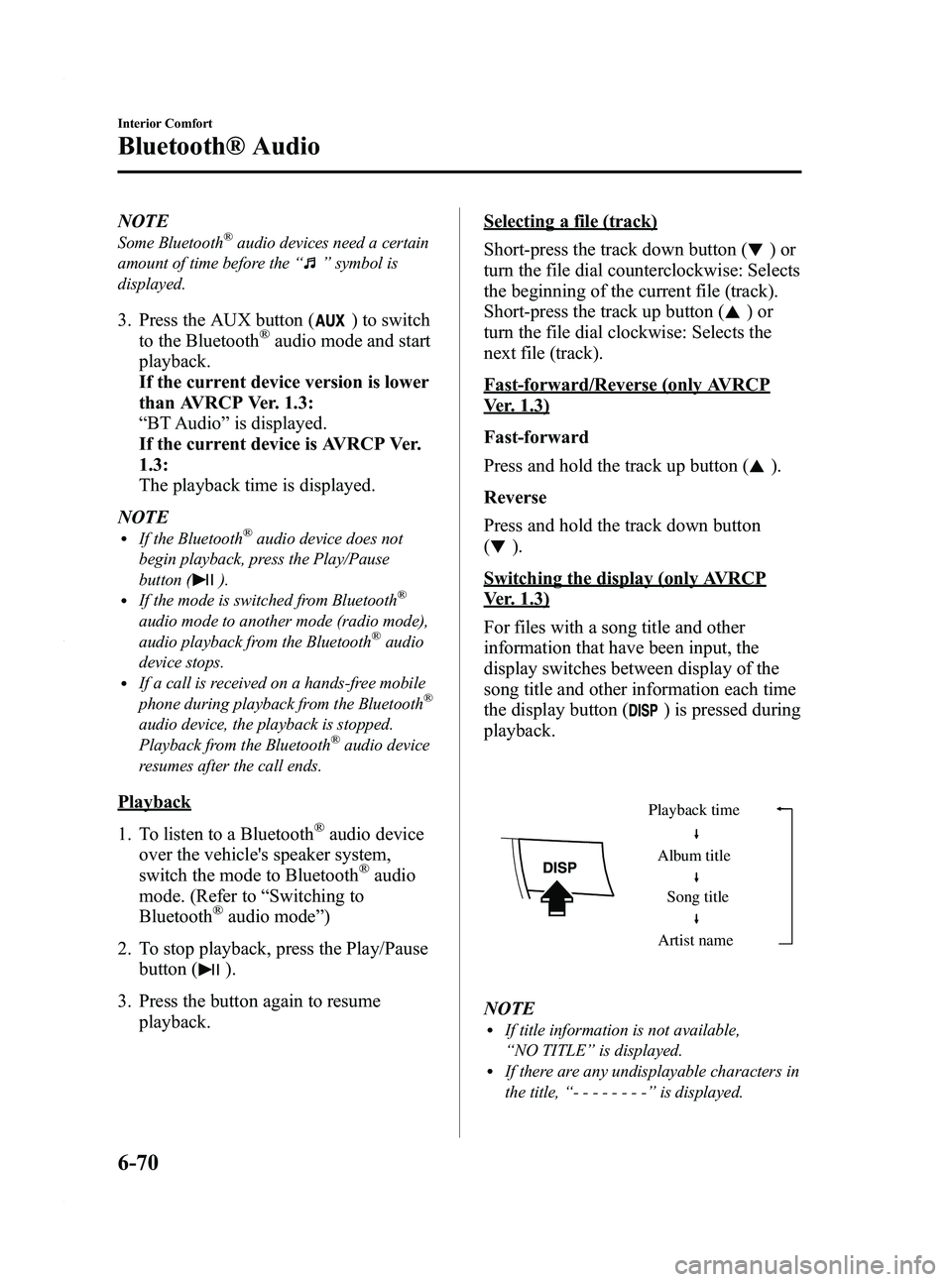
Switching the display (only AVRCP
Ver. 1.3)
For files with a song title and other
information that have been input, the
display switches between display of the
song title and other information each time
the display button (
) is pressed during
playback.
Album title
Song title
Artist name
Playback time
NOTElIf title information is not available,
“
NO TITLE ”is displayed.
lIf there are any undisplayable characters in
the title, “-------- ”is displayed.
6-70
Interior Comfort
Bluetooth® Audio
Mazda3_8BY6-EA-11F_Edition3 Page312
Thursday, March 1 2012 10:18 AM
Form No.8BY6-EA-11F
Page 350 of 528
Black plate (350,1)
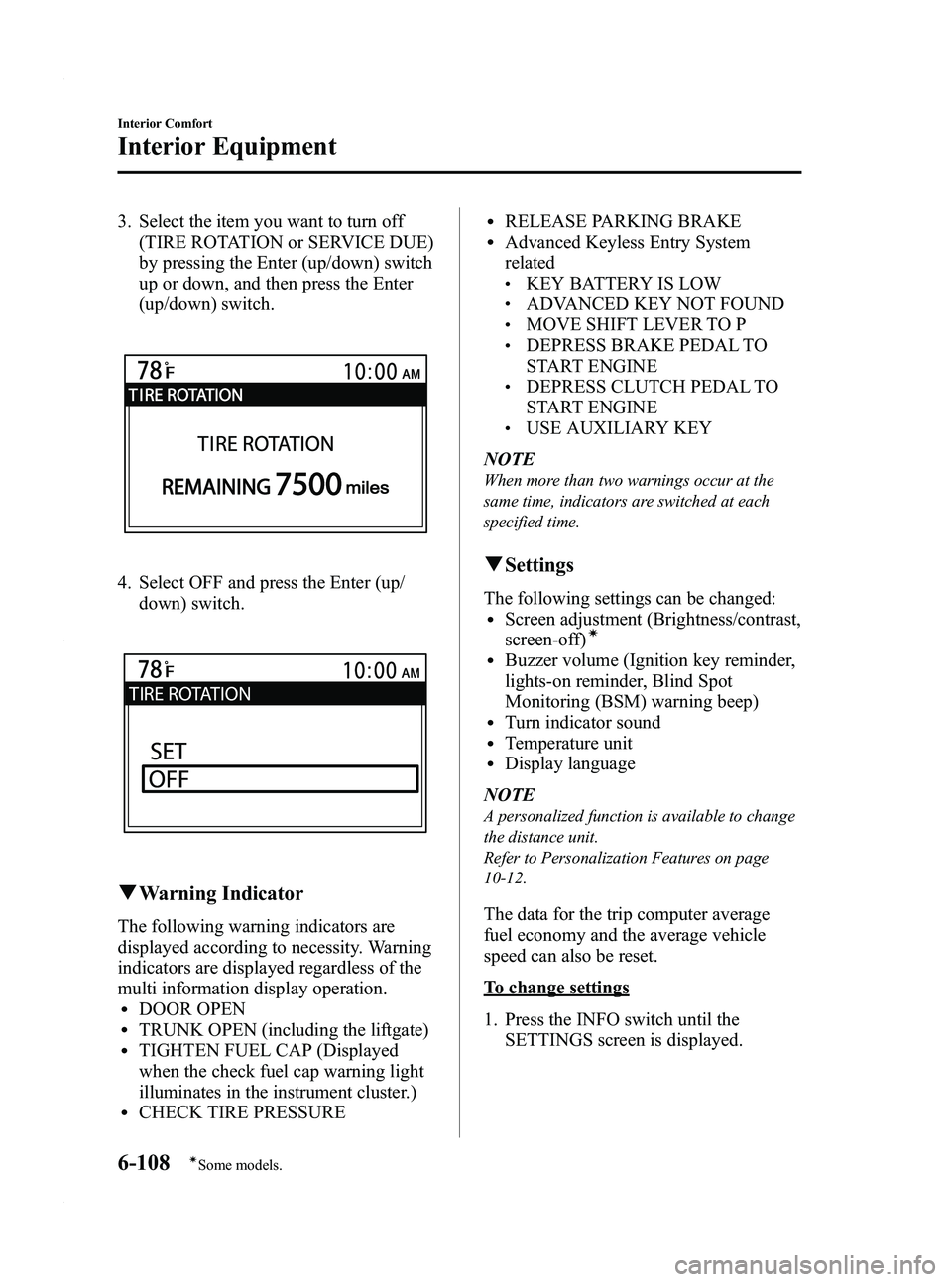
3. Select the item you want to turn off(TIRE ROTATION or SERVICE DUE)
by pressing the Enter (up/down) switch
up or down, and then press the Enter
(up/down) switch.
4. Select OFF and press the Enter (up/
down) switch.
qWarning Indicator
The following warning indicators are
displayed according to necessity. Warning
indicators are displayed regardless of the
multi information display operation.
lDOOR OPENlTRUNK OPEN (including the liftgate)lTIGHTEN FUEL CAP (Displayed
when the check fuel cap warning light
illuminates in the instrument cluster.)
lCHECK TIRE PRESSURE
lRELEASE PARKING BRAKElAdvanced Keyless Entry System
related
lKEY BATTERY IS LOWlADVANCED KEY NOT FOUNDlMOVE SHIFT LEVER TO PlDEPRESS BRAKE PEDAL TO
START ENGINE
lDEPRESS CLUTCH PEDAL TO
START ENGINE
lUSE AUXILIARY KEY
NOTE
When more than two warnings occur at the
same time, indicators are switched at each
specified time.
q Settings
The following settings can be changed:lScreen adjustment (Brightness/contrast,
screen-off)í
lBuzzer volume (Ignition key reminder,
lights-on reminder, Blind Spot
Monitoring (BSM) warning beep)
lTurn indicator soundlTemperature unitlDisplay language
NOTE
A personalized function is available to change
the distance unit.
Refer to Personalization Features on page
10-12.
The data for the trip computer average
fuel economy and the average vehicle
speed can also be reset.
To change settings
1. Press the INFO switch until the SETTINGS screen is displayed.
6-108
Interior Comfort
íSome models.
Interior Equipment
Mazda3_8BY6-EA-11F_Edition3 Page350
Thursday, March 1 2012 10:18 AM
Form No.8BY6-EA-11F
Page 522 of 528
Black plate (522,1)
A
Accessory Socket ............................ 6-114
Adaptive Front Lighting System
(AFS) ................................................ 5-68
Add-On Non-Genuine Parts and
Accessories ....................................... 9-19
Advanced Key ..................................... 3-2Advanced key maintenance ......... 3-5
Advanced key suspend
function ...................................... 3-20
Auxiliary key .............................. 3-20
Locking, unlocking with request
switch ........................................... 3-9
Opening the liftgate/trunk lid ..... 3-11
Operational range ......................... 3-7
Remote control function ............. 3-16
Service ......................................... 3-7
Warning and beep sounds .......... 3-21
When warning indicator/beep is
activated ..................................... 3-24
Air Bag Systems ............................... 2-44
Antenna ............................................. 6-16
Anti-Lock Brake System (ABS) ......... 5-8 Warning light ............................... 5-8
Appearance Care ............................... 8-63
Audio System ................................... 6-16 Audio control switch .................. 6-56
Audio set .................................... 6-27
AUX mode ................................. 6-59
Operating tips for audio
system ........................................ 6-17
Safety certification ..................... 6-61
Automatic Transaxle Driving tips ................................ 5-20
Fluid ........................................... 8-26
Manual shift mode ..................... 5-16
Shift-lock override ..................... 5-15
Shift-lock system ....................... 5-15
Transaxle ranges ........................ 5-14
B
BatteryEmergency starting .................... 7-18
Maintenance ............................... 8-33
Specifications ............................. 10-4
Beep Sounds Blind spot monitoring system
warning ...................................... 5-63
Ignition key reminder ................. 5-63
Lights-on reminder ..................... 5-63
Seat belt warning ........................ 5-63
Tire inflation pressure warning ... 5-63
Before Starting the Engine .................. 4-6 After getting in ............................. 4-6
Before getting in .......................... 4-6
Blind Spot Monitoring
(BSM) System .................................. 5-37 BSM OFF indicator light ........... 5-39
BSM OFF switch ....................... 5-40
Care of radar sensors .................. 5-40
Warning light/beep ..................... 5-39
Bluetooth® Audio ............................ 6-62
Bluetooth® Hands-Free .................... 6-72 Basic Bluetooth® Hands-Free
operation .................................... 6-76
Convenient use of the hands-free
system ........................................ 6-81
Hands-free setting ...................... 6-87
Mazda Bluetooth® Hands-Free
customer service ......................... 6-94
Safety certification ..................... 6-94
When Bluetooth® Hands-Free cannot
be used ....................................... 6-93
Body Lubrication .............................. 8-28
Boost Gauge ..................................... 5-45
Bottle Holder ................................... 6-110
Brake/Clutch Fluid ........................................... 8-24
11-2
Index
Mazda3_8BY6-EA-11F_Edition3 Page522
Thursday, March 1 2012 10:19 AM
Form No.8BY6-EA-11F