roof MAZDA MODEL 3 5-DOOR 2016 User Guide
[x] Cancel search | Manufacturer: MAZDA, Model Year: 2016, Model line: MODEL 3 5-DOOR, Model: MAZDA MODEL 3 5-DOOR 2016Pages: 598, PDF Size: 30.13 MB
Page 77 of 598
3–1*Some models.
3Before Driving
Use of various features, including keys, doors, mirrors and windows.
Keys ......................................................3-2
Keys
...............................................3-2
Keyless Entry System
....................3-3
Advanced Keyless Entry System
.......3-9
Advanced Keyless Entry
System
* ...........................................3-9
Operational Range
.......................3-10
Doors and Locks
................................3-11
Door Locks
...................................3-11
Liftgate/Trunk Lid
........................3-20
Inside Trunk Release Lever
(4-Door)
* ......................................3-24
Fuel and Emission
.............................3-26
Fuel and Engine Exhaust
Precautions
...................................3-26
Fuel-Filler Lid and Cap
................3-29
Steering Wheel ................................... 3-31
Steering Wheel
.............................3-31
Mirrors
...............................................3-32
Mirrors
.........................................3-32
Windows
.............................................3-35
Power Windows
...........................3-35
Moonroof * ...................................3-38 Security System
.................................3-40
Modification and Add-On
Equipment
....................................3-40
Immobilizer System
.....................3-40
Theft-Deterrent System* ...............3-42
Driving Tips
.......................................3-44
Break-In Period
............................3-44
Saving Fuel and Protection of the
Environment
.................................3-44
Hazardous Driving
.......................3-45
Floor Mat
.....................................3-45
Rocking the Vehicle
.....................3-46
Winter Driving
.............................3-46
Driving In Flooded Area
..............3-48
Overloading
..................................3-49
Driving on Uneven Road
.............3-50
Towing
................................................3-51
Trailer Towing
..............................3-51
Recreational Towing
....................3-51
Mazda3_8FA4-EA-15G_Edition1.indb 12015/05/11 14:00:16
Page 87 of 598

3–11
Before Driving
Doors and Locks
Door Locks
WARNING
Always take all children and pets with
you or leave a responsible person with
them:Leaving a child or a pet unattended in
a parked vehicle is dangerous. In hot
weather, temperatures inside a vehicle
can become high enough to cause
brain damage or even death.
Do not leave the key in your vehicle with
children and keep them in a place where
your children will not find or play with
them: Leaving children in a vehicle with the
key is dangerous. This could result in
someone being badly injured or even
killed.
Keep all doors locked when driving: Unlocked doors in a moving vehicle
are dangerous. Passengers can fall out
if a door is accidentally opened and
can more easily be thrown out in an
accident.
Always close all the windows and
moonroof, lock the doors and take the
key with you when leaving your vehicle
unattended: Leaving your vehicle unlocked is
dangerous as children could lock
themselves in a hot vehicle, which
could result in death. Also, a vehicle left
unlocked becomes an easy target for
thieves and intruders. After closing the doors, always verify
that they are securely closed:
Doors not securely closed are
dangerous, if the vehicle is driven with
a door not securely closed, the door
could open unexpectedly resulting in
an accident.
Always confirm the safety around the
vehicle before opening a door: Suddenly opening a door is dangerous.
A passing vehicle or a pedestrian could
be hit and cause an accident.
CAUTION
Always confirm the conditions around
the vehicle before opening/closing the
doors and use caution during strong
winds or when parked on an incline.
Not being aware of the conditions
around the vehicle is dangerous
because fingers could get caught in
the door or a passing pedestrian could
be hit, resulting in an unexpected
accident or injury.
Mazda3_8FA4-EA-15G_Edition1.indb 112015/05/11 14:00:19
Page 114 of 598

3–38
Before Driving
Windows
*Some models.
Moonroof*
The moonroof can be opened or closed
electrically only when the ignition is
switched ON.
Tilt/Slide switch
WARNING
Do not let passengers stand up or
extend part of the body through the
open moonroof while the vehicle is
moving:Extending the head, arms, or other
parts of the body through the
moonroof is dangerous. The head or
arms could hit something while the
vehicle is moving. This could cause
serious injury or death.
Make sure the opening is clear before
closing the moonroof: A closing moonroof is dangerous. The
hands, head, or even neck of a person,
especially a child, could be caught in
it as it closes, causing serious injury or
even death.
NOTE
Before washing your Mazda, make sure
the moonroof is completely closed so that
water does not get inside the cabin area.
After washing your Mazda or after it rains,
wipe the water off the moonroof before
operating it to avoid water penetration
which could cause rust and water damage
to your headliner.
Tilt Operation
The rear of the moonroof can be tilted
open to provide more ventilation.
To fully tilt automatically, momentarily
press the tilt/slide switch.
To stop tilting partway, press the tilt/slide
switch.
To close to the desired position, press the
tilt/slide switch in the forward direction.
Close (Tilt down)
Tilt up
Mazda3_8FA4-EA-15G_Edition1.indb 382015/05/11 14:00:29
Page 115 of 598

3–39
Before Driving
Windows
Slide Operation
To fully open automatically, momentarily
press the tilt/slide switch in the backward
direction.
To stop sliding partway, press the tilt/slide
switch.
To close to the desired position, press the
tilt/slide switch in the forward direction.
CloseOpen
Power Moonroof Reset Procedure
If the battery is disconnected, the
moonroof will not operate. The moonroof
will not operate correctly until it is reset.
Carry out the following procedure to reset
the moonroof and resume operation:
1. Switch the ignition ON.
2. Press the tilt switch, to partially tilt
open the rear of the moonroof.
3. Repeat Step 2.
The rear of the
moonroof tilts open to the fully open
position, then closes a little.
NOTE
If the reset procedure is performed while
the moonroof is in the slide position
(partially open) it will close before the
rear tilt opens.
Sunshade
The sunshade can be opened and closed
by hand.
The sunshade opens automatically when
the moonroof is opened, but must be
closed by hand.
Sunshade
CAUTION
The sunshade does not tilt. To avoid
damaging the sunshade, do not push up
on it.
Do not close the sunshade while the
moonroof is opening. Trying to force the
sunshade closed could damage it.
Mazda3_8FA4-EA-15G_Edition1.indb 392015/05/11 14:00:30
Page 118 of 598
3–42
Before Driving
Security System
*Some models.
Theft-Deterrent System*
If the theft deterrent system detects an
inappropriate entry into the vehicle,
which could result in the vehicle or its
contents being stolen, the alarm alerts the
surrounding area of an abnormality by
sounding the horn and flashing the hazard
warning lights.
The system will not function unless it's
properly armed. So when you leave the
vehicle, follow the arming procedure
correctly.
Operation
System triggering conditions
The horn sounds intermittently and the
hazard warning lights flash for about 30
seconds when the system is triggered by
any one of the following:
Unlocking a door with the key, door
lock switch, or an inside door-lock knob. Forcing open a door, the hood or the
liftgate/trunk lid. Opening the hood by operating the hood
release handle. Switching the ignition ON without using
the push button start.
If the system is triggered again, the lights
and horn will activate until the driver's
door is unlocked with the transmitter.
(With advanced key)
The lights and horn can also be
deactivated by pressing the request switch
on a door.
NOTE
If the battery goes dead while the theft-
deterrent system is armed, the horn will
activate and the hazard warning lights
will flash when the battery is charged or
replaced.
How to Arm the System
1. Close the windows and the moonroof*
securely.
2. Switch the ignition OFF .
3. Make sure the hood, the doors, and the
liftgate/trunk lid are closed.
4. Press the lock button on the transmitter
or lock the driver's door from the
outside with the auxiliary key.
The hazard warning lights will flash
once.
The following method will also arm the
theft-deterrent system:
Press the door-lock switch “” while
any door is open and then close all of
the doors.
(With the advanced keyless function)
Press a request switch.
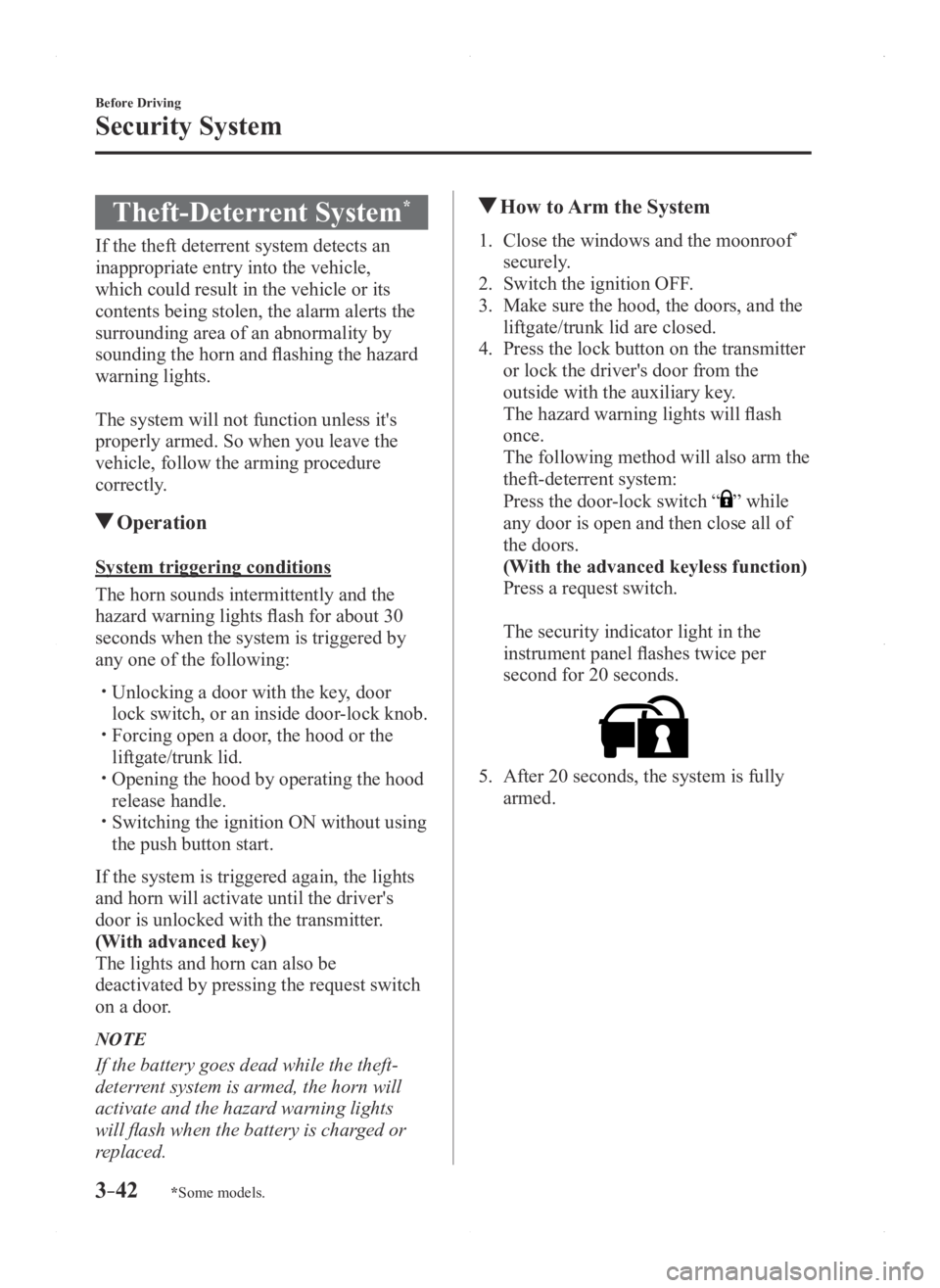
The security indicator light in the
instrument panel flashes twice per
second for 20 seconds.
5. After 20 seconds, the system is fully
armed.
Mazda3_8FA4-EA-15G_Edition1.indb 422015/05/11 14:00:30
Page 237 of 598
 sy\
stem may not
operate normally.
Heavy luggage is loaded in the luggage c")
4–109
When Driving
i-ACTIVSENSE
*Some models.
Under the following conditions, the Smart City Brake Support (SCBS) sy\
stem may not
operate normally.
Heavy luggage is loaded in the luggage compartment or on the rear seat. If there is the possibility of partial contact with a vehicle ahead. When driving on continuously curving roads, and entering and exiting exits. Elongated luggage or cargo is loaded onto installed roof rails and covers the laser
sensor (front). Exhaust gas from the vehicle in front, sand, snow, and water vapor rising from
manholes and grating, and water splashed into the air. When towing a malfunctioning vehicle.
In the following cases, the laser sensor (fr ont) may inadvertently determine that there is a
vehicle ahead and the Smart City Brake Support (SCBS) system may opera\
te.
Objects on the road at the entrance to a curve. Vehicles passing in the opposite lane while making a curve. Metal objects, bumps, or pr otruding objects on the road. When passing through a toll gate. When passing under a vinyl curtain or flag. Plastic objects such as pylons. Two-wheeled vehicles, pedestrians, animals or standing trees. Vehicle is driven with some of the tires having significant wear.
When the system operates, the user is notified by the flashing Sm art City Brake Support
(SCBS) indicator light (red) and the active driving display*. The Smart City Brake Support (SCBS) warning light (amber) turns on w\
hen the system
has a malfunction.
Refer to Warning Lights on page 4-21.
Mazda3_8FA4-EA-15G_Edition1.indb 1092015/05/11 14:01:08
Page 255 of 598

4–127
When Driving
Rear View Monitor
*Some models.
Rear View Monitor*
The rear view monitor provides visual images of the rear of the vehicle \
when reversing.
WARNING
Always drive carefully confirming the safety of the rear and the surrounding conditions
by looking directly with your eyes:Reversing the vehicle by only looking at the screen is dangerous as it may cause an
accident or a collision with an object. The rear view monitor is only a visual assist device
when reversing the vehicle. The images on the screen may be different from the actual
conditions.
CAUTION
Do not use the rear view monitor under the following conditions: Using the rear view
monitor under the following conditions is dangerous and could result in injury or vehicle
damage or both.
Icy or snow-covered roads. Tire chains or a temporary spare tire is installed. The liftgate/trunk lid is not fully closed. The vehicle is on a road incline.
When the display is cold, images may course across the monitor or the screen and may be
dimmer than usual, which could cause difficulty in confirming the surrounding conditions
of the vehicle. Always drive carefully confirming the safety of the rear and the surrounding
conditions by looking directly with your eyes.
Do not apply excessive force to the camera. The camera position and angle may deviate. Do not disassemble, modify, or remove it as it may no longer be waterproof. The camera cover is made of plastic. Do not apply degreasing agents, organic solvents,
wax, or glass coating agents to the camera cover. If any are spilled on the cover, wipe off
with a soft cloth immediately.
Do not rub the camera cover forcefully with an abrasive or hard brush. The camera cover or
lens may be scratched which might affect the images.
Mazda3_8FA4-EA-15G_Edition1.indb 1272015/05/11 14:01:12
Page 278 of 598

5–16
Interior Features
Audio System
*Some models.
Antenna
Antenna (4-Door)
AM/FM Radio Antenna
The AM/FM radio antenna receives both
AM and FM signals.
The antenna is embedded into the window
glass.
CAUTION
When washing the inside of the
window which has an antenna, use
a soft cloth dampened in lukewarm
water, gently wiping the antenna lines.
Use of glass cleaning products could
damage the antenna.
Satellite Radio Antenna
*
The satellite radio antenna receives
SiriusXM signals.
Antenna
Antenna (5-Door)
AM/FM Radio Antenna*
The AM/FM radio antenna receives both
AM and FM signals.
(Type A)
To remove the antenna, turn it
counterclockwise.
To install the antenna, turn it clockwise.
Make sure the antenna is securely
installed.
Remove
Install
CAUTION
To prevent damage to the antenna,
remove it before entering a car wash
facility or passing beneath a low
overhead clearance.
Be careful around the antenna when
removing snow from the roof. Otherwise
the antenna could be damaged.
NOTE
When leaving your vehicle unattended, we
recommend that you remove the antenna
and store it inside the vehicle.
Mazda3_8FA4-EA-15G_Edition1.indb 162015/05/11 14:01:21
Page 352 of 598
5–90
Interior Features
Bluetooth®
Skipping Voice Guidance (for faster
operation)
Press and release the talk-button.
NOTE
The Bluetooth® Hands-Free system
is operable several seconds after the
ignition is switched to ACC or ON
(requires less than 15 seconds).
When operating the audio unit or the
A/C while using Bluetooth® Hands-
Free, the beep sounds or voice guidance
(audio unit)/cannot be heard.
Tutorial
The tutorial explains how to use
Bluetooth
® Hands-Free.
To activate the tutorial, do the following:
1. Press the pick-up button or talk button
with a short press.
2. Say: [Beep] “Tutorial”
3. Follow the prompts to receive the
appropriate voice guidance instructions.
Commands useable anytime during
voice recognition
“Help” or “Go Back” are commands
which can be used at anytime during voice
recognition.
Help function use
The help function informs the user of all
the available voice commands under the
current conditions.
1. Say: [Beep] “Help”
2. Follow the prompts to receive the
appropriate voice guidance instructions.
Returning to previous operation
This command is for returning to the
previous operation while in the voice
recognition mode.
Say: [Beep] “Go Back”
To prevent a deterioration in the voice
recognition rate and voice quality, the
following points should be observed:
The voice recognition cannot be
performed while voice guidance or
the beep sound is operating. Wait
until the voice guidance or the beep
sound is finished before saying your
commands.
Dialects or dif ferent wording other
than hands-free prompts cannot be
recognized by voice recognition. Speak
in the wording specified by the voice
commands.
It is not necessary to face the
microphone or approach it. Speak the
voice commands while maintaining a
safe driving position.
Do not speak too slow or too loud. Speak clearly, without pausing between
words or numbers. Close the windows and/or the moonroof
to reduce loud noises from outside
the vehicle, or turn down the airflow
of the air-conditioning system while
Bluetooth
® Hands-Free is being used. Make sure the vents are not directing air
up towards the microphone.
NOTE
If the voice recognition performance is not
satisfactory.
Refer to Voice Recognition Learning
Function (Speaker Enrollment) (Type A)
on page 5-92.
Refer to Troubleshooting on page 5-131.
Mazda3_8FA4-EA-15G_Edition1.indb 902015/05/11 14:01:48
Page 359 of 598
5–97
Interior Features
Bluetooth®
To prevent a deterioration in the voice
recognition rate and voice quality, the
following points should be observed:
The voice recognition cannot be
performed while voice guidance or
the beep sound is operating. Wait
until the voice guidance or the beep
sound is finished before saying your
commands.
Phone related commands are available
only when your phone is connected via
Bluetooth®. Make sure your phone is
connected via Bluetooth® before you
operate phone related voice commands.
Music play commands, such as Play
Artist and Play Album can be used only
in USB audio mode.
Do not speak too slowly or loudly (no
loud voice). Speak clearly , without pausing between
words or numbers. Dialects or dif ferent wording other
than hands-free prompts cannot be
recognized by voice recognition. Speak
in the wording specified by the voice
commands.
It is not necessary to face the
microphone or approach it. Speak the
voice commands while maintaining a
safe driving position.
Close the windows and/or the moonroof
to reduce loud noises from outside
the vehicle, or turn down the airflow
of the air-conditioning system while
Bluetooth
® Hands-Free is being used. Make sure the vents are not directing air
up towards the microphone.
NOTE
If the voice recognition performance is not
satisfactory.
Refer to Troubleshooting on page 5-131.
Mazda3_8FA4-EA-15G_Edition1.indb 972015/05/11 14:01:50