cruise control MAZDA MODEL 3 5-DOOR 2016 Owner's Manual
[x] Cancel search | Manufacturer: MAZDA, Model Year: 2016, Model line: MODEL 3 5-DOOR, Model: MAZDA MODEL 3 5-DOOR 2016Pages: 598, PDF Size: 30.13 MB
Page 247 of 598
.
WARNING
Do not use the c")
4–119
When Driving
Cruise Control
*Some models.
Cruise Control*
With cruise control, you can set and automatically maintain any speed of \
more than about
25 km/h (16 mph).
WARNING
Do not use the cruise control under the following conditions:
Using the cruise control under the following conditions is dangerous and could result in
loss of vehicle control.
Hilly terrain Steep inclines Heavy or unsteady traffic Slippery or winding roads Similar restrictions that require inconsistent speed
Cruise Control Switch
CANCEL switch
OFF switch ON switch RESUME switch
Cruise control
SET+/SET- switch
Mazda3_8FA4-EA-15G_Edition1.indb 1192015/05/11 14:01:10
Page 248 of 598
4–120
When Driving
Cruise Control
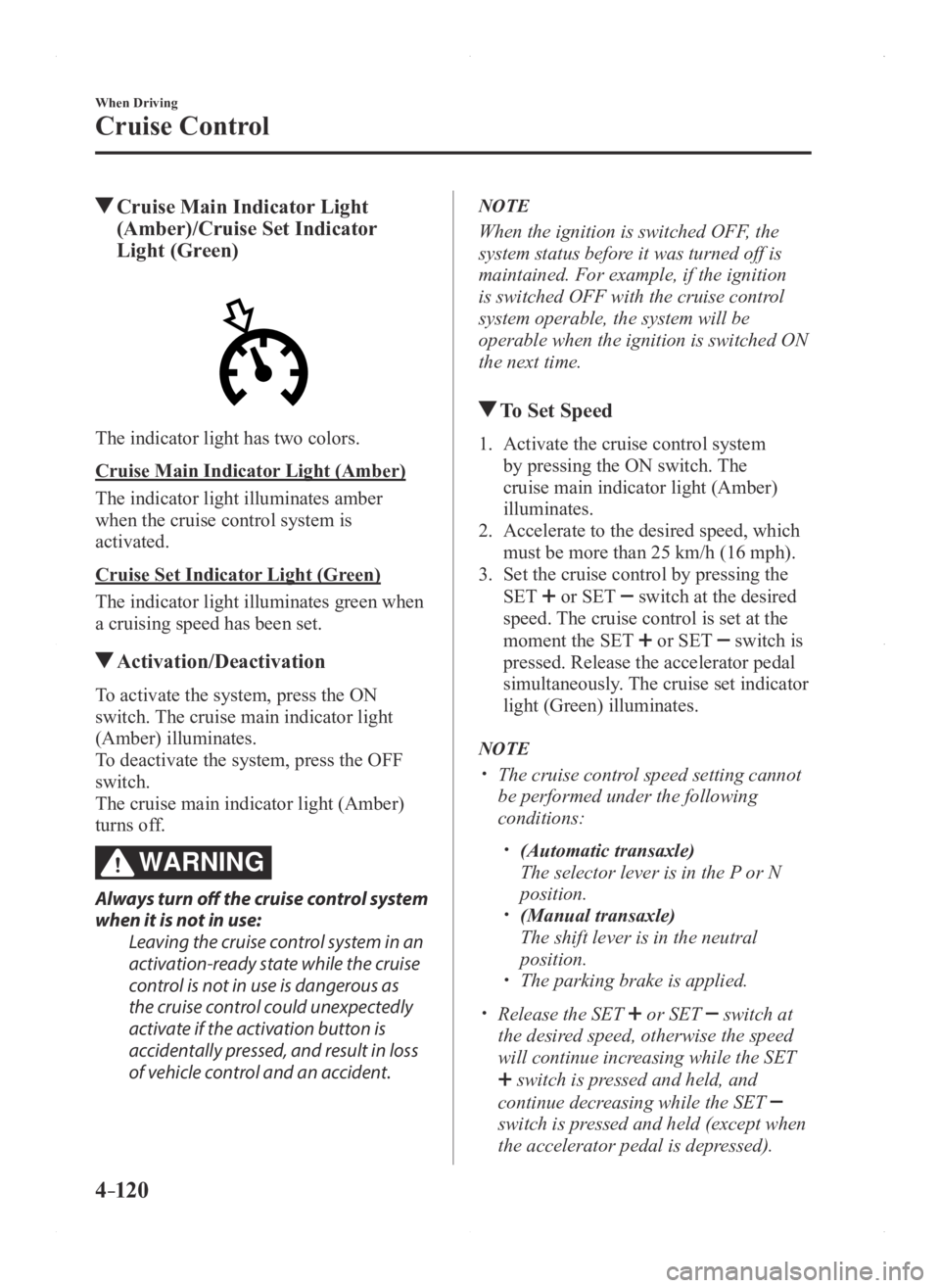
Cruise Main Indicator Light
(Amber)/Cruise Set Indicator
Light (Green)
The indicator light has two colors.
Cruise Main Indicator Light (Amber)
The indicator light illuminates amber
when the cruise control system is
activated.
Cruise Set Indicator Light (Green)
The indicator light illuminates green when
a cruising speed has been set.
Activation/Deactivation
To activate the system, press the ON
switch. The cruise main indicator light
(Amber) illuminates.
To deactivate the system, press the OFF
switch.
The cruise main indicator light (Amber)
turns off.
WARNING
Always turn off the cruise control system
when it is not in use:
Leaving the cruise control system in an
activation-ready state while the cruise
control is not in use is dangerous as
the cruise control could unexpectedly
activate if the activation button is
accidentally pressed, and result in loss
of vehicle control and an accident.
NOTE
When the ignition is switched OFF, the
system status before it was turned off is
maintained. For example, if the ignition
is switched OFF with the cruise control
system operable, the system will be
operable when the ignition is switched ON
the next time.
To Set Speed
1. Activate the cruise control system
by pressing the ON switch. The
cruise main indicator light (Amber)
illuminates.
2. Accelerate to the desired speed, which
must be more than 25 km/h (16 mph).
3. Set the cruise control by pressing the
SET or SET switch at the desired
speed. The cruise control is set at the
moment the SET
or SET switch is
pressed. Release the accelerator pedal
simultaneously. The cruise set indicator
light (Green) illuminates.
NOTE
The cruise contr ol speed setting cannot
be performed under the following
conditions:
(Automatic transaxle)
The selector lever is in the P or N
position. (Manual transaxle)
The shift lever is in the neutral
position. The parking brake is applied.
Release the SET or SET switch at
the desired speed, otherwise the speed
will continue increasing while the SET
switch is pressed and held, and
continue decreasing while the SET
switch is pressed and held (except when
the accelerator pedal is depressed).
Mazda3_8FA4-EA-15G_Edition1.indb 1202015/05/11 14:01:10
Page 249 of 598

4–121
When Driving
Cruise Control
On a steep grade, the vehicle may
momentarily slow down while
ascending, or speed up while
descending.
Cruise control will cancel if the vehicle
speed decreases below 21 km/h (13
mph) when cruise is activated, such as
when climbing a steep grade.
Cruise control may cancel at about 15
km/h (9 mph) below the preset speed,
such as when climbing a long, steep
grade.
To Increase Cruising Speed
Follow either of these procedures.
To increase speed using cruise control
switch
Press the SET
switch and hold it. Your
vehicle will accelerate. Release the switch
at the speed you want.
Press the SET
switch and release it
immediately to adjust the preset speed.
Multiple operations will increase the
preset speed according to the number of
times it is operated.
Increasing speed with a single SET
switch operation
Meter display for vehicle speed indicated
in km/h: 1 km/h (0.6 mph)
Meter display for vehicle speed indicated
in mph: 1 mph (1.6 km/h)
To increase speed using accelerator
pedal
Depress the accelerator pedal to accelerate
to the desired speed. Press the SET
or
SET
switch and release it immediately.
NOTE
Accelerate if you want to speed up
temporarily when the cruise control is on.
Greater speed will not interfere with or
change the set speed. Take your foot off the
accelerator to return to the set speed.
To Decrease Cruising Speed
Press the SET switch and hold it. The
vehicle will gradually slow.
Release the switch at the speed you want.
Press the SET
switch and release it
immediately to adjust the preset speed.
Multiple operations will decrease the
preset speed according to the number of
times it is operated.
Decreasing speed with a single SET
switch operation
Meter display for vehicle speed indicated
in km/h: 1 km/h (0.6 mph)
Meter display for vehicle speed indicated
in mph: 1 mph (1.6 km/h)
To Resume Cruising Speed at
More Than 25 km/h (16 mph)
If some other method besides the OFF
switch was used to cancel cruising speed
(such as applying the brake pedal) and the
system is still activated, the most recent
set speed will automatically resume when
the RESUME switch is pressed.
If vehicle speed is below 25 km/h (16
mph), increase the vehicle speed up to
25 km/h (16 mph) or more and press the
RESUME switch.
Mazda3_8FA4-EA-15G_Edition1.indb 1212015/05/11 14:01:11
Page 250 of 598

4–122
When Driving
Cruise Control
To Temporarily Cancel
To temporarily cancel the system, use one
of these methods:
Slightly depress the brake pedal. (Manual transaxle)
Depress the clutch pedal. Press the CANCEL switch.
If the RESUME switch is pressed when
the vehicle speed is 25 km/h (16 mph) or
higher, the system reverts to the previously
set speed.
NOTE
If any of the following conditions occur ,
the cruise control system is temporarily
canceled.
The parking brake is applied. (Automatic transaxle)
The selector lever is in the P or N
position. (Manual transaxle)
The shift lever is in the neutral
position.
When the cruise control system is
temporarily canceled by even one of the
applicable cancel conditions, the speed
cannot be re-set.
(Automatic transaxle)
The cruise control cannot be cancelled
while driving in manual mode (selector
lever shifted from D to M position).
Therefore, engine braking will not be
applied even if the transaxle is shifted
down to a lower gear. If deceleration is
required, lower the set speed or depress
the brake pedal.
To Deactivate
To deactivate the system, press the OFF
switch.
Mazda3_8FA4-EA-15G_Edition1.indb 1222015/05/11 14:01:11
Page 511 of 598

7–29
If Trouble Arises
Warning/Indicator Lights and Warning Sounds
*Some models.
SignalWarning
Headlight Auto-Leveling
Malfunction
Indicator Light
*
This indicator light stays on for a few seconds when the ignition is switched ON.
Thereafter, the indicator light will illuminate when the headlight auto-leveling s\
ystem has a
malfunction.
If the indicator light illuminates, contact an Authorized Mazda Dealer.
NOTE
Vehicles with the adaptive front lighting system (AFS) are not equipped with the headlight
auto-leveling malfunction indicator light. If there is a malfunction with the headlight auto-
leveling function, the AFS OFF indicator light flashes.
(Amber)High Beam Control System (HBC)
Warning Light
*
When illuminated
The warning light illuminates if the area of the windshield in front of \
the forward sensing
camera (FSC) is fogged or obstructed.
When flashing
This light flashes if there is a malfunction in the high beam control system (HBC). Have
your vehicle inspected by an Authorized Mazda Dealer.
(Amber)(Flashing)
Mazda Radar
Cruise Control
(MRCC) Warning Light
*
The warning light flashes if there is a malfunction in the system while the Mazda Radar
Cruise Control (MRCC) system is on. Have your vehicle inspected at an Authorized Mazda
Dealer.
Taking Action
Take the appropriate action and verify that the warning light turns off.
Signal Warning Action to be taken
Low Fuel Warning LightThe light turns on when the remaining fuel
is about 9.0 L (2.3 US gal, 1.9 Imp gal).
NOTE
The light illumination timing may vary
because fuel inside the fuel tank moves
around according to the driving conditions
and the vehicle posture.
Add fuel.
Check Fuel Cap Warning Light
If the check fuel cap warning light
illuminates while driving, the fuel-filler cap
may not be installed properly.
Stop the engine and reinstall the fuel-filler
cap.
Refer to Fuel-Filler Cap on page
3-30
Mazda3_8FA4-EA-15G_Edition1.indb 292015/05/11 14:02:44
Page 520 of 598
7–38
If Trouble Arises
Warning/Indicator Lights and Warning Sounds
*Some models.
Blind Spot Monitoring (BSM)
System Warning Beep*
Driving forward
The warning beep operates when the turn
signal lever is operated to the side where
the Blind Spot Monitoring (BSM) warning
light is illuminated.
NOTE
A personalized function is available to
change the Blind Spot Monitoring (BSM)
warning beep sound volume.
Refer to Personalization Features on page
9-12.
Reversing
If a moving object such as a vehicle or
two-wheeled vehicle approaches on the
left or right from behind your vehicle, the
Blind Spot Monitoring (BSM) warning
sound is activated.
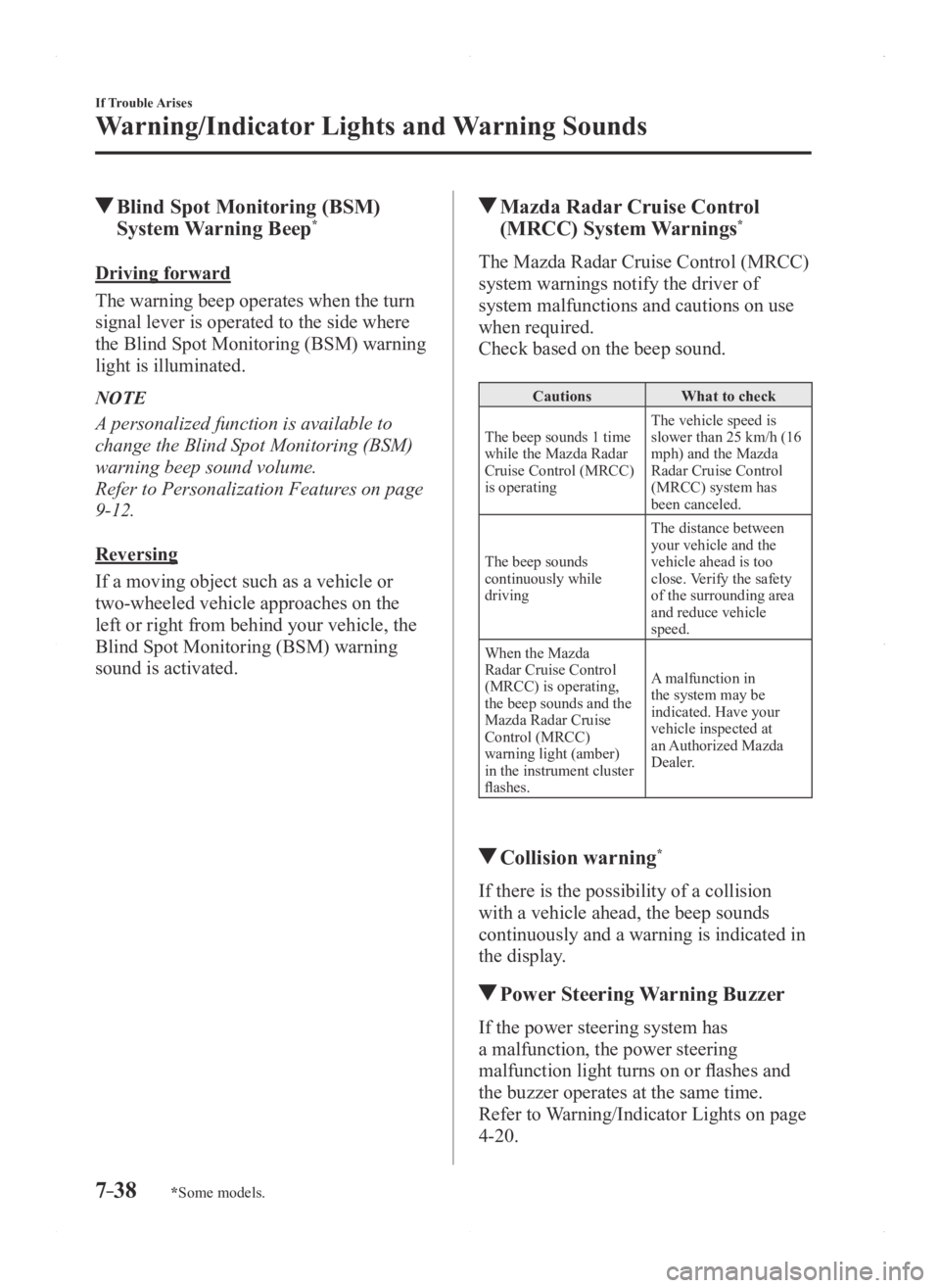
Mazda Radar Cruise Control
(MRCC) System Warnings*
The Mazda Radar Cruise Control (MRCC)
system warnings notify the driver of
system malfunctions and cautions on use
when required.
Check based on the beep sound.
Cautions What to check
The beep sounds 1 time
while the Mazda Radar
Cruise Control (MRCC)
is operating The vehicle speed is
slower than 25 km/h (16
mph) and the Mazda
Radar Cruise Control
(MRCC) system has
been canceled.
The beep sounds
continuously while
driving The distance between
your vehicle and the
vehicle ahead is too
close. Verify the safety
of the surrounding area
and reduce vehicle
speed.
When the Mazda
Radar Cruise Control
(MRCC) is operating,
the beep sounds and the
Mazda Radar Cruise
Control (MRCC)
warning light (amber)
in the instrument cluster
flashes. A malfunction in
the system may be
indicated. Have your
vehicle inspected at
an Authorized Mazda
Dealer.
Collision warning*
If there is the possibility of a collision
with a vehicle ahead, the beep sounds
continuously and a warning is indicated in
the display.
Power Steering Warning Buzzer
If the power steering system has
a malfunction, the power steering
malfunction light turns on or flashes and
the buzzer operates at the same time.
Refer to Warning/Indicator Lights on page
4-20.
Mazda3_8FA4-EA-15G_Edition1.indb 382015/05/11 14:02:46
Page 574 of 598
8–50
Customer Information and Reporting Safety Defects
Declaration of Conformity
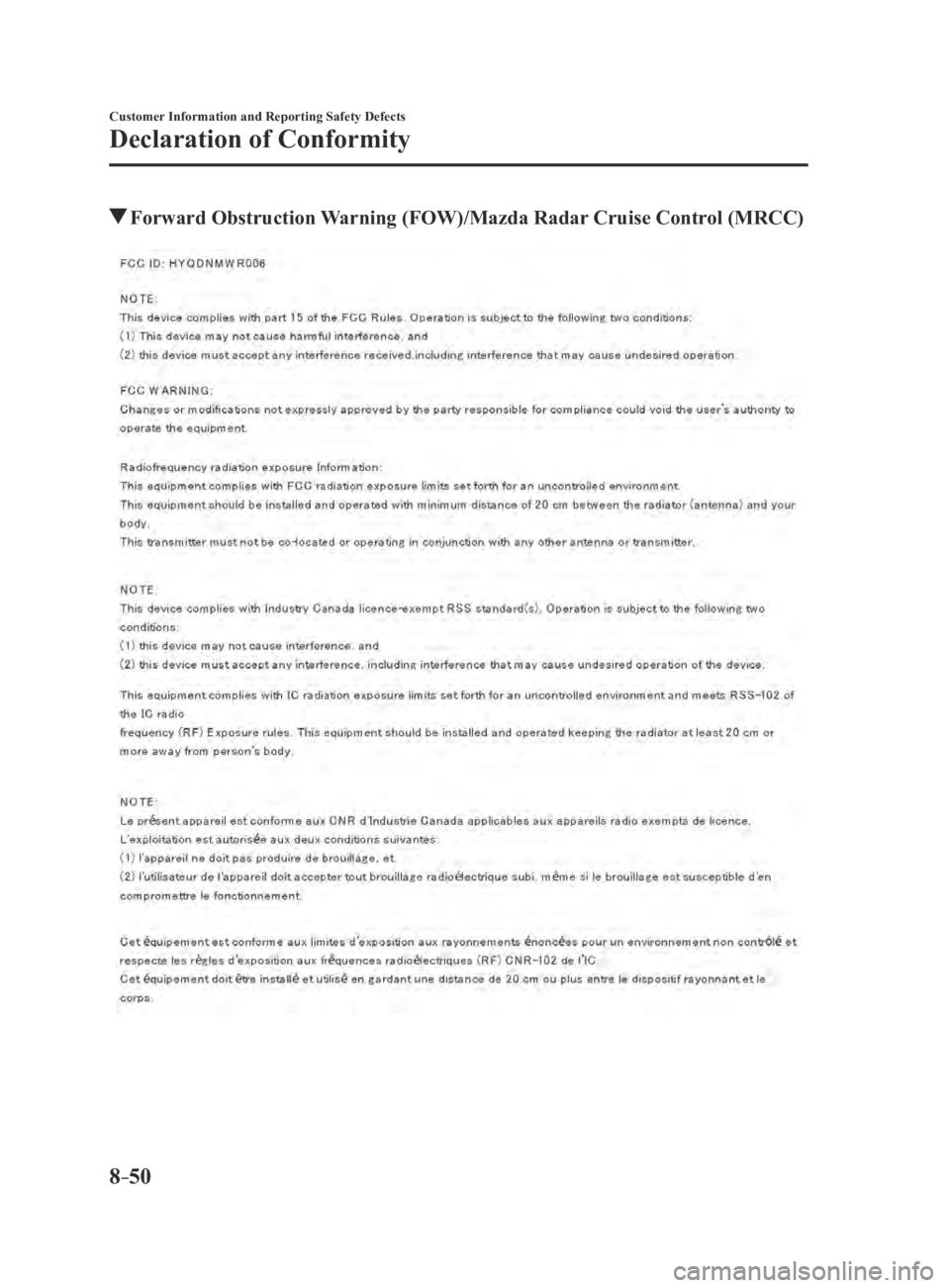
Forward Obstruction Warning (FOW)/Mazda Radar Cruise Control (MRCC)
Mazda3_8FA4-EA-15G_Edition3.indb 502015/12/04 19:26:12
Page 593 of 598
10–3
Index
Climate Control System ........................5-2
Automatic Climate Control
.............5-9
Dual-Zone Automatic Climate
Control ........................................... 5-12
Gas specifications
............................9-9
Manual Climate Control
..................5-5
Operating Tips
.................................5-2
Vent Operation
................................5-3
Clock
...................................................5-28
Collision warning
................................7-38
Control Status Display
........................4-70
Cruise Control
...................................4-119
Cruise Control Switch
.................4-119
Cruise Control Set Vehicle Speed
Display
................................................4-16
Cup Holder
........................................5-138
Customer Assistance
.............................8-2
D
Dashboard Illumination ......................4-15
Daytime Running Lights
.....................4-45
Defogger Mirror
............................................4-53
Rear window
.................................4-52
Dimensions
...........................................9-6
Direct Mode Automatictransaxle
.......................4-38
Door Locks
..........................................3-11
Drive selection
....................................4-71
Driving In Flooded Area
.....................3-48
Driving Tips Automatic transaxle
......................4-39
Break-in period .............................. 3-44
Driving in flooded area ..................3-48
Driving on uneven road
.................3-50
Floor mat
.......................................3-45
Hazardous driving
.........................3-45
Overloading
...................................3-49
Rocking the vehicle
.......................3-46
Winter driving
...............................3-46
Driving on Uneven Road
....................3-50 Dynamic Stability Control (DSC)
.......4-64
DSC OFF Indicator Light ..............4-65
DSC OFF Switch ...........................4-65
TCS/DSC Indicator Light
.............4-64
E
Emergency Starting Push-Starting
.................................7-18
Starting a Flooded Engine
.............7-18
Emergency Towing Tiedown Hooks
.............................7-22
Towing Description
.......................7-21
Emission Control System
....................3-27
Ending Screen Display
........................4-70
Engine Coolant
..........................................6-30
Engine Compartment Overview
....6-26
Exhaust gas .................................... 3-28
Hood release
..................................6-24
Oil
..................................................6-27
Starting
............................................4-5
Essential information
............................6-2
Event Data Recorder
...........................8-20
Exhaust Gas
........................................3-28
Exterior Care
.......................................6-68
Aluminum Wheel Maintenance
....6-73
Bright-Metal Maintenance
............6-72
Maintaining the Finish
..................6-70
Plastic Part Maintenance
...............6-73
F
Flasher Hazard warning
.............................4-54
Headlights
.....................................4-40
Flat Tire
.................................................7-3
Mounting the Spare Tire ................7-10
Removing a Flat Tire
.......................7-7
Floor Mat
............................................3-45
Fluid Brake/Clutch
.................................6-32
Washer
...........................................6-32
Mazda3_8FA4-EA-15G_Edition1.indb 32015/05/11 14:03:02
Page 594 of 598
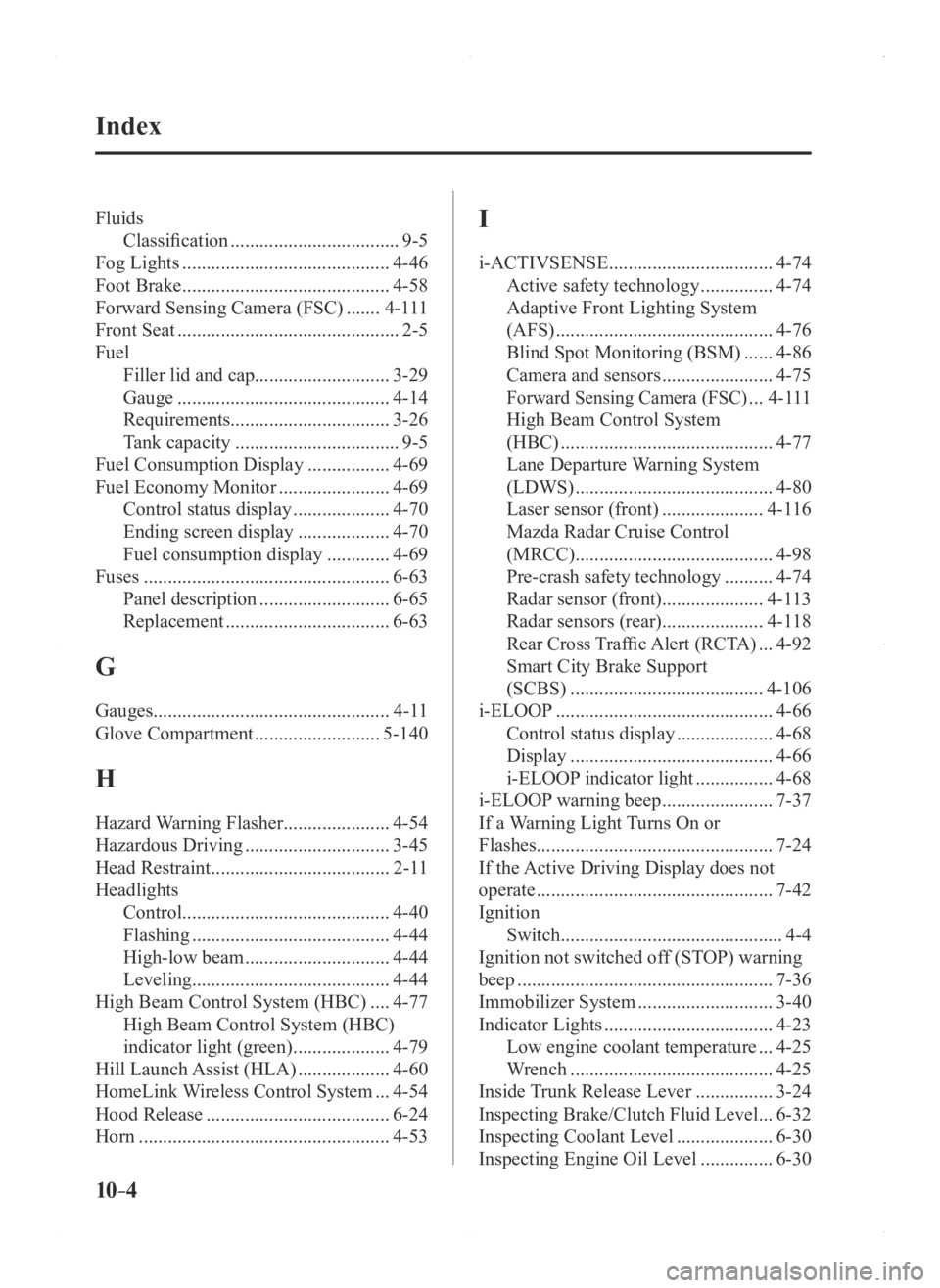
10–4
Index
FluidsClassification
...................................9-5
Fog Lights
...........................................4-46
Foot Brake
...........................................4-58
Forward Sensing Camera (FSC)
.......4-111
Front Seat
..............................................2-5
Fuel Filler lid and cap ............................ 3-29
Gauge
............................................4-14
Requirements ................................. 3-26
Tank capacity
..................................9-5
Fuel Consumption Display
.................4-69
Fuel Economy Monitor
.......................4-69
Control status display
....................4-70
Ending screen display
...................4-70
Fuel consumption display
.............4-69
Fuses
...................................................6-63
Panel description
...........................6-65
Replacement
..................................6-63
G
Gauges .................................................4-11
Glove Compartment
..........................5-140
H
Hazard Warning Flasher ......................4-54
Hazardous Driving
..............................3-45
Head Restraint
.....................................2-11
Headlights Control ........................................... 4-40
Flashing
.........................................4-44
High-low beam
..............................4-44
Leveling ......................................... 4-44
High Beam Control System (HBC)
....4-77
High Beam Control System (HBC)
indicator light (green)
....................4-79
Hill Launch Assist (HLA)
...................4-60
HomeLink Wireless Control System ...4-54
Hood Release
......................................6-24
Horn
....................................................4-53
I
i-ACTIVSENSE ..................................4-74
Active safety technology
...............4-74
Adaptive Front Lighting System
(AFS)
.............................................4-76
Blind Spot Monitoring (BSM)
......4-86
Camera and sensors
.......................4-75
Forward Sensing Camera (FSC) ...4-111
High Beam Control System
(HBC)
............................................4-77
Lane Departure Warning System
(LDWS)
.........................................4-80
Laser sensor (front)
.....................4-116
Mazda Radar Cruise Control
(MRCC) ......................................... 4-98
Pre-crash safety technology
..........4-74
Radar sensor (front) .....................4-113
Radar sensors (rear) .....................4-118
Rear Cross Traffic Alert (RCTA) ...4-92
Smart City Brake Support
(SCBS)
........................................4-106
i-ELOOP
.............................................4-66
Control status display
....................4-68
Display
..........................................4-66
i-ELOOP indicator light
................4-68
i-ELOOP warning beep
.......................7-37
If a Warning Light Turns On or
Flashes................................................. 7-24
If the Active Driving Display does not
operate
.................................................7-42
Ignition Switch
..............................................4-4
Ignition not switched off (STOP) warning
beep
.....................................................7-36
Immobilizer System
............................3-40
Indicator Lights
...................................4-23
Low engine coolant temperature
...4-25
Wrench
..........................................4-25
Inside Trunk Release Lever
................3-24
Inspecting Brake/Clutch Fluid Level ...6-32
Inspecting Coolant Level
....................6-30
Inspecting Engine Oil Level
...............6-30
Mazda3_8FA4-EA-15G_Edition1.indb 42015/05/11 14:03:02
Page 595 of 598
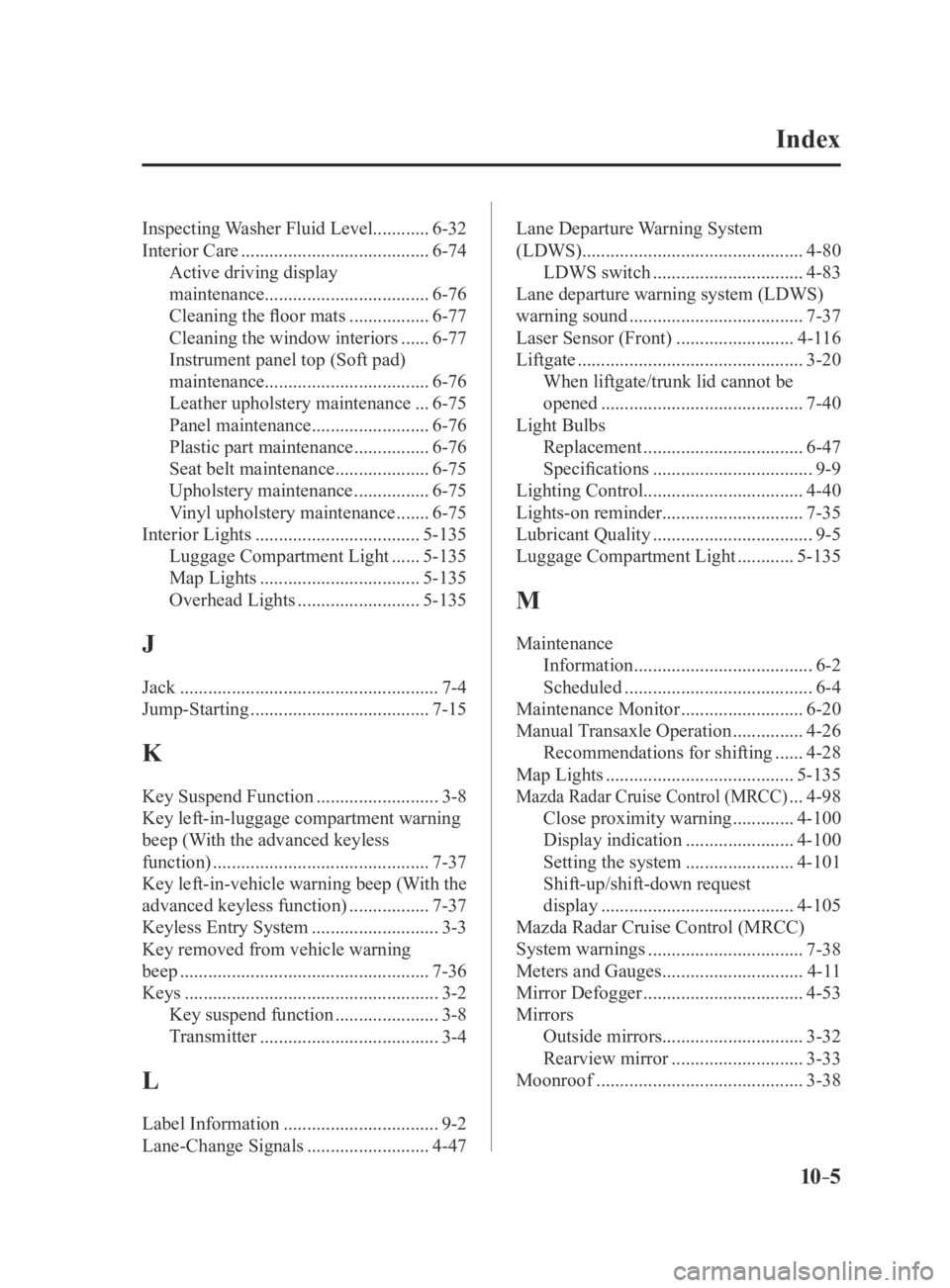
10–5
Index
Inspecting Washer Fluid Level............6-32
Interior Care
........................................6-74
Active driving display
maintenance ................................... 6-76
Cleaning the floor mats
.................6-77
Cleaning the window interiors
......6-77
Instrument panel top (Soft pad)
maintenance ................................... 6-76
Leather upholstery maintenance
...6-75
Panel maintenance
.........................6-76
Plastic part maintenance
................6-76
Seat belt maintenance
....................6-75
Upholstery maintenance
................6-75
Vinyl upholstery maintenance
.......6-75
Interior Lights
...................................5-135
Luggage Compartment Light
......5-135
Map Lights
..................................5-135
Overhead Lights
..........................5-135
J
Jack .......................................................7-4
Jump-Starting
......................................7-15
K
Key Suspend Function ..........................3-8
Key left-in-luggage compartment warning
beep (With the advanced keyless
function)
..............................................7-37
Key left-in-vehicle warning beep (With the
advanced keyless function)
.................7-37
Keyless Entry System
...........................3-3
Key removed from vehicle warning
beep
.....................................................7-36
Keys
......................................................3-2
Key suspend function
......................3-8
Transmitter
......................................3-4
L
Label Information .................................9-2
Lane-Change Signals
..........................4-47 Lane Departure Warning System
(LDWS)
...............................................4-80
LDWS switch
................................4-83
Lane departure warning system (LDWS)
warning sound
.....................................7-37
Laser Sensor (Front)
.........................4-116
Liftgate
................................................3-20
When liftgate/trunk lid cannot be
opened
...........................................7-40
Light Bulbs Replacement
..................................6-47
Specifications
..................................9-9
Lighting Control .................................. 4-40
Lights-on reminder
..............................7-35
Lubricant Quality
..................................9-5
Luggage Compartment Light
............5-135
M
Maintenance Information
......................................6-2
Scheduled
........................................6-4
Maintenance Monitor
..........................6-20
Manual Transaxle Operation
...............4-26
Recommendations for shifting
......4-28
Map Lights
........................................5-135
Mazda Radar Cruise Control (MRCC) ...4-98
Close proximity warning
.............4-100
Display indication
.......................4-100
Setting the system
.......................4-101
Shift-up/shift-down request
display
.........................................4-105
Mazda Radar Cruise Control (MRCC)
System warnings
.................................7-38
Meters and Gauges
..............................4-11
Mirror Defogger
..................................4-53
Mirrors Outside mirrors .............................. 3-32
Rearview mirror
............................3-33
Moonroof
............................................3-38
Mazda3_8FA4-EA-15G_Edition3.indb 52015/12/04 19:26:19