MAZDA MODEL 3 5-DOOR 2017 Owners Manual
Manufacturer: MAZDA, Model Year: 2017, Model line: MODEL 3 5-DOOR, Model: MAZDA MODEL 3 5-DOOR 2017Pages: 612
Page 361 of 612
5–69
Interior Features
Audio System
How to use AUX mode (Type B)
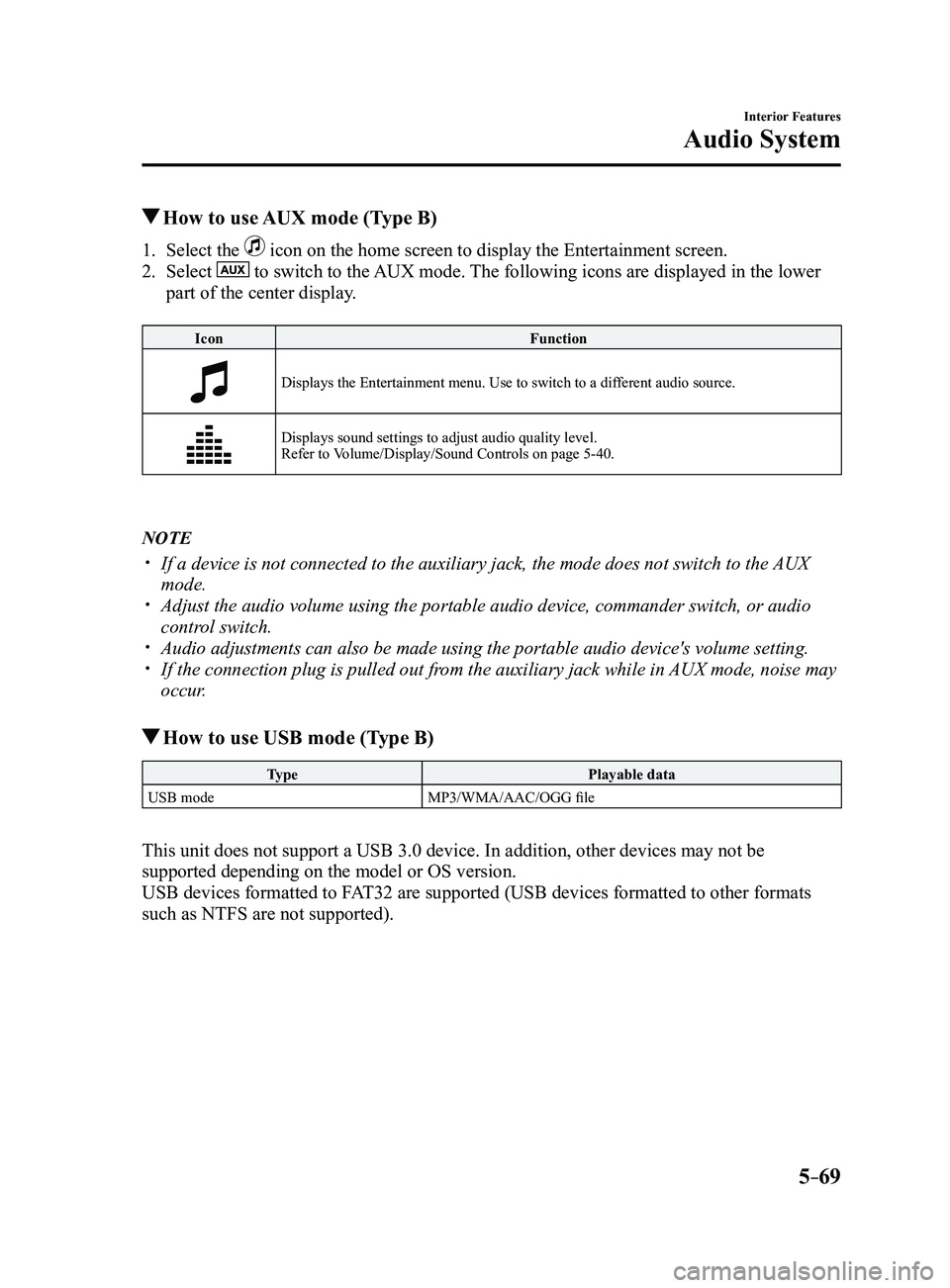
1. Select the icon on the home screen to display the Entertainment screen.
2. Select to switch to the AUX mode. The following icons are displayed in the lower
part of the center display.
Icon Function
Displays the Entertainment menu. Use to switch to a different audio source.
Displays sound settings to adjust audio quality level.
Refer to Volume/Display/Sound Controls on page 5-40.
NOTE
If a device is not connected to the auxiliary jack, the mode does not sw\
itch to the AUX
mode. Adjust the audio volume using the portable audio device, commander switc\
h, or audio
control switch. Audio adjustments can also be made using the portable audio device's vol\
ume setting. If the connection plug is pulled out from the auxiliary jack while in AUX mode, noise may
occur.
How to use USB mode (Type B)
Type Playable data
USB mode MP3/WMA/AAC/OGG file
This unit does not support a USB 3.0 device. In addition, other devices may not be
supported depending on the model or OS version.
USB devices formatted to FAT32 are supported (USB devices formatted to other formats
such as NTFS are not supported).
Mazda3_8FL6-EA-16F_Edition2.indb 692016/08/10 17:37:54
Page 362 of 612
5–70
Interior Features
Audio System
Playback
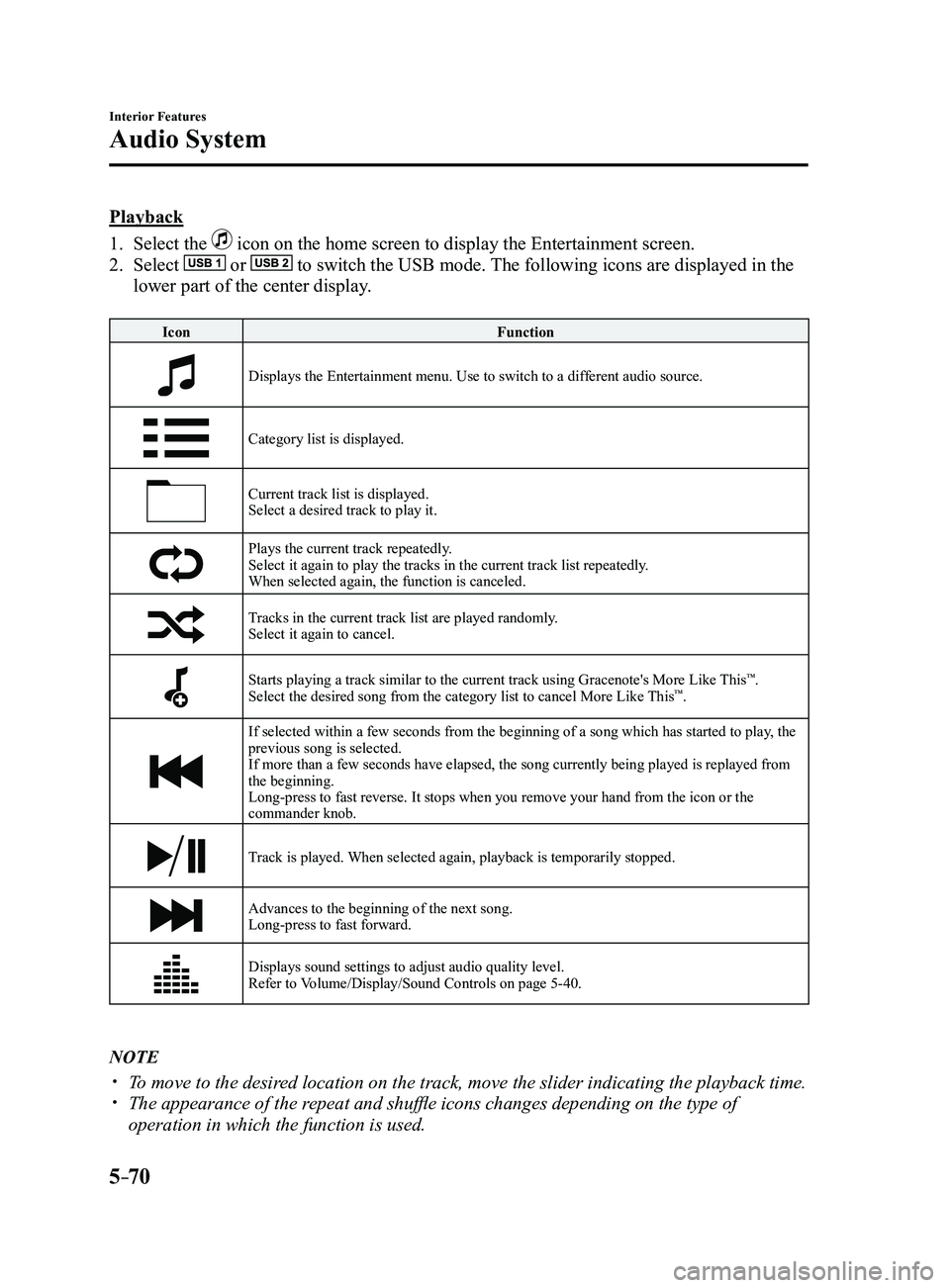
1. Select the icon on the home screen to display the Entertainment screen.
2. Select or to switch the USB mode. The following icons are displayed in the
lower part of the center display.
IconFunction
Displays the Entertainment menu. Use to switch to a different audio source.
Category list is displayed.
Current track list is displayed.Select a desired track to play it.
Plays the current track repeatedly.Select it again to play the tracks in the current track list repeatedly.
When selected again, the function is canceled.
Tracks in the current track list are played randomly.Select it again to cancel.
Starts playing a track similar to the current track using Gracenote's More Like This™.
Select the desired song from the category list to cancel More Like This™.
If selected within a few seconds from the beginning of a song which has \
started to play, the
previous song is selected.
If more than a few seconds have elapsed, the song currently being played\
is replayed from
the beginning.
Long-press to fast reverse. It stops when you remove your hand from the \
icon or the
commander knob.
Track is played. When selected again, playback is temporarily stopped.
Advances to the beginning of the next song.
Long-press to fast forward.
Displays sound settings to adjust audio quality level.
Refer to Volume/Display/Sound Controls on page 5-40.
NOTE
To move to the desired location on the track, move the slider indicating the playback time. The appearance of the r epeat and shuffle icons changes depending on the type of
operation in which the function is used.
Mazda3_8FL6-EA-16F_Edition2.indb 702016/08/10 17:37:55
Page 363 of 612
5–71
Interior Features
Audio System
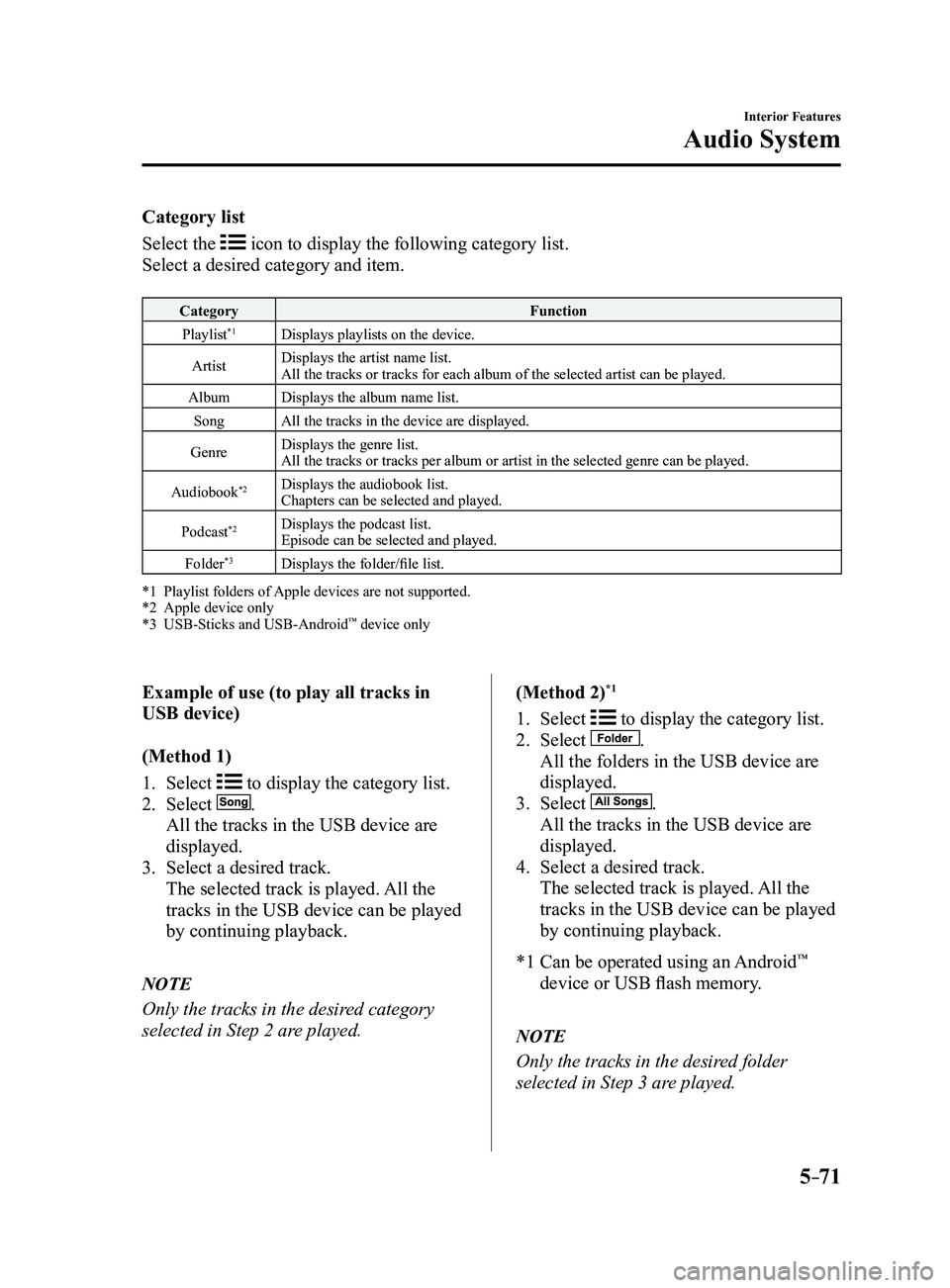
Category list
Select the
icon to display the following category list.
Select a desired category and item.
Category Function
Playlist*1Displays playlists on the device.
Artist Displays the artist name list.
All the tracks or tracks for each album of the selected artist can be pl\
ayed.
Album Displays the album name list.
Song All the tracks in the device are displayed.
Genre Displays the genre list.
All the tracks or tracks per album or artist in the selected genre can b\
e played.
Audiobook
*2Displays the audiobook list.
Chapters can be selected and played.
Podcast
*2Displays the podcast list.
Episode can be selected and played.
Folder
*3Displays the folder/file list.
*1 Playlist folders of Apple devices are not supported.*2 Apple device only*3 USB-Sticks and USB-Android™ device only
Example of use (to play all tracks in
USB device)
(Method 1)
1. Select to display the category list.
2. Select .
All the tracks in the USB device are
displayed.
3. Select a desired track.
The selected track is played. All the
tracks in the USB device can be played
by continuing playback.
NOTE
Only the tracks in the desired category
selected in Step 2 are played. (Method 2)
*1
1. Select to display the category list.
2. Select .
All the folders in the USB device are
displayed.
3. Select .
All the tracks in the USB device are
displayed.
4. Select a desired track.
The selected track is played.
All the
tracks in the USB device can be played
by continuing playback.
*1 Can be operated using an Android™
device or USB flash memory.
NOTE
Only the tracks in the desired folder
selected in Step 3 are played.
Mazda3_8FL6-EA-16F_Edition2.indb 712016/08/10 17:37:56
Page 364 of 612
5–72
Interior Features
Audio System
Gracenote Database (Type B)
When a USB device is connected to this unit and the audio is played, the album name,
artist name, genre and title information are automatically displayed if \
there is a match in
the vehicle's database compilation to the music being played. The information stored in this
device uses database information in the Gracenote music recognition service.
CAUTION
For information related to the most recent Gracenote database which can be used and
how to install it, go to the Mazda Hands Free Website:
http://www.mazdahandsfree.com
Introduction
Music recognition technology and related data are provided by Gracenote
®. Gracenote is the
industry standard in music recognition technology and related content de\
livery. For more
information visit www.gracenote.com.
CD and music-related data from Gracenote, Inc., copyright © 2000 to present Gracenote.
Gracenote Software, copyright © 2000 to present Gracenote. One or more patents owned
by Gracenote apply to this product and service. See the Gracenote website for a non-
exhaustive list of applicable Gracenote patents. Gracenote, CDDB, MusicID, MediaVOCS,
the Gracenote logo and logotype, and the “Powered by Gracenote” logo are either registered
trademarks or trademarks of Gracenote in the United States and/or other countries.
Gracenote® End User License Agreement
This application or device contains software from Gracenote, Inc. of Emeryville, California
(“Gracenote”). The software from Gracenote (the “Gracenote Software”) enables this
application to perform disc and/or file identification and obtain music-related information,
including name, artist, track, and title information (“Gracenote Data”) from online servers
or embedded databases (collectively, “Gracenote Servers”) and to perform other functions.
You may use Gracenote Data only by means of the intended End-User functions of this
application or device.
You agree that you will use Gracenote Data, the Gracenote Software, and Gracenote Servers
for your own personal non-commercial use only. You agree not to assign, copy, transfer or
transmit the Gracenote Software or any Gracenote Data to any third party. YOU AGREE
NOT TO USE OR EXPLOIT GRACENOTE DATA, THE GRACENOTE SOFTWARE, OR
GRACENOTE SERVERS, EXCEPT AS EXPRESSLY PERMITTED HEREIN.
Mazda3_8FL6-EA-16F_Edition2.indb 722016/08/10 17:37:56
Page 365 of 612
5–73
Interior Features
Audio System
You agree that your non-exclusive license to use the Gracenote Data, the Gracenote
Software, and Gracenote Servers will terminate if you violate these restrictions. If your
license terminates, you agree to cease any and all use of the Gracenote Data, the Gracenote
Software, and Gracenote Servers. Gracenote reserves all rights in Gracenote Data, the
Gracenote Software, and the Gracenote Servers, including all ownership rights. Under no
circumstances will Gracenote become liable for any payment to you for any information
that you provide. You agree that Gracenote, Inc. may enforce its rights under this Agreement
against you directly in its own name.
The Gracenote service uses a unique identifier to track queries for statistical purposes. The
purpose of a randomly assigned numeric identifier is to allow the Gracenote service to count
queries without knowing anything about who you are. For more information, see the web
page for the Gracenote Privacy Policy for the Gracenote service.
The Gracenote Software and each item of Gracenote Data are licensed to you “AS IS.”
Gracenote makes no representations or warranties, express or implied, regarding the
accuracy of any Gracenote Data from in the Gracenote Servers. Gracenote reserves the right
to delete data from the Gracenote Servers or to change data categories for any cause that
Gracenote deems sufficient. No warranty is made that the Gracenote Software or Gracenote
Servers are error-free or that functioning of Gracenote Software or Gracenote Servers will
be uninterrupted. Gracenote is not obligated to provide you with new enhanced or additional
data types or categories that Gracenote may provide in the future and is free to discontinue
its services at any time.
GRACENOTE DISCLAIMS ALL WARRANTIES EXPRESS OR IMPLIED,
INCLUDING, BUT NOT LIMITED TO, IMPLIED WARRANTIES OF
MERCHANTABILITY, FITNESS FOR A PARTICULAR PURPOSE, TITLE, AND
NON-INFRINGEMENT. GRACENOTE DOES NOT WARRANT THE RESULTS THAT
WILL BE OBTAINED BY YOUR USE OF THE GRACENOTE SOFTWARE OR ANY
GRACENOTE SERVER. IN NO CASE WILL GRACENOTE BE LIABLE FOR ANY
CONSEQUENTIAL OR INCIDENTAL DAMAGES OR FOR ANY LOST PROFITS OR
LOST REVENUES.
© 2000 to present. Gracenote, Inc.
Updating the database
The Gracenote media database can be updated using USB device.
1. Connect a USB device containing the software for updating Gracenote.
2. Select the icon on the home screen to display the Settings screen.
3. Select the tab and select .
4. Select . The list of the update package stored in the USB device and the version are
displayed.
5. Select the package to use the update.
6. Select .
NOTE
Gracenote can be downloaded from the Mazda Hands-free Website.
Mazda3_8FL6-EA-16F_Edition2.indb 732016/08/10 17:37:57
Page 366 of 612
5–74
Interior Features
Bluetooth®
*Some models.
Bluetooth®*
Bluetooth® Hands-Free outline
When a Bluetooth
® device (mobile phone) is connected to the vehicle's Bluetooth® unit via
radio wave transmission, a call can be made or received by pressing the \
talk button, pick-
up button, or hang-up button on the audio remote control switch, or by o\
perating the center
display. For example, even if a device (mobile phone) is in your coat pocket,\
a call can be
made without taking the device (mobile phone) out and operating it dir\
ectly.
Bluetooth
® audio outline
When a portable audio unit equipped with the Bluetooth
® communication function is paired
to the vehicle, you can listen to music stored on the paired portable au\
dio device from the
vehicle's speakers. It is not necessary to connect the portable audio de\
vice to the vehicle's
external input terminal. After programming, operate the vehicle audio control panel to play/
stop the audio.
NOTE
For your safety , a device can be paired only when the vehicle is parked. If the vehicle
starts to move, the pairing procedure will end. Park the vehicle in a safe place before
pairing.
The communication range of a Bluetooth® equipped device is about 10 meters (32 ft) or
less.
Basic audio operation is available using voice commands even if Bluetoot\
h® is not
connected.
For safety r easons, operation of the center display is disabled while the vehicle is\
being
driven. However, items not displayed in gray can be operated using the commander
switch while the vehicle is being driven.
Mazda3_8FL6-EA-16F_Edition2.indb 742016/08/10 17:37:57
Page 367 of 612
5–75
Interior Features
Bluetooth®
CAUTION
Some Bluetooth® mobile devices are not compatible with the vehicle. Consult an
Authorized Mazda Dealer, Mazda's call center or Web support center for information
regarding Bluetooth
® mobile device compatibility:
U.S.A.
Phone: 800-430-0153
Web: www.mazdausa.com/mazdaconnect Canada
Phone: 800-430-0153
Web: www.mazdahandsfree.ca Mexico
Center of Attention to Client (CAC)
Phone: 01-800-01-MAZDA
Web: www.mazdamexico.com.mx
Applicable Bluetooth® specification (Recommended)
Ver. 1.1/1.2/2.0
EDR/2.1 EDR/3.0 (conformity)
Mazda3_8FL6-EA-16F_Edition2.indb 752016/08/10 17:37:57
Page 368 of 612
5–76
Interior Features
Bluetooth®
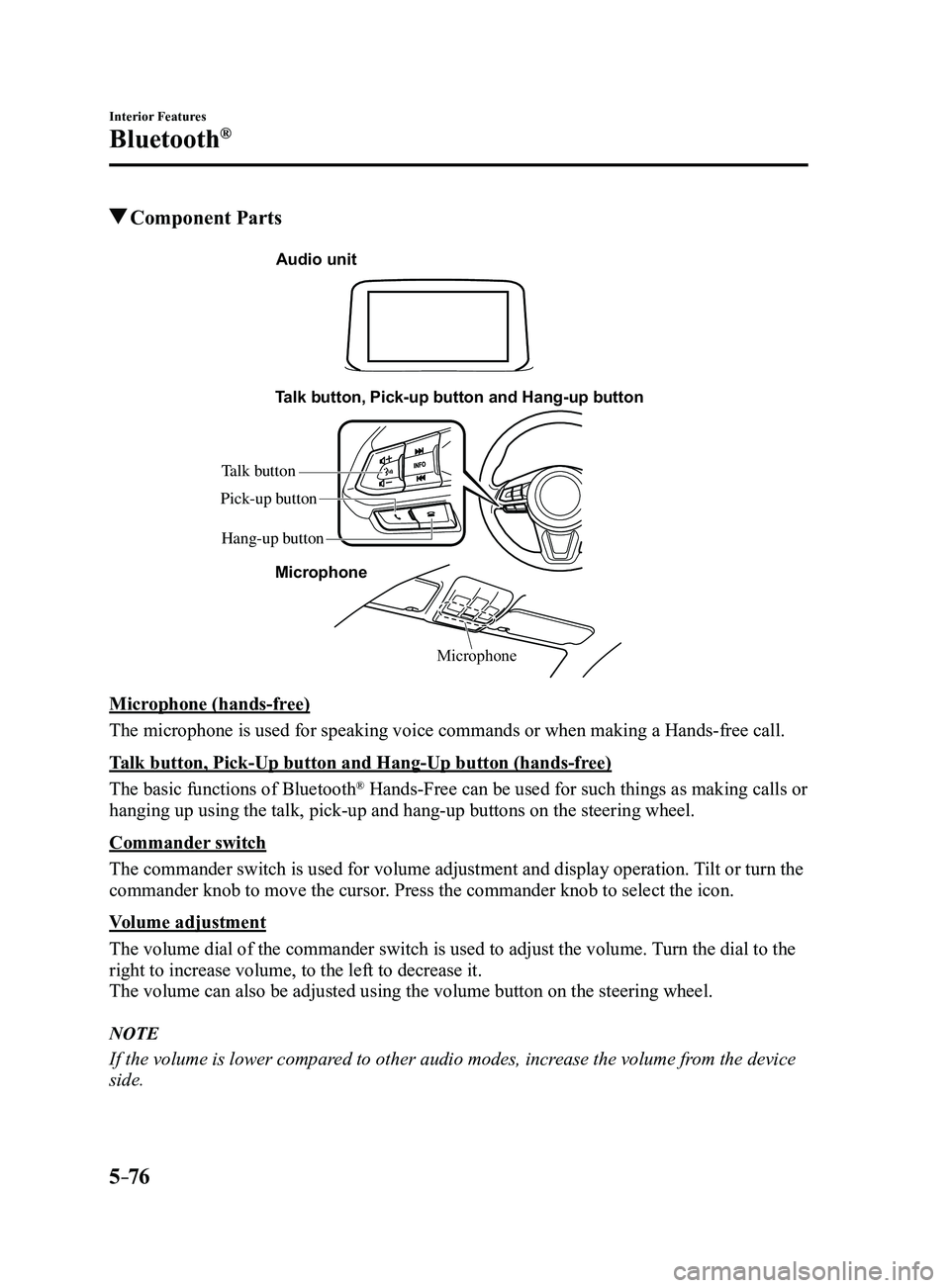
Component Parts
Microphone
Talk button, Pick-up button and Hang-up button
Microphone
Audio unit
Talk button
Hang-up button
Pick-up button
Microphone (hands-free)
The microphone is used for speaking voice commands or when making a Hand\
s-free call.
Talk button, Pick-Up button and Hang-Up button (hands-free)
The basic functions of Bluetooth
® Hands-Free can be used for such things as making calls or
hanging up using the talk, pick-up and hang-up buttons on the steering w\
heel.
Commander switch
The commander switch is used for volume adjustment and display operation\
. Tilt or turn the
commander knob to move the cursor. Press the commander knob to select the icon.
Volume adjustment
The volume dial of the commander switch is used to adjust the volume. Turn the dial to the
right to increase volume, to the left to decrease it.
The volume can also be adjusted using the volume button on the steering \
wheel.
NOTE
If the volume is lower compared to other audio modes, increase the volume from the device
side.
Mazda3_8FL6-EA-16F_Edition2.indb 762016/08/10 17:37:58
Page 369 of 612

5–77
Interior Features
Bluetooth®
Conversation volume and the volume of the voice guidance and ringtone ca\
n each be set in
advance.
1. Select the icon on the home screen to display the Communication screen.
2. Select .
3. Adjust the and the using the slider.
Bluetooth® Preparation
Device pairing
To use Bluetooth
® audio and Hands-Free,
the device equipped with Bluetooth® has
to be paired to the unit using the following
procedure. A maximum of seven devices
including Bluetooth
® audio devices and
hands-free mobile phones can be paired.
NOTE
The Bluetooth® system may not operate
for 1 or 2 minutes after the ignition
is switched to ACC or ON. However,
this does not indicate a problem. If the
Bluetooth
® system does not connect
automatically after 1 or 2 minutes have
elapsed, make sure that the Bluetooth
®
setting on the device is normal and
attempt to reconnect the Bluetooth
®-
enabled device from the vehicle side.
If Bluetooth®-enabled devices are used
in the following locations or conditions,
connection via Bluetooth
® may not be
possible.
The device is in a location hidden
from the center display such as
behind or under a seat, or inside the
glove compartment.
The device contacts or is cover ed by
a metal object or body. The device is set to power-saving
mode. Pairing Procedure
1. Select the icon on the home screen
to display the Settings screen.
2. Select the tab.
3. Select .
4. Turn the Bluetooth® setting on.
5. Select to display the
message and switch to the device
operation.
6. Using your device, perform a search
for the Bluetooth® device (Peripheral
device).
7. Select “Mazda” from the device list
searched by the device.
8. (Device with Bluetooth® version 2.0)
Input the displayed 4-digit pairing code
into the device.
(Device with Bluetooth® version 2.1
or higher)
Make sure the displayed 6-digit code
on the audio is also displayed on the
device, and touch the
.
Connection permission and phonebook
access permission for your mobile
device may be required depending on
the mobile device.
9. If pairing is successful, the functions of
the device connected to Bluetooth® are
displayed.
10. (Devices compatible with Mazda
Email / SMS function)
SMS (Short Message Service)
messages, and E-mail for the device are
downloaded automatically. A download
permission operation for your device
may be required depending on the
device.
Mazda3_8FL6-EA-16F_Edition2.indb 772016/08/10 17:37:59
Page 370 of 612
5–78
Interior Features
Bluetooth®
NOTE
When Call history and messages are
downloaded automatically, each automatic
download setting must be on.
Refer to Communication Settings on page
5-91.
After a device is registered, the system
automatically identifies the device. By
activating Bluetooth
® Hands-Free again, or
by activating Bluetooth® Hands-Free first
after switching the ignition from OFF to
ACC, the device connection condition is
indicated in the center display.
IMPORTANT note about pairing and
automatic reconnection:
If pairing is redone on the same
mobile phone device, first clear
“Mazda” displayed on the Bluetooth
®
setting screen of the mobile device.
When the OS of the device is updated,
the pairing information may be deleted.
If this happens, reprogram the pairing
information to the Bluetooth
® unit. Before you pair your device, make sure
that Bluetooth® is “ON”, both on your
phone and on the vehicle.
Device selection
If several devices have been paired, the
Bluetooth
® unit links the device last
paired. If you would like to link a different
paired device, it is necessary to change the
link. The order of device priority after the
link has been changed is maintained even
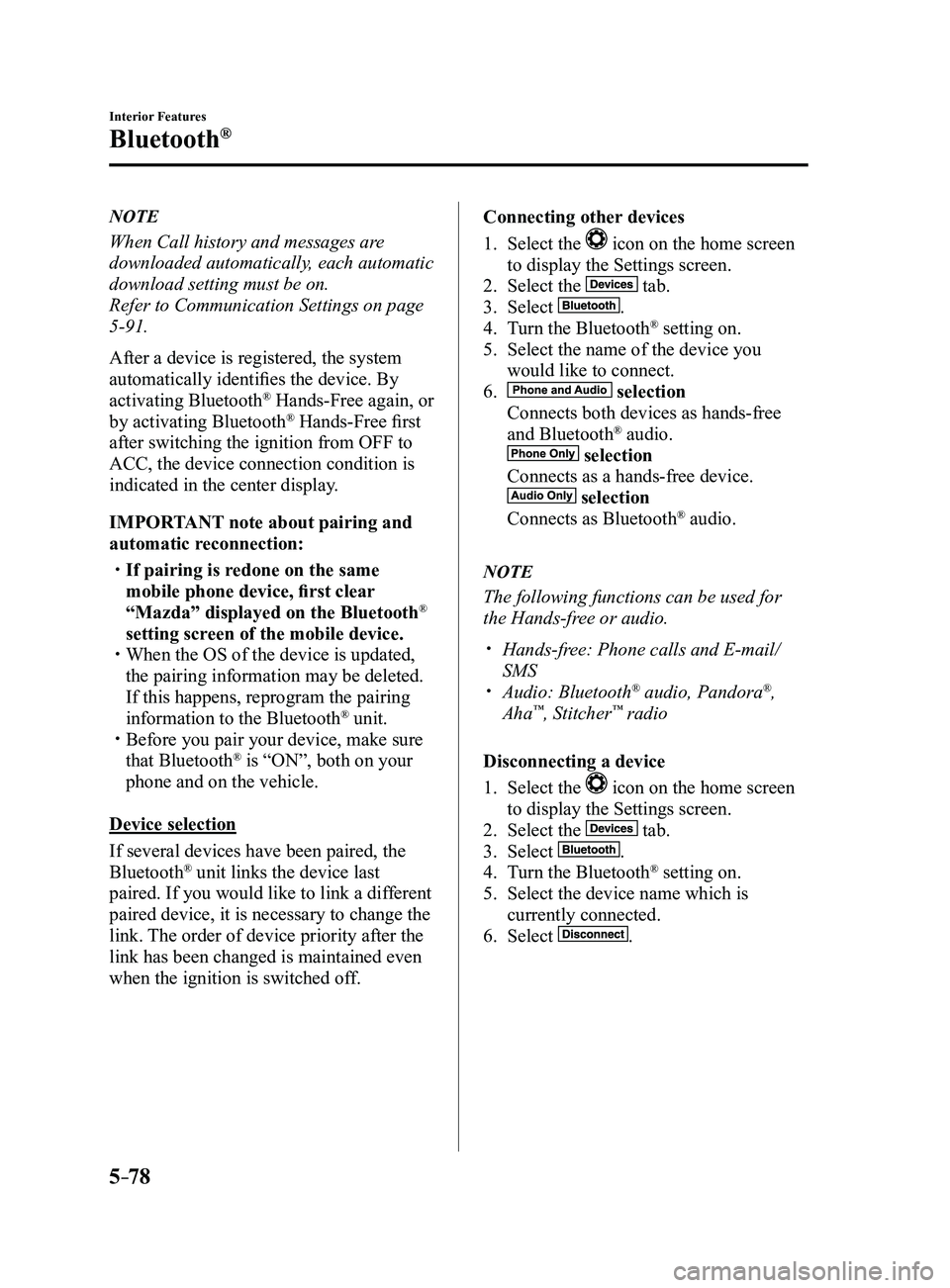
when the ignition is switched off. Connecting other devices
1. Select the icon on the home screen
to display the Settings screen.
2. Select the tab.
3. Select .
4. Turn the Bluetooth® setting on.
5. Select the name of the device you
would like to connect.
6. selection
Connects both devices as hands-free
and Bluetooth® audio.
selection
Connects as a hands-free device.
selection
Connects as Bluetooth® audio.
NOTE
The following functions can be used for
the Hands-free or audio.
Hands-free: Phone calls and E-mail/
SMS Audio: Bluetooth® audio, Pandora®,
Aha™, Stitcher™ radio
Disconnecting a device
1. Select the icon on the home screen
to display the Settings screen.
2. Select the tab.
3. Select .
4. Turn the Bluetooth® setting on.
5. Select the device name which is
currently connected.
6. Select .
Mazda3_8FL6-EA-16F_Edition2.indb 782016/08/10 17:38:00