battery MAZDA MODEL 5 2006 Owner's Guide
[x] Cancel search | Manufacturer: MAZDA, Model Year: 2006, Model line: MODEL 5, Model: MAZDA MODEL 5 2006Pages: 426, PDF Size: 7.18 MB
Page 368 of 426
Black plate (368,1)
A
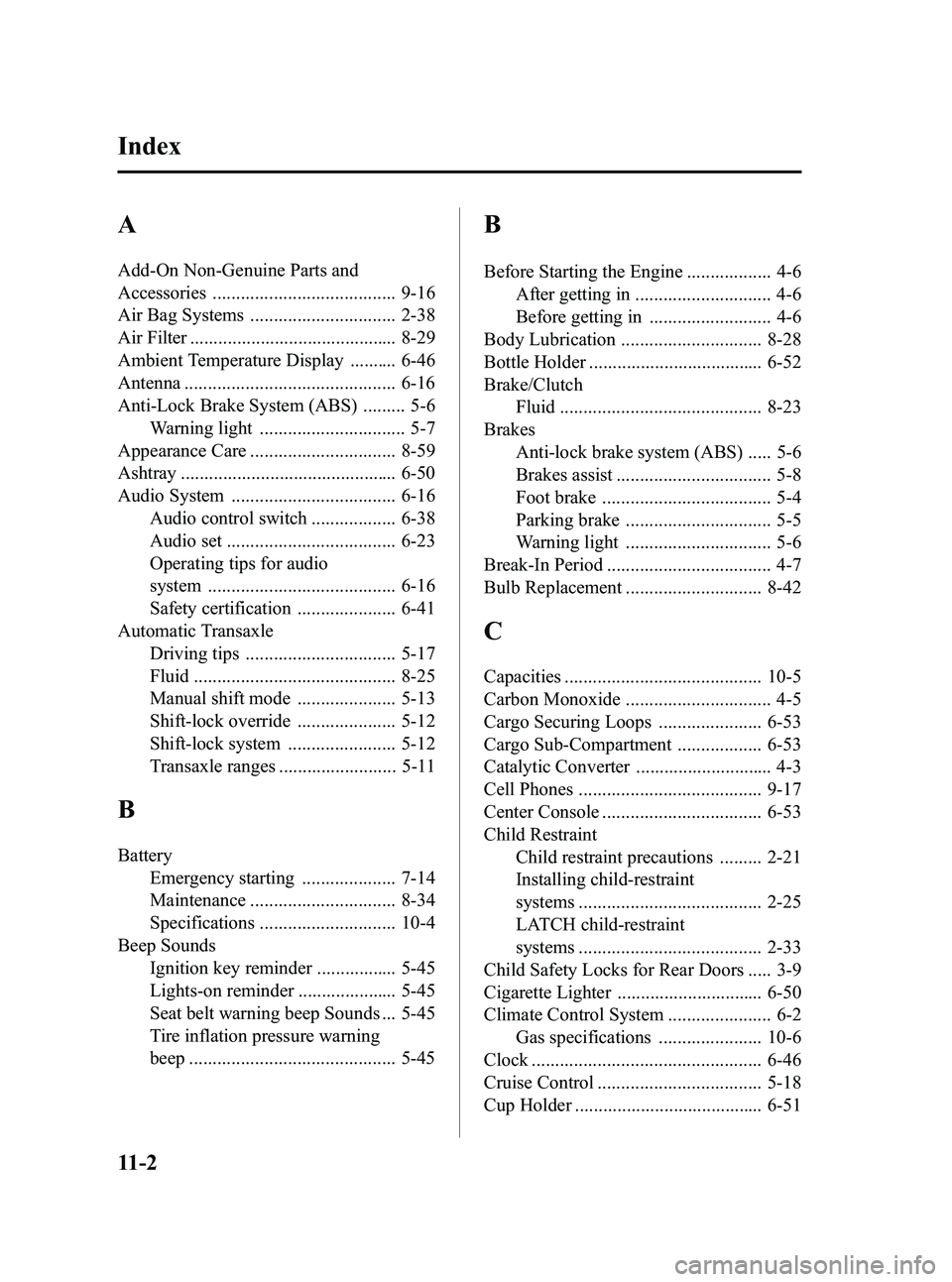
Add-On Non-Genuine Parts and
Accessories ....................................... 9-16
Air Bag Systems ............................... 2-38
Air Filter ............................................ 8-29
Ambient Temperature Display .......... 6-46
Antenna ............................................. 6-16
Anti-Lock Brake System (ABS) ......... 5-6Warning light ............................... 5-7
Appearance Care ............................... 8-59
Ashtray .............................................. 6-50
Audio System ................................... 6-16 Audio control switch .................. 6-38
Audio set .................................... 6-23
Operating tips for audio
system ........................................ 6-16
Safety certification ..................... 6-41
Automatic Transaxle Driving tips ................................ 5-17
Fluid ........................................... 8-25
Manual shift mode ..................... 5-13
Shift-lock override ..................... 5-12
Shift-lock system ....................... 5-12
Transaxle ranges ......................... 5-11
B
BatteryEmergency starting .................... 7-14
Maintenance ............................... 8-34
Specifications ............................. 10-4
Beep Sounds Ignition key reminder ................. 5-45
Lights-on reminder ..................... 5-45
Seat belt warning beep Sounds ... 5-45
Tire inflation pressure warning
beep ............................................ 5-45
B
Before Starting the Engine .................. 4-6After getting in ............................. 4-6
Before getting in .......................... 4-6
Body Lubrication .............................. 8-28
Bottle Holder ..................................... 6-52
Brake/Clutch Fluid ........................................... 8-23
Brakes Anti-lock brake system (ABS) ..... 5-6
Brakes assist ................................. 5-8
Foot brake .................................... 5-4
Parking brake ............................... 5-5
Warning light ............................... 5-6
Break-In Period ................................... 4-7
Bulb Replacement ............................. 8-42
C
Capacities .......................................... 10-5
Carbon Monoxide ............................... 4-5
Cargo Securing Loops ...................... 6-53
Cargo Sub-Compartment .................. 6-53
Catalytic Converter ............................. 4-3
Cell Phones ....................................... 9-17
Center Console .................................. 6-53
Child Restraint Child restraint precautions ......... 2-21
Installing child-restraint
systems ....................................... 2-25
LATCH child-restraint
systems ....................................... 2-33
Child Safety Locks for Rear Doors ..... 3-9
Cigarette Lighter ............................... 6-50
Climate Control System ...................... 6-2 Gas specifications ...................... 10-6
Clock ................................................. 6-46
Cruise Control ................................... 5-18
Cup Holder ........................................ 6-51
11-2
Index
Mazda3_8U55-EA-05G_Edition3 Page368
Tuesday, September 13 2005 10:46 AM
Form No.8U55-EA-05G
Page 376 of 426

4
Before Use
Safety Information
■Read this owner’s manual for your Navigation System carefully before using the system.
They contain instructions about how to use the system in a safe and effective manner.
Mazda assumes no responsibility for any problems resulting from failure to observe the instructions
given in this manual.
■ This manual uses pictographs to show you how to use the product safely and to alert you to potential
dangers resulting from improper connections and operation. The meanings of the pictographs are
explained below. It is important that you fully understand the pictographs and explanations in order to
use this manual and the system properly.
Warning
Warning
The presence of this Warning symbol in the text is intended to
alert you to the importance of heeding the operation
instructions. Failure to heed the instructions may result in
severe injury or death.
■Do not keep your eyes fixed on the monitor screen or operate the system
while driving.
Do not change the settings and destination locations while driving. Minimize the time
spent on viewing the monitor screen and listening to the voice guidance while driving.
Operating the system will distract the driver from looking ahead of the vehicle and can
cause accidents. Always stop the vehicle in a safe location and use the parking brake
before operating the system.
■
Always obey local traffic regulations. Your guided route may include roads that are not open to vehicles or are closed due to
traffic regulations. Comply with the local traffic regulations and take another route.
■
Do not use the unit when it is out of order.
If the unit is out of order (no image, no sound) or in an abnormal state (has foreign matter
in it, is exposed to water, is smoking, or smells), then turn it off immediately and consult
with an Expert repairer, we recommend an Authorized Mazda Repairer. Using the unit in
an out-of-order condition may lead to accidents, fires, or electric shocks.
■
Use the proper power supply. This product is designed for operation with a negative grounded 12 V DC battery system.
■
Do not disassemble. Do not disassemble the product or attempt to repair it yourself. If the product needs to be
repaired, take it to an Expert repairer, we recommend an Authorized Mazda Repairer.
Warnings
MAZDA3_Navi_EA.book Page 4 Monday, June 6, 2005 9:39 AM
Page 382 of 426
10
Getting started
Activation
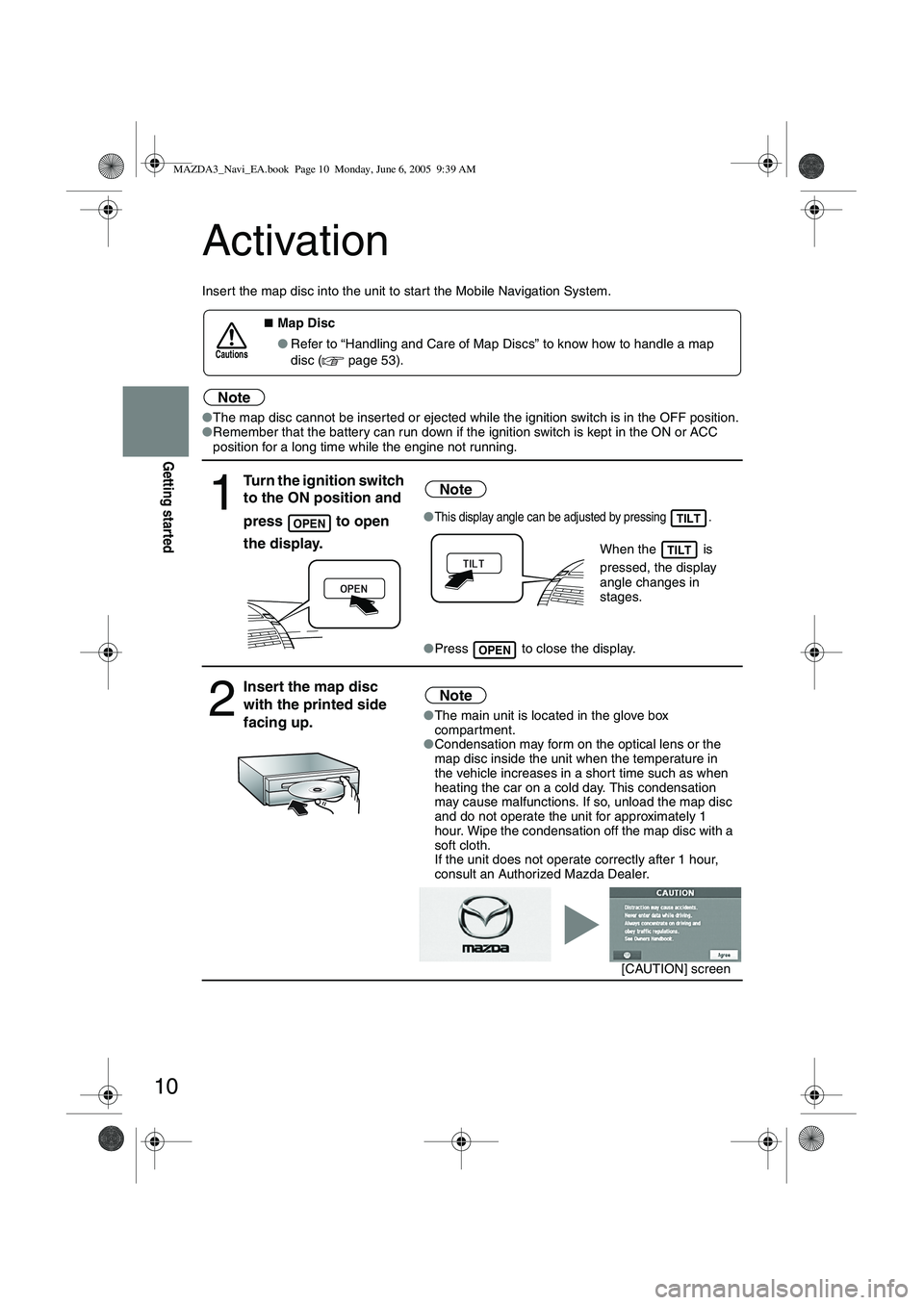
Insert the map disc into the unit to star t the Mobile Navigation System.
Note
●The map disc cannot be inserted or ejected while the ignition switch is in the OFF position.
● Remember that the battery can run down if the ignition switch is kept in the ON or ACC
position for a long time while the engine not running.
■Map Disc
● Refer to “Handling and Care of Map Discs” to know how to handle a map
disc (
page 53).
1
Turn the ignition switch
to the ON position and
press
to open
the display.
Note
●This display angle can be adjusted by pressing .
When the is
pressed, the display
angle changes in
stages.
● Press to close the display.
2
Insert the map disc
with the printed side
facing up.Note
●The main unit is located in the glove box
compartment.
● Condensation may form on the optical lens or the
map disc inside the unit when the temperature in
the vehicle increases in a shor t time such as when
heating the car on a cold day. This condensation
may cause malfunctions. If so, unload the map disc
and do not operate the unit for approximately 1
hour. Wipe the condensation off the map disc with a
soft cloth.
If the unit does not operate correctly after 1 hour,
consult an Authorized Mazda Dealer.
Cautions
OPENTILT
TILT
OPEN
[CAUTION] screen
MAZDA3_Navi_EA.book Page 10 Monday, June 6, 2005 9:39 AM
Page 422 of 426
50
As necessary
Troubleshooting
Note
There may be some problems due to operational errors or mistakes. Please read this manual
again and verify that there really is a problem before calling an Expert repairer, we
recommend an Authorized Mazda Repairer to ask for repair services.
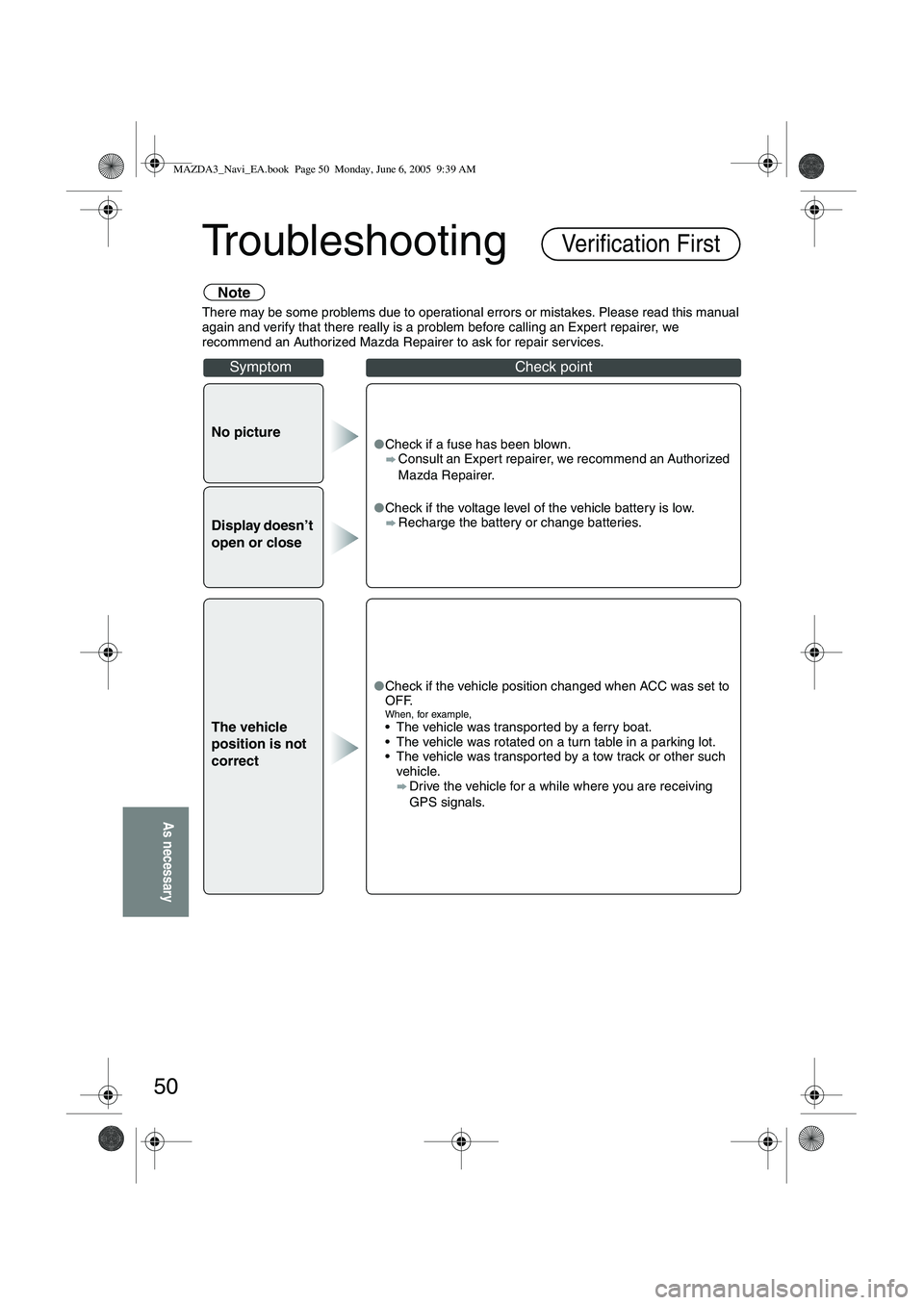
No picture●Check if a fuse has been blown.
Consult an Expert repairer, we recommend an Authorized
Mazda Repairer.
● Check if the voltage level of the vehicle battery is low.
Recharge the battery or change batteries.
Display doesn’t
open or close
The vehicle
position is not
correct
●Check if the vehicle position changed when ACC was set to
OFF.
When, for example, The vehicle was transported by a ferry boat.
The vehicle was rotated on a turn table in a parking lot.
The vehicle was transported by a tow track or other such
vehicle.
Drive the vehicle for a while where you are receiving
GPS signals.
Verification First
SymptomCheck point
MAZDA3_Navi_EA.book Page 50 Monday, June 6, 2005 9:39 AM