radio MAZDA MODEL 5 2007 User Guide
[x] Cancel search | Manufacturer: MAZDA, Model Year: 2007, Model line: MODEL 5, Model: MAZDA MODEL 5 2007Pages: 409, PDF Size: 7.16 MB
Page 187 of 409

Black plate (188,1)
qOperating the Radio
Channel
preset
buttons
Auto
memory
button
Electric serial number
Scan button Seek tuning buttons Manual tuning dial
Satellite button
Band selector button
Radio ON
Press a band selector button (
)to
turn the radio on.
Band selection
Successively pressing the band selector
button (
) switches the bands as
follows: FM1 →FM2 →AM.
The selected mode will be indicated. If
FM stereo is being received, “ST ”will be
displayed.
NOTE
If the FM broadcast signal becomes weak,
reception automatically changes from
STEREO to MONO for reduced noise, and the
“ ST ”indicator will go out.
Tuning
The radio has the following tuning
methods: Manual, Seek, Scan, Preset
channel, and Auto memory tuning. The
easiest way to tune stations is to set them
on preset channels.
NOTE
If the power supply is interrupted (fuse blows
or the battery is disconnected), the preset
channels will be canceled.
Manual tuning
Turning the manual tuning dial will
change the frequency higher or lower.
Seek tuning
Pressing the seek tuning button (
,)
will cause the tuner to seek a higher or
lower frequency automatically.
6-28
Interior Comfort
Audio System
Mazda5_8X91-EA-07E_Edition1 Page188
Tuesday, June 26 2007 8:47 PM
Form No.8X91-EA-07E
Page 188 of 409
Black plate (189,1)
NOTE
If you continue to press and hold the button,
the frequency will continue changing without
stopping.
Scan tuning
Press the scan button (
)to
automatically sample strong stations.
Scanning stops at each station for about 5
seconds. To hold a station, press the scan
button (
) again during this interval.
Preset channel tuning
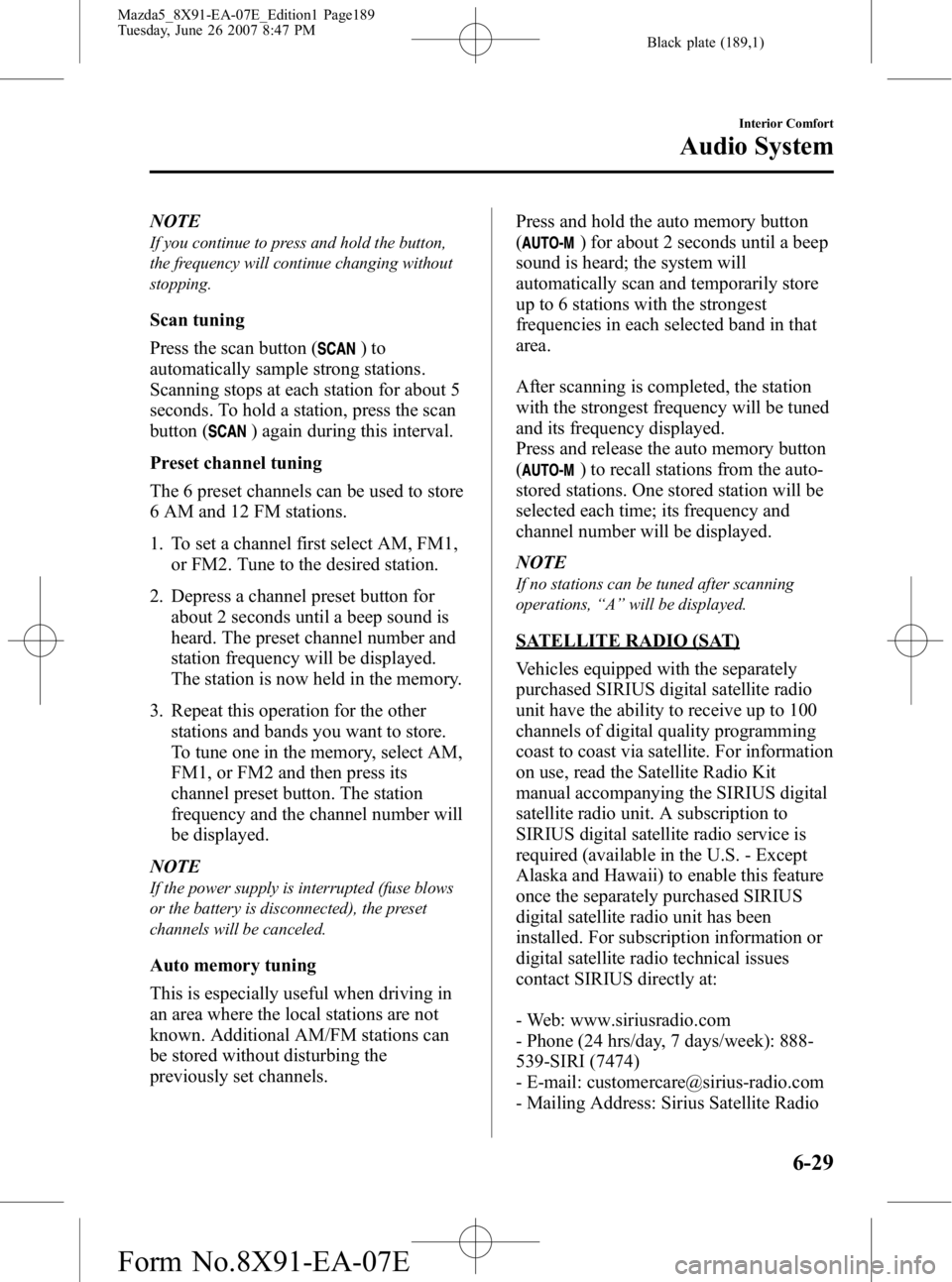
The 6 preset channels can be used to store
6 AM and 12 FM stations.
1. To set a channel first select AM, FM1, or FM2. Tune to the desired station.
2. Depress a channel preset button for about 2 seconds until a beep sound is
heard. The preset channel number and
station frequency will be displayed.
The station is now held in the memory.
3. Repeat this operation for the other stations and bands you want to store.
To tune one in the memory, select AM,
FM1, or FM2 and then press its
channel preset button. The station
frequency and the channel number will
be displayed.
NOTE
If the power supply is interrupted (fuse blows
or the battery is disconnected), the preset
channels will be canceled.
Auto memory tuning
This is especially useful when driving in
an area where the local stations are not
known. Additional AM/FM stations can
be stored without disturbing the
previously set channels. Press and hold the auto memory button
(
) for about 2 seconds until a beep
sound is heard; the system will
automatically scan and temporarily store
up to 6 stations with the strongest
frequencies in each selected band in that
area.
After scanning is completed, the station
with the strongest frequency will be tuned
and its frequency displayed.
Press and release the auto memory button
(
) to recall stations from the auto-
stored stations. One stored station will be
selected each time; its frequency and
channel number will be displayed.
NOTE
If no stations can be tuned after scanning
operations, “A ” will be displayed.
SATELLITE RADIO (SAT)
Vehicles equipped with the separately
purchased SIRIUS digital satellite radio
unit have the ability to receive up to 100
channels of digital quality programming
coast to coast via satellite. For information
on use, read the Satellite Radio Kit
manual accompanying the SIRIUS digital
satellite radio unit. A subscription to
SIRIUS digital satellite radio service is
required (available in the U.S. - Except
Alaska and Hawaii) to enable this feature
once the separately purchased SIRIUS
digital satellite radio unit has been
installed. For subscription information or
digital satellite radio technical issues
contact SIRIUS directly at:
- Web: www.siriusradio.com
- Phone (24 hrs/day, 7 days/week): 888-
539-SIRI (7474)
- E-mail: [email protected]
- Mailing Address: Sirius Satellite Radio
Interior Comfort
Audio System
6-29
Mazda5_8X91-EA-07E_Edition1 Page189
Tuesday, June 26 2007 8:47 PM
Form No.8X91-EA-07E
Page 189 of 409

Black plate (190,1)
1221 Avenue Of The Americas
New York, NY 10020
Attention: Customer Care
Include your Sirius Radio ESN
(Electronic Serial Number) when
subscribing or requesting technical
assistance. See the Satellite Radio Kit
manual accompanying the SIRIUS unit
for complete satellite radio activation
procedures and information on how to
display the ESN#.
6-30
Interior Comfort
Audio System
Mazda5_8X91-EA-07E_Edition1 Page190
Tuesday, June 26 2007 8:47 PM
Form No.8X91-EA-07E
Page 202 of 409

Black plate (203,1)
qChanging the Source
Press the mode switch () to change
the audio source (FM1 radio> FM2 radio>
AM radio> CD player or CD changer>
Cassette tape player> SIRIUS1>
SIRIUS2> SIRIUS3> cyclical).
NOTE
Cassette tape, CD, CD changer, and SIRIUS
digital satellite radio modes cannot be selected
in the following cases:
lA cassette deck, CD, CD changer, or
SIRIUS digital satellite radio unit is not
equipped on the audio system.
lA cassette tape, or CD has not been
inserted.
q Seek Switch
When listening to the radio
Press the seek switch (
,), the radio
switches to the next/previous stored
station in the order that it was stored
(1 ― 6).
Press the seek switch (
,) for about 2
seconds until a beep sound is heard to
seek all usable stations at a higher or
lower frequency whether programmed or
not.
When playing a cassette tape
Press the seek switch (
), release, and it
will advance to the next selection.
Press the seek switch (
), release, and it
will repeat the selection being played.
When playing a CD
Press the seek switch (
) to skip to the
next track.
Press the seek switch (
) to repeat the
current track.
Interior Comfort
Audio System
6-43
Mazda5_8X91-EA-07E_Edition1 Page203
Tuesday, June 26 2007 8:47 PM
Form No.8X91-EA-07E
Page 204 of 409

Black plate (205,1)
Safety Certification
This CD player is made and tested to meet exacting safety standards. It meets FCC
requirements and complies with safety performance standards of the U.S. Department of
Health and Human Services.
CAUTION
ØThis CD player should not be adjusted or repaired by anyone except qualified
service personnel.
If servicing is required, contact an Authorized Mazda Dealer.
Ø Use of controls or adjustments or performance of procedures other than those
specified herein may result in hazardous laser exposure. Never operate the CD
player with the top case of the unit removed.
Ø Changes or modifications not expressly approved by the party responsible for
compliance could void the user's authority to operate this equipment.
NOTE
For CD player section:
This device complies with part 15 of the FCC Rules. Operation is subject to the following two
conditions: (1) This device may not cause harmful interference, and (2) this device must accept any
interference received, including interference that may cause undesired operation.
NOTE
This equipment has been tested and found to comply with the limits for a Class B digital device,
pursuant to part 15 of the FCC Rules. These limits are designed to provide reasonable protection
against harmful interference in a residential installation. This equipment generates, uses, and can
radiate radio frequency energy and, if not installed and used in accordance with the instructions,
may cause harmful interference to radio communications. However, there is no guarantee that
interference will not occur in a particular installation.
Interior Comfort
Audio System
6-45
Mazda5_8X91-EA-07E_Edition1 Page205
Tuesday, June 26 2007 8:47 PM
Form No.8X91-EA-07E
Page 311 of 409

Black plate (312,1)
Add-On Non-Genuine Parts and Accessories
Non-genuine parts and accessories for Mazda vehicles can be found in stores.
These may fit your vehicle, but they are not approved by Mazda for use with Mazda
vehicles. When you install non-genuine parts or accessories, they could affect your
vehicle's performance or safety systems; the Mazda warranty doesn't cover this. Before you
install any non-genuine parts or accessories, consult an Authorized Mazda Dealer.
WARNING
Always consult an Authorized Mazda Dealer before you install non-genuine parts or
accessories:Installation of non-genuine parts or accessories is dangerous. Improperly designed
parts or accessories could seriously affect your vehicle's performance or safety
systems. This could cause you to have an accident or increase your chances of
injuries in an accident.
Be very careful in choosing and installing add-on electrical equipment, such as
mobile telephones, two-way radios, stereo systems, and car alarm systems: Incorrectly choosing or installing improper add-on equipment or choosing an
improper installer is dangerous. Essential systems could be damaged, causing engine
stalling, air-bag (SRS) activation, ABS inactivation, or a fire in the vehicle.
Mazda assumes no responsibility for death, injury, or expenses that may result from the
installation of add-on non-genuine parts or accessories.
9-16
Customer Information
Warranty
Mazda5_8X91-EA-07E_Edition1 Page312
Tuesday, June 26 2007 8:48 PM
Form No.8X91-EA-07E
Page 312 of 409
Black plate (313,1)
Cell Phones Warning
WARNING
Please comply with the legal regulations concerning the use of communication
equipment in vehicles in your country:Use of any electrical devices such as cell phones, computers, portable radios, vehicle
navigation or other devices by the driver while the vehicle is moving is dangerous.
Dialing a number on a cell phone while driving also ties-up the driver's hands. Use of
these devices will cause the driver to be distracted and could lead to a serious
accident. If a passenger is unable to use the device, pull off the right-of-way to a safe
area before use. If use of a cell phone is necessary despite this warning, use a hands-
free system to at least leave the hands free to drive the vehicle. Never use a cell
phone or other electrical devices while the vehicle is moving and, instead,
concentrate on the full-time job of driving.
Customer Information
Cell Phones
9-17
Mazda5_8X91-EA-07E_Edition1 Page313
Tuesday, June 26 2007 8:48 PM
Form No.8X91-EA-07E