brake light MAZDA MODEL 6 2019 (in English) Workshop Manual
[x] Cancel search | Manufacturer: MAZDA, Model Year: 2019, Model line: MODEL 6, Model: MAZDA MODEL 6 2019Pages: 668, PDF Size: 9.4 MB
Page 305 of 668
When passing through a toll gate.
When passing through low gates, narrow gates, car washing machines, or tunnels.
If you suddenly come close to a vehicle ahead.
2-wheeled vehicles, pedestrians, animals or standing trees.
Vehicle is driven with some of the tires having significant wear.
(Manual transaxle)
If the vehicle is stopped by the Smart City Brake Support (SCBS) operation and the clutch
pedal is not depressed, the engine stops.
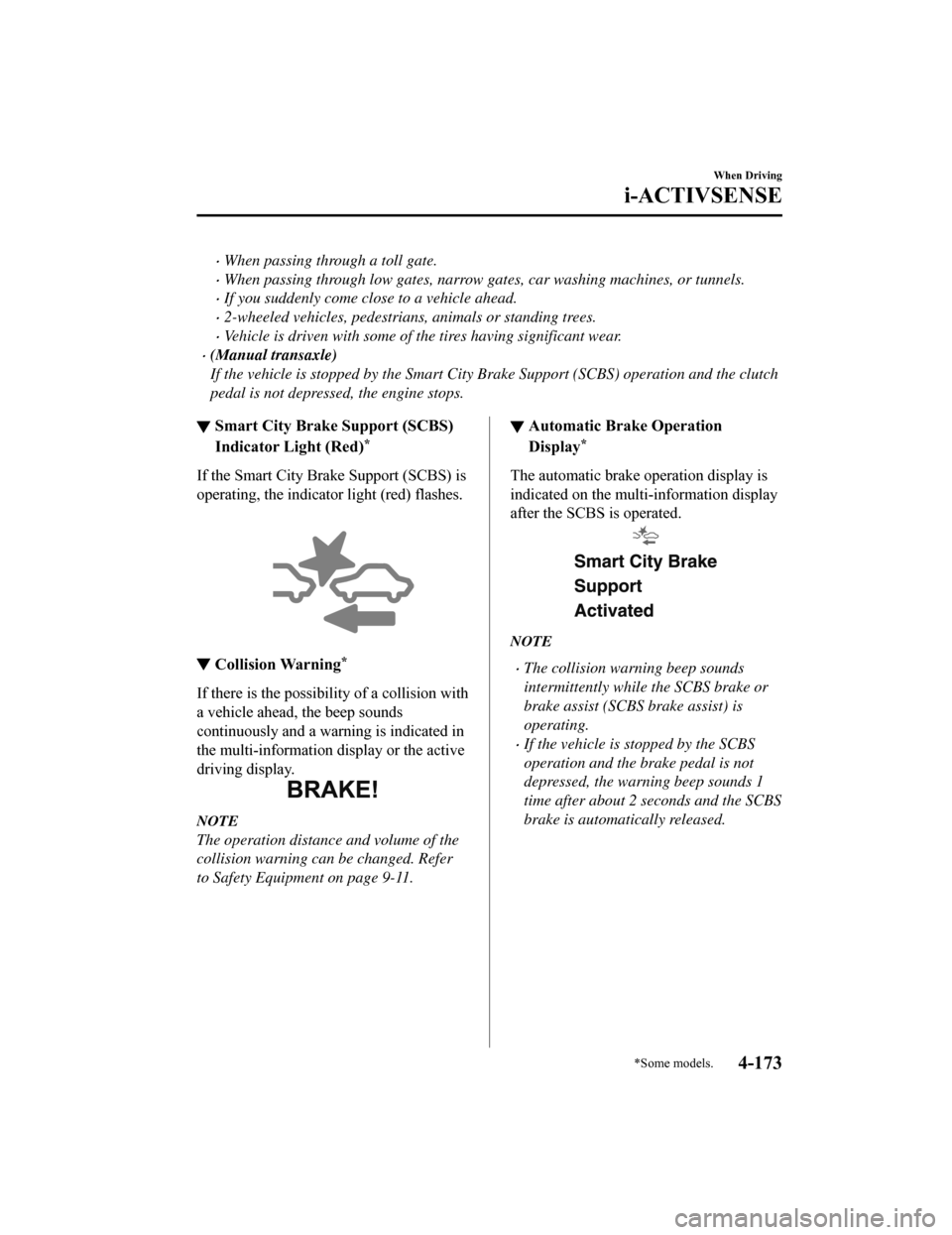
▼Smart City Brake Support (SCBS)
Indicator Light (Red)*
If the Smart City Bra
ke Support (SCBS) is
operating, the indicator light (red) flashes.
▼ Collision Warning*
If there is the possibili
ty of a collision with
a vehicle ahead, the beep sounds
continuously and a warning is indicated in
the multi-information di splay or the active
driving display.
NOTE
The operation distance and volume of the
collision warning can be changed. Refer
to Safety Equipment on page 9-11.
▼ Automatic Brake Operation
Display*
The automatic brake operation display is
indicated on the multi-information display
after the SCBS is operated.
NOTE
The collision warning beep sounds
intermittently while the SCBS brake or
brake assist (SCBS brake assist) is
operating.
If the vehicle is stopped by the SCBS
operation and the brake pedal is not
depressed, the warning beep sounds 1
time after about 2 seconds and the SCBS
brake is automatically released.
When Driving
i-ACTIVSENSE
*Some models.4-173
Mazda6_8HK6-EA-19A_Edition1
2018-11-15 9:36:06
Page 306 of 668
▼Stopping the Smart City Brake
Support (SCBS) System Operation
The SCBS system can be temporarily
deactivated.
Refer to Safety Equi
pment on page 9-11.
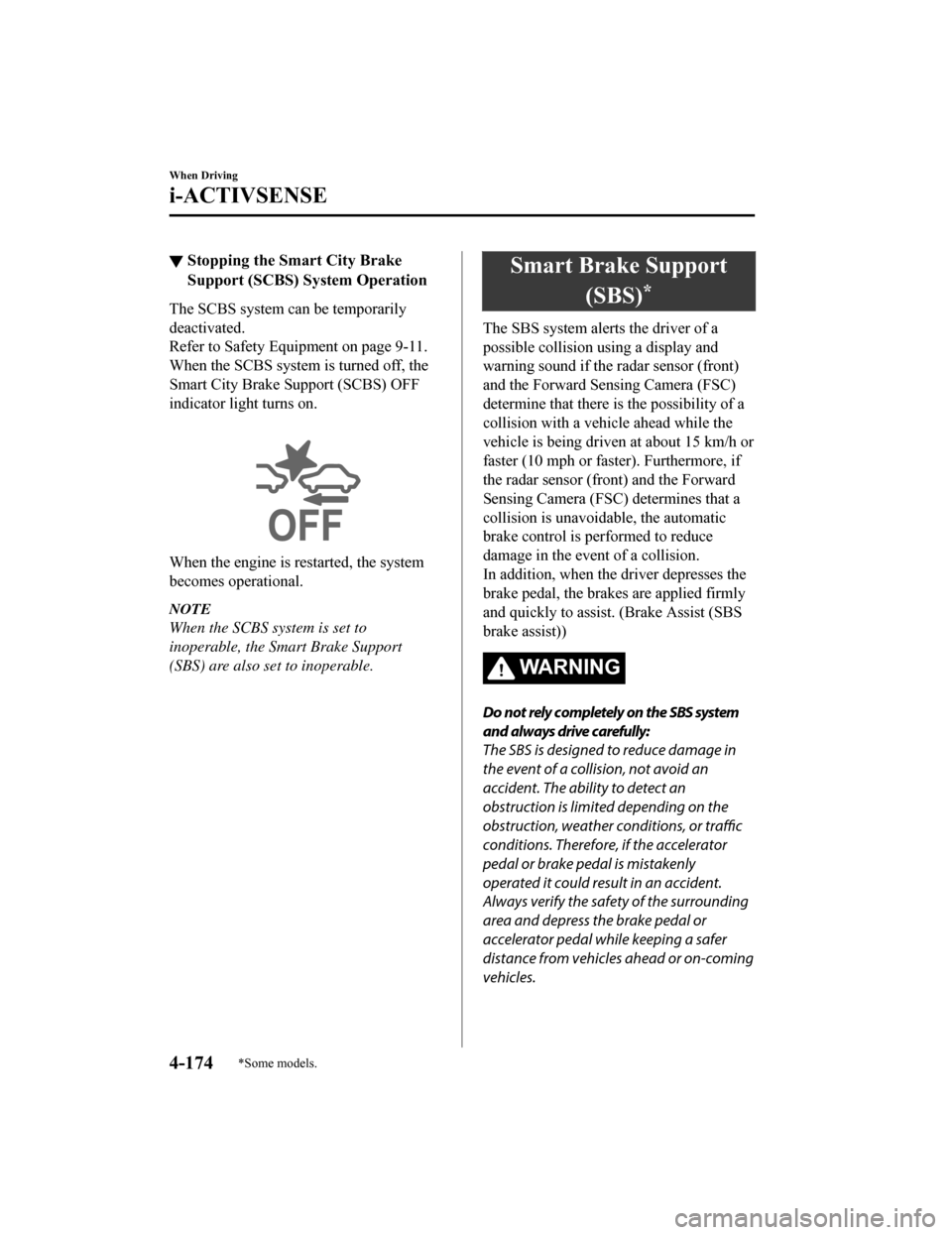
When the SCBS system is turned off, the
Smart City Brake Support (SCBS) OFF
indicator light turns on.
When the engine is restarted, the system
becomes operational.
NOTE
When the SCBS system is set to
inoperable, the Smart Brake Support
(SBS) are also se t to inoperable.
Smart Brake Support
(SBS)
*
The SBS system alerts the driver of a
possible collision using a display and
warning sound if the radar sensor (front)
and the Forward Sensing Camera (FSC)
determine that there is the possibility of a
collision with a vehicle ahead while the
vehicle is being driven at about 15 km/h or
faster (10 mph or fast er). Furthermore, if
the radar sensor (front) and the Forward
Sensing Camera (FSC) determines that a
collision is unavoidable, the automatic
brake control is performed to reduce
damage in the event of a collision.
In addition, when the d river depresses the
brake pedal, the brakes are applied firmly
and quickly to assist. (Brake Assist (SBS
brake assist))
WA R N I N G
Do not rely completely on the SBS system
and always drive carefully:
The SBS is designed to reduce damage in
the event of a collision, not avoid an
accident. The ability to detect an
obstruction is limited depending on the
obstruction, weather conditions, or traffic
conditions. Therefore, if the accelerator
pedal or brake pedal is mistakenly
operated it could result in an accident.
Always verify the safety of the surrounding
area and depress the brake pedal or
accelerator pedal while keeping a safer
distance from vehicles ahead or on-coming
vehicles.
When Driving
i-ACTIVSENSE
4-174*Some models.
Mazda6_8HK6-EA-19A_Edition1 2018-11-15 9:36:06
Page 307 of 668

CAUTION
In the following cases, turn the system off
to prevent a mis-operation:
The vehicle is being towed or when
towing another vehicle.
The vehicle is on a chassis roller.
When driving on rough roads such as in
areas of dense grass or off-road.
NOTE
The SBS system operates when all of the
following conditions are met:
The ignition is switched ON.
The SBS system is on.
The vehicle speed is about 15 km/h or
faster (10 mph or faster).
The relative speed between your
vehicle and the vehicle ahead is about
15 km/h or faster (10 mph or faster).
The Dynamic Stability Control (DSC)
is not operating.
The SBS system may not operate under
the following conditions:
If the vehicle is accelerated rapidly
and it comes close to a vehicle ahead.
The vehicle is driven at the same
speed as the vehicle ahead.
The accelerator pedal is depressed.
The brake pedal is depressed.
The steering wheel is being operated.
The selector lever is being operated.
The turn signal is being used.
When the vehicle ahead is not
equipped with ta illights or the
taillights are turned off.
When warnings and messages, such
as a dirty windshield, related to the
Forward Sensing Camera (FSC) are
being displayed in the
multi-information display.
Although the objects which activate the
system are four-wheeled vehicles, the
radar sensor (front) could detect the
following objects, determine them to be
an obstruction, and operate the SBS
system.
Objects on the road at the entrance to
a curve (including guardrails and
snow banks).
A vehicle appears in the opposite lane
while cornering or rounding a curve.
When crossing a narrow bridge.
When passing under a low gate or
through a tunnel or narrow gate.
When entering an underground
parking area.
Metal objects, bumps, or protruding
objects on the road.
If you suddenly come close to a
vehicle ahead.
When driving in areas where there is
high grass or forage.
Two-wheeled vehicles such as
motorbikes or bicycles.
Pedestrians or non-metallic objects
such as standing trees.
When the system operates, the user is
notified by the multi-information
display.
If there is a problem with the SBS
system, a message is displayed in the
multi-information display. Check the
center display to ver ify the problem and
then have your vehicle inspected by an
Authorized Mazda Dealer.
When Driving
i-ACTIVSENSE
4-175
Mazda6_8HK6-EA-19A_Edition1 2018-11-15 9:36:06
Page 308 of 668
Refer to Message Indicated on Display
on page 7-38.
▼Collision Warning
If there is the possibil
ity of a collision with
a vehicle ahead, the beep sounds
continuously and a warning is indicated in
the multi-informati on display and the
active driving display.
▼ Stopping The Smart Brake Support
(SBS) System Operation
The SBS system can be temporarily
deactivated.
Refer to Safety Equi
pment on page 9-11.
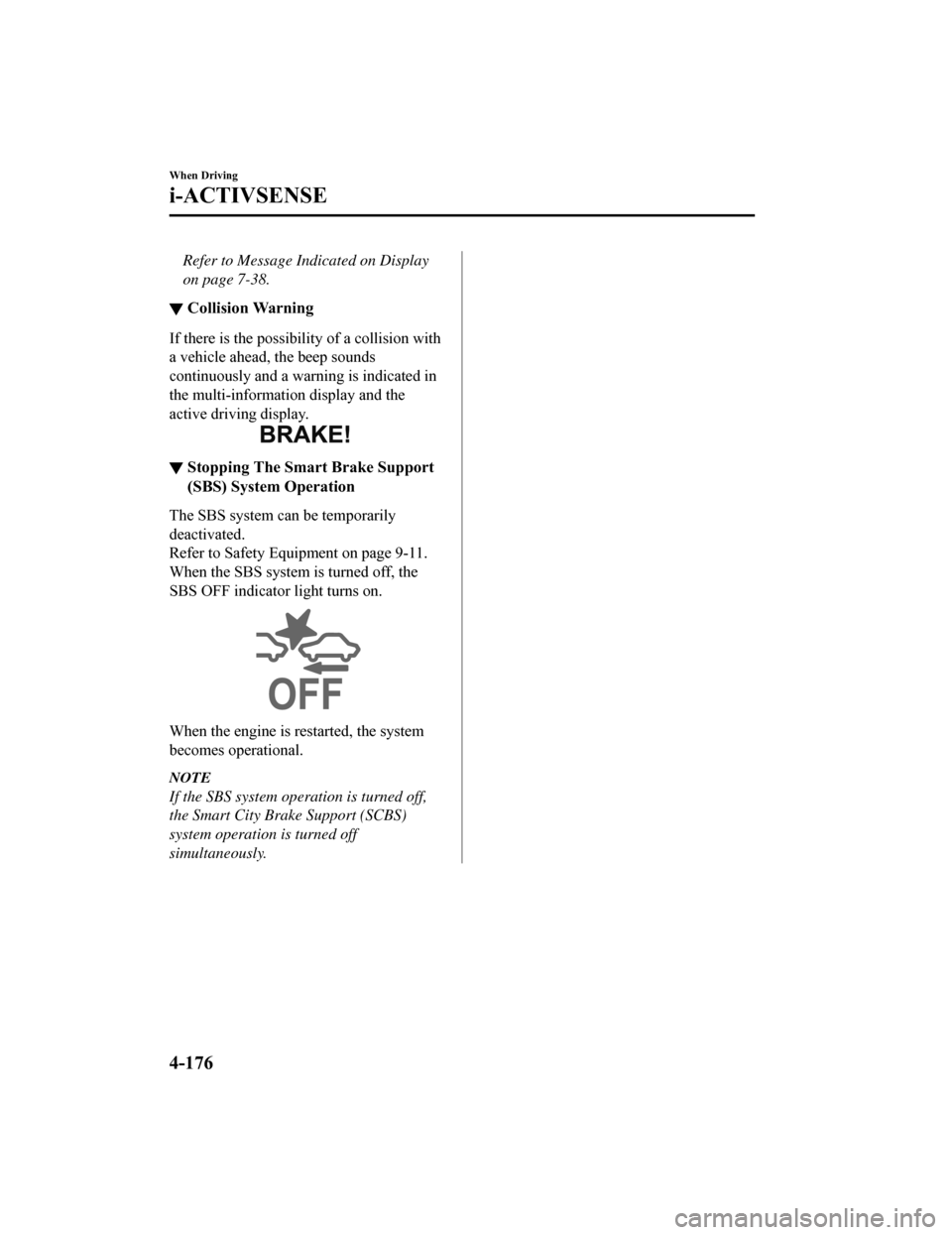
When the SBS system is turned off, the
SBS OFF indicator light turns on.
When the engine is restarted, the system
becomes operational.
NOTE
If the SBS system operation is turned off,
the Smart City Brake Support (SCBS)
system operation is turned off
simultaneously.
When Driving
i-ACTIVSENSE
4-176
Mazda6_8HK6-EA-19A_Edition1 2018-11-15 9:36:06
Page 337 of 668

Do not disassemble or modify th e Forward Sensing Camera (FSC).
Disassembly or modification of the Forward Sensing Camera (FSC) will cause a malfunction
or mistaken operation. Consequently, each sy stem may not operate normally which could
lead to an unexpected accident.
Heed the following cautions to assure the co rrect operation of the Forward Sensing Camera
(FSC).
Be careful not to scratch the Forward Sensing Camera (FSC) lens or allow it to get dirty.
Do not remove the Forward Sensing Camera (FSC) cover.
Do not place objects on the dashboard which reflect light.
Always keep the windshield glass around th e camera clean by removing dirt or fogging.
Use the windshield defroster to remove fogging on the windshield.
Consult an Authorized Mazda Dealer regardi ng cleaning the interior side of the
windshield around the Forw ard Sensing Camera (FSC).
Consult an Authorized Mazda Dealer before performing repairs around the Forward
Sensing Camera (FSC).
The Forward Sensing Camera (FSC) is installe d to the windshield. Consult an Authorized
Mazda Dealer for windshield repair and replacement.
When cleaning the windshield, do not allow glass cleaners or similar cleaning fluids to
get on the Forward Sensing Camera (FSC) le ns. In addition, do not touch the Forward
Sensing Camera (FSC) lens.
When performing repairs around the rearvi ew mirror, consult an Authorized Mazda
Dealer.
Consult an Authorized Mazda Dealer regarding cleaning of the camera lens.
Do not hit or apply strong force to the Forward Sensing Camera (FSC) or the area around
it. If the Forward Sensing Camera (FSC) is severely hit or if there are cracks or damage
caused by flying gravel or debris in the area around it, stop using the following systems
and consult an Authorized Mazda Dealer.
High Beam Control System (HBC)
Lane-keep Assist System (LAS) & Lane Departure Warning System (LDWS)
Traffic Sign Recognition System (TSR)
Advanced Smart City Brake Support (Advanced SCBS)
Smart City Brake Support (SCBS)
Mazda Radar Cruise Control with Stop & Go function (MRCC with Stop & Go function)
Smart Brake Support (SBS)
The direction in which the Forward Sensing Camera (FSC) is pointed has been
finely
adjusted. Do not change the installation position of the Forward Sensing Camera (FSC) or
remove it. Otherwise, it could result in damage or malfunction.
Always use tires for all wheels that are of the specified size, and the same manufacturer,
brand, and tread pattern. In addition, do not use tires with significantly different wear
patterns on the same vehicle as the system may not operate normally.
When Driving
i-ACTIVSENSE
4-205
Mazda6_8HK6-EA-19A_Edition1 2018-11-15 9:36:06
Page 339 of 668

The surroundings are dark such as during the night, early evening, or early morning, or
in a tunnel or indoor parking lot.
The illumination brightness of the headlights is reduced or the headlight illumination is
weakened due to dirt or a deviated optical axis.
The target object enters the blind spot of the Forward Sensing Camera (FSC).
A person or object bursts onto the road from the shoulder or cuts right in front of you.
You change lanes and approach a vehicle ahead.
When driving extremely close to the target object.
Tire chains or a temporary spare tire is installed.
The vehicle ahead has a special shape. For example, a vehicle towing a trailer house or
a boat, or a vehicle carrier carrying a vehicle with its front pointed rearward.
If the Forward Sensing Camera (FSC) cannot operate normally due to backlight or fog,
the system functions related to the Forward Sensing Camera (FSC) are temporarily
stopped and the following warning lights turn on. However, this does not indicate a
malfunction.
High Beam Control System (HBC) warning light (amber)
Lane-keep Assist System (LAS) & Lane Departure Warning System (LDWS) warning
indication
Mazda Radar Cruise Control with Stop & Go function (MRCC with Stop & Go
function) warning indication
Smart Brake Support/Smart City Brake Support (SBS/SCBS) warning indication/
warning light (amber)
If the Forward Sensing Camera (FSC) cannot operate normally due to high temperatures,
the system functions related to the Forward Sensing Camera (FSC) are temporarily
stopped and the following warning lights turn on. However, this does not indicate a
malfunction. Cool down the area around the Forward Sensing Camera (FSC) such as by
turning on the air conditioner.
High Beam Control System (HBC) warning light (amber)
Lane-keep Assist System (LAS) & Lane Departure Warning System (LDWS) warning
indication
Mazda Radar Cruise Control with Stop & Go function (MRCC with Stop & Go
function) warning indication
Smart Brake Support/Smart City Brake Support (SBS/SCBS) warning indication/
warning light (amber)
When Driving
i-ACTIVSENSE
4-207
Mazda6_8HK6-EA-19A_Edition1 2018-11-15 9:36:06
Page 340 of 668

If the Forward Sensing Camera (FSC) detects that the windshield is dirty or foggy, the
system functions related to the Forward Sensing Camera (FSC) are temporarily stopped
and the following warning lights turn on. Ho wever, this does not indicate a problem.
Remove the dirt from the windshield or press the defroster switch and defog the
windshield.
High Beam Control System (HBC) warning light (amber)
Lane-keep Assist System (LAS) & Lane Departure Warning System (LDWS) warning
indication
Mazda Radar Cruise Control with Stop & Go function (MRCC with Stop & Go
function) warning indication
Smart Brake Support/Smart City Brake Support (SBS/SCBS) warning indication/
warning light (amber)
If there are recognizable cracks or damage caused by flying gravel or debris on the
windshield, always have the windshield replaced. Consult an Authorized Mazda Dealer
for replacement.
(With Advanced Smar t City Brake Support (Advanced SCBS))
The Forward Sensing Camera (FSC) recognizes pedestrians when all of the following
conditions are met:
The height of a pedestrian is about 1 to 2 meters.
An outline such as the head, both shoulders, or the legs can be determined.
In the following cases, the Forward Sensing Camera (FSC) may not be able to detect
target objects correctly:
Multiple pedestrians are walking, or there are groups of people.
A pedestrian is close to a separate object.
A pedestrian is crouching, lying, or slouching.
A pedestrian suddenly jumps into the road right in front of the vehicle.
A pedestrian opens an umbrella, or is carrying large baggage or articles.
A pedestrian is in a dark location such as during the night, or blends into the
background by wearing clothes matching the background color.
When Driving
i-ACTIVSENSE
4-208
Mazda6_8HK6-EA-19A_Edition1 2018-11-15 9:36:06
Page 351 of 668

▼To Temporarily Cancel
To temporarily cancel the system, use one
of these methods:
Slightly depress
the brake pedal.
(Manual transaxle)
Depress the clutch pedal.
Press the OFF/CANCEL switch.
If the RESUME/
switch is pressed when
the vehicle speed is 25 km/h (16 mph) or
higher, the system reverts to the previously
set speed.
NOTE
If any of the follow ing conditions occur,
the cruise control system is temporarily
canceled.
The parking brake is applied.
(Automatic transaxle)
The selector lever is in the P or N
position.
(Manual transaxle)
The shift lever is in the neutral
position.
When the cruise control system is
temporarily canceled by even one of the
applicable cancel conditions, the speed
cannot be re-set.
(Automatic transaxle)
The cruise control cannot be cancelled
while driving in manual mode (selector
lever shifted from D to M position).
Therefore, engine braking will not be
applied even if the transaxle is shifted
down to a lower gear. If deceleration is
required, lower the set speed or depress
the brake pedal.
▼ To Deactivate
When a cruising speed has been set
(cruise set indication (green) turns on)
Long-press the OFF/
CANCEL switch or
press the OFF/CANCEL switch 2 times.
When a cruising speed has not been set
(cruise main indica tion (white) turns
on)
Press the OFF/CANCEL switch.
When Driving
Cruise Control
4-219
Mazda6_8HK6-EA-19A_Edition1 2018-11-15 9:36:06
Page 365 of 668

Anything which generates ultrasound is near the vehicle, such as another vehicle's
horn, the engine sound of a motorcycle, the air brake sound of a large-sized vehicle, or
another vehicle's sensors.
The vehicle is driven in heavy rain or in road conditions causing water-splash.
A commercially-available fender pole or an antenna for a radio transmitter is installed
to the vehicle.
The vehicle is moving towards a tall or square curbstone.
An obstruction is too close to the sensor.
Obstructions under the bumper may not be detected. Obstructions that are lower than the
bumper or thin which may have been initially detected may no longer be detected as the
vehicle approaches more closely to the obstruction.
The following types of obstructions may not be detected:
Thin objects such as wire or rope
Things which absorb sonic waves easily such as cotton or snow
Angular shaped objects
Very tall objects, and those which are wide at the top
Small, short objects
Always have the system inspected at an Authorized Mazda Dealer if any shock is applied
to the bumpers, even in a minor accident. If the sensors are deviated, they cannot detect
obstructions.
The system may have a malfunction if the beep does not operate or the indicator light
does not illuminate when the park assist sensors switch is turned on. Consult an
Authorized Mazda Dealer.
The system may have a malfunction if the beep sound which indicates a system
malfunction is heard and the i ndicator light flashes. Consult an Authorized Mazda Dealer.
The beeper which indicates a system malf unction may not be heard if the ambient
temperature is extremely cold, or mud, ice, or snow adheres to the sensor area. Remove
any foreign material from the sensor area.
When Driving
Parking Sensor System
4-233
Mazda6_8HK6-EA-19A_Edition1 2018-11-15 9:36:06
Page 368 of 668
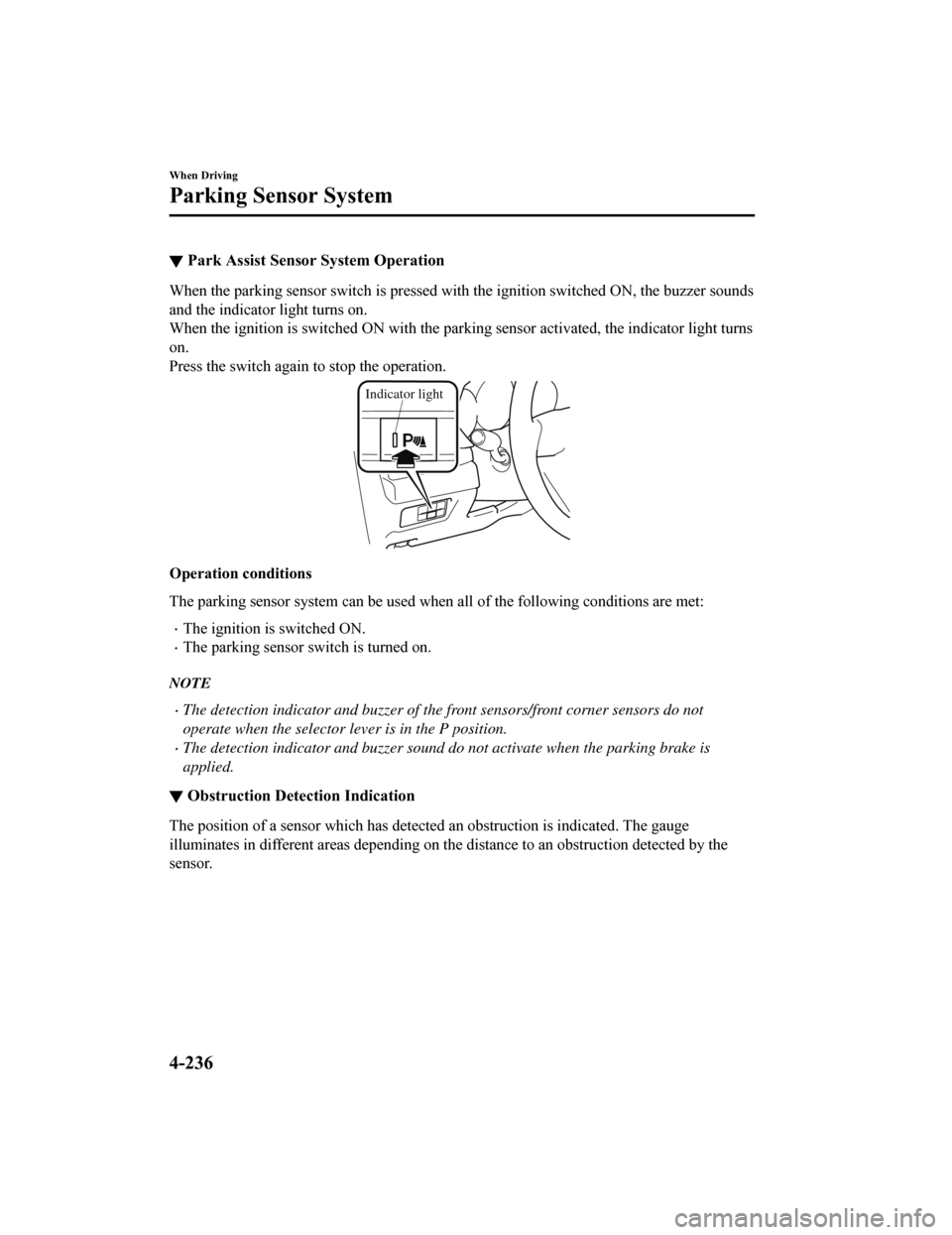
▼Park Assist Sensor System Operation
When the parking sensor switch i
s pressed with the ignition switched ON, the buzzer sounds
and the indicator light turns on.
When the ignition is switched ON with the parking sensor activated, the indicator light turns
on.
Press the switch again to stop the operation.
Indicator light
Operation conditions
The parking sensor system can be used when all of the following conditions are met:
The ignition is switched ON.
The parking sensor switch is turned on.
NOTE
The detection indicator and buzzer of the front sensors/front corner sensors do not
operate when the selector lever is in the P position.
The detection indicator and buzzer sound do not activate when the parking brake is
applied.
▼Obstruction Detection Indication
The position of a sensor which has detected an obstruction is i
ndicated. The gauge
illuminates in different areas d epending on the distance to an obstruction detected by the
sensor.
When Driving
Parking Sensor System
4-236
Mazda6_8HK6-EA-19A_Edition1 2018-11-15 9:36:06