reset MAZDA MODEL B3000 TRUCK 2007 User Guide
[x] Cancel search | Manufacturer: MAZDA, Model Year: 2007, Model line: MODEL B3000 TRUCK, Model: MAZDA MODEL B3000 TRUCK 2007Pages: 280, PDF Size: 1.95 MB
Page 31 of 280
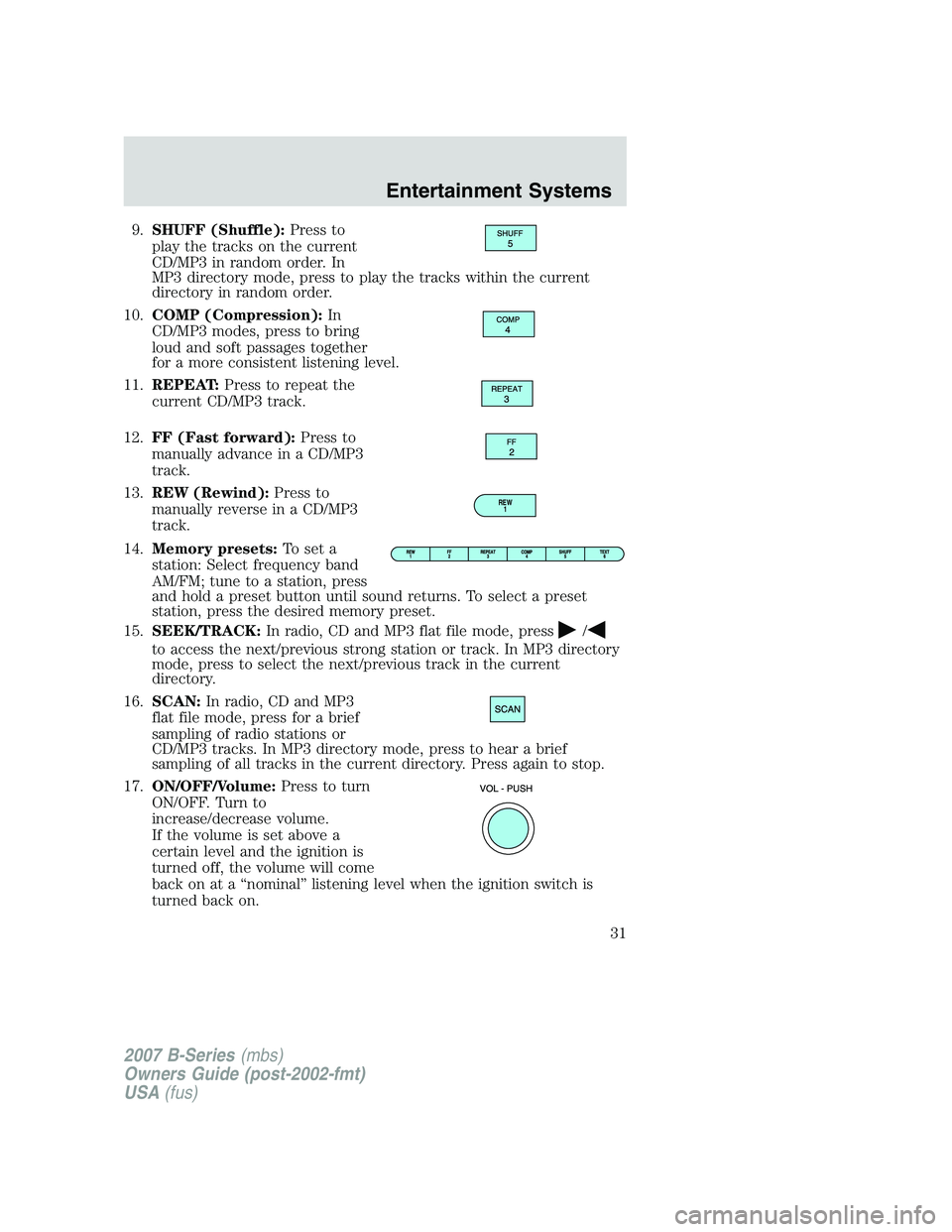
9.SHUFF (Shuffle): Press to
play the tracks on the current
CD/MP3 in random order. In
MP3 directory mode, press to play the tracks within the current
directory in random order.
10. COMP (Compression): In
CD/MP3 modes, press to bring
loud and soft passages together
for a more consistent listening level.
11. REPEAT: Press to repeat the
current CD/MP3 track.
12. FF (Fast forward): Press to
manually advance in a CD/MP3
track.
13. REW (Rewind): Press to
manually reverse in a CD/MP3
track.
14. Memory presets: To set a
station: Select frequency band
AM/FM; tune to a station, press
and hold a preset button until sound returns. To select a preset
station, press the desired memory preset.
15. SEEK/TRACK: In radio, CD and MP3 flat file mode, press
/
to access the next/previous strong station or track. In MP3 directory
mode, press to select the next/previous track in the current
directory.
16. SCAN: In radio, CD and MP3
flat file mode, press for a brief
sampling of radio stations or
CD/MP3 tracks. In MP3 directory mode, press to hear a brief
sampling of all tracks in the current directory. Press again to stop.
17. ON/OFF/Volume: Press to turn
ON/OFF. Turn to
increase/decrease volume.
If the volume is set above a
certain level and the ignition is
turned off, the volume will come
back on at a “nominal” listening level when the ignition switch is
turned back on.
REW 1
2007 B-Series (mbs)
Owners Guide (post-2002-fmt)
USA (fus)
Entertainment Systems
31
Page 32 of 280
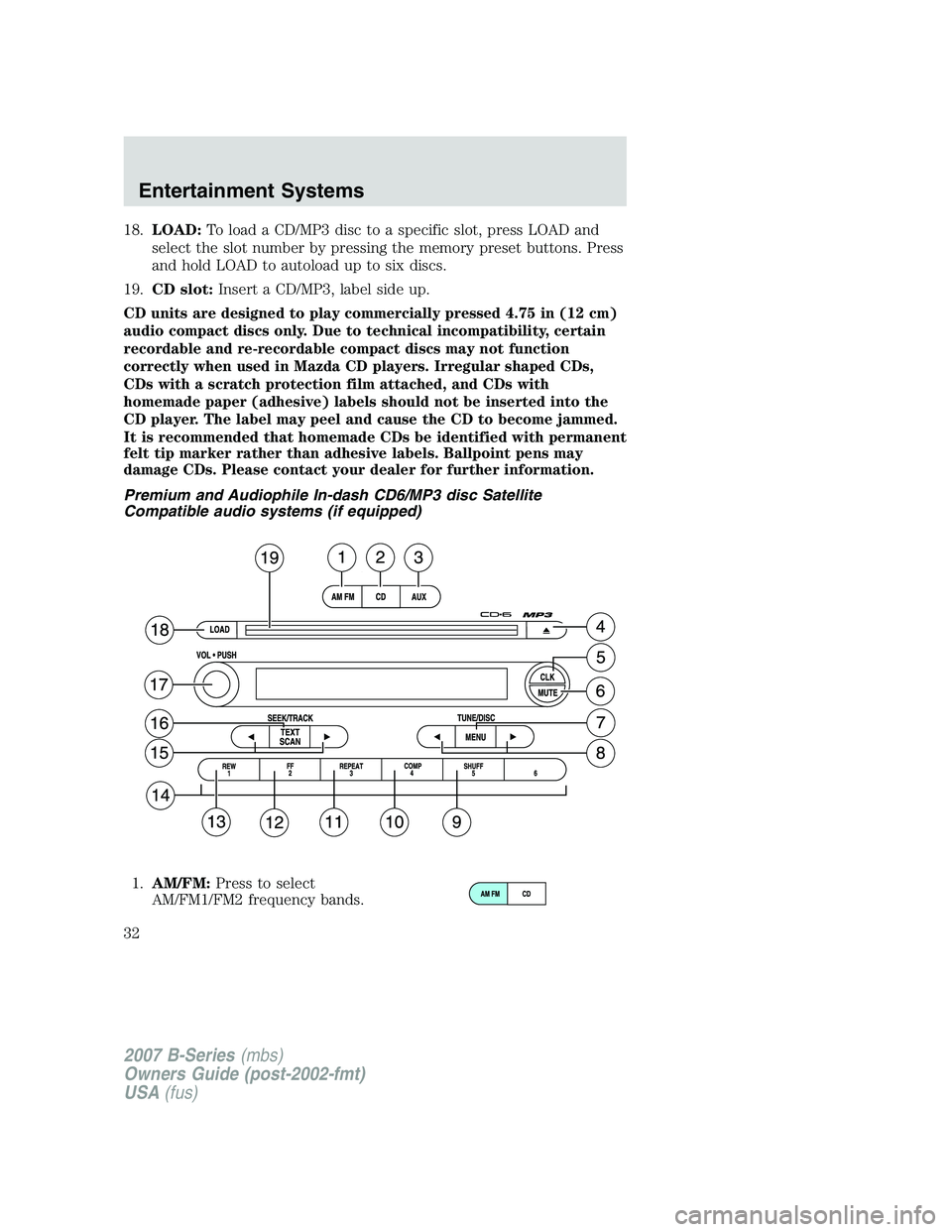
18.LOAD: To load a CD/MP3 disc to a specific slot, press LOAD and
select the slot number by pressing the memory preset buttons. Press
and hold LOAD to autoload up to six discs.
19. CD slot: Insert a CD/MP3, label side up.
CD units are designed to play commercially pressed 4.75 in (12 cm)
audio compact discs only. Due to technical incompatibility, certain
recordable and re-recordable compact discs may not function
correctly when used in Mazda CD players. Irregular shaped CDs,
CDs with a scratch protection film attached, and CDs with
homemade paper (adhesive) labels should not be inserted into the
CD player. The label may peel and cause the CD to become jammed.
It is recommended that homemade CDs be identified with permanent
felt tip marker rather than adhesive labels. Ballpoint pens may
damage CDs. Please contact your dealer for further information.
Premium and Audiophile In-dash CD6/MP3 disc Satellite
Compatible audio systems (if equipped)
1. AM/FM: Press to select
AM/FM1/FM2 frequency bands.
2007 B-Series (mbs)
Owners Guide (post-2002-fmt)
USA (fus)
Entertainment Systems
32
Page 33 of 280
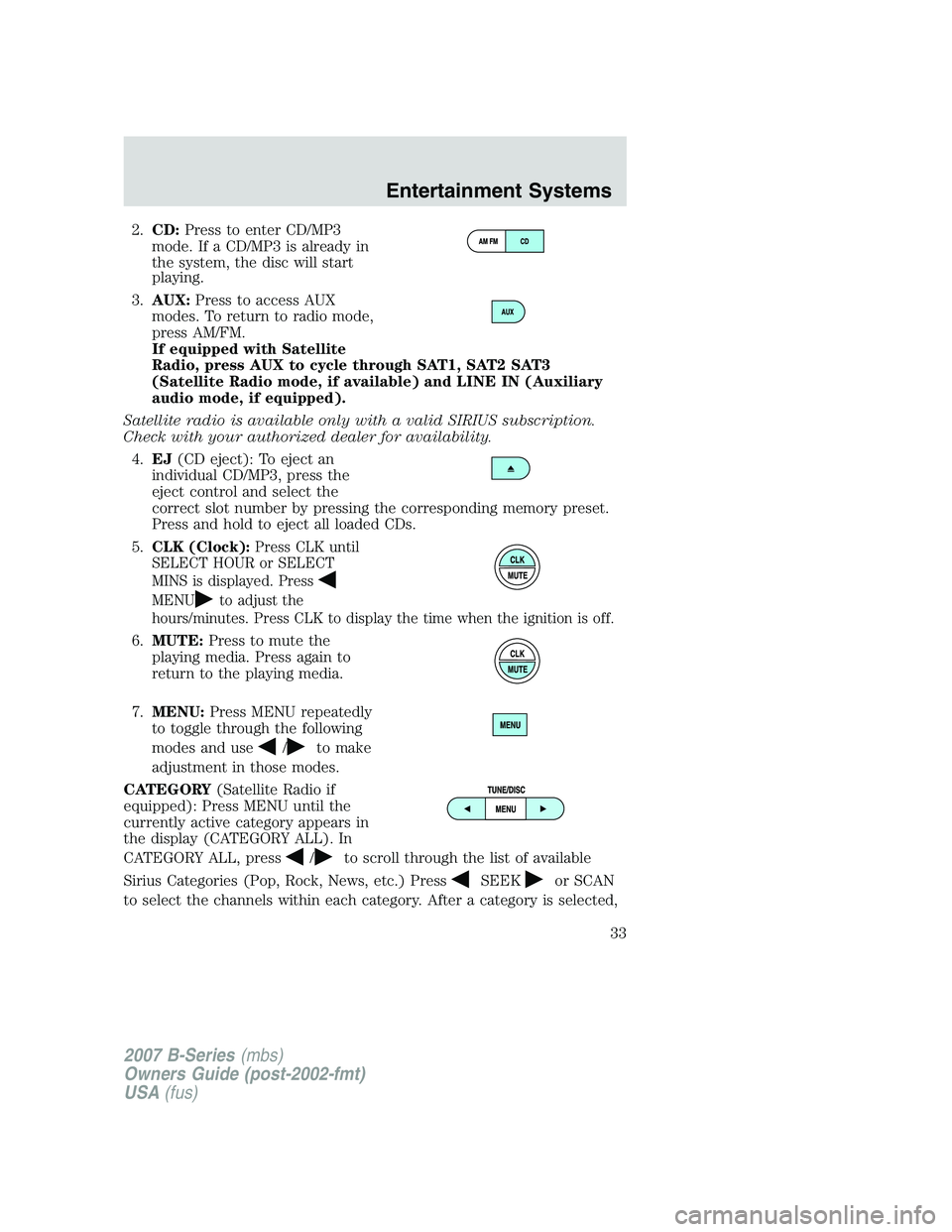
2.CD: Press to enter CD/MP3
mode. If a CD/MP3 is already in
the system, the disc will start
playing.
3. AUX: Press to access AUX
modes. To return to radio mode,
press AM/FM.
If equipped with Satellite
Radio, press AUX to cycle through SAT1, SAT2 SAT3
(Satellite Radio mode, if available) and LINE IN (Auxiliary
audio mode, if equipped).
Satellite radio is available only with a valid SIRIUS subscription.
Check with your authorized dealer for availability. 4. EJ (CD eject): To eject an
individual CD/MP3, press the
eject control and select the
correct slot number by pressing the corresponding memory preset.
Press and hold to eject all loaded CDs.
5.
CLK (Clock): Press CLK until
SELECT HOUR or SELECT
MINS is displayed. Press
MENUto adjust the
hours/minutes. Press CLK to display the time when the ignition is off.
6. MUTE: Press to mute the
playing media. Press again to
return to the playing media.
7. MENU: Press MENU repeatedly
to toggle through the following
modes and use
/to make
adjustment in those modes.
CATEGORY (Satellite Radio if
equipped): Press MENU until the
currently active category appears in
the display (CATEGORY ALL). In
CATEGORY ALL, press
/to scroll through the list of available
Sirius Categories (Pop, Rock, News, etc.) Press
SEEKor SCAN
to select the channels within each category. After a category is selected,
2007 B-Series (mbs)
Owners Guide (post-2002-fmt)
USA (fus)
Entertainment Systems
33
Page 34 of 280
press SEEK to search for that specific channel. To select a different
category, press MENU until CATEGORY ALL appears in the display.
Press
/to select a different category.
Satellite radio is available only with a valid SIRIUS subscription.
Check with your authorized dealer for availability.
Autoset: Allows you to set the strongest local radio stations without
losing your original manually set preset stations for AM/FM1/FM2 . Press
MENU to access. Use
MENUto set.
When the six strongest stations are filled, the station stored in preset 1
will begin playing. If there are less than six strong stations, the system
will store the last one in the remaining presets.
Bass: Press
MENUto decrease/increase the bass setting.
Treble: Press
MENUto decrease/increase the treble setting.
Balance: Press
MENUto adjust the audio between the left and
right speakers.
Fade: Press
MENUto adjust the audio between the front and
rear speakers.
Next/previous directory: In MP3 mode, press MENU
/to go to
the previous/next directory.
Flat file/directory mode: In MP3 mode, press MENU to access this
feature. Use
MENUto select flat file mode or directory mode.
Track #/ normal music name/file name: Press MENU to access and
use
/to scroll through MP3 display options (track #, normal music
name or file name).
8. TUNE/DISC: In radio mode,
press to manually go down/up
(
/) the radio frequency,
or to access another CD/MP3.
Also use in menu mode to select various settings.
In CATEGORY ALL, press
/to scroll through the list of available
SIRIUS channel categories (Pop, Rock, News, etc.). Refer to Category
Mode under Menu for further information.
2007 B-Series (mbs)
Owners Guide (post-2002-fmt)
USA (fus)
Entertainment Systems
34
Page 35 of 280
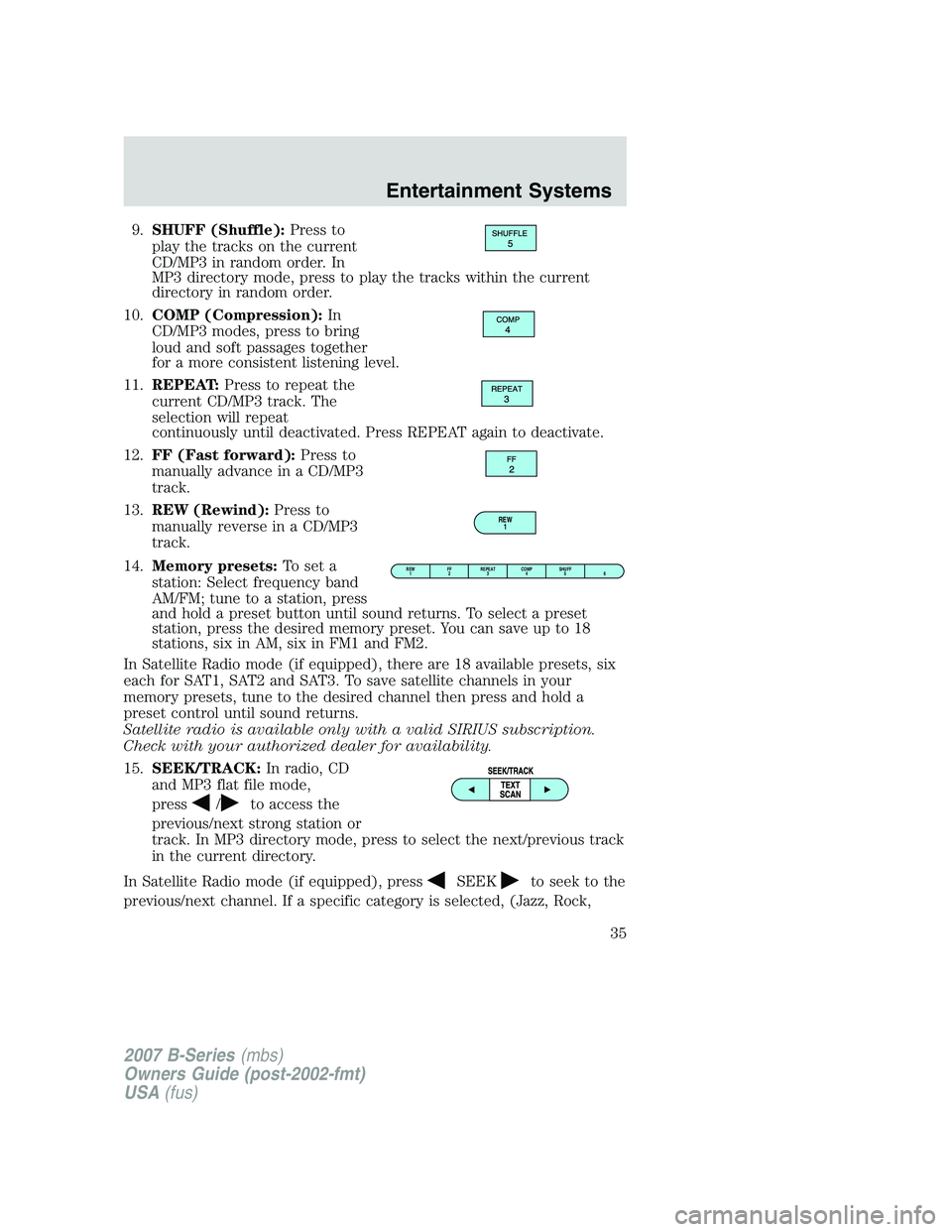
9.SHUFF (Shuffle): Press to
play the tracks on the current
CD/MP3 in random order. In
MP3 directory mode, press to play the tracks within the current
directory in random order.
10. COMP (Compression): In
CD/MP3 modes, press to bring
loud and soft passages together
for a more consistent listening level.
11. REPEAT: Press to repeat the
current CD/MP3 track. The
selection will repeat
continuously until deactivated. Press REPEAT again to deactivate.
12. FF (Fast forward): Press to
manually advance in a CD/MP3
track.
13. REW (Rewind): Press to
manually reverse in a CD/MP3
track.
14. Memory presets: To set a
station: Select frequency band
AM/FM; tune to a station, press
and hold a preset button until sound returns. To select a preset
station, press the desired memory preset. You can save up to 18
stations, six in AM, six in FM1 and FM2.
In Satellite Radio mode (if equipped), there are 18 available presets, six
each for SAT1, SAT2 and SAT3. To save satellite channels in your
memory presets, tune to the desired channel then press and hold a
preset control until sound returns.
Satellite radio is available only with a valid SIRIUS subscription.
Check with your authorized dealer for availability.
15. SEEK/TRACK: In radio, CD
and MP3 flat file mode,
press
/to access the
previous/next strong station or
track. In MP3 directory mode, press to select the next/previous track
in the current directory.
In Satellite Radio mode (if equipped), press
SEEKto seek to the
previous/next channel. If a specific category is selected, (Jazz, Rock,
REW 1
REW1 FF
2 REPEAT
3 SHUFF
5 6
COMP
4
2007 B-Series (mbs)
Owners Guide (post-2002-fmt)
USA (fus)
Entertainment Systems
35
Page 36 of 280
News, etc.), pressSEEKto seek to the previous/next channel in
the selected category. Press and hold
SEEKto fast seek through
the previous /next channels.
In TEXT MODE, press
SEEKto view the previous/additional
display text.
In CATEGORY ALL, press
TUNEto select a category.
In CATEGORY MODE, press
SEEKto select a channel within
that category.
Satellite radio is available only with a valid SIRIUS subscription.
Check with your authorized dealer for availability.
16. TEXT/SCAN: In radio and CD
mode, press for a brief sampling
of radio stations or CD tracks.
Press again to stop.
In MP3 flat file mode, press and hold to hear a brief sampling of MP3
tracks.
In MP3 directory mode, press and hold to hear a brief sampling of all
tracks in the current directory. Press again to stop.
In MP3 music name/file name mode, press and release to view the next
12 characters in the MP3 music name/file name of the current MP3 track
and directory.
In Satellite Radio mode (if equipped), press and release to view the
Satellite text message.
In Satellite Radio mode (if equipped), press and hold to hear a brief
sampling of the next channels. Press again to stop.
17. ON/OFF/Volume: Press to turn
ON/OFF. Turn to
increase/decrease volume.
If the volume is set above a
certain level and the ignition is
turned off, the volume will come
back on at a “nominal” listening level when the ignition switch is
turned back on.
18. LOAD: Press to load a CD/MP3.
To load a CD/MP3 disc to a
specific slot, press LOAD and
select the slot number by pressing the memory preset buttons. Press
and hold LOAD to autoload up to six discs.
2007 B-Series (mbs)
Owners Guide (post-2002-fmt)
USA (fus)
Entertainment Systems
36
Page 40 of 280
Satellite Radio Electronic Serial Number (ESN):This 12 digit
Satellite Serial Number is needed to activate, modify or track your
satellite radio account. You will need this number when communicating
with SIRIUS. While in Satellite Radio mode, you can view this number on
the radio display by pressing AUX and Preset 1 control simultaneously.
Radio Display Condition Action Required
ACQUIRING Radio requires more
than two seconds to
produce audio for the selected channel. No action required.
This message should disappear shortly.
SAT FAULT Internal module or
system failure present. If this message does
not clear within a short period of time, or with an ignition key cycle,
your receiver may have a fault. See your
authorized dealer for service.
INVALID CHNL Channel no longer available.This previously
available channel is no longer available. Tuneto another channel. If
the channel was one of your presets, you may
choose another channel for that preset button.
UNSUBSCRIBED Subscription not available for thischannel. Contact SIRIUS at
1–888–539–7474 to subscribe to the
channel, or tune to another channel.
NO TEXT Artist information not
available. Artist information not
available at this time on this channel. The
system is working properly.
2007 B-Series (mbs)
Owners Guide (post-2002-fmt)
USA (fus)
Entertainment Systems
40
Page 159 of 280
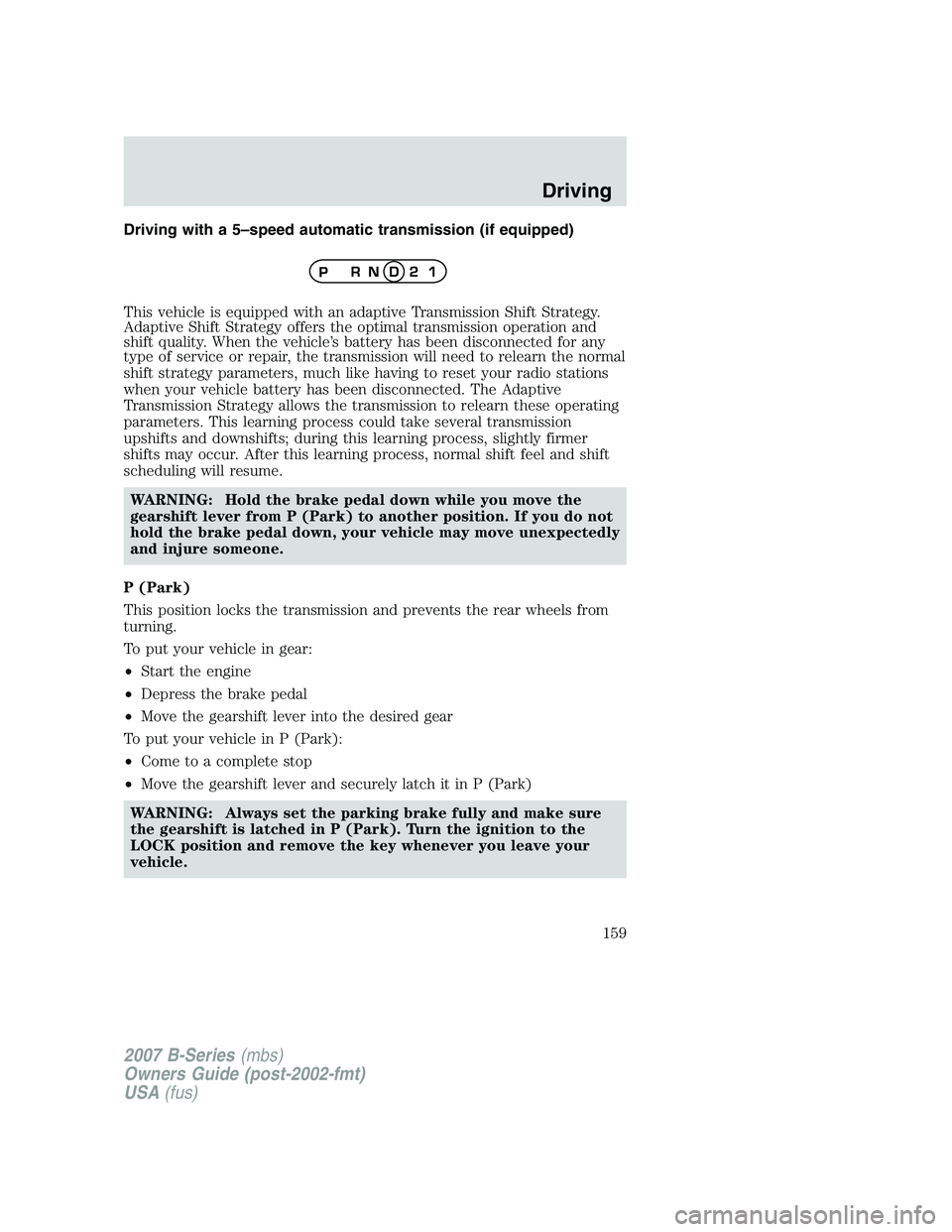
Driving with a 5–speed automatic transmission (if equipped)
This vehicle is equipped with an adaptive Transmission Shift Strategy.
Adaptive Shift Strategy offers the optimal transmission operation and
shift quality. When the vehicle’s battery has been disconnected for any
type of service or repair, the transmission will need to relearn the normal
shift strategy parameters, much like having to reset your radio stations
when your vehicle battery has been disconnected. The Adaptive
Transmission Strategy allows the transmission to relearn these operating
parameters. This learning process could take several transmission
upshifts and downshifts; during this learning process, slightly firmer
shifts may occur. After this learning process, normal shift feel and shift
scheduling will resume.WARNING: Hold the brake pedal down while you move the
gearshift lever from P (Park) to another position. If you do not
hold the brake pedal down, your vehicle may move unexpectedly
and injure someone.
P (Park)
This position locks the transmission and prevents the rear wheels from
turning.
To put your vehicle in gear:
• Start the engine
• Depress the brake pedal
• Move the gearshift lever into the desired gear
To put your vehicle in P (Park):
• Come to a complete stop
• Move the gearshift lever and securely latch it in P (Park)
WARNING: Always set the parking brake fully and make sure
the gearshift is latched in P (Park). Turn the ignition to the
LOCK position and remove the key whenever you leave your
vehicle.
2007 B-Series (mbs)
Owners Guide (post-2002-fmt)
USA (fus)
Driving
159
Page 168 of 280
Once through water, always try the brakes. Wet brakes do not stop the
vehicle as effectively as dry brakes. Drying can be improved by moving
your vehicle slowly while applying light pressure on the brake pedal.
After driving through mud, clean off residue stuck to the driveshafts and
tires. Excess mud stuck on tires and rotating driveshafts causes an
imbalance that could damage drive components.
If the transmission, transfer case or front axle are submerged in water,
their fluids should be checked and changed, if necessary.
Driving through deep water where the transmission vent tube is
submerged may allow water into the transmission and cause
internal transmission damage.
Replace rear axle lubricant any time the axle has been submerged in
water. The rear axle does not normally require a lubricant change for the
life of the vehicle. Rear axle lubricant quantities are not to be checked or
changed unless a leak is suspected or repair is required.
Driving on hilly or sloping terrain
When driving on a hill, avoid driving crosswise or turning on steep
slopes. You could lose traction and slip sideways. Drive straight up,
straight down or avoid the hill completely. Know the conditions on the
other side of a hill before driving over the crest.
When climbing a steep hill, start in a lower gear rather than downshifting
to a lower gear from a higher gear once the ascent has started. This
reduces strain on the engine and the possibility of stalling.
When descending a steep hill, avoid sudden braking. Shift to a lower gear
when added engine braking is desired.
When speed control is on and you are driving uphill, your vehicle speed
may drop considerably, especially if you are carrying a heavy load.
If vehicle speed drops more than 10 mph (16 km/h), the speed control
will cancel automatically. Resume speed with accelerator pedal.
If speed control cancels after climbing the hill, reset speed by pressing
and holding the SET ACCEL button (to resume speeds over 30 mph [50
km/h]).
Automatic transmissions may shift frequently while driving up steep
grades. Eliminate frequent shifting by shifting out of
(Overdrive) into
a lower gear.
2007 B-Series (mbs)
Owners Guide (post-2002-fmt)
USA (fus)
Driving
168
Page 171 of 280
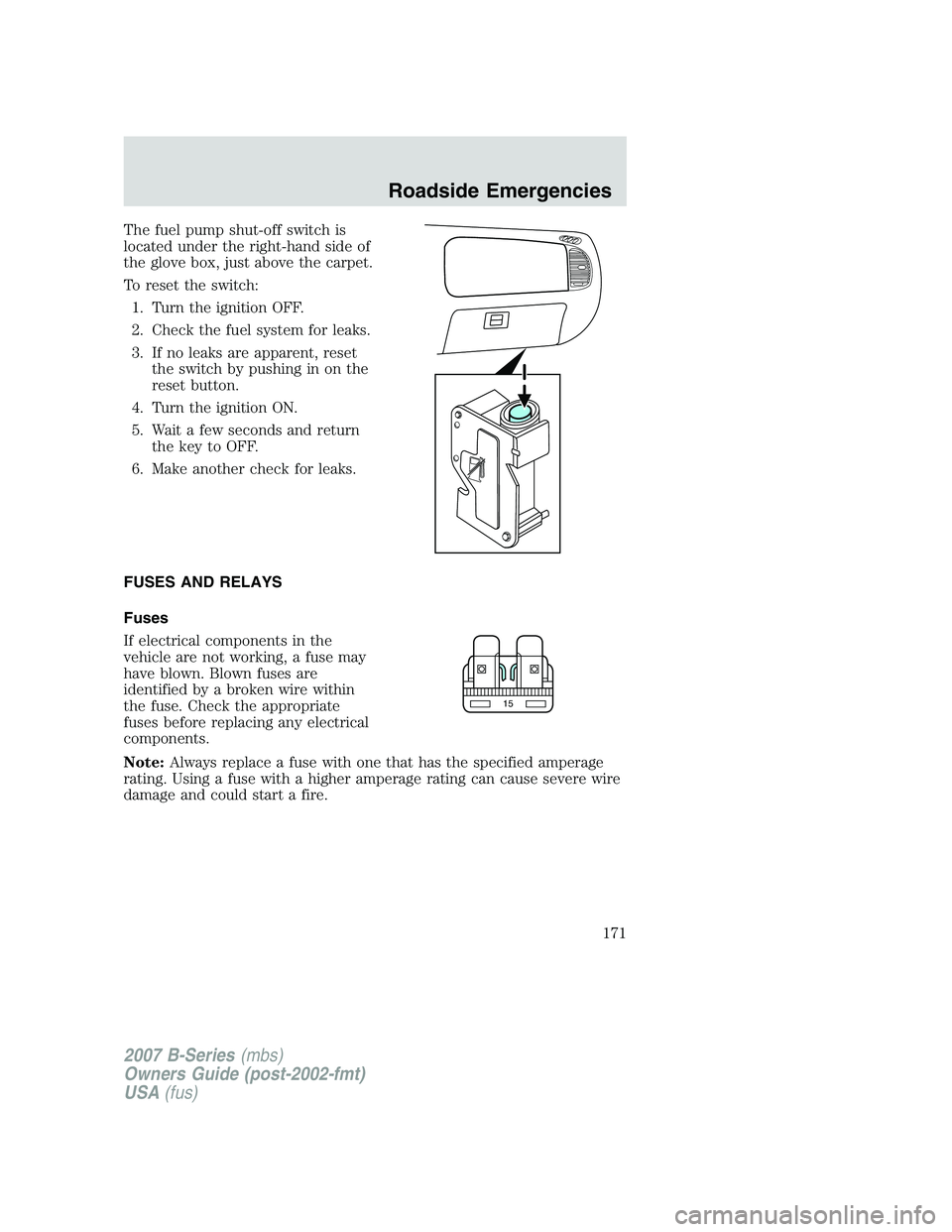
The fuel pump shut-off switch is
located under the right-hand side of
the glove box, just above the carpet.
To reset the switch:1. Turn the ignition OFF.
2. Check the fuel system for leaks.
3. If no leaks are apparent, reset the switch by pushing in on the
reset button.
4. Turn the ignition ON.
5. Wait a few seconds and return the key to OFF.
6. Make another check for leaks.
FUSES AND RELAYS
Fuses
If electrical components in the
vehicle are not working, a fuse may
have blown. Blown fuses are
identified by a broken wire within
the fuse. Check the appropriate
fuses before replacing any electrical
components.
Note: Always replace a fuse with one that has the specified amperage
rating. Using a fuse with a higher amperage rating can cause severe wire
damage and could start a fire.
15
2007 B-Series (mbs)
Owners Guide (post-2002-fmt)
USA (fus)
Roadside Emergencies
171