ad blue MAZDA MODEL MX-5 2016 (in English) User Guide
[x] Cancel search | Manufacturer: MAZDA, Model Year: 2016, Model line: MODEL MX-5, Model: MAZDA MODEL MX-5 2016Pages: 526, PDF Size: 28.82 MB
Page 277 of 526
5–77
Interior Features
Bluetooth®
Bluetooth® Preparation (Type A)
Bluetooth® Hands-Free Preparation
Pairing code setting
The 4-digit pairing code setting for
registration of your cell phone (pairing)
can be set beforehand.
NOTE
The initial setting value is “0000”.
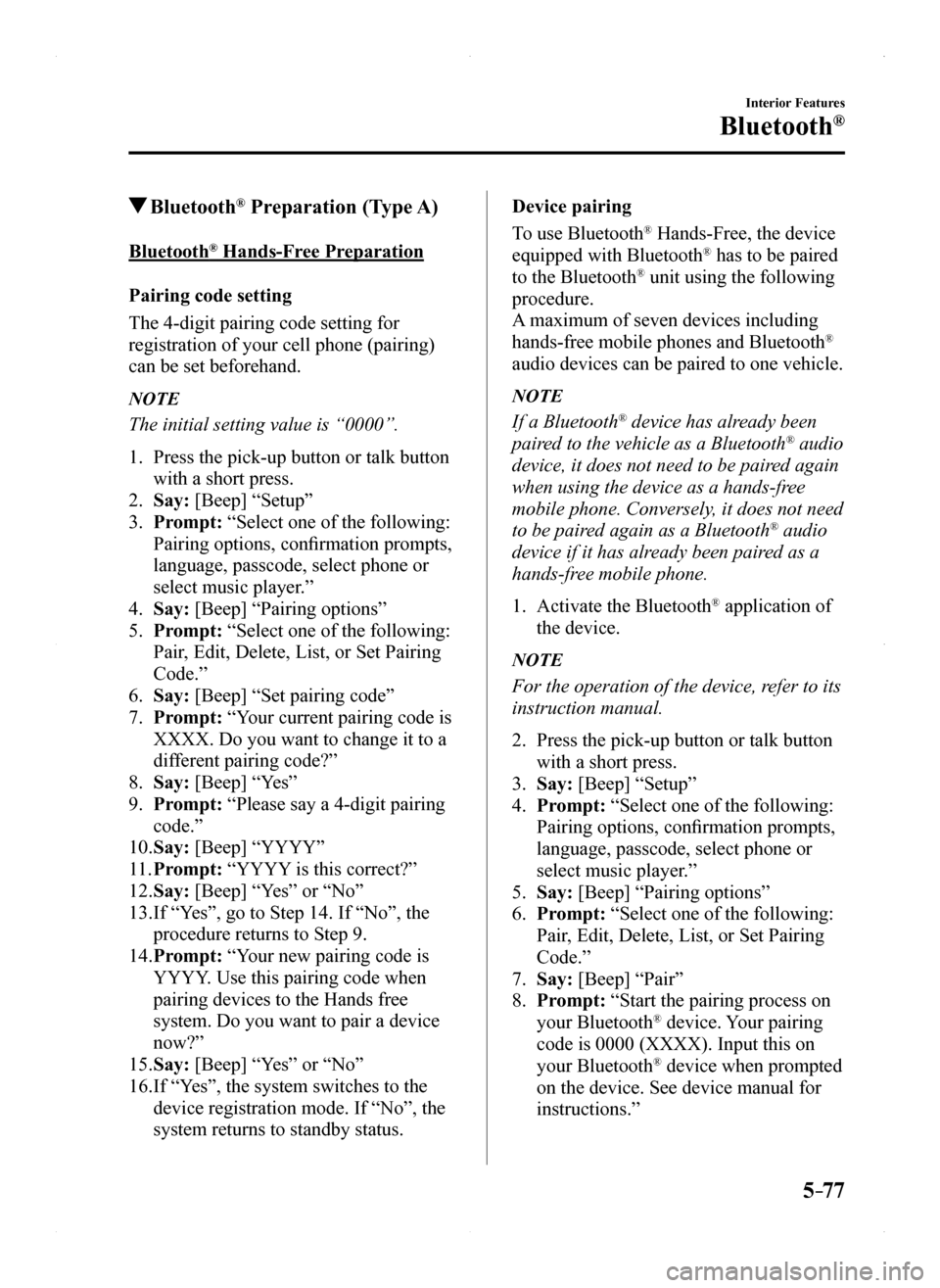
1. Press the pick-up button or talk button
with a short press.
2. Say: [Beep] “Setup”
3. Prompt: “Select one of the following:
Pairing options, confirmation prompts,
language, passcode, select phone or
select music player.”
4. Say: [Beep] “Pairing options”
5. Prompt: “Select one of the following:
Pair, Edit, Delete, List, or Set Pairing
Code.”
6. Say: [Beep] “Set pairing code”
7. Prompt: “Your current pairing code is
XXXX. Do you want to change it to a
different pairing code?”
8. Say: [Beep] “Yes”
9. Prompt: “Please say a 4-digit pairing
code.”
10. Say: [Beep] “YYYY”
11. Prompt: “YYYY is this correct?”
12. Say: [Beep] “Yes” or “No”
13. If “Yes”, go to Step 14. If “No”, the
procedure returns to Step 9.
14. Prompt: “Your new pairing code is
YYYY. Use this pairing code when
pairing devices to the Hands free
system. Do you want to pair a device
now?”
15. Say: [Beep] “Yes” or “No”
16. If “Yes”, the system switches to the
device registration mode. If “No”, the
system returns to standby status.
Device pairing
To use Bluetooth® Hands-Free, the device
equipped with Bluetooth® has to be paired
to the Bluetooth® unit using the following
procedure.
A maximum of seven devices including
hands-free mobile phones and Bluetooth®
audio devices can be paired to one vehicle.
NOTE
If a Bluetooth® device has already been
paired to the vehicle as a Bluetooth® audio
device, it does not need to be paired again
when using the device as a hands-free
mobile phone. Conversely, it does not need
to be paired again as a Bluetooth® audio
device if it has already been paired as a
hands-free mobile phone.
1. Activate the Bluetooth® application of
the device.
NOTE
For the operation of the device, refer to its
instruction manual.
2. Press the pick-up button or talk button
with a short press.
3. Say: [Beep] “Setup”
4. Prompt: “Select one of the following:
Pairing options, confirmation prompts,
language, passcode, select phone or
select music player.”
5. Say: [Beep] “Pairing options”
6. Prompt: “Select one of the following:
Pair, Edit, Delete, List, or Set Pairing
Code.”
7. Say: [Beep] “Pair”
8. Prompt: “Start the pairing process on
your Bluetooth® device. Your pairing
code is 0000 (XXXX). Input this on
your Bluetooth® device when prompted
on the device. See device manual for
instructions.”
MX-5_8EU4-EA-15D_Edition1.indb 772015/03/10 9:55:44
Page 278 of 526
5–78
Interior Features
Bluetooth®
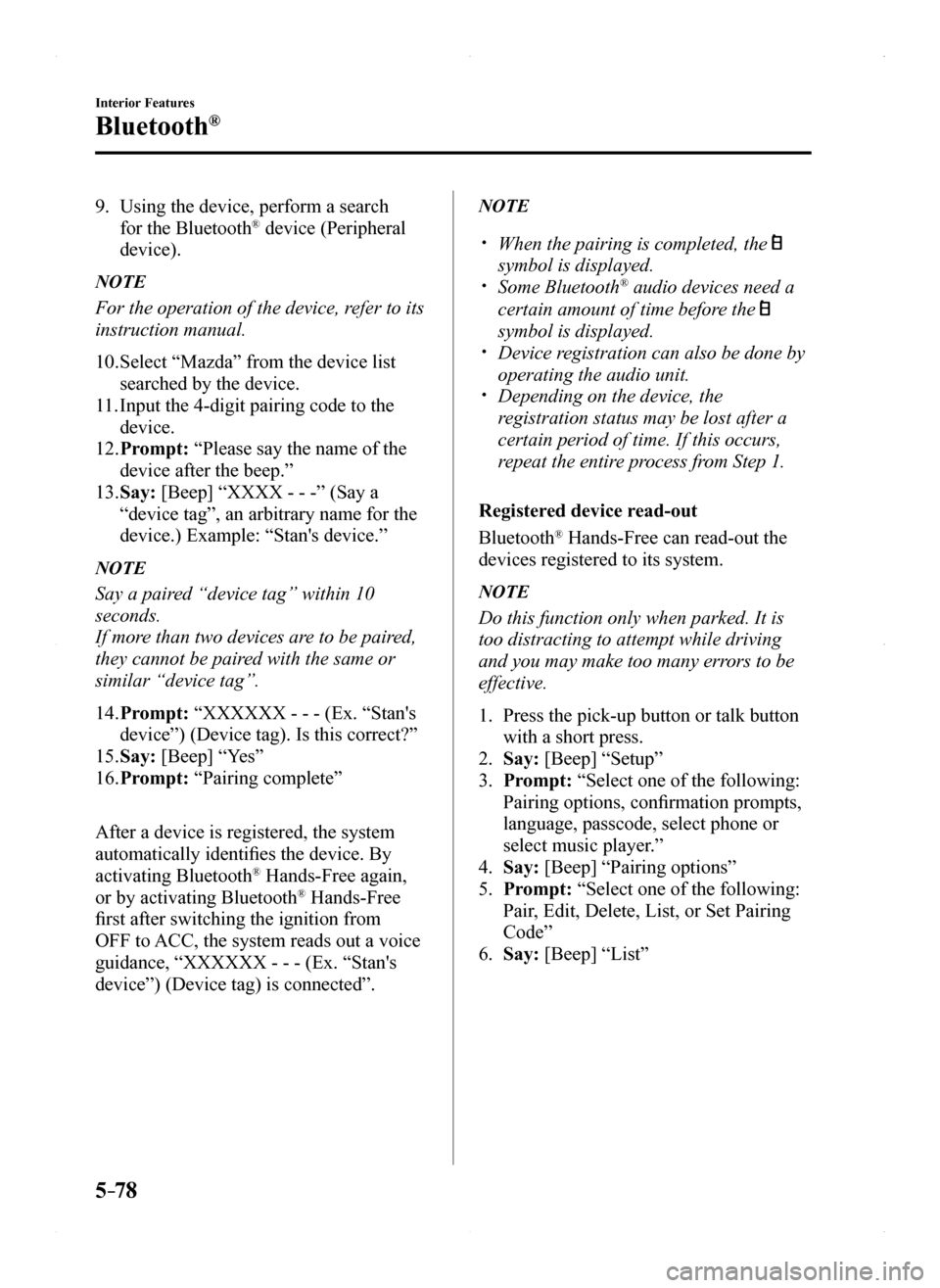
9. Using the device, perform a search
for the Bluetooth® device (Peripheral
device).
NOTE
For the operation of the device, refer to its
instruction manual.
10. Select “Mazda” from the device list
searched by the device.
11. Input the 4-digit pairing code to the
device.
12. Prompt: “Please say the name of the
device after the beep.”
13. Say: [Beep] “XXXX - - -” (Say a
“device tag”, an arbitrary name for the
device.) Example: “Stan's device.”
NOTE
Say a paired “device tag” within 10
seconds.
If more than two devices are to be paired,
they cannot be paired with the same or
similar “device tag”.
14. Prompt: “XXXXXX - - - (Ex. “Stan's
device”) (Device tag). Is this correct?”
15. Say: [Beep] “Yes”
16. Prompt: “Pairing complete”
After a device is registered, the system
automatically identifies the device. By
activating Bluetooth® Hands-Free again,
or by activating Bluetooth® Hands-Free
first after switching the ignition from
OFF to ACC, the system reads out a voice
guidance, “XXXXXX - - - (Ex. “Stan's
device”) (Device tag) is connected”.
NOTE
When the pairing is completed, the
symbol is displayed. Some Bluetooth® audio devices need a
certain amount of time before the
symbol is displayed. Device registration can also be done by
operating the audio unit. Depending on the device, the
registration status may be lost after a
certain period of time. If this occurs,
repeat the entire process from Step 1.
Registered device read-out
Bluetooth® Hands-Free can read-out the
devices registered to its system.
NOTE
Do this function only when parked. It is
too distracting to attempt while driving
and you may make too many errors to be
effective.
1. Press the pick-up button or talk button
with a short press.
2. Say: [Beep] “Setup”
3. Prompt: “Select one of the following:
Pairing options, confirmation prompts,
language, passcode, select phone or
select music player.”
4. Say: [Beep] “Pairing options”
5. Prompt: “Select one of the following:
Pair, Edit, Delete, List, or Set Pairing
Code”
6. Say: [Beep] “List”
MX-5_8EU4-EA-15D_Edition1.indb 782015/03/10 9:55:44
Page 279 of 526
5–79
Interior Features
Bluetooth®
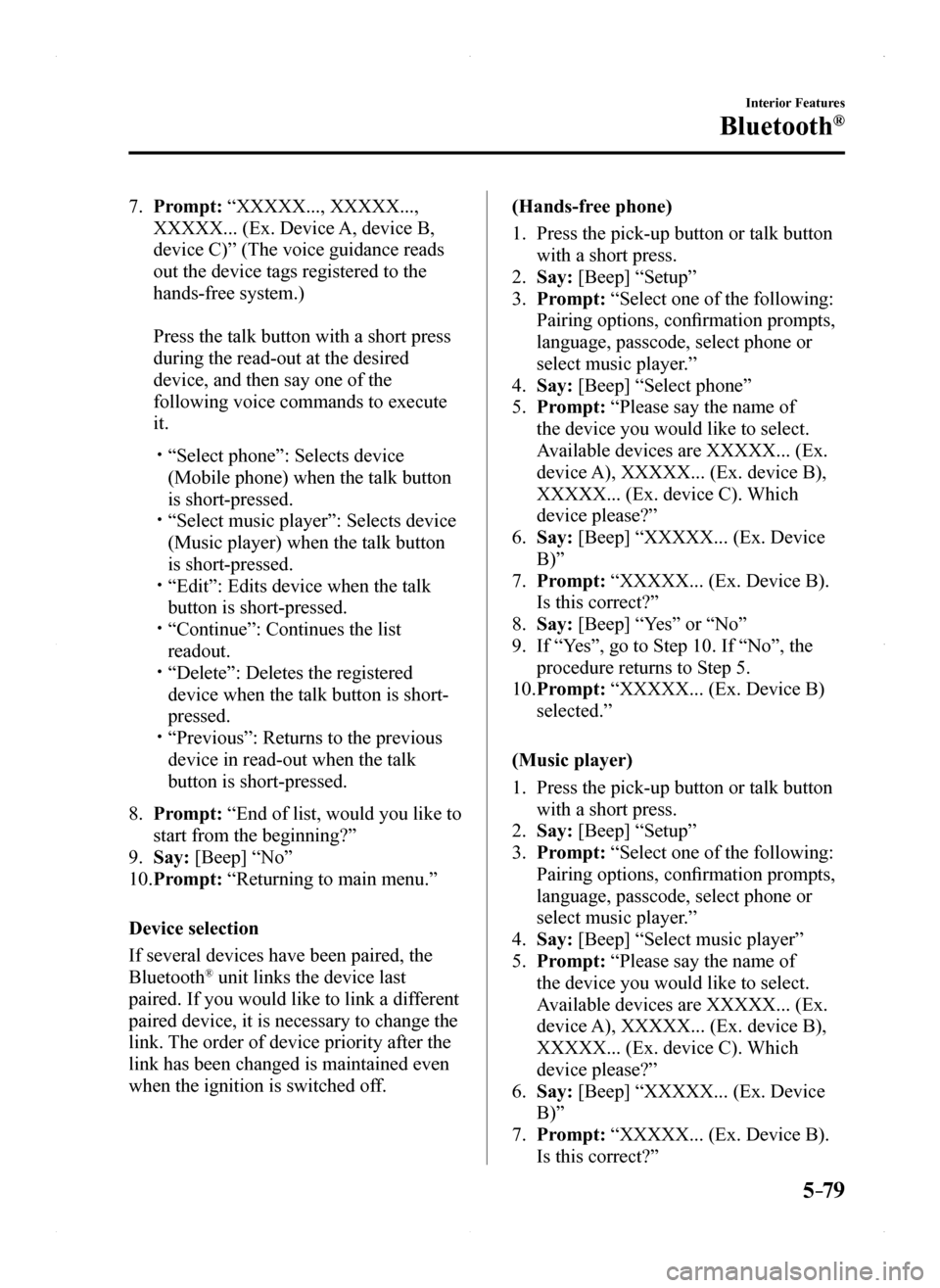
7. Prompt: “XXXXX..., XXXXX...,
XXXXX... (Ex. Device A, device B,
device C)” (The voice guidance reads
out the device tags registered to the
hands-free system.)
Press the talk button with a short press
during the read-out at the desired
device, and then say one of the
following voice commands to execute
it.
“Select phone”: Selects device
(Mobile phone) when the talk button
is short-pressed. “Select music player”: Selects device
(Music player) when the talk button
is short-pressed. “Edit”: Edits device when the talk
button is short-pressed. “Continue”: Continues the list
readout. “Delete”: Deletes the registered
device when the talk button is short-
pressed. “Previous”: Returns to the previous
device in read-out when the talk
button is short-pressed.
8. Prompt: “End of list, would you like to
start from the beginning?”
9. Say: [Beep] “No”
10. Prompt: “Returning to main menu.”
Device selection
If several devices have been paired, the
Bluetooth® unit links the device last
paired. If you would like to link a different
paired device, it is necessary to change the
link. The order of device priority after the
link has been changed is maintained even
when the ignition is switched off.
(Hands-free phone)
1. Press the pick-up button or talk button
with a short press.
2. Say: [Beep] “Setup”
3. Prompt: “Select one of the following:
Pairing options, confirmation prompts,
language, passcode, select phone or
select music player.”
4. Say: [Beep] “Select phone”
5. Prompt: “Please say the name of
the device you would like to select.
Available devices are XXXXX... (Ex.
device A), XXXXX... (Ex. device B),
XXXXX... (Ex. device C). Which
device please?”
6. Say: [Beep] “XXXXX... (Ex. Device
B)”
7. Prompt: “XXXXX... (Ex. Device B).
Is this correct?”
8. Say: [Beep] “Yes” or “No”
9. If “Yes”, go to Step 10. If “No”, the
procedure returns to Step 5.
10. Prompt: “XXXXX... (Ex. Device B)
selected.”
(Music player)
1. Press the pick-up button or talk button
with a short press.
2. Say: [Beep] “Setup”
3. Prompt: “Select one of the following:
Pairing options, confirmation prompts,
language, passcode, select phone or
select music player.”
4. Say: [Beep] “Select music player”
5. Prompt: “Please say the name of
the device you would like to select.
Available devices are XXXXX... (Ex.
device A), XXXXX... (Ex. device B),
XXXXX... (Ex. device C). Which
device please?”
6. Say: [Beep] “XXXXX... (Ex. Device
B)”
7. Prompt: “XXXXX... (Ex. Device B).
Is this correct?”
MX-5_8EU4-EA-15D_Edition1.indb 792015/03/10 9:55:44
Page 280 of 526
![MAZDA MODEL MX-5 2016 (in English) User Guide 5–80
Interior Features
Bluetooth®
8. Say: [Beep] “Yes” or “No”
9. If “Yes”, go to Step 10. If “No”, the
procedure returns to Step 5.
10. Prompt: “XXXXX... (Ex. Device B)
selecte](/img/28/14015/w960_14015-279.png "MAZDA MODEL MX-5 2016 (in English) User Guide 5–80
Interior Features
Bluetooth®
8. Say: [Beep] “Yes” or “No”
9. If “Yes”, go to Step 10. If “No”, the
procedure returns to Step 5.
10. Prompt: “XXXXX... (Ex. Device B)
selecte")
5–80
Interior Features
Bluetooth®
8. Say: [Beep] “Yes” or “No”
9. If “Yes”, go to Step 10. If “No”, the
procedure returns to Step 5.
10. Prompt: “XXXXX... (Ex. Device B)
selected.”
NOTE
When the selected device connection is
completed, the or symbol is
displayed. Some Bluetooth® audio devices need a
certain amount of time before the or
symbol is displayed. Device (Music player) selection can
also be done by operating the panel
button.
Deleting a device
Registered devices (Mobile phone) can be
deleted individually or collectively.
NOTE
Do this function only when parked. It is
too distracting to attempt while driving
and you may make too many errors to be
effective.
1. Press the pick-up button or talk button
with a short press.
2. Say: [Beep] “Setup”
3. Prompt: “Select one of the following:
Pairing options, confirmation prompts,
language, passcode, select phone or
select music player.”
4. Say: [Beep] “Pairing options”
5. Prompt: “Select one of the following:
Pair, Edit, Delete, List, or Set Pairing
Code.”
NOTE
A registered device (Mobile phone) can be
deleted using the registration list.
6. Say: [Beep] “Delete”
7. Prompt: “Please say the name of
the device you would like to delete.
Available devices are XXXXX... (Ex.
device A), XXXXX... (Ex. device
B), XXXXX... (Ex. device C), or all.
Which device please?”
8. Say: [Beep] “X” (Say the number of
the device to be deleted.)
NOTE
Say “All” to delete all devices (Mobile
phone).
9. Prompt: “Deleting XXXXX... (Ex.
device B...) (Registered device tag). Is
this correct?”
10. Say: [Beep] “Yes”
11. Prompt: “Deleted”
Registered device editing
1. Press the pick-up button or talk button
with a short press.
2. Say: [Beep] “Setup”
3. Prompt: “Select one of the following:
Pairing options, confirmation prompts,
language, passcode, select phone or
select music player.”
4. Say: [Beep] “Pairing options”
5. Prompt: “Select one of the following:
Pair, Edit, Delete, List, or Set Pairing
Code.”
6. Say: [Beep] “Edit”
7. Prompt: “Please say the name of the
device you would like to edit. Available
devices are XXXXX... (Ex. device A),
XXXXX... (Ex. device B), XXXXX...
(Ex. device C). Which device please?”
8. Say: [Beep] “X” (Say the number of
the device to be edited.)
9. Prompt: “New name please?”
10. Say: [Beep] “XXXXX... (Ex. Device
C)” (Speak a “device tag” an arbitrary
name for the device.)
11. Prompt: “XXXXX... (Ex. device C)
(Device tag), is this correct?”
MX-5_8EU4-EA-15D_Edition1.indb 802015/03/10 9:55:45
Page 281 of 526
![MAZDA MODEL MX-5 2016 (in English) User Guide 5–81
Interior Features
Bluetooth®
12. Say: [Beep] “Yes”
13. Prompt: “New name saved.”
Bluetooth® Audio Preparation
Bluetooth® audio device set-up
Bluetooth® audio pairing, changes,
del](/img/28/14015/w960_14015-280.png "MAZDA MODEL MX-5 2016 (in English) User Guide 5–81
Interior Features
Bluetooth®
12. Say: [Beep] “Yes”
13. Prompt: “New name saved.”
Bluetooth® Audio Preparation
Bluetooth® audio device set-up
Bluetooth® audio pairing, changes,
del")
5–81
Interior Features
Bluetooth®
12. Say: [Beep] “Yes”
13. Prompt: “New name saved.”
Bluetooth® Audio Preparation
Bluetooth® audio device set-up
Bluetooth® audio pairing, changes,
deletions, and display of paired device
information can be performed.
1. The mode changes as follows each time
the menu button () is pressed.
Select “BT SETUP”.
*
*
* Depending on the mode selected, the
indication changes.
2. Turn the audio control dial and select a
desired mode.
DisplayModeFunction
PAIR DEVICEPairing modeBluetooth® audio device pairing
LINK CHANGELink change mode
Changing link to Bluetooth® audio device
PAIR DELETE
Pairing deletion mode
Deleting link to Bluetooth® audio device
DEVICE INFO
Device information display mode
Displaying vehicle's Bluetooth® unit information
3. Press the audio control dial to
determine the mode.
MX-5_8EU4-EA-15D_Edition1.indb 812015/03/10 9:55:45
Page 282 of 526

5–82
Interior Features
Bluetooth®
Bluetooth® audio device pairing
Any Bluetooth® audio device must be
paired to the vehicle's Bluetooth® unit
before it can be listened to over the
vehicle's speakers.
A maximum of seven devices including
Bluetooth® audio devices and hands-
free mobile phones can be paired to one
vehicle.
NOTE
If a Bluetooth® device has already been
paired to the vehicle as a hands-free
mobile phone, it does not need to be
paired again when using the device as
a Bluetooth® audio device. Conversely,
it does not need to be paired again as
a hands-free mobile phone if it has
already been paired as a Bluetooth®
audio device. Device registration can also be done
using voice recognition.
Concerning the operation of a Bluetooth®
audio device itself, refer to its instruction
manual.
Some Bluetooth® audio devices have PIN
codes (four digits). Refer to the audio
device's instruction manual because the
pairing procedure differs depending on
whether it has a PIN code or not.
Pairing a Bluetooth® audio device which
has a four-digit PIN code
1. Using the audio control dial, select
the pairing mode “PAIR DEVICE”
in the “BT SETUP” mode. (Refer to
“Bluetooth® audio device set-up” for
details.)
2. Press the audio control dial to
determine the mode. After “ENTER
PIN” is displayed on the audio display
for three seconds, “PIN 0000” is
displayed and the PIN code can be
input.
3. Input the PIN code of your Bluetooth®
audio device by pressing channel preset
buttons 1 to 4 while “PIN 0000” is
displayed.
Press channel preset button 1 to input
the first digit, 2 for the second, 3 for the
third, and 4 for the forth. For example,
if the PIN code were “4213” press
channel preset button 1 four times (1,
2, 3, 4), button 2 twice (1, 2), button
3 once (1), and button 4 three times
(1, 2, 3). If the “PIN 0000” display
disappears before finishing the PIN
code input, repeat the procedure from
Step 1.
NOTE
Some devices accept only a particular
pairing code (Usually, “0000” or
“1234”).
If pairing cannot be completed, refer to the
owner's manual of your mobile device, and
try those numbers if necessary.
4. Press the audio control dial while
the input PIN code is displayed.
“PAIRING” flashes on the audio
display.
5. Operate the Bluetooth® audio device
and set it to the pairing mode while
“PAIRING” is flashing.
6. When the pairing is completed, and
“PAIR SUCCESS” are displayed after
about 10-30 seconds, after which
“PAIR SUCCESS” continues to be
displayed for three seconds, and then
the unit returns to the normal display.
MX-5_8EU4-EA-15D_Edition1.indb 822015/03/10 9:55:45
Page 283 of 526

5–83
Interior Features
Bluetooth®
NOTE
Some Bluetooth® audio devices need a
certain amount of time before the
symbol is displayed. If the pairing failed, “Err” flashes for
three seconds . Pairing cannot be performed while
the vehicle is moving. If you attempt
to perform pairing while the vehicle is
moving, “PAIR DISABLE” is displayed. If seven Bluetooth® audio devices have
already been paired to the vehicle,
pairing cannot be performed and
“MEMORY FULL” is displayed. Delete
one paired device to pair another one.
Pairing a Bluetooth® audio device which
does not have a four-digit PIN code
1. Using the audio control dial, select
the pairing mode “PAIR DEVICE”
in the “BT SETUP” mode. (Refer to
“Bluetooth® audio set up” for details.)
2. Press the audio control dial to
determine the mode. After “ENTER
PIN” is displayed on the audio display
for three seconds, “PIN 0000” is
displayed and the PIN code can be
input.
3. Press the audio control dial while “PIN
0000” is displayed. “PAIRING” flashes
on the audio display.
4. Operate the Bluetooth® audio device
and set it to the pairing mode while
“PAIRING” is flashing.
5. As the Bluetooth® audio device
requires a PIN code, input “0000”.
6. When the pairing is completed, and
“PAIR SUCCESS” are displayed after
about 10-30 seconds, after which
“PAIR SUCCESS” continues to be
displayed for three seconds, and then
the unit returns to the normal display.
NOTE
If pairing cannot be completed, try
“1234” instead. Refer to the owner's
manual of your mobile device for the
right PIN code. Some Bluetooth® audio devices need a
certain amount of time before the
symbol is displayed. If the pairing failed, “Err” flashes for
three seconds. Pairing cannot be performed while
the vehicle is moving. If you attempt
to perform pairing while the vehicle is
moving, “PAIR DISABLE” is displayed. If seven Bluetooth® audio devices have
already been paired to the vehicle,
pairing cannot be performed and
“MEMORY FULL” is displayed. Delete
one paired device to pair another one.
Device selection
If several devices have been paired, the
Bluetooth® unit links the device last
paired. If you would like to link a different
paired device, it is necessary to change the
link. The order of device priority after the
link has been changed is maintained even
when the ignition is switched off.
1. Using the audio control dial, select the
link change mode “LINK CHANGE”
in the “BT SETUP” mode. (Refer to
“Bluetooth® audio device set-up” for
details.)
2. Press the audio control dial to
determine the mode.
3. The name of the currently linked
Bluetooth® audio device is displayed.
If no Bluetooth® audio device is
currently linked, the name of the first
device among the paired devices is
displayed.
MX-5_8EU4-EA-15D_Edition1.indb 832015/03/10 9:55:45
Page 284 of 526

5–84
Interior Features
Bluetooth®
4. Turn the audio control dial to select the
name of the device you would like to
link.
Device name 1
Device name 2
Device name 3
Device name 4
Device name 5
Device name 6
Device name 7
5. Press the audio control dial to select the
device you would like to link. The
symbol disappears, and “PAIRING”
flashes in the audio display.
NOTE
When “GO BACK” is selected and the
audio control dial is pressed, the display
returns to “LINK CHANGE”.
6. If the link to the desired device is
successful, the symbol is displayed
again, together with “LINK
CHANGED”. “LINK CHANGED” is
displayed for three seconds, then it
returns to the normal display.
NOTE
Some Bluetooth® audio devices need a
certain amount of time before the
symbol is displayed. If a hands-free type mobile phone has
been the most recently paired device,
the Bluetooth® unit links this device.
If you would like to use a Bluetooth®
audio type device which has been
previously paired to the Bluetooth® unit,
the link must be changed to this device. If an error occurs while trying to link
a device, “Err” flashes in the audio
display for three seconds, and the
display returns to “LINK CHANGE”.
If this occurs, check the pairing status
of the Bluetooth® audio device and the
location of the device in the vehicle (not
in the trunk or a metal-type box), and
then try the link operation again. Device selection can also be done using
voice recognition.
How to confirm the device currently
linked
Switch to the link-change mode. (Refer to
“Changing the link to a Bluetooth® audio
device”)
The device name displayed first is the
device which is currently linked.
Deleting a device
1. Using the audio control dial, select the
pairing delete mode “PAIR DELETE”
in the “BT SETUP”mode. (Refer to
“Bluetooth® audio device set-up” for
details.)
2. Press the audio control dial to
determine the mode.
3. The name of the first device among the
paired devices is displayed.
MX-5_8EU4-EA-15D_Edition1.indb 842015/03/10 9:55:45
Page 285 of 526

5–85
Interior Features
Bluetooth®
4. Rotate the audio control dial and select
the name of the paired device you
would like to delete.
Device name 1
Device name 2
Device name 3
Device name 4
Device name 5
Device name 6
Device name 7
NOTE
Only the names of paired devices can be
displayed. If only one device is paired,
only the name for this device is displayed.
5. If a selection other than “GO BACK”
is made and the audio control dial is
pressed, “SURE ? NO” is displayed.
6. Rotate the audio control dial clockwise
and switch the display to “SURE ?
YES”.
NOTE
The display changes as follows depending
on whether the audio control dial is
rotated clockwise or counterclockwise.
-Clockwise: “SURE ? YES” displayed
-Counterclockwise: “SURE ? NO”
displayed
7. Press the audio control dial to delete
the selected device.
NOTE
Select “GO BACK” and press the audio
control dial to return to the “PAIR
DELETE” display.
8. “PAIR DELETED” is displayed for
three seconds after the deletion is
completed, and then it returns to the
normal display.
NOTE
If an error occurs while trying to delete
the paired device, “Err” flashes in the
display for three seconds and the display
returns to “LINK DELETE”.
Bluetooth® audio device information
display
1. Using the audio control dial, select the
pair device information display mode
“DEVICE INFO” in the “BT SETUP”
mode. (Refer to “Bluetooth® audio
device set-up” for details.)
2. Press the audio control dial to
determine the mode.
3. The name of the Bluetooth® unit device
is displayed.
4. Rotate the audio control dial to select
the information for the Bluetooth® unit
which you would like to view.
Device name
BT address
MX-5_8EU4-EA-15D_Edition1.indb 852015/03/10 9:55:46
Page 286 of 526

5–86
Interior Features
Bluetooth®
NOTE
When “GO BACK” is selected and the
audio control dial is pressed, the display
returns to “DEVICE INFO”.
Available Language (Type A)
The available languages are English,
Spanish, and Canadian French. If the
language setting is changed, all of the
voice guidance and voice input commands
are done in the selected language.
NOTE
If the language setting is changed,
device registration is maintained. Phonebook records are not cleared,
but each language has a separate
phonebook. Therefore, entries created in
one language will need to be re-entered
in the phonebook of the new language. Do these steps before you start driving.
These less used functions are too
distracting to undertake while driving
until you are fully familiar with the
system.
(Method 1)
1. Press the pick-up button or talk button
with a short press.
2. Say: [Beep] “Setup”
3. Prompt: “Select one of the following:
Pairing options, confirmation prompts,
language, passcode, select phone or
select music player.”
4. Say: [Beep] “Language”
5. Prompt: “Select a language: English,
French, or Spanish.”
6. Say: [Beep] “French” (Speak the
desired language: “English”, “French”
or “Spanish”)
NOTE
Other language settings can also be made
while in the current setting by saying
the name of the language in the native
pronunciation.
7. Prompt: “French (Desired language)
selected. Is this correct?”
8. Say: [Beep] “Yes”
9. Prompt: “French (Desired language)
selected” (Spoken in the newly selected
language).
(Method 2)
1. Press the pick-up button or talk button
with a short press.
2. Say: [Beep] “French” (Say the desired
language: “English”, “French” or
“Spanish”). (Change the desired
language by saying the language
name.)
NOTE
Other language settings can also be made
while in the current setting by saying
the name of the language in the native
pronunciation.
3. Prompt: “Would you like to change
the language to French (Desired
language)?”
4. Say: [Beep] “Yes”
5. Prompt: “Please wait. Switching to
French phonebook. French selected”
(Spoken in the newly selected
language).
MX-5_8EU4-EA-15D_Edition1.indb 862015/03/10 9:55:46