auxiliary battery MAZDA MODEL MX-5 MIATA 2009 User Guide
[x] Cancel search | Manufacturer: MAZDA, Model Year: 2009, Model line: MODEL MX-5 MIATA, Model: MAZDA MODEL MX-5 MIATA 2009Pages: 444, PDF Size: 5.47 MB
Page 202 of 444

Black plate (202,1)
WARNING
Do not drive the vehicle with the KEY
warning light illuminated:If the KEY warning light remains
illuminated, do not continue to drive
using the advanced key system. Park
the vehicle in a safe place and use
the auxiliary key to continue driving
the vehicle. Have the vehicle
inspected at an Authorized Mazda
Dealer as soon as possible.
When flashing
lUnder the following conditions, the
KEY warning light (red) flashes to
inform the driver that the start knob
will not rotate to the ACC position
even if it is pushed in from the LOCK
position.
lThe advanced key battery is dead.lThe advanced key is not within
operational range.
lThe advanced key is placed in areas
where it is difficult for the system to
detect the signal (page 3-7).
lA key from another manufacturer
similar to the advanced key is in the
operational range.
lUnder the following conditions, the
KEY warning light (red) will flash
continuously when the start knob has
not been returned to the LOCK
position to notify the driver that the
advanced key has been removed from
the vehicle. It will stop flashing when
the advanced key is back inside the
vehicle.
lThe start knob has not been returned
to the LOCK position, the driver's
door is open, and the advanced key
is removed from the vehicle.
lThe start knob has not been returned
to the LOCK position and all the
doors are closed after removing the
advanced key from the vehicle.
NOTE
The flashing KEY warning light (red) and the
beep sound operate simultaneously (page
3-22).
KEY Indicator Light (Green)
When illuminated
When the start knob is pushed in from the
LOCK position, the system confirms that
the correct advanced key is inside the
vehicle, the KEY indicator light (green)
illuminates, and the start knob can be
turned to the ACC position (page 3-10).
When flashing
When the advanced key battery power is
low, the KEY indicator light flashes for 30
seconds after the start knob is turned from
the ON position to the ACC or LOCK
position. Replace with a new battery
before the advanced key becomes
unusable (page 3-7).
5-50
Driving Your Mazda
Warning/Indicator Lights and Beep Sounds
MX-5_8Z78-EA-08K_Edition1 Page202
Thursday, October 23 2008 1:53 PM
Form No.8Z78-EA-08K
Page 275 of 444

Black plate (275,1)
CAUTION
Noise may occur during playback if
the accessory socket equipped on the
vehicle is used. (If noise occurs, do
not use the accessory socket.)
NOTE
lBefore using the auxiliary jack, read the
manufacturer's instructions for the product
being connected.
lUse a commercially-available, non-
impedance (3.5
) stereo mini plug for
connecting the portable audio unit to the
auxiliary jack. Before using the auxiliary
jack, read the manufacture's instructions
for connecting a portable audio unit to the
auxiliary jack.
lTo prevent discharging of the battery, do
not use the auxiliary input for long periods
with the engine off or idling.
lNoise may occur depending on the product
connected to the auxiliary jack.
lWith regard to connecting a portable audio
or similar device to a power source, use the
battery for the device, not the accessory
socket.
lInsert the plug to the auxiliary jack
securely.
lInsert or remove the plug with the plug
perpendicular to the auxiliary jack hole.
lInsert or remove the plug by holding its
base.
To listen to a portable audio unit
1. Turn the ignition switch to the ACC or ON position.
2. Insert the connection plug into the auxiliary jack.
3. Press the power/volume dial to turn the audio system on. 4. Press the AUX button (
) of the
audio unit or the mode switch (
)
of the audio control switches on the
steering wheel to change to the AUX
mode.
Audio Unit Audio Control
Switches
NOTElSet the volume of the portable audio unit to
the maximum within the range that the
sound does not become distorted, then
adjust the volume using the power/volume
dial of the audio unit or the volume switch
(
,) of the audio control switch.lUse your portable audio unit for operations
other than volume adjustment.
lIf the connection plug is pulled out from the
auxiliary jack while in AUX mode, noise
may occur.
Interior Comfort
Audio System
6-59
MX-5_8Z78-EA-08K_Edition1 Page275
Thursday, October 23 2008 1:54 PM
Form No.8Z78-EA-08K
Page 438 of 444
Black plate (438,1)
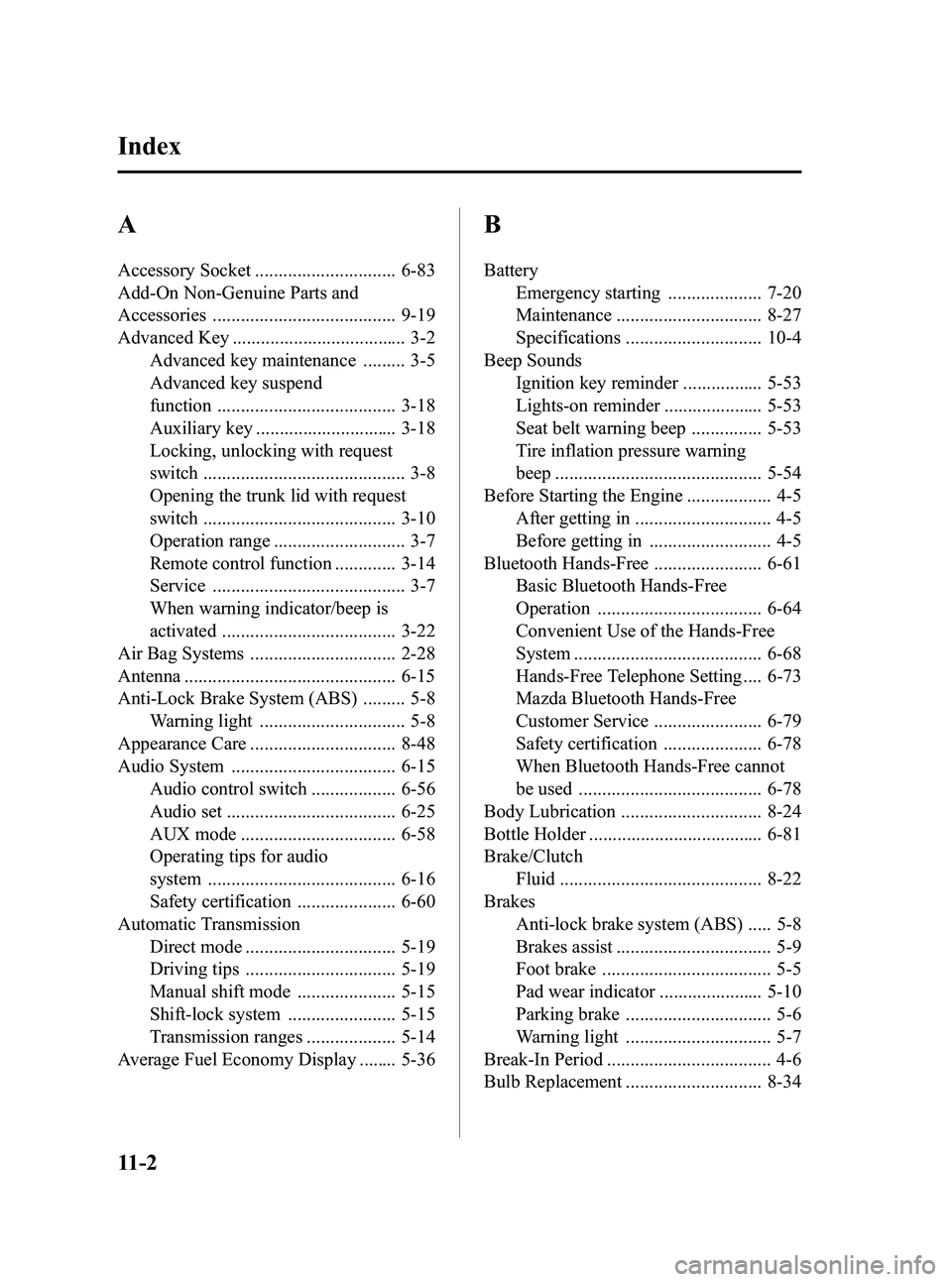
A
Accessory Socket .............................. 6-83
Add-On Non-Genuine Parts and
Accessories ....................................... 9-19
Advanced Key ..................................... 3-2Advanced key maintenance ......... 3-5
Advanced key suspend
function ...................................... 3-18
Auxiliary key .............................. 3-18
Locking, unlocking with request
switch ........................................... 3-8
Opening the trunk lid with request
switch ......................................... 3-10
Operation range ............................ 3-7
Remote control function ............. 3-14
Service ......................................... 3-7
When warning indicator/beep is
activated ..................................... 3-22
Air Bag Systems ............................... 2-28
Antenna ............................................. 6-15
Anti-Lock Brake System (ABS) ......... 5-8 Warning light ............................... 5-8
Appearance Care ............................... 8-48
Audio System ................................... 6-15 Audio control switch .................. 6-56
Audio set .................................... 6-25
AUX mode ................................. 6-58
Operating tips for audio
system ........................................ 6-16
Safety certification ..................... 6-60
Automatic Transmission Direct mode ................................ 5-19
Driving tips ................................ 5-19
Manual shift mode ..................... 5-15
Shift-lock system ....................... 5-15
Transmission ranges ................... 5-14
Average Fuel Economy Display ........ 5-36
B
Battery Emergency starting .................... 7-20
Maintenance ............................... 8-27
Specifications ............................. 10-4
Beep Sounds Ignition key reminder ................. 5-53
Lights-on reminder ..................... 5-53
Seat belt warning beep ............... 5-53
Tire inflation pressure warning
beep ............................................ 5-54
Before Starting the Engine .................. 4-5
After getting in ............................. 4-5
Before getting in .......................... 4-5
Bluetooth Hands-Free ....................... 6-61 Basic Bluetooth Hands-Free
Operation ................................... 6-64
Convenient Use of the Hands-Free
System ........................................ 6-68
Hands-Free Telephone Setting .... 6-73
Mazda Bluetooth Hands-Free
Customer Service ....................... 6-79
Safety certification ..................... 6-78
When Bluetooth Hands-Free cannot
be used ....................................... 6-78
Body Lubrication .............................. 8-24
Bottle Holder ..................................... 6-81
Brake/Clutch Fluid ........................................... 8-22
Brakes Anti-lock brake system (ABS) ..... 5-8
Brakes assist ................................. 5-9
Foot brake .................................... 5-5
Pad wear indicator ...................... 5-10
Parking brake ............................... 5-6
Warning light ............................... 5-7
Break-In Period ................................... 4-6
Bulb Replacement ............................. 8-34
11-2
Index
MX-5_8Z78-EA-08K_Edition1 Page438
Thursday, October 23 2008 1:54 PM
Form No.8Z78-EA-08K