pairing MAZDA MODEL MX-5 MIATA PRHT 2013 Owners Manual
[x] Cancel search | Manufacturer: MAZDA, Model Year: 2013, Model line: MODEL MX-5 MIATA PRHT, Model: MAZDA MODEL MX-5 MIATA PRHT 2013Pages: 452, PDF Size: 5.57 MB
Page 120 of 452
Black plate (120,1)
qOperation
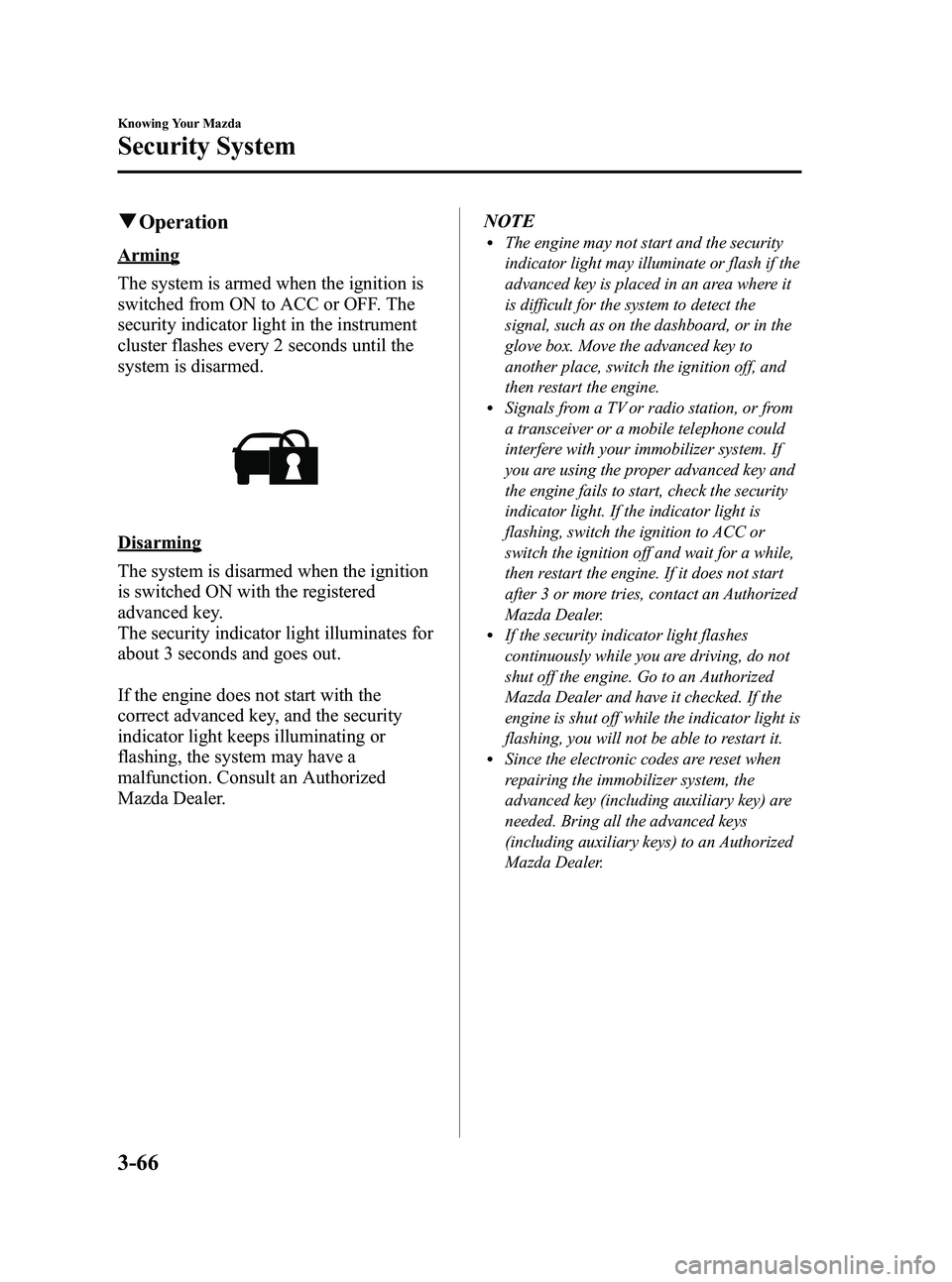
Arming
The system is armed when the ignition is
switched from ON to ACC or OFF. The
security indicator light in the instrument
cluster flashes every 2 seconds until the
system is disarmed.
Disarming
The system is disarmed when the ignition
is switched ON with the registered
advanced key.
The security indicator light illuminates for
about 3 seconds and goes out.
If the engine does not start with the
correct advanced key, and the security
indicator light keeps illuminating or
flashing, the system may have a
malfunction. Consult an Authorized
Mazda Dealer. NOTE
lThe engine may not start and the security
indicator light may illuminate or flash if the
advanced key is placed in an area where it
is difficult for the system to detect the
signal, such as on the dashboard, or in the
glove box. Move the advanced key to
another place, switch the ignition off, and
then restart the engine.
lSignals from a TV or radio station, or from
a transceiver or a mobile telephone could
interfere with your immobilizer system. If
you are using the proper advanced key and
the engine fails to start, check the security
indicator light. If the indicator light is
flashing, switch the ignition to ACC or
switch the ignition off and wait for a while,
then restart the engine. If it does not start
after 3 or more tries, contact an Authorized
Mazda Dealer.
lIf the security indicator light flashes
continuously while you are driving, do not
shut off the engine. Go to an Authorized
Mazda Dealer and have it checked. If the
engine is shut off while the indicator light is
flashing, you will not be able to restart it.
lSince the electronic codes are reset when
repairing the immobilizer system, the
advanced key (including auxiliary key) are
needed. Bring all the advanced keys
(including auxiliary keys) to an Authorized
Mazda Dealer.
3-66
Knowing Your Mazda
Security System
MX-5_8CM3-EA-12F_Edition2 Page120
Friday, August 31 2012 1:45 PM
Form No.8CM3-EA-12F
Page 124 of 452
Black plate (124,1)
qOperation
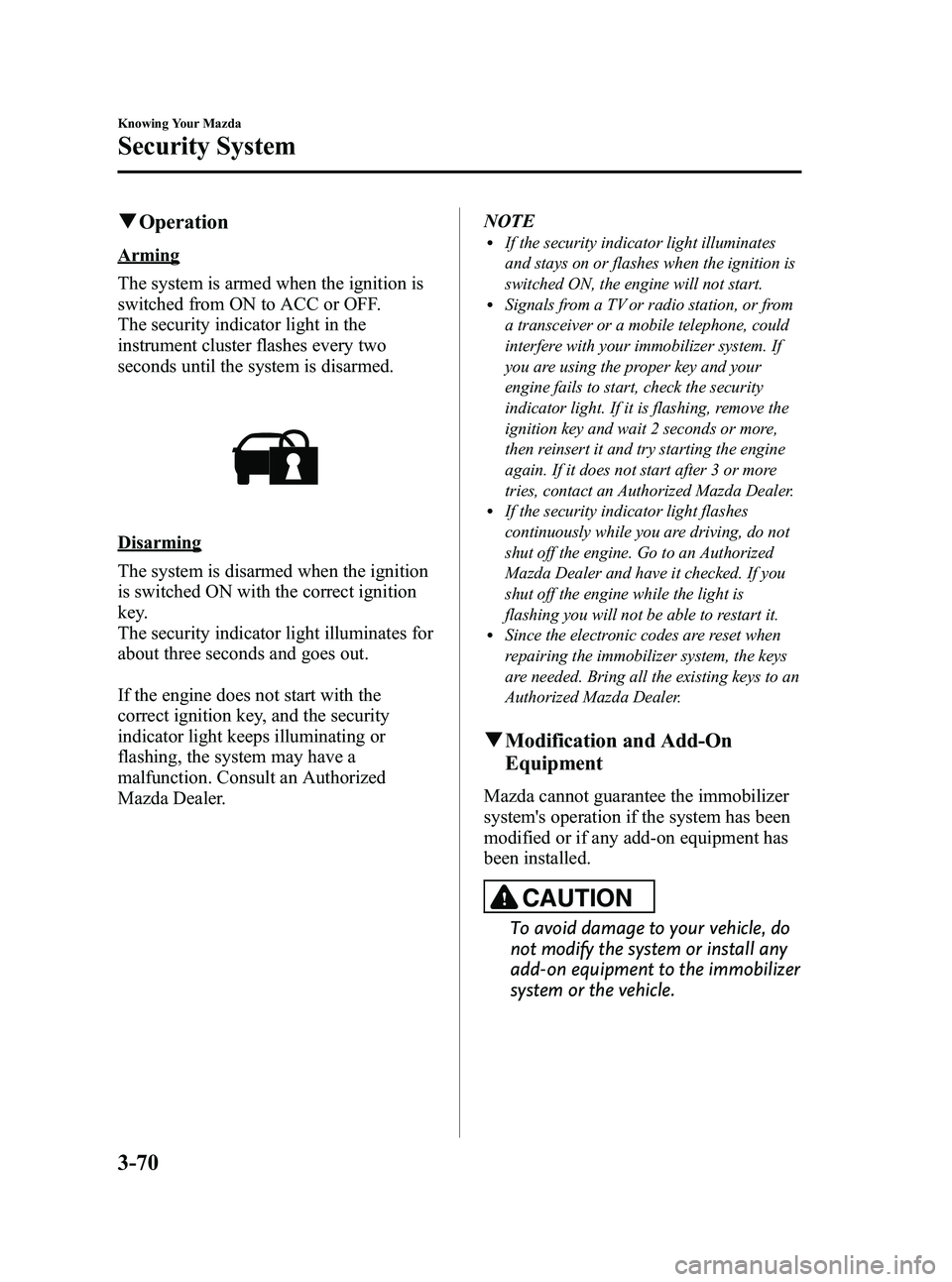
Arming
The system is armed when the ignition is
switched from ON to ACC or OFF.
The security indicator light in the
instrument cluster flashes every two
seconds until the system is disarmed.
Disarming
The system is disarmed when the ignition
is switched ON with the correct ignition
key.
The security indicator light illuminates for
about three seconds and goes out.
If the engine does not start with the
correct ignition key, and the security
indicator light keeps illuminating or
flashing, the system may have a
malfunction. Consult an Authorized
Mazda Dealer. NOTE
lIf the security indicator light illuminates
and stays on or flashes when the ignition is
switched ON, the engine will not start.
lSignals from a TV or radio station, or from
a transceiver or a mobile telephone, could
interfere with your immobilizer system. If
you are using the proper key and your
engine fails to start, check the security
indicator light. If it is flashing, remove the
ignition key and wait 2 seconds or more,
then reinsert it and try starting the engine
again. If it does not start after 3 or more
tries, contact an Authorized Mazda Dealer.
lIf the security indicator light flashes
continuously while you are driving, do not
shut off the engine. Go to an Authorized
Mazda Dealer and have it checked. If you
shut off the engine while the light is
flashing you will not be able to restart it.
lSince the electronic codes are reset when
repairing the immobilizer system, the keys
are needed. Bring all the existing keys to an
Authorized Mazda Dealer.
q
Modification and Add-On
Equipment
Mazda cannot guarantee the immobilizer
system's operation if the system has been
modified or if any add-on equipment has
been installed.
CAUTION
To avoid damage to your vehicle, do
not modify the system or install any
add-on equipment to the immobilizer
system or the vehicle.
3-70
Knowing Your Mazda
Security System
MX-5_8CM3-EA-12F_Edition2 Page124
Friday, August 31 2012 1:45 PM
Form No.8CM3-EA-12F
Page 176 of 452
Black plate (176,1)
Adjust the tire pressure to the correct tire
pressure. Refer to the specification charts
(page 10-7).
CAUTION
When replacing/repairing the tires or
wheels or both, have the work done
by an Authorized Mazda Dealer, or
the tire pressure sensors may be
damaged.NOTE
lPerform tire pressure adjustment when the
tires are cold. Tire pressure will vary
according to the tire temperature, therefore
let the vehicle stand for 1 hour or only drive
it 1.6 km (1 mile) or less before adjusting
the tire pressures. When pressure is
adjusted on hot tires to the cold inflation
pressure, the TPMS warning light/beep may
turn on after the tires cool and pressure
drops below specification.
Also, an illuminated TPMS warning light,
resulting from the tire air pressure dropping
due to cold ambient temperature, may turn
off if the ambient temperature rises. In this
case, it will also be necessary to adjust the
tire air pressures. If the TPMS warning
light illuminates due to a drop in tire air
pressure, make sure to check and adjust the
tire air pressures.
lAfter adjusting the tire air pressures, it may
require some time for the TPMS warning
light to turn off. If the TPMS warning light
remains illuminated, drive the vehicle at a
speed of at least 25 km/h (16 mph) for 10
minutes, and then verify that it turns off.
lTires lose air naturally over time and the
TPMS cannot tell if the tires are getting too
soft over time or you have a flat. However,
when you find one low tire in a set of four-
that is an indication of trouble; you should
have someone drive the vehicle slowly
forward so you can inspect any low tire for
cuts and any metal objects sticking through
tread or sidewall. Put a few drops of water
in the valve stem to see if it bubbles
indicating a bad valve. Leaks need to be
addressed by more than simply refilling the
trouble tire as leaks are dangerous - take it
to an Authorized Mazda Dealer which has
all the equipment to fix tires, TPMS systems
and order the best replacement tire for your
vehicle.
5-32
Driving Your Mazda
Starting and Driving
MX-5_8CM3-EA-12F_Edition2 Page176
Friday, August 31 2012 1:45 PM
Form No.8CM3-EA-12F
Page 178 of 452
Black plate (178,1)
qTires and Wheels
CAUTION
When inspecting or adjusting the tire
air pressures, do not apply excessive
force to the stem part of the wheel
unit. The stem part could be
damaged.
Changing tires and wheels
The following procedure allows the
TPMS to recognize a tire pressure sensor's
unique ID signal code whenever tires or
wheels are changed, such as changing to
and from winter tires.
NOTE
Each tire pressure sensor has a unique ID
signal code. The signal code must be
registered with the TPMS before it can work.
The easiest way to do it is to have an
Authorized Mazda Dealer change your tire and
complete ID signal code registration.
When having tires changed at an
Authorized Mazda Dealer
When an Authorized Mazda Dealer
changes your vehicle's tires, they will
complete the tire pressure sensor ID signal
code registration.
When changing tires yourself
If you or someone else changes tires, you
or someone else can also undertake the
steps for the TPMS to complete the ID
signal code registration.
1. After tires have been changed, switch
the ignition ON, then back to ACC or
OFF.
2. Wait for about 15 minutes. 3. After about 15 minutes, drive the
vehicle at a speed of at least 25 km/h
(16 mph) for 10 minutes and the tire
pressure sensor ID signal code will be
registered automatically.
NOTE
If the vehicle is driven within about 15 minutes
of changing tires, the tire pressure monitoring
system warning light will flash because the
sensor ID signal code would not have been
registered. If this happens, park the vehicle for
about 15 minutes, after which the sensor ID
signal code will register upon driving the
vehicle for 10 minutes.
Replacing tires and wheels
CAUTION
Ø When replacing/repairing the tires
or wheels or both, have the work
done by an Authorized Mazda
Dealer, or the tire pressure sensors
may be damaged.
Ø The wheels equipped on your
Mazda are specially designed for
installation of the tire pressure
sensors. Do not use non-genuine
wheels, otherwise it may not be
possible to install the tire pressure
sensors.
Be sure to have the tire pressure sensors
installed whenever tires or wheels are
replaced.
When having a tire or wheel or both
replaced, the following types of tire
pressure sensor installations are possible.
lThe tire pressure sensor is removed
from the old wheel and installed to the
new one.
lThe same tire pressure sensor is used
with the same wheel. Only the tire is
replaced.
5-34
Driving Your Mazda
Starting and Driving
MX-5_8CM3-EA-12F_Edition2 Page178
Friday, August 31 2012 1:45 PM
Form No.8CM3-EA-12F
Page 192 of 452
Black plate (192,1)
Adjust the tire pressure to the correct tire
pressure. Refer to the specification charts
(page 10-7).
CAUTION
When replacing/repairing the tires or
wheels or both, have the work done
by an Authorized Mazda Dealer, or
the tire pressure sensors may be
damaged.NOTE
lPerform tire pressure adjustment when the
tires are cold. Tire pressure will vary
according to the tire temperature, therefore
let the vehicle stand for 1 hour or only drive
it 1.6 km (1 mile) or less before adjusting
the tire pressures. When pressure is
adjusted on hot tires to the cold inflation
pressure, the TPMS warning light/beep may
turn on after the tires cool and pressure
drops below specification.
Also, an illuminated TPMS warning light,
resulting from the tire air pressure dropping
due to cold ambient temperature, may turn
off if the ambient temperature rises. In this
case, it will also be necessary to adjust the
tire air pressures. If the TPMS warning
light illuminates due to a drop in tire air
pressure, make sure to check and adjust the
tire air pressures.
lAfter adjusting the tire air pressures, it may
require some time for the TPMS warning
light to turn off. If the TPMS warning light
remains illuminated, drive the vehicle at a
speed of at least 25 km/h (16 mph) for 10
minutes, and then verify that it turns off.
lTires lose air naturally over time and the
TPMS cannot tell if the tires are getting too
soft over time or you have a flat. However,
when you find one low tire in a set of four-
that is an indication of trouble; you should
have someone drive the vehicle slowly
forward so you can inspect any low tire for
cuts and any metal objects sticking through
tread or sidewall. Put a few drops of water
in the valve stem to see if it bubbles
indicating a bad valve. Leaks need to be
addressed by more than simply refilling the
trouble tire as leaks are dangerous - take it
to an Authorized Mazda Dealer which has
all the equipment to fix tires, TPMS systems
and order the best replacement tire for your
vehicle.
5-48
Driving Your Mazda
Warning/Indicator Lights and Beep Sounds
MX-5_8CM3-EA-12F_Edition2 Page192
Friday, August 31 2012 1:45 PM
Form No.8CM3-EA-12F
Page 277 of 452
Black plate (277,1)
Bluetooth®Hands-Free Activation
Method
1. Program the mobile telephone (Pairing)Refer to Bluetooth® Hands-Free
Preparation on page 6-65.
2. Press the voice recognition/hands-free switch with a short press.
The hands-free system is activated.
Functions of the hands-free telephone,
such as making and receiving calls, can be
used after the activation. (For details on
the telephone functions, refer to “Basic
Bluetooth
®Hands-Free Operation ”or
“ Convenient Use of the Hands-Free
System ”.)
Basic Bluetooth® Hands-
Free Operation
qBluetooth® Hands-Free Preparation
Language setting
The available languages are English,
Spanish, and Canadian French. If the
language setting is changed, all of the
voice guidance and voice input
commands are done in the selected
language.
NOTE
lIf the language setting is changed, phone
registration is maintained.
Phonebook records are not cleared, but
each language has a separate phonebook.
Therefore, entries created in one language
will need to be re-entered in the phonebook
of the new language.
lDo these steps before you start driving.
These less used functions are too
distracting to undertake while driving until
you are fully familiar with the system.
Method 1
1. Press the voice recognition/hands-free
switch with a short press.
2. Say: [Beep] “Setup ”
3. Prompt: “Select one of the following:
Pairing options, confirmation prompts,
select phone, language, or passcode, or
say “cancel ”to return to the main
menu. ”
4. Say: [Beep] “Language ”
5. Prompt: “Select a language: English,
French, or Spanish. ”
6. Say: [Beep] “French ”(Speak the
desired language: “English ”, “French ”
or “Spanish ”)
Interior Comfort
Bluetooth® Hands-Free
6-65
MX-5_8CM3-EA-12F_Edition2 Page277
Friday, August 31 2012 1:46 PM
Form No.8CM3-EA-12F
Page 278 of 452
Black plate (278,1)
NOTE
Other language settings can also be made
while in the current setting by saying the name
of the language in the native pronunciation.
7.Prompt: “French (Desired language)
selected. Is this correct? ”
8. Say: [Beep] “Ye s ”
9. Prompt: “French (Desired language)
selected, returning to main menu ”
(Spoken in the newly selected
language).
Method 2
1. Press the voice recognition/hands-free switch with a short press.
2. Say: [Beep] “French ”(Say the desired
language: “English ”, “French ”,or
“ Spanish ”.)
NOTE
Other language settings can also be made
while in the current setting by saying the name
of the language in the native pronunciation.
3. Prompt: “Would you like to change
the language to French (Desired
language)? ”
4. Say: [Beep] “Ye s ”
5. Prompt: “Please wait. Switching to
French phone book. French selected,
returning to main menu ”(Spoken in
the newly selected language).
Mobile telephone programming
(Pairing)
To use Bluetooth
®Hands-Free, a mobile
phone equipped with Bluetooth®has to be
programmed to the hands-free unit using
the following procedure. Up to seven Bluetooth
®equipped mobile
telephones can be programmed to the
vehicle.
NOTE
lA mobile telephone can be programmed
only when the vehicle is parked. If the
vehicle starts to move, the pairing
procedure will end. Programming is
dangerous while driving - pair up your
device before you start driving. Park the
car in a safe place before programming.
lSince the communication range of a
Bluetooth®equipped mobile telephone is
about 10 meters (32 ft), if a mobile
telephone is placed within a 10-meter (32
ft) radius of the vehicle, it may be detected/
programmed unintentionally while another
telephone is being programmed.
1. Activate the Bluetooth®application of
the mobile telephone.
NOTE
For the operation of the mobile telephone,
refer to its instruction manual.
2. Press the voice recognition/hands-free switch with a short press.
3. Say: [Beep] “Setup ”
4. Prompt: “Select one of the following:
Pairing options, confirmation prompts,
select phone, language, or passcode, or
say “cancel ”to return to the main
menu. ”
5. Say: [Beep] “Pairing options ”
6. Prompt: “Do you want to pair a
phone, delete a phone, or list paired
phones? ”
7. Say: [Beep] “Pair a phone ”
8. Prompt: “Please say a 4-digit pairing
code. ”
6-66
Interior Comfort
Bluetooth® Hands-Free
MX-5_8CM3-EA-12F_Edition2 Page278
Friday, August 31 2012 1:46 PM
Form No.8CM3-EA-12F
Page 279 of 452
![MAZDA MODEL MX-5 MIATA PRHT 2013 Owners Manual Black plate (279,1)
9.Say: [Beep] “XXXX ”(Speak an
arbitrary 4-digit pairing code. This can
be any combination of 4 numbers.)
NOTE
lSome devices accept only a particular
pairing code (Usually, “](/img/28/41006/w960_41006-278.png "MAZDA MODEL MX-5 MIATA PRHT 2013 Owners Manual Black plate (279,1)
9.Say: [Beep] “XXXX ”(Speak an
arbitrary 4-digit pairing code. This can
be any combination of 4 numbers.)
NOTE
lSome devices accept only a particular
pairing code (Usually, “")
Black plate (279,1)
9.Say: [Beep] “XXXX ”(Speak an
arbitrary 4-digit pairing code. This can
be any combination of 4 numbers.)
NOTE
lSome devices accept only a particular
pairing code (Usually, “0000 ”or “1234 ”).
If pairing cannot be completed, refer to the
owner's manual of your mobile device, and
try those numbers if necessary.
lRecord the code as it will be used to
program your phone in Step 16.
10. Prompt: “Pairing code XXXX (4-
digit number). Is this correct? ”
11. Say: [Beep] “Ye s ”or “No ”
12. If “Ye s ”, go to Step 13.
If “No” , the procedure returns to Step
8.
13. Prompt: “Start pairing procedure on
phone. See phone's manual for
instructions. ”
14. Using the mobile telephone, perform a search for the Bluetooth
®device
(Peripheral device).
NOTE
For the operation of the mobile telephone,
refer to its instruction manual.
15. Select “Mazda ”from the device list
searched by the mobile phone.
16. Input the 4-digit pairing code set in Step 9 to the mobile telephone.
17. Prompt: “Please say the name of the
phone after the beep. ”
18. Say: [Beep] “XXXX - - - ”(Speak a
“ phone tag ”, an arbitrary name for the
phone.)
Example: “Stan's phone. ” NOTE
Speak a programmed
“phone tag ”within 10
seconds.
If more than two mobile telephones are to be
programmed, they cannot be programmed with
the same or similar “phone tag ”.
19. Prompt: “Adding XXXXXX - - -
(Ex. “Stan's phone ”) (Phone tag). Is
this correct? ”
20. Say: [Beep] “Ye s ”
21. Prompt: “Assign a priority for this
phone between 1 and 7, where 1 is
the phone used most often.”
22. Say: [Beep] “1 ” (Speak a number of
the desired priority from 1 to 7.)
NOTE
lNormally, “1” is to be input (Highest
priority).
lIf more than two mobile telephones are
registered, input the priority order from 1 to
7.
23. Prompt: “XXXXXX - - - (Ex.
“ Stan's phone ”) (Phone tag) set to
priority X (Priority number). Is this
correct? ”
24. Say: [Beep] “Ye s ”
25. Prompt: “Pairing complete ”
After a mobile telephone is registered, the
system automatically identifies the phone.
By pressing the voice recognition/hands-
free switch again, or by pressing the voice
recognition/hands-free switch first after
switching the ignition from OFF to ACC,
the system reads out a voice guidance,
“ XXXXXX - - - (Ex. “Stan's phone ”)
(Phone tag) is connected ”. If two or more
telephones are registered, the one with the
highest priority is selected.
Interior Comfort
Bluetooth® Hands-Free
6-67
MX-5_8CM3-EA-12F_Edition2 Page279
Friday, August 31 2012 1:46 PM
Form No.8CM3-EA-12F
Page 286 of 452
![MAZDA MODEL MX-5 MIATA PRHT 2013 Owners Manual Black plate (286,1)
6.Prompt: “End of list, would you like
to start from the beginning?”
7. Say: [Beep] “No ”
8. Prompt: “Returning to main menu. ”Hands-Free Telephone Setting
qMobile phon](/img/28/41006/w960_41006-285.png "MAZDA MODEL MX-5 MIATA PRHT 2013 Owners Manual Black plate (286,1)
6.Prompt: “End of list, would you like
to start from the beginning?”
7. Say: [Beep] “No ”
8. Prompt: “Returning to main menu. ”Hands-Free Telephone Setting
qMobile phon")
Black plate (286,1)
6.Prompt: “End of list, would you like
to start from the beginning?”
7. Say: [Beep] “No ”
8. Prompt: “Returning to main menu. ”Hands-Free Telephone Setting
qMobile phone
Mobile phone registration
For the registration of a Bluetooth
®
equipped mobile telephone to Bluetooth®
Hands-Free.
Refer to Bluetooth® Hands-Free
Preparation on page 6-65.
Registered mobile phone read-out
Bluetooth
®Hands-Free can read-out the
mobile phones registered to its system.
NOTE
Do this function only when parked. It is too
distracting to attempt while driving and you
may make too many errors to be effective.
1. Press the voice recognition/hands-free switch with a short press.
2. Say: [Beep] “Setup ”
3. Prompt: “Select one of the following:
pairing options, confirmation prompts,
select phone, language, or passcode...,
or say “cancel ”to return to main
menu. ”
4. Say: [Beep] “Pairing options ”
5. Prompt: “Do you want to pair a
phone, delete a phone, or list paired
phones? ”
6. Say: [Beep] “List phones ”
7. Prompt: “XXXXX..., XXXXX...,
XXXXX... (Ex. Phone A, phone B,
phone C) ”(The voice guidance reads
out the phone tags registered to the
hands-free system.)
6-74
Interior Comfort
Bluetooth® Hands-Free
MX-5_8CM3-EA-12F_Edition2 Page286
Friday, August 31 2012 1:46 PM
Form No.8CM3-EA-12F
Page 287 of 452

Black plate (287,1)
Press the voice recognition/hands-free
switch during the read-out at the desired
phone, and then say one of the following
voice commands to execute it.
l“Select ”: Programmed the mobile
phone when the voice recognition/
hands-free switch was pressed.
l“ Continue ”: Continues the voice
guidance.
l“ Delete ”: Deletes the registered mobile
phone.
l“ Previous ”: Returns to the previous
mobile phone.
8. Prompt: “End of list, would you like
to start from the beginning?”
9. Say: [Beep] “No ”
10. Prompt: “Returning to main menu. ”
Mobile phone selection
This function is for switching to a
different mobile phone which has been
registered beforehand. The selected
mobile phone will remain in effect until
the ignition is switched off.
1. Press the voice recognition/hands-free
switch with a short press.
2. Say: [Beep] “Setup ”
3. Prompt: “Select one of the following:
pairing options, confirmation prompts,
select phone, language, or passcode...,
or say “cancel ”to return to main
menu. ”
4. Say: [Beep] “Select phone ”
5. Prompt: “Please say 1 (priority 1) for
XXXXX... (Ex. phone A), 2 (priority
2) for XXXXX... (Ex. phone B...) ”
6. Say: [Beep] “2 ” (Say the priority
number for the mobile phone to be
used as first priority.) 7.
Prompt: “XXXXX... (Ex. phone B...)
(Registered phone tag) selected, is this
correct? ”
8. Say: [Beep] “Ye s ”
9. Prompt: “XXXXX... (Ex. phone B...)
(Phone tag) will temporarily override
phone priorities, returning to main
menu. ”
Registered mobile phone deletion
Registered mobile phones can be deleted
individually or collectively.
NOTE
Do this function only when parked. It is too
distracting to attempt while driving and you
may make too many errors to be effective.
1. Press the voice recognition/hands-free
switch with a short press.
2. Say: [Beep] “Setup ”
3. Prompt: “Select one of the following:
pairing options, confirmation prompts,
select phone, language, or passcode...,
or say “cancel ”to return to main
menu. ”
4. Say: [Beep] “Pairing options ”
5. Prompt: “Do you want to pair a
phone, delete a phone, or list paired
phones? ”
NOTE
A registered mobile phone can be deleted
using the registration list.
6. Say: [Beep] “Delete phone ”
7. Prompt: “Please say 1 (priority 1) for
XXXXX... (Ex. phone A), 2 (priority
2) for XXXXX... (Ex. phone B...) ”
(The voice guidance reads out each
phone in the order of priority and the
phone tag).
Interior Comfort
Bluetooth® Hands-Free
6-75
MX-5_8CM3-EA-12F_Edition2 Page287
Friday, August 31 2012 1:46 PM
Form No.8CM3-EA-12F