trunk MAZDA MX5 MIATA 2017 Owner's Manual
[x] Cancel search | Manufacturer: MAZDA, Model Year: 2017, Model line: MX5 MIATA, Model: MAZDA MX5 MIATA 2017Pages: 568, PDF Size: 16.58 MB
Page 100 of 568

3 –44 Before Driving
Convertible Top (Retractable Fastback) Operation Roof status Indication
Operation complete Rear roof closed
Operation ConditionsIf the following conditions have been
satisfied, the roof can be opened/closed.
The ignition is switched ON.
Shift/selector lever is in a position other
than R (reverse).
Vehicle speed is 10 km/h (6.2 mph) or
less.
The trunk lid is closed.
CAUTION If the vehicle speed exceeds 10 km/h
(6.2 mph) during the opening/closing
operation, the opening/closing
operation of the roof stops midstream.
If the roof stops midstream, visibility at
the rear may be impaired or damage
to the roof may occur which could
lead to an accident. Operate the
switch again with the vehicle stopped,
depending on the road and traffic
conditions, to complete opening/
closing operation of the roof. NOTE
If the roof cannot be closed even after the
operation conditions are all met, have it
checked at an Authorized Mazda Dealer.
The roof can be closed manually as an
emergency measure.
Refer to When the Roof Cannot be Closed
on page 7-57 .
MX-5_8FR4-EA-16J_Edition1.indb 44 2016/08/11 20:28:37
Page 105 of 568
3 –49 Before Driving
Security System
*Some models.Theft-Deterrent System *
If the theft-deterrent system detects an
inappropriate entry into the vehicle,
which could result in the vehicle or its
contents being stolen, the alarm alerts the
surrounding area of an abnormality by
sounding the horn and flashing the hazard
warning lights.
The system will not function unless it's
properly armed. So when you leave the
vehicle, follow the arming procedure
correctly.
OperationSystem triggering conditions
The horn sounds intermittently and the
hazard warning lights flash for about 30
seconds when the system is triggered by
any one of the following:
Unlocking a door with the key, door
lock switch, or an inside door-lock knob.
Forcing open a door, the hood or the
trunk lid.
Opening the hood by operating the hood
release handle.
Switching the ignition ON without using
the push button start.
If the system is triggered again, the lights
and horn will activate until the driver's
door is unlocked with the transmitter.
(With the advanced keyless function)
The lights and horn can also be
deactivated by pressing the request switch
on a door. NOTE
The trunk lid does not open while the
theft-deterrent system is operating.
If the battery goes dead while the theft-
deterrent system is armed, the horn will
activate and the hazard warning lights
will flash when the battery is charged or
replaced.
How to Arm the System 1. Close the windows and the convertible
top securely.
2. Switch the ignition OFF.
3. Make sure the hood, the doors, and the
trunk lid are closed.
4. Press the lock button on the transmitter
or lock the driver's door from the
outside with the auxiliary key.
The hazard warning lights will flash
once.
The following method will also arm the
theft-deterrent system:
Press the door-lock switch “ ” while
any door is open and then close both of
the doors.
(With the advanced keyless function)
Press a request switch.
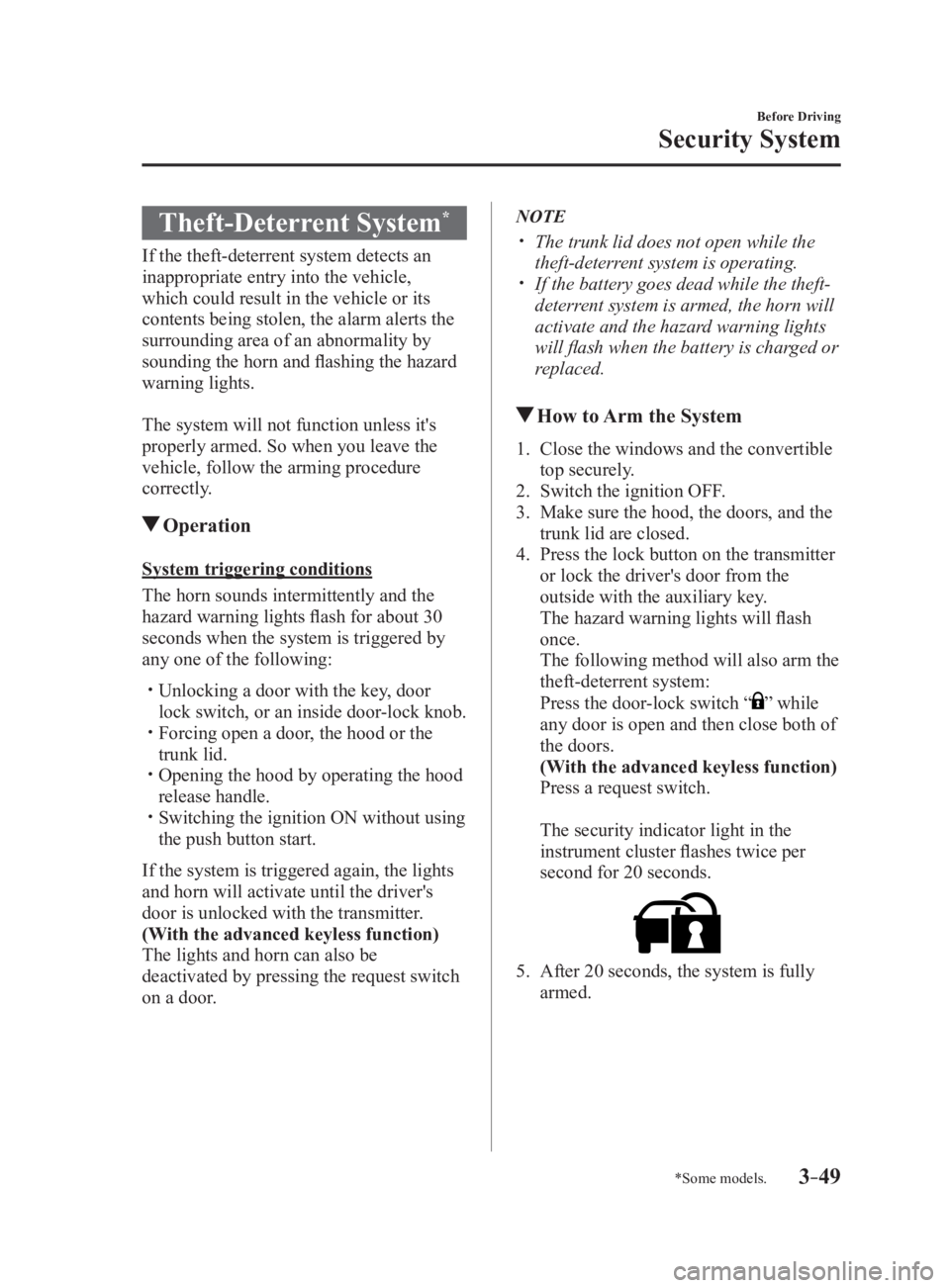
The security indicator light in the
instrument cluster flashes twice per
second for 20 seconds.
5. After 20 seconds, the system is fully
armed.
MX-5_8FR4-EA-16J_Edition1.indb 49 2016/08/11 20:28:38
Page 106 of 568

3 –50 Before Driving
Security System NOTE
The theft-deterrent system can also be
armed by activating the auto relock
function with both the doors, the trunk
lid and the hood closed.
Refer to Transmitter on page 3-4 .
The system will disarm if one of the
following operations takes place within
20 seconds after pressing the lock
button:
Unlocking any door.
Opening any door.
Opening the hood.
Switching the ignition ON.
To rearm the system, do the arming
procedure again.
When the doors are locked by pressing
the lock button on the transmitter
or using the auxiliary key while the
theft-deterrent system is armed, the
hazard warning lights will flash once to
indicate that the system is armed.
To Turn Off an Armed SystemAn armed system can be turned off using
any one of the following methods:
Pressing the unlock button on the
transmitter.
Starting the engine with the push button
start.
(With the advanced keyless function)
Pressing a request switch on the doors.
The hazard warning lights will flash twice.
NOTE
When the doors are unlocked by pressing
the unlock button on the transmitter while
the theft-deterrent system is turned off, the
hazard warning lights will flash twice to
indicate that the system is turned off. To Stop the Alarm A triggered alarm can be turned off using
any one of the following methods:
Pressing the unlock button on the
transmitter.
Starting the engine with the push button
start.
(With the advanced keyless function)
Pressing a request switch on the doors.
Pressing the electric trunk lid opener
while the key is being carried.
The hazard warning lights will flash twice.
Theft-Deterrent Labels
A label indicating that your vehicle is
equipped with a Theft-Deterrent System is
in the console box.
Mazda recommends that you affix it to the
lower rear corner of a front door window.
MX-5_8FR4-EA-16J_Edition1.indb 50 2016/08/11 20:28:38
Page 142 of 568

4 –28 When Driving
Instrument Cluster and Display
*Some models.Signal Warning Lights Page
Seat Belt Warning Light 7-41*
Door-Ajar Warning Light 7-41*
Door-Ajar Warning Indication 7-41*
Trunk lid-Ajar Warning Indication 7-41*
Low Fuel Warning Indication/Warning Light 7-41
Check Fuel Cap Warning Light *1
7-41*
Low Washer Fluid Level Warning Indication/Warning Light 7-41
*1 The light turns on when the ignition is switched on for an operation check, and turns off a few seconds later or
when the engine is started. If the light does not turn on or remains turned on, have the vehicle inspected at an
Authorized Mazda Dealer.
*2 The light turns on continuously when the parking brake is applied.
Indication/Indicator Lights
These lights turn on or flash to notify the user of the system o peration status or a system
malfunction. Signal Indicator Lights Page*
Passenger Air Bag Deactivation Indicator Light *1
2-37
(White/Green) *
KEY Indicator/Indicator Light 3-8
MX-5_8FR4-EA-16J_Edition1.indb 28 2016/08/11 20:28:48
Page 306 of 568

5 –84 Interior Features
Bluetooth ®
4. Turn the audio control dial to select the
name of the device you would like to
link.
Device name 1
Device name 2
Device name 3
Device name 4
Device name 5
Device name 6
Device name 7
5. Press the audio control dial to select the
device you would like to link. The
symbol disappears, and “PAIRING”
flashes in the audio display.
NOTE
When “GO BACK” is selected and the
audio control dial is pressed, the display
returns to “LINK CHANGE”.
6. If the link to the desired device is
successful, the symbol is displayed
again, together with “LINK
CHANGED”. “LINK CHANGED” is
displayed for three seconds, then it
returns to the normal display. NOTE
Some Bluetooth ®
audio devices need a
certain amount of time before the
symbol is displayed.
If a hands-free type mobile phone has
been the most recently paired device,
the Bluetooth ®
unit links this device.
If you would like to use a Bluetooth ®
audio type device which has been
previously paired to the Bluetooth ®
unit,
the link must be changed to this device.
If an error occurs while trying to link
a device, “Err” flashes in the audio
display for three seconds, and the
display returns to “LINK CHANGE”.
If this occurs, check the pairing status
of the Bluetooth ®
audio device and the
location of the device in the vehicle (not
in the trunk or a metal-type box), and
then try the link operation again.
Device selection can also be done using
voice recognition.
How to confirm the device currently
linked
Switch to the link-change mode. (Refer to
“Changing the link to a Bluetooth ®
audio
device”)
The device name displayed first is the
device which is currently linked.
Deleting a device
1. Using the audio control dial, select the
pairing delete mode “PAIR DELETE”
in the “BT SETUP”mode. (Refer to
“Bluetooth ®
audio device set-up” for
details.)
2. Press the audio control dial to
determine the mode.
3. The name of the first device among the
paired devices is displayed.
MX-5_8FR4-EA-16J_Edition1.indb 84 2016/08/11 20:29:23
Page 355 of 568
5 –133 Interior Features
Interior EquipmentTrunk Light
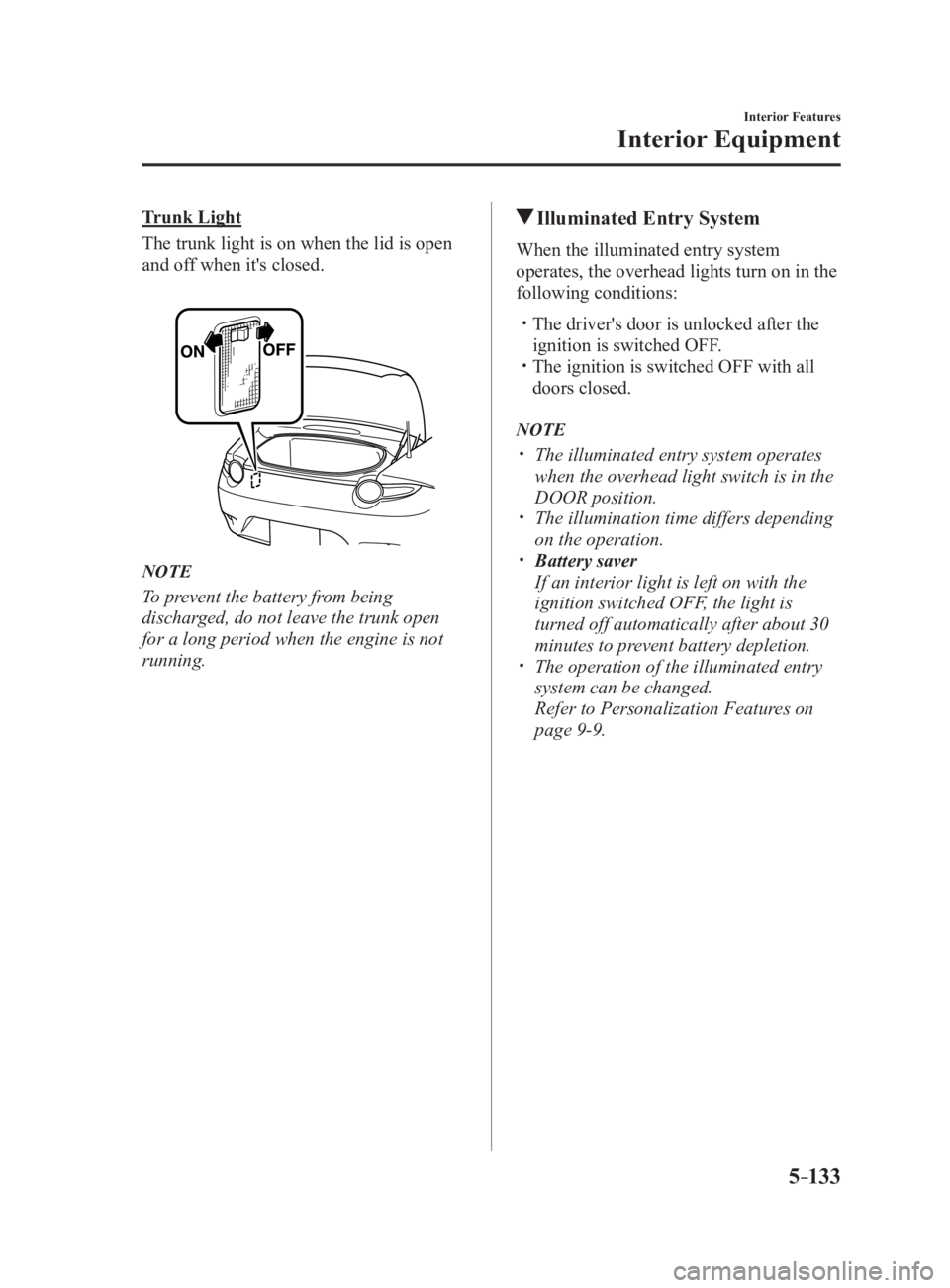
The trunk light is on when the lid is open
and off when it's closed.
NOTE
To prevent the battery from being
discharged, do not leave the trunk open
for a long period when the engine is not
running. Illuminated Entry System When the illuminated entry system
operates, the overhead lights turn on in the
following conditions:
The driver's door is unlocked after the
ignition is switched OFF.
The ignition is switched OFF with all
doors closed.
NOTE
The illuminated entry system operates
when the overhead light switch is in the
DOOR position.
The illumination time differs depending
on the operation.
Battery saver
If an interior light is left on with the
ignition switched OFF, the light is
turned off automatically after about 30
minutes to prevent battery depletion.
The operation of the illuminated entry
system can be changed.
Refer to Personalization Features on
page 9-9 .
MX-5_8FR4-EA-16J_Edition1.indb 133 2016/08/11 20:29:34
Page 407 of 568

6 –45 Maintenance and Care
Owner Maintenance
Light Bulbs Overhead light
Side turn signal lights
High-mount brake lightTrunk lightFront side-marker lights
Front turn signal lights
Headlights (low beam)P arking lights
Headlights (High beam)
Daytime running lights
License plate lights
Brake lights
TaillightsRear side-marker lights
Reverse lights
Rear turn signal lights
MX-5_8FR4-EA-16J_Edition1.indb 45 2016/08/11 20:29:47
Page 411 of 568

6 –49 Maintenance and Care
Owner MaintenanceRear turn signal lights
1. Make sure the ignition is switched off,
and the headlight switch is off.
2. Pull the center of each plastic retainer
and remove the retainers and the trunk
end trim.
Rem ova l
Installation
3. Disconnect the connector from the unit
by pressing the tab on the connector
with your finger and pulling the
connector downward.
4. Pull the center of each plastic retainer
and remove the retainers, and then
partially peel back the trunk side trim.
Rem ova l
Installation
MX-5_8FR4-EA-16J_Edition1.indb 49 2016/08/11 20:29:48
Page 413 of 568

6 –51 Maintenance and Care
Owner Maintenance8. To remove the rear combination lamp
unit, insert your finger from inside the
trunk and into the hole from which the
grommet was removed in Step 5, and
while holding the lamp lens (round
part) of the rear combination lamp with
your hand, press the rear combination
lamp unit until the hook detaches from
the clip.
Rear combination lamp unitHookGrommet installation
hole
9. After the hook is detached, pull out
the rear combination lamp unit in the
direction of the arrow and remove it.
Grommet installation holeClip
Hook Rear combination
lamp unit CAUTION Carefully pull out the rear combination
lamp unit when removing it from the
body.
The wiring may become damaged
if the rear combination lamp unit is
forcefully pulled out.
10. Turn the socket and bulb assembly
counterclockwise and remove it.
11. Disconnect the bulb from the socket.
12. Install the new bulb in the reverse order
of the removal procedure.
MX-5_8FR4-EA-16J_Edition1.indb 51 2016/08/11 20:29:48
Page 415 of 568

6 –53 Maintenance and Care
Owner Maintenance4. Disconnect the bulb from the socket.
5. Install the new bulb in the reverse order
of the removal procedure.
Replacing Interior Light BulbsOverhead light
1. Wrap a small flathead screwdriver
with a soft cloth to prevent damage to
the lens, and then remove the lens by
carefully prying on the edge of the lens
with the flathead screwdriver.
2. Disconnect the bulb by pulling it out.
3. Install the new bulb in the reverse order
of the removal procedure. Trunk light
1. Wrap a small flathead screwdriver
with a soft cloth to prevent damage to
the lens, and then remove the lens by
carefully prying on the edge of the lens
with the flathead screwdriver.
2. Disconnect the connector from the unit.
3. Disconnect the bulb by pulling it out.
4. Install the new bulb in the reverse order
of the removal procedure.
MX-5_8FR4-EA-16J_Edition1.indb 53 2016/08/11 20:29:49