display MERCEDES-BENZ A CLASS 2012 Owners Manual
[x] Cancel search | Manufacturer: MERCEDES-BENZ, Model Year: 2012, Model line: A CLASS, Model: MERCEDES-BENZ A CLASS 2012Pages: 356, PDF Size: 4.96 MB
Page 219 of 356
X
Press the 9 or : button to select the
number you want to dial.
X Press the 6
or a button to start dial-
ling.
or
X If you do not want to make a call: press
the ~ or % button.
Redialling The on-board computer saves the last names
or numbers dialled in the redial memory.
X
Press the =
or ; button on the steer-
ing wheel to select the Tel menu.
X Press the 6 button to switch to the
redial memory.
X Press the 9
or : button to select the
desired name or number.
X Press the 6
or a button to start dial-
ling.
or
X If you do not want to make a call: press
the ~ or % button. Assistance menu
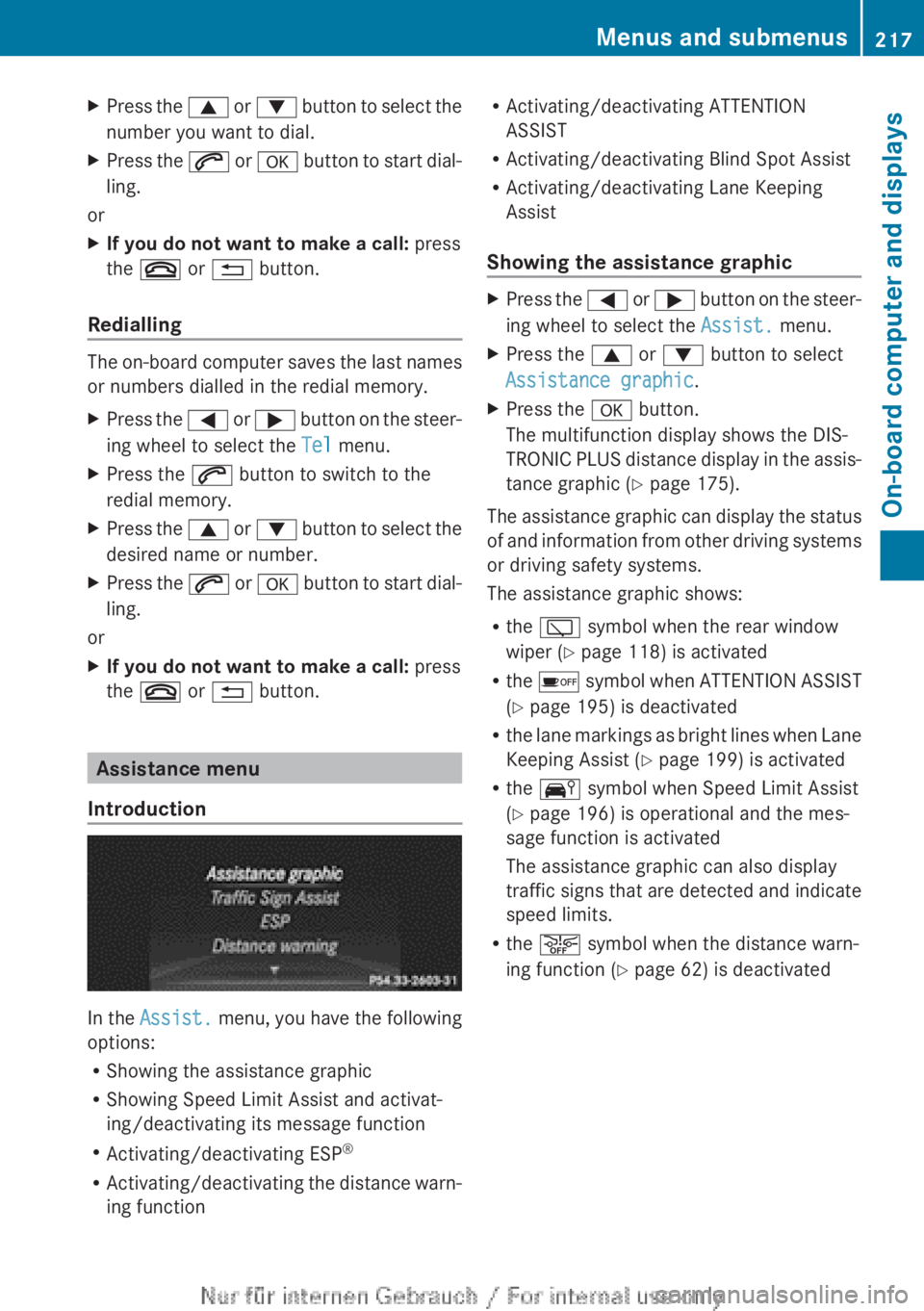
Introduction In the
Assist.
menu, you have the following
options:
R Showing the assistance graphic
R Showing Speed Limit Assist and activat-
ing/deactivating its message function
R Activating/deactivating ESP ®
R Activating/deactivating the distance warn-
ing function R
Activating/deactivating ATTENTION
ASSIST
R Activating/deactivating Blind Spot Assist
R Activating/deactivating Lane Keeping
Assist
Showing the assistance graphic X
Press the =
or ; button on the steer-
ing wheel to select the Assist. menu.
X Press the 9 or : button to select
Assistance graphic.
X Press the a button.
The multifunction display shows the DIS-
TRONIC
PLUS distance display in the assis-
tance graphic (Y page 175).
The assistance graphic can display the status
of
and information from other driving systems
or driving safety systems.
The assistance graphic shows:
R the è symbol when the rear window
wiper ( Y page 118) is activated
R the é symbol when ATTENTION ASSIST
(Y page 195) is deactivated
R the lane markings as bright lines when Lane
Keeping Assist (Y page 199) is activated
R the Ä symbol when Speed Limit Assist
(Y page 196) is operational and the mes-
sage function is activated
The assistance graphic can also display
traffic signs that are detected and indicate
speed limits.
R the æ symbol when the distance warn-
ing function (Y page 62) is deactivated Menus and submenus
217On-board computer and displays Z
Page 220 of 356
Speed Limit Assist
Displaying Speed Limit Assist
X
Press the = or ; button on the steer-
ing wheel to select the Assist. menu.
X Press the 9 or : button to select
Speed Limit Assist.
X Press the a button.
Under certain conditions, detected speed
limits are shown in the multifunction dis-
play
(Y page 196).
Activating/deactivating the Speed Limit
Assist message function
X Press the =
or ; button on the steer-
ing wheel to select the Assist. menu.
X Press the 9 or : button to select
Speed Limit Assist.
X Press the a button.
The multifunction display shows Speed
Limit Assist.
X Press the : button.
The current selection is displayed.
X To activate or deactivate: press a.
If
the Speed Limit Assist message function
is activated, a detected speed limit is auto-
matically displayed for five seconds. Other
items in the multifunction display are not
shown during this time.
When Speed Limit Assist is operational and
the message function is activated, the
assistance graphic shows the Ä sym-
bol.
Deactivating/activating ESP ®i
Observe
the "Important safety notes" sec-
tion in the description of ESP ( Y page 65).G
WARNING
If you deactivate ESP ®
, ESP ®
no longer sta-
bilises the vehicle. There is an increased risk
of skidding and an accident.
Only
deactivate ESP ®
in the situations descri-
bed in the following. It may be best to deactivate ESP
®
in the fol-
lowing situations:
R when using snow chains
R in deep snow
R on sand or gravel
Deactivating/activating ESP ®
on AMG vehi-
cles ( Y page 66).
For further information about ESP ®
, see
(Y page 65).
X Start the engine.
X Press the =
or ; button on the steer-
ing wheel to select the Assist. menu.
X Press the 9 or : button to select
ESP.
X Press the a button.
X To activate/deactivate: press the a
button again.
ESP ®
is deactivated if the å warning
lamp in the instrument cluster lights up
continuously when the engine is running.
If the ÷
warning lamp and the å warn-
ing lamp are lit continuously, ESP ®
is not
available due to a malfunction.
Observe the information on warning lamps
(Y page 260).
Observe the information on display messages
(Y page 230).
Activating/deactivating the distance
warning function X
Press the =
or ; button on the steer-
ing wheel to select the Assist. menu.
X Press the 9 or : button to select
Distance warning.
X Press the a button.
The current selection is displayed.
X To activate/deactivate: press the a
button again.
When the distance warning function is
deactivated, the æ symbol appears in
the multifunction display in the assistance
graphics display. 218
Menus and submenus
On-board computer and displays
Page 221 of 356
Further information on the distance warning
function (
Y page 62).
Activating/deactivating ATTENTION
ASSIST X
Press the = or ; button on the steer-
ing wheel to select the Assist. menu.
X Press the 9 or : button to select
ATTENTION ASSIST.
X Press the a button.
The current selection is displayed.
X To activate/deactivate: press the a
button again.
When ATTENTION ASSIST is deactivated,
the é
symbol appears in the multifunc-
tion display in the assistance graphics dis-
play.
For further information about ATTENTION
ASSIST, see ( Y page 195).
Activating/deactivating Blind Spot
Assist X
Press the =
or ; button on the steer-
ing wheel to select the Assist. menu.
X Press the 9 or : button to select
Blind Spot Assist.
X Press the a button.
The current selection is displayed.
X To activate/deactivate: press the a
button again.
For further information about Blind Spot
Assist, see (Y page 197).
When the Blind Spot Assist Sensors
deactivated message is shown, the radar
sensors are deactivated.
X Switch on the radar sensor system
(Y page 223). Activating/deactivating Lane Keeping
Assist X
Press the =
or ; button on the steer-
ing wheel to select the Assist. menu.
X Press the 9 or : button to select
Lane Keeping Assist.
X Press the a button.
The current selection is displayed.
X Press a to confirm.
X Press the : or 9 button to set Off,
Standard or Adaptive.
X Press the a button to save the setting.
When
Lane Keeping Assist is activated, the
multifunction display shows the lane mark-
ings as bright lines in the assistance
graphic.
For further information about Lane Keeping
Assist, see (Y page 199). Service menu
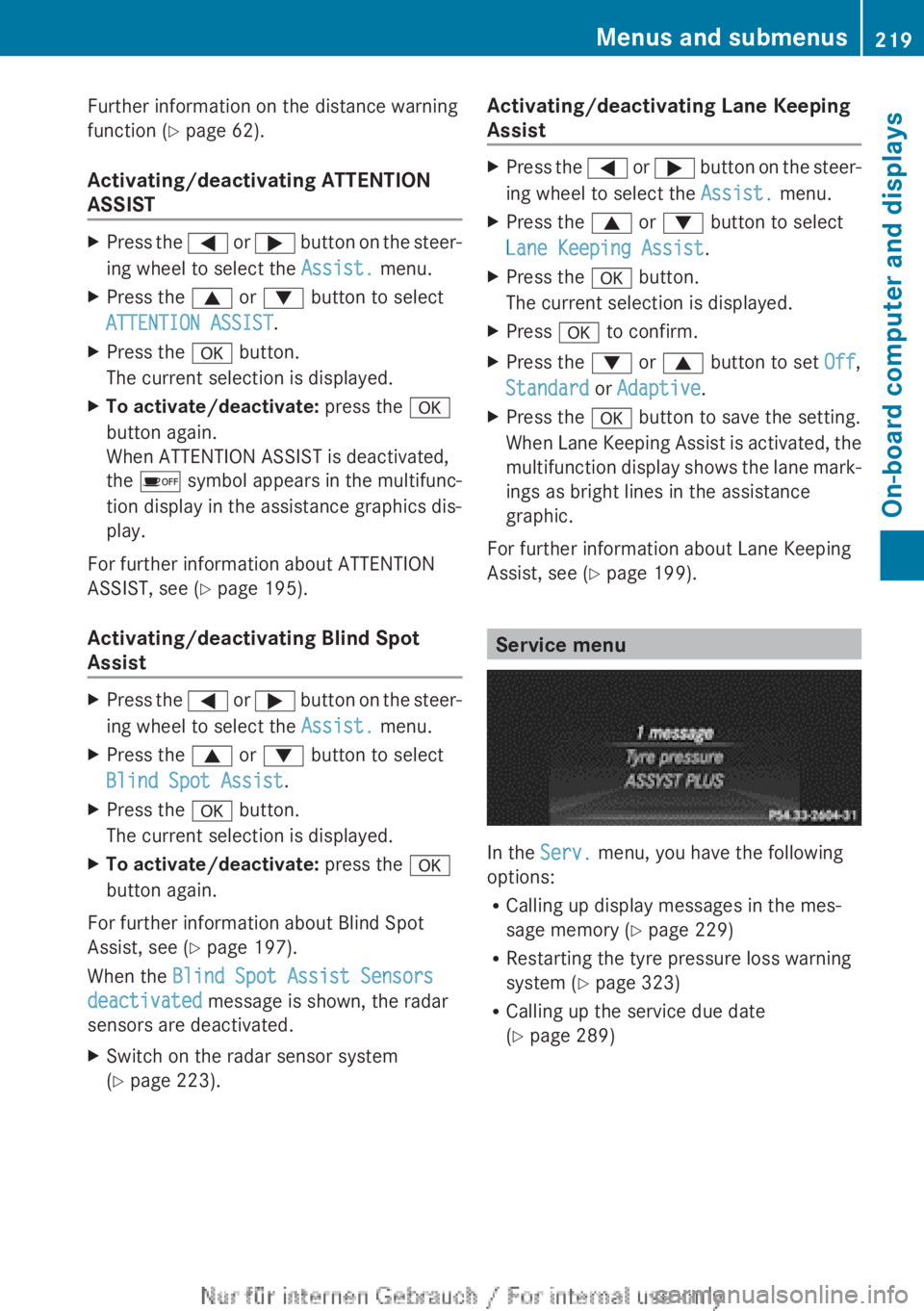
In the
Serv. menu, you have the following
options:
R Calling up display messages in the mes-
sage memory
(Y page 229)
R Restarting the tyre pressure loss warning
system (Y page 323)
R Calling up the service due date
(Y page 289) Menus and submenus
219
On-board computer and displays Z
Page 222 of 356
Settings menu
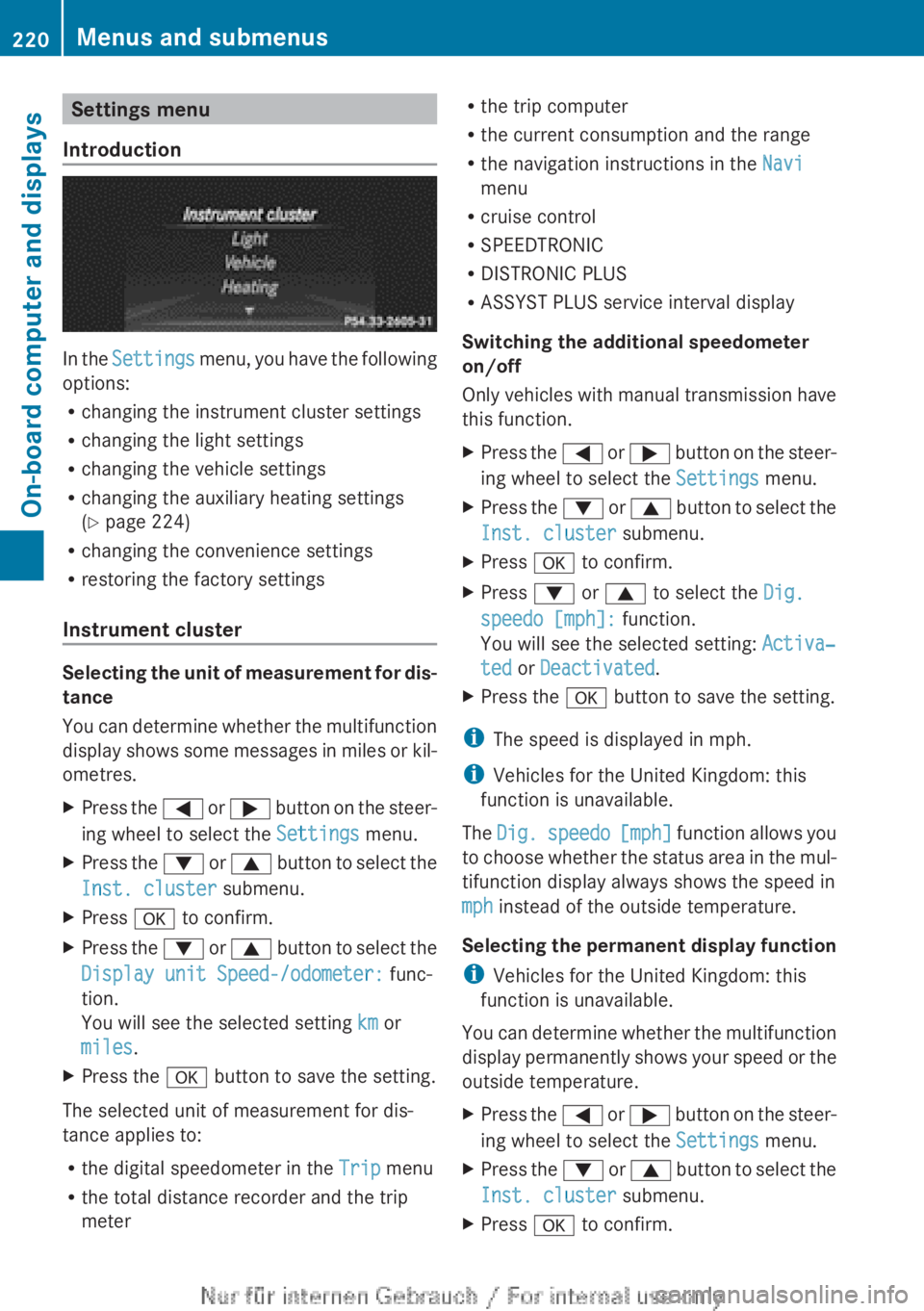
Introduction In the
Settings menu, you have the following
options:
R changing the instrument cluster settings
R changing the light settings
R changing the vehicle settings
R changing the auxiliary heating settings
(Y page 224)
R changing the convenience settings
R restoring the factory settings
Instrument cluster Selecting the unit of measurement for dis-
tance
You
can determine whether the multifunction
display shows some messages in miles or kil-
ometres.
X Press the =
or ; button on the steer-
ing wheel to select the Settings menu.
X Press the :
or 9 button to select the
Inst. cluster submenu.
X Press a to confirm.
X Press the :
or 9 button to select the
Display unit Speed-/odometer: func-
tion.
You will see the selected setting km or
miles.
X Press the a button to save the setting.
The selected unit of measurement for dis-
tance applies to:
R the digital speedometer in the Trip menu
R the total distance recorder and the trip
meter R
the trip computer
R the current consumption and the range
R the navigation instructions in the Navi
menu
R cruise control
R SPEEDTRONIC
R DISTRONIC PLUS
R ASSYST PLUS service interval display
Switching the additional speedometer
on/off
Only
vehicles with manual transmission have
this function.
X Press the =
or ; button on the steer-
ing wheel to select the Settings menu.
X Press the :
or 9 button to select the
Inst. cluster submenu.
X Press a to confirm.
X Press : or 9 to select the Dig.
speedo [mph]: function.
You will see the selected setting: Activa‐
ted or Deactivated.
X Press the a button to save the setting.
i The speed is displayed in mph.
i Vehicles for the United Kingdom: this
function is unavailable.
The Dig.
speedo [mph] function allows you
to choose whether the status area in the mul-
tifunction display always shows the speed in
mph instead of the outside temperature.
Selecting the permanent display function
i Vehicles for the United Kingdom: this
function is unavailable.
You can determine whether the multifunction
display permanently shows your speed or the
outside temperature.
X Press the =
or ; button on the steer-
ing wheel to select the Settings menu.
X Press the :
or 9 button to select the
Inst. cluster submenu.
X Press a to confirm.220
Menus and submenus
On-board computer and displays
Page 223 of 356
![MERCEDES-BENZ A CLASS 2012 Owners Manual X
Press the : or 9 button to select the
Permanent display: function.
You will see the selected setting: outside
temperature or Dig. speedo [mph].
X Press the a button to save the setting.
i The sp](/img/4/59021/w960_59021-222.png "MERCEDES-BENZ A CLASS 2012 Owners Manual X
Press the : or 9 button to select the
Permanent display: function.
You will see the selected setting: outside
temperature or Dig. speedo [mph].
X Press the a button to save the setting.
i The sp")
X
Press the : or 9 button to select the
Permanent display: function.
You will see the selected setting: outside
temperature or Dig. speedo [mph].
X Press the a button to save the setting.
i The speed is displayed in mph.
Lights Switching the daytime driving lights on/
off
The
Daytime driving lights function can
only be switched on with the engine turned
off.
X Press the =
or ; button on the steer-
ing wheel to select the Settings menu.
X Press the :
or 9 button to select the
Lights submenu.
X Press a to confirm.
X Press the :
or 9 button to select the
Daytime driving lights function.
If the Daytime driving lights function
has been switched on, the cone of light and
the W symbol in the multifunction dis-
play are shown in orange.
X Press the a button to save the setting.
Further information on daytime driving lights
(Y page 105).
Switching the Intelligent Light System
on/off
X Press the =
or ; button on the steer-
ing wheel to select the Settings menu.
X Press the :
or 9 button to select the
Lights submenu.
X Press a to confirm.
X Press the :
or 9 button to select the
Intell. Light System function.
If the Intell. Light Sys. function has
been switched on, the cone of light and the
L symbol in the multifunction display
are shown in orange.
X Press the a button to save the setting. If you activate the Intell. Light System
function,
you activate the following functions:
R motorway mode
R active light function
R cornering light function
R extended range foglamps
If you set the dipped-beam headlamps for
driving on the right/left, the multifunction
display shows the Intell. Light System:
system inoperative Inactive for
left-side traffic or Intell. Light
System: System inoperative Inactive
for right-side traffic display message
instead of the Intell. Light Sys. function
in the Lights submenu ( Y page 221).
Further information on the Intelligent Light
System (Y page 108).
Setting the dipped-beam headlamps for
driving on the left/right
X Press the =
or ; button on the steer-
ing wheel to select the Settings menu.
X Press the :
or 9 button to select the
Lights submenu.
X Press a to confirm.
X Press : or 9 to select the Dipped
beams Setting for: function.
You will see the selected setting: Right-
side traffic or Left-side traffic.
X Press the a button to save the setting.
If you change the setting, conversion does
not take place until the next time the vehi-
cle is stationary.
This function is only available on vehicles with
the Intelligent Light System.
You can use this function to switch between
symmetrical and asymmetrical dipped beam
(Y page 104).
If you set the dipped-beam headlamps for
driving on the right/left, then motorway
mode and the extended range foglamps are
unavailable.
You can also have the dipped-beam head-
lamps set for driving on the right/left at a Menus and submenus
221
On-board computer and displays Z
Page 224 of 356
qualified specialist workshop, e.g. a
Mercedes-Benz Service Centre.
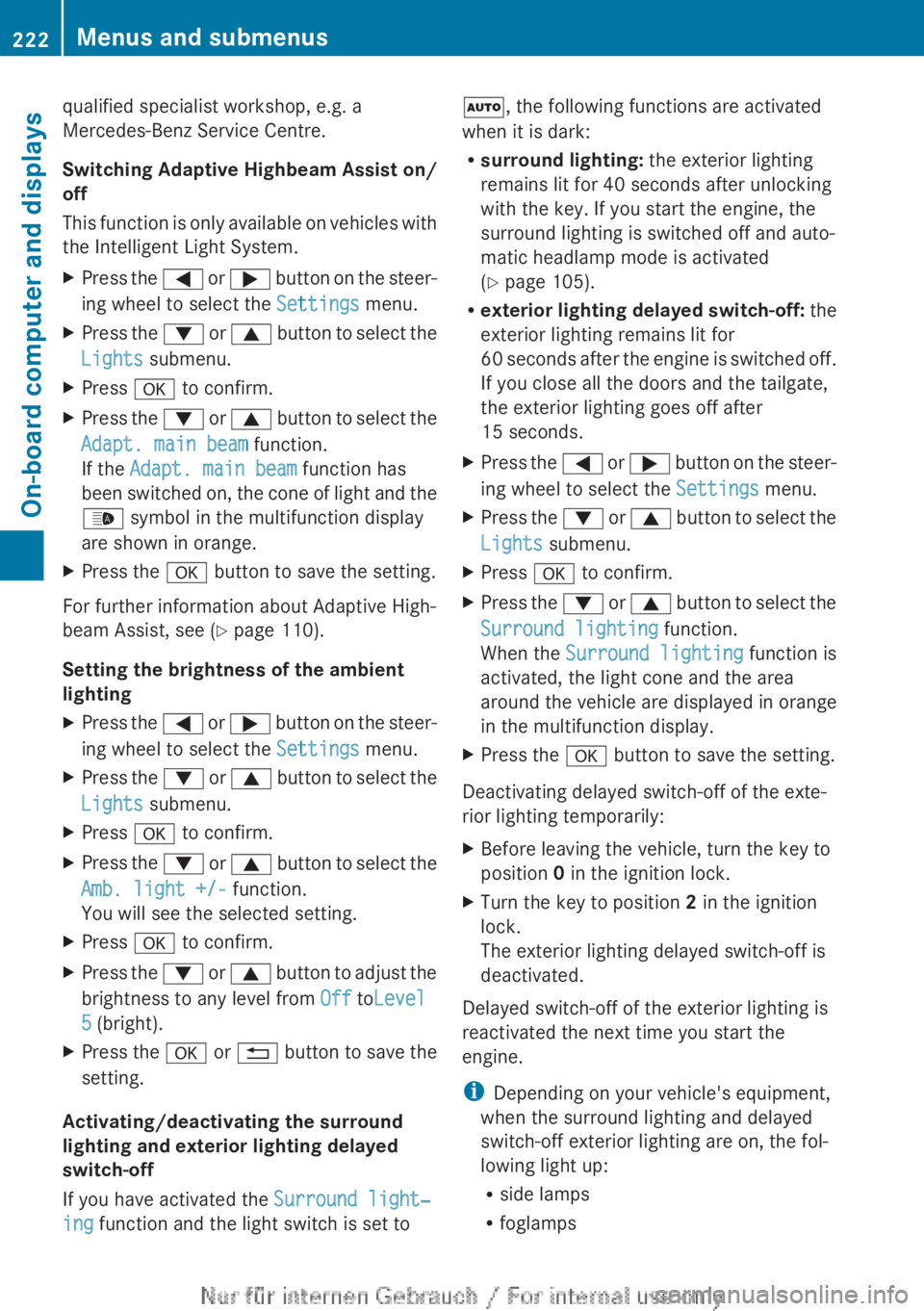
Switching Adaptive Highbeam Assist on/
off
This
function is only available on vehicles with
the Intelligent Light System.
X Press the =
or ; button on the steer-
ing wheel to select the Settings menu.
X Press the :
or 9 button to select the
Lights submenu.
X Press a to confirm.
X Press the :
or 9 button to select the
Adapt. main beam function.
If the Adapt. main beam function has
been switched on, the cone of light and the
_ symbol in the multifunction display
are shown in orange.
X Press the a button to save the setting.
For further information about Adaptive High-
beam Assist, see ( Y page 110).
Setting the brightness of the ambient
lighting
X Press the =
or ; button on the steer-
ing wheel to select the Settings menu.
X Press the :
or 9 button to select the
Lights submenu.
X Press a to confirm.
X Press the :
or 9 button to select the
Amb. light +/- function.
You will see the selected setting.
X Press a to confirm.
X Press the :
or 9 button to adjust the
brightness to any level from Off toLevel
5 (bright).
X Press the a or %
button to save the
setting.
Activating/deactivating the surround
lighting and exterior lighting delayed
switch-off
If you have activated the Surround light‐
ing function and the light switch is set to Ã, the following functions are activated
when it is dark:
R
surround lighting: the exterior lighting
remains lit for 40 seconds after unlocking
with the key. If you start the engine, the
surround lighting is switched off and auto-
matic headlamp mode is activated
(Y page 105).
R exterior lighting delayed switch-off: the
exterior lighting remains lit for
60
seconds after the engine is switched off.
If you close all the doors and the tailgate,
the exterior lighting goes off after
15 seconds.
X Press the =
or ; button on the steer-
ing wheel to select the Settings menu.
X Press the :
or 9 button to select the
Lights submenu.
X Press a to confirm.
X Press the :
or 9 button to select the
Surround lighting function.
When the Surround lighting function is
activated, the light cone and the area
around the vehicle are displayed in orange
in the multifunction display.
X Press the a button to save the setting.
Deactivating delayed switch-off of the exte-
rior lighting temporarily:
X Before leaving the vehicle, turn the key to
position 0 in the ignition lock.
X Turn the key to position 2 in the ignition
lock.
The exterior lighting delayed switch-off is
deactivated.
Delayed switch-off of the exterior lighting is
reactivated the next time you start the
engine.
i Depending on your vehicle's equipment,
when the surround lighting and delayed
switch-off exterior lighting are on, the fol-
lowing light up:
R side lamps
R foglamps222
Menus and submenus
On-board computer and displays
Page 225 of 356
R
dipped-beam headlamps
R daytime driving lights
R surround lighting in the exterior mirrors
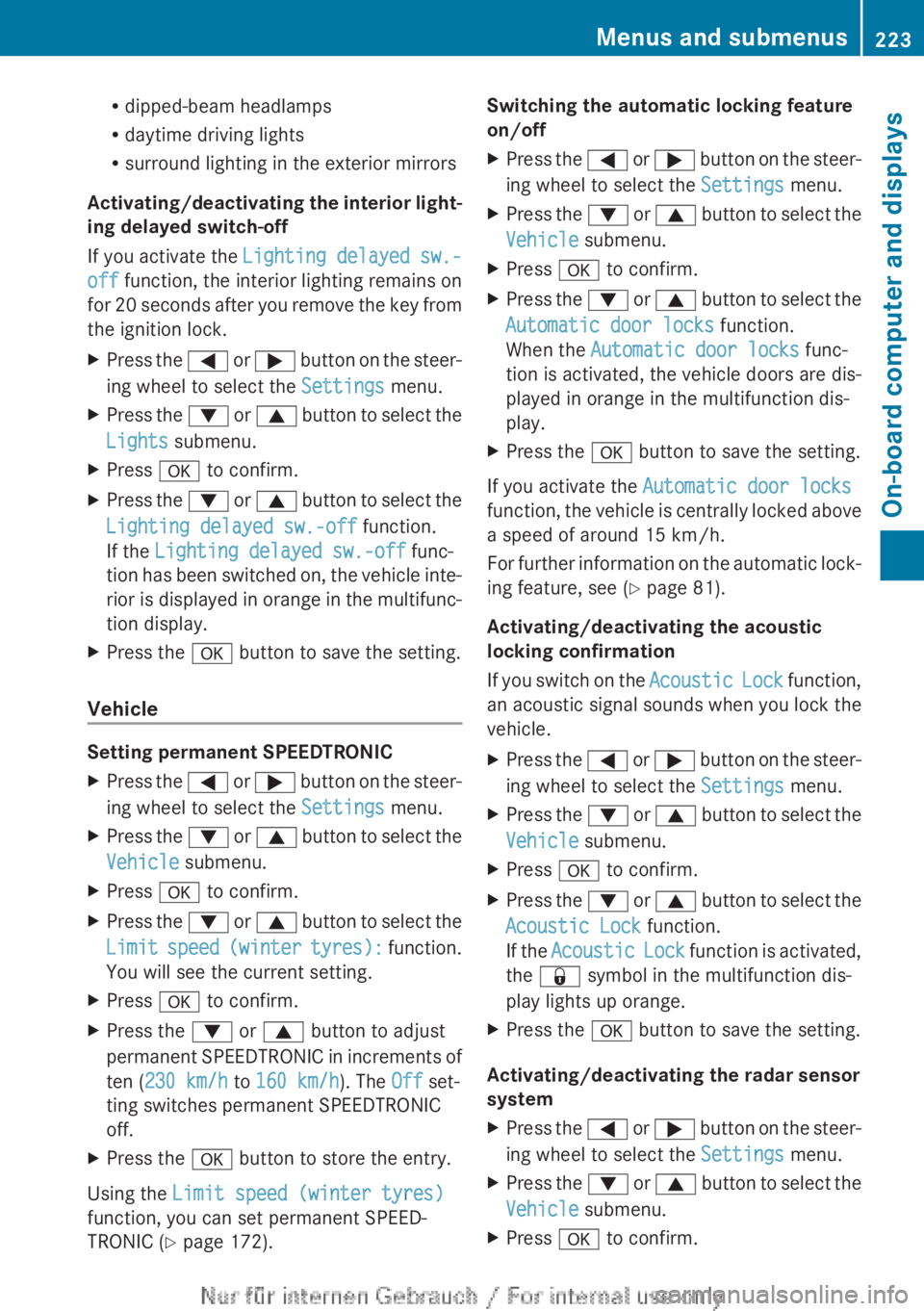
Activating/deactivating
the interior light-
ing delayed switch-off
If you activate the Lighting delayed sw.-
off function, the interior lighting remains on
for 20 seconds after you remove the key from
the ignition lock.
X Press the =
or ; button on the steer-
ing wheel to select the Settings menu.
X Press the :
or 9 button to select the
Lights submenu.
X Press a to confirm.
X Press the :
or 9 button to select the
Lighting delayed sw.-off function.
If the Lighting delayed sw.-off func-
tion has been switched on, the vehicle inte-
rior is displayed in orange in the multifunc-
tion display.
X Press the a button to save the setting.
Vehicle Setting permanent SPEEDTRONIC
X
Press the =
or ; button on the steer-
ing wheel to select the Settings menu.
X Press the :
or 9 button to select the
Vehicle submenu.
X Press a to confirm.
X Press the :
or 9 button to select the
Limit speed (winter tyres): function.
You will see the current setting.
X Press a to confirm.
X Press the : or 9 button to adjust
permanent
SPEEDTRONIC in increments of
ten (230 km/h to 160 km/h). The Off set-
ting switches permanent SPEEDTRONIC
off.
X Press the a button to store the entry.
Using the Limit speed (winter tyres)
function, you can set permanent SPEED-
TRONIC ( Y page 172). Switching the automatic locking feature
on/off
X
Press the =
or ; button on the steer-
ing wheel to select the Settings menu.
X Press the :
or 9 button to select the
Vehicle submenu.
X Press a to confirm.
X Press the :
or 9 button to select the
Automatic door locks function.
When the Automatic door locks func-
tion is activated, the vehicle doors are dis-
played in orange in the multifunction dis-
play.
X Press the a button to save the setting.
If you activate the Automatic door locks
function,
the vehicle is centrally locked above
a speed of around 15 km/h.
For further information on the automatic lock-
ing feature, see ( Y page 81).
Activating/deactivating the acoustic
locking confirmation
If you switch on the Acoustic Lock function,
an acoustic signal sounds when you lock the
vehicle.
X Press the =
or ; button on the steer-
ing wheel to select the Settings menu.
X Press the :
or 9 button to select the
Vehicle submenu.
X Press a to confirm.
X Press the :
or 9 button to select the
Acoustic Lock function.
If the Acoustic Lock function is activated,
the & symbol in the multifunction dis-
play lights up orange.
X Press the a button to save the setting.
Activating/deactivating the radar sensor
system
X Press the =
or ; button on the steer-
ing wheel to select the Settings menu.
X Press the :
or 9 button to select the
Vehicle submenu.
X Press a to confirm. Menus and submenus
223
On-board computer and displays Z
Page 226 of 356
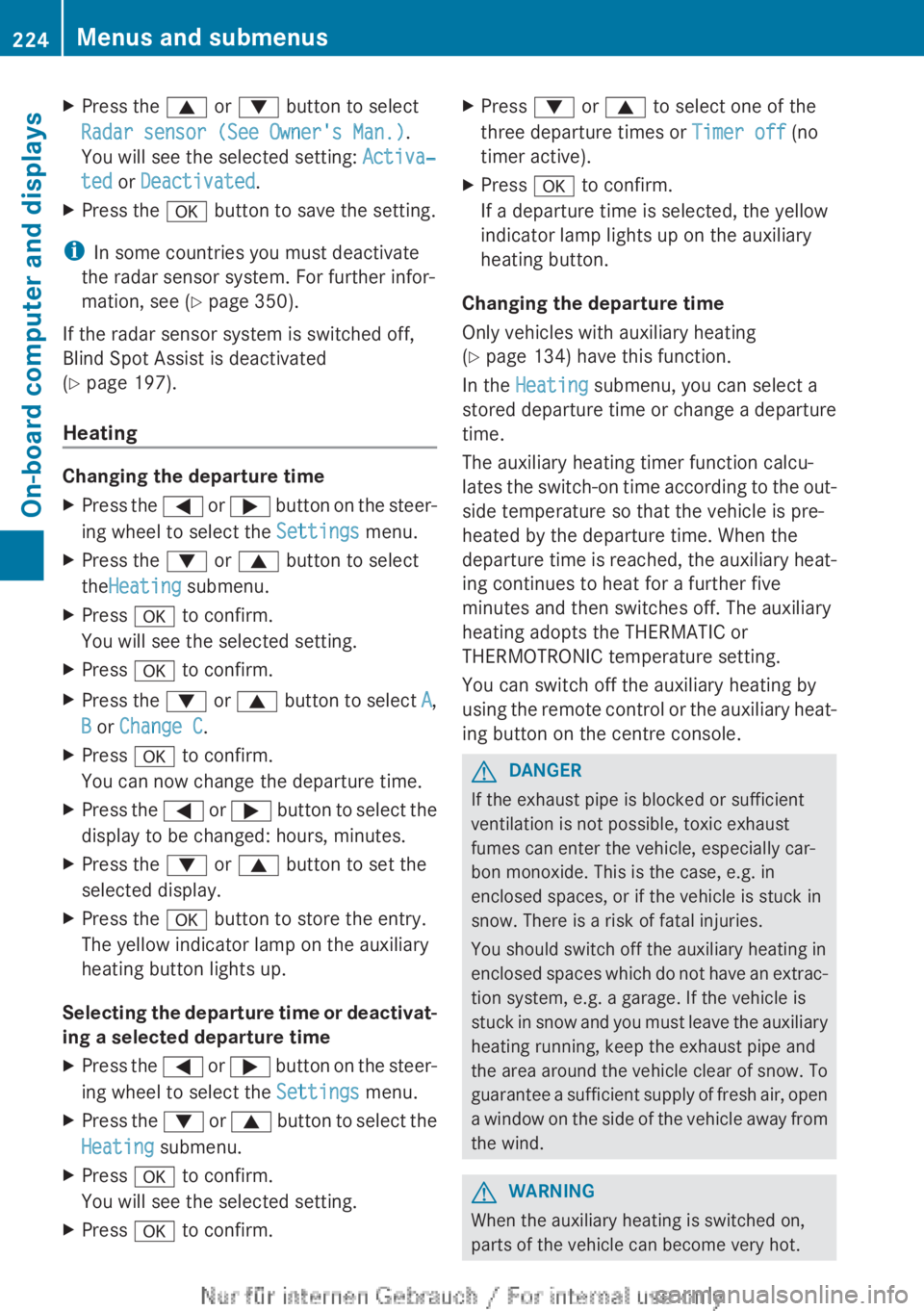
X
Press the 9 or : button to select
Radar sensor (See Owner's Man.).
You will see the selected setting: Activa‐
ted or Deactivated.
X Press the a button to save the setting.
i In some countries you must deactivate
the radar sensor system. For further infor-
mation, see ( Y page 350).
If the radar sensor system is switched off,
Blind Spot Assist is deactivated
(Y page 197).
Heating Changing the departure time
X
Press the = or ; button on the steer-
ing wheel to select the Settings menu.
X Press the : or 9 button to select
theHeating submenu.
X Press a to confirm.
You will see the selected setting.
X Press a to confirm.
X Press the : or 9
button to select A,
B or Change C.
X Press a to confirm.
You can now change the departure time.
X Press the =
or ; button to select the
display to be changed: hours, minutes.
X Press the : or 9 button to set the
selected display.
X Press the a button to store the entry.
The yellow indicator lamp on the auxiliary
heating button lights up.
Selecting the departure time or deactivat-
ing a selected departure time
X Press the =
or ; button on the steer-
ing wheel to select the Settings menu.
X Press the :
or 9 button to select the
Heating submenu.
X Press a to confirm.
You will see the selected setting.
X Press a to confirm. X
Press : or 9 to select one of the
three departure times or Timer off (no
timer active).
X Press a to confirm.
If a departure time is selected, the yellow
indicator lamp lights up on the auxiliary
heating button.
Changing the departure time
Only vehicles with auxiliary heating
(Y page 134) have this function.
In the Heating submenu, you can select a
stored
departure time or change a departure
time.
The auxiliary heating timer function calcu-
lates the switch-on time according to the out-
side temperature so that the vehicle is pre-
heated by the departure time. When the
departure time is reached, the auxiliary heat-
ing continues to heat for a further five
minutes and then switches off. The auxiliary
heating adopts the THERMATIC or
THERMOTRONIC temperature setting.
You can switch off the auxiliary heating by
using the remote control or the auxiliary heat-
ing button on the centre console. G
DANGER
If the exhaust pipe is blocked or sufficient
ventilation is not possible, toxic exhaust
fumes can enter the vehicle, especially car-
bon monoxide. This is the case, e.g. in
enclosed spaces, or if the vehicle is stuck in
snow. There is a risk of fatal injuries.
You should switch off the auxiliary heating in
enclosed
spaces which do not have an extrac-
tion system, e.g. a garage. If the vehicle is
stuck in snow and you must leave the auxiliary
heating running, keep the exhaust pipe and
the area around the vehicle clear of snow. To
guarantee a sufficient supply of fresh air, open
a window on the side of the vehicle away from
the wind. G
WARNING
When the auxiliary heating is switched on,
parts of the vehicle can become very hot. 224
Menus and submenus
On-board computer and displays
Page 227 of 356
Flammable material such as leaves, grass or
twigs
may ignite if they come into contact with
hot parts of the exhaust system for extended
periods. There is a risk of fire.
When the auxiliary heating is switched on,
make sure that no flammable material can
come into contact with hot vehicle compo-
nents.
! Operating the auxiliary heating/ventila-
tion draws on the vehicle battery. After you
have heated or ventilated the vehicle a
maximum of two times, drive for a longer
distance.
i Switch the auxiliary heating on regularly
once a month for about ten minutes.
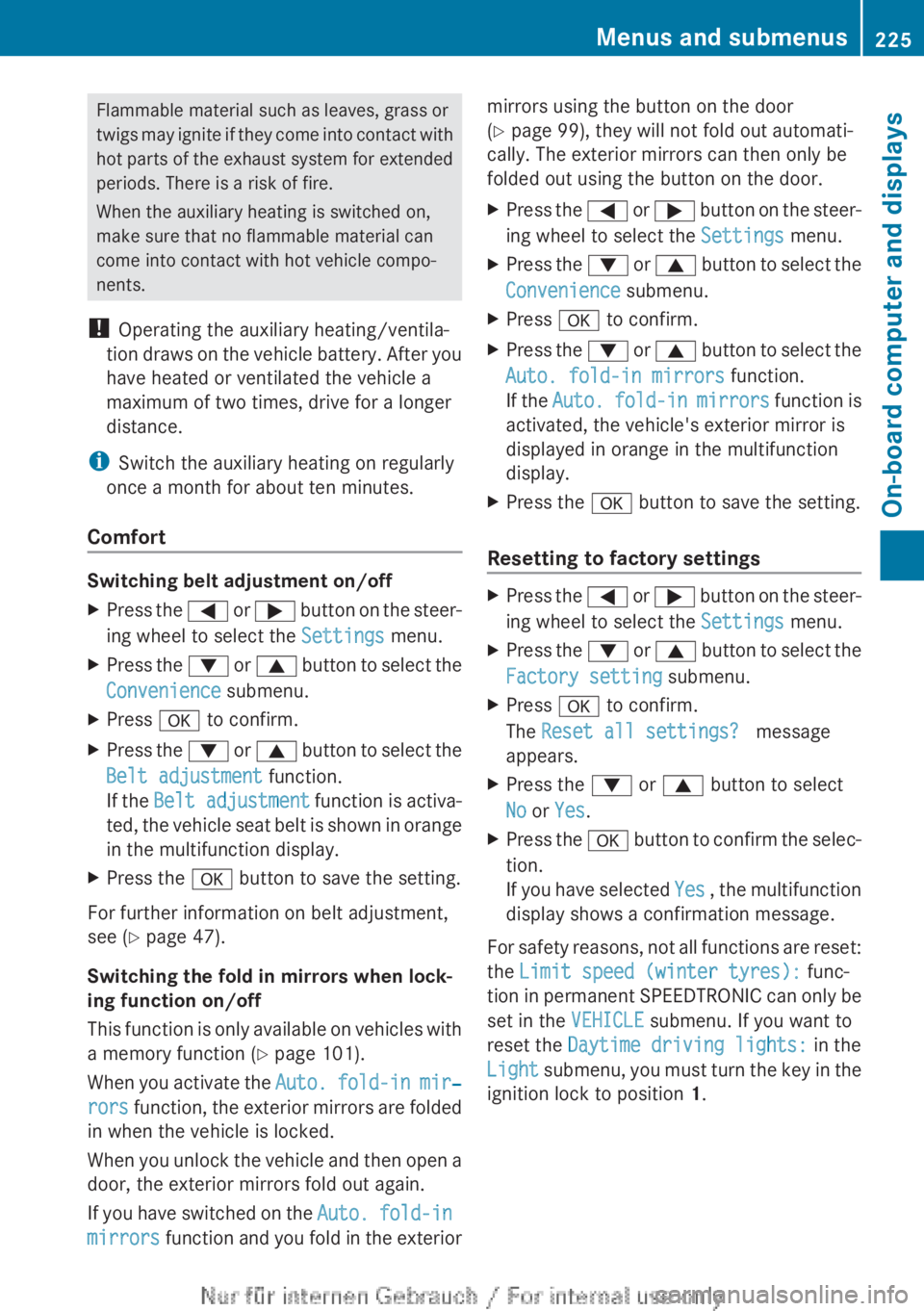
Comfort Switching belt adjustment on/off
X
Press the =
or ; button on the steer-
ing wheel to select the Settings menu.
X Press the :
or 9 button to select the
Convenience submenu.
X Press a to confirm.
X Press the :
or 9 button to select the
Belt adjustment function.
If the Belt adjustment function is activa-
ted, the vehicle seat belt is shown in orange
in the multifunction display.
X Press the a button to save the setting.
For further information on belt adjustment,
see ( Y page 47).
Switching the fold in mirrors when lock-
ing function on/off
This
function is only available on vehicles with
a memory function (Y page 101).
When you activate the Auto. fold-in mir‐
rors function, the exterior mirrors are folded
in when the vehicle is locked.
When you unlock the vehicle and then open a
door, the exterior mirrors fold out again.
If you have switched on the Auto. fold-in
mirrors function and you fold in the exterior mirrors using the button on the door
(Y page 99), they will not fold out automati-
cally. The exterior mirrors can then only be
folded out using the button on the door.
X
Press the =
or ; button on the steer-
ing wheel to select the Settings menu.
X Press the :
or 9 button to select the
Convenience submenu.
X Press a to confirm.
X Press the :
or 9 button to select the
Auto. fold-in mirrors function.
If the Auto. fold-in mirrors function is
activated, the vehicle's exterior mirror is
displayed in orange in the multifunction
display.
X Press the a button to save the setting.
Resetting to factory settings X
Press the =
or ; button on the steer-
ing wheel to select the Settings menu.
X Press the :
or 9 button to select the
Factory setting submenu.
X Press a to confirm.
The Reset all settings? message
appears.
X Press the : or 9 button to select
No or Yes.
X Press the a
button to confirm the selec-
tion.
If you have selected Yes , the multifunction
display shows a confirmation message.
For safety reasons, not all functions are reset:
the Limit speed (winter tyres): func-
tion
in permanent SPEEDTRONIC can only be
set in the VEHICLE submenu. If you want to
reset the Daytime driving lights: in the
Light submenu, you must turn the key in the
ignition lock to position 1. Menus and submenus
225
On-board computer and displays Z
Page 228 of 356
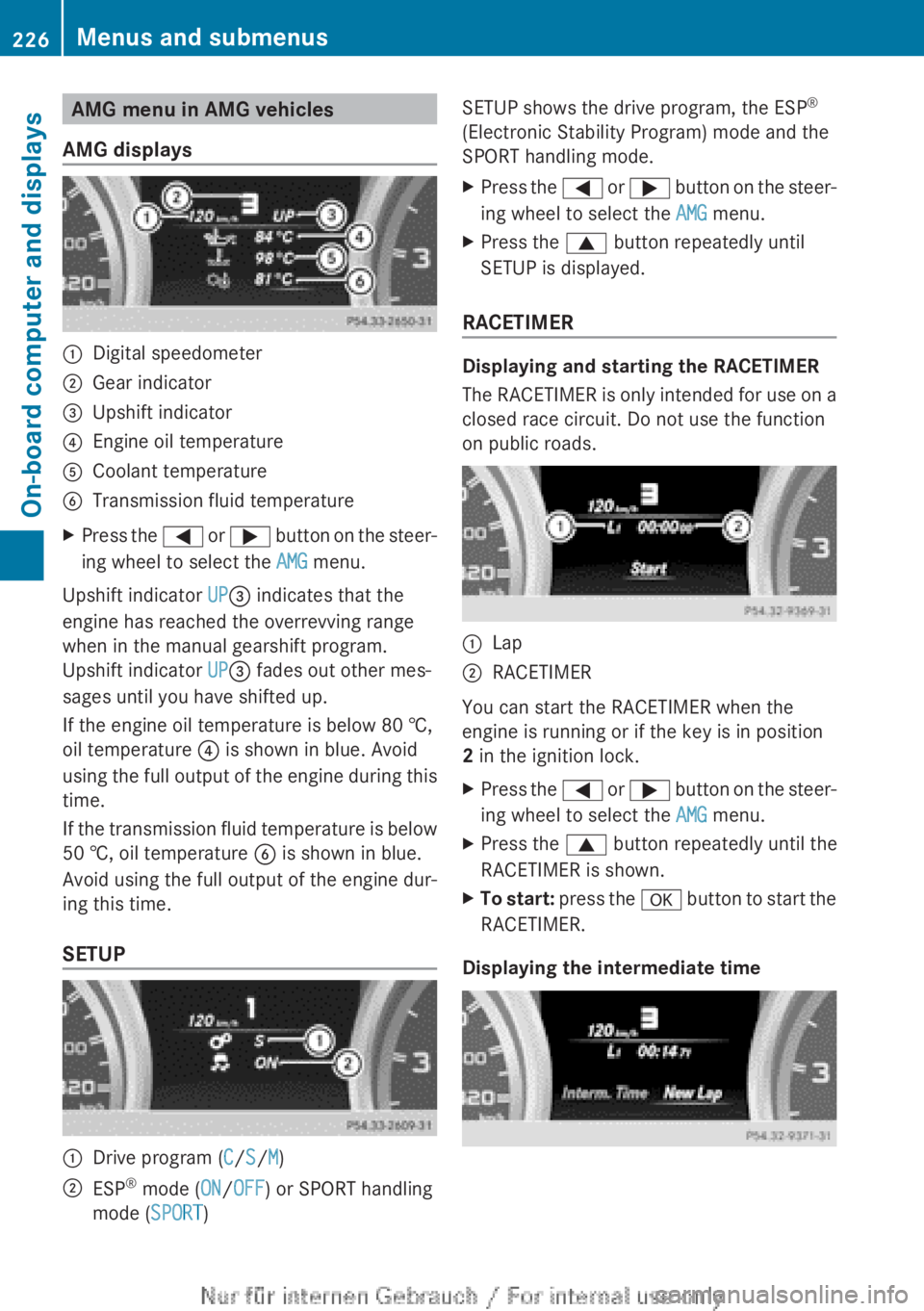
AMG menu in AMG vehicles
AMG displays :
Digital speedometer
; Gear indicator
= Upshift indicator
? Engine oil temperature
A Coolant temperature
B Transmission fluid temperature
X Press the = or ; button on the steer-
ing wheel to select the AMG menu.
Upshift indicator UP= indicates that the
engine has reached the overrevving range
when in the manual gearshift program.
Upshift indicator UP= fades out other mes-
sages until you have shifted up.
If the engine oil temperature is below
80 †,
oil temperature ? is shown in blue. Avoid
using the full output of the engine during this
time.
If the transmission fluid temperature is below
50 †, oil temperature B is shown in blue.
Avoid using the full output of the engine dur-
ing this time.
SETUP :
Drive program (C/S/M)
; ESP ®
mode ( ON/OFF) or SPORT handling
mode ( SPORT) SETUP shows the drive program, the ESP
®
(Electronic Stability Program) mode and the
SPORT handling mode.
X Press the =
or ; button on the steer-
ing wheel to select the AMG menu.
X Press the 9 button repeatedly until
SETUP is displayed.
RACETIMER Displaying and starting the RACETIMER
The
RACETIMER is only intended for use on a
closed race circuit. Do not use the function
on public roads. :
Lap
; RACETIMER
You can start the RACETIMER when the
engine is running or if the key is in position
2 in the ignition lock.
X Press the =
or ; button on the steer-
ing wheel to select the AMG menu.
X Press the 9 button repeatedly until the
RACETIMER is shown.
X To start:
press the a button to start the
RACETIMER.
Displaying the intermediate time 226
Menus and submenus
On-board computer and displays