audio MERCEDES-BENZ A-CLASS HATCHBACK 2018 User Guide
[x] Cancel search | Manufacturer: MERCEDES-BENZ, Model Year: 2018, Model line: A-CLASS HATCHBACK, Model: MERCEDES-BENZ A-CLASS HATCHBACK 2018Pages: 609, PDF Size: 10.73 MB
Page 316 of 609
Setting
the da te #
Select Set date . #
Set a da te.
% Invehicles with GPS, a date cannot be set
eve n wi thactive manual time adjustments.
The date is then set automatically thro ugh
th e selected time zone. Connectivity
Switching transmission of
theve hicle posi‐
tion on/off
Multimedia sy stem:
, © .
Settings .
System .
Wi-Fi &
Bluetooth #
Select Transmit vehicle position .#
Activate or deacti vate the function. Blue
tooth ® Information about Blu
etoo th®
Bl ue tooth ®
tech nology is a standard for short-
ra nge wi reless data transfer up toappr oximately
10 m.
Yo u can use Blue tooth®
to connect your mobile
phone tothe multimedia sy stem and use thefo l‐
lowing functions, forex ample:
R hands-free sy stem with access tothefo llow‐
ing options:
- con tacts (→ page 374)
- call lists (→ page378)
- text messa ges
R Internet connection
R listening tomusic via Blue tooth®
audio
R transfer ring business cards (vCards) into the
ve hicle
Blue tooth ®
is a regis tere d trademark of Blue‐
toot h Special Interest Group (SIG) Inc.
% Internet connection via Blue tooth®
is not
av ailable in all countries. Ac
tivating/deactivating Blue tooth ®
Multimedia sy stem:
, © .
Settings .
System .
Wi-Fi &
Bluetooth #
Toswitch on Blue tooth ®
:select Connect
via Bluetooth. #
Activate Bluetooth. #
Toswitch off Blue tooth ®
:select Settings . #
Deactivate Bluetooth. Wi
-Fi Wi
-Fi connection overview
Yo u can use Wi-Fi toestablish a connection with
a Wi -Fi network and toaccess the Internet or
ot her network devices.
The following connection options are available:
R Wi-Fi connection
The Wi-Fi connection toaWi -Fi-capable
device, e.g. the cus tomer's mobile phone or
a ta blet PC is es tablished.
R Multimedia sy stem as a Wi-Fi hotspot MBUX multimedia sy
stem 313
Page 325 of 609
Prog
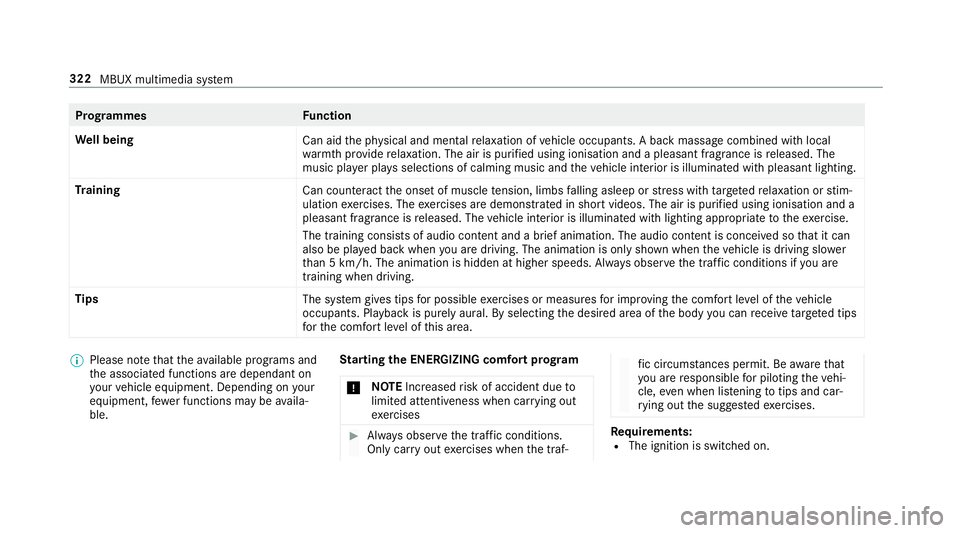
rammes Function
We ll being
Can aidthe ph ysical and men talre laxation of vehicle occupants. A back massage combined with local
wa rmthprov ide relaxation. The air is purified using ionisation and a pleasant fragrance is released. The
music pla yer pla ysselections of calming music and theve hicle interior is illuminated with pleasant lighting.
Tr aining
Can counteractthe onset of muscle tension, limbs falling asleep or stre ss with targeted relaxation or stim‐
ulation exercises. The exercises are demon stra ted in short videos. The air is purified using ionisation and a
pleasant fragrance is released. The vehicle interior is illuminated with lighting appropriate totheex ercise.
The training consists of audio conte nt and a brief animation. The audio content is conceived so that it can
also be pla yed back when you are driving. The animation is on ly shown when theve hicle is driving slo wer
th an 5 km/h. The animation is hidden at higher speeds. Alw ays obser vethe tra ffic conditions if you are
training when driving.
Tips The system gives tips for possible exercises or measures for impr oving the comfort le vel of theve hicle
occupants. Playback is purely aural. By selecting the desired area of the body you can recei vetargeted tips
fo rth e comfort le vel of this area. %
Please no tethat theav ailable prog rams and
th e associated functions are dependant on
yo ur vehicle equipment. Depending on your
equipment, fewe r functions may be availa‐
ble. St
arting the ENERGIZING comfort prog ram
* NO
TEIncreased risk of accident due to
limited attentiveness when car rying out
exe rcises #
Alw ays obser vethe tra ffic conditions.
Only car ryout exercises when the traf‐ fi
c circums tances pe rmit. Be aware that
yo u are responsible for pilot ingtheve hi‐
cle, even when li stening totips and car‐
ry ing out the sugges tedexe rcises. Re
quirements:
R The ignition is switched on. 322
MBUX multimedia sy stem
Page 349 of 609
When an intermediate destination has been
re ached, you will see the intermediate destina‐
tion flag with the number of your Î inter‐
mediate destination. Route guidance is contin‐
ued.
Swit ching navigation announcements on/off #
Toswitch off: turnthevo lume control on
th esteering wheel or next totheto uchpad
during a navigation announcement
(→ page 301).
The Spoken driving recommendations have
been deactivated. message appears.
or #
Show the navigation menu (→ page 324).#
Select !.
The symbol changes to# . #
Toactivate: select#.
The cur rent navigation announcement is
pl ay ed.
The symbol changes to! .
% This function can be added and called up
from thefa vo urites within the navigation cat‐
egor y. Switching navigation announcements on/off
during a phone call #
Press the© button on thesteering wheel
or on theto uchpad.
or #
Tap on © inthe media displa y. #
Select Settings . #
Select System . #
Select Audio. #
Select Navigation and traffic announce-
ments . #
Switch Driving recommendations during call
on or off.
When the option is switched on, the display
button is activated. #
Tolea vethe menu: selectq. Ad
justing the volume of navigation
announcements
Multimedia sy stem:
, © .
Settings .
Sys-
tem .
Audio .
Navigation and traffic
announcements #
Select Driving recommendation vol. . #
Set thevo lume. #
Tolea vethe menu: selectq.
Ro ute guidance is active #
Turn thevo lume control on thesteering
wheel or next totheto uchpad during a navi‐
ga tion announcement.
Switching audio fadeout on or off during nav‐
igation announcements #
Press the© button on thesteering wheel
or on theto uchpad.
or #
Tap on © inthe media displa y. #
Select Settings . #
Select System . 346
MBUX multimedia sy stem
Page 350 of 609
#
Select Audio. #
Switch Audio fadeout on or off.
When the option is switched on, the display
button is activated. #
Tolea vethe menu: selectq.
Re peating navigation announcements
Re quirements:
R aro ute has already been created.
R route guidance is active.
Multimedia sy stem:
, Navigation (Navigation) #
Select !. #
Select #.
The cur rent navigation announcement is
re peated.
% This function can be added and called up
from thefa vo urites within the navigation cat‐
egor y. Cancelling
route guidance
Re quirements:
R aro ute has already been created.
R route guidance is active. #
Show the navigation menu. #
Select ¤inthe navigation menu
(→ page 325).
Overview of route guidance toan off-road
destination
An off-road destination is within the digital map.
The map conta ins noroads that lead tothe des‐
tination.
Yo u can en terge o-coordinates or a thre ewo rd
address for off-road destinations on the map.
Ro ute guidance guides youfo r as long as possi‐
ble with navigation announcements and displa ys
on roads that are kn ownto the multimedia sys‐
te m.
Shortly before youre ach the last know n position
on the map, you will hear the "Please follow the
direction ar row" announcement, forex ample. The display sho
wsa direction ar rowand the lin‐
ear dis tance tothe destination.
Overview of route guidance from an off-road
location toa destination
In an off-road position, the cur rent vehicle posi‐
tion is located within the digital map on roads
th at are not available.
The following displa ysappear when route guid‐
ance begins:
R A message appears that thero ad is not on
th e map.
R A direction ar rowshowing the linear direc‐
tion tothe POI.
When theve hicle is back on a road kn ownto the
multimedia sy stem, route guidance continues as
no rm al.
Overview of off- road status during route
guidance
Due toroadwor ks,fo rex ample, there may be dif‐
fe re nces between the data on the digital map
and the actual course of thero ad. In such cases,
th e multimedia sy stem will temp orarily be MBUX multimedia sy
stem 347
Page 372 of 609
Blue
tooth ®
profile overview Blue
tooth ®
profile
of the mobile phone Fu
nction
PBAP (Phone Book
Access Profile) Contacts are auto‐
matically displa
yed in
th e multimedia sys‐
tem
MAP (Message
Access Profile) Message functions
can be used Te
lephony operating modes overview
Depending on your equipment, thefo llowing tel‐
ephony operating modes are available:
R A mobile phone is connec tedto the multime‐
dia sy stem via Blue tooth®
(→ page 369).
R Two mobile phones are connected with the
multimedia sy stem via Blue tooth®
(two
phone mode).
- You can use all the functions of the multi‐
media sy stem with the mobile phone in
th efo re ground. -
You can recei veincoming calls and mes‐
sages with the mobile phone in the back‐
ground.
Yo u can inter change the mobile phone in
th efo re ground and bac kground any time
(→ page 370).
% Irre spective of this, Blue tooth®
audio func‐
tionality can byused with any mobile phone
(→ page 409).
Information on telephony
The following situations can lead tothe call
being disconnected while theve hicle is in
motion:
R there is insuf ficient network co verage inthe
area
R you mo vefrom one transmission/reception
st ation toano ther and no communication
ch annels are free
R the SIM card used is not compatible with the
network available
R a mobile phone with "Twincard" is logged into
th e network with the second SIM card at the
same time The multimedia sy
stem supports calls in HD
Vo ice ®
for impr oved speech qualit y.Arequ ire‐
ment forth is is that the mobile phone and the
mobile phone network pr ovider of the person
yo u are calling suppo rtHD Voice ®
.
Depending on thequ ality of the connection, the
vo ice quality may fluctuate.
Connecting a mobile phone
Requ irements:
R Blue tooth ®
is activated on the mobile phone
(see the manufacturer's operating instruc‐
tions).
R Blue tooth ®
is activated on the multimedia
sy stem (→ page313).
Multimedia sy stem:
, © .
Phone .
ª
Sear ching for a mobile phone #
Select Connect new device . MBUX multimedia sy
stem 369
Page 373 of 609
Connecting a mobile phone (au
thorisation
using Secure Simple Pairing) #
Select a mobile phone. #
A code is displa yed in the multimedia sy stem
and on the mobile phone. #
Ifth e codes match: confirm the code on
th e mobile phone.
% For older mobile phone models, enter a one
to sixteen-digit number code on the mobile
phone and on the multimedia sy stem for
authorisation.
% Upto15 mobile phones can be auth orised
on the multimedia sy stem.
Auth orised mobile phones are reconnected
au tomatical ly.
% The connected mobile phone can also be
used as Blue tooth®
audio equipment
(→ page 409). Connecting a second mobile phone (two
phone mode)
Requ irements:
R Atleast one mobile phone is already connec‐
te dto the multimedia sy stem via Blue tooth®
.
Multimedia sy stem:
, © .
Phone .
ª #
Select Connect new device. #
Select the mobile phone. #
Select With
The selected mobile phone is connected to
th e multimedia sy stem. #
Select
The selected mobile phone is connected to
th e multimedia sy stem. Fu
nctions of the mobile phone in two phone
mode
Fu nctions overview Mobile phone in
the
fo re gr ound Mobile phone in
the
bac kground
Fu llra nge of func‐
tions Incoming calls and
messa
ges Inter
changing mobile phones (two phone
mode)
Multimedia sy stem:
, © .
Phone #
Select F.
Yo u can also inter change the two connected
mobile phones in thefo llowing submenus:
R Contacts
R Call list
R Messages
Af ter inter changing the mobile phones in one of
th e submenus, the mobile phone in thefo re‐ 37 0
MBUX multimedia sy stem
Page 409 of 609
The multimedia sy
stem supports thefo llow‐
ing form ats and data media:
Pe rm issible
fi le sy stems FA
T32, exFA T,NTFS
Pe rm issible
data car riers USB devices, iPod
®
/iPhone ®
,
MTP devices, Blue tooth®
audio equipment
Suppor ted
audio form ats MP3, WMA, AAC,
WAV,FLAC,
AL AC
Suppor ted
video form ats MPEG,
AVI, DivX, MKV, MP4,
M4V, WMV %
Obser vethefo llowing no tes:
R The multimedia sy stem supports a total
of up to50,000 files.
R Data storage media up to2 TB are sup‐
por ted (32‑bit address space).
R Due tothe large variet y of available
music and video files rega rding encod‐
ers, sampling rates and data transfer
ra tes, playback cannot be guaranteed. R
Due tothe wide range of USB devices
av ailable on the mar ket, pl ayback cann ot
be guaranteed for all USB devices.
R Videos up toFullHD (1920x1080) are
suppor ted.
R Cop y-pr otected music and video files or
DRM (Digital Rights Management)
enc rypte dfiles cannot be pla yed bac k.
R MP3 pla yers must support Media Trans‐
fe r Pr otocol (MTP).
In fo rm ation on copy right pr otection and
tradema rks
Au dio files which you create yourself (e.g. copies
of data storage media you make yourself) are
ge neral lysubject tocopyright pr otection. In
many count ries, reproductions are not permitted
without the prior consent of the copyright
holder, evenfo r private use. Make sure that you
know about the applicable copyright regulations
and that you co mply wi th th ese. Manufactured under licence from Dolby Laborato‐
ri
es. Dolb y,Dol byAudio and the double-D symbol
are trademar ksof Dolby Laboratories. 406
MBUX multimedia sy stem
Page 412 of 609
Connecting
the data storage medium tothe
mu ltimedia sy stem Connecting USB devices
* NO
TEDama gecaused byhigh temp era‐
tures High
temp eratures can damage USB devices. #
Remo vethe USB device af ter use and
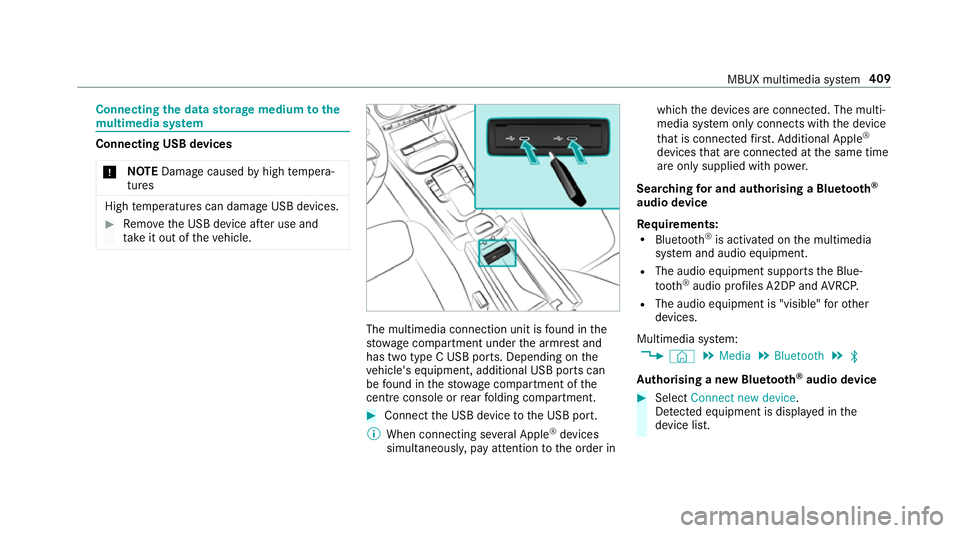
ta ke it out of theve hicle. The multimedia connection unit is
found in the
stow age compartment under the armrest and
has two type C USB ports. Depending on the
ve hicle's equipment, additional USB ports can
be found in thestow age compartment of the
centre console or rear folding compartment. #
Connect the USB device tothe USB port.
% When connecting se veral Apple ®
devices
simultaneousl y,pay attention tothe order in which
the devices are connected. The multi‐
media sy stem only connects with the device
th at is connec tedfirs t. Ad ditional Apple ®
devices that are connec ted at the same time
are only supplied with po wer.
Sear ching for and authorising a Blue tooth ®
audio device
Requ irements:
R Blue tooth ®
is activated on the multimedia
sy stem and audio equipment.
R The audio equipment supports the Blue‐
tooth ®
audio profiles A2DP and AVRC P.
R The audio equipment is "visible" forot her
devices.
Multimedia sy stem:
, © .
Media .
Bluetooth .
ª
Au thorising a new Blu etoo th®
audio device #
Select Connect new device .
De tected equipment is displ ayed in the
device list. MBUX multimedia sy
stem 409
Page 413 of 609
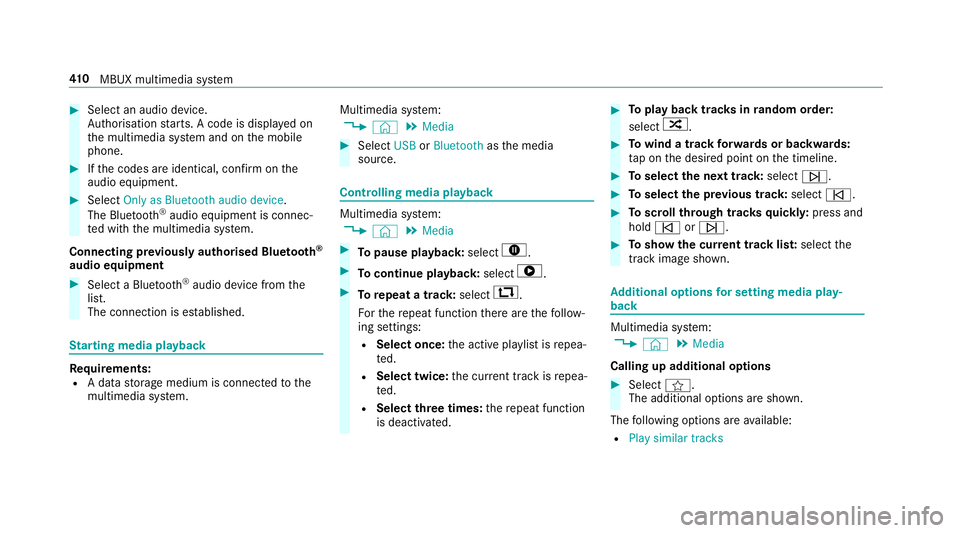
#
Select an audio device.
Auth orisation starts. A code is displa yed on
th e multimedia sy stem and on the mobile
phone. #
Ifth e codes are identical, confi rmonthe
audio equipment. #
Select Only as Bluetooth audio device .
The Blue tooth®
audio equipment is connec‐
te d with the multimedia sy stem.
Connecting pr eviously authorised Blue tooth ®
audio equipment #
Select a Blue tooth®
audio device from the
list.
The connection is es tablished. St
arting media playback Re
quirements:
R A data storage medium is connected tothe
multimedia sy stem. Multimedia sy
stem:
, © .
Media #
Select USBorBluetooth asthe media
source. Controlling media playback
Multimedia sy
stem:
, © .
Media #
Topause playback: select8. #
Tocontinue playba ck:select 6. #
Torepeat a track: select:.
Fo rth ere peat function there are thefo llow‐
ing settings:
R Select once: the active pla ylist is repea‐
te d.
R Select twice: the cur rent track is repea‐
te d.
R Select three times: there peat function
is deactivated. #
Toplay back trac ksinrandom order:
select 9. #
Towind a track forw ards or backwards:
ta p on the desired point on the timeline. #
Toselect the next track: selectü. #
Toselect the pr evious track: selectû. #
Toscroll through trac ksquickl y:press and
hold û orü. #
Toshow the cur rent track lis t:select the
track image shown. Ad
ditional options for setting media play‐
back Multimedia sy
stem:
, © .
Media
Calling up additional options #
Select f.
The additional options are shown.
The following options are available:
R Play similar tracks 41 0
MBUX multimedia sy stem
Page 414 of 609
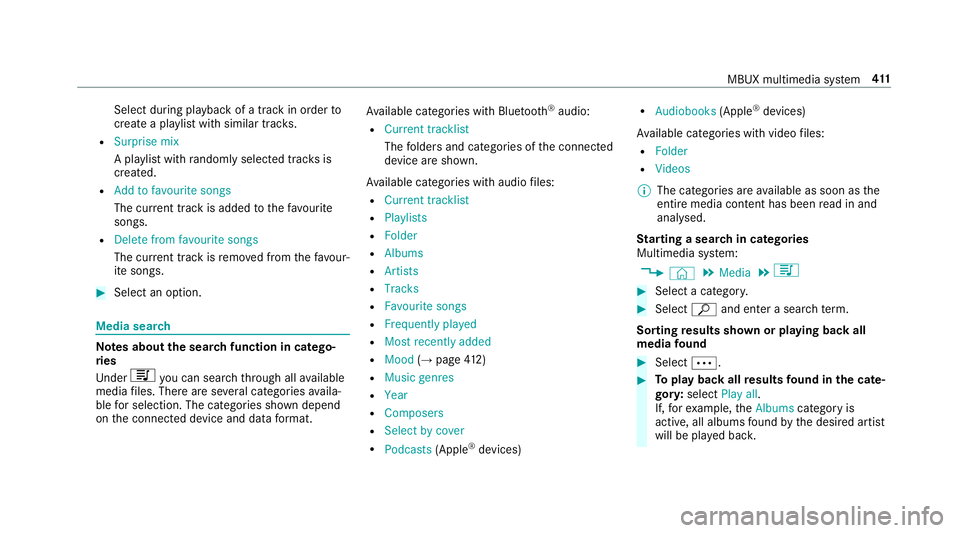
Select du
ring pl ayback of a tra ckin order to
crea tea playlist with similar trac ks.
R Surprise mix
A pl aylist with randomly selected trac ksis
created.
R Add to favourite songs
The cur rent track is added tothefa vo urite
songs.
R Delete from favourite songs
The cur rent track is remo ved from thefa vo ur‐
ite songs. #
Select an option. Media sear
ch Note
s about the sear chfunction in catego‐
ri es
Und er5 you can sear chthro ugh all available
media files. There are se veral categories availa‐
ble for selection. The categories shown depend
on the connected device and data form at. Av
ailable categories with Blue tooth ®
audio:
R Current tracklist
The folders and categories of the connected
device are shown.
Av ailable categories with audio files:
R Current tracklist
R Playlists
R Folder
R Albums
R Artists
R Tracks
R Favourite songs
R Frequently played
R Most recently added
R Mood (→page 412)
R Music ge nres
R Year
R Composers
R Select by cover
R Podcasts (Apple®
devices) R
Audiobooks (Apple®
devices)
Av ailable categories with video files:
R Folder
R Videos
% The categories are available as soon as the
entire media conte nt has beenread in and
anal ysed.
St arting a sear chin categories
Multimedia sy stem:
, © .
Media .
5 #
Select a categor y. #
Select ªand enter a sea rchte rm.
Sorting results shown or playing back all
media found #
Select Ä. #
Toplay back all results found in the cate‐
gor y:select Play all.
If, forex ample, theAlbums category is
active, all albums found bythe desired artist
will be pla yed bac k. MBUX multimedia sy
stem 411