seats MERCEDES-BENZ A-CLASS HATCHBACK 2018 Workshop Manual
[x] Cancel search | Manufacturer: MERCEDES-BENZ, Model Year: 2018, Model line: A-CLASS HATCHBACK, Model: MERCEDES-BENZ A-CLASS HATCHBACK 2018Pages: 609, PDF Size: 10.73 MB
Page 324 of 609
#
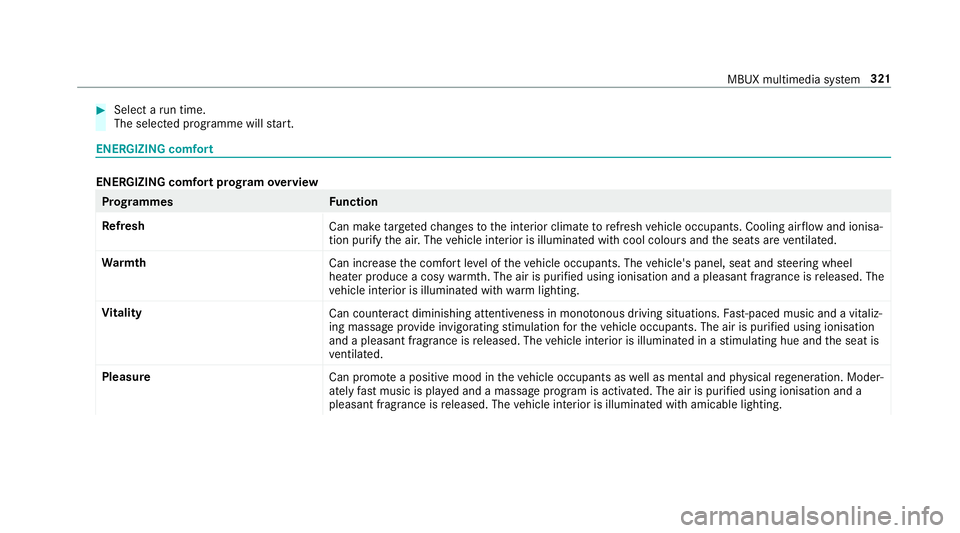
Select a run time.
The selected programme will start. ENERGIZING comfort
ENERGIZING comfort prog
ram ove rview Prog
rammes Function
Re fresh
Can maketargeted changes tothe interior climate torefresh vehicle occupants. Cooling air flow and ionisa‐
tion purify the air. The vehicle interior is illuminated with cool colours and the seats are ventilated.
Wa rmth
Can increase the comfort le vel of theve hicle occupants. The vehicle's panel, seat and steering wheel
heater produce a cosy warmth. The air is pu rified using ionisation and a pleasant fragrance is released. The
ve hicle interior is illuminated with warm lighting.
Vi tality
Can countera ct diminishing attentiveness in mono tonous driving situations. Fast-paced music and a vitaliz‐
ing massa geprov ide invigorating stimulation forth eve hicle occupants. The air is purified using ionisation
and a pleasant fragrance is released. The vehicle interior is illuminated in a stimulating hue and the seat is
ve ntilated.
Pleasure Can promotea positive mood in theve hicle occupants as well as men tal and ph ysical rege neration. Moder‐
ately fastmusic is pla yed and a massage program is activated. The air is purified using ionisation and a
pleasant fragrance is released. The vehicle interior is illuminated with amicable lighting. MBUX multimedia sy
stem 321
Page 326 of 609
Multimedia sy
stem:
, Comfort .
ENERGIZING COMFORT
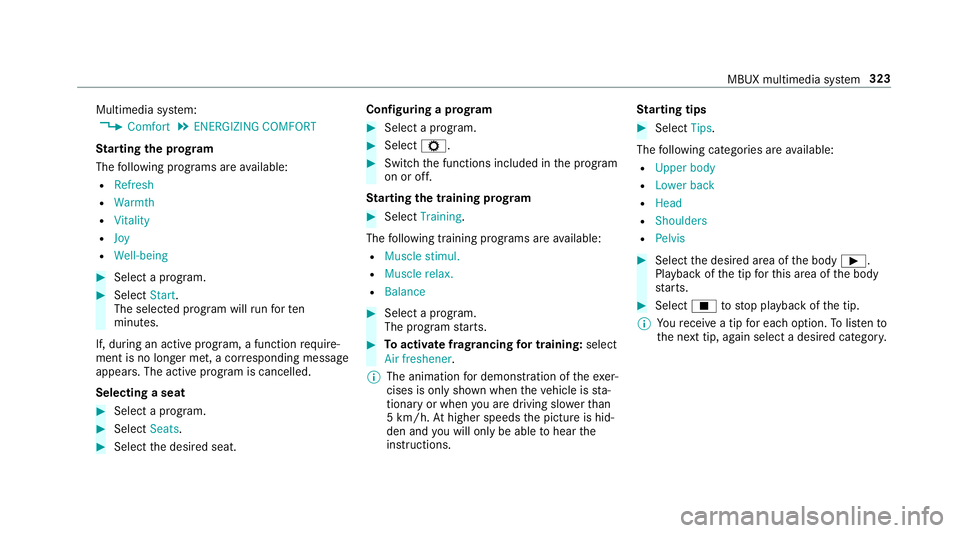
St arting the prog ram
The following programs are available:
R Refresh
R Warmth
R Vitality
R Joy
R Well-being #
Select a program. #
Select Start.
The selec ted prog ram will runfo rten
minutes.
If, during an active program, a function require‐
ment is no longer met, a cor responding message
appears . The acti veprogram is cancelled.
Selecting a seat #
Select a program. #
Select Seats. #
Select the desired seat. Configuring a prog
ram #
Select a program. #
Select Z. #
Switch the functions included in the program
on or off.
St arting the training prog ram #
Select Training.
The following training prog rams are available:
R Muscle stimul.
R Muscle relax.
R Balance #
Select a program.
The program starts. #
Toactivate frag rancing for training: select
Air freshener .
% The animation for demonstration of theexe r‐
cises is only shown when theve hicle is sta‐
tionary or when you are driving slo werth an
5 km/h. Athigher speeds the picture is hid‐
den and you will on lybe able tohear the
instructions. St
arting tips #
Select Tips.
The following categories are available:
R Upper body
R Lower back
R Head
R Shoulders
R Pelvis #
Select the desired area of the body Ì.
Playback of the tip forth is area of the body
st arts. #
Select Étostop playback of the tip.
% Youre cei vea tip for each option. Tolistento
th e next tip, again select a desired categor y. MBUX multimedia sy
stem 323
Page 420 of 609
Ad
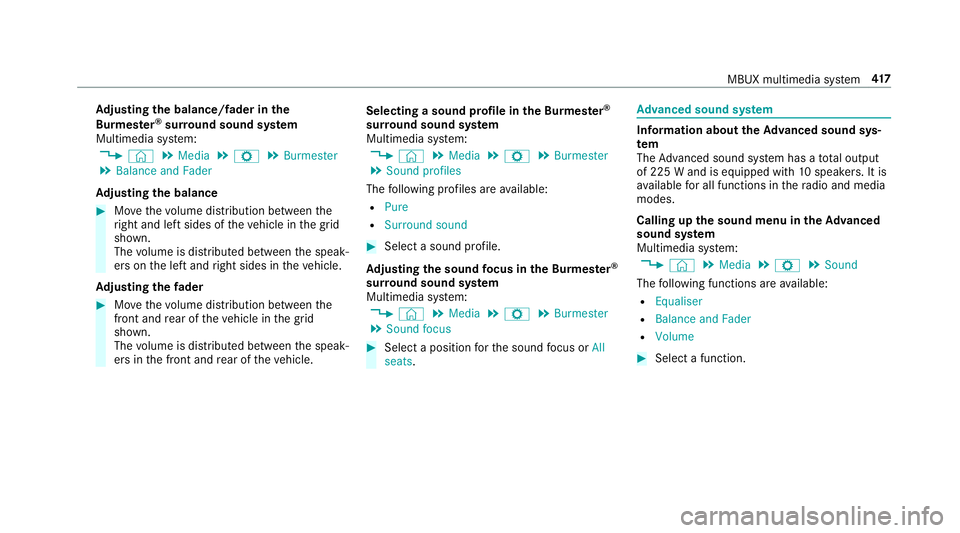
justing the balance/ fader in the
Burmes ter®
sur round sound sy stem
Multimedia sy stem:
, © .
Media .
Z .
Burmester
. Balance and Fader
Ad justing the balance #
Movethevo lume distribution between the
ri ght and left sides of theve hicle in the grid
shown.
The volume is distributed between the speak‐
ers on the left and right sides in theve hicle.
Ad justing the fader #
Movethevo lume distribution between the
front and rear of theve hicle in the grid
shown.
The volume is distributed between the speak‐
ers in the front and rear of theve hicle. Selecting a sound profile in
the Bu rmester ®
sur round sound sy stem
Multimedia sy stem:
, © .
Media .
Z .
Burmester
. Sound profiles
The following profiles are available:
R Pure
R Surround sound #
Select a sound profile.
Ad justing the sound focus in the Bu rmester ®
sur round sound sy stem
Multimedia sy stem:
, © .
Media .
Z .
Burmester
. Sound focus #
Select a position forth e sound focus or All
seats. Ad
vanced sound sy stem Information about
theAd vanced sound sys‐
tem
The Adva nced sound sy stem has a total output
of 225 W and is equipped with 10speakers. It is
av ailable for all functions in thera dio and media
modes.
Calling up the sound menu in theAd vanced
sound sy stem
Multimedia sy stem:
, © .
Media .
Z .
Sound
The following functions are available:
R Equaliser
R Balance and Fader
R Volume #
Select a function. MBUX multimedia sy
stem 417
Page 464 of 609
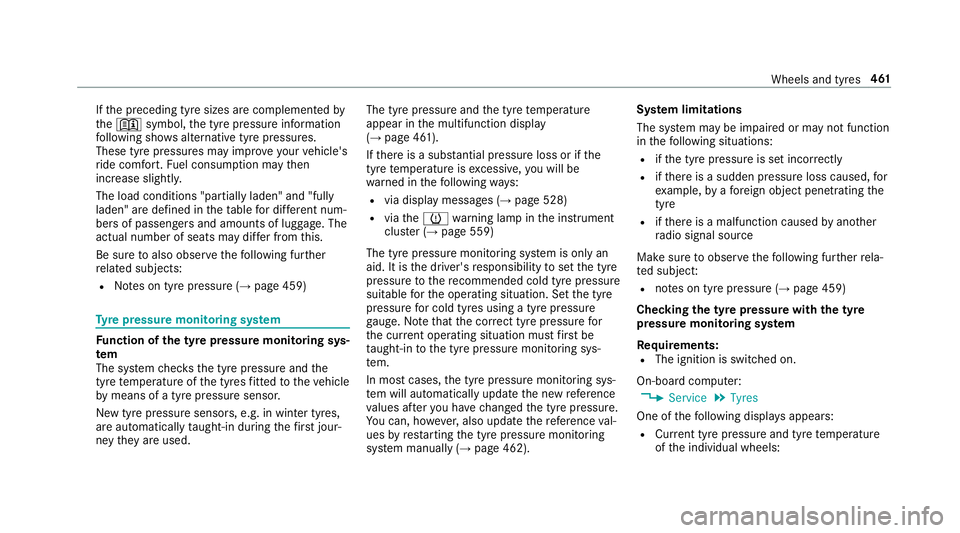
If
th e preceding tyre sizes are complemented by
th e+ symbol, the tyre pressure information
fo llowing sho wsalternative tyre pressures.
These tyre pressures may impr oveyour vehicle's
ri de comfort. Fuel consum ption may then
increase slightl y.
The load conditions "partially laden" and "fully
laden" are defined in theta ble for dif fere nt num‐
be rs of passengers and amounts of luggage. The
actual number of seats may dif fer from this.
Be sure toalso obse rveth efo llowing fur ther
re lated subjects:
R Notes on tyre pressure (→ page 459)Ty
re pressure moni toring sy stem Fu
nction of the ty repressure moni toring sys‐
tem
The sy stem checks the tyre pressure and the
tyre temp erature of the tyres fitted totheve hicle
by means of a tyre pressu resensor.
New tyre pressure sensors, e.g. in winter tyres,
are automatically taught-in during thefirs t jour‐
ney they are used. The tyre pressure and
the tyre temp erature
appear in the multifunction display
(→ page 461).
If th ere is a subs tantial pressure loss or if the
tyre temp erature is excessive, you will be
wa rned in thefo llowing ways:
R via display messa ges (→ page 528)
R viatheh warning lamp in the instrument
clus ter (→ page 559)
The tyre pressu remonitoring sy stem is only an
aid. It is the driver's responsibility toset the tyre
pressure tothere commended cold tyre pressure
suitable forth e operating situation. Set the tyre
pressure for cold tyres using a tyre pressu re
ga uge. Notethat the cor rect tyre pressure for
th e cur rent operating situation mu stfirs t be
tau ght-in tothe tyre pressure monitoring sys‐
te m.
In most cases, the tyre pressure monitoring sys‐
te m will auto matically update the new refere nce
va lues af teryo u ha vechanged the tyre pressure.
Yo u can, ho wever,also update there fere nce val‐
ues byrestarting the tyre pressure monitoring
sy stem manually (→ page 462). Sy
stem limitations
The sy stem may be impaired or may not function
in thefo llowing situations:
R ifth e tyre pressure is set incor rectly
R ifth ere is a sudden pressure loss caused, for
ex ample, byafo re ign object penetrating the
tyre
R ifth ere is a malfunction caused byano ther
ra dio signal source
Make sure toobser vethefo llowing fur ther rela‐
te d subjec t:
R notes on tyre pressure (→ page 459)
Checking the ty repressure with the tyre
pressure moni toring sy stem
Requ irements:
R The ignition is switched on.
On-board computer: , Service .
Tyres
One of thefo llowing displa ysappears:
R Cur rent tyre pressure and tyre temp erature
of the individual wheels: Wheels and tyres
461
Page 570 of 609
Tr
ailer hit ch......................................... 432
Wa shing byhand ................................. 428
Wheels/rims ....................................... 432
Wi ndo ws .............................................. 432
Wi per blades .......................................4 32
Carpet (Care) .......................................... .434
Changing bulbs ........................................ 131
Dipped beam ....................................... 13 3
Fitting/removing co ver (front wheel
ar ch ) .................................................... 13 3
Main beam ...........................................1 33
No tes ................................................... 131
Overview ............................................. 13 2
Re versing lights .................................. .133
Tu rn signal lights (rear) ........................ 13 3
Changing gears ........................................ 16 6
Manually ..............................................1 66
Changing hub caps .................................. 473
Changing the lights
Driving abroad (symm etrical dipped
beam) .................................................. 12 2
Cha rging
Bat tery (vehicle) .................................. 448
USB port ..............................................1 18Chassis
Damping characteristics ...................... 214
DY NA MIC BODY CONTROL .................. 214
Child saf ety lock
Re ar door .............................................. 62
Re ar side wind ows................................. 63
Child seat Attach ing (no tes) ................................... 54
Fr ont passenger seat (no tes) ................. 52
Fr ont passenger seat (rear ward-
fa cing/for ward-facing) .......................... 53
Fr ont passenger seat (without auto‐
matic airbag shutoff) ............................. 53
ISOFIX/i-Size (fitting) ............................49
No tes on the safe transpor tation of
ch ildren ................................................ .46
Re commended child restra int sys‐
te ms ...................................................... 60
Seats suita blefor belt-secu redch ild
re stra int sy stems ................................... 55
Seats suitable for i‑Size child
re stra int sy stems ................................... 59
Seats suitable for ISOFIX child
re stra int sy stems ................................... 57
To pTe ther ..............................................51 Child seat
see i-Size child seat securing sy stem
see ISOFIX child seat securing sy stem
Children Notes on safe transpor tation ................. 46
Chock ....................................................... .471
St orage location ................................... 471
Chock see Chock
Cigar ette lighter
Fr ont centre console ............................ 11 4
City lighting .............................................. 12 6
Cleaning see Care
Climate control ........................................ 141
Ac tivating/deactivating the A/C
function (cont rol panel) ...................... .142
Ac tivating/deactivating the A/C
function (multimedia sy stem) .............. 14 3
Ac tivating/deactivating the synchro‐
nisation function (cont rol panel) .......... 14 3 Index
567
Page 581 of 609
Fu
se box in the load compartment ...... 457
No tes ................................................... 454 G
Garage door opener Cleari ngthe memory ........................... 17 9
Opening or closing the door ................1 79
Programming buttons .......................... 176
Ra dio equipment appr oval numbers .... 17 9
Re solving problems ............................. 178
Synchronising thero lling code ............ .177
Gearshift recommendation .............164,167
Genera l operating permit number
(EU) .......................................................... .483
Genuine parts ............................................ 21
Glide mode ............................................... 167
Global sear ch
Fu nction .............................................. 300
Overview ............................................. 300
Glo vebox
Locking/unlocking .............................. 102 H
Handbrake see Electric parking brake
Handling characteristics (unusual) ....... 458
Hazard warning lights ............................ .125
Head restra int .......................................... .92
Fr ont (adjusting mechanically) .............. 92
Re ar (adjusting) .................................... .93
Re ar (fitting/removing) ........................ .93
Head-up display ....................................... 259
Ad justing display elements (on-board
compu ter) ............................................ 259
Ad justing the brightness (on-board
computer) ............................................ 259
Fu nction .............................................. 260
Menu (on-board compu ter) .................. 259
Operating the memory function ..........1 00
Setting the position (on-board com‐
puter) .................................................. 259
Headla mpflasher ................................... .124
Heating see Climate control High beam
Adaptive Highbeam Assist .................. .127
Ad aptive Highbeam Assist Plus .......... .128
Switching on/off ................................. 124
High-pressure cleaner (care) .................. 427
Hill Start Assist ........................................ 212
HOLD function ......................................... 212
Fu nction/no tes .................................... 212
Switching on/off ................................. 212
Home screen (media display) Overview ............................................. 282
Hotspot Setting up (Wi-Fi) ................................. 315 I
i-Size child seat securing sy stem ............ 48
Fitting .................................................... 49
No tes ..................................................... 48
Seats suitable for attaching ................... 59
Identification plate Engine ................................................. 483
Vehicle ................................................ 483 578
Index
Page 583 of 609
Re
strictions ......................................... 396
Setting access da ta(Blue tooth ®
) .........3 97
Setting au tomatic disconnection ......... 398
Setting up (Blu etoo th®
) .......................3 97
Setting up (Wi-Fi) ................................. 397
Vi a communication module ................ .396
Internet radio
Calling up ............................................ 403
Calling up thest ation list (category
last selec ted) .......................................4 05
Deleting stations ................................ .405
Logging out ......................................... 405
Overview ............................................. 404
Re gis tering .......................................... 405
Saving stations .................................... 405
Selecting and connecting toast ation
............................................................ .405
Selecting stre am ................................ .405
Setting options ................................... .405
Te rm s of use ........................................4 05
iPhone ®
see Apple CarPlay™
see Mercedes-Benz Link ISOFIX
child seat securing sy stem .......... 48
Fitting .................................................... 49
No tes ..................................................... 48
Seats suitable for attaching ................... 57 J
Jack Declaration of conformity ......................23
Storage location ................................... 471
Jump-start connection ............................448
Gene ral no tes ...................................... 446
No tes .................................................. 446 K
Ke y.............................................................. 65
Ac oustic locking verification signal ....... 66
Battery ................................................... 67
Emergency key ...................................... 67
Energy consumption .............................. 66
Fe atures ................................................ 65
Ke yring attachment .............................. 67
Overview ............................................... 65
Pa nic alarm ........................................... 66
Problem ................................................. 68 Un
locking setting .................................. 66
Ke y functions
Deactivating .......................................... 66
KEYLESS-GO Locking theve hicle ................................ 71
Problem .................................................72
Un locking setting .................................. 66
Un locking theve hicle ............................71
Kickd own.................................................. 167
Using ................................................... 167
Knee airbag ................................................ 37 L
Lamp see In terior lighting
Lamps (instrument display) see Warning/indicator lamps
Lane de tection (au tomatic)
see Active Lane Keeping Assist
Lane Keeping Assist
see Active Lane Keeping Assist
Language .................................................. 316
No tes ................................................... 316580
Index
Page 586 of 609
Selecting
the map orientation .............3 57
Setting the map scale .......................... 356
Setting the map scale automatically ....3 62
Showing in the multifunction display
of the instrument clus ter ..................... 364
Switching mo torw ay information
on/off ................................................ .359
Up dating .............................................. 361
Massa geprog rammes
Re setting the settings ............................95
Massage prog rams
Selecting the front seats ....................... 95
Massage settings Resetting ............................................... 95
Matt finish (cleaning instructions) ........ 429
Maximum gross vehicle weight ............ .483
Maximum speed see Limi ter
Mecca ...................................................... .362
Media Menu (on-boa rdcompu ter) .................. 258
Media display Notes ................................................... 281 Media mode
Adding a favo urite song ...................... .410
Connecting Blue tooth®
audio equip‐
ment .................................................... 409
Connecting USB devices .................... .409
Controlling media playba ck.................. 41 0
Copyright and trademar ks................... 406
Information about media sea rch ..........4 11
Making video settings .......................... 412
Overview of the media menu ............... 408
Playing a favo urite music track ............ 41 0
Re moving a favo urite song .................. .410
Sea rching for a music track accord‐
ing tomood .......................................... 412
St arting media playback ...................... 41 0
St arting the media sear ch.................... 411
Suppor tedfo rm at and data storage
media .................................................. 405
Using theke yword sear ch.................... 412
Media playback Operating (on-boa rdcompu ter) .......... .258
Media source Selecting (on-boa rdcompu ter) ............ 258 Memory function
Head-up display — Calling up stored
settings ............................................... 100
Head-up display — Storing settings ...... 100
Operating ............................................ 100
Outside mir rors — Calling up stored
settings ............................................... 100
Outside mir rors —St oring settings ...... 100
Seat — Calling up stored settings ......... 100
Seat — Storing settings ........................ 100
Menu (on-board computer) Assis tant display ................................. 254
Designs ................................................ 251
Head-up display ................................... 259
Media .................................................. 258
Na vigation ........................................... 256
Overview ............................................. 250
Ra dio ...................................................2 57
Service ................................................ 254
Te lephone ............................................ 258
Tr ip ...................................................... 255
Mercedes me Calling up services .............................. 392
Calling up your user account .............. .391
Del eting a connection ........................ .392 Index
583