center console MERCEDES-BENZ AMG GT ROADSTER 2019 User Guide
[x] Cancel search | Manufacturer: MERCEDES-BENZ, Model Year: 2019, Model line: AMG GT ROADSTER, Model: MERCEDES-BENZ AMG GT ROADSTER 2019Pages: 298, PDF Size: 7.9 MB
Page 186 of 298

Display messages
Possible causes/consequences and
0050
0050Solutions Front
Front
Passenger
Passenger Air‐
Air‐
bag Disabled See
bag Disabled See
Operator's Manual Operator's Manual The front passenger front air bag is deactivated during the journey,
although:
R an adult
or
R a person of the corresponding stature is on the front passenger seat
If additional forces are applied to the seat, the system may interpret
the occupant's weight as lower than it actually is.
G WARNING
The front passenger front air bag does not deploy during an accident.
There is an increased risk of injury.
X Pull over and stop the vehicle safely as soon as possible, paying
attention to road and traffic conditions.
X Secure the vehicle against rolling away (Y page 127).
X Switch the ignition off.
X Have the occupant on the front passenger seat get out of the vehi-
cle.
X Keep the seat unoccupied, close the front passenger door and
switch on the ignition.
X Observe the PASSENGER AIR BAG indicator lamps in the center
console and the multifunction display and check the following:
Seat unoccupied and ignition switched on:
R a self-diagnosis is carried out. The PASSENGER AIR BAG OFF and
PASSENGER AIR BAG ON indicator lamps must light up simulta-
neously for approximately six seconds
R the PASSENGER AIR BAG OFF indicator lamp must then light up
and remain lit after the self-diagnosis. If the indicator lamp is on,
OCS (Occupant Classification System) has disabled the front
passenger front air bag (Y page 48)
R the display messages Front Passenger Airbag Enabled Front Passenger Airbag Enabled
See Operator's Manual
See Operator's Manual orFront Passenger Airbag Dis‐
Front Passenger Airbag Dis‐
abled See Operator's Manual
abled See Operator's Manual must not appear in the multi-
function display
X Wait for a period of at least 60 seconds until the necessary system
checks have been completed.
X Make sure that the display messages do not appear in the multi-
function display.
If these conditions are fulfilled, the front passenger seat can be occu- pied again. Whether the PASSENGER AIR BAG OFF indicator lamp
remains lit or goes out depends on how OCS classifies the occupant.
If the conditions are not fulfilled, the system is not operating correctly.
X Visit a qualified specialist workshop immediately.
For further information about the Occupant Classification System, see
(Y page 48). 184
Display
messagesOn-board computer and displays
Page 187 of 298
Display messages
Possible causes/consequences and
0050
0050Solutions Front
Front
Passenger
Passenger Air‐
Air‐
bag Enabled See
bag Enabled See
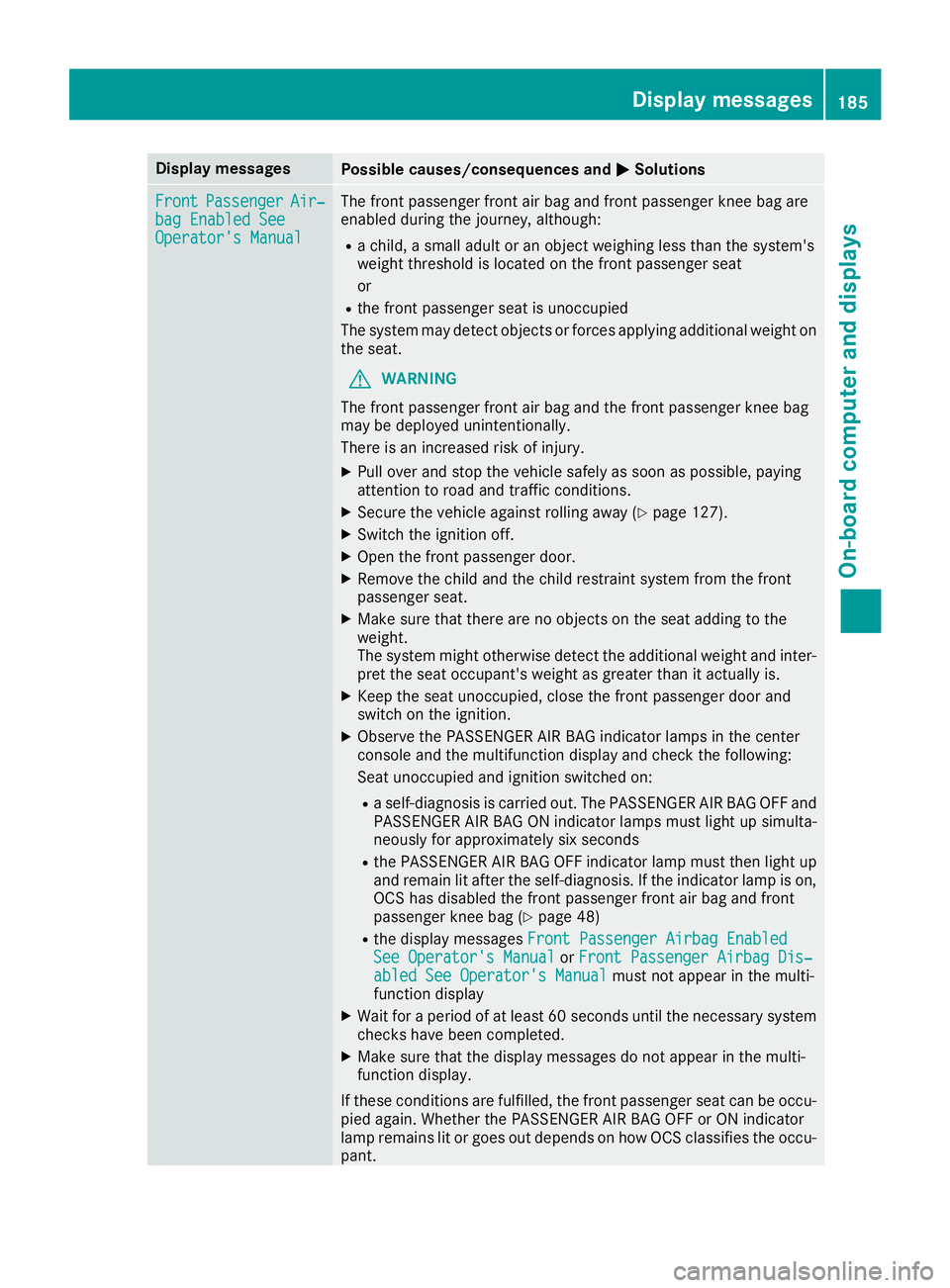
Operator's Manual Operator's Manual The front passenger front air bag and front passenger knee bag are
enabled during the journey, although:
R a child, a small adult or an object weighing less than the system's
weight threshold is located on the front passenger seat
or
R the front passenger seat is unoccupied
The system may detect objects or forces applying additional weight on
the seat.
G WARNING
The front passenger front air bag and the front passenger knee bag
may be deployed unintentionally.
There is an increased risk of injury. X Pull over and stop the vehicle safely as soon as possible, paying
attention to road and traffic conditions.
X Secure the vehicle against rolling away (Y page 127).
X Switch the ignition off.
X Open the front passenger door.
X Remove the child and the child restraint system from the front
passenger seat.
X Make sure that there are no objects on the seat adding to the
weight.
The system might otherwise detect the additional weight and inter-
pret the seat occupant's weight as greater than it actually is.
X Keep the seat unoccupied, close the front passenger door and
switch on the ignition.
X Observe the PASSENGER AIR BAG indicator lamps in the center
console and the multifunction display and check the following:
Seat unoccupied and ignition switched on:
R a self-diagnosis is carried out. The PASSENGER AIR BAG OFF and
PASSENGER AIR BAG ON indicator lamps must light up simulta-
neously for approximately six seconds
R the PASSENGER AIR BAG OFF indicator lamp must then light up
and remain lit after the self-diagnosis. If the indicator lamp is on,
OCS has disabled the front passenger front air bag and front
passenger knee bag (Y page 48)
R the display messages Front Passenger Airbag Enabled
Front Passenger Airbag Enabled
See Operator's Manual See Operator's Manual orFront Passenger Airbag Dis‐
Front Passenger Airbag Dis‐
abled See Operator's Manual
abled See Operator's Manual must not appear in the multi-
function display
X Wait for a period of at least 60 seconds until the necessary system
checks have been completed.
X Make sure that the display messages do not appear in the multi-
function display.
If these conditions are fulfilled, the front passenger seat can be occu- pied again. Whether the PASSENGER AIR BAG OFF or ON indicator
lamp remains lit or goes out depends on how OCS classifies the occu-
pant. Display
messages
185On-board computer and displays Z
Page 212 of 298
Operating system
Overview
General notes Wearing polarized sunglasses may impair your
ability to read the display.
The display has an automatic temperature-con- trolled switch-off feature. The brightness is
automatically reduced if the temperature is too
high. The display may temporarily switch off
completely.
Cleaning instructions !
Do not touch the display. The display has a
very sensitive high-gloss surface; there is a
risk of scratching. If you have to clean the
screen, however, use a mild cleaning agent
and a soft, lint-free cloth.
The display must be switched off and have
cooled down before you start cleaning. Do not
apply pressure to the display surface when
cleaning it, as this could cause irreversible dam-
age to the display.
Switching the multimedia system
on/off X
Press the Äcontrol knob which is located
on the center console to the right of the con-
troller.
Adjusts the volume X
Turn the Äcontrol knob which is located
on the center console to the right of the con- troller.
The volume is adjusted:
R for the currently selected media source
R during traffic or navigation announcements
R in hands-free mode during a phone call
Switching the sound on or off X
Press the 0063button on the multifunction
steering wheel.
If the audio output is switched off, the status
line will show the 0063symbol. If you switch the media source or change the volume, the
sound is automatically switched on.
i You will hear navigation messages even
when the sound is muted (COMAND).
Functions The multimedia system has the following func-
tions:
R Radio mode
R Media mode with media search
R Sound system
R Navigation system (COMAND):
R Communication functions
R SIRIUS Weather (COMAND)
R Vehicle functions with system settings
R Favorites functions
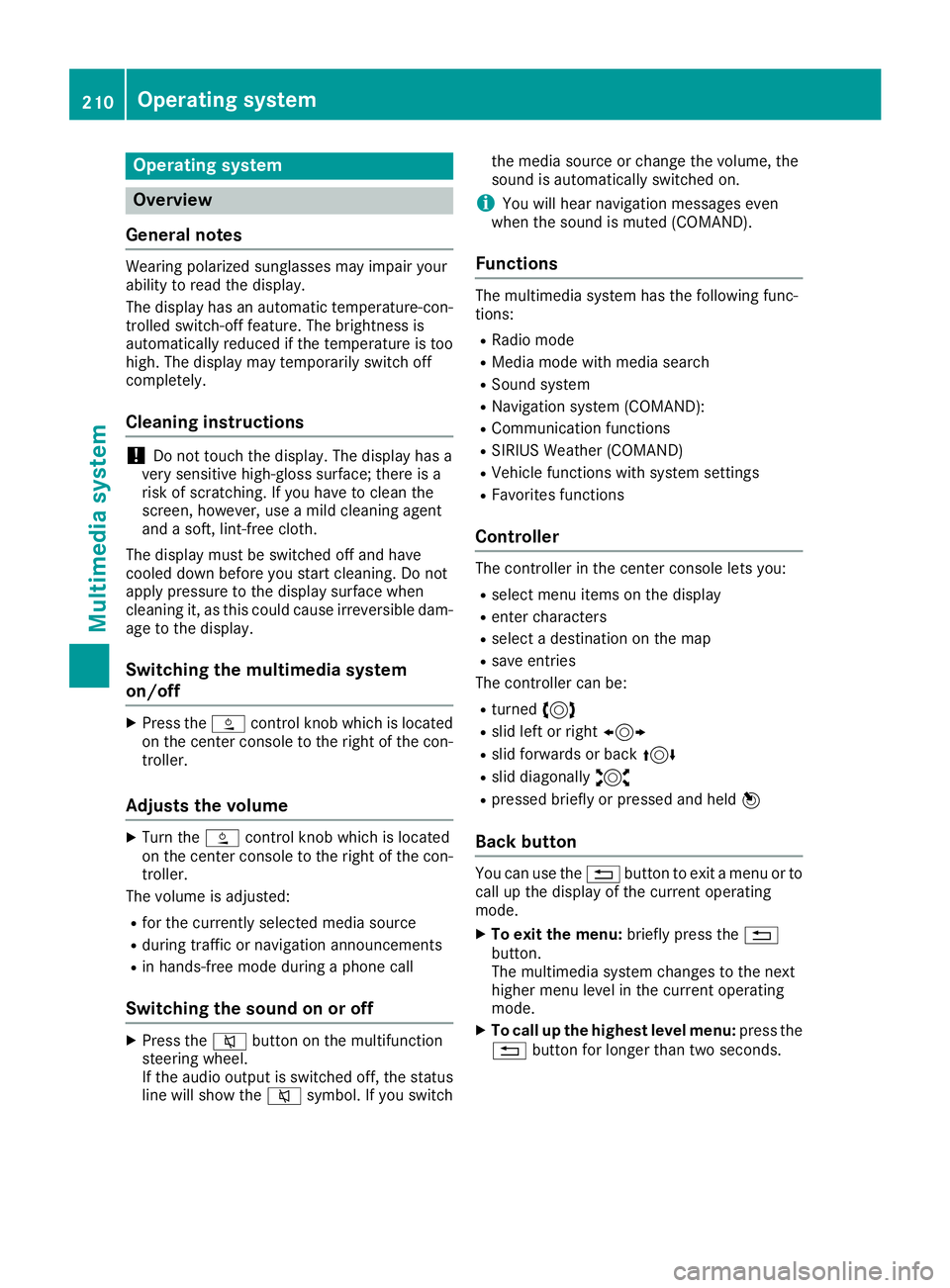
Controller The controller in the center console lets you:
R select menu items on the display
R enter characters
R select a destination on the map
R save entries
The controller can be:
R turned 3
R slid left or right 1
R slid forwards or back 4
R slid diagonally 2
R pressed briefly or pressed and held 7
Back button You can use the
0038button to exit a menu or to
call up the display of the current operating
mode.
X To exit the menu: briefly press the0038
button.
The multimedia system changes to the next
higher menu level in the current operating
mode.
X To call up the highest level menu: press the
0038 button for longer than two seconds. 210
Operating systemMultimedia system
Page 222 of 298
Features
Cup holder
Important safety notes G
WARNING
If objects in the passenger compartment are
stowed incorrectly, they can slide or be
thrown around and hit vehicle occupants. In
addition, cup holders, open stowage spaces
and mobile phone brackets cannot always
retain all objects they contain. There is a risk of injury, particularly in the event of sudden
braking or a sudden change in direction.
R Always stow objects so that they cannot be
thrown around in such situations.
R Always make sure that objects do not pro-
trude from stowage spaces, parcel nets or
stowage nets.
R Close the lockable stowage spaces before
starting a journey.
R Always stow and secure heavy, hard, poin-
ted, sharp-edged, fragile or bulky objects in
the trunk.
! Only use the cup holders for containers of
the right size and which have lids. The drinks
could otherwise spill.
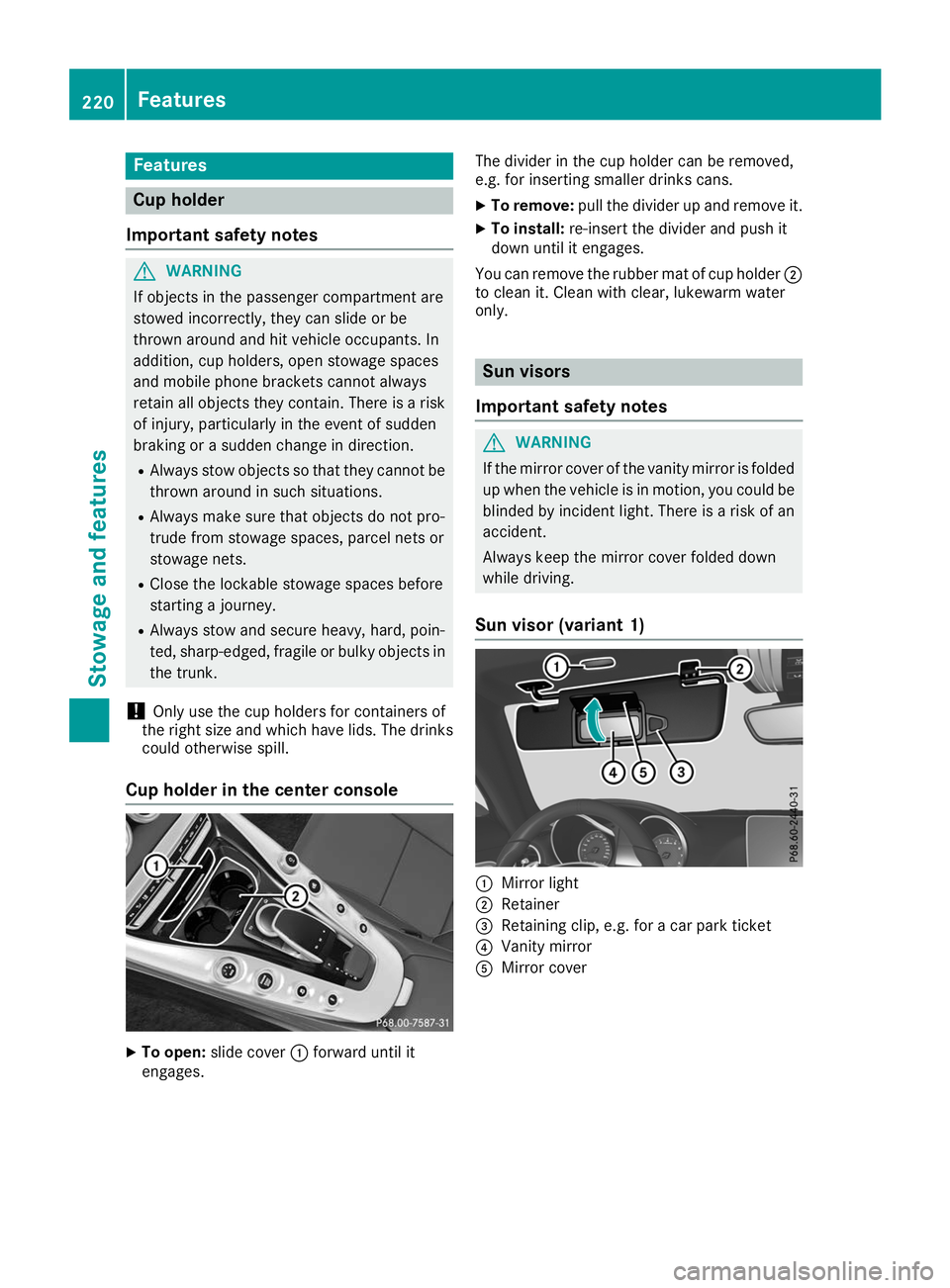
Cup holder in the center console X
To open: slide cover 0043forward until it
engages. The divider in the cup holder can be removed,
e.g. for inserting smaller drinks cans.
X To remove: pull the divider up and remove it.
X To install: re-insert the divider and push it
down until it engages.
You can remove the rubber mat of cup holder 0044
to clean it. Clean with clear, lukewarm water
only. Sun visors
Important safety notes G
WARNING
If the mirror cover of the vanity mirror is folded up when the vehicle is in motion, you could be
blinded by incident light. There is a risk of an
accident.
Always keep the mirror cover folded down
while driving.
Sun visor (variant 1) 0043
Mirror light
0044 Retainer
0087 Retaining clip, e.g. for a car park ticket
0085 Vanity mirror
0083 Mirror cover 220
FeaturesStowage and featu
res