language MERCEDES-BENZ AMG GT S 2017 C190 Comand Manual
[x] Cancel search | Manufacturer: MERCEDES-BENZ, Model Year: 2017, Model line: AMG GT S, Model: MERCEDES-BENZ AMG GT S 2017 C190Pages: 226, PDF Size: 6.39 MB
Page 96 of 226
XTo switch to navigation mode:slide5
the controller.
XTo select Navi: turn and press the control-
ler.
The map displays the current vehicle posi-
tion or the navigation menu appears.
XIf the navigation menu appears, press the
controller.
The map shows the vehicle's current posi-
tion.
XTo show the menu: slide6the control-
ler.
XTo select Traffic: turn and press the con-
troller.
XTo select All Messages: turn and press
the controller.
A list is shown containing all roads, areas or
regions affected by traffic reports. Roads,
areas or regions not on the route also
appear in the list.
XTo select the road, area or region: turn
the controller and press to confirm.
The traffic report is displayed (
Ypage 93).
There may be several traffic reports for the
affected road.
XTo close the display: press the%but-
ton.
Settings for the display on the map
You can switch these displays on/off on the
map:
RIncidents
RSpeed & Flow
RFree Flow
XTo switch to navigation mode: slide5
the controller.
XTo select Navi: turn and press the control-
ler.
The map displays the current vehicle posi-
tion or the navigation menu appears.
XIf the navigation menu appears, press the
controller.
The map shows the vehicle's current posi-
tion.
XTo show the menu: slide6the control-
ler.
XTo select Traffic: turn and press the con-
troller.
XTo select TrafficInformationOnMap:
turn and press the controller.
XSelect Incidents,Speed&Flowor Free
Flow.
The display is on Oor off ª.
Reading out traffic reports on the
route
Introduction
The read-aloud function is only available while
route guidance is active. It reads out traffic
reports affecting the current route.
You can select from the following text reader
properties:
RLanguage (Ypage 45)
RText reader speed (Ypage 41)
You can start the text reader function man-
ually or set it to automatic.
94Real-time traffic reports
Navigation
Page 118 of 226
Authorizing amobile phone (connect-
ing)
Authorizati onvia Secure Simple Pairing
If COMAND has foun dyour mobile phone ,you
can authorize (connect) it .
XTo selectamobile phone from th edevice
list :tur nth econtroller and press to con-
firm.
A code is displayed in COMAND and on th e
mobile phone.
Th ecode is th esam e
XCOMAND: selectYes.
XMobile phone: confirm thecode. Depend-
ing on th emobile phone used, you may
hav eto confirm th econnection to
COMAND and for th ePBAP and MA PBlue -
toot h
®profiles. The prompt to confirm may
tak eup to two minute sto be displayed. You
may also sav eth econfirmation on th e
mobile phon e(see th emanufacturer' s
operating instructions).
The mobile phone is no wauthorize dand
connecte dto COMAND .You can no w
spea kusin gth ehands-free system.
To ensur ean optimum language quality, you
can set th emobile phone's transmission and
reception volume (
Ypage 118).
Th ecode is dif ferent
XCOMAND: selectNo.
The process is canceled. Repeat th e
authorization .
Authorizationvia passkey entry (access
code)
If COMAND has foun dyour mobile phone ,you
can authorize (connect) it .
XTo select theBluetoot h®nameof th e
desired mobile phone in th edevice list :tur n
and press th econtroller .
The input men ufor th epasske yis dis-
played. The passke
yis aone- to sixteen-digit num -
ber combination whic hyou can choos e
yourself .
XCOMAN D:ente rth epasske yusin gth e
characte rbar.
XSelec t¬ once all th enumber shav e
been entered .
XMobile phone: enterth esam epasske y
and confirm your entry. Dependin gon th e
mobile phon eused, you may hav eto con-
fir m theconnection to COMAND and for th e
PBAP and MA PBluetoot h
®profiles.The
prompt to confirm may tak eup to two
minute sto be displayed. You may also sav e
th econfirmation on th emobile phon e(see
th emanufacturer' soperating instructions).
The mobile phon eis no wauthorize dand
connecte dto COMAND .You can no w
spea kusin gth ehan ds-free system.
To ensur ean optimum language quality, you
can setthemobile phone's transmission and
reception volume (
Ypage 118).
If th eAuthorizatio nFailed
message
appears, you may hav eentered adifferen t
passke yor exceeded th epre scribe dtime
limit. Repeat th eprocedure .
iSome mobile phones require apasske y
wit hfour or mor edigit s.
iIf you wish to re-authorize th emobile
phon eafter de-authorizing it ,you can
choos eanother passke yfor it .
Establishing the connection fr omthe
mob ile phone
The Bluetoot h®device nameof COMAND is
"MB Bluetooth".
XCOMAND: call up thetelephon emenu.
XTo switch to th emen ubar: slide 6the
controller .
XTo selectConnectDevice:tur nand press
th econtroller .
The device list is displayed.
116Connecting/disconnecting a mobile phone
Telephone
Page 119 of 226
XTo selectConnect via Phone: turn and
press the controller.
A message is displayed, stating that you
can start the search on your mobile phone.
XMobile phone: start the search for a Blue-
tooth®device (see manufacturer's operat-
ing instructions).
COMAND is displayed with the name "MB
Bluetooth" in the mobile phone's device
list.
XSelect "MB Bluetooth".
A prompt appears in the COMAND display
asking if the mobile phone should be
authorized.
XCOMAND: selectYes.
If No
is selected, the procedure is canceled.
If your mobile phone supports Secure Sim-
ple Pairing, a code is now displayed on both
devices.
The code is the same
XCOMAND: selectYes.
XMobile phone: confirm the code. Depend-
ing on the mobile phone used, you may
have to confirm the connection to
COMAND and for the PBAP and MAP Blue-
tooth
®profiles. The prompt to confirm may
take up to two minutes to be displayed. You
may also save the confirmation on the
mobile phone (see the manufacturer's
operating instructions).
The mobile phone is now authorized and
connected to COMAND. You can now
speak using the hands-free system.
To ensure an optimum language quality, you
can set the mobile phone's transmission and
reception volume (
Ypage 118).
The code is different
XCOMAND: selectNo.
The process is canceled. Repeat the pro-
cedure.
If your mobile phone does not support Secure
Simple Pairing, an input menu is displayed for
the passkey. The passkey is a one- to sixteen-
digit number combination which you can choose yourself. Enter the same passkey on
both COMAND and the mobile phone and
confirm. Depending on the mobile phone
used, you may have to confirm the connection
to COMAND and for the PBAP and MAP Blue-
tooth
®profiles.
Reconnecting automatically
COMAND always searches for the last con-
nected mobile phone.
If no connection can be made to the most
recently connected mobile phone, the system
searches for the mobile phone that was con-
nected before that one.
Switching between mobile phones
If you have authorized more than one mobile
phone, you can switch between the individual
phones.
XTo show the main function bar: slide 5
the controller.
XTo select Phone: turn and press the con-
troller.
The telephone menu is displayed.
XTo show the menu bar: slide 6the con-
troller.
XTo select Connect Device: turn and press
the controller.
The device list is displayed.
XTo select the desired mobile phone: turn
and press the controller.
The selected mobile phone is searched for
and connected if it is within Bluetooth
®
range and if Bluetooth®is activated.
Only one mobile phone can be connected at
any one time. The currently connected mobile phone is indicated by the #dot in the device
list.
iYou can only switch to another authorized
mobile phone if you are not currently mak-
ing a call.
Connecting/disconnecting a mobile phone117
Telephone
Z
Page 143 of 226
XTo select the message: turn and press the
controller.
The message is displayed.
XTo scroll through the message or select
phone numbers in the text: turn the con-
troller.
The display scrolls up or down line by line,
or skips to the next or previous telephone
number and automatically highlights it.
The following sub-folders can be selected
for text messages and e-mails:
RInbox
This folder contains all the incoming mes-
sages.
ROutbox
This folder contains all the outgoing mes-
sages.
RDrafts
This folder contains all the messages that
you have saved as a draft.
iFolders cannot be selected if they are
empty.
Depending on the mobile phone used, the
sub-folder function may be available.
Read-aloud function for messages
XTo start the read-aloud function: press the
controller when the message is displayed.
XTo select Read Aloud: turn and press the
controller.
COMAND reads out the message.
XTo cancel the read-aloud function: press
the controller, select Cancel Read-
Aloud Functionand press the controller
again.
You can set the language (
Ypage 45) and the
speed (
Ypage 41) of the read-aloud function.
Displaying details and phone numbers
COMAND can also show a shortened sender
display in full.
XTo show the main function bar: slide 5
the controller.
XTo select Phone: turn and press the con-
troller.
The telephone menu is displayed.
XTo switch to the menu bar: slide 6the
controller.
XTo select 1: turn and press the controller.
The message menu is displayed.
XTo switch to the menu bar: slide 6the
controller.
XTo select Folder: turn and press the con-
troller.
XTo select Text MessageorE-Mail: turn
and press the controller.
The selected folder is displayed.
XTo highlight the desired message: turn the
controller.
XTo select G: slide 9the controller.
XTo select Details: turn and press the con-
troller.
The detailed view appears.
XTo close the detailed display: slide8
the controller.
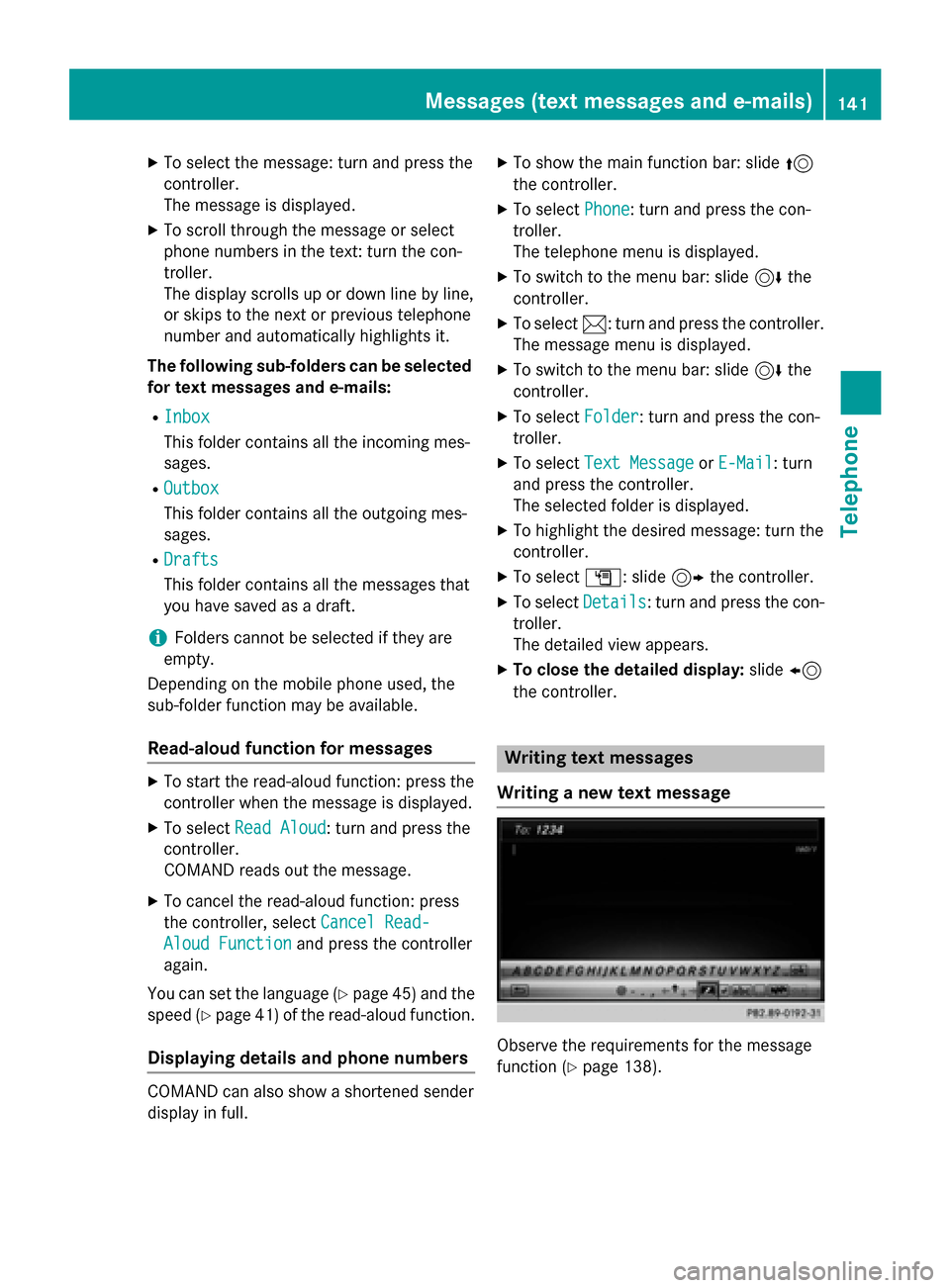
Writing text messages
Writing a new text message
Observe the requirements for the message
function (
Ypage 138).
Messages (text messages and e-mails)141
Telephone
Z
Page 205 of 226
Bear in mind that at a speed of only 30 mph
(approximately 50 km/h) your vehicle covers
a distance of 44 feet (approximately 14m)
ever yse cond.
General notes
Notes on discs
!Do not affix stickers or labels to the discs.
They could peel off and damage COMAND.
Stickers can cause the disc to bend, which
can result in read errors and disc recogni-
tion problems.
!COMAND is designed to play discs that
comply with the EN 60908 standard. There- fore, you can only use discs with a maxi-
mum thickness of 1.3 mm.
If you insert thicker discs, e.g. those that
contain data on both sides (DVD on one
side and audio data on the other), they can-
not be ejected and can damage the device.
Only use round discs with a diameter of
12 cm. Do not use discs with a diameter of
8 cm, even with an adapter.
The variety of data media, burners and burn
software means there is no guarantee that
the system will be able to play discs that you
have copied yourself.
DVD playback conditions
If video DVDs do not conform to the NTSC or
PAL TV standards, they may create picture,
sound or other problems during playback.
COMAND is capable of playing back video
DVDs produced according to the following
standards:
RRegion code 1 or region code 0 (no region
code)
RPAL or NTSC standard
You will generally find the relevant details
either on the DVD itself or on the DVD case.
iIf you insert a video DVD with a different
region code, a message to this effect
appears.
iCOMAND is set to region code 1 at the
factory. This setting can be changed at an
authorized Mercedes-Benz Center. It is also
possible to play video DVDs with a different
region code, provided that they are pro-
duced in accordance with the PAL or NTSC
TV standard. The region code can be
changed up to five times.
Control options
There are four control menus available in
video DVD mode.
Most DVDs have their own control menu.
The DVD's control menu is operated directly
using the controller or DVD functions.
Control menu and
functionOperation
RDVD's control
menu
Selection of title,
scene, language,
subtitles ...Operation with the
controller
RMenu Options
Selection of
brightness, con-
trast, color, for-
mat
Operation using the
menu bar options,
video settings
RVideo menu
Selection of
scene, fast
forward or rewindIn full-screen mode,
slide6the con-
troller
RDVD functions
Selection of title,
scene, language,
subtitles ...In full-screen mode,
press the controller
Video DVD mode203
Media
Z
Page 207 of 226
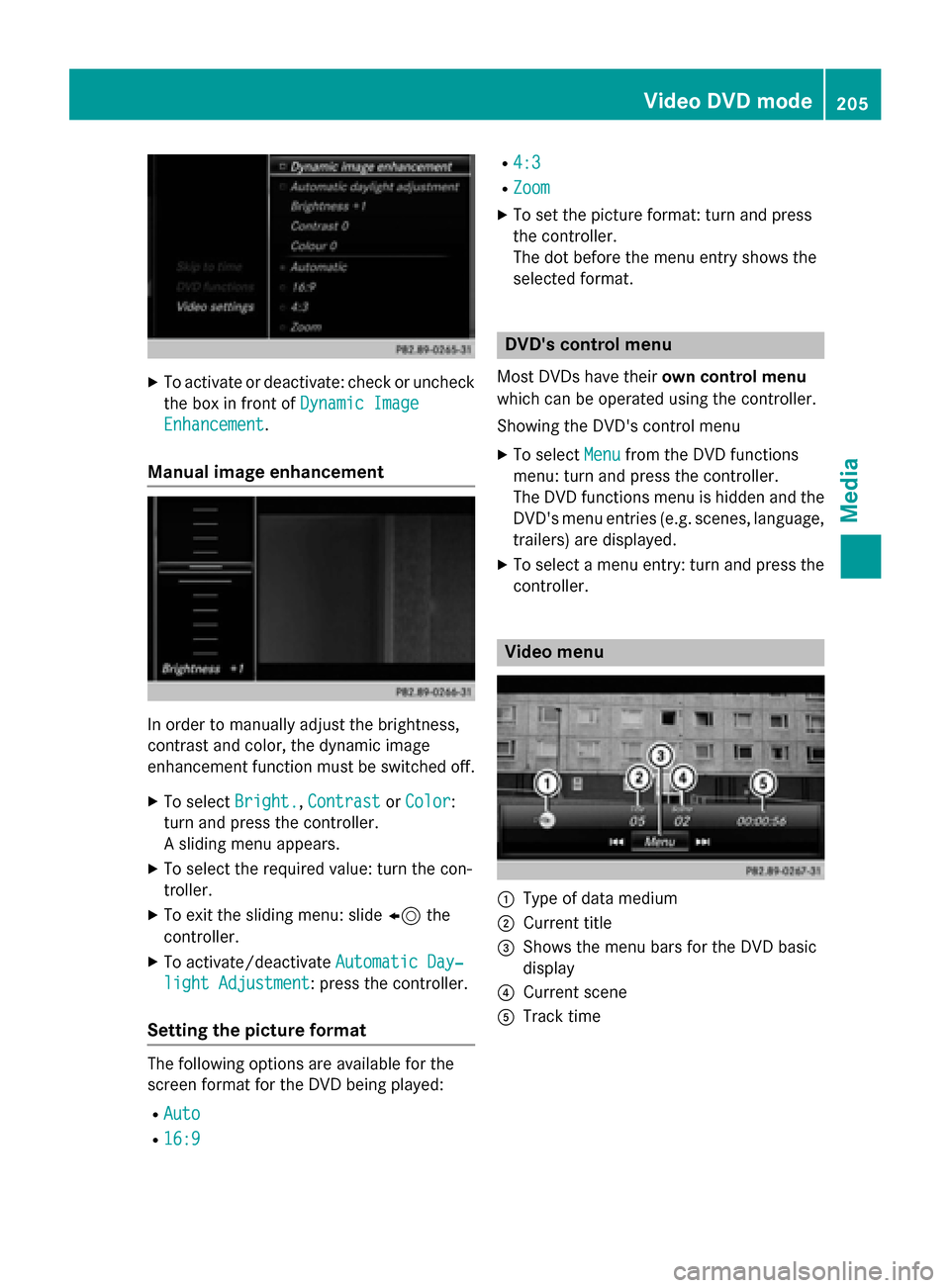
XTo activate or deactivate: check or uncheckthe box in front of Dynamic Image
Enhancement.
Manual image enhancement
In order to manually adjust the brightness,
contrast and color, the dynamic image
enhancement function must be switched off.
XTo selectBright.,Contrastor Color:
turn and press the controller.
A sliding menu appears.
XTo select the required value: turn the con-
troller.
XTo exit the sliding menu: slide 8the
controller.
XTo activate/deactivate Automatic Day‐
light Adjustment: press the controller.
Setting the picture format
The following options are available for the
screen format for the DVD being played:
RAuto
R16:9
R4:3
RZoom
XTo set the picture format: turn and press
the controller.
The dot before the menu entry shows the
selected format.
DVD's control menu
Most DVDs have theirown control menu
which can be operated using the controller.
Showing the DVD's control menu
XTo select Menufrom the DVD functions
menu: turn and press the controller.
The DVD functions menu is hidden and the
DVD's menu entries (e.g. scenes, language,
trailers) are displayed.
XTo select a menu entry: turn and press the
controller.
Video menu
:Type of data medium
;Current title
=Shows the menu bars for the DVD basic
display
?Current scene
ATrack time
Video DVD mode205
Media
Z
Page 208 of 226
Operating the video menu
XTo show: in full-screen video mode, slide
6the controller.
XTo hide: slide 5the controller.
XTo select the next or previous scene: turn
the controller clockwise/counter-clock-
wise.
XTo fast forward or rewind: slide 9or
8 and hold the controller until the
desired position has been reached.
XTo hide the video menu: slide 5the con-
troller.
XTo show the menu bars for the DVD basic
display: press the controller.
The video menu is hidden and the DVD
basic menu appears.
DVD functions
Showing/hiding the DVD functions
XTo show DVD functions: in full-screen
video mode, press the controller.
The DVD functions menu is shown.
XTo hide: in DVD functions select %: turn
and press the controller
XTo show the DVD basic display: select
ò from the DVD functions: turn and
press the controller.
Overview of DVD functions
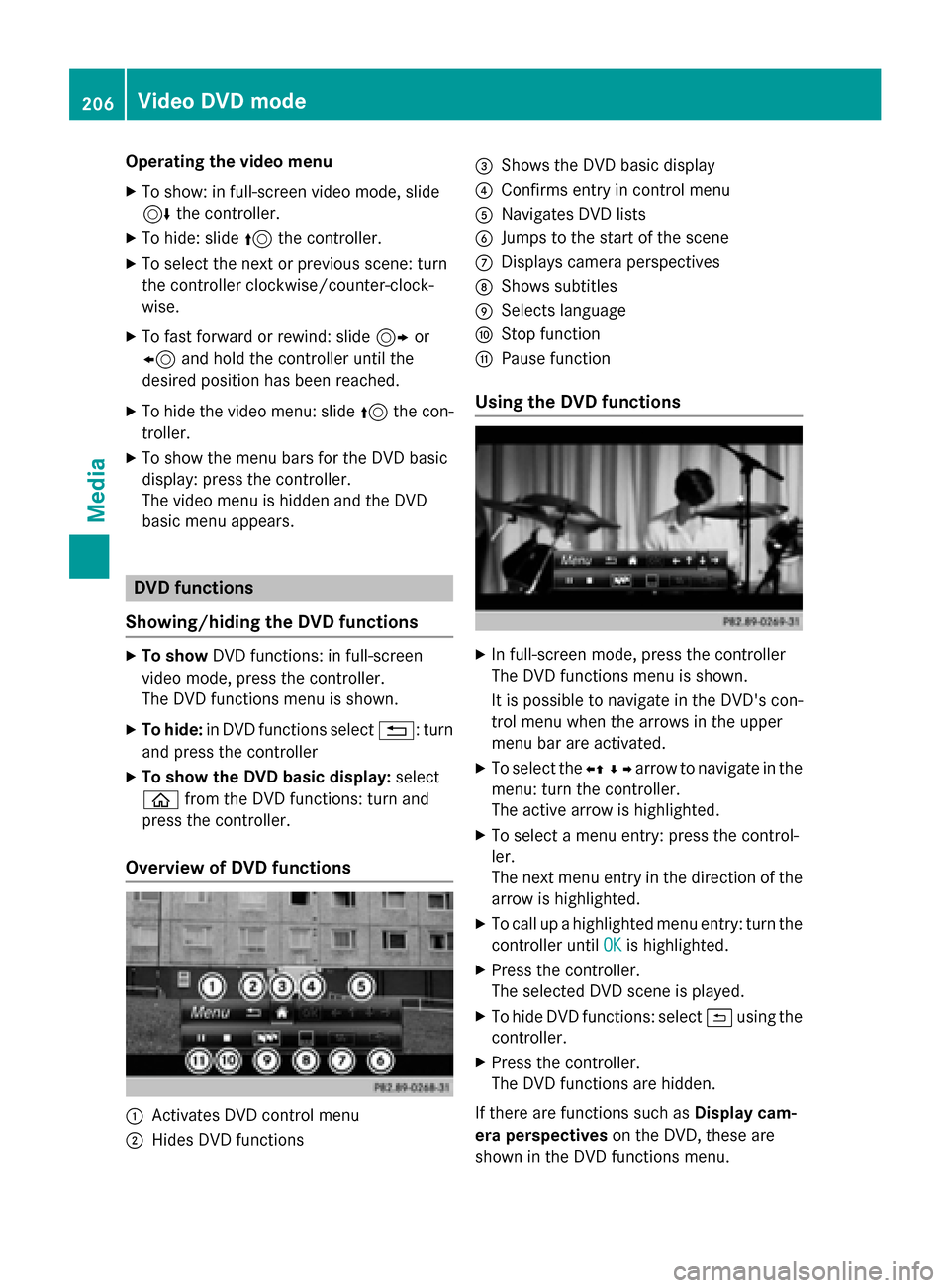
:Activates DVD control menu
;Hides DVD functions
=Shows the DVD basic display
?Confirms entry in control menu
ANavigates DVD lists
BJumps to the start of the scene
CDisplays camera perspectives
DShows subtitles
ESelects language
FStop function
GPause function
Using the DVD functions
XIn full-screen mode, press the controller
The DVD functions menu is shown.
It is possible to navigate in the DVD's con-
trol menu when the arrows in the upper
menu bar are activated.
XTo select the XZ¬Yarrow to navigate in the
menu: turn the controller.
The active arrow is highlighted.
XTo select a menu entry: press the control-
ler.
The next menu entry in the direction of the arrow is highlighted.
XTo call up a highlighted menu entry: turn the
controller until OK
is highlighted.
XPress the controller.
The selected DVD scene is played.
XTo hide DVD functions: select &using the
controller.
XPress the controller.
The DVD functions are hidden.
If there are functions such as Display cam-
era perspectives on the DVD, these are
shown in the DVD functions menu.
206Video DVD mode
Media