eco MERCEDES-BENZ C-Class 2012 W204 Comand Manual
[x] Cancel search | Manufacturer: MERCEDES-BENZ, Model Year: 2012, Model line: C-Class, Model: MERCEDES-BENZ C-Class 2012 W204Pages: 234, PDF Size: 6.74 MB
Page 227 of 234

be
possible toaccess thesettings from the
DVD menu.
X Press the9butt onon the remot econ trol
and show themenu.
X Select DVD-Video and
press the9
butt ononthe remot econ trolto con firm.
X Select DVDFuncti ons and
press the9
butt ontocon firm.
X Select Audio Language and
press the9
butt ontocon firm.
Am enu appears afterashort while. The
# dot infron tof an ent ryindicat esthe
curren tlyselect edlanguage.
X Select alanguage usingthe9:
button sand press the9button tocon firm.
X To exit themenu: pressthe=
or ; button . Subtit
lesand camer aangle
These functionsare not available onallDVD s.
The number ofsubtitle languages andcamera
angles available dependsonthe contentof
the DVD. Itma yal so be possi ble to acc ess
the setting sfro mthe DVD menu .
X Pre ssthe 9button onthe rem otecontr ol
and showthe menu .
X Sel ect DVD-Video and
pressthe 9
bu tton onthe rem otecontr olto conf irm.
X Sel ect DVD Functions and
pressthe 9
bu tton toconf irm.
X Sel ect Subtit les or
Cam era Angle and
pre ssthe 9button toconf irm.
In bo th cas es,a menu appe arsaf ter afew
se cond s.Th e# dotin fro ntofan entry
ind icates the curre ntsetting .
X Sel ect ase tting using the 9:
bu ttons andpressthe 9button toconf irm.
X To exitthe men u:pre ssthe =
or ; button. In
tera ctive conte nt
DVDs canalso conta ininte ractiv econte nt
(e .g. avide oga me) .Inavi deogame ,you may
be ableto influ ence events bysele cting and
triggeri ngactions. Thetype andnumber of
actions dependonthe DVD.
X Select anaction using the
9;:= buttonsonthe
remote controlandpress the9button to
execute it.
A menu appears andthefirst entry,
Select ,
is high lighted.
X Press the9button. Operation
with an active COMAND
sourc e Swi
tching thefunctio non/ offin
COMA ND
You cantransfer anaudio orvide osource
sele cted inCOMAND tothe RearSeat
En tert ainmen tSystem .
i Ifyou then switch modes inCOMAND ,the
new source willnotbetran smitt edtothe
Rear SeatEntert ainmen tSystem .
X To switch onthe function inCOMAND:
switch onthe desired audiomode in
COMAND ,e.g. CDmode (Ypage 157),or
show themenu invideo DVDmode
(Y page 188).
X Select themenu itematthe bott omleft,
e.g. CD in
audio CDmode, bysliding VÆ
and turningcVd theCOMAND controller
and press Wtocon firm.
Am enu appears. Opera
tionwith anactive COMAND source
225RearSeatEntert ainment System Z
Page 228 of 234
X
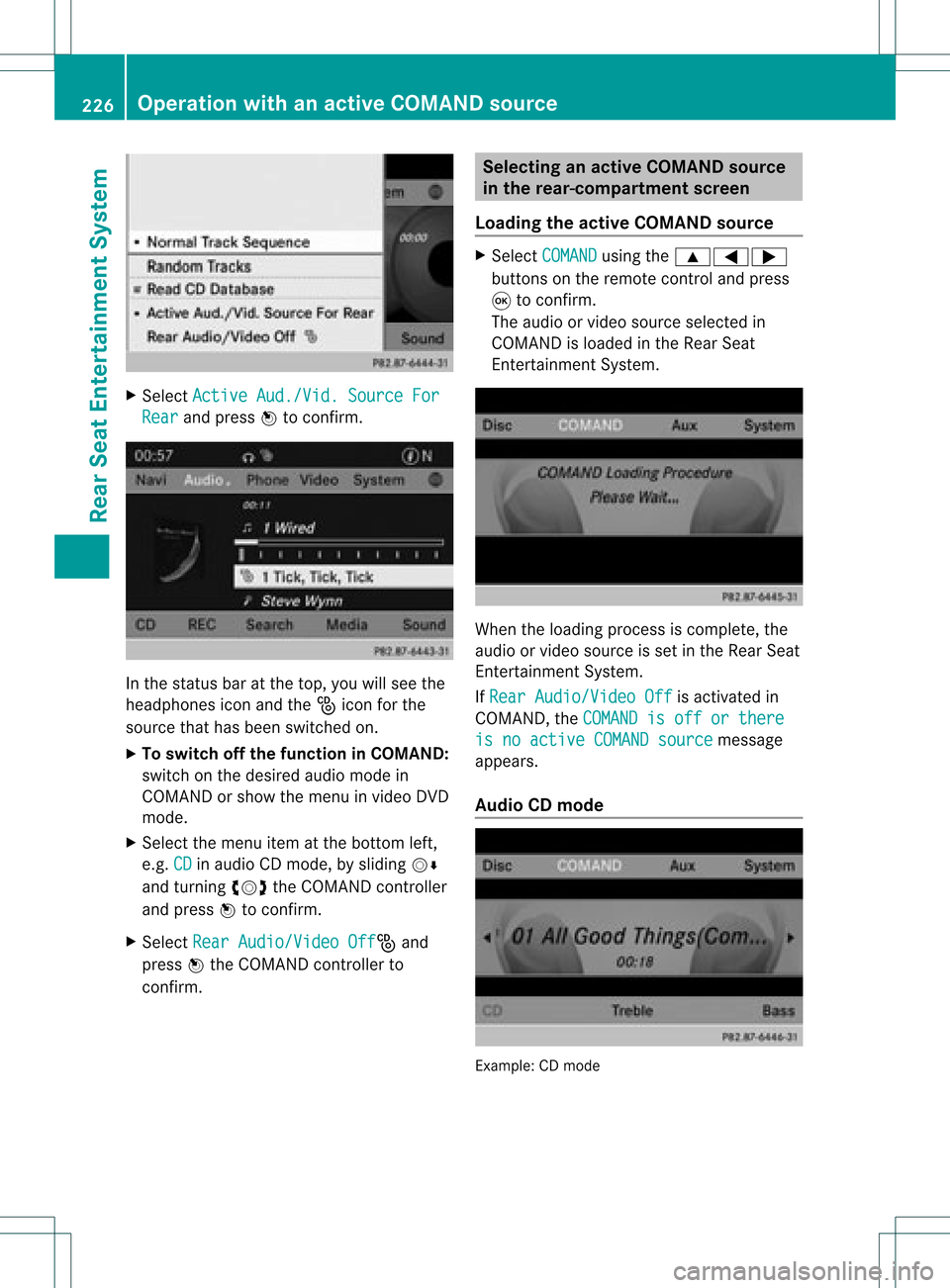
Sel ect Active Aud./Vid. Source For Rea
r and
pressW toconfi rm. In
the statu sba ra tthe top, youwillsee the
headphones iconandthe_icon forthe
source thathasbeen switched on.
X To switch offthe function inCOMAND:
switch onthe desired audiomode in
COMAND orshow themenu invideo DVD
mode.
X Select themenu itematthe bottom left,
e.g. CD in
audi oCD mode, bysliding VÆ
and turning cVdtheCOMAND controller
and press Wtoconfirm .
X Select RearAudio/Video Off _
and
press Wthe COMAND controller to
confirm . Selec
tinganactive COMAND source
in the rear- compart mentscreen
Loading theactive COMAND source X
Select COMAND using
the9=;
buttons onthe remote controland press
9 toconfirm .
The audi oor video source selected in
COMAND isloaded inthe Rear Seat
Ent ertainment System. When
theloading process iscomplete, the
audi oor video source isset inthe Rear Seat
Ent ertainment System.
If Rear Audio/Video Off is
activated in
COMAND, theCOMAND isoff orthere is
noactive COMANDsource message
appea rs.
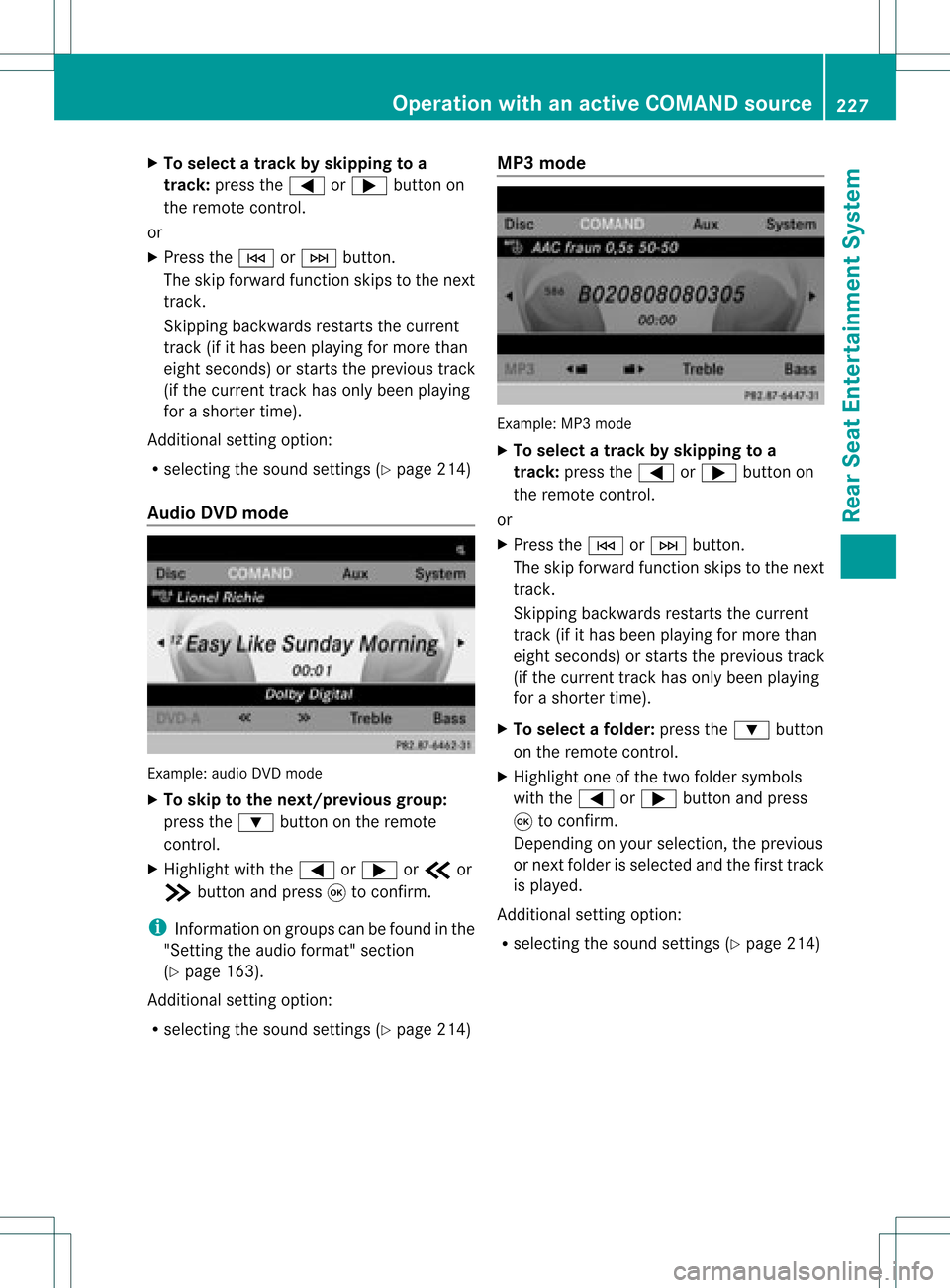
Audio CDmode Example:
CDmode 226
Operat
ionwith anactive COMAND sourceRearSeatEnterta inment System
Page 229 of 234
X
To select atrack byskippin gto a
track :pre ssthe = or; button on
the rem otecontro l.
or
X Pre ssthe E orF button.
The skipforw ardfu nctio nskip sto the next
tra ck.
Skip ping backwa rdsrestartsthe current
tra ck (ifi th as been playin gfor mor eth an
eigh tsecon ds)orstart sthe previous track
(if the curren ttrack hasonly been playing
for ashorter time).
Additio nalsetting option:
R sele cting thesound settings (Y pag e214)
Audio DVDmode Example
:audio DVDm ode
X To skip tothe next/previous group:
press the: button onthe remote
cont rol.
X Highlight withthe= or; orb or
c button andpress 9toconf irm.
i Infor mation ongroups canbefound inthe
"Sett ingthe audio format" section
(Y page 163).
Additional settingoption:
R selecting thesound settings (Ypage 214) MP3
mode Example:
MP3mode
X To selec ta track byskipping toa
tr ack: press the= or; button on
the remote control.
or
X Press theE orF button .
The skip forward functionskips tothe next
track .
Skipping backwards restartsthe current
track (ifithas been playingformore than
eight seconds) orstart sthe previous track
(if the current trackhasonly been playing
for ashorter time).
X To selec tafolder :pres sth e: button
on therem otecon trol.
X High light oneofthetwo folde rsymbo ls
wit hth e= or; buttona nd pre ss
9 toconfi rm.
Dep endingonyour sel ecti on, the previous
or next folderisselected andthefirst track
is play ed.
Additional settingoption:
R selecting thesound settings (Ypage 214) Operat
ionwith anactive COMAND source
227RearSeatEntertainm entSystem Z
Page 230 of 234
Vide
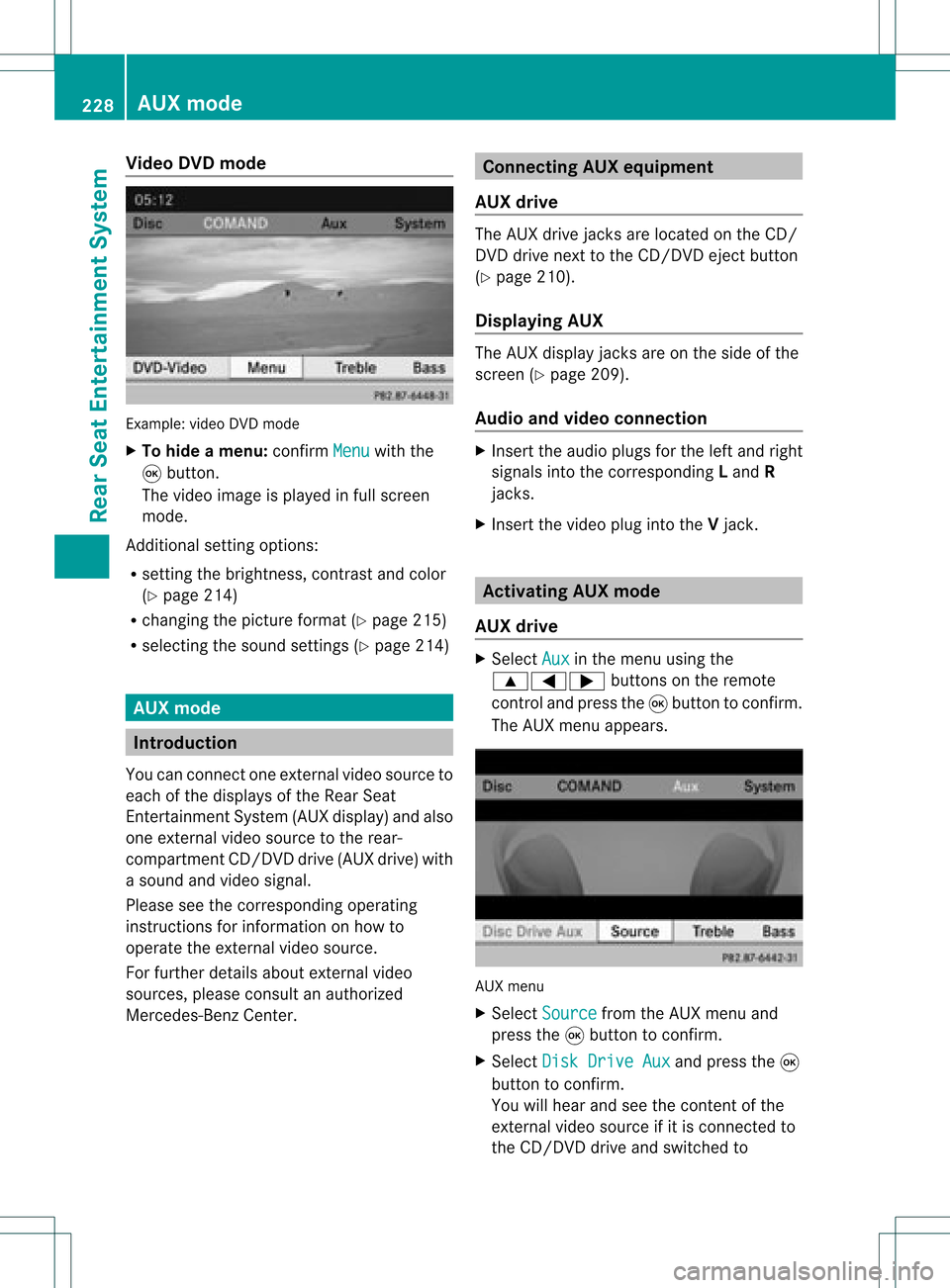
oDVD mode Examp
le:vid eo DVD mode
X To hide amen u:confi rmMen u wi
th the
9 button.
The video ima geisplay ed inful lscre en
mod e.
Add itiona lsetti ngoptio ns:
R setti ngthe brightne ss,contra stand color
(Y page 214)
R cha nging the pictur eform at(Y pa ge 215)
R sel ecti ngthe soundsetti ngs(Y pa ge 214) AU
Xmode In
troduc tion
Yo ucan conne ctone exter nalvideo sou rce to
ea ch ofthe displ aysof the Rear Sea t
Enterta inmentSys tem (AUX displ ay)and also
one exter nalvideo sou rce tothe rear-
comp artment CD/DV Ddri ve (AUX drive) with
a sou ndand video signa l.
Pl ea se see thecorre sponding opera ting
ins truc tions for info rma tionon how to
op era tethe exter nalvideo sou rce.
For further detai lsab ou te xterna lvid eo
sou rces ,pl ea se consu ltan author ized
Mer cedes-B enzCenter. Co
nnectin gAU Xequi pmen t
AU Xdriv e The
AUX drive jacks arelocate don the CD/
DVD drive next tothe CD/DV Deje ctbutton
(Y page 210) .
Di spl aying AUX The
AUX displ ayjacks areon the side ofthe
scre en(Ypage 209) .
Au dio and video conn ectio n X
Inse rtthe audio plug sfor the left and right
si gna lsinto thecorr espond ingLand R
jacks .
X Inse rtthe video plug into theVjack. Ac
tiv atin gAU Xmode
AU Xdriv e X
Sel ect Aux in
the menu using the
9=; buttons onthe rem ote
contro land pressthe 9button toconfi rm.
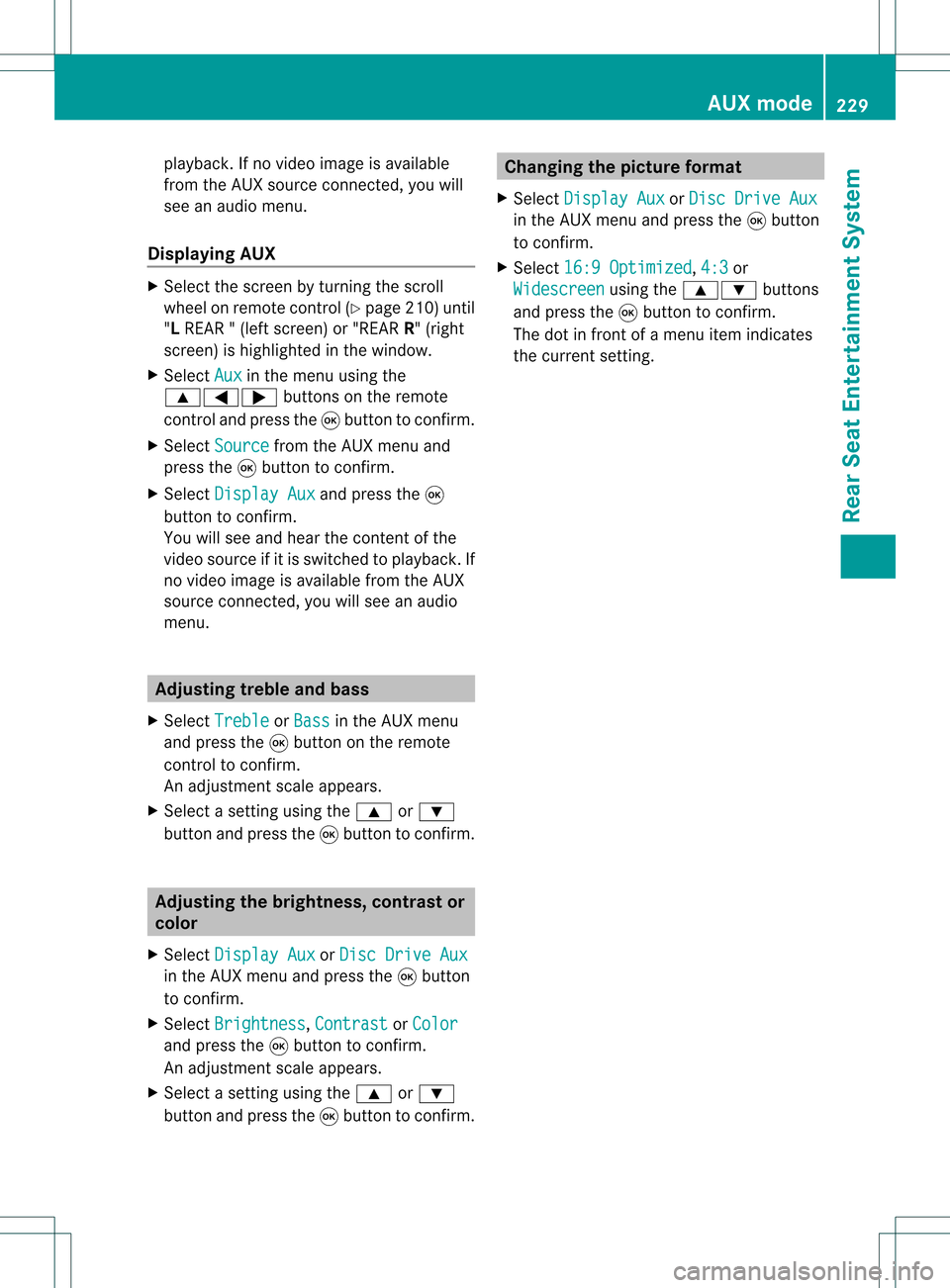
The AUX menu appe ars. AUX
menu
X Sel ect Source from
theAUX menu and
pre ssthe 9button toconfi rm.
X Sel ect DiskDri veAux and
pressthe 9
bu tton toconfi rm.
Yo uwi llhea rand see theconte ntofthe
exte rnalvid eo sou rce ifit is conne ctedto
the CD/DV Ddri ve and switch edto 22
8 AU
XmodeRear Seat Entertai nmentSys tem
Page 231 of 234
playback.
Ifno video image isavailable
from theAUX source connected, youwill
see anaudio menu.
Displaying AUX X
Select thescre enbyturn ingthe scro ll
wheel onremot econ trol(Y page 210)until
"L REAR "(left scre en)or"REAR R"(right
scre en)ishighl ighted inthe windo w.
X Sel ect Aux in
the menu using the
9=; buttons onthe rem ote
contro land pressthe 9button toconfi rm.
X Sel ect Source from
theAUX menu and
pre ssthe 9button toconfi rm.
X Sel ect Displa yAux and
pressthe 9
bu tton toconfi rm.
Yo uwi llsee and hearthe cont entofthe
video source ifit is switched toplay back. If
no video image isavaila blefrom theAUX
source connected, youwillsee anaudi o
menu. Adjust
ingtreble andbass
X Select Treble or
Bass in
the AUX menu
and press the9button onthe remote
cont roltoconfirm .
An adjustment scaleappea rs.
X Select asettin gusing the9 or:
button andpress the9button toconfirm . Adjust
ingthe brightness, contrastor
colo r
X Select Display Aux or
Disc Drive Aux in
the AUX menu andpress the9button
to confirm .
X Select Brightness ,
Contrast or
Color and
press the9button toconfirm .
An adjustment scaleappea rs.
X Select asettin gusing the9 or:
button andpress the9button toconfirm . Changing
thepicture format
X Select Display Aux or
Disc Drive Aux in
the AUX menu andpress the9button
to confirm .
X Select 16:9Optimized ,
4:3 or
Widescreen using
the9: buttons
and press the9button toconfirm .
The dotinfront ofamenu itemindicates
the current setting. AUX
mode
229RearSeatEnterta inment System Z