car play MERCEDES-BENZ C CLASS 2018 Owners Manual
[x] Cancel search | Manufacturer: MERCEDES-BENZ, Model Year: 2018, Model line: C CLASS, Model: MERCEDES-BENZ C CLASS 2018Pages: 370, PDF Size: 6.25 MB
Page 4 of 370
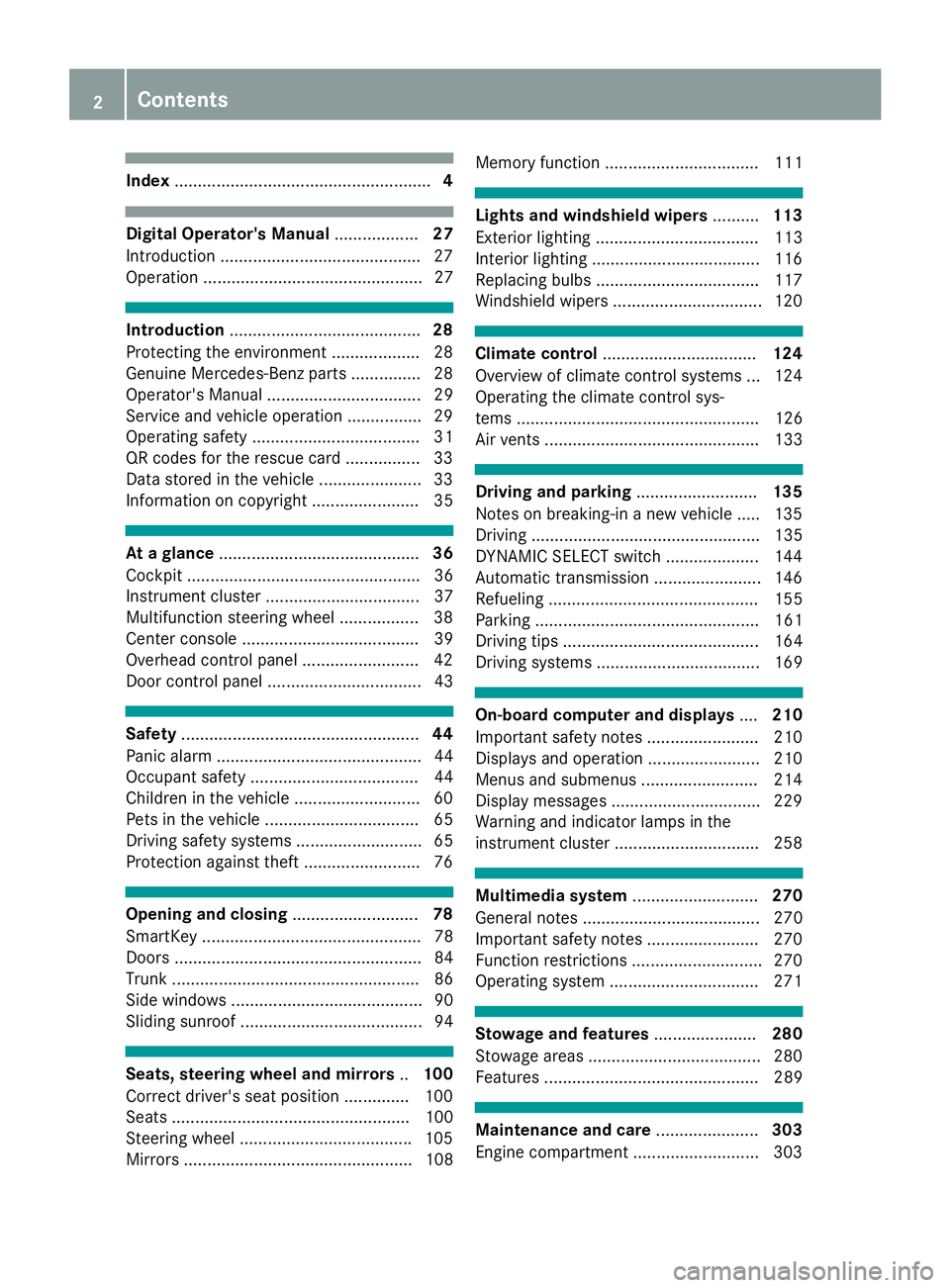
Index....................................................... 4
Digital Operator's Manual..................27
Introduction .......................................... .27
Operation ............................................... 27
Introduction ......................................... 28
Protecting the environment ...................2 8
Genuine Mercedes-Benz parts .............. .28
Operator's Manual ................................. 29
Service and vehicle operation ................2 9
Operating safety .................................... 31
QR codes for the rescue card ................3 3
Data stored in the vehicle ...................... 33
Information on copyright ....................... 35
At a glance ........................................... 36
Cockpit .................................................. 36
Instrument cluster ................................. 37
Multifunction steering wheel ................. 38
Center console ...................................... 39
Overhead control panel .........................4 2
Door control panel ................................. 43
Safety ................................................... 44
Panic alarm ............................................ 44
Occupant safety .................................... 44
Children in the vehicle ........................... 60
Pets in the vehicle ................................. 65
Driving safety systems ........................... 65
Protection against theft .........................7 6
Opening and closing...........................78
SmartKey ............................................... 78
Doors ..................................................... 84
Trunk ..................................................... 86
Side windows ......................................... 90
Sliding sunroof ....................................... 94
Seats, steering wheel and mirrors ..100
Correct driver's seat position .............. 100
Seats ................................................... 100
Steering wheel .................................... .105
Mirrors ................................................. 108 Memory function ................................. 111
Lights and windshield wipers
..........113
Exterior lighting ................................... 113
Interior lighting ....................................1 16
Replacing bulbs ................................... 117
Windshield wipers ................................ 120
Climate control ................................. 124
Overview of climate control systems ... 124
Operating the climate control sys-
tems .................................................... 126
Air vents .............................................. 133
Driving and parking ..........................135
Notes on breaking-in a new vehicle ..... 135
Driving ................................................. 135
DYNAMIC SELECT switch .................... 144
Automatic transmission ....................... 146
Refueling ............................................. 155
Parking ................................................ 161
Driving tips .......................................... 164
Driving systems ................................... 169
On-board computer and displays ....210
Important safety notes ........................ 210
Displays and operation ........................ 210
Menus and submenus ......................... 214
Display messages ................................ 229
Warning and indicator lamps in the
instrument cluster ............................... 258
Multimedia system ...........................270
General notes ...................................... 270
Important safety notes ........................ 270
Function restrictions ............................ 270
Operating system ................................ 271
Stowage and features ......................280
Stowage areas ..................................... 280
Features .............................................. 289
Maintenance and care ......................303
Engine compartment ........................... 303
2Contents
Page 7 of 370
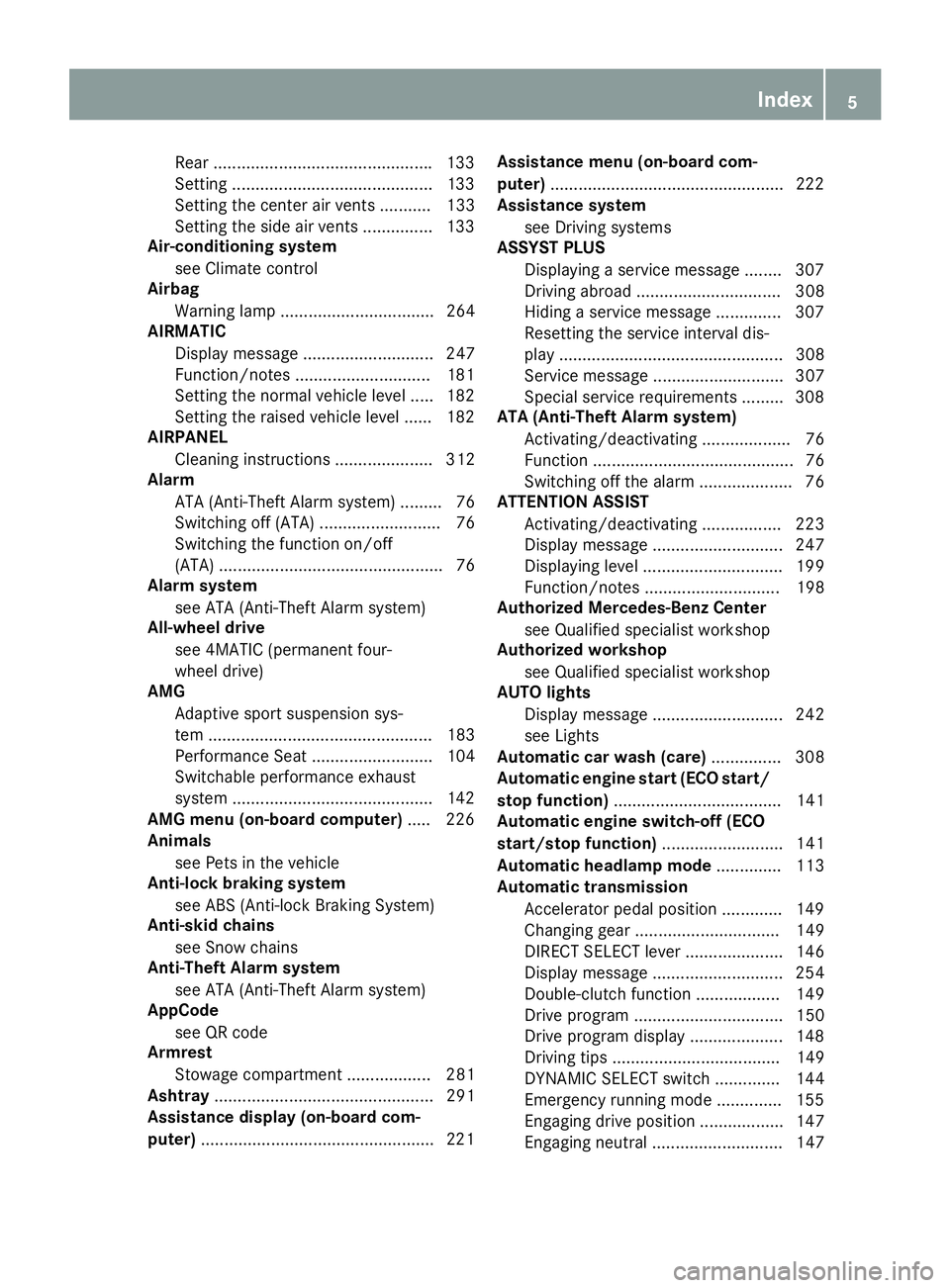
Rear ...............................................133
Setting ...........................................1 33
Setting the center air vents ........... 133
Setting the side air vents ...............1 33
Air-conditioning system
see Climate control
Airbag
Warning lamp ................................. 264
AIRMATIC
Display message ............................ 247
Function/notes .............................1 81
Setting the normal vehicle level ..... 182
Setting the raised vehicle level ...... 182
AIRPANEL
Cleaning instructions ..................... 312
Alarm
ATA (Anti-Theft Alarm system) ......... 76
Switching off (ATA) .......................... 76
Switching the function on/off
(ATA) ................................................ 76
Alarm system
see ATA (Anti-Theft Alarm system)
All-wheel drive
see 4MATIC (permanent four-
wheel drive)
AMG
Adaptive sport suspension sys-
tem ................................................ 183
Performance Seat .......................... 104
Switchable performance exhaust
system ...........................................1 42
AMG menu (on-board computer) ..... 226
Animals
see Pets in the vehicle
Anti-lock braking system
see ABS (Anti-lock Braking System)
Anti-skid chains
see Snow chains
Anti-Theft Alarm system
see ATA (Anti-Theft Alarm system)
AppCode
see QR code
Armrest
Stowage compartment .................. 281
Ashtray ............................................... 291
Assistance display (on-board com-
puter) ..................................................2 21Assistance menu (on-board com-
puter)
..................................................2 22
Assistance system
see Driving systems
ASSYST PLUS
Displaying a service message ........3 07
Driving abroad ............................... 308
Hiding a service message .............. 307
Resetting the service interval dis-
play ................................................ 308
Service message ............................ 307
Spe cial se
rvice requirements ......... 308
ATA (Anti-Theft Alarm system)
Activating/deactivating ................... 76
Function ........................................... 76
Switching off the alarm .................... 76
ATTENTION ASSIST
Activating/deactivating ................. 223
Display message ............................ 247
Displaying level .............................. 199
Function/notes ............................. 198
Authorized Mercedes-Benz Center
see Qualified specialist workshop
Authorized workshop
see Qualified specialist workshop
AUTO lights
Display message ............................ 242
see Lights
Automatic car wash (care) ............... 308
Automatic engine start (ECO start/
stop function) .................................... 141
Automatic engine switch-off (ECO
start/stop function) .......................... 141
Automatic headlamp mode .............. 113
Automatic transmission
Accelerator pedal position ............. 149
Changing gear ............................... 149
DIRECT SELECT lever ..................... 146
Display message ............................ 254
Double-clutch function .................. 149
Drive program ................................ 150
Drive program display .................... 148
Driving tips .................................... 149
DYNAMIC SELECT switch .............. 144
Emergency running mode .............. 155
Engaging drive position .................. 147
Engaging neutral ............................ 147
Index5
Page 9 of 370
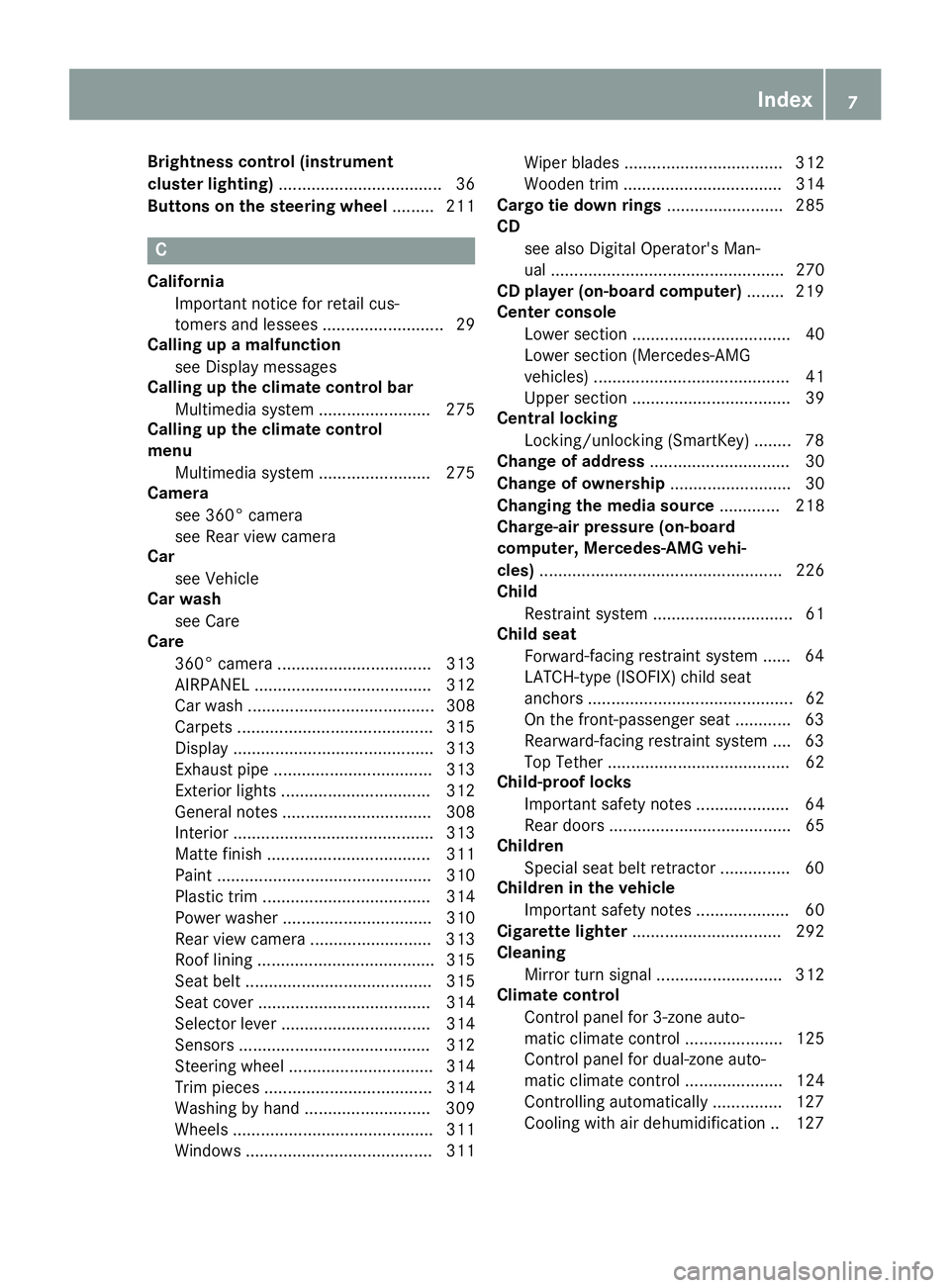
Brightness control (instrument
cluster lighting)................................... 36
Buttons on the steering wheel ......... 211
C
California
Important notice for retail cus-
tomers and lessees .......................... 29
Calling up a malfunction
see Display messages
Calling up the climate control bar
Multimedia system ........................ 275
Calling up the climate control
menu
Multimedia system ........................ 275
Camera
see 360° camera
see Rear view camera
Car
see Vehicle
Car wash
see Care
Care
360° camera ................................. 313
AIRPANEL ...................................... 312
Car wash ........................................ 308
Carpets .......................................... 315
Display ........................................... 313
Exhaust pipe .................................. 313
Exterior lights ................................ 312
General notes ................................ 308
Interior ........................................... 313
Matte finish ................................... 311
Paint .............................................. 310
Plastic trim .................................... 314
Power washer ................................ 310
Rear view camera .......................... 313
Roof lining ...................................... 315
Seat belt ........................................ 315
Seat cover ..................................... 314
Selector lever ................................ 314
Sensors ......................................... 312
Steering wheel ............................... 314
Trim pieces .................................... 314
Washing by hand ........................... 309
Wheels ........................................... 311
Windows ........................................ 311 Wiper blades .................................. 312
Wooden trim .................................. 314
Cargo tie down rings ......................... 285
CD
see also Digital Operator's Man-
ual .................................................. 270
CD player (on-board computer) ........ 219
Center console
Lower section .................................. 40
Lower section (Mercedes-AMG
vehicles) .......................................... 41
Upper section .................................. 39
Central locking
Locking/unlocking (SmartKey) ........ 78
Change of address .............................. 30
Change of ownership .......................... 30
Changing the media source ............. 218
Charge-air pressure (on-board
computer, Mercedes-AMG vehi-
cles) .................................................... 226
Child
Restraint system .............................. 61
Child seat
Forward -facing re
straint system ...... 64
LATCH-type (ISOFIX) child seat
anchors ............................................ 62
On the front-passenger seat ............ 63
Rearward-facing restraint system .... 63
Top Tether ....................................... 62
Child-proof locks
Important safety notes .................... 64
Rear doors ....................................... 65
Children
Special seat belt retractor ............... 60
Children in the vehicle
Important safety notes .................... 60
Cigarette lighter ................................ 292
Cleaning
Mirror turn signal ........................... 312
Climate control
Control panel for 3-zone auto-
matic climate control ..................... 125
Control panel for dual-zone auto-
matic climate control ..................... 124
Controlling automatically ............... 127
Cooling with air dehumidification .. 127
Index7
Page 11 of 370
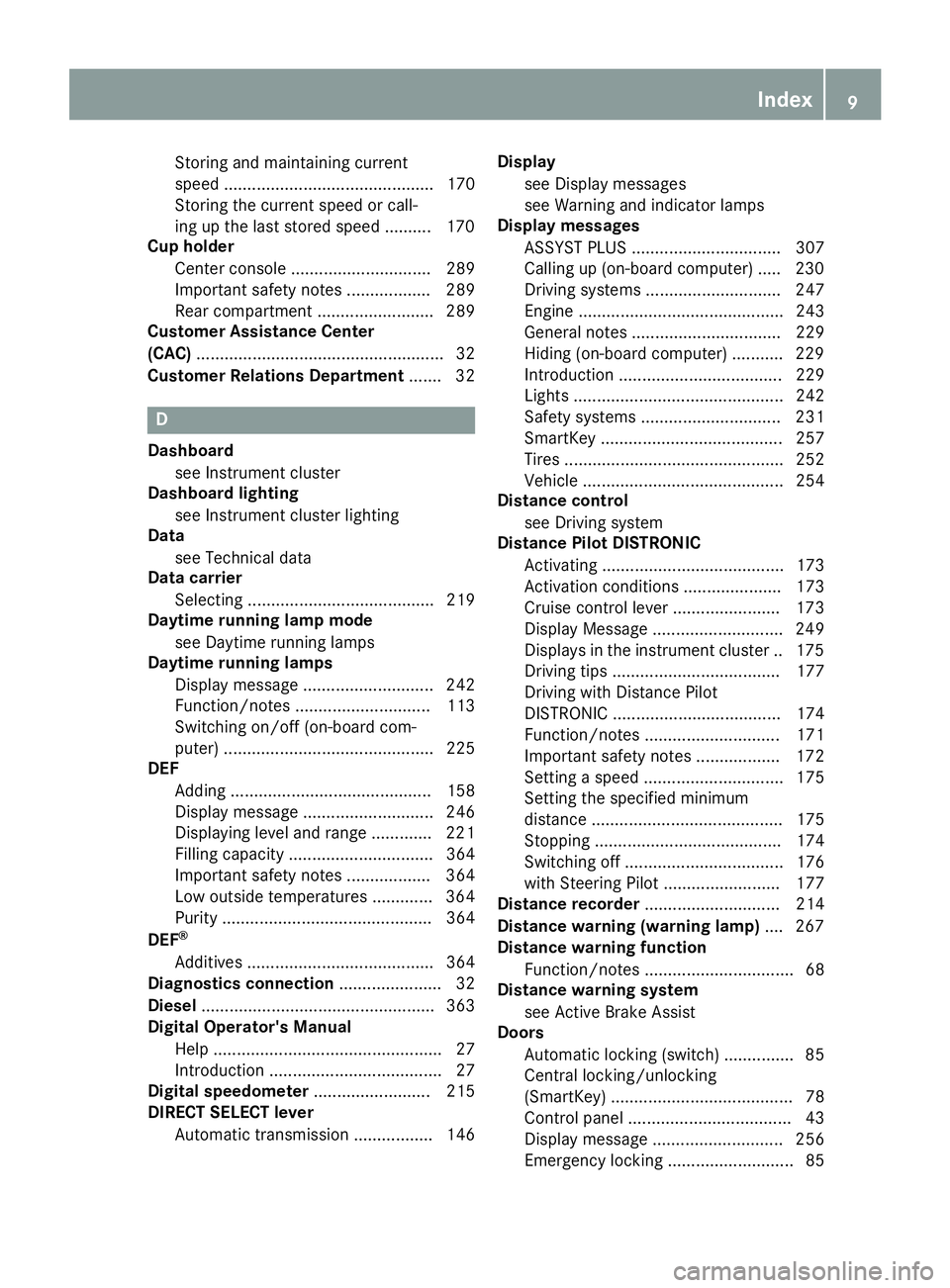
Storing and maintaining current
speed ............................................. 170
Storing the current speed or call-
ing up the last stored speed .......... 170
Cup holder
Center console .............................. 289
Important safety notes .................. 289
Rear compartment ......................... 289
Customer Assistance Center
(CAC) ..................................................... 32
Customer Relations Department ....... 32
D
Dashboard
see Instrument cluster
Dashboard lighting
see Instrument cluster lighting
Data
see Technical data
Data carrier
Selecting ........................................ 219
Daytime running lamp mode
see Daytime running lamps
Daytime running lamps
Display message ............................ 242
Function/notes ............................. 113
Switching on/off (on-board com-
puter) ............................................. 225
DEF
Adding ........................................... 158
Display message ............................ 246
Displaying level and range ............. 221
Filling capacity ............................... 364
Important safety notes .................. 364
Low outside temperatures ............. 364
Purity ............................................. 364
DEF
®
Additives ........................................ 364
Diagnostics connection ...................... 32
Diesel .................................................. 363
Digital Operator's Manual
Help ................................................. 27
Introduction ..................................... 27
Digital speedometer ......................... 215
DIRECT SELECT lever
Automatic transmission ................. 146 Display
see Display messages
see Warning and indicator lamps
Display messages
ASSYST PLUS ................................ 307
Calling up (on-board computer) ..... 230
Driving systems ............................. 247
Engine ............................................ 243
General notes ................................ 229
Hiding (on-board computer) ........... 229
Introduction ................................... 229
Lights ............................................. 242
Safety systems .............................. 231
SmartKey ....................................... 257
Tires ............................................... 252
Vehicle ........................................... 254
Distance control
see Driving system
Distance Pilot DISTRONIC
Activating ....................................... 173
Activation conditions ..................... 173
Cruise control lever ....................... 173
Display Message ............................ 249
Displays in the instrument cluster .. 175
Driving tips .................................... 177
Driving with Distance Pilot
DISTRONIC .................................... 174
Function/notes ............................. 171
Important safety notes .................. 172
Setting a speed .............................. 175
Setting the spe cifie
d minimum
distance ......................................... 175
Stopping ........................................ 174
Switching off .................................. 176
with Steering Pilot ......................... 177
Distance recorder ............................. 214
Distance warning (warning lamp) .... 267
Distance warning function
Function/notes ................................ 68
Distance warning system
see Active Brake Assist
Doors
Automatic locking (switch) ............... 85
Central locking/unlocking
(SmartKey) ....................................... 78
Control panel ................................... 43
Display message ............................ 256
Emergency locking ........................... 85
Index9
Page 17 of 370
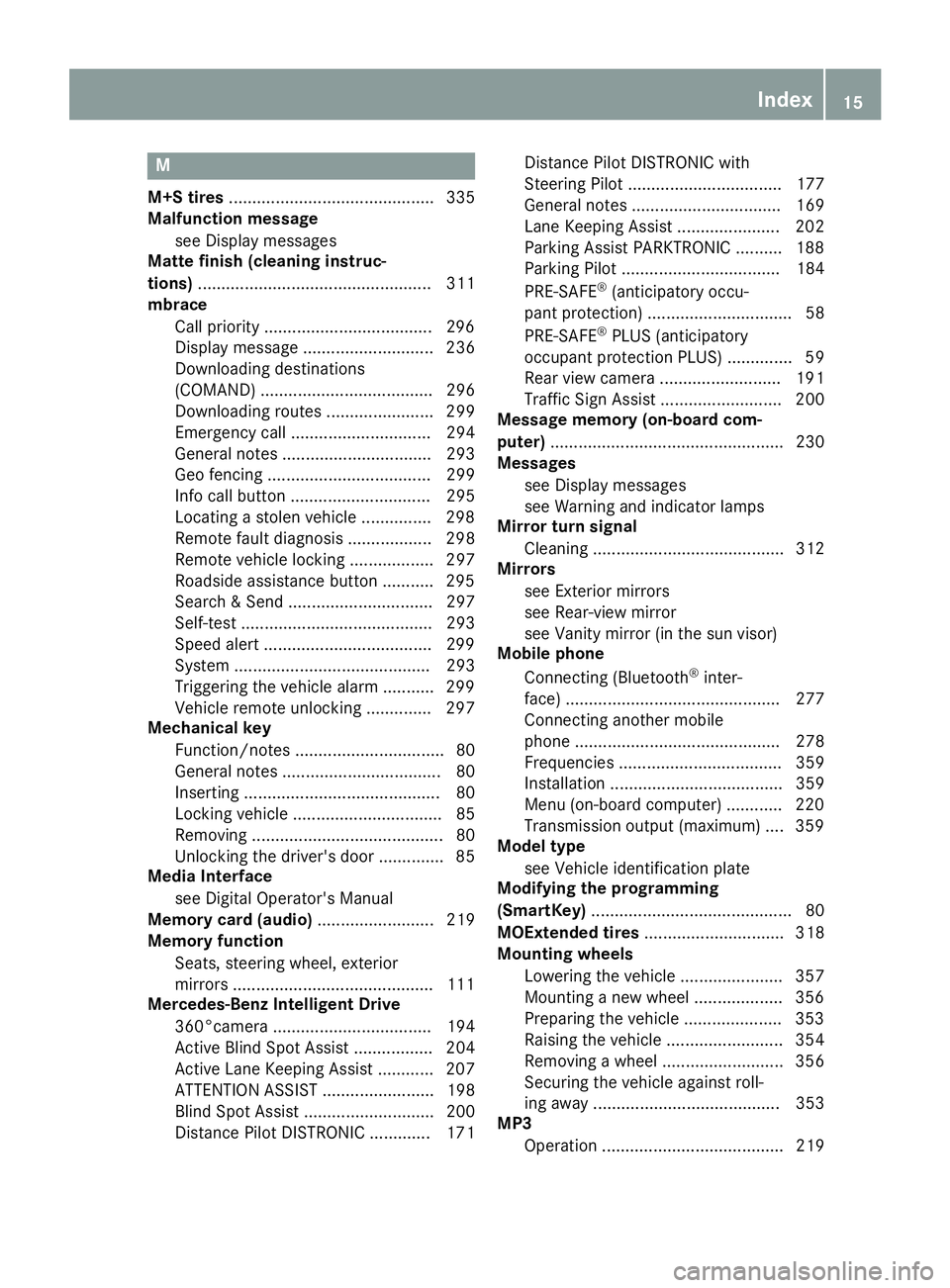
M
M+S tires............................................ 335
Malfunction message
see Display messages
Matte finish (cleaning instruc-
tions) .................................................. 311
mbrace
Call priority ....................................2 96
Display message ............................ 236
Downloading destinations
(COMAND) ..................................... 296
Downloading routes ....................... 299
Emergency call .............................. 294
General notes ................................ 293
Geo fencing ................................... 299
Info call button .............................. 295
Locating a stolen vehicle ...............2 98
Remote fault diagnosis .................. 298
Remote vehicle locking .................. 297
Roadside assistance button ........... 295
Search & Send ............................... 297
Self-test ......................................... 293
Speed alert ....................................2 99
System .......................................... 293
Triggering the vehicle alarm ........... 299
Vehicle remote unlocking .............. 297
Mechanical key
Function/notes ................................ 80
General notes .................................. 80
Inserting .......................................... 80
Locking vehicle ................................ 85
Removing ......................................... 80
Unlocking the driver's door .............. 85
Media Interface
see Digital Operator's Manual
Memory card (audio) ......................... 219
Memory function
Seats, steering wheel, exterior
mirrors ...........................................1 11
Mercedes-Benz Intelligent Drive
360°camera .................................. 194
Active Blind Spot Assist ................. 204
Active Lane Keeping Assist ............ 207
ATTENTION ASSIST ........................ 198
Blind Spot Assist ............................ 200
Distance Pilot DISTRONIC ............. 171 Distance Pilot DISTRONIC with
Steering Pilot ................................. 177
General notes ................................ 169
Lane Keeping Assist ...................... 202
Parking Assist PAR
KTRONIC .......... 188
P
arking Pilot .................................. 184
PRE-SAFE
®(anticipatory occu-
pant protection) ............................... 58
PRE-SAFE
®PLUS (anticipatory
occupant protection PLUS) .............. 59
Rear view camera .......................... 191
Traffic Sign Assist .......................... 200
Message memory (on-board com-
puter) .................................................. 230
Messages
see Display messages
see Warning and indicator lamps
Mirror turn signal
Cleaning ......................................... 312
Mirrors
see Exterior mirrors
see Rear-view mirror
see Vanity mirror (in the sun visor)
Mobile phone
Connecting (Bluetooth
®inter-
face) .............................................. 277
Connecting another mobile
phone ............................................ 278
Frequencies ................................... 359
Installation ..................................... 359
Menu (on-board computer) ............ 220
Transmission output (maximum) .... 359
Model type
see Vehicle identification plate
Modifying the programming
(SmartKey) ........................................... 80
MOExtended tires .............................. 318
Mounting wheels
Lowering the vehicle ...................... 357
Mounting a new wheel ................... 356
Preparing the vehicle ..................... 353
Raising the vehicle ......................... 354
Removing a wheel .......................... 356
Securing the vehicle against roll-
ing away ........................................ 353
MP3
Operation ....................................... 219
Index15
Page 20 of 370
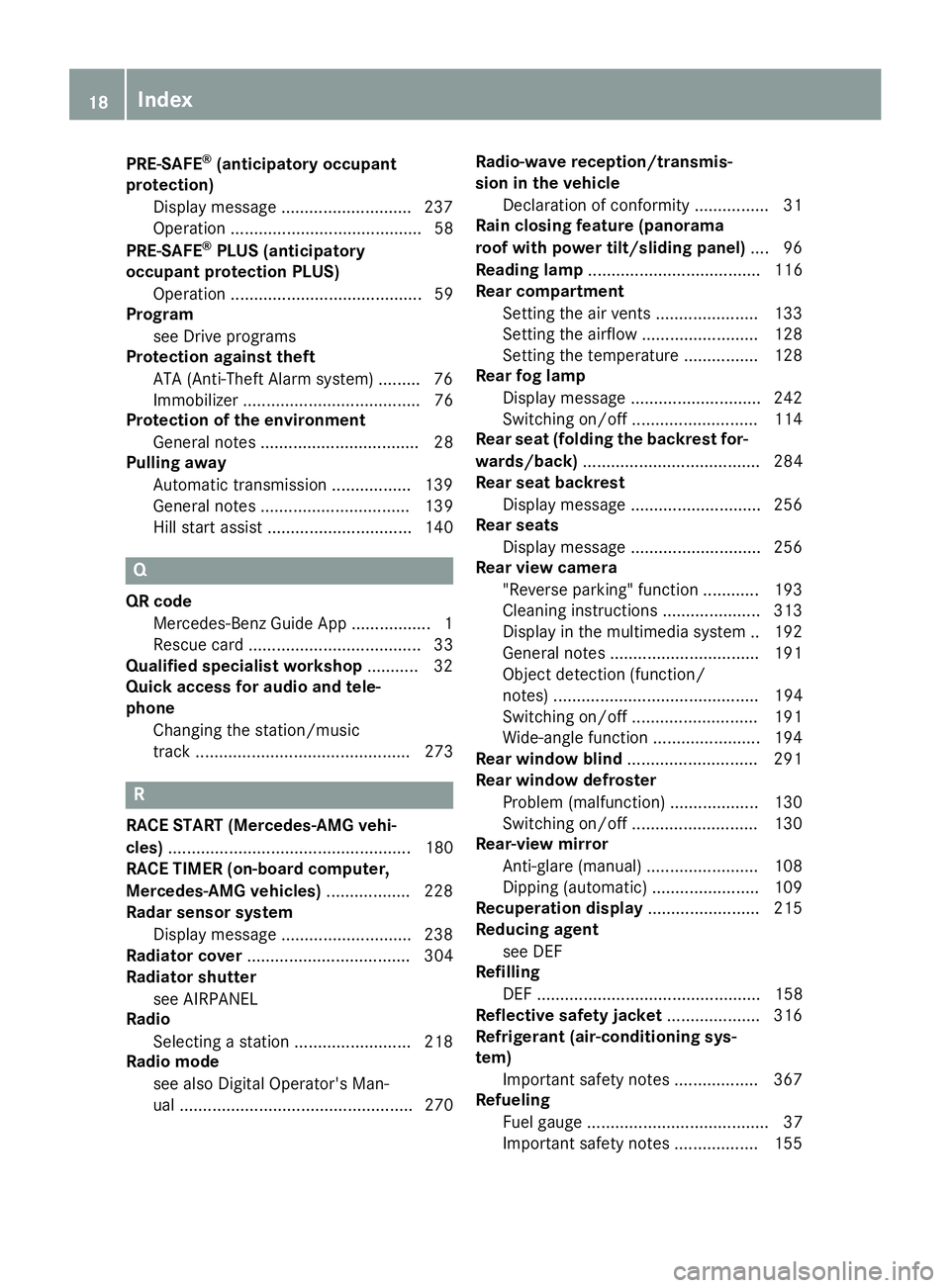
PRE-SAFE®(anticipatory occupant
protection)
Display message ............................2 37
Operation ......................................... 58
PRE-SAFE
®PLUS (anticipatory
occupant protection PLUS)
Operation ......................................... 59
Program
see Drive programs
Protection against theft
ATA (Anti-Theft Alarm system) ......... 76
Immobilizer ...................................... 76
Protection of the environment
General notes .................................. 28
Pulling away
Automatic transmission ................. 139
General notes ................................ 139
Hill start assist ............................... 140
Q
QR codeMercedes-Benz Guide App ................. 1
Rescue card ..................................... 33
Qualified specialist workshop ........... 32
Quick access for audio and tele-
phone
Changing the station/music
track .............................................. 273
R
RACE START (Mercedes-AMG vehi-
cles) .................................................... 180
RACE TIMER (on-board computer,
Mercedes-AMG vehicles) .................. 228
Radar sensor system
Display message ............................ 238
Radiator cover ................................... 304
Radiator shutter
see AIRPANEL
Radio
Selecting a station ......................... 218
Radio mode
see also Digital Operator's Man-
ual .................................................. 270 Radio-wave reception/transmis-
sion in the vehicle
Declaration of conformity ................ 31
Rain closing feature (panorama
roof with power tilt/sliding panel) .... 96
Reading lamp ..................................... 116
Rear compartment
Setting the air vents ...................... 133
Setting the airflow ......................... 128
Setting the temperature ................ 128
Rear fog lamp
Display message ............................ 242
Switching on/off ........................... 114
Rear seat (folding the backrest for-
wards/back) ...................................... 284
Rear seat backrest
Display message ............................ 256
Rear seats
Display message ............................ 256
Rear view camera
"Reverse parking" function ............ 193
Cleaning instructions ..................... 313
Display in the multimedia system .. 192
General notes ................................ 191
Object detection (function/
notes) ............................................ 194
Switching on/off ........................... 191
Wide-angle function ....................... 194
Rear window blind ............................ 291
Rear window defroster
Problem (malfunction) ................... 130
Switching on/off ........................... 130
Rear-view mirror
Anti-glare (manual) ........................ 108
Dipping (automatic) ....................... 109
Recuperation display ........................ 215
Reducing agent
see DEF
Refilling
DEF ................................................ 158
Reflective safety jacket .................... 316
Refrigerant (air-conditioning sys-
tem)
Important safety notes .................. 367
Refueling
Fuel g
auge ....................................... 37
Important safety notes .................. 155
18Index
Page 21 of 370
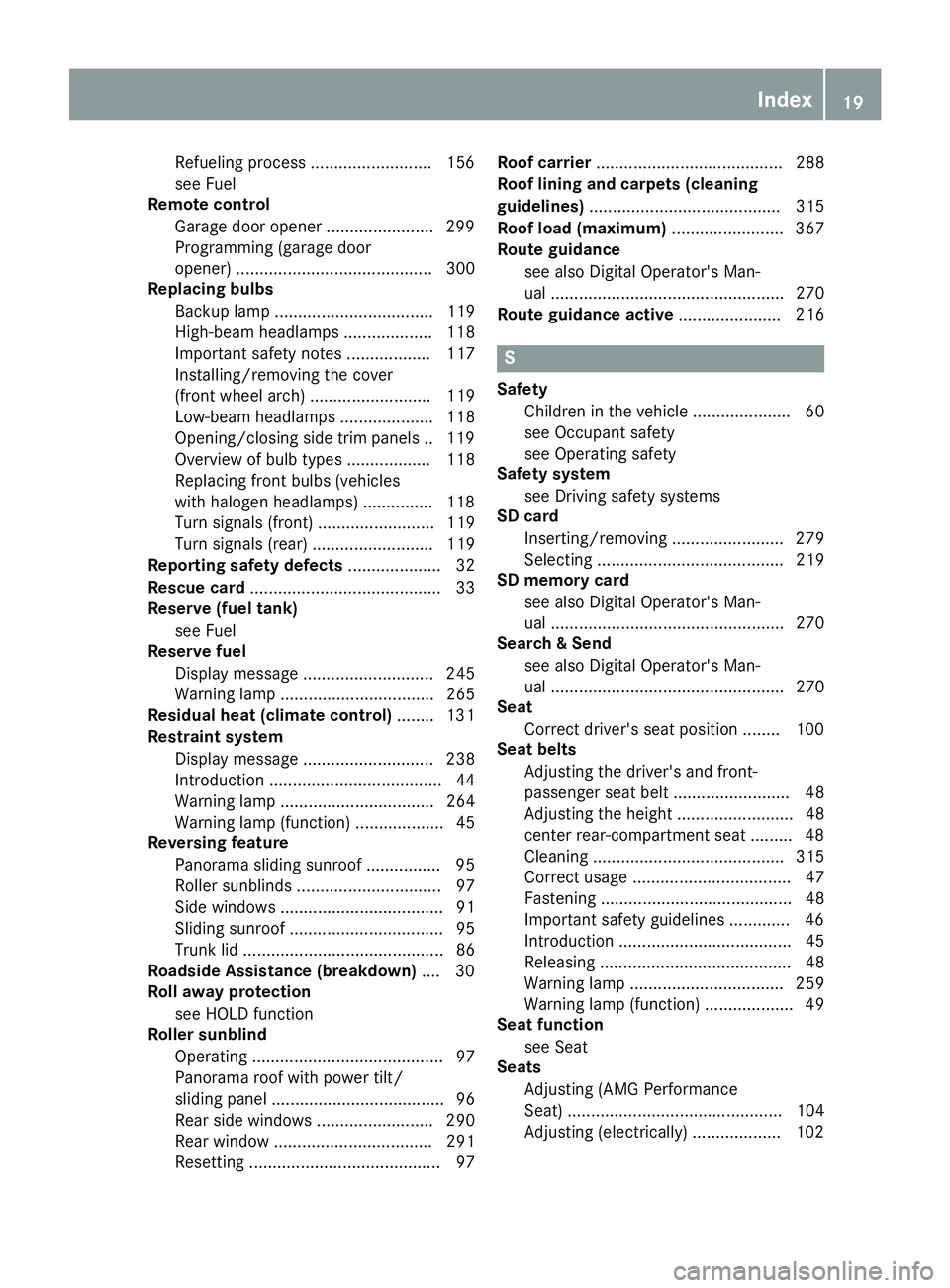
Refuelingprocess .......................... 15 6
see Fue l
Remote contro l
Garag edoo ropener ...................... .299
Programming (garage door
opener) .......................................... 300
Replacing bulbs
Backup lamp .................................. 119
High-beam headlamps ................... 118
Important safety notes .................. 117
Installing/removing the cover
(front wheel arch) .......................... 119
Low-beam headlamps .................... 118
Opening/closing side trim panels .. 119
Overview of bulb types .................. 118
Replacing front bulbs (vehicles
with halogen headlamps) ............... 118
Turn signals (front) ......................... 119
Turn signals (rear) .......................... 119
Reporting safety defects .................... 32
Rescue card ......................................... 33
Reserve (fuel tank)
see Fuel
Reserve fuel
Display message ............................ 245
Warning lamp ................................. 265
Residual heat (climate control) ........ 131
Restraint system
Display message ............................ 238
Introduction ..................................... 44
Warning lamp ................................. 264
Warning lamp (function) ................... 45
Reversing feature
Panorama sliding sunroof ................ 95
Roller sunblinds ............................... 97
Side windows ................................... 91
Sliding sunroof ................................. 95
Trunk lid ........................................... 86
Roadside Assistance (breakdown) .... 30
Roll away protection
see HOLD function
Roller sunblind
Operating ......................................... 97
Panorama roof with power tilt/
sliding panel ..................................... 96
Rear side windows ......................... 290
Rear window .................................. 291
Resetting ......................................... 97 Roof carrier
........................................ 288
Roof lining and carpets (cleaning
guidelin es)
......................................... 315
Ro
of load (maximum) ........................ 367
Route guidance
see also Digital Operator's Man-
ual .................................................. 270
Route guidance active ...................... 216
S
Safety
Children in the vehicle ..................... 60
see Occupant safety
see Operating safety
Safety system
see Driving safety systems
SD card
Inserting/removing ........................ 279
Selecting ........................................ 219
SD memory card
see also Digital Operator's Man-
ual .................................................. 270
Search & Send
see also Digital Operator's Man-
ual .................................................. 270
Seat
Correct driver's seat position ........ 100
Seat belts
Adjusting the driver's and front-
passenger seat belt ......................... 48
Adjusting the height ......................... 48
center rear-compartment seat ......... 48
Cleaning ......................................... 315
Correct usage .................................. 47
Fastening ......................................... 48
Important safety guidelines ............. 46
Introduction ..................................... 45
Releasing ......................................... 48
Warning lamp ................................. 259
Warning lamp (function) ................... 49
Seat function
see Seat
Seats
Adjusting (AMG Performance
Seat) .............................................. 104
Adjusting (electrically) ................... 102
Index19
Page 22 of 370
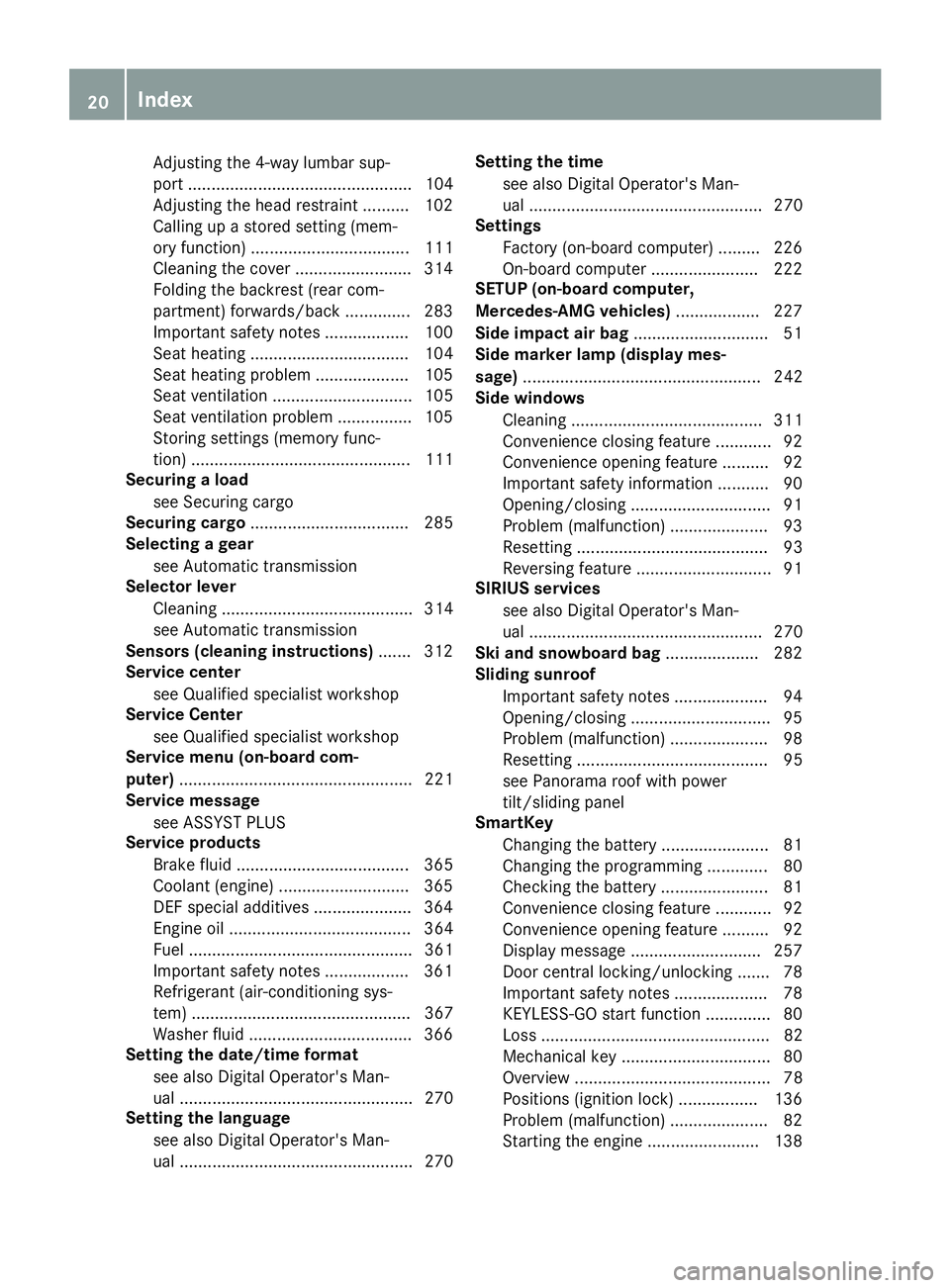
Adjusting the 4-way lumbar sup-
port ................................................ 104
Adjusting the head restraint .......... 102
Calling up a stored setting (mem-
ory function) .................................. 111
Cleaning the cover ......................... 314
Folding the backrest (rear com-
partment) forwards/back .............. 283
Important safety notes .................. 100
Seat heating .................................. 104
Seat heating problem .................... 105
Seat ventilation .............................. 105
Seat ventilation problem ................ 105
Storing settings (memory func-
tion) ............................................... 111
Securing a load
see Securing cargo
Securing cargo .................................. 285
Selecting a gear
see Automatic transmission
Selector lever
Cleaning ......................................... 314
see Automatic transmission
Sensors (cleaning instructions) ....... 312
Service center
see Qualified specialist workshop
Service Center
see Qualified specialist workshop
Service menu (on-board com-
puter) .................................................. 221
Service message
see ASSYST PLUS
Service products
Brake fluid ..................................... 365
Coolant (engine) ............................ 365
DEF special additives ..................... 364
Engine oil ....................................... 364
Fuel ................................................ 361
Important safety notes .................. 361
Refrigerant (air-conditioning sys-
tem) ............................................... 367
Washer fluid ................................... 366
Setting the date/time format
see also Digital Operator's Man-
ual .................................................. 270
Setting the language
see also Digital Operator's Man-
ual .................................................. 270 Setting the time
see also Digital Operator's Man-
ual .................................................. 270
Settings
Factory (on-board computer) ......... 226
On-board computer ....................... 222
SETUP (on-b oard c
omputer,
Mercedes-AMG vehicles) .................. 227
Side impact air bag ............................. 51
Side marker lamp (display mes-
sage) ................................................... 242
Side windows
Cleaning ......................................... 311
Convenience closing feature ............ 92
Convenience opening feature .......... 92
Important safety information ........... 90
Opening/closing .............................. 91
Problem (malfunction) ..................... 93
Resetting ......................................... 93
Reversing feature ............................. 91
SIRIUS services
see also Digital Operator's Man-
ual .................................................. 270
Ski and snowboard bag .................... 282
Sliding sunroof
Important safety notes .................... 94
Opening/closing .............................. 95
Problem (malfunction) ..................... 98
Resetting ......................................... 95
see Panorama roof with power
tilt/sliding panel
SmartKey
Changing the battery ....................... 81
Changing the programming ............. 80
Checking the battery ....................... 81
Convenience closing feature ............ 92
Convenience opening feature .......... 92
Display message ............................ 257
Door central locking/unlocking ....... 78
Important safety notes .................... 78
KEYLESS-GO start function .............. 80
Loss ................................................. 82
Mechanical key ................................ 80
Overview .......................................... 78
Positions (ignition lock) ................. 136
Problem (malfunction) ..................... 82
Starting the engine ........................ 138
20Index
Page 54 of 370
Window curtain air bags:are integrated into
the side of the roof frame and deployed in the
area from the A-pillar to the C-pillar.
When deployed, the window curtain air bag
enhances the level of protection for the head.
However, it does not protect the chest or arms.
If the restraint system control unit detects a side
impact, the window curtain air bag is deployed
on the side on which the impact occurs.
If the system determines that they can offer
additional protection to that provided by the
seat belt, a window curtain air bag may be
deployed in other accident situations
(
Ypage 56).
Occupant Classification System
(OCS)
Introduction
The Occupant Classification System (OCS) cat-
egorizes the person in the front-passenger seat.
Depending on that result, the front-passenger
front air bag is either enabled or deactivated.
The system does not deactivate:
Rthe side impact air bag
Rthe window curtain air bag
Rthe Emergency Tensioning Devices
Requirements
To be classified correctly, the front passenger
must sit:
Rwith the seat belt fastened correctly
Rin an almost upright position with their back
against the seat backrest
Rwith their feet resting on the floor, if possible
If the front passenger does not observe these
conditions, OCS may produce a false classifica-
tion, e.g. because the front passenger:
Rtransfers their weight by supporting them-
selves on a vehicle armrest
Rsits in such a way that their weight is raised
from the seat cushion
If it is absolutely necessary to install a child
restraint system on the front-passenger seat, be
sure to observe the correct positioning of the
child restraint system. Never place objects
under or behind the child restraint system, e.g. a
cushion. Fully retract the seat cushion length.
The entire base of the child restraint system must always rest on the seat cushion of the
front-passenger seat. The backrest of the
forward-facing child restraint system must lie as
flat as possible against the backrest of the front-
passenger seat.
The child restraint system must not touch the
roof or be subjected to a load by the head
restraint. Adjust the angle of the seat backrest
and the head restraint position accordingly.
Only then can OCS be guaranteed to function
correctly. Always observe the child restraint sys-
tem manufacturer's installation and operating
instructions.
Occupant Classification System opera-
tion (OCS)
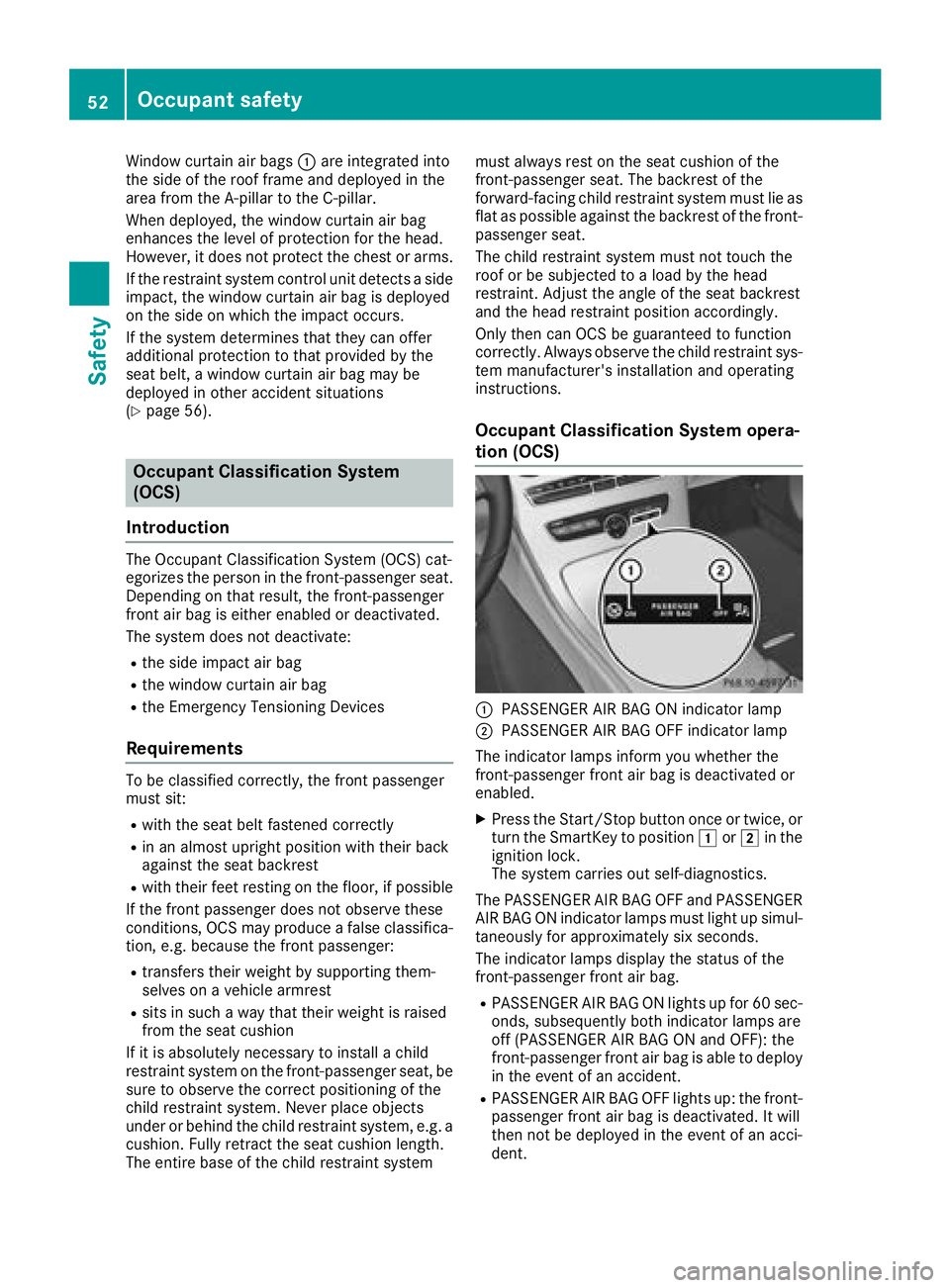
:PASSENGER AIR BAG ON indicator lamp
;PASSENGER AIR BAG OFF indicator lamp
The indicator lamps inform you whether the
front-passenger front air bag is deactivated or
enabled.
XPress the Start/Stop button once or twice, or turn the SmartKey to position 1or2 in the
ignition lock.
The system carries out self-diagnostics.
The PASSENGER AIR BAG OFF and PASSENGER
AIR BAG ON indicator lamps must light up simul-
taneously for approximately six seconds.
The indicator lamps display the status of the
front-passenger front air bag.
RPASSENGER AIR BAG ON lights up for 60 sec-
onds, subsequently both indicator lamps are
off (PASSENGER AIR BAG ON and OFF): the
front-passenger front air bag is able to deploy
in the event of an accident.
RPASSENGER AIR BAG OFF lights up: the front-
passenger front air bag is deactivated. It will
then not be deployed in the event of an acci-
dent.
52Occupant safety
Safety
Page 68 of 370
merely aids designed to assist driving. You are
responsible for maintaining the distance to the
vehicle in front, for vehicle speed, for braking in
good time, and for staying in lane. Always adapt
your driving style to suit the prevailing road and
weather conditions and maintain a safe distance
from the vehicle in front. Drive carefully.
The driving safety systems described only work
as effectively as possible when there is ade-
quate contact between the tires and the road
surface. Pay particular attention to the informa-
tion regarding tires, recommended minimum
tire tread depths etc. in the "Wheels and tires"
section (
Ypage 333).
In wintry driving conditions, always use winter
tires (M+S tires) and if necessary, snow chains.
Only in this way will the driving safety systems
described in this section work as effectively as
possible.
ABS (Anti-lock Braking System)
General information
ABS regulates brake pressure in such a way that
the wheels do not lock when you brake. This
allows you to continue steering the vehicle when
braking.
The ! ABS warning lamp in the instrument
cluster lights up when the ignition is switched
on. It goes out when the engine is running.
ABS works from a speed of about 5 mph
(8 km/h), regardless of road-surface conditions.
ABS works on slippery surfaces, even when you
only brake gently.
Important safety notes
iObserve the "Important safety notes" sec-
tion (Ypage 65).
GWARNING
If ABS is faulty, the wheels could lock when
braking. The steerability and braking charac-
teristics may be severely impaired. Addition-
ally, further driving safety systems are deac-
tivated. There is an increased danger of skid-
ding and accidents.
Drive on carefully. Have ABS checked imme-
diately at a qualified specialist workshop. When ABS is malfunctioning, other systems,
including driving safety systems, will also
become inoperative. Observe the information
on the ABS warning lamp (
Ypage 261) and dis-
play messages which may be shown in the
instrument cluster (
Ypage 231).
Braking
XIf ABS intervenes: continue to depress the
brake pedal vigorously until the braking sit-
uation is over.
XTo make a full brake application: depress
the brake pedal with full force.
If ABS intervenes when braking, you will feel a
pulsing in the brake pedal.
The pulsating brake pedal can be an indication
of hazardous road conditions, and functions as a reminder to take extra care while driving.
BAS (Brake Assist System)
General information
BAS operates in emergency braking situations.
If you depress the brake pedal quickly, BAS
automatically boosts the braking force, thus
shortening the stopping distance.
Important safety notes
iObserve the "Important safety notes" sec-
tion (Ypage 65).
GWARNING
If BAS is malfunctioning, the braking distance
in an emergency braking situation is
increased. There is a risk of an accident.
In an emergency braking situation, depress
the brake pedal with full force. ABS prevents
the wheels from locking.
Braking
XKeep the brake pedal firmly depressed until
the emergency braking situation is over.
ABS prevents the wheels from locking.
The brakes will function as usual once you
release the brake pedal. BAS is deactivated.
66Driving safety systems
Safety