suspension MERCEDES-BENZ C-CLASS CABRIOLET 2018 Owner's Manual
[x] Cancel search | Manufacturer: MERCEDES-BENZ, Model Year: 2018, Model line: C-CLASS CABRIOLET, Model: MERCEDES-BENZ C-CLASS CABRIOLET 2018Pages: 350, PDF Size: 5.73 MB
Page 7 of 350
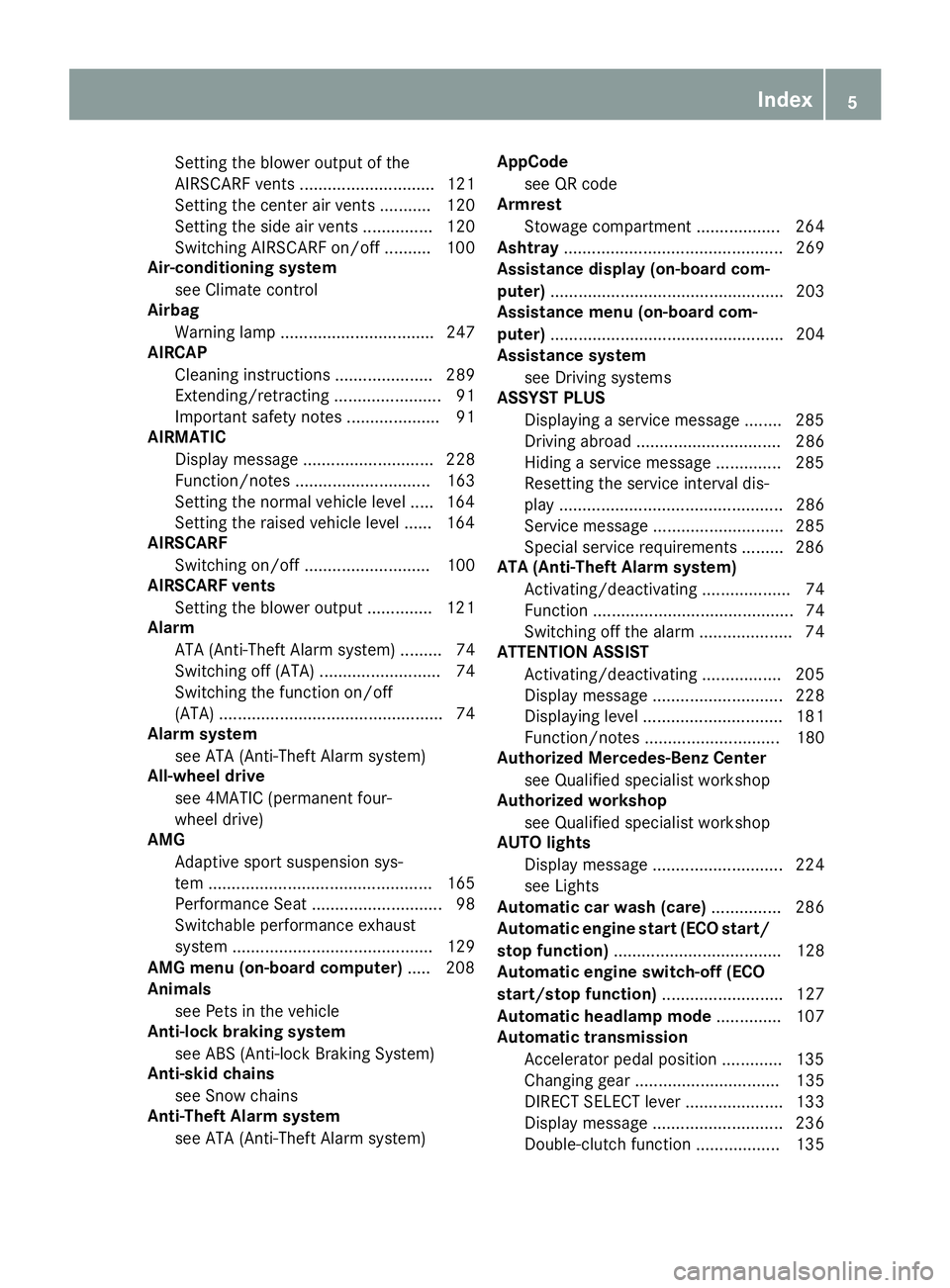
Setting the blower output of the
AIRSCARF vents ............................. 121
Setting the center air vents ........... 120
Setting the side air vents ............... 120
Switching AIRSCARF on/off .......... 100
Air-conditioning system
see Climate control
Airbag
Warning lamp ................................. 247
AIRCAP
Cleaning instructions ..................... 289
Extending/retracting ....................... 91
Important safety notes .................... 91
AIRMATIC
Display message ............................ 228
Function/notes ............................. 163
Setting the normal vehicle level ..... 164
Setting the raised vehicle level ...... 164
AIRSCARF
Switching on/off ........................... 100
AIRSCARF vents
Setting the blower output .............. 121
Alarm
ATA (Anti-Theft Alarm system) ......... 74
Switching off (ATA) .......................... 74
Switching the function on/off
(ATA) ................................................ 74
Alarm system
see ATA (Anti-Theft Alarm system)
All-wheel drive
see 4MATIC (permanent four-
wheel drive)
AMG
Adaptive sport suspension sys-
tem ................................................ 165
Performance Seat ............................ 98
Switchable performance exhaust
system ........................................... 129
AMG menu (on-board computer) ..... 208
Animals
see Pets in the vehicle
Anti-lock braking system
see ABS (Anti-lock Braking System)
Anti-skid chains
see Snow chains
Anti-Theft Alarm system
see ATA (Anti-Theft Alarm system) AppCode
see QR code
Armrest
Stowage compartment .................. 264
Ashtray ............................................... 269
Assistance display (on-board com-
puter) .................................................. 203
Assistance menu (on-board com-
puter) .................................................. 204
Assistance system
see Driving systems
ASSYST PLUS
Displaying a service message ........ 285
Driving abroad ............................... 286
Hiding a service message .............. 285
Rese
tting the service interval dis-
play ................................................ 286
Service message ............................ 285
Special service requirements ......... 286
ATA (Anti-Theft Alarm system)
Activating/deactivating ................... 74
Function ........................................... 74
Switching off the alarm .................... 74
ATTENTION ASSIST
Activating/deactivating ................. 205
Display message ............................ 228
Displaying level .............................. 181
Function/notes ............................. 180
Authorized Mercedes-Benz Center
see Qualified specialist workshop
Authorized workshop
see Qualified specialist workshop
AUTO lights
Display message ............................ 224
see Lights
Automatic car wash (care) ............... 286
Automatic engine start (ECO start/
stop function) .................................... 128
Automatic engine switch-off (ECO
start/stop function) .......................... 127
Automatic headlamp mode .............. 107
Automatic transmission
Accelerator pedal position ............. 135
Changing gear ............................... 135
DIRECT SELECT lever ..................... 133
Display message ............................ 236
Double-clutch function .................. 135
Index5
Page 12 of 350

Distance warning function ............... 66
EBD (electronic brake force distri-
bution) ............................................. 71
ESP
®(Electronic Stability Pro-
gram) ............................................... 67
Important safety information ........... 64
Overview .......................................... 64
STEER CONTROL ............................. 74
Driving system
Distance Pilot DISTRONIC ............. 153
Distance Pilot DISTRONIC with
Steering Pilot ................................. 159
Parking assist PARKTRONIC .......... 170
Parking Pilot .................................. 166
RACE START (Mercedes-AMG
vehicles) ........................................ 162
Driving systems
360°camera .................................. 176
Active Blind Spot Assist ................. 186
Active Lane Keeping Assist ............ 189
AIRMATIC ...................................... 163
AMG adaptive sport suspension
system ........................................... 165
ATTENTION ASSIST ........................ 180
Blind Spot Assist ............................ 182
Cruise control ................................ 151
Display message ............................ 228
Driving Assistance Plus package ... 186
HOLD function ............................... 161
Lane Keeping Assist ...................... 184
Lane Tracking package .................. 182
Rear view camera .......................... 173
Traffic Sign Assist .......................... 182
Driving tips
AMG ceramic brakes ..................... 150
Automatic transmission ................. 135
Brakes ........................................... 148
Break-in period .............................. 122
Distance Pilot DISTRONIC ............. 159
Downhill gradient ........................... 148
Drinking and driving ....................... 147
Driving in winter ............................. 151
Driving on flooded roads ................ 150
Driving on wet roads ...................... 150
Exhaust check ............................... 147
Fuel ................................................ 147
General .......................................... 146
Hydroplaning ................................. 150 Icy road surfaces ........................... 151
Important safety notes .................. 122
Limited braking efficiency on sal-
ted roads ....................................... 149
Snow chains .................................. 315
Subjecting brakes to a load ........... 149
The first 1000 miles (1500
km) ..... 122
W
et road surface ........................... 149
DVD video
Operating (on-board computer) ..... 201
see also Digital Operator's Man-
ual .................................................. 253
DYNAMIC SELECT switch
Automatic transmission ................. 130
Climate control (dual-zone auto-
matic climate control) .................... 116
E
EASY-ENTRY featureFunction/notes ............................. 101
EASY-ENTRY system ............................ 97
EASY-EXIT feature
Function/notes ............................. 101
EBD (electronic brake force distri-
bution)
Display message ............................ 215
Function/notes ................................ 71
ECO display
Function/notes ............................. 147
On-board computer ....................... 197
ECO start/stop function
Automatic engine start .................. 128
Automatic engine switch-off .......... 127
Deactivating/activating ................. 128
General information ....................... 127
Important safety notes .................. 127
Introduction ................................... 127
Electronic brake force distribution
see EBD (electronic brake force
distribution)
Electronic Stability Program
see ESP
®(Electronic Stability Program)
Emergency
Automatic measures after an acci-
dent ................................................. 59
Emergency braking
see BAS (Brake Assist System)
10Index
Page 22 of 350

General notes ................................ 270
Rear compartment .........................270
Soft top
AIRCAP ............................................ 91
Cleaning ......................................... 289
Display message ............................ 239
Important safety notes .................... 88
Opening/closing (SmartKey) ........... 90
Opening/closing (with soft-top
switch) ............................................. 89
Problem (malfunction) ..................... 93
Relocking ......................................... 90
wind screen ..................................... 91
Soft-top switch ....................................8 9
Sound
Switching on/off ........................... 254
Special seat belt retractor .................. 60
Specialist workshop ............................31
Speed, controlling
see Cruise control
Speedometer
Activating/deactivating the addi-
tional speedometer ........................ 207
Digital ............................................ 197
In the Instrument cluster ................. 36
Segments ...................................... 192
Selecting the display unit ............... 207
SPORT handling mode
Deactivating/activating
(Mercedes-AMG vehicles) ................6 9
Warning lamp ................................. 246
Sports exhaust system
AMG ............................................... 129
Standing lamps
Display message ............................2 24
Switching on/off ........................... 108
Start button
Display message ............................ 241
Start/Stop button
Key positions ................................. 124
Starting the engine ........................ 125
Start/stop function
see ECO start/stop function
Starting (engine) ................................ 125
Starting the engine
see Starting (engine)
STEER CONTROL .................................. 74 Ste
ering
Display message ............................ 238
Warning lamps ............................... 252
Steering assistant STEER CON-
TROL
see STEER CONTROL
Steering Pilot
Display message ............................ 232
with Distance Pilot DISTRONIC ...... 159
Steering wheel
Adjusting (electrically) ................... 101
Button overview ............................... 37
Buttons (on-board computer) ......... 193
Cleaning ......................................... 293
EASY ENTRY/EXIT feature ............. 101
Important safety notes .................. 100
Storing settings (memory func-
tion) ............................................... 106
Steering wheel heating
Problem (malfunction) ................... 101
Switching on/off ........................... 101
Steering wheel paddle shifters ........138
Stopwatch (RACETIMER) ................... 210
Stowage areas ................................... 263
Stowage compartments
Armrest (under) .............................2 64
Center console .............................. 264
Cup holders ................................... 267
Door ............................................... 265
Eyeglasses compartment ...............2 64
Glove box ....................................... 264
Important safety information ......... 263
Map pockets .................................. 265
Stowage net ................................... 265
see Stowage areas
Stowage net ....................................... 265
Stowage well beneath the trunk
floor .................................................... 267
Summer opening
see Convenience opening feature
Summer tires
In winter ........................................ 314
Sun visor ............................................ 268
Suspension setting
AIRMATIC ...................................... 164
AMG adaptive sport suspension
system ...........................................1 65
20Index
Page 23 of 350
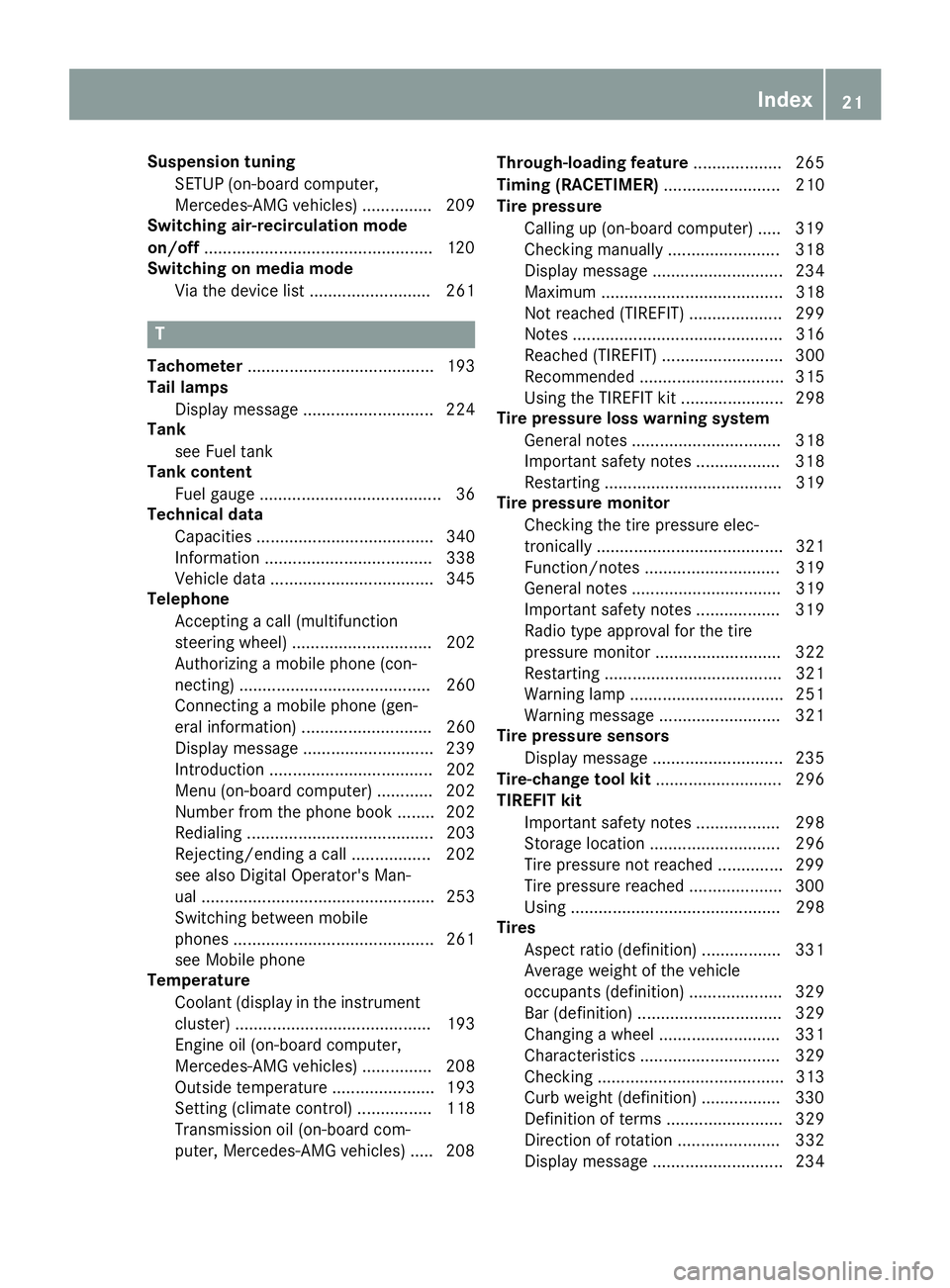
Suspension tuningSETUP (on-board computer,
Mercedes-AMG vehicles) ............... 209
Switching air-recirculation mode
on/off .................................................1 20
Switching on media mode
Via the device list .......................... 261
T
Tachometer ........................................ 193
Tail lamps
Display message ............................ 224
Tank
see Fuel tank
Tank content
Fuel gauge ....................................... 36
Technical data
Capacities ...................................... 340
Information .................................... 338
Vehicle data ................................... 345
Telephone
Accepting a call (multifunction
steering wheel) .............................. 202
Authorizing a mobile phone (con-
necting) ......................................... 260
Connecting a mobile phone (gen-
eral information) ............................ 260
Display message ............................ 239
Introduction ................................... 202
Menu (on-board computer) ............ 202
Number from the phone book ........ 202
Redialing ........................................ 203
Rejecting/ending a call ................. 202
see also Digital Operator's Man-
ual .................................................. 253
Switching between mobile
phones ........................................... 261
see Mobile phone
Temperature
Coolant (display in the instrument
cluster) .......................................... 193
Engine oil (on-board computer,
Mercedes-AMG vehicles) ............... 208
Outside temperature ...................... 193
Setting (climate control) ................ 118
Transmission oil (on-board com-
puter, Mercedes-AMG vehicles) ..... 208 Through-loading feature
................... 265
Timing (RACETIMER) ......................... 210
Tire pressure
Calling up (on-board computer) ..... 319
Checking manually ........................ 318
Display message ............................ 234
Maximum ....................................... 318
Not reached (TIREFIT) .................... 299
Notes ............................................. 316
Reached (TIREFIT) .......................... 300
Recommended ............................... 315
Using the TIREFIT kit ...................... 298
Tire pressure loss warning system
General notes ................................ 318
Important safety notes .................. 318
Restarting ...................................... 319
Tire pressure monitor
Checking the tire pressure elec-
tronically ........................................ 321
Function/notes ............................. 319
Genera l note
s ................................ 319
Important safety notes .................. 319
Radio type approval for the tire
pressure monitor ........................... 322
Restarting ...................................... 321
Warning lamp ................................. 251
Warning message .......................... 321
Tire pressure sensors
Display message ............................ 235
Tire-change tool kit ........................... 296
TIREFIT kit
Important safety notes .................. 298
Storage location ............................ 296
Tire pressure not reached .............. 299
Tire pressure reached .................... 300
Using ............................................. 298
Tires
Aspect ratio (definition) ................. 331
Average weight of the vehicle
occupants (definition) .................... 329
Bar (definition) ............................... 329
Changing a wheel .......................... 331
Characteristics .............................. 329
Checking ........................................ 313
Curb weight (definition) ................. 330
Definition of terms ......................... 329
Direction of rotation ...................... 332
Display message ............................ 234
Index21
Page 42 of 350

Center console, lower section (Mercedes-AMG vehicles)
FunctionPage
:Ashtray269
Cigarette lighter270
Socket270
Cup holder267
;Adjusts the volume254
Switches the sound on or off254
Vehicles with AMG Perform-
ance exhaust system:
ÜSwitches the multime-
dia system on/off254
=AMG performance exhaust
system can be selected129
Ü Switches the multime-
dia system on/off254
?è ECO start/stop func-
tion127
AMoves the seat-belt extender
forward47
BTouchpad255
COpens and closes the soft
top88
FunctionPage
DAIRCAP91
EOpens stowage compart-
ment with Media Interface263
FOpening and closing the side
windows85
Gå Activates/deactivates
ESP®69
M Activates/deactivates
SPORT handling mode69
Hà AMG RIDE CONTROL
(suspension tuning)165
IManual gearshifting (perma-
nent setting)138
JDYNAMIC SELECT switch
(selects the drive program)130
K% Back button254
LController254
MgFavorites button256
40Center console
At a glance
Page 133 of 350

Available drive programs for Mercedes-
AMG C63/C 63 S:
RACE
(S‑MODEL)Dr ivin g characteristics suit-
able for a race circuit
S+Spo rt PlusParticular lysporty driving
characteristics
S Spo rtSportydriv ing characteris-
tics
C ComfortComfort ableand economi-
cal driv ing characteristics
IIndivi dualIndividual settings
Dependin g on thedrive program selected the
foll owin g veh iclecharacteristics willchange:
Rthedrive (engine and transmission manage-
ment)
Rthe suspension
Rthe steering
Rthe driver assistance systems
RESP®(Mercedes-AMG C 63 /C63S)
Rthe position of the exhaust flap (Mercedes-
AMG C 63 /C63S)
Rthe setting of the ECO start /stop function
Rthe availab ility of glidin g mode
Rtheclim ate control:
Further information for automat ic drive program
characteristics (
Ypage 136).
Ad ditionally, in drive program Iyou can config-
ure the respective veh iclecharacteristics using
the multimedia system. You can find informa-
tion about th isunder "DYNAM IC SELECT" inthe
veh icle's Digital Operator's Manual.
Each time you start the engine with the Smart-
Key or the Start /S top button, drive program Cis
activated. For further information about starting
the engine, see (
Ypage 125).
Selecting the drive program
XPush DYNAMIC SELECT swit ch: forwards
or back until the desired drive program is
selected.
The status icon of the selected drive program
is shown in the multifunction display.
In addition, the current drive program settings
are displayed briefly in the multimedia system display.
You can also change gear yourself using the
steering wheel paddle shifters. For further infor-
mation on the manual drive program
(
Ypage 138).
Additional settings
:Position of the exhaust flap (Ypage 129)
;ECO start/stop function (Ypage 127)
=ESP®(Ypage 67)
?Suspension (Ypage 164)
APermanently activates manual gearshifting
(Ypage 138)
When you press buttons :-A the corre-
sponding setting is selected. The DYNAM IC
SE LECT swit ch setting is overwritten.
If you switch to drive program I, all stored char-
acteristics will be accepted. This isalso the case
DYNAMIC SELECT switch131
Driving and parking
Z
Page 134 of 350

if you have previously pressed one of buttons:
- A.
iMercedes-AMG C 43 4MATIC In a few
countries, the ECO start/stop function is
deactivated at the factory due to the fuel
grade available. In this case, the ECO start/
stop function is not available in any drive pro-
gram, regardless of the display in the multi-
media system display.
All other models
Use the DYNAMIC SELECT switch to change the
drive program.
Depending on the drive program selected the
following vehicle characteristics will change:
Rthe drive (engine and transmission manage-
ment)
Rthe suspension
Rthe steering
Rthe ECO start/stop function
Rthe climate control:
-the climate control settings
-the rear window defroster operation period
-the performance of the seat heating
Each time you start the engine with the Smart-
Key or the Start/Stop button, drive program Cis
activated. For further information about starting
the engine, see (
Ypage 125).
XPush DYNAMIC SELECT switch :forward or
back until the desired drive program is selec-
ted.
The status icon of the selected drive program
is shown in the multifunction display. In addition, the current drive program settings
are displayed briefly in the multimedia system
display.
iIn a few countries, the ECO start/stop func-
tion is deactivated at the factory due to the
available fuel grade. In this case, the ECO
start/stop function is not available in any
drive program, regardless of the display in the
multimedia system display.
Available drive programs:
I IndividualIndividual settings
S+ Sport PlusParticularly sporty driving
characteristics
SSportSporty driving characteris-
tics
C ComfortComfortable and economi-
cal driving characteristics
EEconomyParticularly economical
driving characteristics
Additional information for drive programs
(Ypage 136).
You can also change gear yourself using the
steering wheel paddle shifters. For further infor- mation on the manual drive program
(
Ypage 138).
Automatic transmission
Important safety notes
GWARNING
If the engine speed is above the idling speed
and you engage transmission position Dor R,
the vehicle could pull away suddenly. There is
a risk of an accident.
When engaging transmission position Dor R,
always firmly depress the brake pedal and do not simultaneously accelerate.
GWARNING
The automatic transmission switches to neu-
tral position Nwhen you switch off the engine.
The vehicle may roll away. There is a risk of an
accident.
132Automatic transmission
Driving and parking
Page 138 of 350

reduces load change reactions and is conducive
to a sporty driving style. The sound generated by
the double-clutch function depends on the drive
program selected.
Kickdown
Use kickdown for maximum acceleration.
XDepress the accelerator pedal beyond the
pressure point.
The automatic transmission shifts to a lower
gear depending on the engine speed.
XEase off the accelerator pedal once the
desired speed is reached.
The automatic transmission shifts back up.
Gliding mode
Gliding mode is available depending on equip-
ment.
Gliding mode is characterized by the following:
RThe combustion engine is disconnected from
the drive train.
RThe engine speed corresponds to the idling
speed.
RThe multifunction display hides the gear indi-
cator and displays transmission position h
in green (
Ypage 134)
RMercedes-AMG vehicles: the multifunction
display shows status icon :for the drive
program's status icon
In drive program Eor in drive program C
(Mercedes-AMG C 63/C 63 S), you can activate
and deactivate glide mode using the ECO button
(
Ypage 128).
Gliding mode can be activated under the follow-
ing conditions:
RThe speed is within a suitable range.
RThe course of the road is suitable, e.g. there
are no steep up or downhill gradients.
RYou are no longer depressing the accelerator
pedal. Gliding mode is deactivated under the following
conditions:
RYou depress the accelerator pedal.
RYou depress the brake pedal.
RYou change the transmission position
(Ypage 133).
Ryou switch to drive program
RACE
(Mercedes-AMG C 63 S), S+orS
(
Ypage 130).
Ryou activate manual gearshifting
(Ypage 138).
Ryou leave the suitable speed range.
iIf you have selected the "Eco" or "Comfort"
setting (Mercedes-AMG C 63/C 63 S) for the
drive (engine and transmission management)
in drive program I, you can also activate glide
mode. Information on DYNAMIC SELECT and
on configuring drive program Ivia the multi-
media system (see the Digital Operator's
Manual).
Drive programs
All vehicles except Mercedes-AMG
C 63/C 63 S
Drive program I (Individual)
In drive program Ithe following properties of the
drive program can be selected:
Rthe drive (engine and transmission manage-
ment)
and therefore indirectly the availability of glid-
ing mode and the properties of the driver
assistance systems
Rthe suspension
Rthe steering
Rthe availability of the ECO start/stop function
Rthe climate control:
To permanently shift the gears manually in drive
program Iusing the steering wheel paddle shift-
ers, select the M(Manual) setting for the drive
(except Mercedes-AMG C 43 4MATIC).
Information about configuring drive program I
with the multimedia system can be found under
"DYNAMIC SELECT" in the vehicle's Digital
Operator's Manual.
136Automatic transmission
Driving and parking
Page 140 of 350

Rthe suspension exhibits particularly hard
springing and damping settings.
Rgliding mode is not available.
Rthe ECO start/stop function is switched off
(Ypage 127).
Drive program S+ (Sport Plus)
Drive programS+is characterized by the fol-
lowing:
Rthe vehicle exhibits particularly sporty driving
characteristics.
Rthe vehicle pulls away in first gear.
Rthe automatic transmission shifts up later.
the fuel consumption possibly being higher as
a result of the later automatic transmission
shift points.
Rthe suspension exhibits particularly hard
springing and damping settings.
Rgliding mode is not available.
Rthe ECO start/stop function is switched off
(Ypage 127).
Drive program S (Sport)
Drive program Sis characterized by the follow-
ing:
Rthe vehicle exhibits sporty driving character-
istics.
Rthe vehicle pulls away in first gear.
Rthe automatic transmission shifts up later.
the fuel consumption possibly being higher as
a result of the later automatic transmission
shift points.
Rthe suspension exhibits stiff springing and
damping settings.
Rgliding mode is not available.
Rthe ECO start/stop function is switched off
(Ypage 127).
Drive program C (Comfort)
Drive program Cis characterized by the follow-
ing:
Rthe vehicle delivers comfortable, economical
handling characteristics.
Rthe vehicle pulls away more gently in forward
and reverse gears, unless the accelerator
pedal is depressed fully.
Rthe vehicle has improved driving stability, for
example on slippery road surfaces.
Roptimal fuel consumption resulting from the
automatic transmission shifting up sooner. The vehicle is driven in the low engine speed
range and the wheels are less likely to spin.
Rgliding mode is available.
Rthe ECO start/stop function is switched on
(Ypage 127).
Drive program I (Individual)
In drive program
Ithe following properties of the
drive program can be selected:
Rthe drive (engine management)
Rthe transmission management
RESP®(Ypage 67)
Rthe suspension
Ractivation of the exhaust flap
To permanently shift the gears manually in drive
program Iusing the steering wheel paddle shift-
ers, select the M(Manual) setting for the trans-
mission management.
Information about configuring drive program I
with the multimedia syste m ca
n be found under
"DYNAMIC SELECT" in the vehicle's Digital
Operator's Manual.
Manual gear shifting
General notes
You can change gear yourself using the steering
wheel paddle shifters. The transmission must be
in position hfor this.
Depending on which steering wheel paddle
shifter is pulled, the automatic transmission
immediately shifts into the next gear down or
up, if permitted.
To use manual shifting, you have two options:
Rtemporary setting
Rpermanent setting
If you activate manual gearshifting, the multi-
function display will show the current gear and
p instead of transmission position h.
If you deactivate manual gearshifting, the gears
will be shifted automatically again.
138Automatic transmission
Driving an d parking
Page 165 of 350

Rthe vehicle is stationary and the brake pedal is
depressed (left foot).
Rthe transmission is in positionh
Activating RACE START
iWhen manual mode (Ypage 138) is active,
the transmission automatically shifts up to
RACE START in the drive program. This func-
tion supports maximum acceleration with
RACE START. After going through an acceler-
ating process once from a stationary position, this function is automatically deactivated.
XDepress the brake pedal with your left foot
and keep it depressed.
XPull and hold both steering wheel paddle shift-
ers (Ypage 138).
The RACE START Confirm: Paddle UP
Cancel: Paddle DOWNmessage appears in
the multifunction display.
XRelease both steering wheel paddle shifters
(Ypage 138).
iIf the activation conditions are no longer ful-
filled, RACE START is canceled. The RACE
START Canceledmessage appears in the
multifunction display.
XTo cancel: pull the left steering wheel paddle
shifter (Ypage 138).
or
XTo confirm: pull the right steering wheel pad- dle shifter (Ypage 138).
The RACESTARTAvailableDepressgaspedal.message appears in the multifunction
display.
iIf you do not depress the accelerator pedal
fully within two seconds, RACE START is can-
celed. The RACE
STARTNotPossibleSeeOperator'sManualmessage appears in the
multifunction display.
XDepress the accelerator pedal completely,
until the engine speed stops increasing.
The RACE
STARTReleasebraketostartmessage appears in the multifunction display.
iIf you do not release the brake pedal within
five seconds, RACE START is canceled. The
RACE START Canceled
message appears in
the multifunction display.
XTake your foot off the brake, but keep the
accelerator pedal depressed.
The vehicle pulls away at maximum acceler-
ation. The
RACE
STARTActivemessage appears in
the multifunction display.
RACE START is deactivated when the vehicle
reaches a speed of approximately 30 mph (Can-
ada: 50 km/h).
RACE START is deactivated immediately if you
release the accelerator pedal during RACE
START or if any of the activation conditions are
no longer fulfilled. The RACE START Not Pos‐
sible See Operator's ManualorRACESTART Canceledmessage appears in the mul-
tifunction display.
iIf RACE START is used repeatedly within a
short period of time, it is only available again
after the vehicle has been driven a certain
distance.
AIRMATIC
General notes
AIRMATIC is an air suspension with variable
damping for improved driving comfort. All-round
level control ensures the best possible suspen-
sion and constant ground clearance, even with a
laden vehicle. When you drive fast, the vehicle is
lowered automatically to improve driving safety
and to reduce fuel consumption. There is also
the option to manually adjust the vehicle level.
AIRMATIC consists of level setting, level control
and ADS PLUS (Adaptive Damping System with
continuous damping adjustment).
The vehicle level can be set using the DYNAMIC
SELECT switch (
Ypage 130) or the level button
(Ypage 164). The setting always corresponds
to the last selected function.
Important safety notes
GWARNING
When the vehicle is being lowered, people
could become trapped if their limbs are
between the vehicle body and the wheels or
underneath the vehicle. There is a risk of
injury.
Make sure no one is underneath the vehicle or
in the immediate vicinity of the wheel arches
when the vehicle is being lowered.
iIf one of the doors is open, the vehicle is not
lowered.
Driving system s163
Driving an d parking
Z