adblue MERCEDES-BENZ C-CLASS CABRIOLET 2021 User Guide
[x] Cancel search | Manufacturer: MERCEDES-BENZ, Model Year: 2021, Model line: C-CLASS CABRIOLET, Model: MERCEDES-BENZ C-CLASS CABRIOLET 2021Pages: 545, PDF Size: 9.48 MB
Page 504 of 545
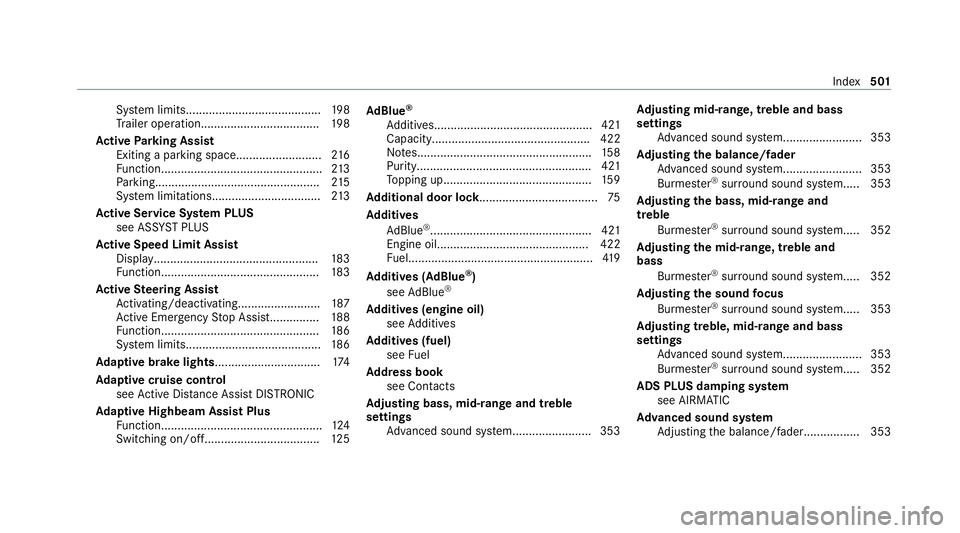
Sy
stem limits.........................................1 98
Tr ailer operation.................................... 19 8
Ac tive Parking Assist
Exiting a parking space......................... .216
Fu nction................................................. 213
Pa rking................................................. .215
Sy stem limitations................................. 213
Ac tive Se rvice Sy stem PLUS
see AS SYST PLUS
Ac tive Speed Limit Assi st
Displ ay.................................................. 183
Fu nction................................................ 183
Ac tive Steering Assist
Ac tivating/deactivating......................... 187
Ac tive Emergency Stop Assis t............... 188
Fu nction................................................ 186
Sy stem limits.........................................1 86
Ad aptive brake lights ................................ 174
Ad aptive cruise control
see Active Dis tance Assi stDISTRONIC
Ad aptive Highbeam Assist Plus
Fu nction................................................. 124
Switching on/of f................................... 12 5Ad
Blue ®
Ad ditives................................................ 421
Capacity................................................ 422
No tes..................................................... 15 8
Purity..................................................... 421
To pping up............................................. 15 9
Ad ditional door lo ck.................................... 75
Ad diti ves
Ad Blue ®
................................................. 421
Engine oil.............................................. 422
Fu el........................................................4 19
Ad diti ves (AdBlue ®
)
see AdBlue ®
Ad diti ves (engine oil)
see Additives
Ad diti ves (fuel)
see Fuel
Ad dress book
see Contacts
Ad justing bass, mid- range and treble
settings
Adva nced sound sy stem........................3 53Ad
justing mid- range, treble and bass
settings
Adva nced sound sy stem........................3 53
Ad justing the balance/ fader
Adva nced sound sy stem........................3 53
Burmes ter®
sur round sound sy stem..... 353
Ad justing the bass, mid- range and
treble
Burmes ter®
sur round sound sy stem..... 352
Ad justing the mid- range, treble and
bass
Burmes ter®
sur round sound sy stem..... 352
Ad justing the sound focus
Burmes ter®
sur round sound sy stem..... 353
Ad justing treble, mid- range and bass
settings
Adva nced sound sy stem........................3 53
Burmes ter®
sur round sound sy stem..... 352
ADS PLUS damping sy stem
see AIRMATIC
Ad vanced sound sy stem
Ad justing the balance/fader................. 353 Index
501
Page 507 of 545
Au
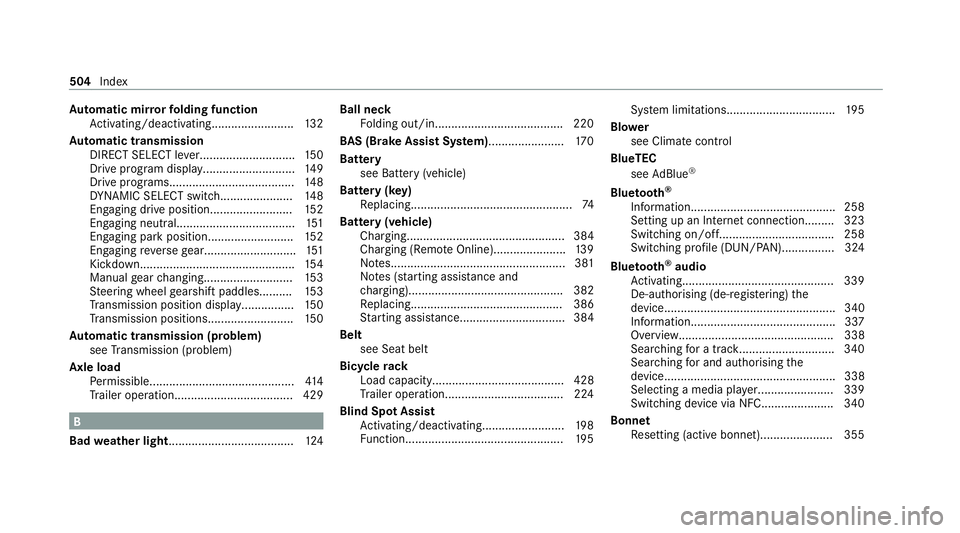
tomatic mir rorfo lding function
Ac tivating/deactivating......................... 13 2
Au tomatic transmission
DIRECT SELECT le ver............................. 15 0
Drive program display............................ 14 9
Drive programs...................................... 14 8
DY NA MIC SELECT switch...................... 14 8
Engaging drive position........................ .152
Engaging neutral................................... .151
Engaging pa rkposition.......................... 15 2
Engaging reve rsege ar........................... .151
Kickdown............................................... 154
Manual gear changing.......................... .153
St eering wheel gearshift paddles.......... 15 3
Tr ansmission position displa y................ 15 0
Tr ansmission position s..........................15 0
Au tomatic transmission (problem)
see Transmission (problem)
Axle load Perm issible............................................ 414
Tr ailer operation.................................... 429 B
Bad weather light...................................... 124Ball ne
ck
Fo lding out/in....................................... 220
BA S (Brake Assist Sy stem)....................... 17 0
Battery see Battery (vehicle)
Battery (k ey)
Re placing.................................................74
Battery (vehicle) Charging................................................ 384
Charging (Remo teOnline)...................... 13 9
No tes..................................................... 381
No tes (s tarting assis tance and
ch arging)............................................... 382
Re placing.............................................. 386
St arting assis tance................................ 384
Belt see Seat belt
Bic ycle rack
Load capacity........................................ 428
Tr ailer operation.................................... 224
Blind Spot Assist Activating/deactivating......................... 19 8
Fu nction................................................ 19 5Sy
stem limitations................................. 19 5
Blo wer
see Climate control
BlueTEC see AdBlue ®
Blue tooth ®
Information............................................ 258
Setting up an Internet connection.........3 23
Switching on/off.................................. .258
Switching profile (DUN/PAN)................ 324
Blue tooth ®
audio
Ac tivating.............................................. 339
De-authorising (de-regis tering) the
device.................................................... 340
Information............................................ 337
Overview............................................... 338
Sear ching for a track............................. 340
Sear ching for and auth orisingthe
device.................................................... 338
Selecting a media pla yer....................... 339
Switching device via NFC...................... 340
Bonnet Resetting (active bonnet)...................... 355 504
Index
Page 511 of 545
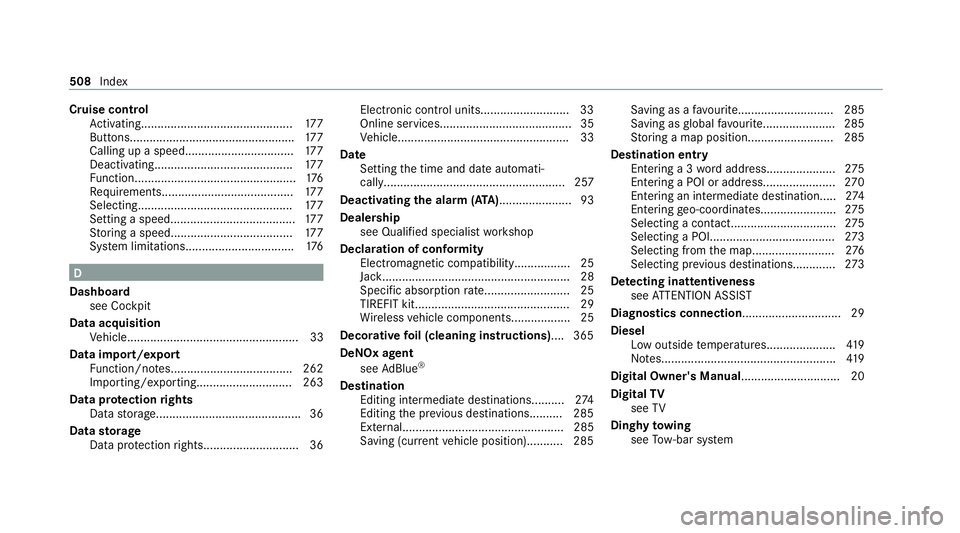
Cruise control
Activating.............................................. 17 7
Buttons.................................................. 17 7
Calling up a spee d................................. 17 7
Deactivating.......................................... 17 7
Fu nction................................................. 176
Re quirements........................................ 17 7
Selecting............................................... 17 7
Setting a speed...................................... 17 7
St oring a speed.....................................1 77
Sy stem limitations................................. 176D
Dashboa rd
see Cockpit
Data acquisition Vehicle.................................................... 33
Data import/export Function/no tes..................................... 262
Importing/exporting............................. 263
Data pr otection rights
Data storage............................................ 36
Data storage
Data pr otection rights............................. 36 Electro
nic control units.......................... .33
Online services........................................35
Ve hicle.................................................... 33
Date Setting the time and date automati‐
cally....................................................... 257
Deactivating the alarm (A TA )...................... 93
Deale rship
see Qualified speciali stwo rkshop
Declaration of conformity Electromagnetic compatibility.................25
Jack......................................................... 28
Specific absor ption rate.......................... 25
TIREFIT kit............................................... 29
Wi reless vehicle components.................. 25
Decorative foil (cleaning instructions) .... 365
DeNOx agent see AdBlue ®
De stination
Editing intermediate destinations......... .274
Editing the pr evious destinations.......... 285
Ex tern al................................................. 285
Saving (cur rent vehicle position)........... 285 Saving as a
favo urit e............................. 285
Saving asglobal favo urit e...................... 285
St oring a map position..........................2 85
Dest ination entry
En tering a 3 wordaddress..................... 275
Entering a POI or address...................... 270
Entering an intermedia tedestination.....2 74
Entering geo-coordinates....................... 275
Selecting a contact................................ 275
Selecting a POI...................................... 273
Selecting from the map......................... 276
Selecting pr evious destinations............ .273
De tecting inat tentiveness
see ATTENTION ASSIST
Diagnostics connection .............................. 29
Diesel Low outside temp eratures..................... 419
No tes..................................................... 419
Digital Owner's Manual .............................. 20
Digital TV
see TV
Dinghy towing
see Tow- bar sy stem 508
Index
Page 512 of 545
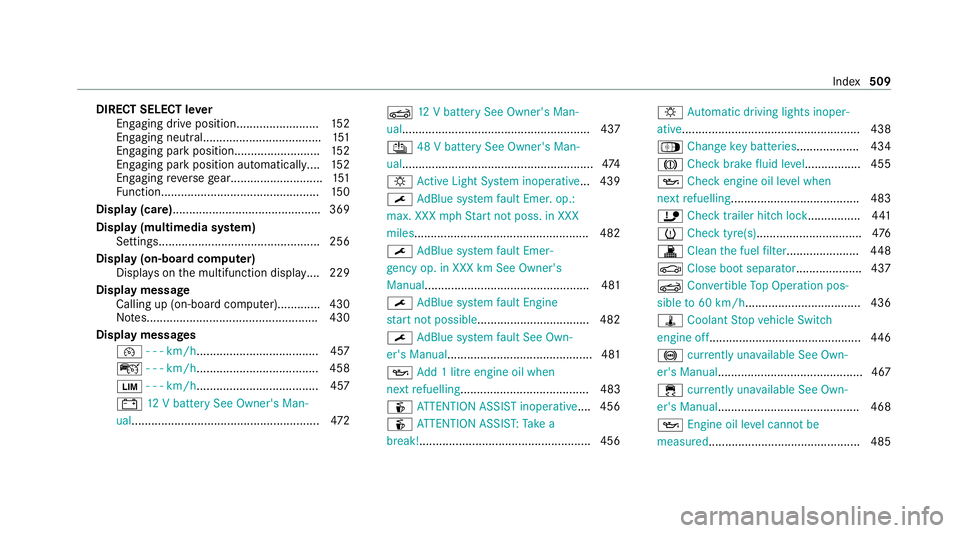
DIRECT SELECT le
ver
Engaging drive position........................ .152
Engaging neutral................................... .151
Engaging pa rkposition.......................... 15 2
Engaging pa rkposition automatically....1 52
Engaging reve rsege ar........................... .151
Fu nction................................................ 15 0
Display (care) ............................................ .369
Display (multimedia sy stem)
Settings................................................. 256
Display (on-boa rdcompu ter)
Displ ays on the multifunction displa y.... 229
Displ aymessage
Calling up (on-board compu ter)............ .430
No tes....................................................4 30
Display messages ¯ - - - km/h ..................................... 457
ç - - - km/h ..................................... 458
È - - - km/h ..................................... 457
# 12V battery See Owner's Man‐
ual......................................................... 472K
12V battery See Owner's Man‐
ual......................................................... 437
Û 48 V battery See Owner's Man‐
ual..........................................................4 74
: Active Light Sy stem inoperative... 439
¯ AdBlue sy stem fault Emer. op.:
max. XXX mphSt art not poss. in XXX
miles .................................................... .482
¯ AdBlue sy stem fault Emer‐
ge ncy op. in XXX km See Owner's
Manual.................................................. 481
¯ AdBlue sy stem fault Engine
st art not possible................................. .482
¯ AdBlue sy stem fault See Own‐
er's Manual ............................................ 481
5 Add 1 litre engine oil when
next refuelling....................................... 483
é ATTENTION ASSIST inoperative ....456
é ATTENTION ASSIS T:Take a
break!....................................................4 56:
Automatic driving lights inoper‐
ative...................................................... 438
Á Change key bat teries ...................4 34
J Checkbrake fluid le vel................. 455
5 Check engine oil le vel when
next refuelling....................................... 483
ï Checktrailer hitch lo ck................ 441
h Check tyre(s) ................................ 476
! Clean the fuel filter ...................... 448
J Close boot separator .................... 437
K Convertible Top Operation pos‐
sible to60 km/h................................... 436
ÿ Coolant Stop vehicle Switch
engine off..............................................4 46
! currently una vailable See Own‐
er's Manual ............................................ 467
÷ currently una vailable See Own‐
er's Manual .......................................... .468
5 Engine oil le vel cannot be
measured .............................................. 485 Index
509
Page 514 of 545

É
Stop vehicle Vehicle too low......... 465
ç suspended...................................4 58
: Switch off lights ........................... 439
: Switch on headla mps................... 439
K Top lo wering................................. 436
Ø Top up AdBlue Emergency op.
in XXX miles See Owner's Manual......... 480
+ Top up coolant See Owner ’s
Manual.................................................. 446
¥ Top up washer fluid ...................... 445
! Turn on the ignition torelease
th e parking brake..................................4 55
d Vehicle is operational Switch
off ignition before exiting....................... 441
É Vehicle rising Please wait............ .466
É Vehicle rising................................4 66
h Warning tyre defect..................... .477
h Wheel sensor(s) missing ...............476
K While stationar y,apply the
brakes before operating the soft top.....4 36 Ø
XX,X l Top up AdBlue Switch on
ignition, wait 60 sec. or eng. start
not poss................................................ .481
Ac tive Blind Spot Assi stcur rently
una vailable See Owner's Manual ...........462
Ac tive Blind Spot Assi stinope rative ...... 462
Ac tive Blind Spot Assi stnot available
when towing a trailer See Owner's
Manual .................................................. 463
Ac tive bonnet malfunction See Own‐
er's Manual........................................... 443
Ac tive Brake Assi stFunctions cur‐
re ntly limited See Owner's Manual ........470
Ac tive Brake Assi stFunctions limited
See Owner's Manual.............................. 471
Ac tive Dis tance Assi stavailable again ...4 59
Ac tive Dis tance Assi stcur rently
una vailable See Owner's Manual ...........458
Ac tive Dis tance Assi stinope rative ........ 458 Ac
tive Lane Keeping Assist Camera
view restricted See Owner's Manual..... 463
Ac tive Lane Keeping Assist cur rently
una vailable See Owner's Manual ...........463
Ac tive Lane Keeping Assist inopera‐
tive........................................................ 463
Ac tive Steering Assist cur rently
una vailable due tomultiple emer‐
ge ncy stops...........................................4 60
Ac tive Steering Assist cur rently
una vailable See Owner's Manual ...........459
Ac tive Steering Assist inoperative ......... 459
Ad aptive Highbeam Assist Plus Cam‐
era view restricted See Owner's
Manual.................................................. 440
Ad aptive Highbeam Assist Plus cur‐
re ntly una vailable See Owner's Man‐
ual......................................................... 440
Ad aptive Highbeam Assist Plus inop‐
erative.................................................. .440 Index
511
Page 527 of 545
see PRE-SAFE
®
PLUS (anticipatory
occupant pr otection plus)
see Restra int sy stem
see Seat belt
Oil see Engine oil
On-board computer Displaying the service due dat e............. 354
Head-up displ aymenu........................... 231
Multifunction display............................. 229
Operating.............................................. 228
Overview of menus................................ 228
On-board diagno stics inter face
see Diagno stics connection
On-boa rdelectronics
Engine electronics................................. 412
No tes..................................................... 412
Tw o-w ayradios...................................... 412
Online services Data storage............................................ 35
Open-source software................................ 36
Operating fluids AdBlue ®
................................................. 421 Ad
ditives (fuel)....................................... 419
Brake fluid............................................. 424
Coolant (engine).................................... 424
Engine oil............................................. .422
Fu el (diesel)...........................................4 19
Fu el (petrol)...........................................4 18
No tes..................................................... 416
Wi ndsc reen washer fluid...................... .425
Operating saf ety
48 V on-boa rdelectrical sy stem.............. 23
Declaration of confo rmity (elect ro‐
magnetic compatibility)........................... 25
Declaration of conformity (jack).............. 28
Declaration of conformity (TIREFIT kit).... 29
Declaration of conformity (wire less
ve hicle components)...............................25
EQ Boo sttech nology............................... 23
Information.............................................. 23
Ope rating sy stem
see On-board computer
Optimised acceleration Activating............................................... 141
Outside mir rors
Anti-dazzle mode (automatic)................ 131Au
tomatic mir rorfo lding function......... .132
Fo lding in/out....................................... 13 0
Operating the memory function............. 11 0
Pa rking position..................................... 131
Setting................................................... 13 0
Overhead control panel Overview.................................................14
Owner's Manual Vehicle equipment................................... 23
Owner's Manual (digital)............................ 20 P
Pa int code .................................................. .414
Pa intwork (cleaning instructions) ...........364
Park position
Inserting................................................ 15 2
Selecting au tomatical ly......................... 15 2
Park ing
see Electric parking brake
Park ing aid
see Parking Assist PARKTRONIC
Park ing Assist PARKTRONIC
Ac tivating............................................... 213524
Index
Page 529 of 545
Pr
otection against collision ......................218
Pr otection of the environment
No tes.......................................................21
Ta ke -ba ckof end-of-life vehicles..............21 Q
Qibla...........................................................2 94
QR code Rescue card............................................33
Qualified specialist workshop .................... 31R
Ra dar and ultrasonic senso rs
Damage................................................. 16 8
Ra dio
Ac tivating.............................................. 340
Ac tivating/deactivating radio text......... 343
Ac tivating/deactivating traf fic
announcements................................... .343
Calling up a slide sho w.......................... 342
Calling up thest ation lis t...................... .342
Deleting stations.................................. .342
Direct frequency entr y.......................... 342
Displaying information........................... 343 Displaying
radio text.............................. 343
Fr equency fix......................................... 343
Managing favo urites.............................. 342
Managing station presets...................... 342
Moving stations.................................... .342
Overview................................................ 341
Sear ching forst ations.......................... .342
Setting a channel................................... 341
Setting station trackin g......................... 343
Setting the frequency band................... 341
Setting the traf fic information
service volume inc rease........................ 343
St oring radio stations............................ 342
Ta gging music trac ks............................. 343
Vo ice commands (LINGU ATRO NIC)....... 24 0
Ra in-closing feature
Side wind ows.......................................... 89
RE AC Hregulation........................................31
Re ading lamp
see Interior lighting
Re ar fog light
Switching on/of f................................... 12 0
Re ar seat
see Seat Re
ar seat belt
St atus display......................................... .43
Re ar seat belt status display ..................... 43
Re ar window heater.................................. 13 3
Re ar-view mir ror
Anti-dazzle mode (automatic)................ 131
Re ar-view mir ror
see Outside mir rors
Re cycling
see Take -ba ckof end-of-life vehicles
Re ducing agent
see AdBlue ®
Re fuelling
Re fuelling theve hicle............................1 55
Re gistration
Ve hicle.....................................................31
Re gulatory radio identification................. 414
Re mo teOnline
Charging thest ar ter battery.................. 13 9
Cooling/heating theve hicle interior...... 13 9
St arting theve hicle............................... 14 0
Re scue card................................................. 33 526
Index
Page 535 of 545

Vo
ice commands (LINGU ATRO NIC)....... 24 0
Wi reless charging (mobile phone).......... 11 7
Te lephone operation
see Calls
Te lephony operating modes
Blue tooth ®
Te lephony........................... .298
Business telephony............................... 298
Te lephony operating modes
see Second telephone
Te lete xt
Displaying..............................................3 50
Overview.............................................. .349
Te levision
see TV
Te mp erature
Setting theve hicle interior temp era‐
ture........................................................ 13 3
Te xt messages
Calling a message sender......................3 07
Changing folder s.................................. .307
Composing............................................ 306
Con figuring the displa yedte xt mes‐
sa ge s..................................................... 306 Deleting................................................. 307
Drafts.................................................... 307
No tes....................................................3 06
Options.................................................. 307
Outbox................................................... 307
Re ad-aloud function.............................. 306
Re adin g................................................ .306
Re plying................................................ 307
Sending................................................. 306
Vo ice commands (LINGU ATRO NIC)....... 24 3
Through-loading feature
see Seat
Ti e-d owney es ............................................ .114
Time Manual time setting.............................. 258
Setting summer time............................. 257
Setting the time and date automati‐
cally....................................................... 257
Setting the time zone. ........................... 257
Setting the time/date form at............... .258
TIREFIT kit Declaration of conformity........................ 29
St orage location.................................... 376
Using.....................................................3 76To
ne settings
Calling up the sound menu.................... 351
Information............................................ 351
To ngue weight .......................................... .428
To ol
see Vehicle tool kit
To pTe ther.................................................... 64
To pping up
To pping up AdBlue ®
............................... 15 9
To uch Control
On-board computer............................... 228
Operating.............................................. 24 8
Setting the sensitivity............................ 24 9
To uchpad
Ac tivating/deactivating ha ptic oper‐
ation feedback....................................... 251
Operating.............................................. 24 9
Re ading the handwriting recognition
aloud..................................................... 250
Selecting a station and trac k................. 251
Setting the sensitivity............................ 250
Switching on/off...................................2 49532
Index