navigation MERCEDES-BENZ C-CLASS SALOON 2014 User Guide
[x] Cancel search | Manufacturer: MERCEDES-BENZ, Model Year: 2014, Model line: C-CLASS SALOON, Model: MERCEDES-BENZ C-CLASS SALOON 2014Pages: 489, PDF Size: 14.88 MB
Page 315 of 489
A qualified specialist workshop can set the
dipped-beam headlamps for driving on the
left/right.
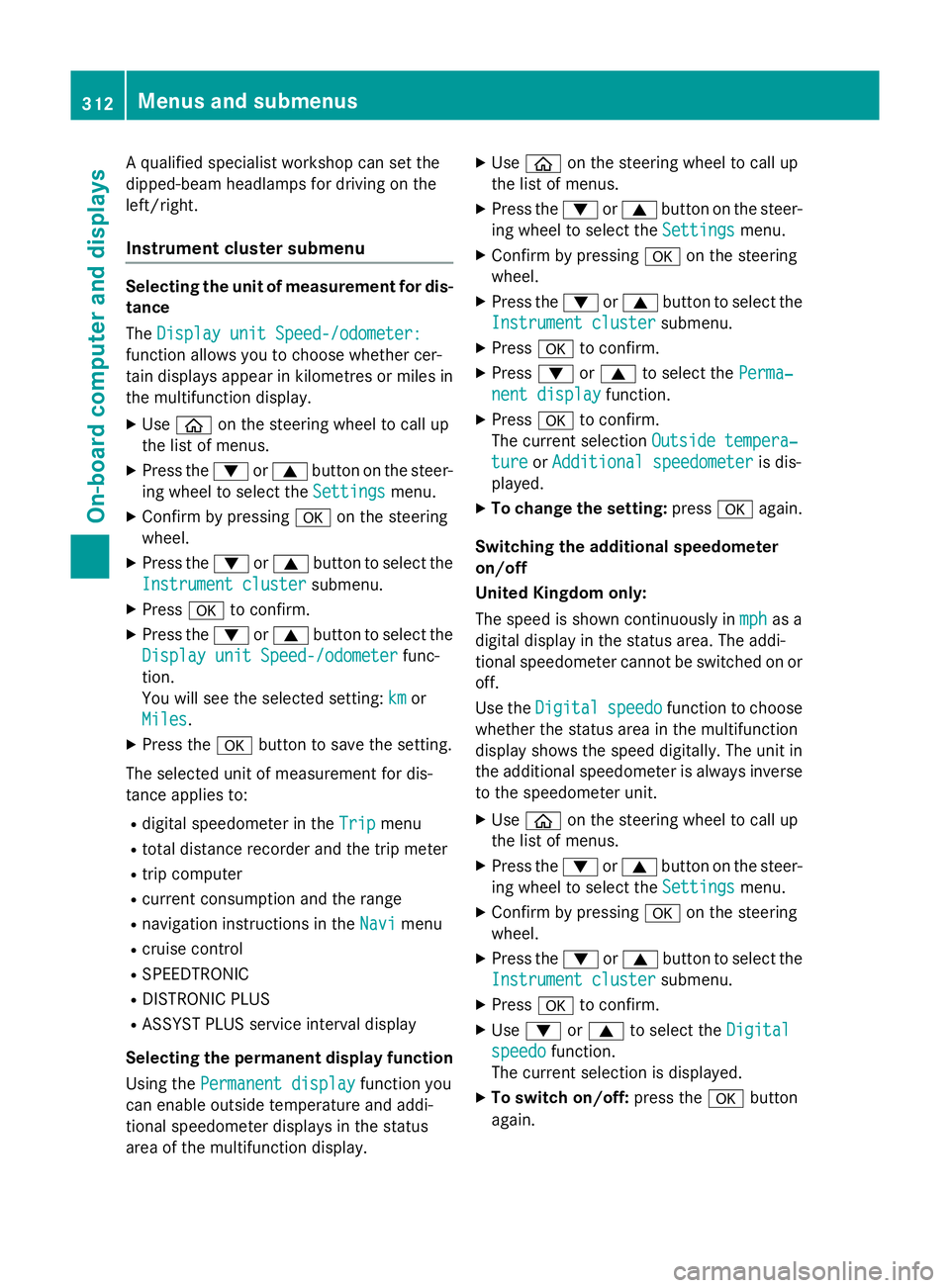
Instrument cluster submenu Selecting the unit of measurement for dis-
tance
The Display unit Speed-/odometer:
Display unit Speed-/odometer:
function allows you to choose whether cer-
tain displays appear in kilometres or miles in the multifunction display.
X Use ò on the steering wheel to call up
the list of menus.
X Press the :or9 button on the steer-
ing wheel to select the Settings Settingsmenu.
X Confirm by pressing aon the steering
wheel.
X Press the :or9 button to select the
Instrument cluster
Instrument cluster submenu.
X Press ato confirm.
X Press the :or9 button to select the
Display unit Speed-/odometer
Display unit Speed-/odometer func-
tion.
You will see the selected setting: km kmor
Miles
Miles.
X Press the abutton to save the setting.
The selected unit of measurement for dis-
tance applies to:
R digital speedometer in the Trip
Tripmenu
R total distance recorder and the trip meter
R trip computer
R current consumption and the range
R navigation instructions in the Navi
Navi menu
R cruise control
R SPEEDTRONIC
R DISTRONIC PLUS
R ASSYST PLUS service interval display
Selecting the permanent display function
Using the Permanent display
Permanent display function you
can enable outside temperature and addi-
tional speedometer displays in the status
area of the multifunction display. X
Use ò on the steering wheel to call up
the list of menus.
X Press the :or9 button on the steer-
ing wheel to select the Settings
Settings menu.
X Confirm by pressing aon the steering
wheel.
X Press the :or9 button to select the
Instrument cluster Instrument cluster submenu.
X Press ato confirm.
X Press :or9 to select the Perma‐
Perma‐
nent display
nent display function.
X Press ato confirm.
The current selection Outside tempera‐
Outside tempera‐
ture
ture orAdditional speedometer
Additional speedometer is dis-
played.
X To change the setting: pressaagain.
Switching the additional speedometer
on/off
United Kingdom only:
The speed is shown continuously in mph mphas a
digital display in the status area. The addi-
tional speedometer cannot be switched on or off.
Use the Digital Digital speedo
speedofunction to choose
whether the status area in the multifunction
display shows the speed digitally. The unit in
the additional speedometer is always inverse to the speedometer unit.
X Use ò on the steering wheel to call up
the list of menus.
X Press the :or9 button on the steer-
ing wheel to select the Settings Settingsmenu.
X Confirm by pressing aon the steering
wheel.
X Press the :or9 button to select the
Instrument cluster
Instrument cluster submenu.
X Press ato confirm.
X Use : or9 to select the Digital
Digital
speedo
speedo function.
The current selection is displayed.
X To switch on/off: press theabutton
again. 312
Menus and submenusOn-board computer and displays
Page 358 of 489
Warning/
indicator
lamp
N N
Signal type
Possible causes/consequences and M
MSolutions !
N
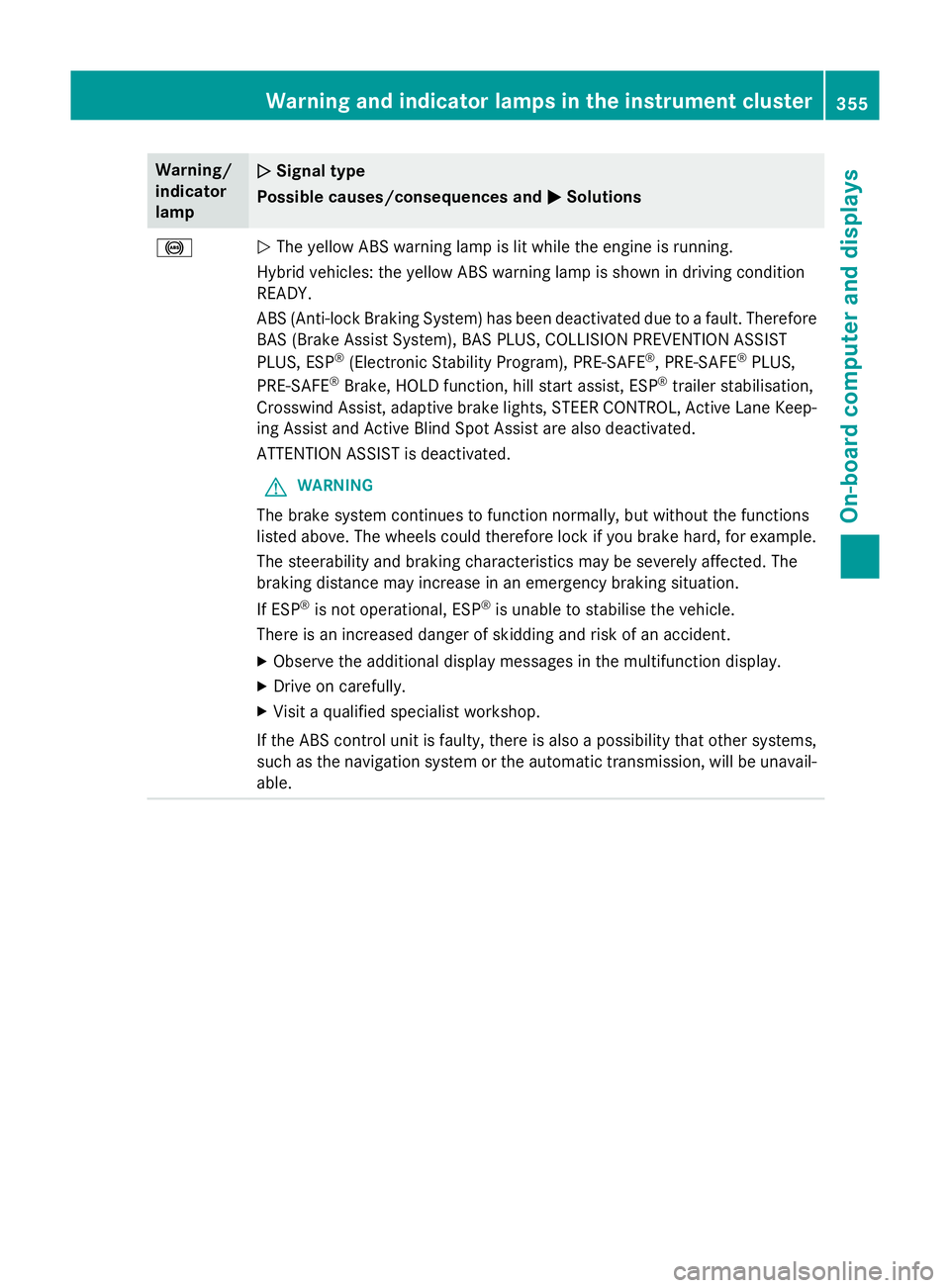
The yellow ABS warning lamp is lit while the engine is running.
Hybrid vehicles: the yellow ABS warning lamp is shown in driving condition
READY.
ABS (Anti-lock Braking System) has been deactivated due to a fault. Therefore BAS (Brake Assist System), BAS PLUS, COLLISION PREVENTION ASSIST
PLUS, ESP ®
(Electronic Stability Program), PRE‑SAFE ®
, PRE‑ SAFE®
PLUS,
PRE‑ SAFE ®
Brake, HOLD function, hill start assist, ESP ®
trailer stabilisation,
Crosswind Assist, adaptive brake lights, STEER CONTROL, Active Lane Keep-
ing Assist and Active Blind Spot Assist are also deactivated.
ATTENTION ASSIST is deactivated.
G WARNING
The brake system continues to function normally, but without the functions
listed above. The wheels could therefore lock if you brake hard, for example.
The steerability and braking characteristics may be severely affected. The
braking distance may increase in an emergency braking situation.
If ESP ®
is not operational, ESP ®
is unable to stabilise the vehicle.
There is an increased danger of skidding and risk of an accident.
X Observe the additional display messages in the multifunction display.
X Drive on carefully.
X Visit a qualified specialist workshop.
If the ABS control unit is faulty, there is also a possibility that other systems,
such as the navigation system or the automatic transmission, will be unavail- able. Warning and indicator lamps in the instrument cluster
355On-board computer and displays Z
Page 388 of 489
separate COMAND Online operating instruc-
tions. Mercedes-Benz Contact
General notes Mercedes-Benz Contact offers fast assis-
tance at the touch of a button – around the
clock. For any queries about the vehicle,
Mercedes-Benz Contact offers a fast and easy connecting call to the Mercedes-Benz Cus-
tomer Centre. You can, for example, request
an appointment or call for help in the event of
a breakdown.
The Audio 20/COMAND Online display indi-
cates that a call is active. During the call you change to the navigation menu by pressing
the NAVI button in Audio 20/COMAND
Online, for example.
Voice output is not available in this case.
You can find more information about
Mercedes-Benz Contact in the separate
Audio 20/COMAND Online operating instruc-
tions.
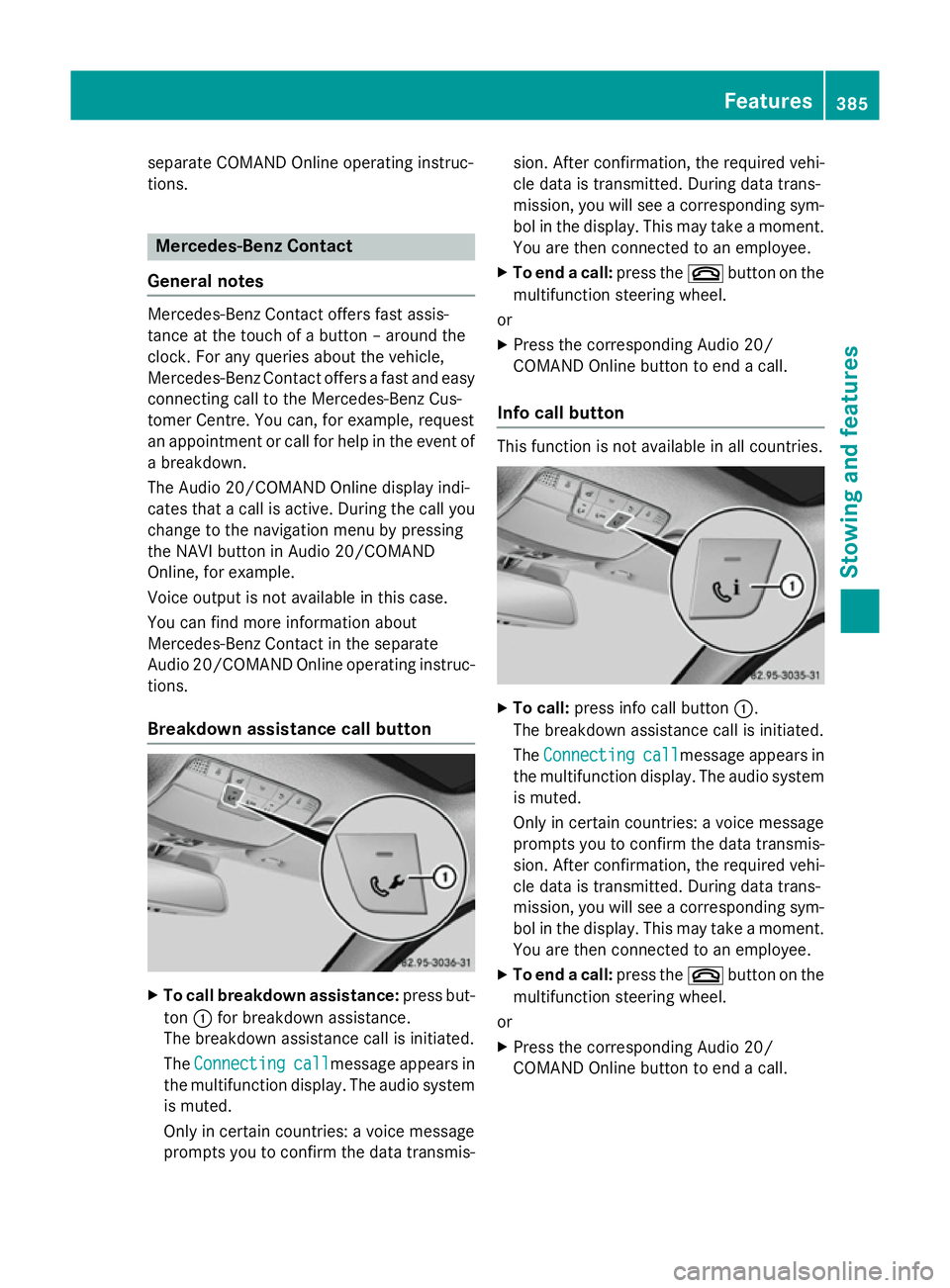
Breakdown assistance call button X
To call breakdown assistance: press but-
ton :for breakdown assistance.
The breakdown assistance call is initiated.
The Connecting
Connecting call callmessage appears in
the multifunction display. The audio system is muted.
Only in certain countries: a voice message
prompts you to confirm the data transmis- sion. After confirmation, the required vehi-
cle data is transmitted. During data trans-
mission, you will see a corresponding sym-
bol in the display. This may take a moment. You are then connected to an employee.
X To end a call: press the~button on the
multifunction steering wheel.
or X Press the corresponding Audio 20/
COMAND Online button to end a call.
Info call button This function is not available in all countries.
X
To call: press info call button :.
The breakdown assistance call is initiated.
The Connecting Connecting call
callmessage appears in
the multifunction display. The audio system is muted.
Only in certain countries: a voice message
prompts you to confirm the data transmis-
sion. After confirmation, the required vehi- cle data is transmitted. During data trans-
mission, you will see a corresponding sym-
bol in the display. This may take a moment.
You are then connected to an employee.
X To end a call: press the~button on the
multifunction steering wheel.
or
X Press the corresponding Audio 20/
COMAND Online button to end a call. Features
385Stowing and features Z