ECO mode MERCEDES-BENZ CLA 2013 User Guide
[x] Cancel search | Manufacturer: MERCEDES-BENZ, Model Year: 2013, Model line: CLA, Model: MERCEDES-BENZ CLA 2013Pages: 352, PDF Size: 5.37 MB
Page 130 of 352
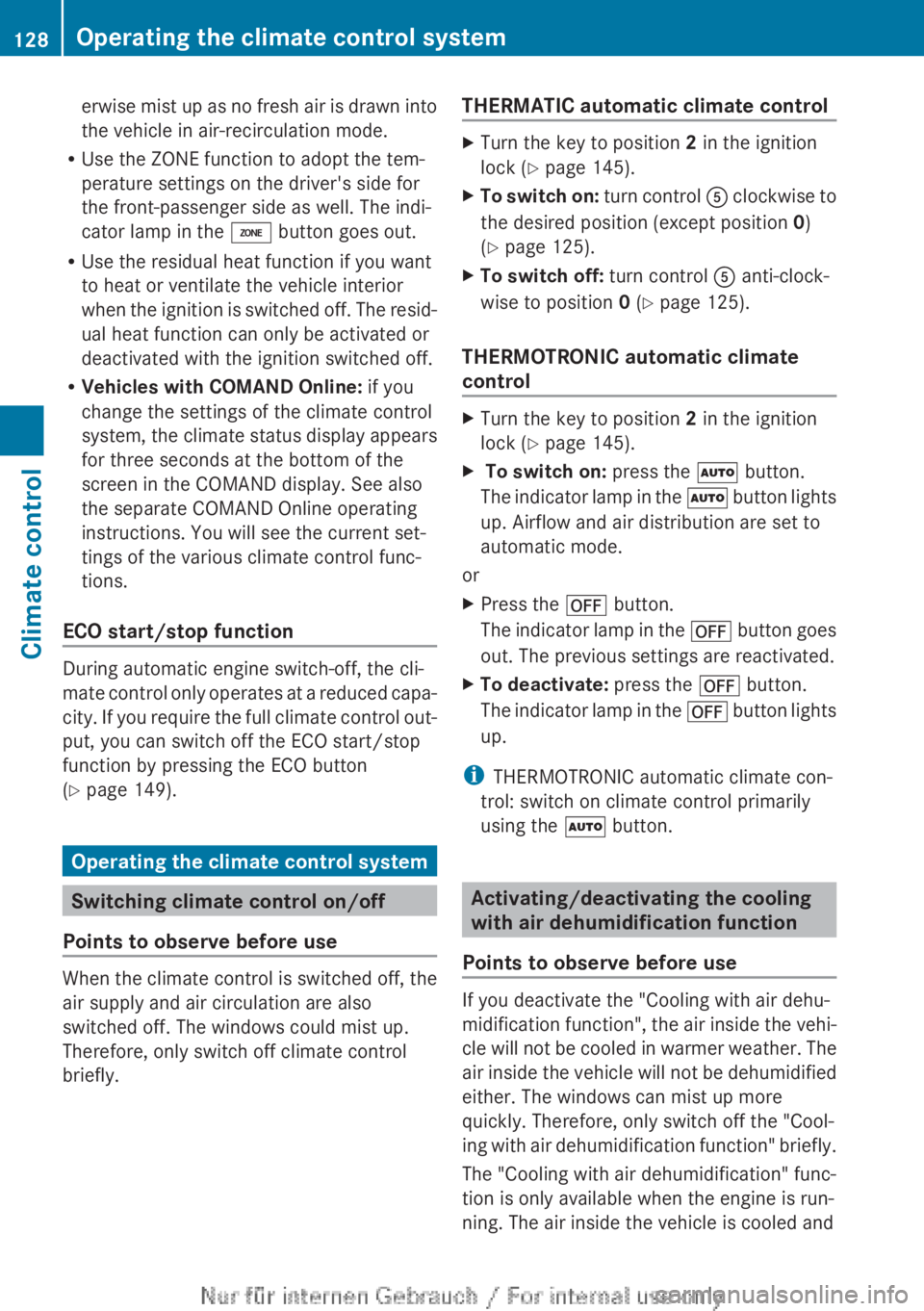
erwise mist up as no fresh air is drawn into
the vehicle in air-recirculation mode.
R Use the ZONE function to adopt the tem-
perature settings on the driver's side for
the front-passenger side as well. The indi-
cator lamp in the á button goes out.
R Use the residual heat function if you want
to heat or ventilate the vehicle interior
when the ignition is switched off. The resid-
ual heat function can only be activated or
deactivated with the ignition switched off.
R Vehicles with COMAND Online: if you
change the settings of the climate control
system, the climate status display appears
for three seconds at the bottom of the
screen in the COMAND display. See also
the separate COMAND Online operating
instructions. You will see the current set-
tings of the various climate control func-
tions.
ECO start/stop function
During automatic engine switch-off, the cli-
mate control only operates at a reduced capa-
city. If you require the full climate control out-
put, you can switch off the ECO start/stop
function by pressing the ECO button
( Y page 149).
Operating the climate control system
Switching climate control on/off
Points to observe before use
When the climate control is switched off, the
air supply and air circulation are also
switched off. The windows could mist up.
Therefore, only switch off climate control
briefly.
THERMATIC automatic climate controlXTurn the key to position 2 in the ignition
lock ( Y page 145).XTo switch on: turn control A clockwise to
the desired position (except position 0)
( Y page 125).XTo switch off: turn control A anti-clock-
wise to position 0 (Y page 125).
THERMOTRONIC automatic climate
control
XTurn the key to position 2 in the ignition
lock ( Y page 145).X To switch on: press the à button.
The indicator lamp in the à button lights
up. Airflow and air distribution are set to
automatic mode.
or
XPress the ^ button.
The indicator lamp in the ^ button goes
out. The previous settings are reactivated.XTo deactivate: press the ^ button.
The indicator lamp in the ^ button lights
up.
i THERMOTRONIC automatic climate con-
trol: switch on climate control primarily
using the à button.
Activating/deactivating the cooling
with air dehumidification function
Points to observe before use
If you deactivate the "Cooling with air dehu-
midification function", the air inside the vehi-
cle will not be cooled in warmer weather. The
air inside the vehicle will not be dehumidified
either. The windows can mist up more
quickly. Therefore, only switch off the "Cool-
ing with air dehumidification function" briefly.
The "Cooling with air dehumidification" func-
tion is only available when the engine is run-
ning. The air inside the vehicle is cooled and
128Operating the climate control systemClimate control
Page 136 of 352
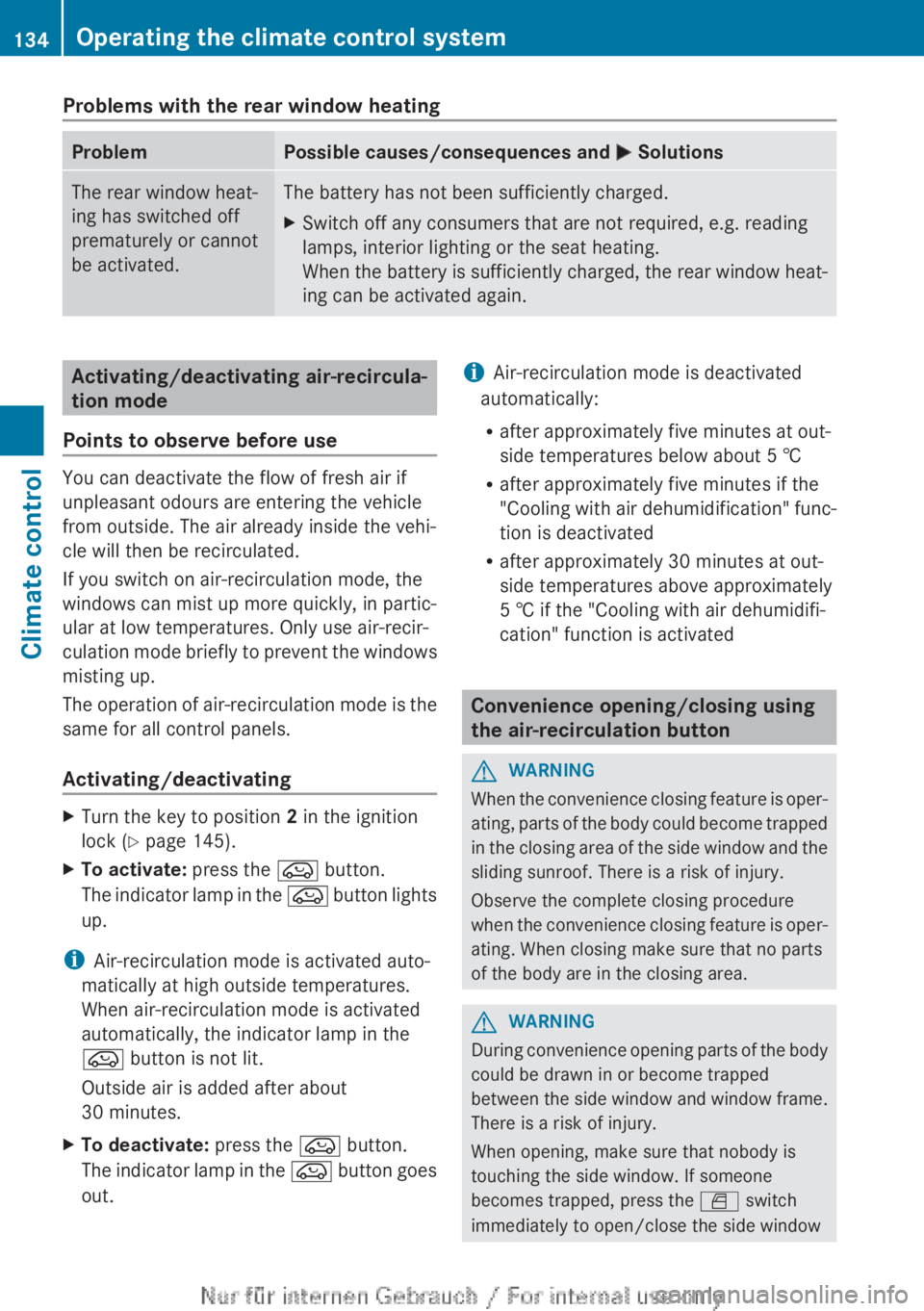
Problems with the rear window heatingProblemPossible causes/consequences and M SolutionsThe rear window heat-
ing has switched off
prematurely or cannot
be activated.The battery has not been sufficiently charged.XSwitch off any consumers that are not required, e.g. reading
lamps, interior lighting or the seat heating.
When the battery is sufficiently charged, the rear window heat-
ing can be activated again.Activating/deactivating air-recircula-
tion mode
Points to observe before use
You can deactivate the flow of fresh air if
unpleasant odours are entering the vehicle
from outside. The air already inside the vehi-
cle will then be recirculated.
If you switch on air-recirculation mode, the
windows can mist up more quickly, in partic-
ular at low temperatures. Only use air-recir-
culation mode briefly to prevent the windows
misting up.
The operation of air-recirculation mode is the
same for all control panels.
Activating/deactivating
XTurn the key to position 2 in the ignition
lock ( Y page 145).XTo activate: press the e button.
The indicator lamp in the e button lights
up.
i Air-recirculation mode is activated auto-
matically at high outside temperatures.
When air-recirculation mode is activated
automatically, the indicator lamp in the
e button is not lit.
Outside air is added after about
30 minutes.
XTo deactivate: press the e button.
The indicator lamp in the e button goes
out.i Air-recirculation mode is deactivated
automatically:
R after approximately five minutes at out-
side temperatures below about 5 †
R after approximately five minutes if the
"Cooling with air dehumidification" func-
tion is deactivated
R after approximately 30 minutes at out-
side temperatures above approximately
5 † if the "Cooling with air dehumidifi-
cation" function is activated
Convenience opening/closing using
the air-recirculation button
GWARNING
When the convenience closing feature is oper-
ating, parts of the body could become trapped
in the closing area of the side window and the
sliding sunroof. There is a risk of injury.
Observe the complete closing procedure
when the convenience closing feature is oper-
ating. When closing make sure that no parts
of the body are in the closing area.
GWARNING
During convenience opening parts of the body
could be drawn in or become trapped
between the side window and window frame.
There is a risk of injury.
When opening, make sure that nobody is
touching the side window. If someone
becomes trapped, press the W switch
immediately to open/close the side window
134Operating the climate control systemClimate control
Page 137 of 352
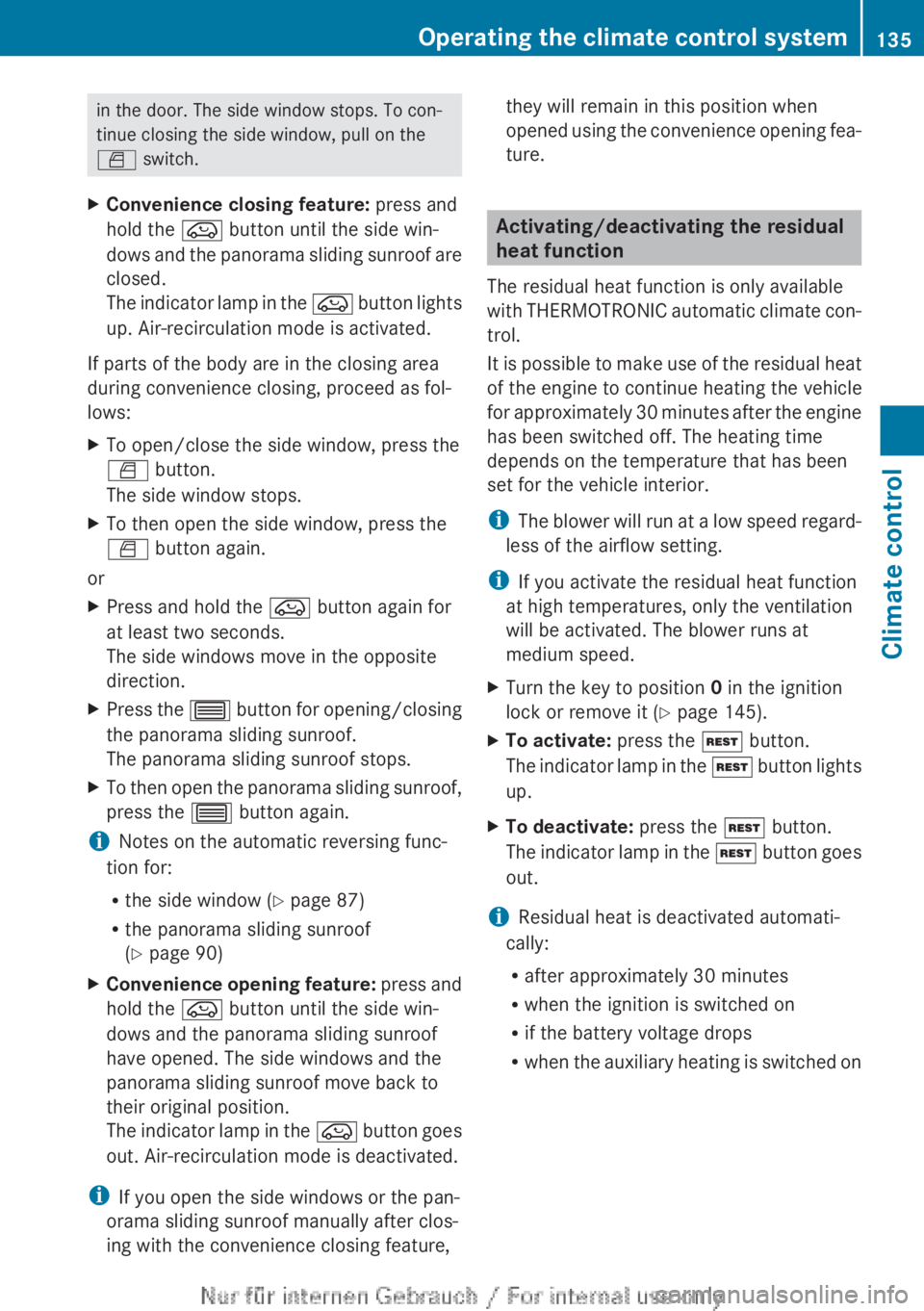
in the door. The side window stops. To con-
tinue closing the side window, pull on the
W switch.XConvenience closing feature: press and
hold the e button until the side win-
dows and the panorama sliding sunroof are
closed.
The indicator lamp in the e button lights
up. Air-recirculation mode is activated.
If parts of the body are in the closing area
during convenience closing, proceed as fol-
lows:
XTo open/close the side window, press the
W button.
The side window stops.XTo then open the side window, press the
W button again.
or
XPress and hold the e button again for
at least two seconds.
The side windows move in the opposite
direction.XPress the 3 button for opening/closing
the panorama sliding sunroof.
The panorama sliding sunroof stops.XTo then open the panorama sliding sunroof,
press the 3 button again.
iNotes on the automatic reversing func-
tion for:
R the side window ( Y page 87)
R the panorama sliding sunroof
( Y page 90)
XConvenience opening feature: press and
hold the e button until the side win-
dows and the panorama sliding sunroof
have opened. The side windows and the
panorama sliding sunroof move back to
their original position.
The indicator lamp in the e button goes
out. Air-recirculation mode is deactivated.
i If you open the side windows or the pan-
orama sliding sunroof manually after clos-
ing with the convenience closing feature,
they will remain in this position when
opened using the convenience opening fea-
ture.
Activating/deactivating the residual
heat function
The residual heat function is only available
with THERMOTRONIC automatic climate con-
trol.
It is possible to make use of the residual heat
of the engine to continue heating the vehicle
for approximately 30 minutes after the engine
has been switched off. The heating time
depends on the temperature that has been
set for the vehicle interior.
i The blower will run at a low speed regard-
less of the airflow setting.
i If you activate the residual heat function
at high temperatures, only the ventilation
will be activated. The blower runs at
medium speed.
XTurn the key to position 0 in the ignition
lock or remove it ( Y page 145).XTo activate: press the Ì button.
The indicator lamp in the Ì button lights
up.XTo deactivate: press the Ì button.
The indicator lamp in the Ì button goes
out.
i Residual heat is deactivated automati-
cally:
R after approximately 30 minutes
R when the ignition is switched on
R if the battery voltage drops
R when the auxiliary heating is switched on
Operating the climate control system135Climate controlZ
Page 138 of 352
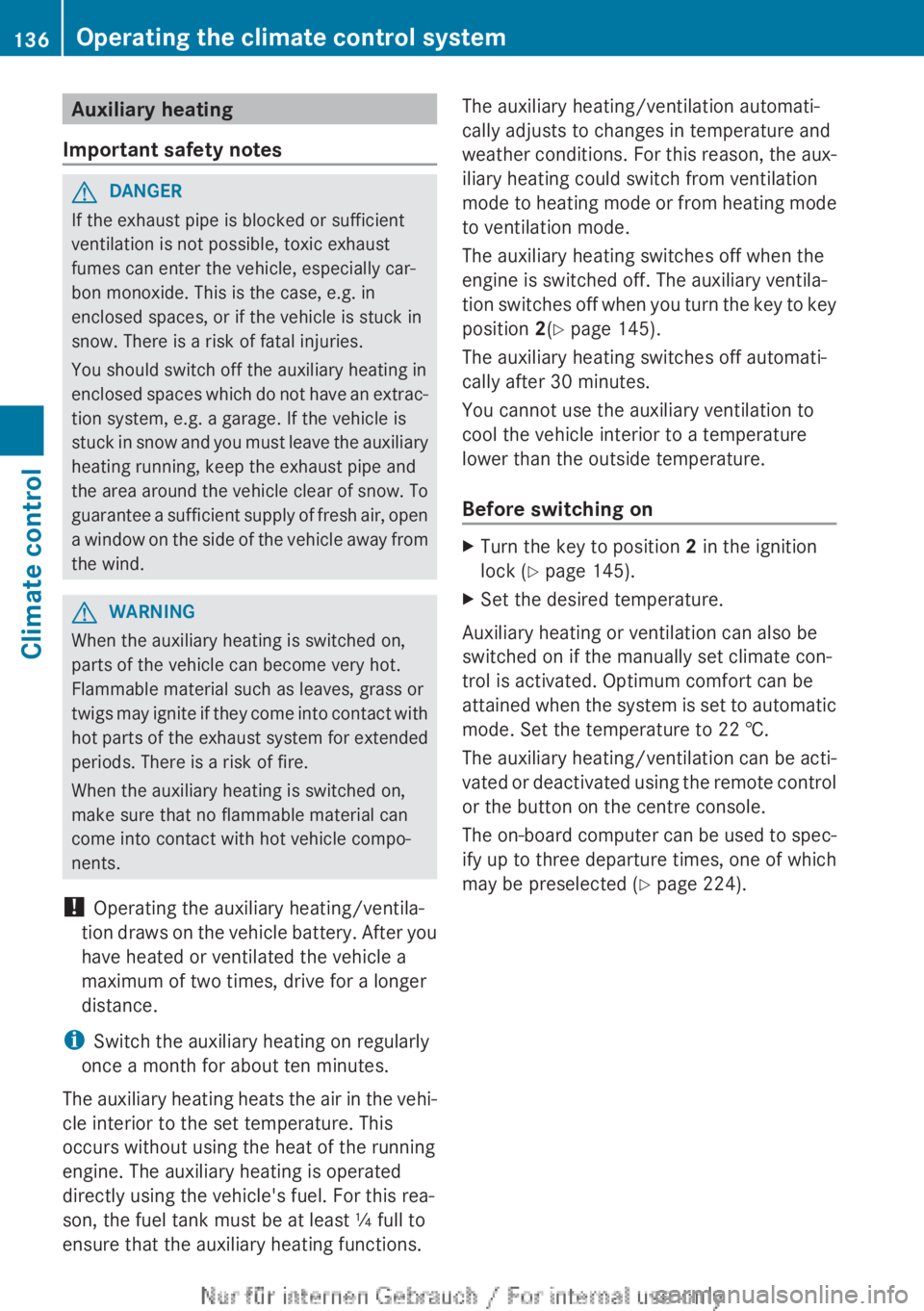
Auxiliary heating
Important safety notesGDANGER
If the exhaust pipe is blocked or sufficient
ventilation is not possible, toxic exhaust
fumes can enter the vehicle, especially car-
bon monoxide. This is the case, e.g. in
enclosed spaces, or if the vehicle is stuck in
snow. There is a risk of fatal injuries.
You should switch off the auxiliary heating in
enclosed spaces which do not have an extrac-
tion system, e.g. a garage. If the vehicle is
stuck in snow and you must leave the auxiliary
heating running, keep the exhaust pipe and
the area around the vehicle clear of snow. To
guarantee a sufficient supply of fresh air, open
a window on the side of the vehicle away from
the wind.
GWARNING
When the auxiliary heating is switched on,
parts of the vehicle can become very hot.
Flammable material such as leaves, grass or
twigs may ignite if they come into contact with
hot parts of the exhaust system for extended
periods. There is a risk of fire.
When the auxiliary heating is switched on,
make sure that no flammable material can
come into contact with hot vehicle compo-
nents.
! Operating the auxiliary heating/ventila-
tion draws on the vehicle battery. After you
have heated or ventilated the vehicle a
maximum of two times, drive for a longer
distance.
i Switch the auxiliary heating on regularly
once a month for about ten minutes.
The auxiliary heating heats the air in the vehi-
cle interior to the set temperature. This
occurs without using the heat of the running
engine. The auxiliary heating is operated
directly using the vehicle's fuel. For this rea-
son, the fuel tank must be at least ¼ full to
ensure that the auxiliary heating functions.
The auxiliary heating/ventilation automati-
cally adjusts to changes in temperature and
weather conditions. For this reason, the aux-
iliary heating could switch from ventilation
mode to heating mode or from heating mode
to ventilation mode.
The auxiliary heating switches off when the
engine is switched off. The auxiliary ventila-
tion switches off when you turn the key to key
position 2(Y page 145).
The auxiliary heating switches off automati-
cally after 30 minutes.
You cannot use the auxiliary ventilation to
cool the vehicle interior to a temperature
lower than the outside temperature.
Before switching onXTurn the key to position 2 in the ignition
lock ( Y page 145).XSet the desired temperature.
Auxiliary heating or ventilation can also be
switched on if the manually set climate con-
trol is activated. Optimum comfort can be
attained when the system is set to automatic
mode. Set the temperature to 22 †.
The auxiliary heating/ventilation can be acti-
vated or deactivated using the remote control
or the button on the centre console.
The on-board computer can be used to spec-
ify up to three departure times, one of which
may be preselected ( Y page 224).
136Operating the climate control systemClimate control
Page 161 of 352
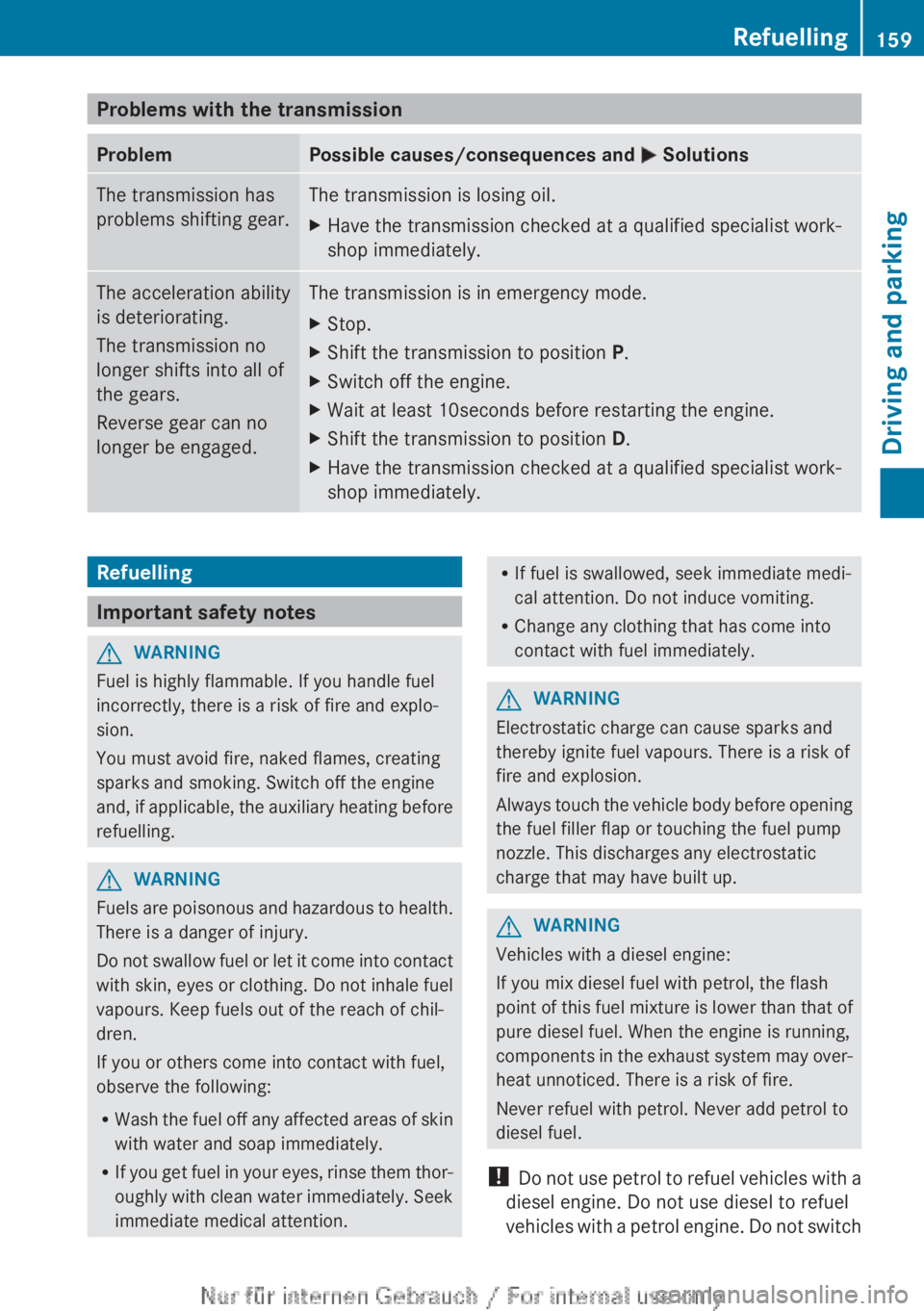
Problems with the transmissionProblemPossible causes/consequences and M SolutionsThe transmission has
problems shifting gear.The transmission is losing oil.XHave the transmission checked at a qualified specialist work-
shop immediately.The acceleration ability
is deteriorating.
The transmission no
longer shifts into all of
the gears.
Reverse gear can no
longer be engaged.The transmission is in emergency mode.XStop.XShift the transmission to position P.XSwitch off the engine.XWait at least 10seconds before restarting the engine.XShift the transmission to position D.XHave the transmission checked at a qualified specialist work-
shop immediately.Refuelling
Important safety notes
GWARNING
Fuel is highly flammable. If you handle fuel
incorrectly, there is a risk of fire and explo-
sion.
You must avoid fire, naked flames, creating
sparks and smoking. Switch off the engine
and, if applicable, the auxiliary heating before
refuelling.
GWARNING
Fuels are poisonous and hazardous to health.
There is a danger of injury.
Do not swallow fuel or let it come into contact
with skin, eyes or clothing. Do not inhale fuel
vapours. Keep fuels out of the reach of chil-
dren.
If you or others come into contact with fuel,
observe the following:
R Wash the fuel off any affected areas of skin
with water and soap immediately.
R If you get fuel in your eyes, rinse them thor-
oughly with clean water immediately. Seek
immediate medical attention.
R If fuel is swallowed, seek immediate medi-
cal attention. Do not induce vomiting.
R Change any clothing that has come into
contact with fuel immediately.GWARNING
Electrostatic charge can cause sparks and
thereby ignite fuel vapours. There is a risk of
fire and explosion.
Always touch the vehicle body before opening
the fuel filler flap or touching the fuel pump
nozzle. This discharges any electrostatic
charge that may have built up.
GWARNING
Vehicles with a diesel engine:
If you mix diesel fuel with petrol, the flash
point of this fuel mixture is lower than that of
pure diesel fuel. When the engine is running,
components in the exhaust system may over-
heat unnoticed. There is a risk of fire.
Never refuel with petrol. Never add petrol to
diesel fuel.
! Do not use petrol to refuel vehicles with a
diesel engine. Do not use diesel to refuel
vehicles with a petrol engine. Do not switch
Refuelling159Driving and parkingZ
Page 167 of 352
Driving tips
General notes
GWARNING
If you switch off the ignition while driving,
safety-relevant functions are only available
with limitations, or not at all. This could affect,
for example, the power steering and the brake
boosting effect. You will require considerably
more effort to steer and brake. There is a risk
of an accident.
Do not switch off the ignition while driving.
ECO display
The ECO display provides feedback on how
economical your driving characteristics are.
The ECO display assists you in achieving the
most economical driving style for the selec-
ted settings and existing conditions. Con-
sumption can be significantly influenced by
your driving style.
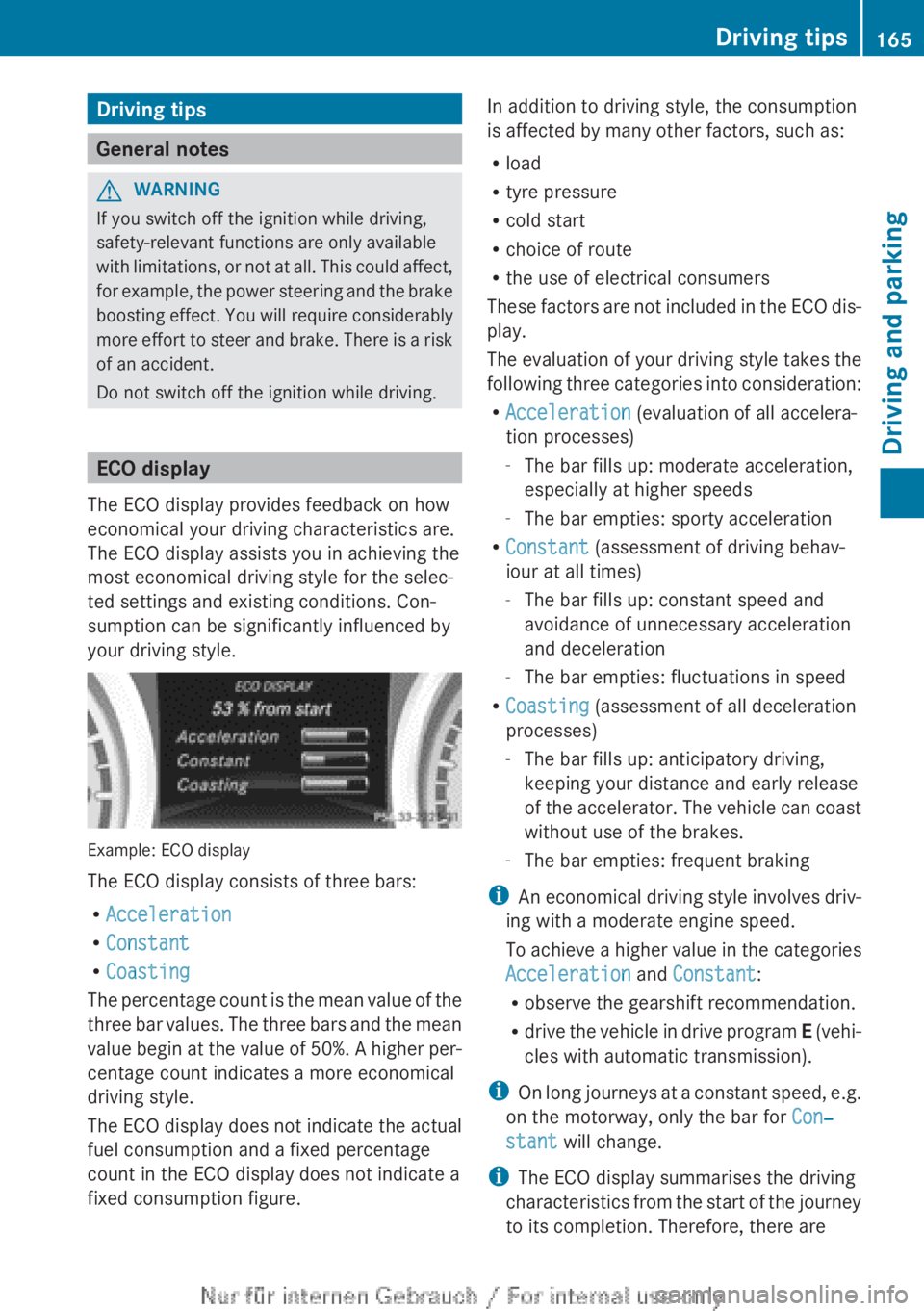
Example: ECO display
The ECO display consists of three bars:
R Acceleration
R Constant
R Coasting
The percentage count is the mean value of the
three bar values. The three bars and the mean
value begin at the value of 50%. A higher per-
centage count indicates a more economical
driving style.
The ECO display does not indicate the actual
fuel consumption and a fixed percentage
count in the ECO display does not indicate a
fixed consumption figure.
In addition to driving style, the consumption
is affected by many other factors, such as:
R load
R tyre pressure
R cold start
R choice of route
R the use of electrical consumers
These factors are not included in the ECO dis-
play.
The evaluation of your driving style takes the
following three categories into consideration:
R Acceleration (evaluation of all accelera-
tion processes)
- The bar fills up: moderate acceleration,
especially at higher speeds
- The bar empties: sporty acceleration
R Constant (assessment of driving behav-
iour at all times)
- The bar fills up: constant speed and
avoidance of unnecessary acceleration
and deceleration
- The bar empties: fluctuations in speed
R Coasting (assessment of all deceleration
processes)
- The bar fills up: anticipatory driving,
keeping your distance and early release
of the accelerator. The vehicle can coast
without use of the brakes.
- The bar empties: frequent braking
i An economical driving style involves driv-
ing with a moderate engine speed.
To achieve a higher value in the categories
Acceleration and Constant :
R observe the gearshift recommendation.
R drive the vehicle in drive program E (vehi-
cles with automatic transmission).
i On long journeys at a constant speed, e.g.
on the motorway, only the bar for Con‐
stant will change.
i The ECO display summarises the driving
characteristics from the start of the journey
to its completion. Therefore, there areDriving tips165Driving and parkingZ
Page 168 of 352
dynamic changes in the bars at the start of
a journey. During a prolonged driving time,
these changes are smaller. For more
dynamic changes, perform a manual reset.
For further information on the ECO display,
see ( Y page 212).
Braking
Important safety notes
GWARNING
If you shift down on a slippery road surface in
an attempt to increase the engine's braking
effect, the drive wheels could lose their grip.
This increases the risk of skidding and having
an accident.
Do not shift down for additional engine brak-
ing on a slippery road surface.
Downhill gradients
Change into a lower gear in good time on long
and steep downhill gradients. Take particular
note of this when driving a laden vehicle and
when towing a trailer. For vehicles with auto-
matic transmission, you need to have selec-
ted manual drive program M(Y page 156).
i This also applies if you have activated
cruise control, SPEEDTRONIC or DIS-
TRONIC PLUS.
This will use the braking effect of the engine,
so less braking will be required to prevent the
vehicle from gaining speed. This relieves the
load on the brake system and prevents the
brakes from overheating and wearing too
quickly.
i Briefly depressing the accelerator pedal
on downhill gradients while the manual
drive program M is temporarily activated
(vehicles with automatic transmission): the
automatic transmission may switch back to
the last active automatic drive program E
or S. The automatic transmission may shift
to a higher gear. This can reduce the
engine's braking effect.
Heavy and light loadsGWARNING
The braking system can overheat if you leave
your foot on the brake pedal while driving.
This increases the braking distance and could
even cause the braking system to fail. There
is a risk of an accident.
Never use the brake pedal as a footrest. Do
not simultaneously depress both the brake
pedal and the accelerator pedal while driving.
! Depressing the brake pedal constantly
results in excessive and premature wear to
the brake pads.
If heavy demands are made on the brakes, do
not park the vehicle immediately. Drive on for
a short while. This allows the airflow to cool
the brakes more quickly.
If the brakes have been used only moderately,
you should occasionally test their effective-
ness. To do this, brake more firmly from a
higher speed, paying attention to traffic con-
ditions. This improves the grip of the brakes.
Wet road surfaces
If you have driven for a long time in heavy rain
without braking, there may be a delayed reac-
tion from the brakes when braking for the first
time. This may also occur after a car wash or
after driving through deep water.
You have to depress the brake pedal more
firmly. Maintain a greater distance from the
vehicle in front.
After driving on a wet road or having the vehi-
cle washed, brake firmly while paying atten-
tion to the traffic conditions. This will warm
up the brake discs, thereby drying them more
quickly and protecting them against corro-
sion.
166Driving tipsDriving and parking
Page 194 of 352
COMAND Online; see the separate audio
system/COMAND Online operating
instructions.XEngage reverse gear.
Guide lines are used to show the area
behind the vehicle in the Audio/COMAND
display.
Function mode display for vehicles with COMAND
Online and a trailer tow hitch
XTo change the function mode in vehi-
cles with COMAND Online and trailer
tow hitch: using the COMAND controller,
select symbol : for the "Reverse parking"
function; see the separate COMAND Online
operating instructions.
or
XSelect symbol ; for the coupling up a
trailer function (see the separate COMAND
Online operating instructions).
The symbol of the selected function is high-
lighted.
To deactivate: the reversing camera is deac-
tivated if you:
R select transmission position P (vehicles
with automatic transmission)
R drive forward ten metres
R shift the transmission from R to another
position after 15 seconds (vehicles with
automatic transmission)
R shift out of reverse gear after 15 seconds
(vehicles with manual transmission)
R drive forwards at a speed of over
10 km/h
Displays in the Audio/COMAND display
The reversing camera may show a distorted
view of obstacles, show them incorrectly or
not at all. Obstacles are not shown by the
reversing camera in the following locations:
R very close to the rear bumper
R under the rear bumper
R in the area immediately above the tailgate
handle
! Objects not at ground level may appear to
be further away than they actually are, e.g.:
R the bumper of a parked vehicle
R the drawbar of a trailer
R the ball coupling of a trailer tow hitch
R the rear section of an HGV
R a slanted post
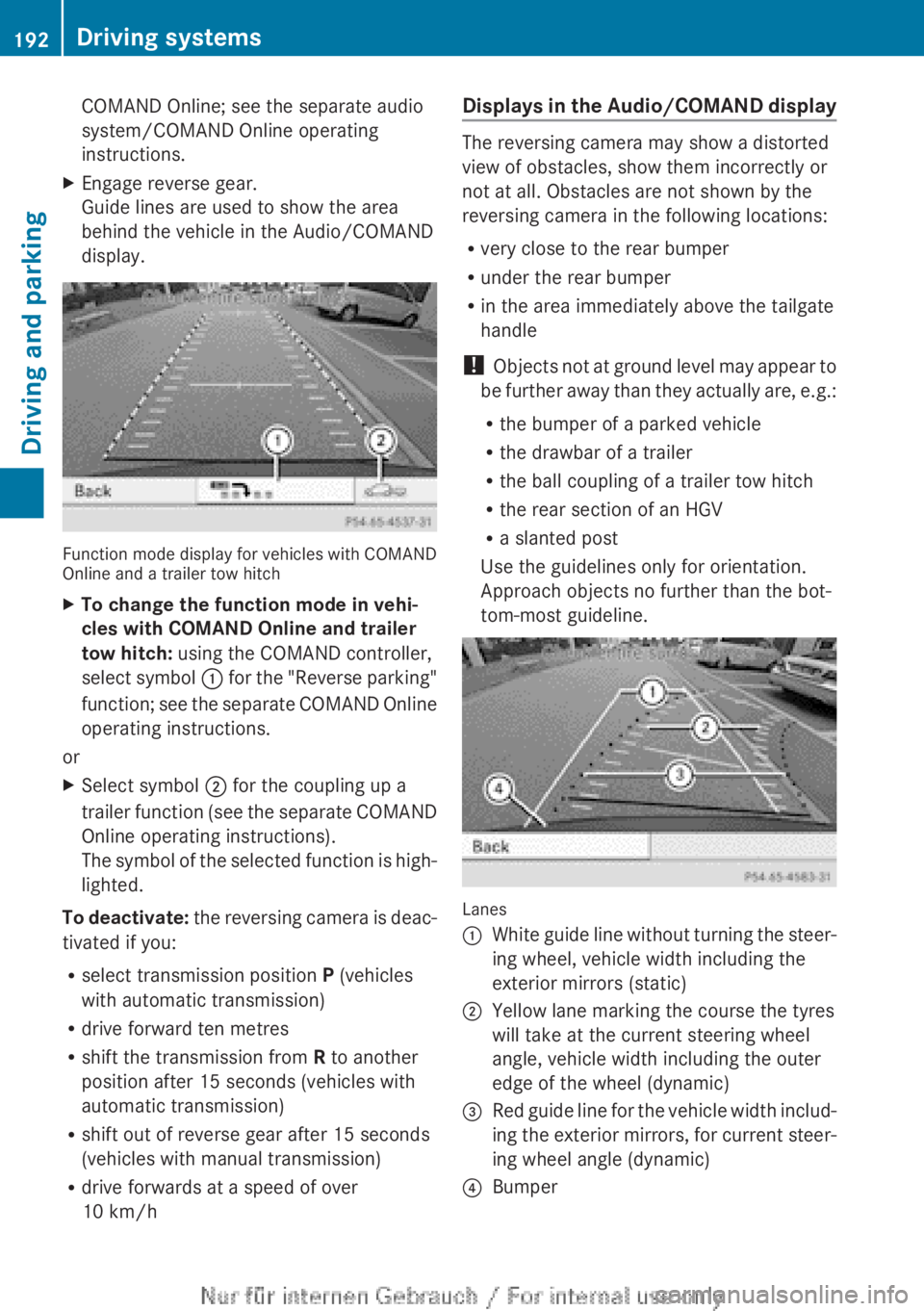
Use the guidelines only for orientation.
Approach objects no further than the bot-
tom-most guideline.
Lanes
:White guide line without turning the steer-
ing wheel, vehicle width including the
exterior mirrors (static);Yellow lane marking the course the tyres
will take at the current steering wheel
angle, vehicle width including the outer
edge of the wheel (dynamic)=Red guide line for the vehicle width includ-
ing the exterior mirrors, for current steer-
ing wheel angle (dynamic)?Bumper192Driving systemsDriving and parking
Page 216 of 352
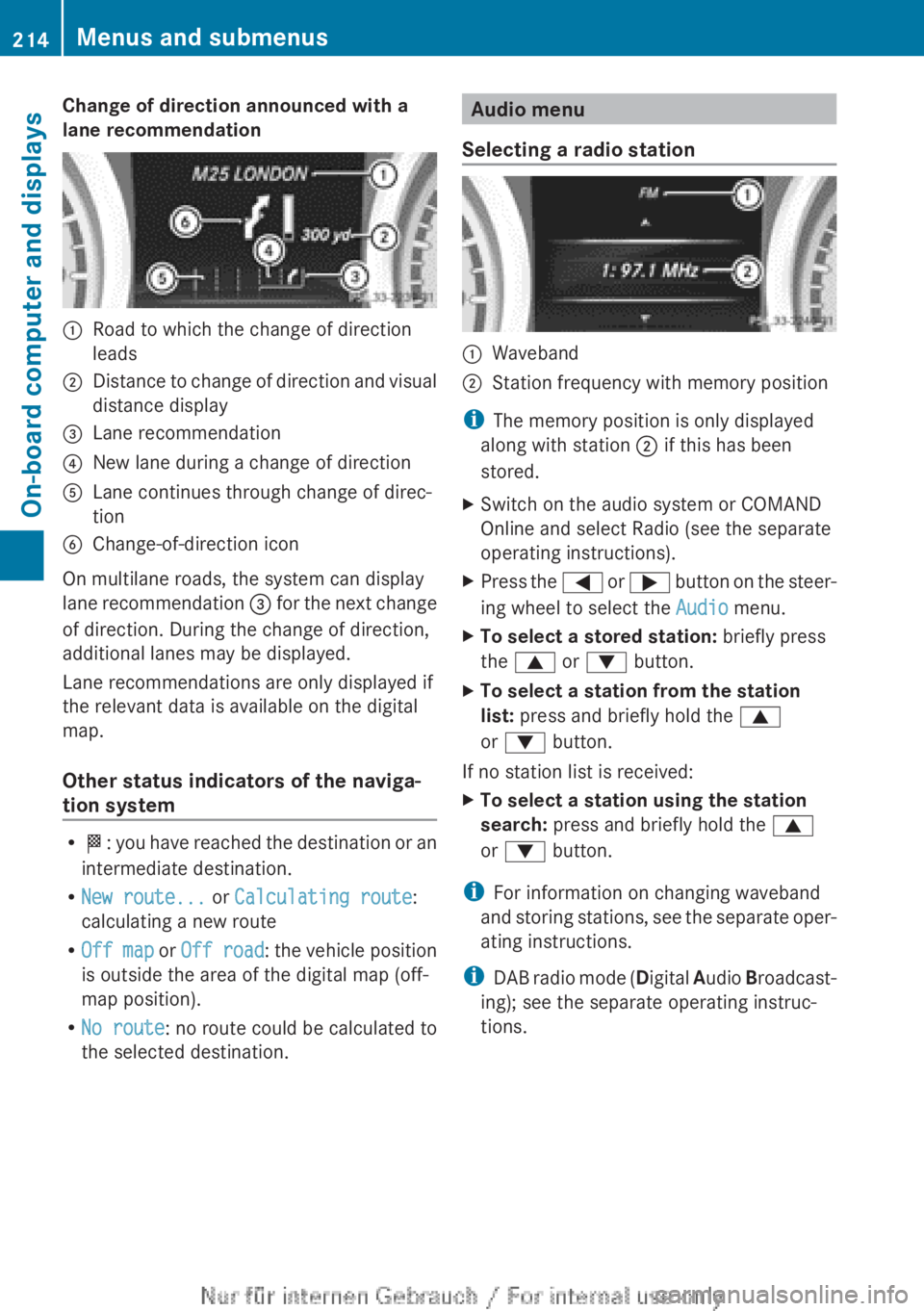
Change of direction announced with a
lane recommendation:Road to which the change of direction
leads;Distance to change of direction and visual
distance display=Lane recommendation?New lane during a change of directionALane continues through change of direc-
tionBChange-of-direction icon
On multilane roads, the system can display
lane recommendation = for the next change
of direction. During the change of direction,
additional lanes may be displayed.
Lane recommendations are only displayed if
the relevant data is available on the digital
map.
Other status indicators of the naviga-
tion system
R O : you have reached the destination or an
intermediate destination.
R New route... or Calculating route :
calculating a new route
R Off map or Off road : the vehicle position
is outside the area of the digital map (off-
map position).
R No route : no route could be calculated to
the selected destination.
Audio menu
Selecting a radio station:Waveband;Station frequency with memory position
i The memory position is only displayed
along with station ; if this has been
stored.
XSwitch on the audio system or COMAND
Online and select Radio (see the separate
operating instructions).XPress the = or ; button on the steer-
ing wheel to select the Audio menu.XTo select a stored station: briefly press
the 9 or : button.XTo select a station from the station
list: press and briefly hold the 9
or : button.
If no station list is received:
XTo select a station using the station
search: press and briefly hold the 9
or : button.
i
For information on changing waveband
and storing stations, see the separate oper-
ating instructions.
i DAB radio mode ( Digital Audio Broadcast-
ing); see the separate operating instruc-
tions.
214Menus and submenusOn-board computer and displays
Page 224 of 352
This function is only available on vehicles with
the Intelligent Light System.
For further information about Adaptive High-
beam Assist, see ( Y page 111).
Setting the brightness of the ambient
lightingXPress the = or ; button on the steer-
ing wheel to select the Settings menu.XPress the : or 9 button to select the
Light submenu.XPress a to confirm.XPress the : or 9 button to select the
Amb. light +/- function.
You will see the selected setting.XPress a to confirm.XPress the : or 9 button to adjust the
brightness to any level from Off toLevel
5 (bright) .XPress the a or % button to save the
setting.
Activating/deactivating the surround
lighting and exterior lighting delayed
switch-off
If you have activated the Surround light‐
ing function and the light switch is set to
à , the following functions are activated
when it is dark:
R surround lighting: the exterior lighting
remains lit for 40 seconds after unlocking
with the key. If you start the engine, the
surround lighting is switched off and auto-
matic headlamp mode is activated
( Y page 107).
R exterior lighting delayed switch-off: the
exterior lighting remains lit for
60 seconds after the engine is switched off.
If you close all the doors and the boot lid,
the exterior lighting goes off after
15 seconds.
XPress the = or ; button on the steer-
ing wheel to select the Settings menu.XPress the : or 9 button to select the
Light submenu.XPress a to confirm.XPress the : or 9 button to select the
Surround lighting function.
When the Surround lighting function is
activated, the light cone and the area
around the vehicle are displayed in red in
the multifunction display.XPress the a button to save the setting.
Deactivating delayed switch-off of the exte-
rior lighting temporarily:
XBefore leaving the vehicle, turn the key to
position 0 in the ignition lock.XTurn the key to position 2 in the ignition
lock.
The exterior lighting delayed switch-off is
deactivated.
Delayed switch-off of the exterior lighting is
reactivated the next time you start the
engine.
i Depending on your vehicle's equipment,
when the surround lighting and delayed
switch-off exterior lighting are on, the fol-
lowing light up:
R Side lamps
R Foglamps
R Dipped-beam headlamps
R Daytime driving lights
R Surround lighting in the exterior mirrors
Activating/deactivating the interior light-
ing delayed switch-off
If you activate the Lighting delayed sw.
off function, the interior lighting remains on
for 20 seconds after you remove the key from
the ignition lock.
XPress the = or ; button on the steer-
ing wheel to select the Settings menu.XPress the : or 9 button to select the
Light submenu.XPress a to confirm.222Menus and submenusOn-board computer and displays