language MERCEDES-BENZ CLA COUPE 2018 Owner's Manual
[x] Cancel search | Manufacturer: MERCEDES-BENZ, Model Year: 2018, Model line: CLA COUPE, Model: MERCEDES-BENZ CLA COUPE 2018Pages: 326, PDF Size: 5.59 MB
Page 3 of 326
Welcome to the world of Mercedes-Benz
We urge you to read this Operator's Manual
carefully and familiarize yourself with the vehi-
cle before driving. For yourown safety and a
longer vehiclel ife,follow the instructions and
warning notices in this Operator's Manual.
Ignoring them coul dresult in damage to the
vehicleorp ersonal injury to you or others.
Vehicle damage caused by failure to follow
instructions is not covered by the Mercedes-
Benz Limited Warranty.
The equipment or product designation of your
vehiclem ay vary depending on:
RModel
ROrder
RCountry specification
RAvailability
Mercedes-Benz therefore reservest he right to
introduce changes in the following areas:
RDesign
REquipment
RTechnicalf eatures
The equipment in you rvehiclem ay therefore
differf rom that shownint he descriptions and
illustrations.
The following are integralc omponents of the
vehicle:
RPrinted Operator's Manual
RMaintenance Booklet
REquipment-dependent supplements
Keep these documents in the vehicleata ll
times. If you sell the vehicle, alway spassa ll
documents on to the new owner.
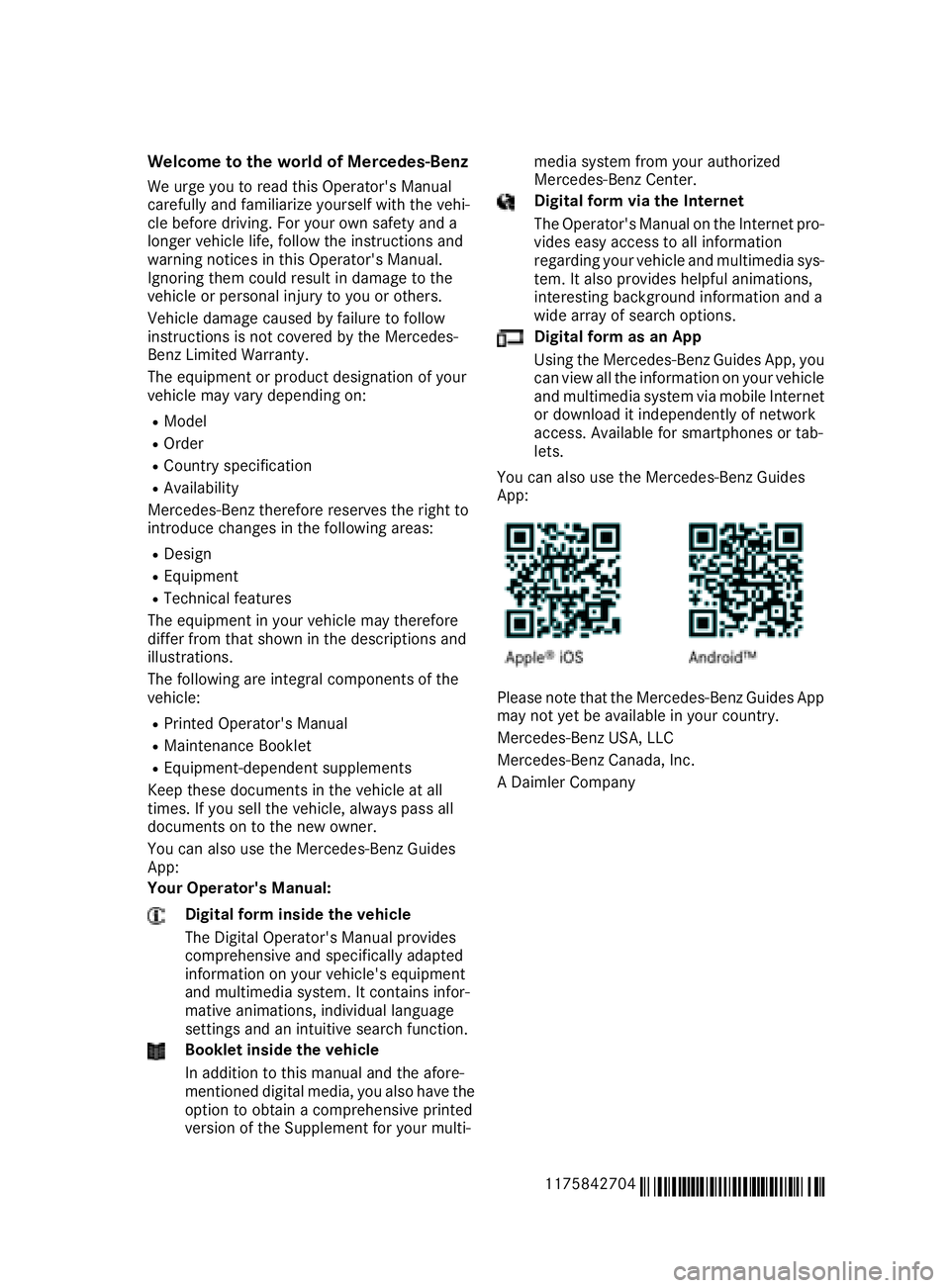
You can als ouse the Mercedes-Benz Guides
App:
Your Operator's Manual:
Digital form inside the vehicle
The Digita lOperator's Manual provides
comprehensive and specifically adapted
information on you rvehicle's equipment
and multimedias ystem. It contains infor-
mative animations, individua llanguage
settings and an intuitive search function.
Booklet inside the vehicle
In addition to this manua land the afore-
mentioned digital media, you als ohave the
option to obtai nacomprehensive printed
versionoft he Supplement for you rmulti- medias
ystem from you rauthorized
Mercedes-Benz Center.
Digital form via the Internet
The Operator's Manual on the Internet pro-
videse asy access to all information
regarding you rvehiclea nd multimedias ys-
tem. It als oprovides helpful animations,
interesting background information and a
wid earrayofs earch options.
Digital form as an App
Using the Mercedes-Benz GuidesA pp, you
can view all the information on you rvehicle
and multimedias ystem via mobile Internet
or download it independently of network
access. Availabl efor smartphones or tab-
lets.
You can als ouse the Mercedes-Benz Guides
App:
Please note that the Mercedes-Benz GuidesA pp
may not yet be available in you rcountry.
Mercedes-Benz USA, LLC
Mercedes-Benz Canada,I nc.
AD aimler Company
1175842704
É1175842704eËÍ
Page 19 of 326
Service centersee Qualified specialist workshop
Service Center
see Qualified specialist workshop
Service menu (on-board com-
puter) .................................................. 186
Service message
see ASSYST PLUS
Service products
Brake fluid .....................................3 18
Coolant (engine) ............................ 318
Engine oil ....................................... 317
Fuel ................................................ 315
Important safety notes .................. 315
Refrigerant (air-conditioning sys-
tem) ............................................... 319
Washer fluid ................................... 319
Settingt he air distribution ...............116
Settingt he airflow ............................ 117
Settingt he date/time format
see also Digita lOperator's Man-
ua l..................................................2 29
Settingt he language
see also Digita lOperator's Man-
ua l..................................................2 29
Settingt he time
see also Digita lOperator's Man-
ua l..................................................2 29
Settings
Factory (on-board computer) ......... 188
On-board computer ....................... 186
SETUP (on-board computer,
Mercedes-AMG vehicles) .................. 188
Side impact air bag .............................4 7
Side marker lamp (display mes-
sage) ................................................... 204
Side windows
Cleaning ......................................... 264
Conveniencec losing feature ............ 83
Convenienceo pening feature ..........8 3
Important safety information ........... 81
Opening/closing .............................. 82
Problem( malfunction) .....................8 4
Resettin g......................................... 84
Reversin gfeature ............................ .82 SIRIUS
services
see also Digit al Operator's Man-
ual .................................................. 229
Sliding sunroof
see Panorama roof with power
tilt/sliding panel
SmartKey
Changing the battery ....................... 73
Changing the programming .............7 2
Checkin gthe battery ...................... .73
Convenience closingf eature ............ 83
Convenience opening feature .......... 83
Display message ............................ 216
Door central locking/unlocking ...... .70
Important safety notes .................... 70
KEYLESS-GO start function .............. 71
Loss .................................................7 4
Mechanical key ................................ 72
Positions (ignition lock) ................. 122
Problem (malfunction) ..................... 74
Starting the engine ........................ 124
SmartKey positions (ignition lock) .. 122
Smartphone
Starting the engine ........................ 124
SMS
see also Digital Operator's Man-
ual .................................................. 229
Snow chains ...................................... 290
Sound
Switching on/off ........................... 230
Special seat belt retractor .................. 55
Specialist workshop ............................28
Speed, controlling
see Cruise control
Speedometer
Activating/deactivating the addi-
tional speedometer ........................ 187
Digital ............................................ 181
In the Instrument cluster ................. 33
Segments. ..................................... 176
Selectingt he display unit ...... ......... 186
SPORT handling mode
Deactivating/activat
ing
(Mercedes-AMG vehicles) ................6 6
Warning lamp ................................. 222
Standing lamps
Display message ............................2 03
Switching on/off ........................... 101
Index17