fuel MERCEDES-BENZ CLK CABRIOLET 2000 A208 User Guide
[x] Cancel search | Manufacturer: MERCEDES-BENZ, Model Year: 2000, Model line: CLK CABRIOLET, Model: MERCEDES-BENZ CLK CABRIOLET 2000 A208Pages: 323, PDF Size: 9.32 MB
Page 37 of 323
Central locking system
Te ch n ica l
data Instruments
and controlsOperationDrivingInstrument
cluster displayPractical hints Car care Index Automatic central locking
The central locking switch also operates the automatic
central locking.
With the automatic central locking system activated, the
doors and trunk are locked at vehicle speeds of approx.
9 mph (15 km/h) or more. The fuel filler flap remains
unlocked.
To a ctiva te:
With electronic key in steering lock position 2 hold
upper portion of switch (1) for a minimum of 5 seconds.
To dea cti vate :
With electronic key in steering lock position 2 hold
lower portion of switch (2) for a minimum of 5 seconds.Notes:
If doors are unlocked with the central locking switch
after activating the automatic central locking, and
neither door is opened, then the doors remain unlocked
even at vehicle speeds of approx. 9 mph (15 km/h) or
more.
If a door is opened from the inside at speeds of approx.
9 mph (15 km/h) or less with the automatic central
locking activated, the door will again be automatically
locked at speeds of approx. 9 mph (15 km/h) or more.
37
Page 40 of 323
Central locking system
Te ch n ica l
data Instruments
and controlsOperationDrivingInstrument
cluster displayPractical hints Car care Index Notes:
In case of a malfunction in the central locking system
the trunk can be unlocked individually.
To unlock and open the trunk lid, turn mechanical key
to position 1, hold and push to open.
If the fuel filler flap cannot be opened, see page 298.
Important!
Do not place mechanical key inside trunk, since trunk is
locked when the lid is closed if the vehicle has been
previously centrally locked.
To prevent damage to the trunk lid and the soft top
compartment cover, do not open the trunk lid while the
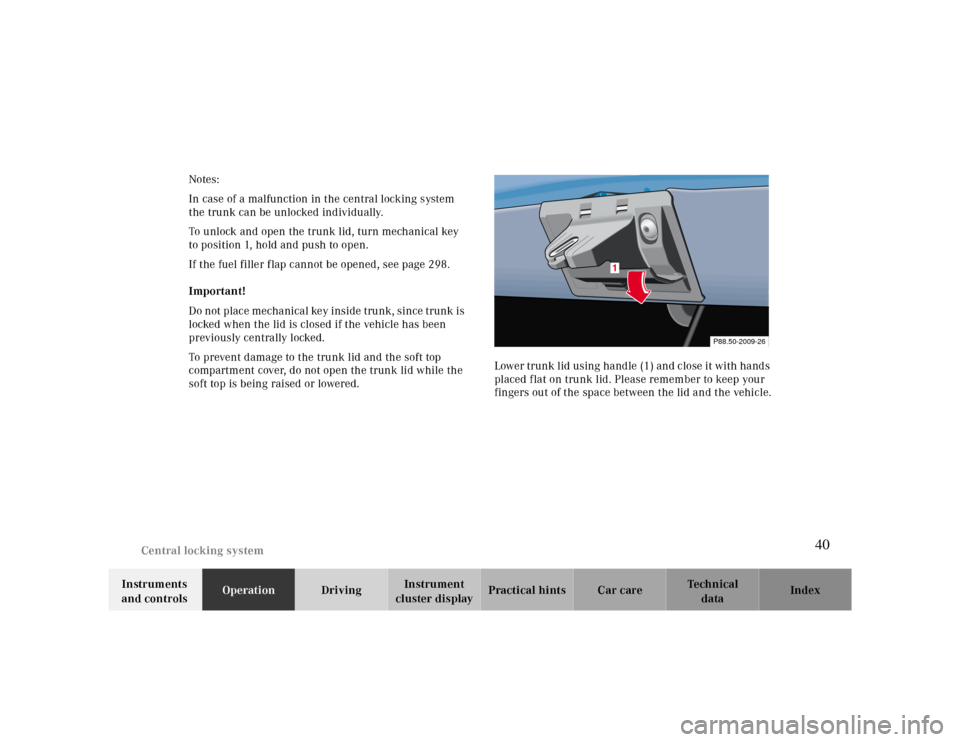
soft top is being raised or lowered.Lower trunk lid using handle (1) and close it with hands
placed flat on trunk lid. Please remember to keep your
fingers out of the space between the lid and the vehicle.
P88.50-2009-26
1
40
Page 81 of 323
Instrument cluster
Te ch n ica l
data Instruments
and controlsOperationDrivingInstrument
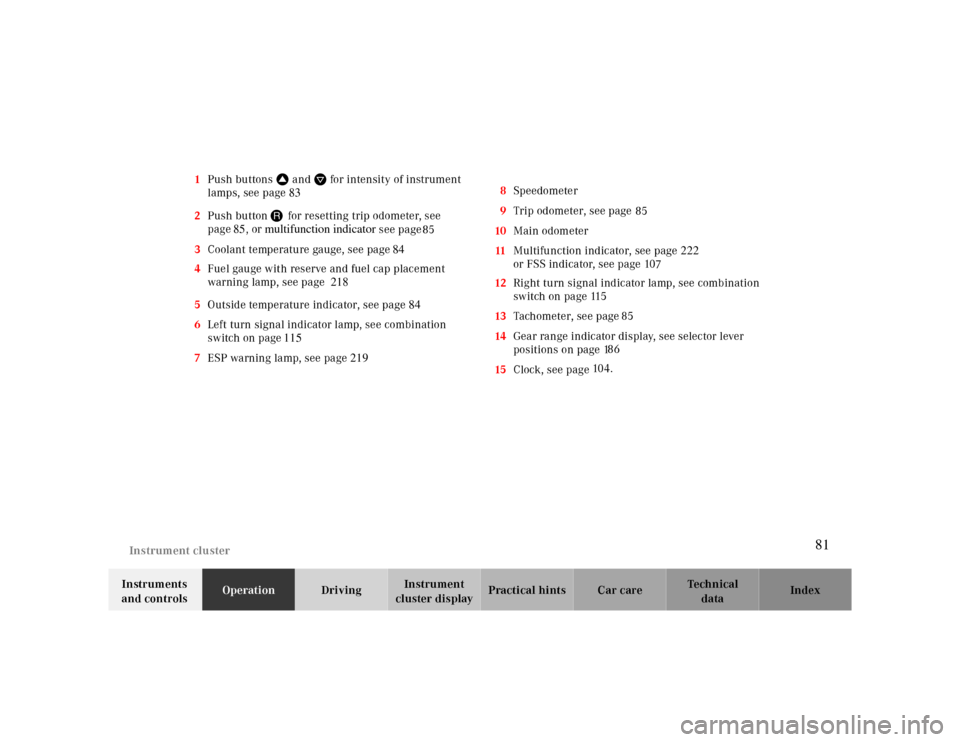
cluster displayPractical hints Car care Index 1Push buttonsVandWfor intensity of instrument
lamps, see page 83
85 2Push buttonJ for resetting trip odometer, see
page85, or
multifunction indicator
see page
104. 3Coolant temperature gauge, see page 84
4Fuel gauge with reserve and fuel cap placement
warning lamp, see page 218
5Outside temperature indicator, see page 84
6Left turn signal indicator lamp, see combination
switch on page115
7ESP warning lamp, see page 2198Speedometer
9Trip odometer, see page
10Main odometer
11Multifunction indicator, see page 222
or FSS indicator, see page 10
12Right turn signal indicator lamp, see combination
switch on page 11
13Tachometer, see page 7
14Gear range indicator display, see selector lever
positions on page 1
15Clock, see page 85 85
86 5
81
Page 82 of 323
Instrument cluster
Te ch n ica l
data Instruments
and controlsOperationDrivingInstrument
cluster displayPractical hints Car care Index
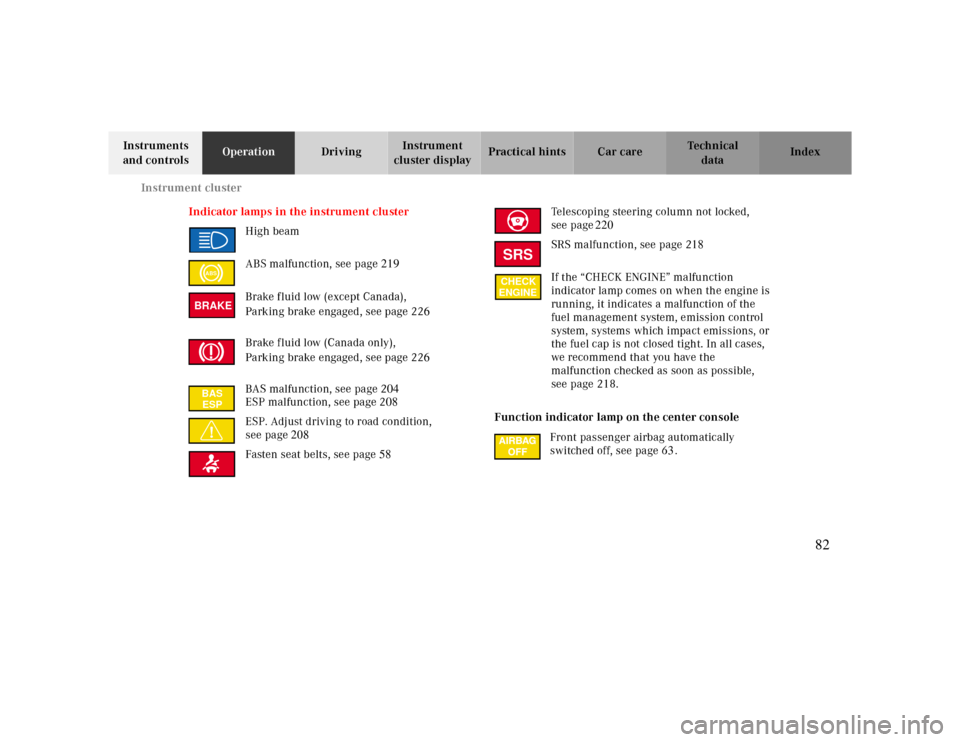
Indicator lamps in the instrument cluster
High beam
ABS malfunction, see page 219
Brake fluid low (except Canada),
Parking brake engaged, see page 226
Brake fluid low (Canada only),
Parking brake engaged, see page 226
BAS malfunction, see page 204
ESP malfunction, see page 208
ESP. Adjust driving to road condition,
see page208
Fasten seat belts, see page58Telescoping steering column not locked,
see page220
SRS malfunction, see page 218
If the “CHECK ENGINE” malfunction
indicator lamp comes on when the engine is
running, it indicates a malfunction of the
fuel management system, emission control
system, systems which impact emissions, or
the fuel cap is not closed tight. In all cases,
we recommend that you have the
malfunction checked as soon as possible,
see page 218.
Function indicator lamp on the center console
Front passenger airbag automatically
switched off, see page 63.
ABSBRAKEBAS
ESP
SRSCHECK
ENGINE
82
Page 85 of 323
Instrument cluster
Te ch n ica l
data Instruments
and controlsOperationDrivingInstrument
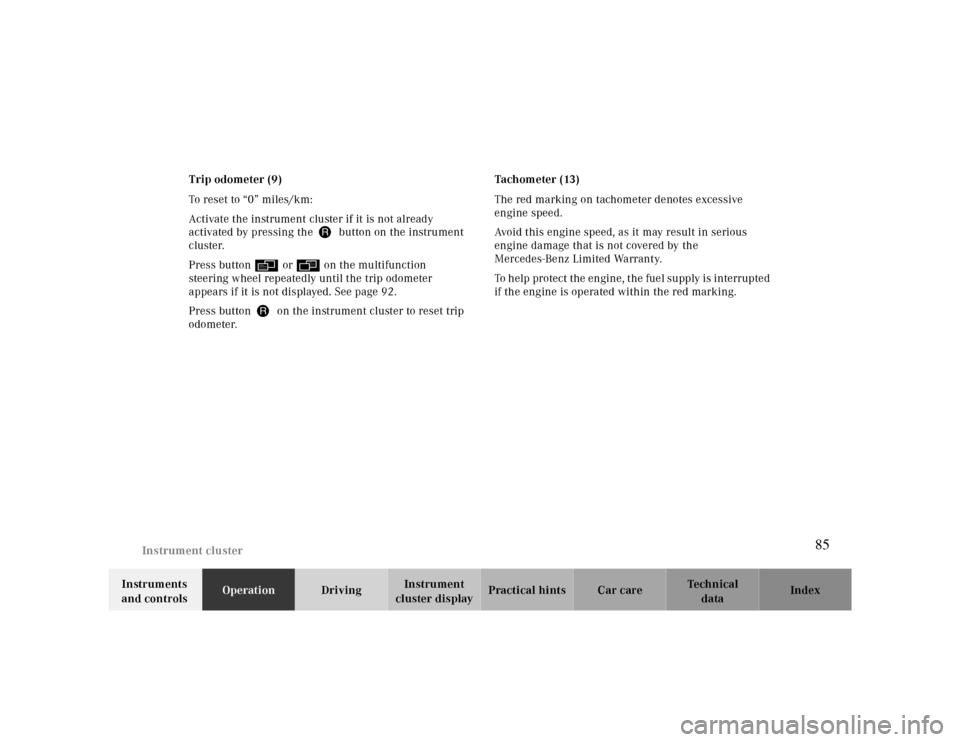
cluster displayPractical hints Car care Index Trip odometer (9)
To reset to “0” miles/km:
Activate the instrument cluster if it is not already
activated by pressing the J button on the instrument
cluster.
Press button è or ÿ on the multifunction
steering wheel repeatedly until the trip odometer
appears if it is not displayed. See page 92.
Press button J on the instrument cluster to reset trip
odometer.Tachometer (13)
The red marking on tachometer denotes excessive
engine speed.
Avoid this engine speed, as it may result in serious
engine damage that is not covered by the
Mercedes-Benz Limited Warranty.
To help protect the engine, the fuel supply is interrupted
if the engine is operated within the red marking.
85
Page 87 of 323
Multifunction steering wheel, multifunction display
Te ch n ica l
data Instruments
and controlsOperationDrivingInstrument
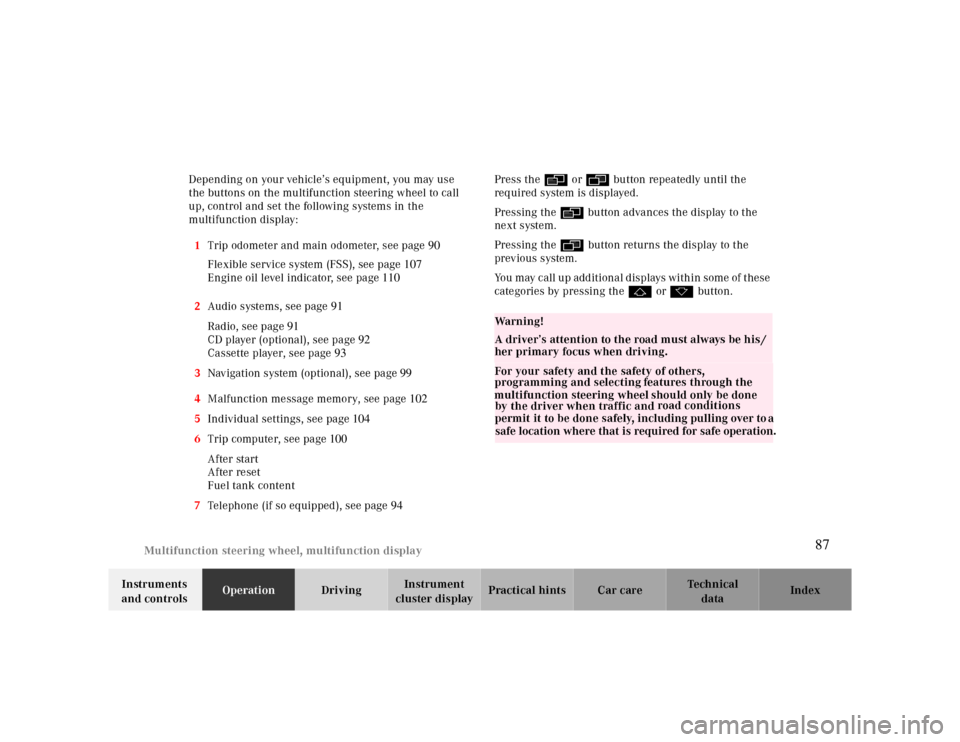
cluster displayPractical hints Car care Index Depending on your vehicle’s equipment, you may use
the buttons on the multifunction steering wheel to call
up, control and set the following systems in the
multifunction display:
1Trip odometer and main odometer, see page90
Flexible service system (FSS), see page107
Engine oil level indicator, see page110
2Audio systems, see page91
Radio, see page 91
CD player (optional), see page 92
Cassette player, see page 93
3Navigation system (optional), see page 99
4Malfunction message memory, see page 102
5Individual settings, see page 104
6Trip computer, see page 100
After start
After reset
Fuel tank content
7Telephone (if so equipped), see page 94Press the è or ÿ button repeatedly until the
required system is displayed.
Pressing the è button advances the display to the
ne xt system.
Pressing the ÿ button returns the display to the
previous system.
You may call up additional displays within some of these
categories by pressing the j or k button.
Wa r n i n g !
A driver’s attention to the road must always be his /
her primary focus when driving. For your safety and the safety of others,
programming and selecting
features through the
multifunction steering wheel should only be done
by the driver when traffic and road conditions
permit it to be done safely, including pulling over to a
safe location where that is required for safe operation.
87
Page 100 of 323
Multifunction steering wheel, multifunction display
Te ch n ica l
data Instruments
and controlsOperationDrivingInstrument
cluster displayPractical hints Car care Index
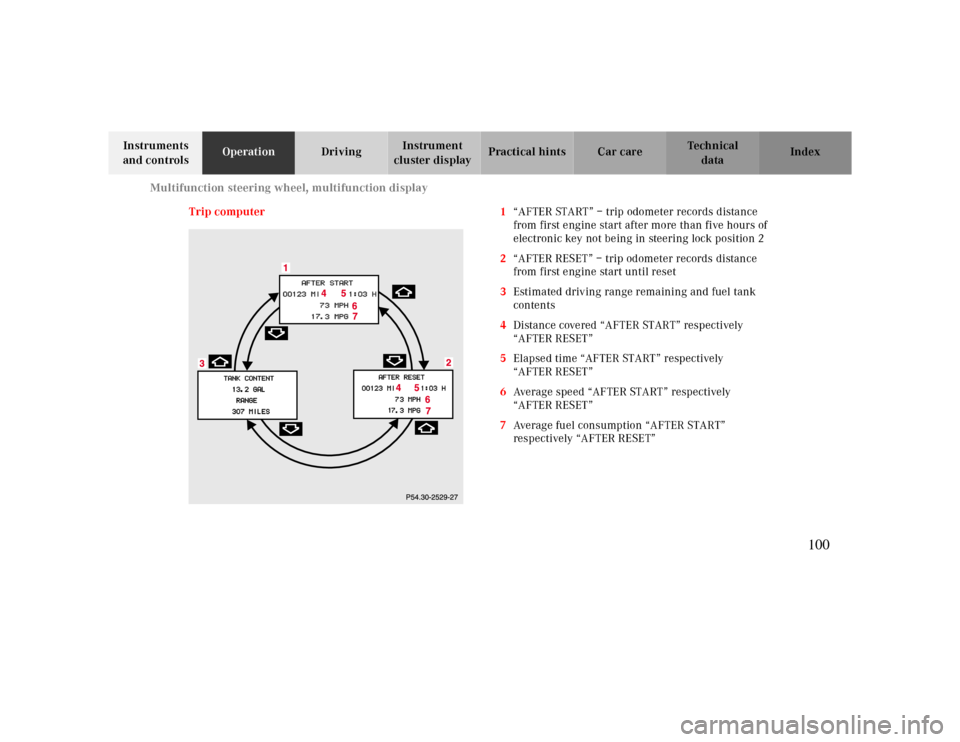
Trip computer 1“AFTER START” – trip odometer records distance
from first engine start after more than five hours of
electronic key not being in steering lock position 2
2“AFTER RESET” – trip odometer records distance
from first engine start until reset
3Estimated driving range remaining and fuel tank
contents
4Distance covered “AFTER START” respectively
“AFTER RESET”
5Elapsed time “AFTER START” respectively
“AFTER RESET”
6Average speed “AFTER START” respectively
“AFTER RESET”
7Average fuel consumption “AFTER START”
respectively “AFTER RESET”
100
Page 101 of 323
Multifunction steering wheel, multifunction display
Te ch n ica l
data Instruments
and controlsOperationDrivingInstrument
cluster displayPractical hints Car care Index Press the button è or ÿ repeatedly until the
display (1) appears.
Press the j or k button until the display for trip
odometer memory “AFTER START” (1) and
“AFTER RESET” (2), or the display (3) for estimated
driving range remaining and fuel tank contents
appears.
Pressing the è or ÿ button displays the next or
previous system.
Note:
The “AFTER START” display (1) always appears when
the trip computer is called up.To reset the “AFTER START” (1) or “AFTER RESET” (2)
odometer memory at any time:
Call up the relevant display (1 or 2) using the j or
k button and press the Jbutton in the instrument
cluster until the values are reset to “0”.
The “AFTER START” trip odometer reading is
automatically reset after four hours of electronic key not
being in steering lock position 2.
101
Page 121 of 323
Automatic climate control
Te ch n ica l
data Instruments
and controlsOperationDrivingInstrument
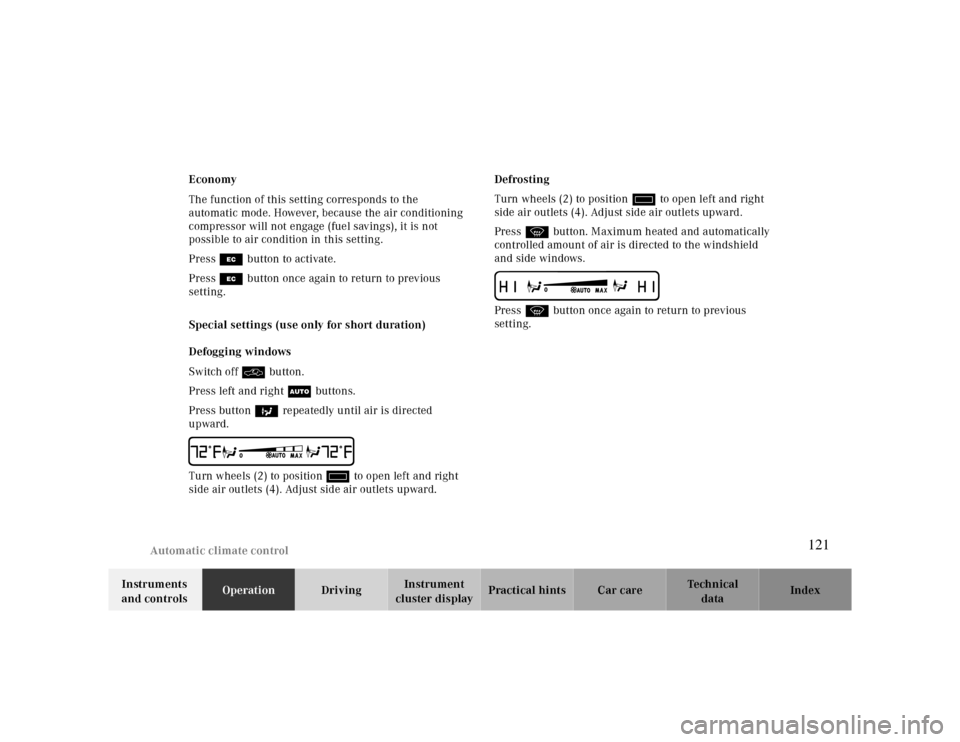
cluster displayPractical hints Car care Index Economy
The function of this setting corresponds to the
automatic mode. However, because the air conditioning
compressor will not engage (fuel savings), it is not
possible to air condition in this setting.
Press S button to activate.
Press S button once again to return to previous
setting.
Special settings (use only for short duration)
Defogging windows
Switch off O button.
Press left and right U buttons.
Press button b repeatedly until air is directed
upward.
UTurn wheels (2) to position i to open left and right
side air outlets (4). Adjust side air outlets upward.Defrosting
Turn wheels (2) to position i to open left and right
side air outlets (4). Adjust side air outlets upward.
Press P button. Maximum heated and automatically
controlled amount of air is directed to the windshield
and side windows.
PPress P button once again to return to previous
setting.
121
Page 169 of 323

Driving
Parking 195
Tires 195
Control and operation of radio transmitters
170 Snow chains 198
The first 1 000 miles (1 500 km) 171 Winter driving instructions 198
Maintenance 171 Deep water 199
Catalytic converter 172 Passenger compartment 200
Emission control 173 Travelling abroad 200
Tele Aid 174 Cruise control 201
Steering lock 180 Brake assist system (BAS) 204
Starting and turning off the engine 182 Antilock brake system (ABS) 206
Automatic transmission 183
Electronic stability program (ESP)
208
Parking brake 192 What you should know at the gas station 211
Driving instructions 192 Check regularly and before a long trip 213
Drive sensibly – save fuel 192
Drinking and driving 193
Pedals 193
Power assistance 193
Brakes 193
Driving off 194
169