audio MERCEDES-BENZ CLK-CLASS 2000 User Guide
[x] Cancel search | Manufacturer: MERCEDES-BENZ, Model Year: 2000, Model line: CLK-CLASS, Model: MERCEDES-BENZ CLK-CLASS 2000Pages: 299, PDF Size: 7.58 MB
Page 104 of 299
Multifunction steering wheel, multifunction display
Te ch n ica l
data Instruments
and controlsOperationDrivingInstrument
cluster displayPractical hints Car care Index
Press the è or ÿ button repeatedly until the
individual setting preliminary display (1) appear.
Press the j or k button until the required setting
menu (2 to 8) is displayed.
Pressing the æ or ç button sets the time in
setting menus (2, 3) and controls the selection marker
in setting menus (4 to 8).
The settings made are stored and applied immediately.
The individual setting preliminary display (1) will
appear again after you have run through all the setting
menus.
Pressing the è or ÿ button displays the next or
previous system.
Notes:
Settings can only be selected with the vehicle stationary
or moving slowly.
The individual setting preliminary display (1) will
appear if you speed up.
The setting menu previously called up will reappear
when the vehicle stops or slows down, providing no
other system has been called up in the meantime.To return setting menus (4 to 8) to their factory settings:
•Call up the individual setting preliminary
display (1).
•Press the J button in the instrument cluster for
approximately 3 seconds. Display (9) will appear.
•Press the J button once more, the message
“RESET TO FACTORY SETTINGS” appears in the
display.
The individual setting preliminary display (1) will
appear if you do not press the J button within
about 5 seconds. The setting menus will not be
reset.
Setting the audio volume
You can only adjust the volume of the system currently
in use. The volume setting for each system (audio,
telephone, navigation and voice recognition system) is
sto red sep arately.
Setting button:
æ increases the volume.
ç reduces the volume.
104
ProCarManuals.com
Page 123 of 299
Audio system
Te ch n ica l
data Instruments
and controlsOperationDrivingInstrument
cluster displayPractical hints Car care Index Audio and telephone, operation
These instructions are intended to help you become
acquainted with your Mercedes-Benz vehicle radio.
They contain useful tips and a detailed description of
the user functions.
The right to correct errors and make technical amendments is
reserved.
Operating safety1 Optional equipment
Dolby and the double-D symbol
Ù
are trademarks of Dolby
Laboratories Licensing Corporation. The Dolby noise reduction
system is manufactured under licence from Dolby Laboratories
Licensing Corporation.
Warning!
In order to avoid distraction which could lead to an
accident, system settings should be entered with
the vehicle at standstill and systems should be
operated by the driver only when traffic conditions
permit. Always pay full attention to traffic
conditions first before operating system controls
while driving.Bear in mind that at a speed of just 30 mph
(approximately 50 km/h), your vehicle is covering
a distance of approximately 50 feet (approximately
14 m ) e ve r y s e c o n d .
Wa r n i n g !
Any alternations made to electronic components
can cause malfunctions.The radio, cassette deck, CD changer
1 and
telephone
1 are interconnected. Therefore, when
one of the components is defective or has not been
removed/replaced properly this may impair the
function of other components.
These malfunctions might seriously impair the
operating safety of your vehicle.We recommend that you have any service work or
alternations on electronic components done in an
authorized Mercedes-Benz Center.
123
ProCarManuals.com
Page 124 of 299
Audio system
Te ch n ica l
data Instruments
and controlsOperationDrivingInstrument
cluster displayPractical hints Car care Index
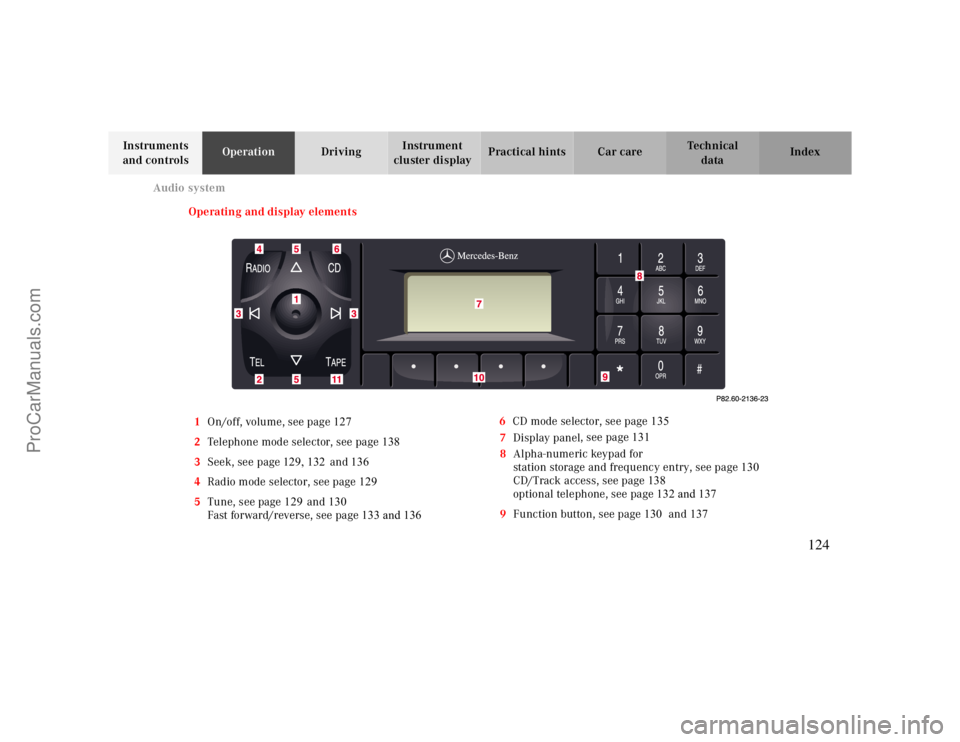
Operating and display elements
1On/off, volume, see page 127
2Telephone mode selector, see page 138
3Seek, see page129, 132 and 136
4Radio mode selector, see page 129
5Tune, see page 129and130
Fast forward/reverse, see page133 and 1366CD mode selector, see page 135
7Display panel, see page 131
8Alpha-numeric keypad for
station storage and frequency entry, see page 130
CD/Track access, see page138
optional telephone, see page 132 and 137
9Function button, see page 130 and137
124
ProCarManuals.com
Page 125 of 299
Audio system
Te ch n ica l
data Instruments
and controlsOperationDrivingInstrument
cluster displayPractical hints Car care Index 10Soft keys for
radio band selection, see page 129
tone controls, see page 127
scan, see page 130
Tape eject, see page132
Tape track select, see page132
Dolby, see page133
CD Random/repeat, see page137
11Tape mode selector, see page 131
Anti-theft system
If the power supply to the
radio has been interrupted,
“CODE” will appear on the
display when it is next
switched on. The radio will
only work after the five-digit code has been entered
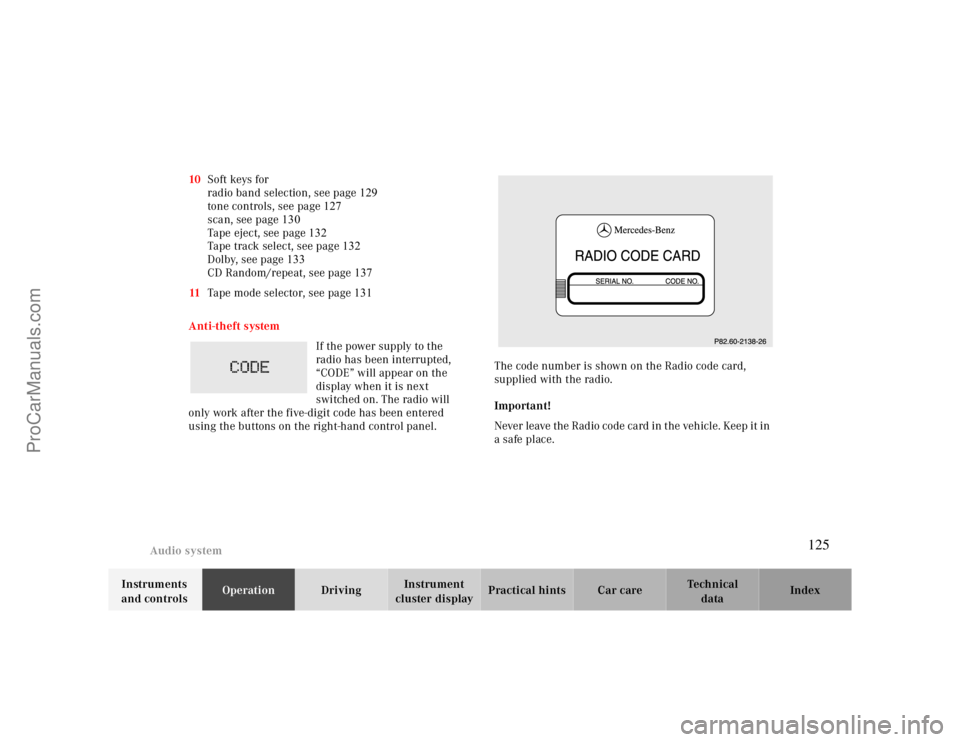
using the buttons on the right-hand control panel.The code number is shown on the Radio code card,
supplied with the radio.
Important!
Never leave the Radio code card in the vehicle. Keep it in
a safe place.
125
ProCarManuals.com
Page 126 of 299
Audio system
Te ch n ica l
data Instruments
and controlsOperationDrivingInstrument
cluster displayPractical hints Car care Index
Entering the code number
Switch on the radio. “CODE” will appear on the display.
Using the buttons on the alpha-numeric keypad, enter
the five digit code. Confirm by pressing the “OK” key.
If an incorrect code has been entered and confirmed,
“CODE” will reappear on the display. The correct code
must be entered once again.
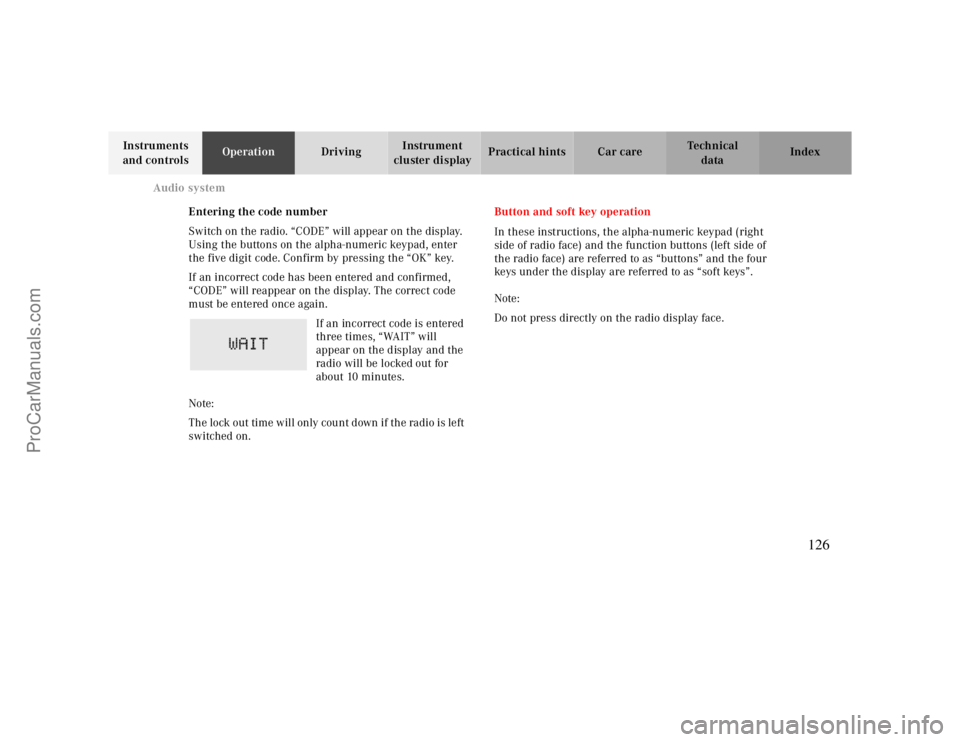
If an incorrect code is entered
three times, “WAIT” will
appear on the display and the
radio will be locked out for
about 10 minutes.
Note:
Th e lock out time w ill only cou nt d own if th e ra dio is le ft
switched on.Button and soft key operation
In these instructions, the alpha-numeric keypad (right
side of radio face) and the function buttons (left side of
the radio face) are referred to as “buttons” and the four
keys under the display are referred to as “soft keys”.
Note:
Do not press directly on the radio display face.
126
ProCarManuals.com
Page 127 of 299
Audio system
Te ch n ica l
data Instruments
and controlsOperationDrivingInstrument
cluster displayPractical hints Car care Index Operation
Switching on and off
Press the control knob .
The radio is switched off when the ignition key is turned
to position 0 or removed from the ignition. The radio is
switched on again when the ignition key is turned to
position 1 or 2.
Note:
The radio can also be switched on even if the ignition
key is not inserted, but will switch itself off
automatically after one hour to conserve vehicle battery
power.
Adjusting the volume
Turn the control knob - turning the knob clockwise will
increase the volume, counterclockwise will decrease the
volume.Audio functions
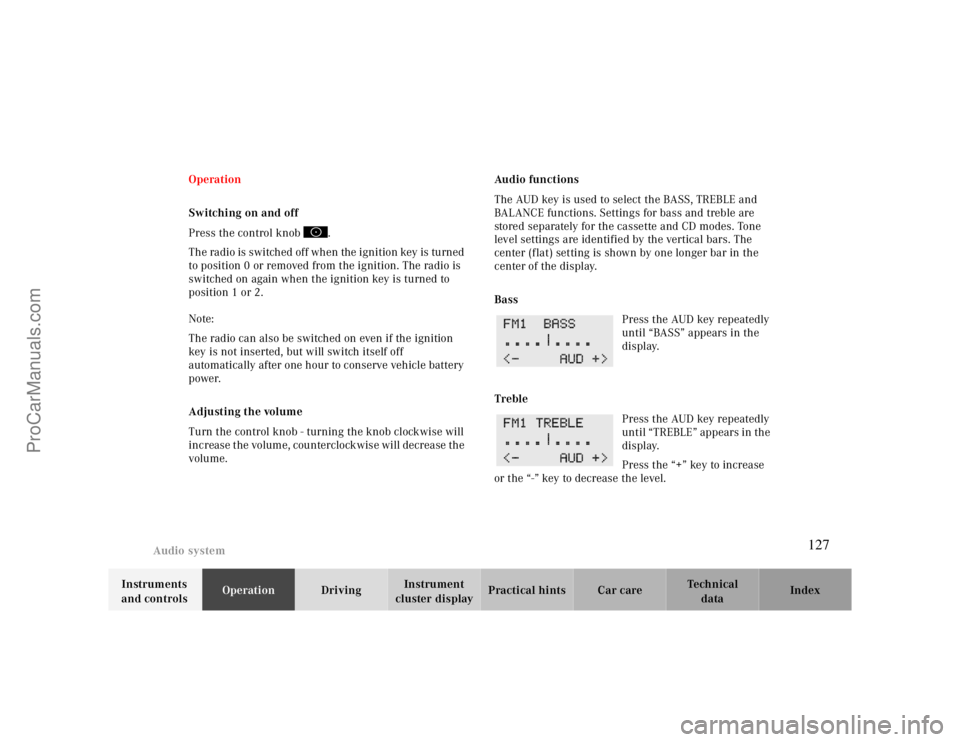
The AUD key is used to select the BASS, TREBLE and
BALANCE functions. Settings for bass and treble are
stored separately for the cassette and CD modes. Tone
level settings are identified by the vertical bars. The
center (flat) setting is shown by one longer bar in the
center of the display.
Bass
Press the AUD key repeatedly
until “BASS” appears in the
display.
Treble
Press the AUD key repeatedly
until “TREBLE” appears in the
display.
Press the “+” key to increase
or the “-” key to decrease the level.
127
ProCarManuals.com
Page 128 of 299
Audio system
Te ch n ica l
data Instruments
and controlsOperationDrivingInstrument
cluster displayPractical hints Car care Index
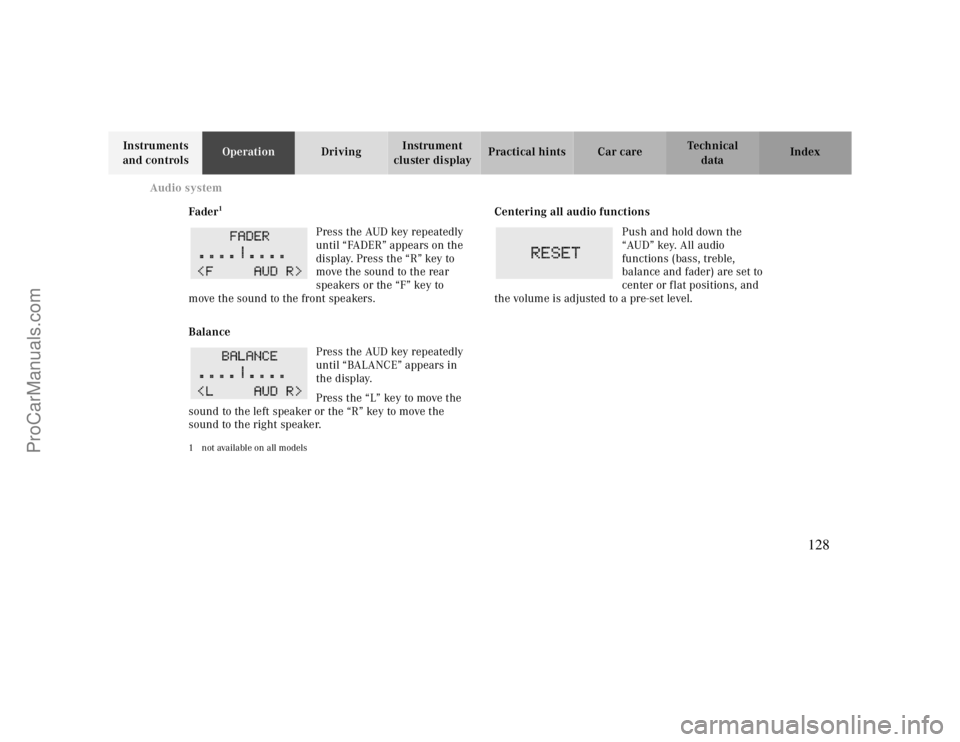
Fader
1
Press the AUD key repeatedly
until “FADER” appears on the
display. Press the “R” key to
move the sound to the rear
speakers or the “F” key to
move the sound to the front speakers.
Balance
Press the AUD key repeatedly
until “BALANCE” appears in
the display.
Press the “L” key to move the
sound to the left speaker or the “R” key to move the
sound to the right speaker.
1 not available on all models
Centering all audio functions
Push and hold down the
“AUD” key. All audio
functions (bass, treble,
balance and fader) are set to
center or flat positions, and
the volume is adjusted to a pre-set level.
128
ProCarManuals.com
Page 129 of 299
Audio system
Te ch n ica l
data Instruments
and controlsOperationDrivingInstrument
cluster displayPractical hints Car care Index Radio mode
Selecting radio mode
Press button.
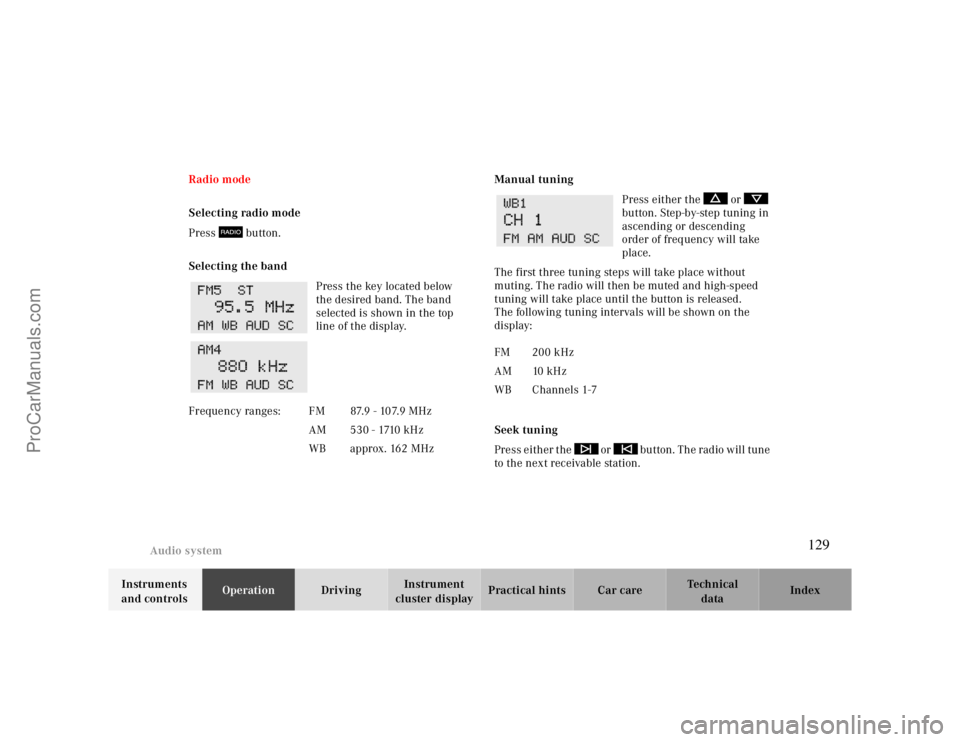
Selecting the band
Press the key located below
the desired band. The band
selected is shown in the top
line of the display.Manual tuning
Press either the or
button. Step-by-step tuning in
ascending or descending
order of frequency will take
place.
The first three tuning steps will take place without
muting. The radio will then be muted and high-speed
tuning will take place until the button is released.
The following tuning intervals will be shown on the
display:
Seek tuning
Press either the or button. The radio will tune
to the next receivable station. Frequency ranges: FM 87.9 - 107.9 MHz
AM 530 - 1710 kHz
WB approx. 162 MHz
FM 200 kHz
AM 10 kHz
WB Channels 1-7
129
ProCarManuals.com
Page 130 of 299

Audio system
Te ch n ica l
data Instruments
and controlsOperationDrivingInstrument
cluster displayPractical hints Car care Index
Scan tuning
Press the SC key. Each strong
receivable station on the band
selected will be tuned in for
8 seconds. The first scan will
tune only the stations with a
high signal strength. The second scan will tune every
receivable station. By pressing either the , ,
or buttons, or the “SC” key the scan mode
can be cancelled.
Station memory
Ten stations can be stored in
the AM and FM bands via the
alpha-numeric keypad. The
“0” button corresponds to
location 10. Weatherband
(WB) channels 1 to 7 can be retrieved via the alpha-
numeric keypad and are preset at the factory.Storing stations
Hold the number button down for approximately
2 seconds. The currently displayed frequency is stored
on the selected station button. The storage procedure is
confirmed by a short signal tone.
Retrieving a station from memory
Press the desired station button.
Direct frequency input (AM and FM only)
Select the band. Press the
“ button and enter the
desired frequency using the
alpha-numeric keypad.
Frequencies outside of the
frequency ranges (frequencies specified on page
129
)
will not be accepted. The frequency input mode is
cancelled if no button is pressed within 4 seconds.
130
ProCarManuals.com
Page 131 of 299
Audio system
Te ch n ica l
data Instruments
and controlsOperationDrivingInstrument
cluster displayPractical hints Car care Index Cassette mode
Note:
Vehicles equipped with the COMAND system do not
come with a factory installed cassette mechanism.
A standard 1/8” stereo phono plug for auxiliary audio
input (located in glove box) is provided for connection of
a portable battery operated cassette player or any other
portable device which uses a headphone output. Please
refer to the COMAND operating manual for information
concerning the activation of the audio input.
Playing cassettes
Press the “TAPE” button. When the eject (EJ) key is
pressed, the display folds down and the cassette slot
becomes visible. Push the cassette into the slot until it
engages. The cassette will be pulled in automatically.
Note:
Do not press directly on the radio display face.
Return the display panel to its normal position by
folding it back up and pressing gently on the display
frame to lock in place. Important!
If the display is in the down position for more than
20 seconds, 2 successive beeps will be heard. This will
continue at 5 second intervals until the display is
returned to its normal position.
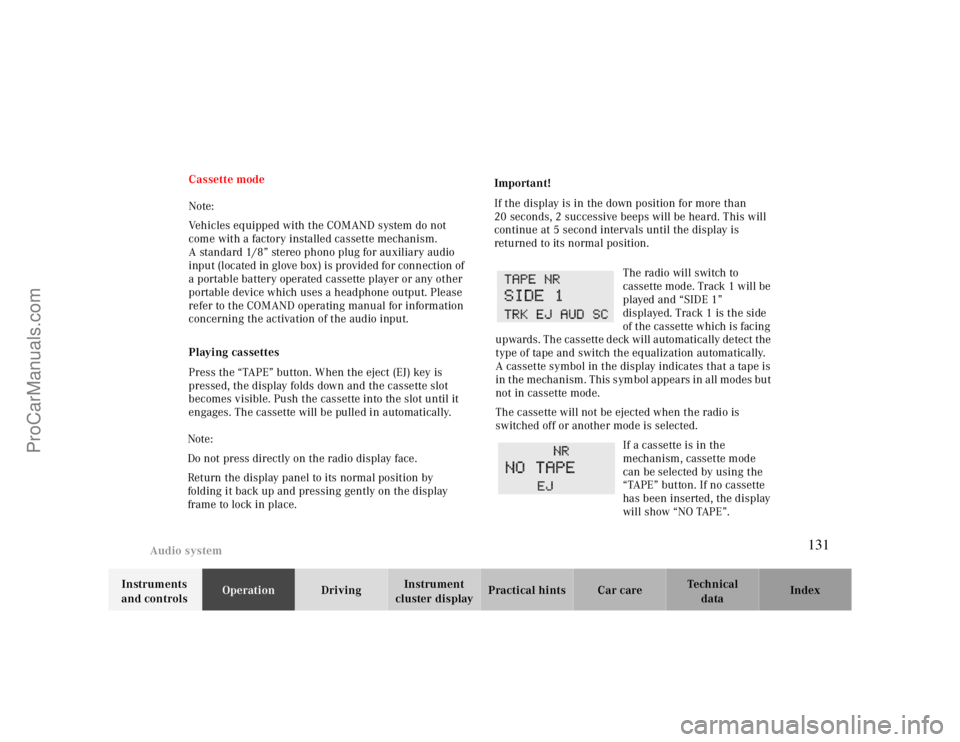
The radio will switch to
cassette mode. Track 1 will be
played and “SIDE 1”
displayed. Track 1 is the side
of the cassette which is facing
upwards. The cassette deck will automatically detect the
type of tape and switch the equalization automatically.
A cassette symbol in the display indicates that a tape is
in the mechanism. This symbol appears in all modes but
not in cassette mode.
The cassette will not be ejected when the radio is
switched off or another mode is selected.
If a cassette is in the
mechanism, cassette mode
can be selected by using the
“TAPE” button. If no cassette
has been inserted, the display
will show “NO TAPE”.
131
ProCarManuals.com