radio controls MERCEDES-BENZ CLK-CLASS 2000 Owner's Manual
[x] Cancel search | Manufacturer: MERCEDES-BENZ, Model Year: 2000, Model line: CLK-CLASS, Model: MERCEDES-BENZ CLK-CLASS 2000Pages: 299, PDF Size: 7.58 MB
Page 140 of 299
Audio system
Te ch n ica l
data Instruments
and controlsOperationDrivingInstrument
cluster displayPractical hints Car care Index Accepting incoming call in telephone mode
With an incoming call, the ringing tone will be heard
and the message “CALL” appears in the display. Press
the SND key to answer the call.
Accepting incoming call in tape, CD or radio mode
If the telephone is activated in the background
(telephone symbol in the display), then a switch is made
automatically to telephone when an incoming call is
received. The audio source is muted, the ringing tone is
heard and the message “CALL” appears. After the call
has been terminated, the previously selected audio
source is resumed.
Terminating call
A current call can be terminated by pressing the END
key.Component malfunctions
The radio, CD changer
1, and Mercedes-Benz integrated
cellular telephone
1 are part of a fiberoptic networked
system. Failure of one of the components can lead to
malfunctions of the other components. Please contact
your authorized Mercedes-Benz Center or call
1-800-FOR-MERCedes for more information in the event
of a malfunction.
1 Optional equipment
140
ProCarManuals.com
Page 156 of 299
Telephone
Te ch n ica l
data Instruments
and controlsOperationDrivingInstrument
cluster displayPractical hints Car care Index Telephone, general Cellular telephone
The vehicle is prepared for the installation of a cellular
telephone. For further information and installation
contact your authorized Mercedes-Benz Center.
Warning!
A driver’s attention to the road must always be his/
her primary focus when driving. For your safety
and the safety of others, we recommend that you
pull over to a safe location and stop before placing
or taking a telephone call. If you choose to use the
telephone while driving, please use the hands-free
device and only use the telephone when road and
traffic conditions permit.Some jurisdictions prohibit the driver from using a
cellular telephone while driving a vehicle.Bear in mind that at a speed of just 30 mph
(approximately 50 km/h), your vehicle is covering
a distance of approximately 50 feet (approximately
14 m ) e ve r y s e c o n d . Never operate radio transmitters equipped with a
built-in or attached antenna (i.e. without being
connected to an external antenna) from inside the
vehicle while the engine is running. Doing so could
lead to a malfunction of the vehicle’s electronic
system, possibly resulting in an accident and
personal injury.
Wa r n i n g !
Some jurisdictions prohibit the driver from using a
cellular telephone while driving a vehicle. Whether
or not prohibited by law, for safety reasons, the
driver should not use the cellular telephone while
the vehicle is in motion.
Stop the vehicle in an safe location before
answering or placing a call.
156
ProCarManuals.com
Page 162 of 299
Control and operation of radio transmitters
Te ch n ica l
data Instruments
and controlsOperationDrivingInstrument
cluster displayPractical hints Car care Index
Control and operation of radio transmitters
COMAND, radio and telephone
1 Observe all legal requirements.
Telephones and two-way radio
Radio transmitters, such as a portable telephone or a
citizens band unit should only be used inside the
vehicle if they are connected to an antenna that is
installed on the outside of the vehicle.
Refer to the radio transmitter operation instructions
regarding use of an external antenna.
Warning!
Please do not forget that your primary
responsibility is to drive the vehicle. Only operate
the COMAND (Cockpit Management and Data
System), radio or telephone
1 if road and traffic
conditions permit.
Bear in mind that at a speed of just 30 mph
(approximately 50 km/h), your vehicle is covering
a distance of approximately 50 feet (approximately
14 m ) e ve r y s e c o n d .
Wa r n i n g !
Never operate radio transmitters equipped with a
built-in or attached antenna (i.e. without being
connected to an external antenna) from inside the
vehicle while the engine is running. Doing so could
lead to a malfunction of the vehicle’s electronic
system, possibly resulting in an accident and
personal injury.
162
ProCarManuals.com
Page 170 of 299
Tele Aid
Te ch n ica l
data Instruments
and controlsOperationDrivingInstrument
cluster displayPractical hints Car care Index
Should a higher priority call be initiated while you are
connected, an upgrade (alternating) tone will be heard,
and the appropriate indicator lamp will flash. If certain
information such as vehicle identification number or
client information is not available, the operator may
need to retransmit. During this time you will hear a
chirp and voice contact will be interrupted. Voice
contact will resume once the retransmission is
completed. Once a call is concluded, a chirp will be
heard and the appropriate indicator lamp will stop
flashing. The COMAND system operation will resume
(only vehicles with COMAND).
Important!
If the indicator lamp continues to flash or the system
does not reset, contact the Response Center at
1-800-756-9018 (in the USA) or 1-888-923-8367 (in
Canada), or Mercedes-Benz Client Assistance at
1-800-FOR-MERCedes (1-800-367-6372) in the USA or
Customer Service at 1-800-387-0100 in Canada.Notes:
The indicator lamp in the respective button f lashes until
the call is concluded. Calls can only be terminated by a
Response Center or Client Assistance Center
representative
.
When a Tele Aid call has been initiated, the audio
system or the COMAND system audio (only vehicles
with COMAND) is muted and the selected mode (radio,
tape or CD) pauses. The optional cellular phone (if
installed) switches off. If you must use this phone, the
vehicle must be parked. Disconnect the coiled cord and
place the call. The navigation system (if engaged) will
continue to run. The display in the instrument cluster is
available for use and spoken commands are only
available by pressing the RPT button on the COMAND
unit. A pop-up window will appear in the COMAND
display to indicate that a Tele Aid call is in progress.
170
ProCarManuals.com
Page 291 of 299
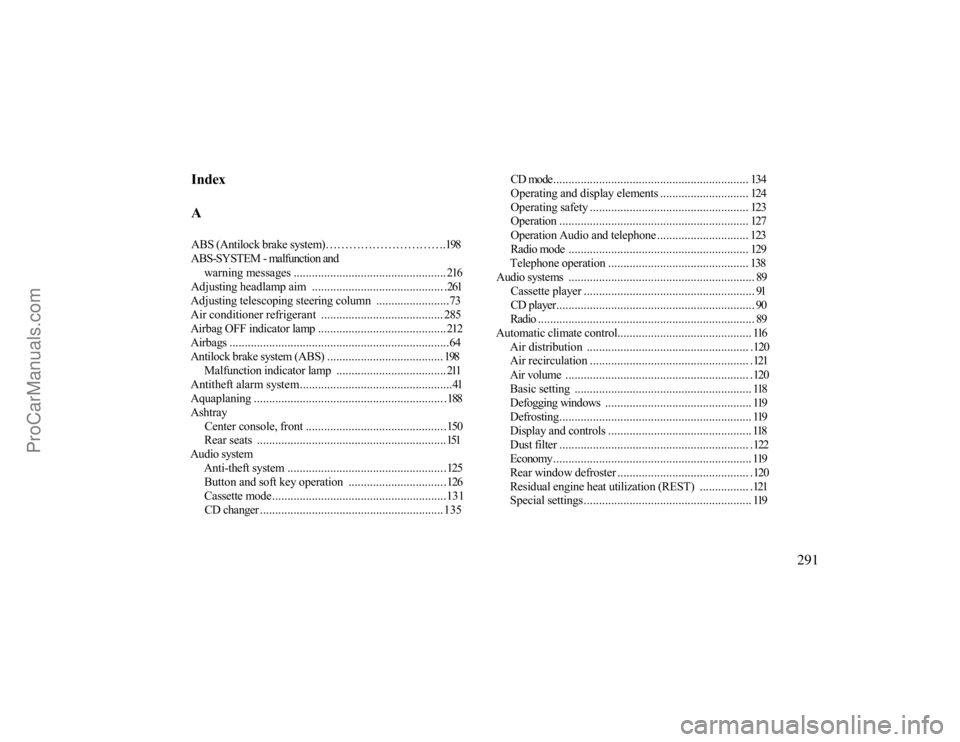
IndexAABS (Antilock brake system)………………………….198ABS-SYSTEM - malfunction and
warning messages .................................................. 216
Adjusting headlamp aim ........................................... .261Adjusting telescoping steering column ........................73Air conditioner refrigerant........................................ 285Airbag OFF indicator lamp ..........................................212Airbags ........................................................................64Antilock brake system (ABS) ...................................... 198
Malfunction indicator lamp ....................................211
Antitheft alarm system..................................................41Aquaplaning .............................................................. .188Ashtray
Center console, front ..............................................150Rear seats ..............................................................151
Audio system
Anti-theft system ....................................................125Button and soft key operation ................................126Cassette mode.........................................................131CD changer ............................................................135
CD mode................................................................ 134Operating and display elements ............................. 124Operating safety .................................................... 123Operation .............................................................. 127Operation Audio and telephone .............................. 123Radio mode ........................................................... 129Telephone operation .............................................. 138
Audio systems ............................................................. 89
Cassette player ........................................................ 91CD player................................................................. 90Radio ....................................................................... 89
Automatic climate control............................................ 116
Air distribution ..................................................... .120Air recirculation .................................................... .121Air volume ............................................................ .120Basic setting.......................................................... 118Defogging windows ................................................ 119Defrosting............................................................... 119Display and controls ............................................... 118Dust filter .............................................................. .122Economy................................................................. 119Rear window defroster ........................................... .120Residual engine heat utilization (REST) ................ .121Special settings....................................................... 119
291
ProCarManuals.com