key MERCEDES-BENZ CLK-CLASS 2003 Workshop Manual
[x] Cancel search | Manufacturer: MERCEDES-BENZ, Model Year: 2003, Model line: CLK-CLASS, Model: MERCEDES-BENZ CLK-CLASS 2003Pages: 330, PDF Size: 15.73 MB
Page 121 of 330
118 Headlamp cleaning system
Technical
data Instruments
and controlsOperationDrivingInstrument
cluster displayPractical hints Car care Index
Headlamp cleaning system
(optional on model CLK 430,
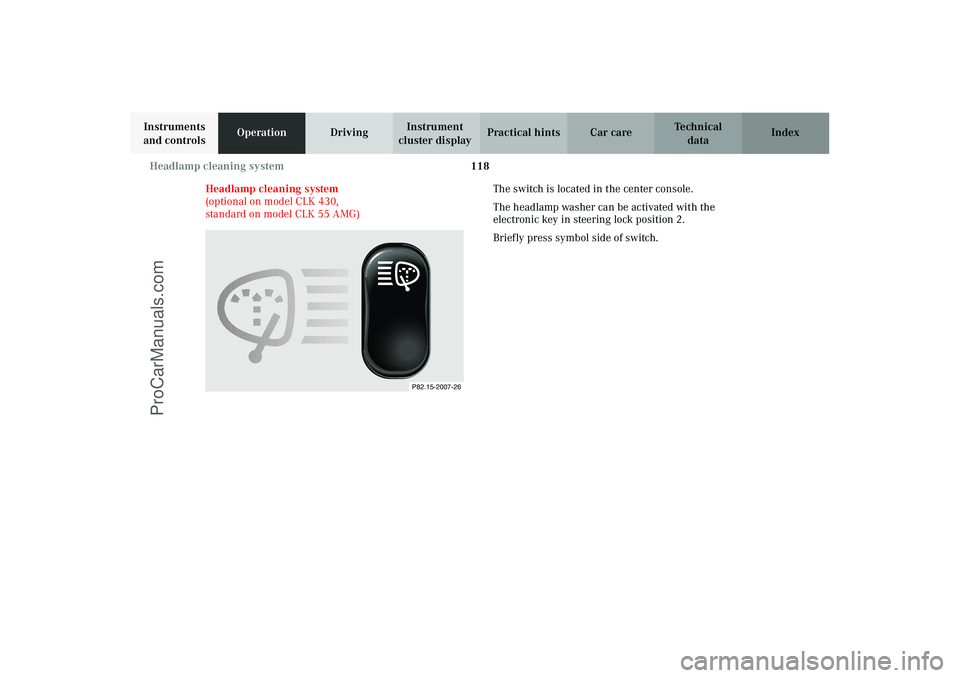
standard on model CLK 55 AMG)The switch is located in the center console.
The headlamp washer can be activated with the
electronic key in steering lock position 2.
Briefly press symbol side of switch.
P82.15-2007-26
J_C208_II.book Seite 118 Donnerstag, 31. Mai 2001 10:13 10
ProCarManuals.com
Page 123 of 330
120 Combination switch
Technical
data Instruments
and controlsOperationDrivingInstrument
cluster displayPractical hints Car care Index
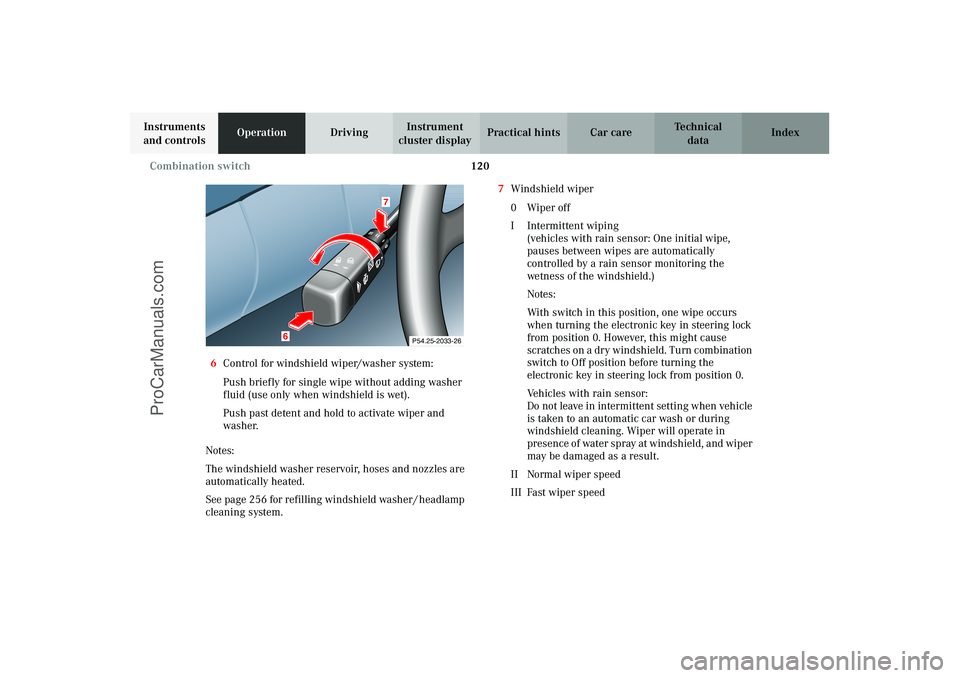
6Control for windshield wiper/washer system:
Push briefly for single wipe without adding washer
fluid (use only when windshield is wet).
Push past detent and hold to activate wiper and
washer.
Notes:
The windshield washer reservoir, hoses and nozzles are
automatically heated.
See page 256 for refilling windshield washer / headlamp
cleaning system.7Windshield wiper
0Wiper off
I Intermittent wiping
(vehicles with rain sensor: One initial wipe,
pauses between wipes are automatically
controlled by a rain sensor monitoring the
wetness of the windshield.)
Notes:
With switch in this position, one wipe occurs
when turning the electronic key in steering lock
from position 0. However, this might cause
scratches on a dry windshield. Turn combination
switch to Off position before turning the
electronic key in steering lock from position 0.
Ve hi c l e s w i t h r a i n s e n s o r :
Do not leave in intermittent setting when vehicle
is taken to an automatic car wash or during
windshield cleaning. Wiper will operate in
presence of water spray at windshield, and wiper
may be damaged as a result.
II Normal wiper speed
III Fast wiper speed
P54.25-2033-26
6
7
J_C208_II.book Seite 120 Donnerstag, 31. Mai 2001 10:13 10
ProCarManuals.com
Page 124 of 330
121 Hazard warning flasher
Technical
data Instruments
and controlsOperationDrivingInstrument
cluster displayPractical hints Car care Index Ve hi c l e s w i t ho u t r a i n s e n s o r :
If the vehicle is standing still, the wiper will switch back
to setting I, intermittent wiping.
Windshield wiper smears
If the windshield wiper smears the windshield, even
during rain, activate the washer system as often as
necessary. The fluid in the washer reservoir should be
mixed in the correct ratio, see page 256.
Blocked windshield wiper
If the windshield wiper becomes blocked (for example,
due to snow), switch off the wiper.
For safety reasons before removing ice or snow, remove
electronic key from steering lock. Remove blockage.
Activate combination switch again (electronic key in
steering lock position 1).Hazard warning flasher switch
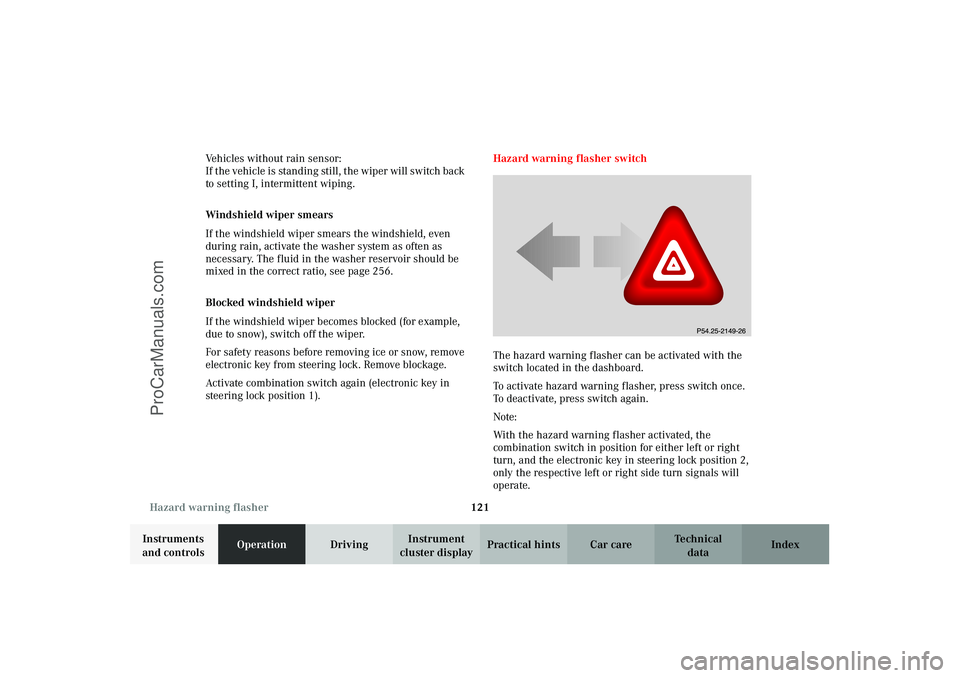
The hazard warning flasher can be activated with the
switch located in the dashboard.
To activate hazard warning flasher, press switch once.
To deactivate, press switch again.
Note:
With the hazard warning flasher activated, the
combination switch in position for either left or right
turn, and the electronic key in steering lock position 2,
only the respective left or right side turn signals will
operate.
J_C208_II.book Seite 121 Donnerstag, 31. Mai 2001 10:13 10
ProCarManuals.com
Page 129 of 330
126 Automatic climate control
Technical
data Instruments
and controlsOperationDrivingInstrument
cluster displayPractical hints Car care Index
Rear window defroster
Turn electronic key in steering lock to position 2.
To select, press F button.
To c a nc el, pr ess F button again.
Notes:
Heavy accumulation of snow and ice should be removed
before activating the defroster.
The rear window defroster consumes a large amount of
electrical power. To keep the battery drain to a
minimum, turn off the defroster as soon as the window
is clear.
The defroster is automatically turned off after a
maximum of 12 minutes of operation.
If several power consumers are turned on
simultaneously, or the battery is only partially charged,
it is possible that the defroster will automatically turn
itself off. When this happens, the indicator lamp inside
the switch starts blinking.
As soon as the battery has sufficient voltage, the
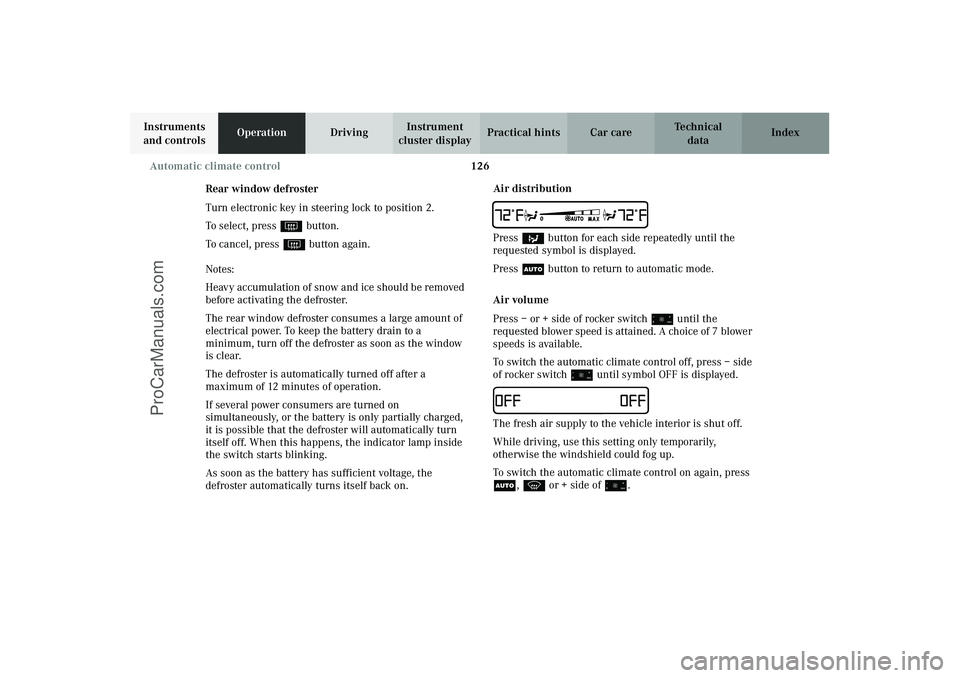
defroster automatically turns itself back on.Air distribution
TPress b button for each side repeatedly until the
requested symbol is displayed.
Press U button to return to automatic mode.
Air volume
Press – or + side of rocker switch ï until the
requested blower speed is attained. A choice of 7 blower
speeds is available.
To switch the automatic climate control off, press – side
of rocker switch ï until symbol OFF is displayed.IThe fresh air supply to the vehicle interior is shut off.
While driving, use this setting only temporarily,
otherwise the windshield could fog up.
To switch the automatic climate control on again, press
U, P or + side of ï.
J_C208_II.book Seite 126 Donnerstag, 31. Mai 2001 10:13 10
ProCarManuals.com
Page 130 of 330
127 Automatic climate control
Technical
data Instruments
and controlsOperationDrivingInstrument
cluster displayPractical hints Car care Index Air recirculation
This mode can be selected to temporarily reduce the
entry of annoying odors or dust into the vehicle’s
interior.
Outside air is not supplied to the vehicle’s interior.
To select, press O button.
To c a nc el, pr ess O button again.
The system will automatically switch from recirculated
air to fresh air
•after approx. 5 minutes at outside temperatures
below approx. 40
°F (5
°C),
•after approx. 30 minutes at outside temperatures
above approx. 40
°F (5
°C),
•after approx. 5 minutes, if button S is pressed.
If the windows should fog up from the inside, switch
from recirculated air back to fresh air.
At high outside temperatures, the system automatically
engages the recirculated air mode thereby increasing
the cooling capacity performance, switching to partially
fresh air within 30 minutes.Residual engine heat utilization
With the engine switched off, it is possible to continue
heating the interior for a short while.
Air volume and distribution are controlled
automatically.
To s e l e c t :
Turn electronic key in steering lock to position 1 or 0 or
remove key.
Press T button
This function selection will not activate if the battery
charge level is insufficient.
To c a n c e l :
Press T button.
The system will automatically shut off
•if you turn electronic key in steering lock to
position 2,
•after approx. 30 minutes,
•if the battery voltage drops.
J_C208_II.book Seite 127 Donnerstag, 31. Mai 2001 10:13 10
ProCarManuals.com
Page 133 of 330
130 Audio system
Technical
data Instruments
and controlsOperationDrivingInstrument
cluster displayPractical hints Car care Index
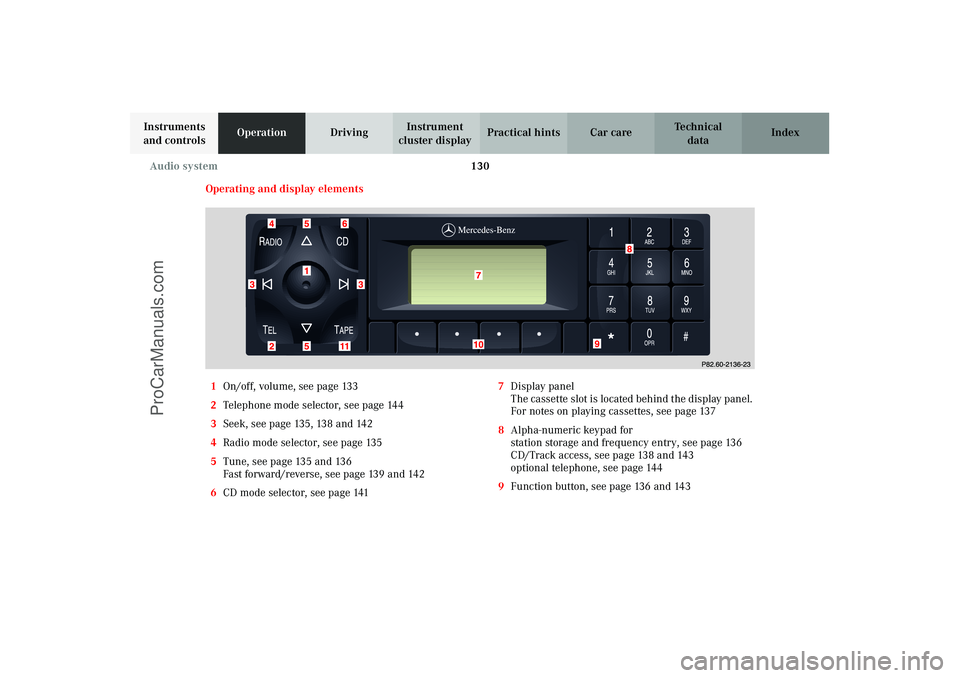
Operating and display elements
1On/off, volume, see page 133
2Telephone mode selector, see page 144
3Seek, see page 135, 138 and 142
4Radio mode selector, see page 135
5Tune, see page 135 and 136
Fast forward/reverse, see page 139 and 142
6CD mode selector, see page 1417Display panel
The cassette slot is located behind the display panel.
For notes on playing cassettes, see page 137
8Alpha-numeric keypad for
station storage and frequency entry, see page 136
CD/Track access, see page 138 and 143
optional telephone, see page 144
9Function button, see page 136 and 143
J_C208_II.book Seite 130 Donnerstag, 31. Mai 2001 10:13 10
ProCarManuals.com
Page 134 of 330
131 Audio system
Technical
data Instruments
and controlsOperationDrivingInstrument
cluster displayPractical hints Car care Index 10Soft keys for
radio band selection, see page 135
tone controls, see page 133
scan, see page 136
Tape eject, see page 138
Tape track select, see page 138
Dolby, see page 139
CD random/repeat, see page 143
11Tape mode selector, see page 137
Anti-theft system
If the power supply to the
radio has been interrupted,
“CODE” will appear on the
display when it is next
switched on. The radio will
only work after the five-digit code has been entered
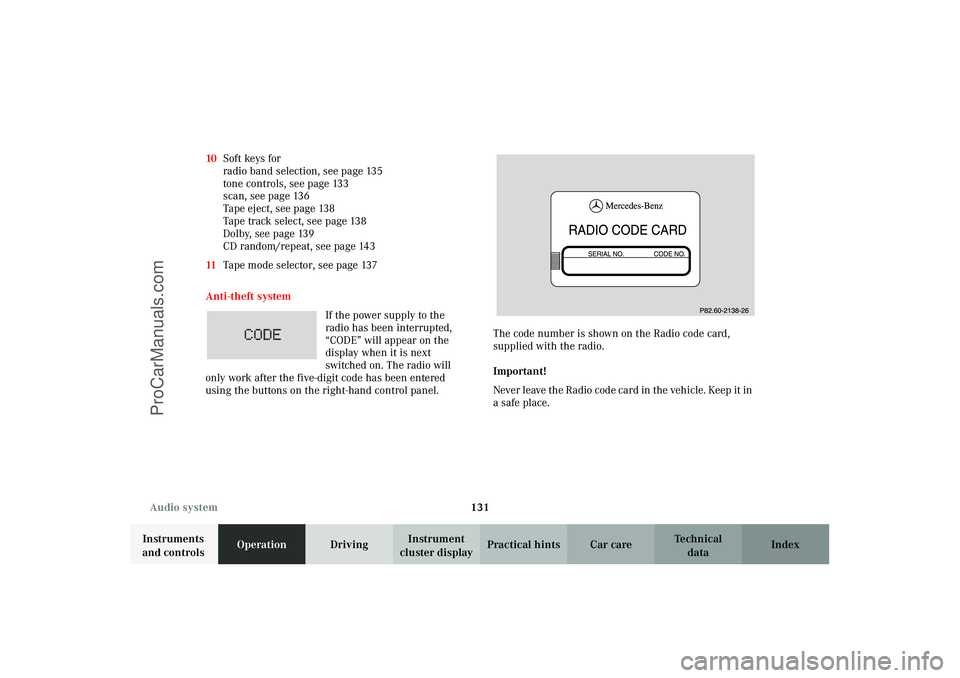
using the buttons on the right-hand control panel.The code number is shown on the Radio code card,
supplied with the radio.
Important!
Never leave the Radio code card in the vehicle. Keep it in
a safe place.
J_C208_II.book Seite 131 Donnerstag, 31. Mai 2001 10:13 10
ProCarManuals.com
Page 135 of 330
132 Audio system
Technical
data Instruments
and controlsOperationDrivingInstrument
cluster displayPractical hints Car care Index
Entering the code number
Switch on the radio. “CODE” will appear on the display.
Using the buttons on the alpha-numeric keypad, enter
the five digit code. Confirm by pressing the “OK” key.
If an incorrect code has been entered and confirmed,
“CODE” will reappear on the display. The correct code
must be entered once again.
If an incorrect code is entered
three times, “WAIT” will
appear on the display and the
radio will be locked out for
about 10 minutes.
Note:
The lock out tim e will on ly count down i f t he rad io is lef t
switched on.Button and soft key operation
In these instructions, the alpha-numeric keypad (right
side of radio face) and the function buttons (left side of
the radio face) are referred to as “buttons” and the four
keys under the display are referred to as “soft keys”.
Note:
Do not press directly on the radio display face.
J_C208_II.book Seite 132 Donnerstag, 31. Mai 2001 10:13 10
ProCarManuals.com
Page 136 of 330
133 Audio system
Technical
data Instruments
and controlsOperationDrivingInstrument
cluster displayPractical hints Car care Index Operation
Switching on and off
Press the control knob .
The radio is swi tched of f when t he igni ti on key i s turne d
to position 0 or removed from the ignition. The radio is
switched on again when the ignition key is turned to
position 1 or 2.
Note:
The radio can also be switched on even if the ignition
key is not inserted, but will switch itself off
automatically after one hour to conserve vehicle battery
power.
Adjusting the volume
Turn the control knob - turning the knob clockwise will
increase the volume, counterclockwise will decrease the
volume.Audio functions
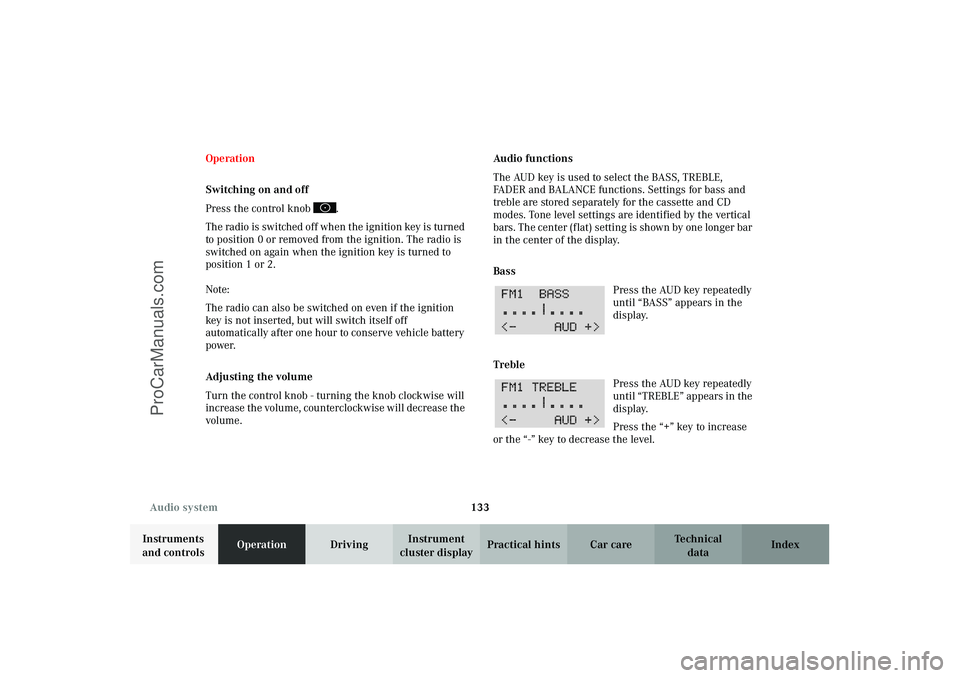
The AUD key is used to select the BASS, TREBLE,
FADER and BALANCE functions. Settings for bass and
treble are stored separately for the cassette and CD
modes. Tone level settings are identified by the vertical
bars. The cen ter (f lat) s ettin g is shown by one lon ger bar
in the center of the display.
Bass
Press the AUD key repeatedly
until “BASS” appears in the
display.
Treble
Press the AUD key repeatedly
un til “ TREB LE” ap pears in the
display.
Press the “+” key to increase
or the “-” key to decrease the level.
J_C208_II.book Seite 133 Donnerstag, 31. Mai 2001 10:13 10
ProCarManuals.com
Page 137 of 330
134 Audio system
Technical
data Instruments
and controlsOperationDrivingInstrument
cluster displayPractical hints Car care Index
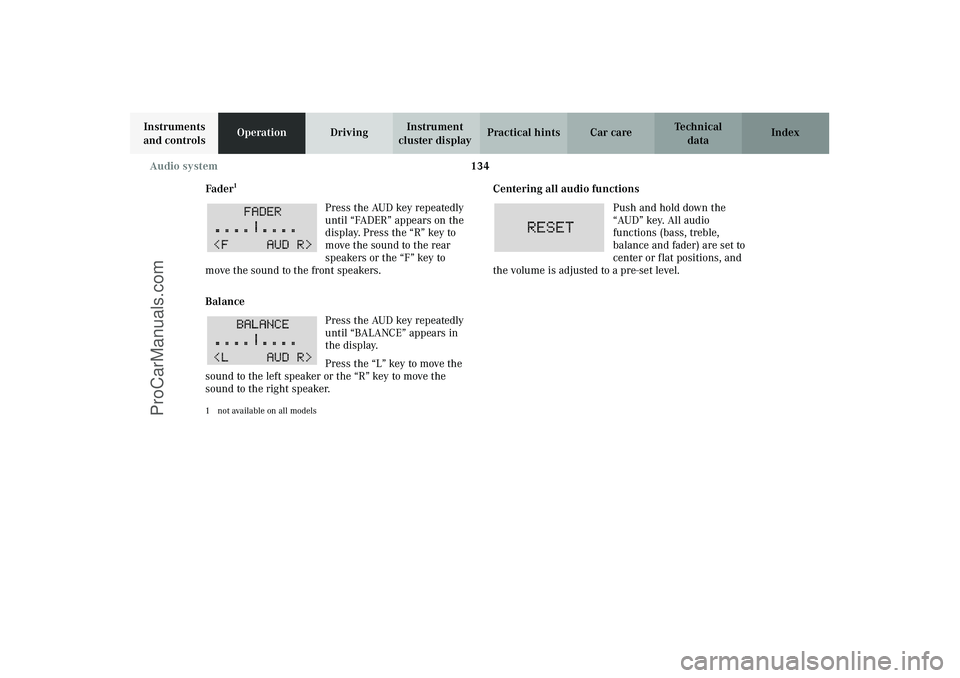
Fader
1
Press the AUD key repeatedly
until “FADER” appears on the
display. Press the “R” key to
move the sound to the rear
speakers or the “F” key to
move the sound to the front speakers.
Balance
Press the AUD key repeatedly
until “BALANCE” appears in
the display.
Press the “L” key to move the
sound to the left speaker or the “R” key to move the
sound to the right speaker.
1 not available on all models
Centering all audio functions
Push and hold down the
“AUD” key. All audio
functions (bass, treble,
balance and fader) are set to
center or flat positions, and
the volume is adjusted to a pre-set level.
J_C208_II.book Seite 134 Donnerstag, 31. Mai 2001 10:13 10
ProCarManuals.com