fog light MERCEDES-BENZ CLS 2018 User Guide
[x] Cancel search | Manufacturer: MERCEDES-BENZ, Model Year: 2018, Model line: CLS, Model: MERCEDES-BENZ CLS 2018Pages: 334, PDF Size: 7.87 MB
Page 176 of 334
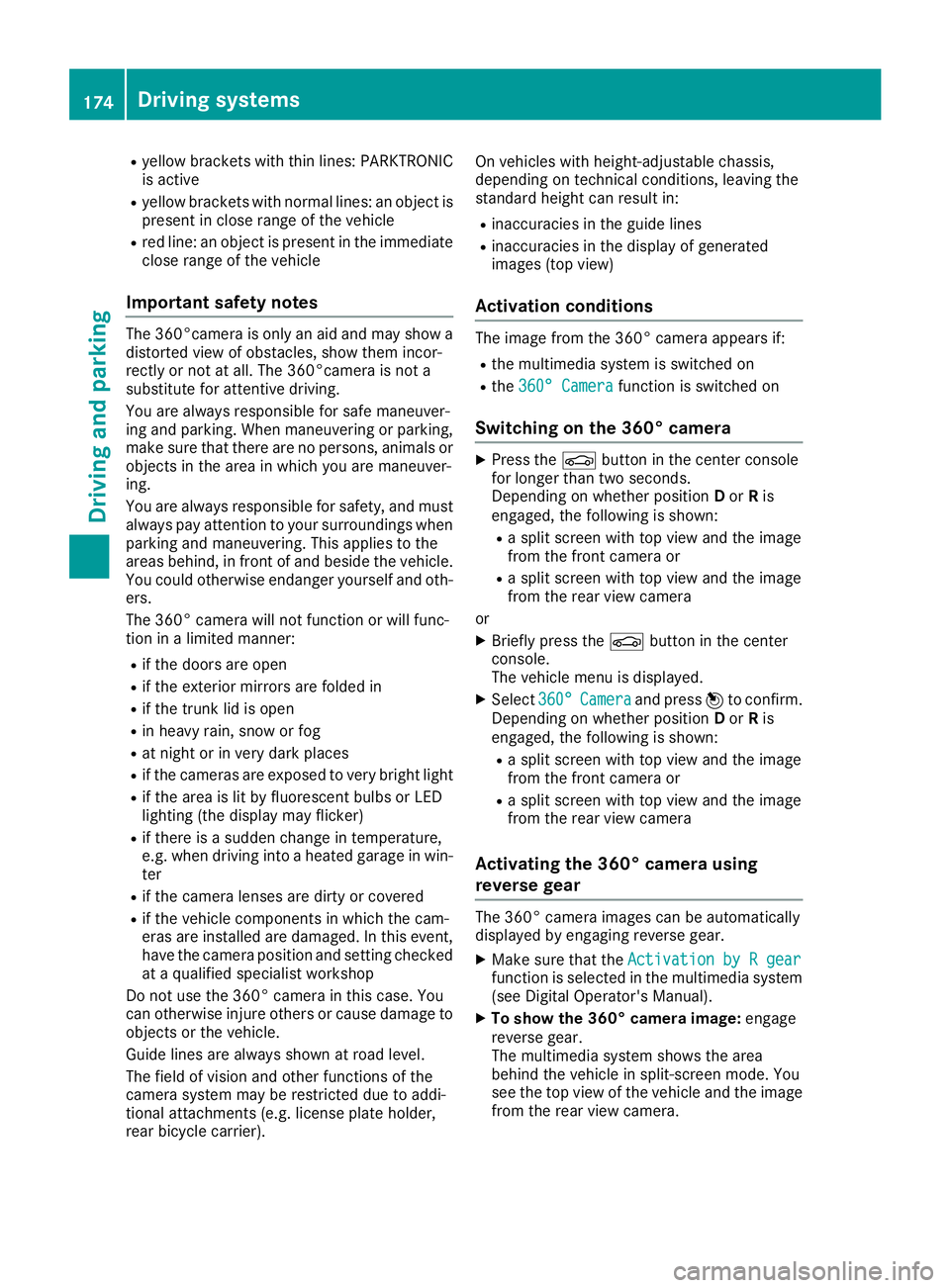
R
yello w brackets wit h thin lines: PARKTRONI C
is active R
yello w brackets wit h normal lines: an objec t is
presen t in close range of th e vehicl eR
red line: an objec t is presen t in th e immediat e
close range of th e vehicl e
Impor tant safety notesThe 360°camera is only an aid and may sho w a
distorted vie w of obstacles, sho w them incor-
rectl y or no t at all. The 360°camera is no t a
substitut e for attentive driving.
You are always responsibl e for saf e maneuver-
in g and parking. Whe n maneuverin g or parking,
mak e sur e that there are no persons, animals or
objects in th e area in whic h you are maneuver-
ing.
You are always responsibl e for safety, and mus t
always pay attention to your surroundings when
parkin g and maneuvering. This applies to th e
area s behind , in fron t of and beside th e vehicle.
You could otherwise endanger yourself and oth-
ers .
The 360° camera will no t function or will func-
tion in a limite d manner:R
if th e doors are openR
if th e exterio r mirror s are folded inR
if th e trunk lid is openR
in heav y rain , snow or fogR
at night or in ver y dark placesR
if th e cameras are exposed to ver y bright ligh tR
if th e area is lit by fluorescent bulbs or LE D
lighting (the display may flicker) R
if there is a sudden chang e in temperature,
e.g. when drivin g into a heated garage in win -
te r R
if th e camera lenses are dirty or coveredR
if th e vehicl e component s in whic h th e cam -
eras are installed are damaged. In this event ,
h a v e th e camera position and setting checke d
at a qualified specialist workshop
Do no t use th e 360° camera in this case. You
can otherwise injur e other s or caus e damage to
objects or th e vehicle.
Guide lines are always shown at roa d level.
The field of vision and other function s of th e
camera system may be restricted due to addi-
tional attachments (e.g. license plat e holder,
rear bicycle carrier). On vehicles wit h height-adjustable chassis,
dependin g on technical conditions, leavin g th e
standard height can result in :R
inaccuracies in th e guide linesR
inaccuracies in th e display of generated
images (top view)
Activati on conditionsThe imag e from th e 360° camera appears if:R
th e multimedia system is switched on R
th e 360 ° Camera function is switched on
Switching on the 360° camera X
Press th e
Page 187 of 334
vehicle are also monitored with the aid of the
radar sensor system. Active Lane Keeping
Assist detects lane markings on the road and
can warn you before you leave your lane unin-
tentionally. If you do not react to the warning, a
lane-correcting application of the brakes can
bring the vehicle back into the original lane.
This function is available in the range between
40 mph and 120 mph (60 km/h and 200 km/h).
For Active Lane Keeping Assist to assist you
when driving, the radar sensor system must be
operational
Important safety notes If you fail to adapt your driving style, Active Lane
Keeping Assist can neither reduce the risk of
accident nor override the laws of physics. Active
Lane Keeping Assist cannot take account of
road and weather conditions. It may not recog-
nize traffic situations. Active Lane Keeping
Assist is only an aid. You are responsible for the
distance to the vehicle in front, for vehicle
speed, for braking in good time and for staying in
your lane.
Active Lane Keeping Assist cannot continuously
keep your vehicle in its lane.
G WARNING
Active Lane Keeping Assist cannot always
clearly detect lane markings.
In such cases, Active Lane Keeping Assist
can: R
give an unnecessary warning and then
make a course-correcting brake application
to the vehicle R
not give a warning or intervene
There is a risk of an accident.
Always pay particular attention to the traffic
situation and keep within the lane, especially
if Active Lane Keeping Assist alerts you. Ter-
minate the intervention in a non-critical driv-
ing situation.
The system may be impaired or may not function
if: R
there is poor visibility, e.g. due to insufficient
illumination of the road, or due to snow, rain,
fog or spray R
there is glare, e.g. from oncoming traffic, the
sun or reflections (e.g. when the road surface
is wet) R
the windshield is dirty, fogged up, damaged or
covered, for instance by a sticker, in the vicin-
ity of the camera R
the radar sensors in the front or rear bumpers
or the radiator trim are dirty, e.g. obscured by
snow R
there are no, several or unclear lane markings
for a lane, e.g. in areas with road construction
work R
the lane markings are worn away, dark or cov-
ered up, e.g. by dirt or snow R
the distance to the vehicle in front is too small
and the lane markings thus cannot be detec-
ted R
the lane markings change quickly, e.g. lanes
branch off, cross one another or merge R
the road is narrow and winding R
there are strong shadows cast on the road
If no vehicle is detected in the adjacent lane and
broken lane markings are detected, no lane-cor-
recting brake application is made.
Warning vibration in the steering wheel A warning may be given if a front wheel passes
over a lane marking. It will warn you by means of
intermittent vibration in the steering wheel for
up to 1.5 seconds.
Lane-correcting brake application
G WARNING
A lane-correcting brake application cannot
always bring the vehicle back into the original
lane. There is a risk of an accident.
Always steer, brake or accelerate yourself,
especially if Active Lane Keeping Assist warns
you or makes a lane-correcting brake appli-
cation.
G WARNING
Active Lane Keeping Assist only detects traf-
fic conditions or road users to a limited
extent. In very rare cases, the system may
make an inappropriate brake application, e.g.
after intentionally driving over a solid lane
marking. There is a risk of an accident.
An inappropriate brake application may be
interrupted at any time if you steer slightly in
the opposite direction. Always make sure thatDriving systems 185
Driving and parking Z
Page 214 of 334
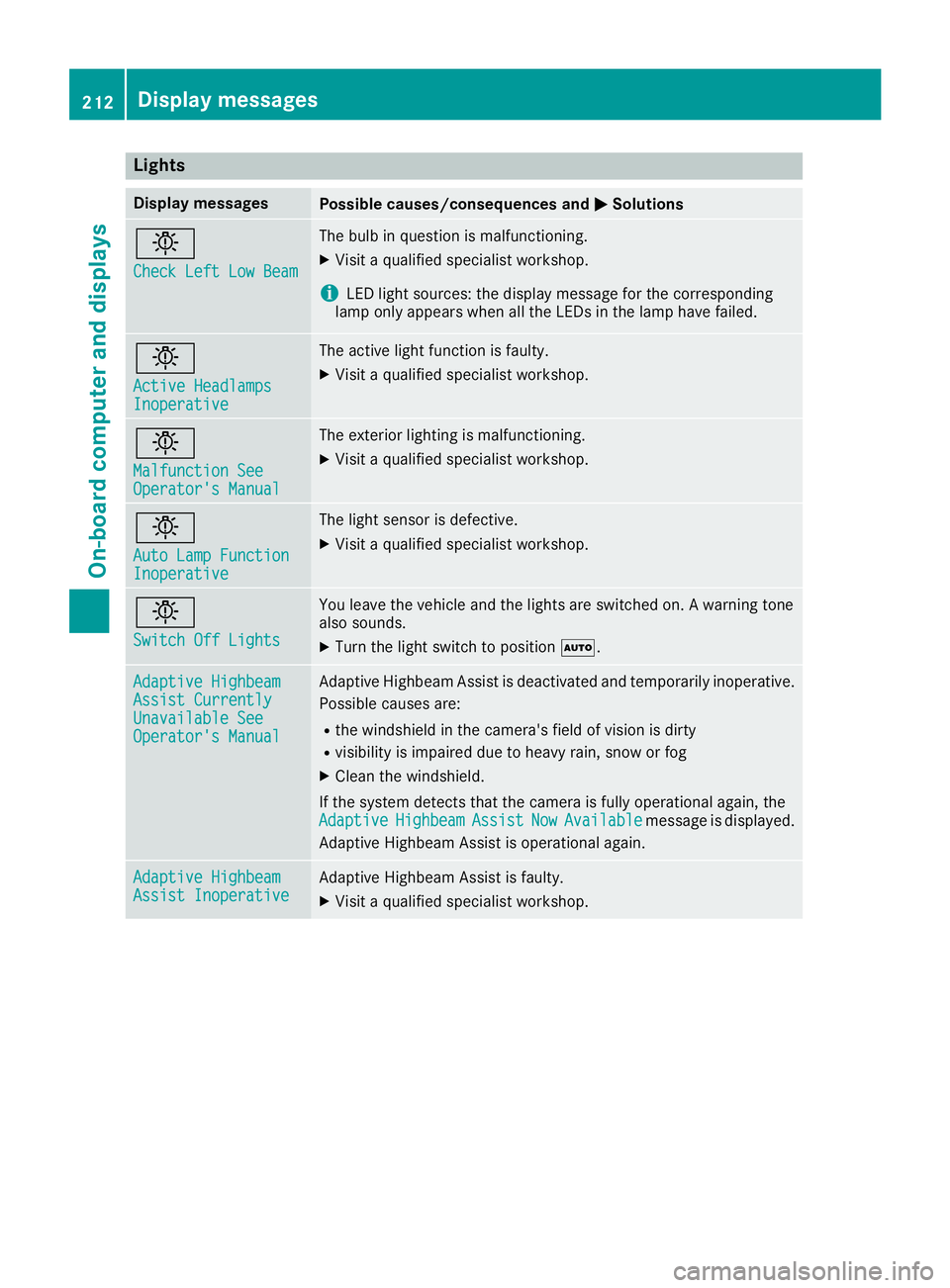
Lights Display messages
Possible causes/consequences and P Solutions
I Check Left Low Beam The bulb in question is malfunctioning. X
Visit a qualified specialist workshop.
i LED light sources: the display message for the corresponding
lamp only appears when all the LEDs in the lamp have failed.
I Active Headlamps
Inoperative The active light function is faulty. X
Visit a qualified specialist workshop.
I Malfunction See
Operator's Manual The exterior lighting is malfunctioning. X
Visit a qualified specialist workshop.
I Auto Lamp Function
Inoperative The light sensor is defective. X
Visit a qualified specialist workshop.
I Switch Off Lights You leave the vehicle and the lights are switched on. A warning tone
also sounds. X
Turn the light switch to position X .
Adaptive Highbeam
Assist Currently
Unavailable See
Operator's Manual Adaptive Highbeam Assist is deactivated and temporarily inoperative.
Possible causes are: R
the windshield in the camera's field of vision is dirty R
visibility is impaired due to heavy rain, snow or fog X
Clean the windshield.
If the system detects that the camera is fully operational again, the
Adaptive Highbeam Assist Now Available message is displayed.
Adaptive Highbeam Assist is operational again.
Adaptive Highbeam
Assist Inoperative Adaptive Highbeam Assist is faulty. X
Visit a qualified specialist workshop.212
Display messages
On-board computer and displays