engine oil MERCEDES-BENZ E CLASS 2019 User Guide
[x] Cancel search | Manufacturer: MERCEDES-BENZ, Model Year: 2019, Model line: E CLASS, Model: MERCEDES-BENZ E CLASS 2019Pages: 530, PDF Size: 19.36 MB
Page 490 of 530
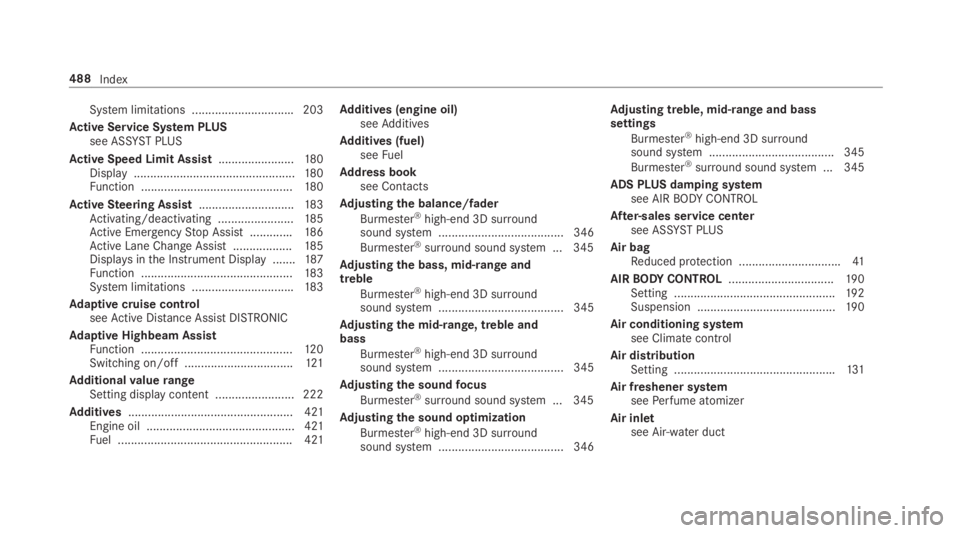
System limitations ...............................203
Active Service System PLUSsee ASSYSTPLUS
Active Speed Limit Assist.......................180Display.................................................180Function ..............................................180
ActiveSteering Assist.............................183Activating/deactivating .......................185Active EmergencyStop Assist .............186Active Lane Change Assist..................185Displays inthe Instrument Display .......187Function ..............................................183System limitations ...............................183
Adaptive cruise controlseeActive Distance AssistDISTRONIC
Adaptive Highbeam AssistFunction ..............................................12 0Switching on/off .................................121
AdditionalvaluerangeSetting display content ........................ 222
Additives.................................................. 421Engine oil ............................................. 421Fuel ..................................................... 421
Additives (engine oil)seeAdditives
Additives (fuel)seeFuel
Address booksee Contacts
Adjusting the balance/fader
Burmester®high-end 3D surroundsound system ...................................... 346
Burmester®surround sound system ... 345
Adjusting the bass, mid-range andtreble
Burmester®high-end 3D surroundsound system ...................................... 345
Adjusting the mid-range, treble andbass
Burmester®high-end 3D surroundsound system ...................................... 345
Adjusting the soundfocus
Burmester®surround sound system ... 345
Adjusting the sound optimization
Burmester®high-end 3D surroundsound system ...................................... 346
Adjusting treble, mid-range and basssettings
Burmester®high-end 3D surroundsound system ...................................... 345
Burmester®surround sound system ... 345
ADS PLUS damping systemsee AIRBODYCONTROL
After-sales service centersee ASSYST PLUS
Air bagReduced protection ...............................41
AIRBODYCONTROL................................19 0Setting .................................................19 2Suspension ..........................................19 0
Air conditioning systemsee Climate control
Air distributionSetting .................................................131
Air freshener systemseePerfume atomizer
Air inletsee Air-water duct
488Index
Page 503 of 530
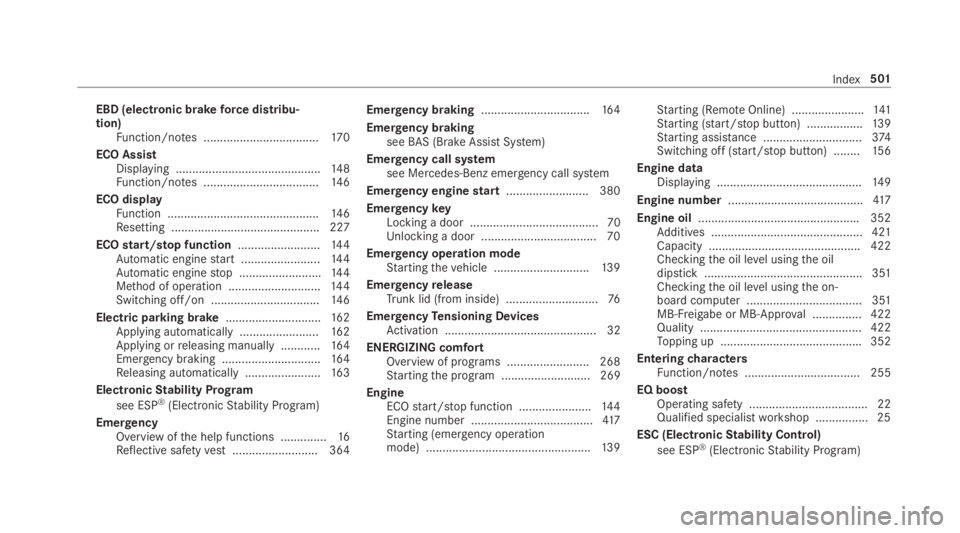
EBD (electronic brakeforce distribu‐tion)Function/notes ...................................17 0
ECO AssistDisplaying ............................................14 8Function/notes ...................................14 6
ECO displayFunction ..............................................14 6Resetting ............................................. 227
ECOstart/stop function.........................14 4Automatic enginestart ........................14 4Automatic enginestop .........................144Method of operation ............................144Switching off/on .................................14 6
Electric parking brake.............................162Applying automatically ........................16 2Applying orreleasing manually ............16 4Emergency braking ..............................16 4Releasing automatically .......................163
ElectronicStability Program
see ESP®(ElectronicStability Program)
EmergencyOverview ofthe help functions ..............16Reflective safetyvest.......................... 364
Emergency braking.................................164
Emergency brakingseeBAS (Brake AssistSystem)
Emergency call systemsee Mercedes-Benz emergency call system
Emergency enginestart......................... 380
EmergencykeyLocking a door ....................................... 70Unlocking a door ...................................70
Emergency operation modeStartingthevehicle .............................13 9
EmergencyreleaseTrunk lid (from inside) ............................76
EmergencyTensioning DevicesActivation .............................................. 32
ENERGIZING comfortOverview of programs .........................268Startingthe program ........................... 269
EngineECOstart/stop function ......................144Engine number .....................................417Starting (emergency operationmode) ..................................................13 9
Starting (RemoteOnline) ......................141Starting (start/stop button) .................139Starting assistance ..............................374Switching off (start/stop button) ........15 6
Engine dataDisplaying ............................................14 9
Engine number.........................................417
Engine oil.................................................352Additives .............................................. 421Capacity .............................................. 422Checkingthe oil level usingthe oildipstick ................................................ 351Checkingthe oil level usingthe on-board computer ................................... 351MB-Freigabe or MB-Approval ...............422Quality ................................................. 422Topping up ...........................................352
EnteringcharactersFunction/notes ................................... 255
EQ boostOperating safety .................................... 22Qualified specialistworkshop ................25
ESC (ElectronicStability Control)
see ESP®(ElectronicStability Program)
Index501
Page 511 of 530
N
NavigationCalling upthe Digital Operator'sManual ................................................ 295Menu (on-board computer) .................. 227Showing/hidingthe menu ...................270Switching on ........................................270Updatingthe map data ........................ 293Voice commands (Voice Control Sys‐tem) ..................................................... 237
Navigationsee Destinationsee Destination entrysee MapseeRouteseeRoute guidanceseeTraffic information
Navigation announcementsActivating/deactivating .......................284Adjustingthevolume ...........................284Repeating ............................................ 285Switching audiofadeout on/off .......... 284
Navigation messagesOn-board computer ............................. 227
NearField Communication (NFC).......... 301Connectingthe mobile phonetothemultimedia system .............................. 301Information .......................................... 301
Switching Bluetooth®audio equip‐ment .................................................... 335Switching mobile phones .....................301Using a mobile phone .......................... 301
NeutralInserting ..............................................151
NFCsee Near Field Communication (NFC)
Non-operational timeActivating/deactivatingstandbymode ...................................................165Standby mode function .......................164
Notes on breaking-in a newvehicle.......141
O
Occupant safetyPets inthevehicle ..................................61
Occupant safetysee Airbag
seeAutomatic front passenger frontairbag shutoff
see PRE-SAFE®(anticipatory occu‐pant protection)
see PRE-SAFE®PLUS (anticipatoryoccupant protection plus)seeRestraint systemsee Seat belt
OdometerseeTotal distance
Oilsee Engine oil
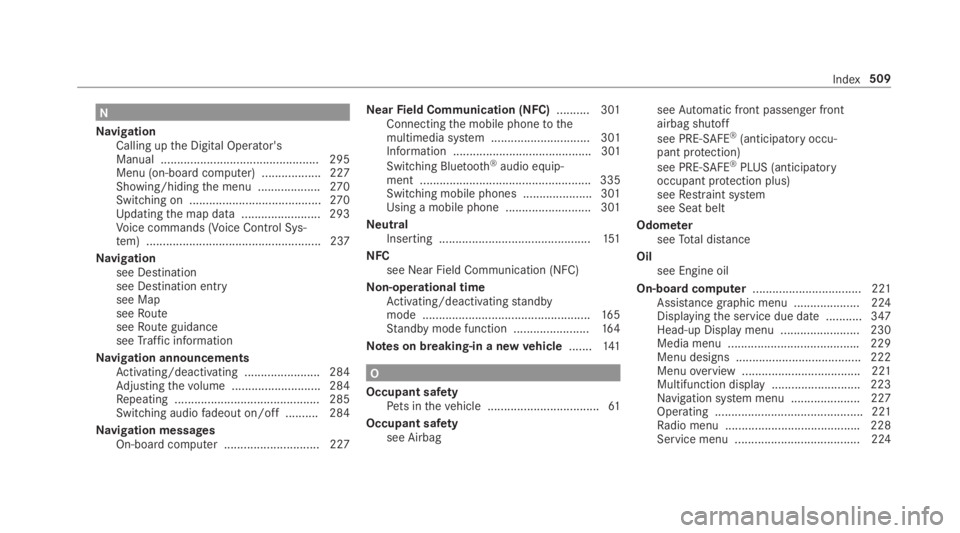
On-board computer................................. 221Assistance graphic menu .................... 224Displayingthe service due date ........... 347Head-up Display menu ........................ 230Media menu ........................................229Menu designs ...................................... 222Menuoverview .................................... 221Multifunction display ...........................223Navigation system menu ..................... 227Operating ............................................. 221Radio menu .........................................228Service menu ...................................... 224
Index509
Page 512 of 530
Telephone menu .................................. 229Trip menu ............................................ 225
On-boarddiagnostics interfacesee Diagnostics connection
Open-source software.............................. 30
Openingthe trunk lid usingyourfootHANDS-FREEACCESS ...........................74
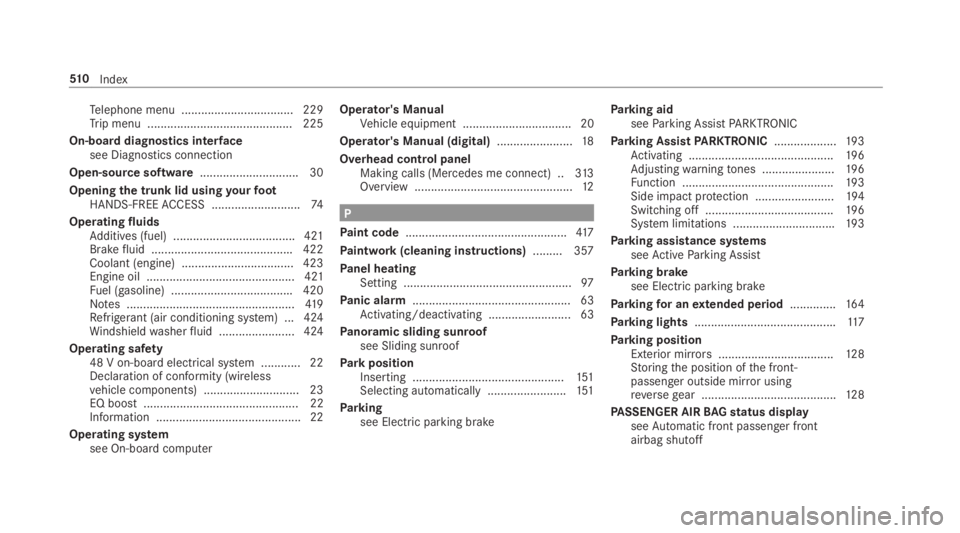
OperatingfluidsAdditives (fuel) .....................................421Brakefluid ...........................................422Coolant (engine) .................................. 423Engine oil ............................................. 421Fuel (gasoline) .....................................420Notes ...................................................419Refrigerant (air conditioning system) ... 424Windshieldwasherfluid .......................424
Operating safety48 V on-boardelectrical system ............ 22Declaration of conformity (wirelessvehicle components) ............................. 23EQ boost ............................................... 22Information ............................................ 22
Operating systemsee On-board computer
Operator's ManualVehicle equipment ................................. 20
Operator's Manual (digital).......................18
Overhead control panelMaking calls (Mercedes me connect) ..313Overview ................................................12
P
Paint code.................................................417
Paintwork (cleaning instructions).........357
Panel heatingSetting ...................................................97
Panic alarm................................................ 63Activating/deactivating ......................... 63
Panoramic sliding sunroofsee Sliding sunroof
ParkpositionInserting ..............................................151Selecting automatically........................151
Parkingsee Electric parking brake
Parking aidseeParking AssistPARKTRONIC
Parking AssistPARKTRONIC...................19 3Activating ............................................19 6Adjustingwarningtones ......................19 6Function ..............................................19 3Side impact protection ........................194Switching off .......................................19 6System limitations ...............................193
Parking assistance systemsseeActiveParking Assist
Parking brakesee Electric parking brake
Parkingfor anextended period..............16 4
Parking lights...........................................117
Parking positionExterior mirrors...................................12 8Storingthe position ofthe front-passenger outside mirror usingreversegear .........................................128
PASSENGER AIRBAGstatus displayseeAutomatic front passenger frontairbag shutoff
51 0Index