suspension MERCEDES-BENZ E CLASS 2019 User Guide
[x] Cancel search | Manufacturer: MERCEDES-BENZ, Model Year: 2019, Model line: E CLASS, Model: MERCEDES-BENZ E CLASS 2019Pages: 530, PDF Size: 19.36 MB
Page 502 of 530
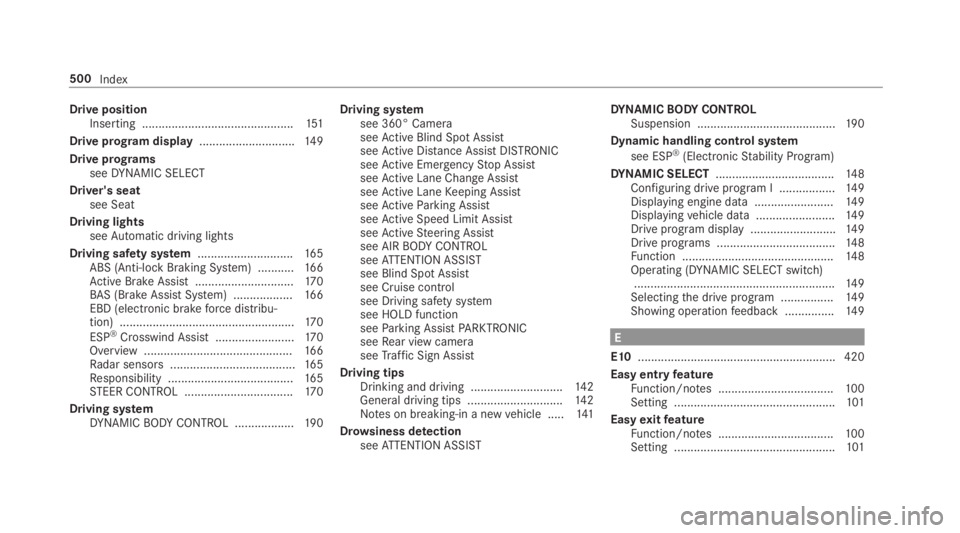
Drive positionInserting ..............................................151
Drive program display.............................14 9
Drive programsseeDYNAMIC SELECT
Driver's seatsee Seat
Driving lightsseeAutomatic driving lights
Driving safety system.............................165ABS (Anti-lock Braking System) ...........16 6Active Brake Assist..............................17 0BAS (Brake AssistSystem) ..................16 6EBD (electronic brakeforce distribu‐tion) .....................................................17 0
ESP®Crosswind Assist........................17 0Overview .............................................16 6Radar sensors ......................................16 5Responsibility ......................................16 5STEER CONTROL .................................17 0
Driving systemDYNAMICBODYCONTROL ..................19 0
Driving systemsee 360° CameraseeActive Blind Spot AssistseeActive Distance AssistDISTRONICseeActive EmergencyStop AssistseeActive Lane Change AssistseeActive LaneKeeping AssistseeActiveParking AssistseeActive Speed Limit AssistseeActiveSteering Assistsee AIRBODYCONTROLseeATTENTION ASSISTsee Blind Spot Assistsee Cruise controlsee Driving safety systemsee HOLD functionseeParking AssistPARKTRONICseeRear view cameraseeTraffic Sign Assist
Driving tipsDrinking and driving ............................14 2General driving tips .............................142Notes on breaking-in a newvehicle .....141
Drowsiness detectionseeATTENTION ASSIST
DYNAMICBODYCONTROLSuspension ..........................................19 0
Dynamic handling control system
see ESP®(ElectronicStability Program)
DYNAMIC SELECT....................................14 8Configuring drive program I .................14 9Displaying engine data ........................14 9Displayingvehicle data ........................14 9Drive program display ..........................149Drive programs ....................................148Function ..............................................14 8Operating (DYNAMIC SELECT switch).............................................................149Selectingthe drive program ................149Showing operationfeedback ...............14 9
E
E10............................................................ 420
Easy entryfeatureFunction/notes ...................................100Setting .................................................101
EasyexitfeatureFunction/notes ...................................100Setting .................................................101
500Index
Page 519 of 530
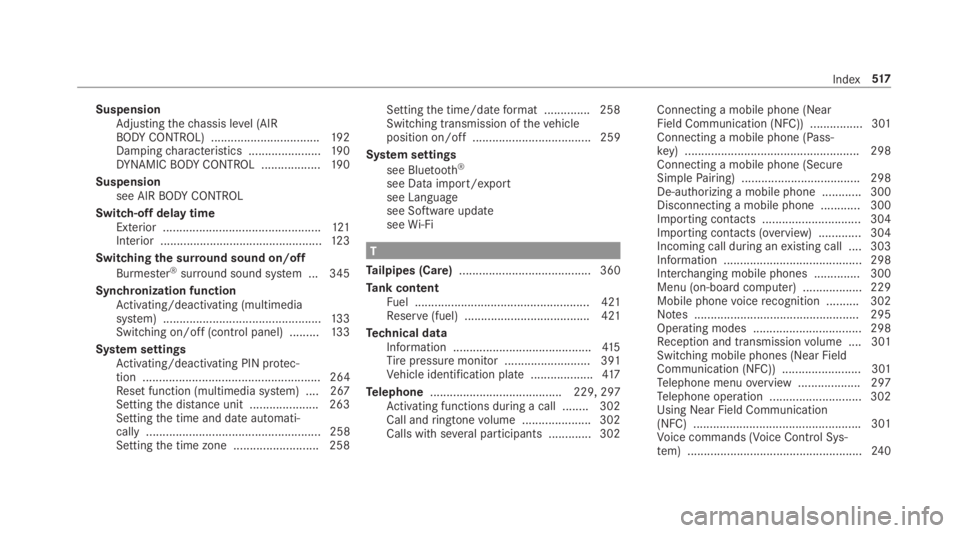
SuspensionAdjustingthechassis level (AIRBODYCONTROL) .................................192Dampingcharacteristics ......................19 0DYNAMICBODYCONTROL ..................19 0
Suspensionsee AIRBODYCONTROL
Switch-off delay timeExterior ................................................121Interior .................................................12 3
Switchingthe surround sound on/off
Burmester®surround sound system ... 345
Synchronization functionActivating/deactivating (multimediasystem) ................................................13 3Switching on/off (control panel) .........13 3
System settingsActivating/deactivating PIN protec‐tion ...................................................... 264Reset function (multimedia system) ....267Settingthe distance unit ..................... 263Settingthe time and date automati‐cally ..................................................... 258Settingthe time zone .......................... 258
Settingthe time/dateformat .............. 258Switching transmission ofthevehicleposition on/off .................................... 259
System settings
see Bluetooth®
see Data import/exportsee Languagesee Software updateseeWi-Fi
T
Tailpipes (Care)........................................ 360
Tank contentFuel ..................................................... 421Reserve(fuel) ...................................... 421
Technical dataInformation ..........................................41 5Tirepressure monitor .......................... 391Vehicle identification plate ...................417
Telephone........................................ 229, 297Activating functions during a call ........ 302Call andringtonevolume .....................302Calls with several participants .............302
Connecting a mobile phone (NearField Communication (NFC)) ................ 301Connecting a mobile phone (Pass‐key) .....................................................298Connecting a mobile phone (SecureSimplePairing) .................................... 298De-authorizing a mobile phone ............ 300Disconnecting a mobile phone ............ 300Importing contacts .............................. 304Importing contacts (overview) .............304Incoming call during anexisting call .... 303Information .......................................... 298Interchanging mobile phones .............. 300Menu (on-board computer) .................. 229Mobile phonevoicerecognition .......... 302Notes .................................................. 295Operating modes ................................. 298Reception and transmissionvolume .... 301Switching mobile phones (Near FieldCommunication (NFC)) ........................ 301Telephone menuoverview ...................297Telephone operation ............................ 302Using Near Field Communication(NFC) ...................................................301Voice commands (Voice Control Sys‐tem) .....................................................24 0
Index517