mirror MERCEDES-BENZ E CLASS 2019 Owner's Manual
[x] Cancel search | Manufacturer: MERCEDES-BENZ, Model Year: 2019, Model line: E CLASS, Model: MERCEDES-BENZ E CLASS 2019Pages: 530, PDF Size: 19.36 MB
Page 504 of 530
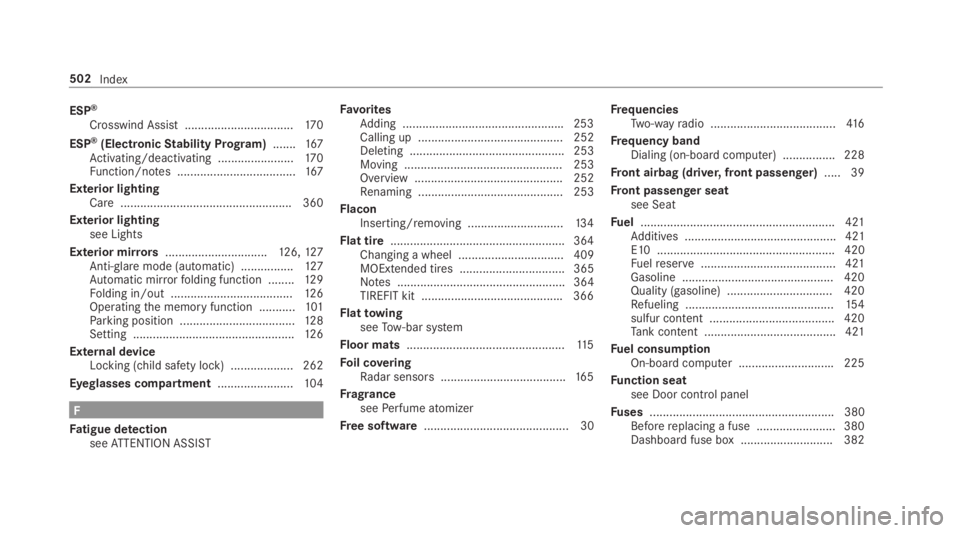
ESP®
Crosswind Assist .................................170
ESP®(ElectronicStability Program).......167Activating/deactivating .......................170Function/notes ....................................167
Exterior lightingCare .................................................... 360
Exterior lightingsee Lights
Exterior mirrors...............................126,127Anti-glaremode (automatic) ................127Automatic mirrorfolding function ........12 9Folding in/out .....................................126Operatingthe memory function ...........101Parking position ...................................128Setting .................................................12 6
External deviceLocking (child safety lock) ...................262
Eyeglasses compartment.......................104
F
Fatigue detectionseeATTENTION ASSIST
FavoritesAdding .................................................253Calling up ............................................ 252Deleting ............................................... 253Moving ................................................ 253Overview ............................................. 252Renaming ............................................ 253
FlaconInserting/removing .............................13 4
Flat tire.....................................................364Changing a wheel ................................ 409MOExtended tires ................................ 365Notes ................................................... 364TIREFIT kit ...........................................366
FlattowingseeTow-bar system
Floor mats................................................11 5
Foil coveringRadar sensors ......................................16 5
FragranceseePerfume atomizer
Free software............................................ 30
FrequenciesTwo-wayradio ......................................416
Frequency bandDialing (on-board computer) ................ 228
Front airbag (driver, front passenger).....39
Front passenger seatsee Seat
Fuel...........................................................421Additives .............................................. 421E10 ...................................................... 420Fuelreserve......................................... 421Gasoline .............................................. 420Quality (gasoline) ................................ 420Refueling .............................................154sulfur content ...................................... 420Tank content ........................................ 421
Fuel consumptionOn-board computer .............................225
Function seatsee Door control panel
Fuses........................................................ 380Beforereplacing a fuse ........................ 380Dashboard fuse box ............................ 382
502Index
Page 506 of 530
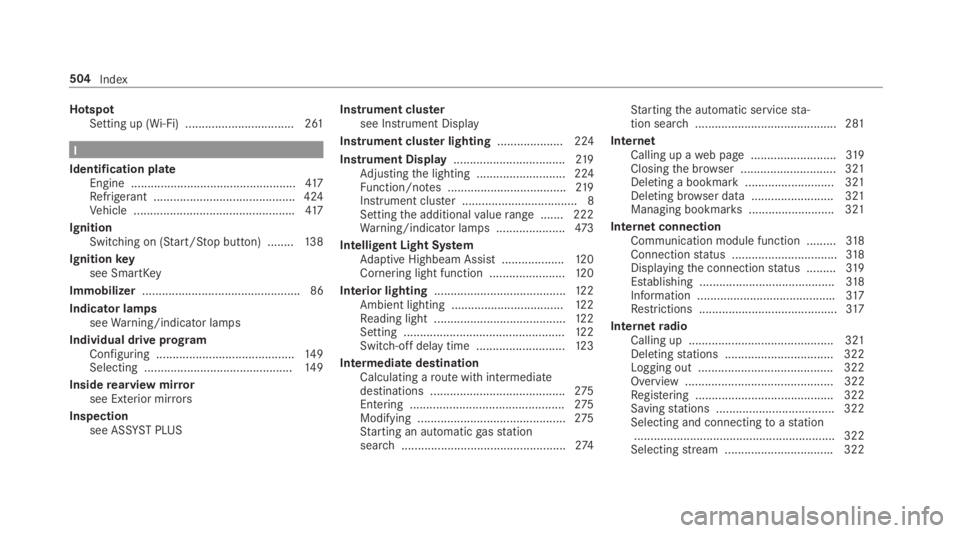
HotspotSetting up (Wi-Fi) ................................. 261
I
Identification plateEngine ..................................................417Refrigerant ...........................................424Vehicle .................................................417
IgnitionSwitching on (Start/Stop button) ........13 8
Ignitionkeysee SmartKey
Immobilizer................................................ 86
Indicator lampsseeWarning/indicator lamps
Individual drive programConfiguring ..........................................14 9Selecting .............................................14 9
Insiderearview mirrorsee Exterior mirrors
Inspectionsee ASSYSTPLUS
Instrument clustersee Instrument Display
Instrument cluster lighting.................... 224
Instrument Display..................................219Adjustingthe lighting ........................... 224Function/notes ....................................219Instrument cluster ................................... 8Settingthe additionalvaluerange ....... 222Warning/indicator lamps .....................473
Intelligent Light SystemAdaptive Highbeam Assist ...................120Cornering light function .......................12 0
Interior lighting........................................12 2Ambient lighting ..................................12 2Reading light ........................................12 2Setting .................................................12 2Switch-off delaytime ...........................12 3
Intermediate destinationCalculating aroute with intermediatedestinations .........................................275Entering ...............................................275Modifying .............................................275Starting an automaticgasstationsearch..................................................274
Startingthe automatic servicesta‐tion search........................................... 281
InternetCalling up aweb page ..........................319Closingthe browser ............................. 321Deleting a bookmark ........................... 321Deleting browser data .........................321Managing bookmarks.......................... 321
InternetconnectionCommunication module function .........318Connectionstatus ................................318Displayingthe connectionstatus .........319Establishing .........................................318Information ..........................................317Restrictions ..........................................317
InternetradioCalling up ............................................ 321Deletingstations .................................322Logging out ......................................... 322Overview ............................................. 322Registering .......................................... 322Savingstations .................................... 322Selecting and connectingtoastation.............................................................322Selectingstream .................................322
504Index
Page 509 of 530
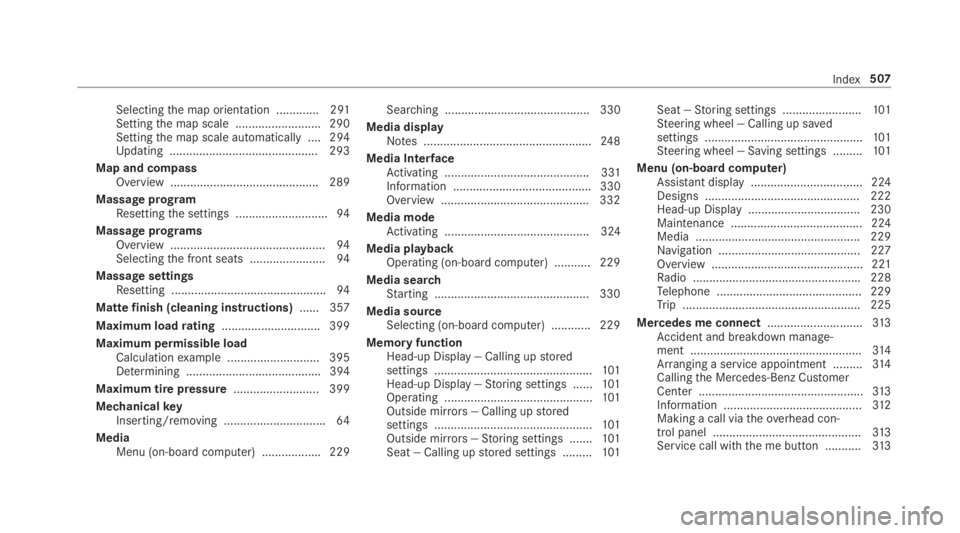
Selectingthe map orientation .............291Settingthe map scale .......................... 290Settingthe map scale automatically ....294Updating .............................................293
Map and compassOverview ............................................. 289
Massage programResettingthe settings ............................94
Massage programsOverview ...............................................94Selectingthe front seats .......................94
Massage settingsResetting ...............................................94
Mattefinish (cleaning instructions)...... 357
Maximum loadrating.............................. 399
Maximum permissible loadCalculationexample ............................ 395Determining .........................................394
Maximum tire pressure.......................... 399
MechanicalkeyInserting/removing ...............................64
MediaMenu (on-boardcomputer) .................. 229
Searching ............................................ 330
Media displayNotes ...................................................24 8
Media InterfaceActivating ............................................ 331Information .......................................... 330Overview .............................................332
Media modeActivating ............................................ 324
Media playbackOperating (on-board computer) ........... 229
Media searchStarting ...............................................330
Media sourceSelecting (on-boardcomputer) ............ 229
Memory functionHead-up Display — Calling upstoredsettings ................................................101Head-up Display —Storing settings ......101Operating .............................................101Outside mirrors— Calling upstoredsettings ................................................101Outside mirrors—Storing settings .......101Seat — Calling upstored settings .........101
Seat —Storing settings ........................101Steering wheel — Calling up savedsettings ................................................101Steering wheel — Saving settings .........101
Menu (on-board computer)Assistant display.................................. 224Designs ............................................... 222Head-up Display .................................. 230Maintenance ........................................ 224Media .................................................. 229Navigation ........................................... 227Overview .............................................. 221Radio ...................................................228Telephone ............................................ 229Trip ...................................................... 225
Mercedes me connect.............................313Accident and breakdown manage‐ment ....................................................314Arranging a service appointment .........314Callingthe Mercedes-Benz CustomerCenter ..................................................313Information ..........................................312Making a call viatheoverhead con‐trol panel .............................................313Service call with the me button ...........313
Index507
Page 510 of 530
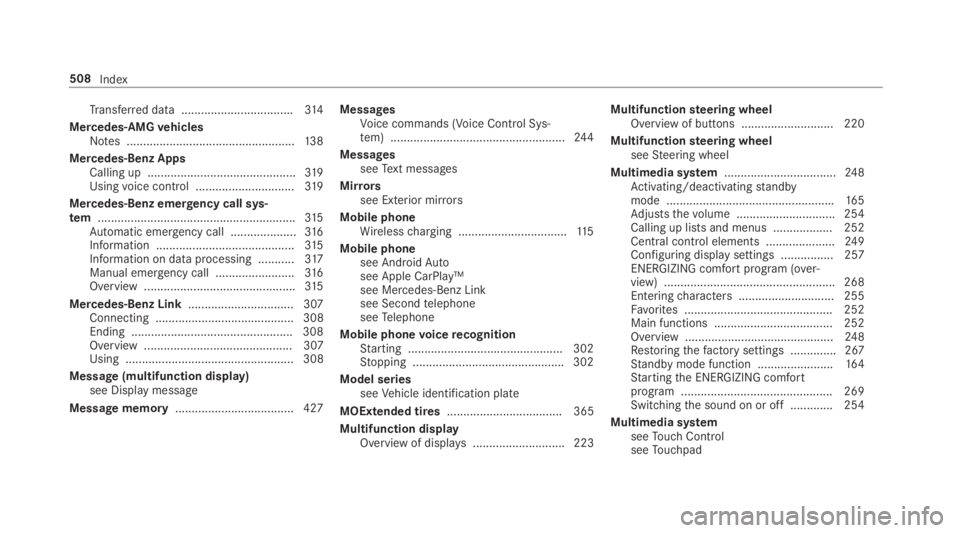
Transferred data ..................................314
Mercedes-AMGvehiclesNotes ...................................................13 8
Mercedes-Benz AppsCalling up .............................................319Usingvoice control ..............................319
Mercedes-Benz emergency call sys‐tem............................................................315Automatic emergency call ....................316Information ..........................................315Information on data processing ...........317Manual emergency call ........................316Overview ..............................................315
Mercedes-Benz Link................................ 307Connecting .......................................... 308Ending .................................................308Overview ............................................. 307Using ................................................... 308
Message (multifunction display)see Displaymessage
Message memory.................................... 427
MessagesVoice commands (Voice Control Sys‐tem) .....................................................24 4
MessagesseeText messages
Mirrorssee Exterior mirrors
Mobile phoneWirelesscharging .................................115
Mobile phonesee AndroidAutosee Apple CarPlay™see Mercedes-Benz Linksee SecondtelephoneseeTelephone
Mobile phonevoicerecognitionStarting ...............................................302Stopping ..............................................302
Model seriesseeVehicle identification plate
MOExtended tires................................... 365
Multifunction displayOverview of displays............................ 223
Multifunctionsteering wheelOverview of buttons ............................ 220
Multifunctionsteering wheelseeSteering wheel
Multimedia system..................................24 8Activating/deactivatingstandbymode ...................................................165Adjuststhevolume .............................. 254Calling up lists and menus .................. 252Central control elements .....................249Configuring displaysettings ................257ENERGIZING comfort program (over‐view) ....................................................268Enteringcharacters .............................255Favorites ............................................. 252Main functions .................................... 252Overview .............................................24 8Restoringthefactory settings .............. 267Standby mode function .......................164Startingthe ENERGIZING comfortprogram .............................................. 269Switchingthe sound on or off .............254
Multimedia systemseeTouch ControlseeTouchpad
508Index
Page 512 of 530
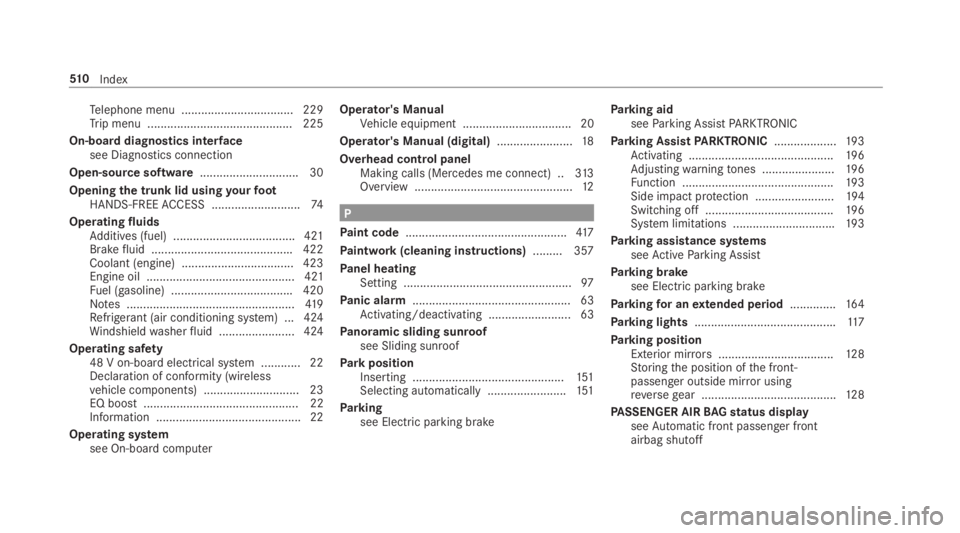
Telephone menu .................................. 229Trip menu ............................................ 225
On-boarddiagnostics interfacesee Diagnostics connection
Open-source software.............................. 30
Openingthe trunk lid usingyourfootHANDS-FREEACCESS ...........................74
OperatingfluidsAdditives (fuel) .....................................421Brakefluid ...........................................422Coolant (engine) .................................. 423Engine oil ............................................. 421Fuel (gasoline) .....................................420Notes ...................................................419Refrigerant (air conditioning system) ... 424Windshieldwasherfluid .......................424
Operating safety48 V on-boardelectrical system ............ 22Declaration of conformity (wirelessvehicle components) ............................. 23EQ boost ............................................... 22Information ............................................ 22
Operating systemsee On-board computer
Operator's ManualVehicle equipment ................................. 20
Operator's Manual (digital).......................18
Overhead control panelMaking calls (Mercedes me connect) ..313Overview ................................................12
P
Paint code.................................................417
Paintwork (cleaning instructions).........357
Panel heatingSetting ...................................................97
Panic alarm................................................ 63Activating/deactivating ......................... 63
Panoramic sliding sunroofsee Sliding sunroof
ParkpositionInserting ..............................................151Selecting automatically........................151
Parkingsee Electric parking brake
Parking aidseeParking AssistPARKTRONIC
Parking AssistPARKTRONIC...................19 3Activating ............................................19 6Adjustingwarningtones ......................19 6Function ..............................................19 3Side impact protection ........................194Switching off .......................................19 6System limitations ...............................193
Parking assistance systemsseeActiveParking Assist
Parking brakesee Electric parking brake
Parkingfor anextended period..............16 4
Parking lights...........................................117
Parking positionExterior mirrors...................................12 8Storingthe position ofthe front-passenger outside mirror usingreversegear .........................................128
PASSENGER AIRBAGstatus displayseeAutomatic front passenger frontairbag shutoff
51 0Index