navigation MERCEDES-BENZ E-CLASS CABRIOLET 2018 Workshop Manual
[x] Cancel search | Manufacturer: MERCEDES-BENZ, Model Year: 2018, Model line: E-CLASS CABRIOLET, Model: MERCEDES-BENZ E-CLASS CABRIOLET 2018Pages: 589, PDF Size: 10.56 MB
Page 343 of 589
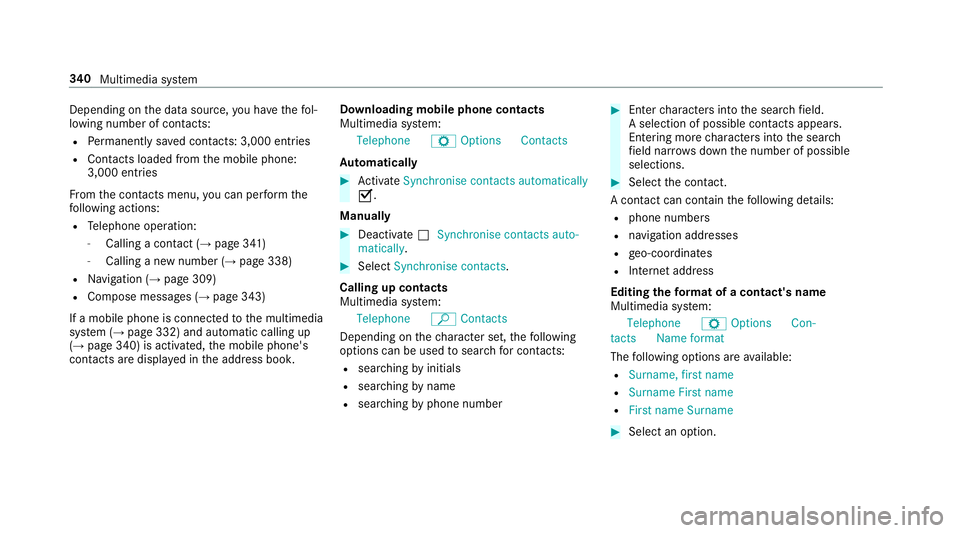
Depending on
the data source, you ha vethefo l‐
lowing number of con tacts:
R Perm anently sa ved con tacts: 3,000 entries
R Contacts loaded from the mobile phone:
3,000 entri es
Fr om the conta cts menu, you can per form the
fo llowing actions:
R Telephone operation:
- Calling a con tact (→ page 341)
- Calling a new number (→ page 338)
R Navigation (→ page 309)
R Compose messa ges (→ page 343)
If a mobile phone is connected tothe multimedia
sy stem (→ page 332) and automatic calling up
(→ page 340) is activated, the mobile phone's
conta cts are displ ayed in the address book. Downloading mobile phone contacts
Multimedia sy
stem:
Telephone ZOption sContacts
Au tomatically #
Activate Synchronise contacts automatically
O.
Manual ly #
Deactivate ªSynchronise contacts auto-
matically. #
Select Synchronise contacts .
Calling up contacts
Multimedia sy stem:
Telephone ªContacts
Depending on thech aracter set, thefo llowing
options can be used tosear chfor contacts:
R sear ching byinitials
R sear ching byname
R searching byphone number #
Ente rch aracters into the sear chfield.
A selection of possible conta cts appears.
Entering more characters into the sear ch
fi eld nar rows down the number of possible
selections. #
Select the conta ct.
A contact can contain thefo llowing de tails:
R phone numbers
R navigation addresses
R geo-coordinates
R Internet address
Editing thefo rm at of a contact's name
Multimedia sy stem:
Telephone ZOption sCon-
tactsN ame format
The following options are available:
R Surname, first name
R Surname First name
R First name Surname #
Select an option. 340
Multimedia sy stem
Page 347 of 589
R
expanding thech oice of words
R deleting the selection
R recording a new dictation #
Tolea vethe menu: selectDone.
Sending text messages #
Select Send text message .
Re plying toate xt message
Multimedia sy stem:
Telephone iText message #
Open thete xt messa ge. #
Select p. #
Select Reply.
Calling a text message sender
Multimedia sy stem:
Telephone iText message #
Open thete xt messa ge. #
Select p. #
Select Call sender. Deleting
text messages
Multimedia sy stem:
Telephone iText message #
Select p. #
Todel ete a text message: selectDelete. #
Outbox
or #
Select Drafts. In Car Of
fice "In Car Of
fice" functions
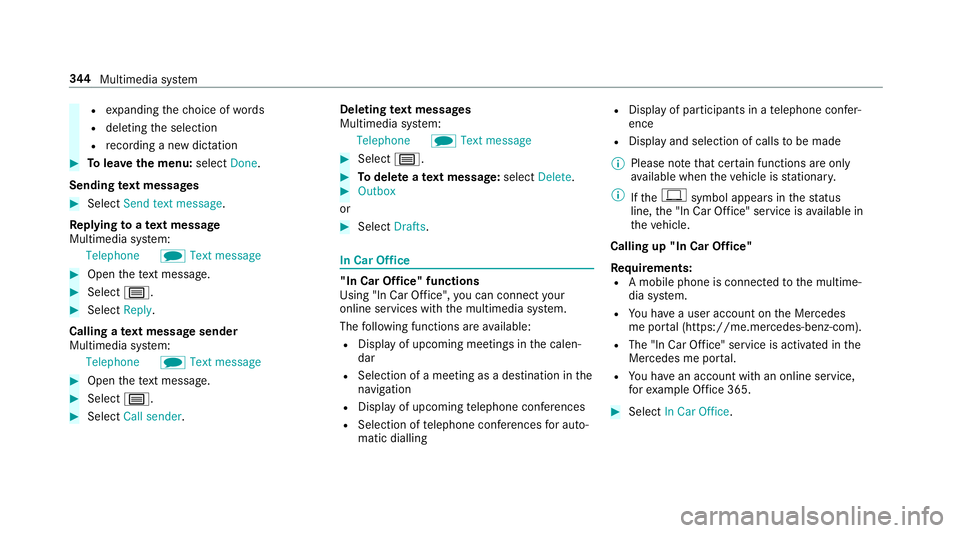
Using "In Car Of fice", you can connect your
online services with the multimedia sy stem.
The following functions are available:
R Display of upcoming meetings in the calen‐
dar
R Selection of a meeting as a destination in the
navigation
R Display of upcoming telephone con fere nces
R Selection of telephone con fere nces for auto‐
matic dialling R
Display of participants in a telephone con fer‐
ence
R Display and selection of calls tobe made
% Please no tethat cer tain functions are only
av ailable when theve hicle is stationar y.
% Ifth e! symbol appears in thest atus
line, the "In Car Of fice" service is available in
th eve hicle.
Calling up "In Car Of fice"
Re quirements:
R A mobile phone is connec tedto the multime‐
dia sy stem.
R You ha vea user account on the Mercedes
me por tal (https://me.me rcedes-benz-com).
R The "In Car Of fice" service is acti vated in the
Mercedes me por tal.
R You ha vean account with an online service,
fo rex ample Of fice 365. #
Select In Car Office . 344
Multimedia sy stem
Page 353 of 589
R
Distinction between pa rked, standstill, rolling
and driving
R Day/night mode of the instrument clus ter
The transfer of this data is used toalter how
con tent is displ ayed tocor respond tothe driving
situation.
The following position data is transmitte d:
R Coordinates
R Speed
R Compass direction
R Acceleration di rection
This da tais only transfer red while the navigation
sy stem is active in order toimpr ove it (e.g. so it
can continue functioning when in a tunnel). Mercedes me connect
Note
s on Mercedes me connect
Mercedes me connect pr ovides thefo llowing
services:
R Accident and breakdown mana gement (me
button) R
Concierge Service (when the service is acti‐
va ted), appointment requests or similar (me
button)
R Mercedes-Benz emer gency call sy stem (auto‐
matic emer gency call or SOS button)
The Mercedes-Benz Cu stomer Centre and the
Mercedes-Benz emer gency call centre are availa‐
ble foryo u around the cloc k.
The me button and the SOS button can be found
on theve hicle's overhead control panel
(→ page 351).
Yo u can also call the Mercedes-Benz Cus tomer
Centre using the multimedia sy stem
(→ page 350).
Please no tethat Mercedes me connect is a
Mercedes-Benz service. In emer gencies, al ways
call the national emer gency services firs t using
th est andard national emer gency service phone
numbe rs. In eme rgencies, you can also use the
Mercedes-Benz emer gency call sy stem
(→ page 353).
Obser vethe conditions of use for Mercedes me
connect and other services. These can be obtained in
the Mercedes me por tal: https://
me.secu re.mercedes-benz.com
Fu rther information on Mercedes me connect,
th e pr ovided service scope and operation:
http://manuals.daimler.com/baix/cars/
connectme/en_GB/index.html
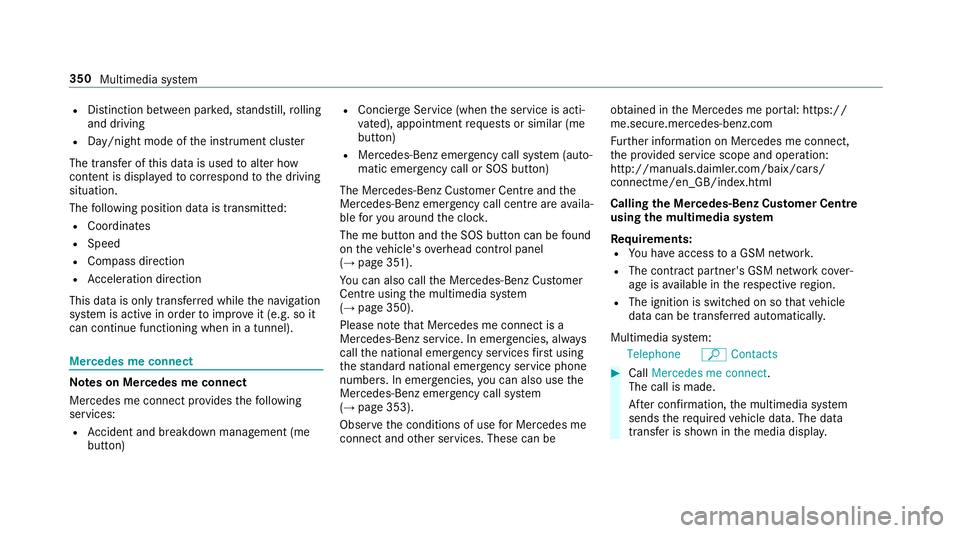
Calling the Mercedes-Benz Cus tomer Centre
using the multimedia sy stem
Requ irements:
R You ha veaccess toa GSM networ k.
R The contra ct partner's GSM network co ver‐
age is available in there spective region.
R The ignition is switched on so that vehicle
data can be transfer red automatically.
Multimedia sy stem:
Telephone ªContacts #
Call Mercedes me connect.
The call is made.
Af ter confirmation, the multimedia sy stem
sends there qu ired vehicle data. The data
transfer is shown in the media displa y.350
Multimedia sy stem
Page 383 of 589
Slide show
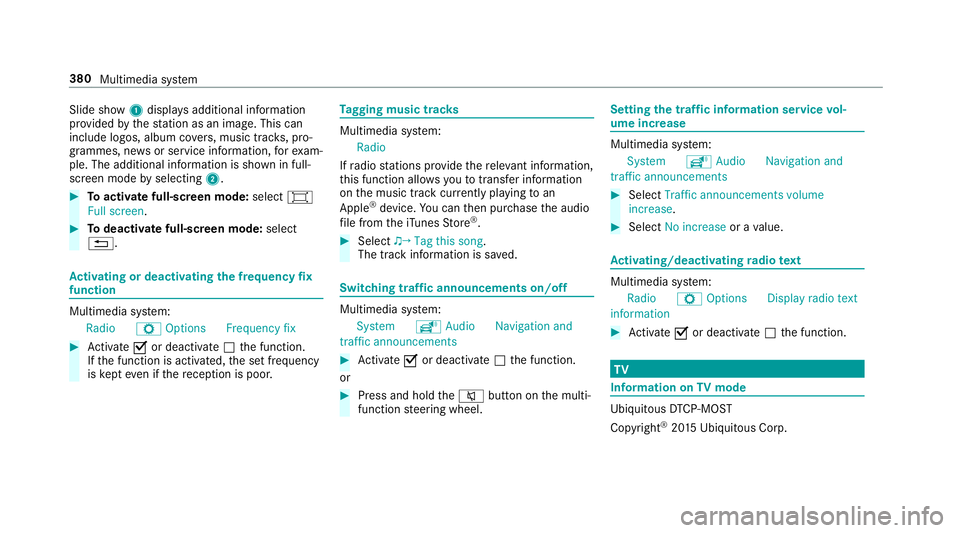
1displ ays additional information
pr ov ided bythest ation as an image. This can
include logos, album co vers, music trac ks, pro‐
grammes, ne wsor service information, forex am‐
ple. The additional information is shown in full-
sc reen mode byselecting 2. #
Toactivate full-screen mode: select#
Full screen. #
Todeactivate full-sc reen mode: select
%. Ac
tivating or deactivating the frequency fix
function Multimedia sy
stem:
Radio ZOption sFrequency fix #
Activate Oor deacti vate ª the function.
If th e function is activated, the set frequency
is ke pt eve n ifthere ception is poo r. Ta
gging music trac ks Multimedia sy
stem:
Radio
If ra dio stations pr ovide there leva nt information,
th is function allo wsyouto trans fer information
on the music track cur rently pl aying toan
Apple ®
device. You can then pur chase the audio
fi le from theiTunes Store ®
. #
Select ♫→ Tag this song.
The track information is sa ved. Switching traf
fic announcements on/off Multimedia sy
stem:
System õAudio Navigation and
traffic announcements #
Activate Oor deacti vate ª the function.
or #
Press and hold the8 button on the multi‐
function steering wheel. Setting
the traf fic information service vol‐
ume increase Multimedia sy
stem:
System õAudio Navigation and
traffic announcements #
Select Traffic announcements volume
increase. #
Select No increase or avalue. Ac
tivating/deactivating radio text Multimedia sy
stem:
Radio ZOption sDisplay radio text
information #
Activate Oor deacti vate ª the function. TV
Information on
TVmode Ubiquito
usDTCP-MOST
Copyright ®
20 15 Ubiquitous Corp. 380
Multimedia sy stem
Page 387 of 589
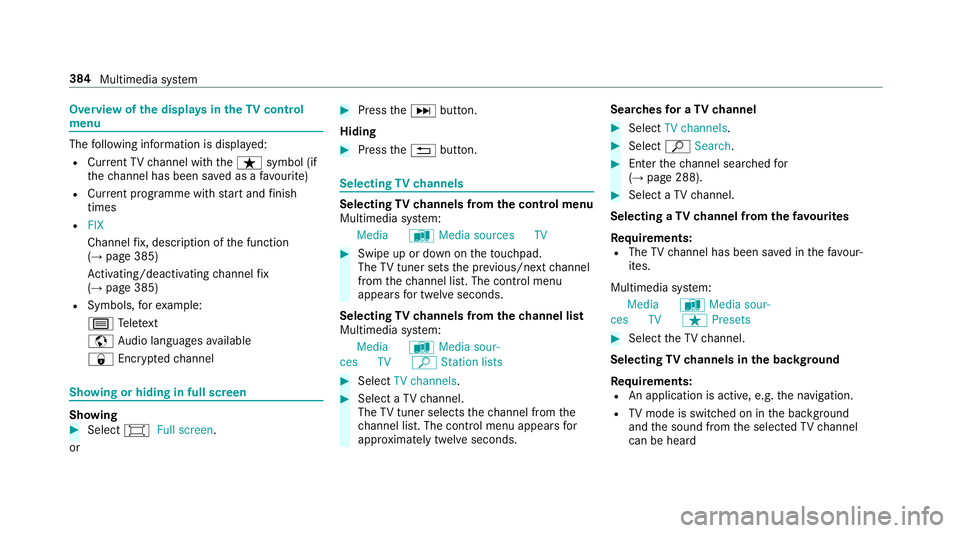
Overview of
the displa ysintheTV cont rol
menu The
following information is displa yed:
R Cur rent TV channel with theß symbol (if
th ech annel has been sa ved as a favo urite)
R Cur rent programme wi thstart and finish
times
R FIX
Channel fix, description of the function
(→ page 385)
Ac tivating/deactivating channel fix
( → page 385)
R Symbols, forex ample:
p Telete xt
z Audio languages available
r Encryp tedch annel Showing or hiding in full screen
Showing
#
Select #Full screen .
or #
Press theD button.
Hiding #
Press the% button. Selecting
TVchannels Selecting
TVchannels from the control menu
Multimedia sy stem:
Media àMedia sources TV #
Swipe up or down on theto uchpad.
The TVtuner sets the pr evious/n extch annel
from thech annel list. The control menu
appears for twelve seconds.
Selecting TVchannels from thech annel list
Multimedia sy stem:
Media àMedia sour-
ces TV ªStation lists #
Select TV channels. #
Select a TVchannel.
The TVtuner selects thech annel from the
ch annel list. The control menu appears for
appr oximately twelve seconds. Sear
ches for a TVchannel #
Select TV channels . #
Select ªSearch . #
Enter thech annel sear ched for
( → page 288). #
Select a TVchannel.
Selecting a TVchannel from thefa vo urites
Re quirements:
R The TVchannel has been sa ved in thefa vo ur‐
ites.
Multimedia sy stem:
Media àMedia sour-
ces TV ßPresets #
Select theTV channel.
Selecting TVchannels in the bac kground
Re quirements:
R An application is active, e.g. the navigation.
R TVmode is switched on in the bac kground
and the sound from the selected TVchannel
can be heard 384
Multimedia sy stem