key battery MERCEDES-BENZ E-CLASS COUPE 2017 User Guide
[x] Cancel search | Manufacturer: MERCEDES-BENZ, Model Year: 2017, Model line: E-CLASS COUPE, Model: MERCEDES-BENZ E-CLASS COUPE 2017Pages: 541, PDF Size: 10.71 MB
Page 171 of 541
R
The forc e of the impact
The following situations can lead toinadver tent
acti vation:
R The pa rked vehicle is mo ved, forex ample in a
double-de cker garage
% Deactivate tow- aw ay protection in order to
pr eve nt inadver tent acti vation. If you deacti‐
va te tow- aw ay protection, damage de tection
will also be deactivated.
Sy stem limitations
De tection may be restricted if:
R The vehicle is damaged without impact, for
ex ample if an outside mir ror is torn off or the
paint is damaged byakey.
R Impact occurs at low speed.
R The electric parking brake is not applied.
Information on Mercedes me connect and other
services: http://www.mercedes.me. Pa
rking up theve hicle If
yo u lea vetheve hicle par ked up for longer than
fo ur we eks, the battery may be damaged.
If yo u lea vetheve hicle par ked up for longer than
six weeks, it may suf fer dama geas a result of
lack of use.
Information on parking up your vehicle can be
obtained at a qualified specialist workshop. St
andby mode (extension of the star ter bat‐
te ry 's period out of use) St
andby mode function
All vehicles except E 350:
If standby mode is activated, theve hicle can be
par kedfo r an extended pe riod of time without
losing po wer.
St andby mode is characterised bythefo llowing:
R thest ar ter battery is preser ved.
R the maximum period out of use is displa yed
in the multimedia sy stem displa y.
R functions such as interior pr otection or tow-
aw ay protection are not available. R
the connection toonline services is inter rup‐
te d.
If th efo llowing conditions are fulfilled, standby
mode can be activated or deactivated using the
multimedia sy stem:
R the engine is switched off.
R the ignition is switched on.
Exceeding theve hicle's displa yed period out of
use may cause incon venience, i.e. it cannot be
guaranteed that thest ar ter battery will reliably
st art the engine.
The star ter battery must be charge dfirs t in the
fo llowing situations:
R theve hicle's period out of use must be
ex tended.
R theBattery charge insufficient for standby
mode message appears in the multimedia
sy stem displa y.
% Standby mode is automatically deactivated
when the ignition is switched on.
Ac tivating or deactivating standby mode
All vehicles except E 350: 16 8
Driving and pa rking
Page 467 of 541
Display messages
Possible causes/consequences and M
MSolutions
, Replace key See Owner's
Manual *
Ve hicles with a digital vehicle key in the sma rtphone: only afew or no authorisations remain forst arting the
engine. #
Make sure that the Internet connection is not limited bycer tain mobile phone settings. #
Open the Mercedes me connect web App http://www.mercedes.me. and call up the "digital vehicle key in the
smartphone" service. #
Deactivate the service firs t and then activate it again. #
Ifth e display message still appears, con tact the Mercedes-Benz Cus tomer Assis tance Center (C AC).
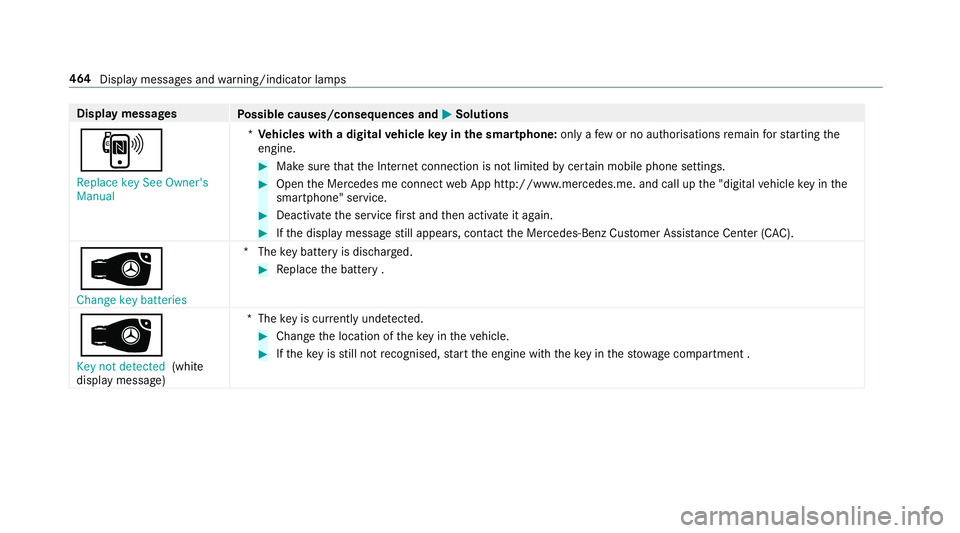
 Change key batteries *T
hekey bat tery is dischar ged. #
Replace the battery .
Â
Key not detected (white
display message) *T
hekey is cur rently und etected. #
Change the location of theke y in theve hicle. #
Ifth eke y is still not recognised, start the engine with theke y in thestow age compartment . 464
Display messages and warning/indicator lamps
Page 503 of 541
Kickdown .............................................
15 3
Manual gearshifting ............................ .153
Selecting park position ........................ 15 2
Shifting toneutral ................................ 15 2
St eering wheel gearshift paddles ........ 15 3
Tr ansmission position display .............. 15 0
Tr ansmission positions ........................ 15 0
Au tomatic transmission
see Selector le ver
Axle load Perm issible .......................................... 41 0
Tr ailer operation .................................. 422 B
Bag hook .................................................. 104
Ball ne ck
Fo lding in/out .................................... .228
BA S (Brake Assist Sy stem) .................... .170
Battery Key ........................................................ 60
Re mo tecontrol (s tationary heater) ...... 137
Battery (vehicle) Charging .............................................. 377No
tes ................................................... 375
St arting assis tance .............................. 377
Battery (vehicle) see Vehicle battery
Belt .............................................................29
Bic ycle rack
Tr ailer operation .................................. 231
Blind Spot Assist .................................... .222
Ac tivating/deactivating ...................... .224
Fu nction/no tes ................................... 222
Sy stem limits ....................................... 222
Blind Spot Assist see Active Blind Spot Assi st
Blo wer
see Climate control
BlueTEC see AdBlue ®
Blue tooth ®
Ac tivating/deactivating ...................... .267
Setting up an Internet connection ....... 320
Settings ............................................... 267 Switching profile (DUN/PAN) .............. 321 Blue
tooth ®
Au dio
Ac tivating ............................................ 338
De-authorising (de-regis tering) the
device .................................................. 338
Information .......................................... 335
Overview .............................................3 36
Sear ching for and auth orisingthe
device .................................................. 337
Switching device via NFC .................... 338
Boot lid .......................................................67
Ac tivating/deactivating the boot lid
opening limiter ...................................... 72
Closing .................................................. 68 HANDS-FREE ACCESS .......................... .70
Loc ked separately .................................72
Opening .................................................67
Opening dimensions ............................4 19
Boot lid see Boot lid
see Locking/unlocking
Brake Assi stSystem
see BAS (Brake Assi stSystem)
Brake fluid Notes ................................................... 41 8500
Index
Page 518 of 541
Switching Blu
etoo th®
profile (DUN/
PA N) .................................................... 321
Vi a Blue tooth®
..................................... 320
Vi a communication module ................ .320
Vi aWi -Fi .............................................. 320
In tern etradio
Calling up ............................................ 325
Deleting stations ................................ .326
Logging in ............................................ 327
Logging out ......................................... 327
Overview ............................................. 326
Saving stations .................................... 326
Selecting and connecting toast ation
............................................................ .326
Selecting stre am ................................ .327
Setting options .................................... 327
Te rm s of use ........................................3 27
Ionisation ................................................ .132
iPhone ®
see Apple CarPlay™
ISOFIX child seat attachment
Seats suitable for attaching ................... 51
ISOFIX child seat securing sy stem
Mounting .............................................. .44 J
Jack Declaration of Conformity ..................... 22
Storage location ..................................4 00
Jump-start connection ............................377 K
Ke y.............................................................. 58
Battery .................................................. 60
Emer gency key element ........................ 60
Energy consum ption .............................. 59
Ke yring attachment .............................. 60
Overview ............................................... 58
Pa nic alarm ........................................... 59
Problem ................................................. 61
Un locking setting .................................. 59
Key see Ignition key
see Locking
see Vehicle key
KEYLESS-GO Locking theve hicle ................................ 64
Problem .................................................65
Un locking setting .................................. 59 Un
locking theve hicle ............................64
Kickd own.................................................1 53
Using ................................................... 15 3
Knee airbag ................................................ 34 L
Laden ........................................................ 103
Bag hook ............................................. 104
No tes ..................................................... 99
Ro ofrack ............................................. 105
St ow age space under the boot floor ....1 04
Ti e-down eyes ...................................... 103
Lamp see In terior lighting
Lamp (instrument display) see Warning/indicator lamps
Lane Keeping Assist
see Active Lane Keeping Assist
Language Notes ................................................... 270
Setting ................................................. 270
Last destinations Selecting ............................................ .277 Index
515
Page 535 of 541
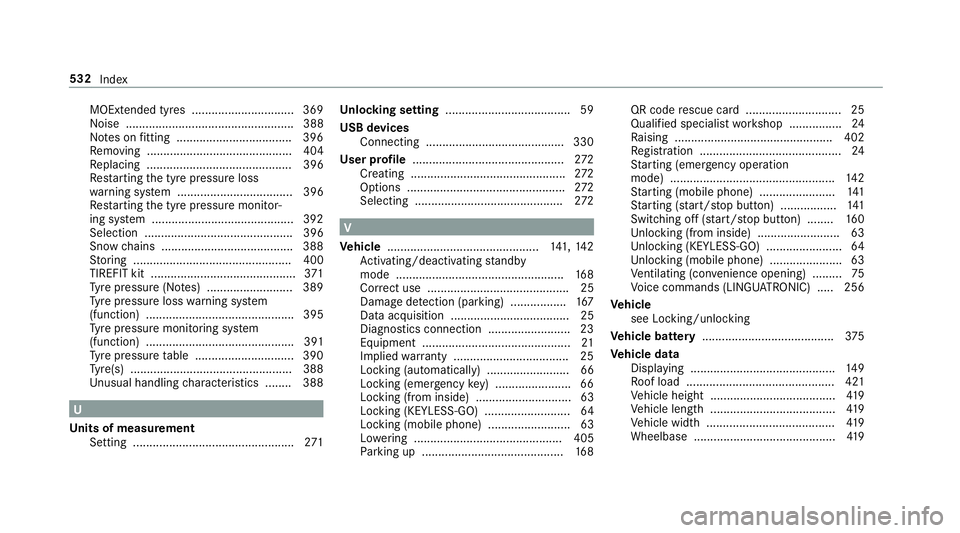
MOExtended tyres ...............................3
69
Noise ................................................... 388
No tes on fitting ................................... 396
Re moving ............................................ 404
Re placing ............................................ 396
Re starting the tyre pressure loss
wa rning sy stem ................................... 396
Re starting the tyre pressure monitor‐
ing sy stem ...........................................3 92
Selection ............................................. 396
Snow chains ........................................ 388
St oring ................................................ 400
TIREFIT kit ............................................ 371
Ty re pressure (N otes) .......................... 389
Ty re pressure loss warning sy stem
(function) ............................................. 395
Ty re pressure monitoring sy stem
(function) ............................................. 391
Ty re pressure table .............................. 390
Ty re(s) .................................................3 88
Un usual handling characteristics ........ 388 U
Un its of measurement
Setting ................................................ .271 Un
locking setting ...................................... 59
USB devices Connecting .......................................... 330
User profile .............................................. 272
Creating .............................................. .272
Options ................................................ 272
Selecting ............................................. 272 V
Ve hicle .............................................. 141, 14 2
Ac tivating/deactivating standby
mode .................................................. .168
Cor rect use ........................................... 25
Dama gedetection (pa rking) ................ .167
Data acquisition .................................... 25
Diagno stics connection ........................ .23
Equipment ............................................. 21
Implied warranty .................................. .25
Locking (auto matically) ......................... 66
Locking (emergency key) ...................... .66
Locking (from inside) ............................. 63
Locking (KEYLESS-GO) ..........................64
Locking (mobile phone) ......................... 63
Lo we ring ............................................. 405
Pa rking up .......................................... .168 QR code
rescue card ............................. 25
Qualifi ed specialist workshop ................24
Ra ising ................................................ 402
Re gistration ...........................................24
St arting (eme rgency operation
mode) .................................................. 14 2
St arting (mobile phone) ...................... .141
St arting (s tart/s top button) .................1 41
Switching off (s tart/s top button) ........ 16 0
Un locking (from inside) ........................ .63
Un locking (KEYLESS-GO) ...................... .64
Un locking (mobile phone) ...................... 63
Ve ntilating (co nvenience opening) ......... 75
Vo ice commands (LINGU ATRO NIC) .....2 56
Ve hicle
see Locking/unlo cking
Ve hicle battery ........................................ 375
Ve hicle data
Displ aying ............................................ 14 9
Ro of load ............................................. 421
Ve hicle height ...................................... 419
Ve hicle length ...................................... 419
Ve hicle width ....................................... 419
Wheelbase ...........................................4 19532
Index