seat memory MERCEDES-BENZ E-CLASS COUPE 2018 User Guide
[x] Cancel search | Manufacturer: MERCEDES-BENZ, Model Year: 2018, Model line: E-CLASS COUPE, Model: MERCEDES-BENZ E-CLASS COUPE 2018Pages: 486, PDF Size: 6.31 MB
Page 468 of 486
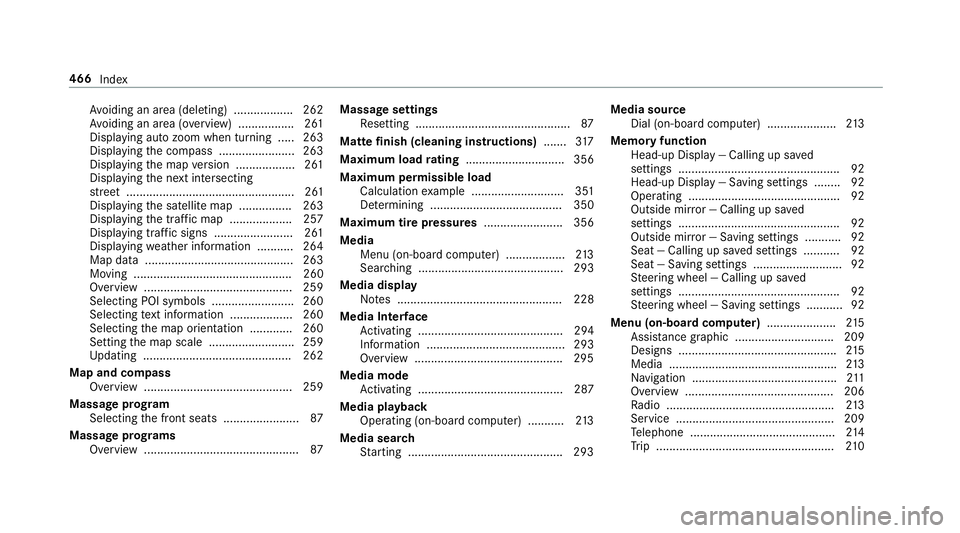
Avoiding an area (deleting) .................. 262
Av oiding an area (o verview) ................ .261
Displ aying auto zoom when turning .... .263
Display ingthe compass ....................... 263
Displaying the map version .................. 261
Displaying the next intersecting
st re et ................................................... 261
Displaying the satellite map ............... .263
Display ingthe tra ffic map .................. .257
Displ aying traf fic signs ........................ 261
Displaying weather information .......... .264
Map data ............................................. 263
Moving ................................................ 260
Overview ............................................. 259
Selecting POI symbols .........................2 60
Selecting text information ................... 260
Selecting the map orientation ............ .260
Setting the map scale .......................... 259
Up dating .............................................2 62
Map and co mpass
Overview ............................................. 259
Massage prog ram
Selecting the front seats ....................... 87
Massage prog rams
Overview ............................................... 87Massage settings
Resetting ............................................... 87
Matte finish (cleaning instructions) .......317
Maximum load
rati
ng .............................. 356
Maximum permissible load Calculation example ............................ 351
De term ining ........................................ 350
Maximum tire pressures ........................ 356
Media Menu (on-board computer) .................. 213
Searc hing ............................................ 293
Media display Notes .................................................. 228
Media Inter face
Ac tivating ............................................ 294
Information .......................................... 293
Overview .............................................2 95
Media mode Activating ............................................ 287
Media playba ck
Operating (on-board computer) ........... 213
Media sear ch
St arting .............................................. .293 Media source
Dial (on-board computer) .....................2 13
Memory function Head-up Display — Calling up sa ved
settings .................................................9 2
Head-up Display — Saving settings ........ 92
Opera ting .............................................. 92
Outside mirr or — Calling up sa ved
settings .................................................9 2
Outside mir ror — Saving settings ...........9 2
Seat — Calling up sa ved settings ...........9 2
Seat — Saving settings ........................... 92
St eering wheel — Callin
g up sa
ved
settings .................................................9 2
St eering wheel — Saving settings ........... 92
Menu (on-board computer) .....................215
Assist ancegraphic .............................. 209
Designs ................................................ 215
Media ................................................... 213
Na vigation ............................................ 211
Overview ............................................. 206
Ra dio .................................................. .213
Service ................................................ 209
Te lephone ............................................ 214
Tr ip ...................................................... 210
466
Index
Page 474 of 486
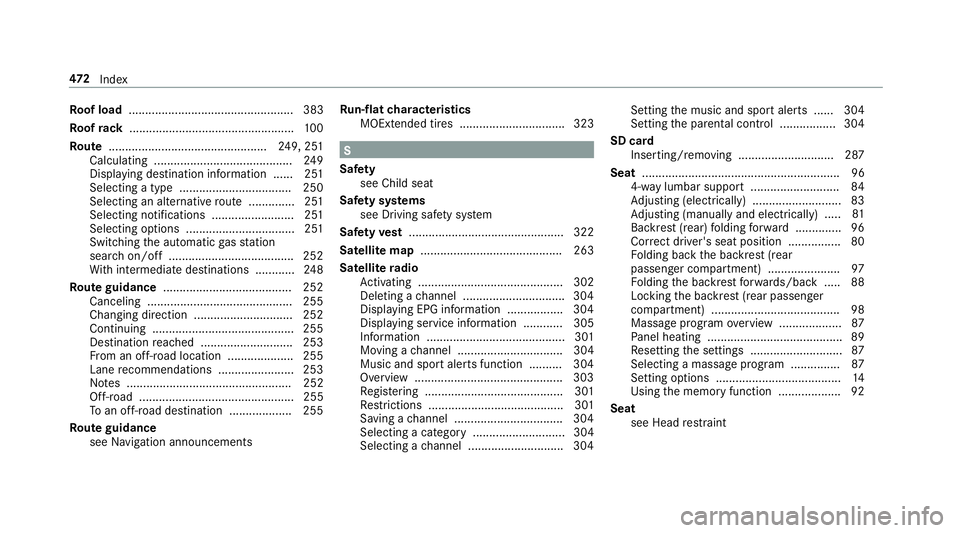
Roof load .................................................. 383
Ro ofrack .................................................. 100
Ro ute ................................................ 249, 25 1
Cal culating .......................................... 249
Displ aying destination information ...... 251
Selecting a type .................................. 250
Selecting an alternative route .............. 251
Selecting notifications ........................ .251
Selecting options ................................. 251
Switching the automatic gasst ation
sear chon/off ...................................... 252
Wi th intermediate destinations ............ 248
Ro ute guidance ....................................... 252
Canceling ............................................ 255
Changing direction .............................. 252
Continuing ...........................................2 55
Destination reached ............................ 253
Fr om an off-road location .................... 255
Lane recommendations ....................... 253
No tes .................................................. 252
Off-road ............................................... 255
To an off- road destination .................. .255
Ro ute guidance
see Navigation announcements Ru
n-flat characteristics
MOExtended tires ................................ 323
S
Saf ety
see Child seat
Saf ety sy stems
see Driving saf etysy stem
Saf etyve st ............................................... 322
Satelli temap ........................................... 263
Satelli te radio
Ac tivating ............................................ 302
Del eting a channel .............................. .304
Display ing EPG information ................ .304
Display ing service information ............ 305
Information .......................................... 301
Moving a channel ................................ 304
Music and sport alerts function .......... 304
Overview ............................................ .303
Re gis tering .......................................... 301
Re strictions ......................................... 301
Saving a channel ................................ .304
Selecting a category ............................ 304
Selecting a channel ............................ .304 Setting
the music and sport alerts ...... 304
Setting the parental control ................. 304
SD card Inserting/removing ............................. 287
Seat ............................................................ 96
4-w aylumbar support .......................... .84
Ad justing (electrically) ........................... 83
Ad justing (manually and electrically) .....
81
Ba
ckrest (rear) folding forw ard .............. 96
Cor rect driver's seat position ................ 80
Fo lding back the backrest (rear
passenger compartment) ..................... .97
Fo lding the backrest forw ards/back .... .88
Locking the backrest (rear passenger
compartment) ....................................... 98
Massage program overview .................. .87
Pa nel heating ......................................... 89
Re setting the settings ........................... .87
Selecting a massage program ...............8 7
Setting options ...................................... 14
Using the memory function .................. .92
Seat see Head restra int
47 2
Index