pairing phone MERCEDES-BENZ E-CLASS ESTATE 2016 Owners Manual
[x] Cancel search | Manufacturer: MERCEDES-BENZ, Model Year: 2016, Model line: E-CLASS ESTATE, Model: MERCEDES-BENZ E-CLASS ESTATE 2016Pages: 565, PDF Size: 11.34 MB
Page 322 of 565
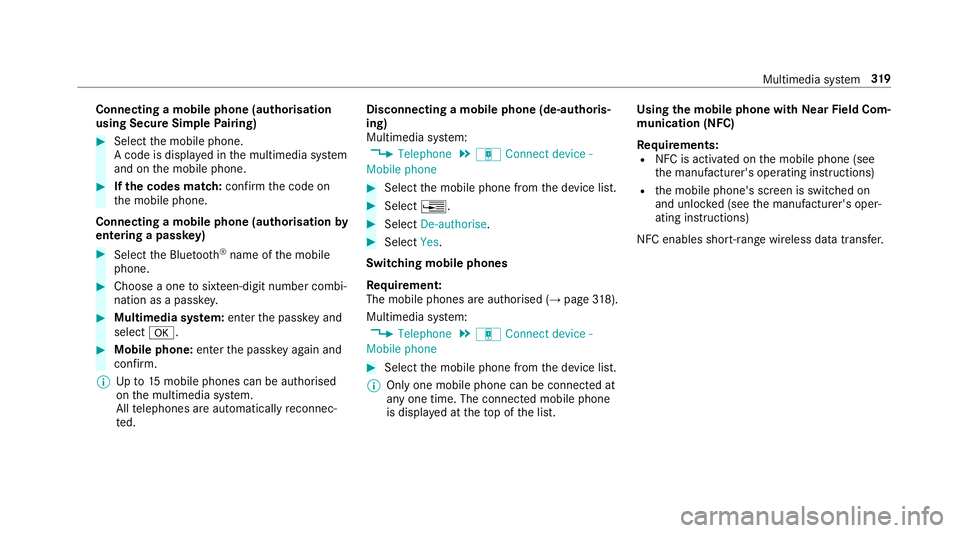
Connecting a mobile phone (au
thorisation
using Secure Simple Pairing) #
Select the mobile phone.
A code is displa yed in the multimedia sy stem
and on the mobile phone. #
Ifth e codes match: confirm the code on
th e mobile phone.
Connecting a mobile phone (authorisation by
entering a passk ey) #
Select the Blue tooth®
name of the mobile
phone. #
Choose a one tosixteen-digit number combi‐
nation as a passk ey. #
Multimedia sy stem: enter the passk eyand
select a. #
Mobile phone: enterthe passk eyagain and
con firm.
% Upto15 mobile phones can be auth orised
on the multimedia sy stem.
All telephones are automatically reconnec‐
te d. Disconnecting a mobile phone (de-au
thoris‐
ing)
Multimedia sy stem:
, Telephone .
á Connect device -
Mobile phone #
Select the mobile phone from the device list. #
Select ¥. #
Select De-authorise. #
Select Yes.
Switching mobile phones
Re quirement:
The mobile phones are authorised (→ page318).
Mul timedia sy stem:
, Telephone .
á Connect device -
Mobile phone #
Select the mobile phone from the device list.
% Only one mobile phone can be connected at
any one time. The connected mobile phone
is displa yed at theto p of the list. Using
the mobile phone with NearField Com‐
munication (NFC)
Re quirements:
R NFC is activated on the mobile phone (see
th e manufacturer's operating instructions)
R the mobile phone's screen is switched on
and unloc ked (see the manufacturer's oper‐
ating instructions)
NFC enables short-ra nge wireless data transfer. Multimedia sy
stem 319
Page 553 of 565
Call and
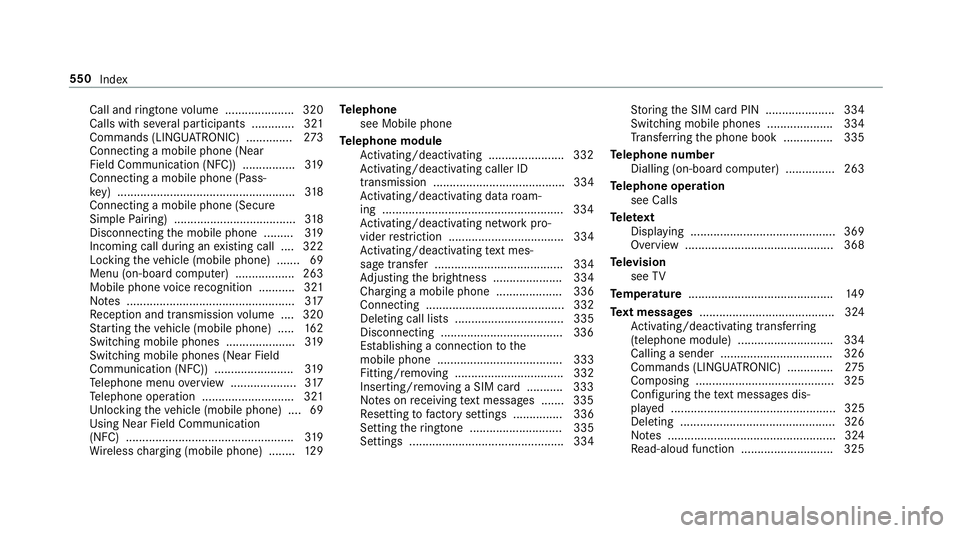
ringtone volume .................... .320
Calls with se veral participants ............ .321
Commands (LINGU ATRO NIC) .............. 273
Connecting a mobile phone (Near
Field Communication (NFC)) ................ 319
Connecting a mobile phone (Pass‐
ke y) ...................................................... 318
Connecting a mobile phone (Secure
Simple Pairing) .................................... .318
Disconnecting the mobile phone ......... 319
Incoming call during an existing call .... 322
Locking theve hicle (mobile phone) .......69
Menu (on-board computer) .................. 263
Mobile phone voice recognition ........... 321
No tes ................................................... 317
Re ception and transmission volume .... 320
St arting theve hicle (mobile phone) ..... 16 2
Switching mobile phones ..................... 319
Switching mobile phones (Near Field
Communication (NFC)) ........................ 319
Te lephone menu overview .................... 317
Te lephone operation ............................ 321
Un locking theve hicle (mobile phone) ....69
Using Near Field Communication
(NFC) ................................................... 319
Wi reless charging (mobile phone) ........ 12 9Te
lephone
see Mobile phone
Te lephone module
Ac tivating/deactivating ...................... .332
Ac tivating/deactivating caller ID
transmission ........................................ 334
Ac tivating/deactivating da taroam‐
ing ...................................................... .334
Ac tivating/deactivating network pro‐
vider restriction ................................... 334
Ac tivating/deactivating text mes‐
sa ge trans fer ....................................... 334
Ad justing the brightness ..................... 334
Charging a mobile phone .................... 336
Connecting .......................................... 332
Deleting call lists ................................. 335
Disconnecting .....................................3 36
Es tablishing a connection tothe
mobile phone ...................................... 333
Fitting/removing ................................. 332
Inserting/removing a SIM card .......... .333
No tes on receiving text messa ges .......3 35
Re setting tofactory settings ............... 336
Setting theringtone ............................ 335
Settings ............................................... 334 St
oring the SIM card PIN ..................... 334
Switching mobile phones .................... 334
Tr ans ferring the phone book ............... 335
Te lephone number
Dialling (on-board computer) .............. .263
Te lephone operation
see Calls
Te lete xt
Displaying ............................................ 369
Overview ............................................. 368
Te levision
see TV
Te mp erature ............................................ 14 9
Te xt messages ......................................... 324
Ac tivating/deactivating trans ferring
(telephone module) ............................ .334
Calling a sender .................................. 326
Commands (LING UATRONIC) .............. 275
Composing .......................................... 325
Con figuring thete xt messa ges dis‐
pla yed .................................................. 325
Deleting ...............................................3 26
No tes ................................................... 324
Re ad-aloud function ............................ 325 550
Index