audio MERCEDES-BENZ E-CLASS ESTATE 2020 User Guide
[x] Cancel search | Manufacturer: MERCEDES-BENZ, Model Year: 2020, Model line: E-CLASS ESTATE, Model: MERCEDES-BENZ E-CLASS ESTATE 2020Pages: 489, PDF Size: 9.15 MB
Page 306 of 489
#
Toplay back audio files using the multimedia
sy stem, authorise theex tern al data storage
medium on the MBUX multimedia sy stem.
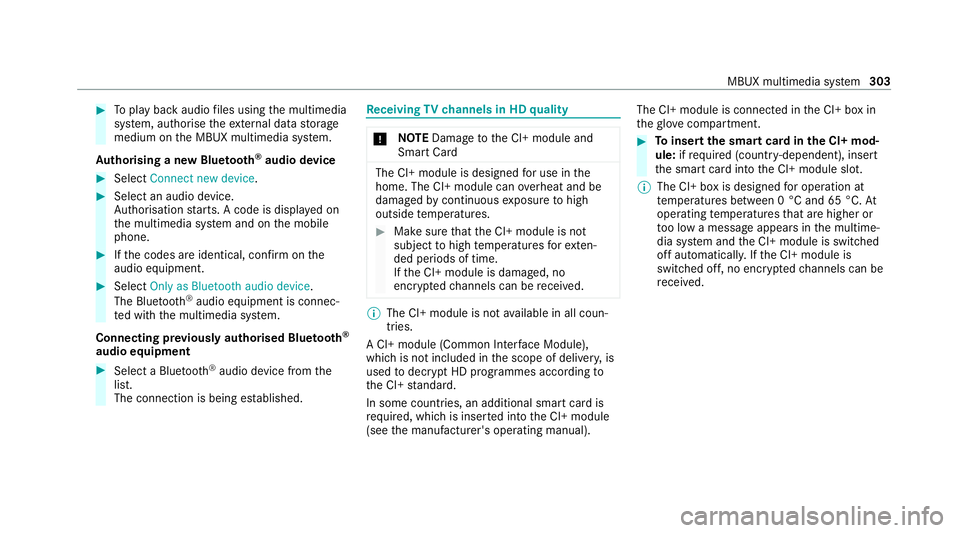
Au thorising a new Blu etoo th®
audio device #
Select Connect new device .#
Select an audio device.
Auth orisation starts. A code is displa yed on
th e multimedia sy stem and on the mobile
phone. #
Ifth e codes are identical, confi rmonthe
audio equipment. #
Select Only as Bluetooth audio device .
The Blue tooth®
audio equipment is connec‐
te d with the multimedia sy stem.
Connecting pr eviously authorised Blue tooth ®
audio equipment #
Select a Blue tooth®
audio device from the
list.
The connection is being es tablished. Re
ceiving TVchannels in HD quality *
NO
TEDama getothe CI+ module and
Smart Card The CI+ module is designed
for use in the
home. The CI+ module can overheat and be
damaged bycontinuous exposure tohigh
outside temp eratures. #
Make sure that the CI+ module is not
subject tohigh temp eratures forex ten‐
ded pe riods of time.
If th e CI+ module is damaged, no
encryp tedch annels can be recei ved. %
The CI+ module is not available in all coun‐
tries.
A CI+ module (Common In terface Module),
which is not included in the scope of deliver y,is
used todecrypt HD programmes according to
th e CI+ standard.
In some countries, an additional smart card is
re qu ired, which is inse rted into the CI+ module
(see the manufacturer's operating manual). The CI+ module is connected in
the CI+ box in
th eglove compa rtment. #
Toinsert the sma rtcard in the CI+ mod‐
ule: ifre qu ired (countr y-dependent), insert
th e smart card into the CI+ module slot.
% The CI+ box is designed for operation at
te mp eratures between 0 °C and 65 °C. At
operating temp eratures that are higher or
to o low a message appears in the multime‐
dia sy stem and the CI+ module is switched
off automaticall y.Ifth e CI+ module is
switched off, no encryp tedch annels can be
re cei ved. MBUX multimedia sy
stem 303
Page 473 of 489
Digital
Vehicle Keyst icke r ...................... 76
Emergency key ...................................... 78
KEYLESS-GO .......................................... 76
Opening theta ilgate .............................. 79
Un locking/opening the doors from
th e inside ............................................... 75
Low beam Swit ching on/off ................................ .133
Symmetrical low beam ........................ 13 3
Lu bricant additives
see Additives
Lu ggage
Lu ggage net ......................................... 12 5
Secu ring ............................................... 11 5
Lu mbar support
see Lumbar support (4-w ay)
Lu mbar support (4-w ay).......................... 101M
Maintenance see ASS YST PLUS
Malfunction Restra int sy stem ................................... 36 Manoeuvring assistant
Activating/deactivating ...................... .239
Cross Traf fic Alert ............................... 238
Drive AwayAssi st................................ 238
Map ........................................................... 282
Displaying online map contents .......... 283
Displaying weather information .......... .283
Moving ................................................ 282
Selecting the map orientation .............2 82
Setting the map scale .......................... 282
Switching mo torw ay information
on/off ................................................ .282
Massage prog rammes
Overview ............................................ .105
Re setting the settings .......................... 106
Massage prog rams
Selecting the front seats ..................... 106
Massage settings Resetting ............................................. 106
Matt finish (cleaning instructions) .........318
Maximum gross vehicle weight ............ .363
Maximum speed see Limi ter MBUX Interior Assistant
Switching there ading light forthe
driver and front passenger on/off
con tact-free ......................................... 271
Switching the sear chlight forthe
driver on/off ........................................ 271
MBUX Interior Assistant (multimedia
sy stem) .................................................... 270
Overview ............................................. 270
MBUX multimedia sy stem ...................... 264
Ac tivating/deactivating standby
mode .................................................. .193
Configu ring drive program I ................. 175
No tes ................................................... 264
Overview ............................................. 264
Setting route-based speed adap ta‐
tion ...................................................... 215
St andby mode function ...................... .193
Media Overview of the functions and sym‐
bols ..................................................... 300
Media mode Connecting Blue tooth®
audio equip‐
ment .................................................... 302 47 0
Index