display MERCEDES-BENZ E-CLASS SALOON 2016 Owners Manual
[x] Cancel search | Manufacturer: MERCEDES-BENZ, Model Year: 2016, Model line: E-CLASS SALOON, Model: MERCEDES-BENZ E-CLASS SALOON 2016Pages: 557, PDF Size: 11.09 MB
Page 506 of 557
Ve
hicle Wa
rning/indicator lamp
Possible causes/consequences and M
MSolutions
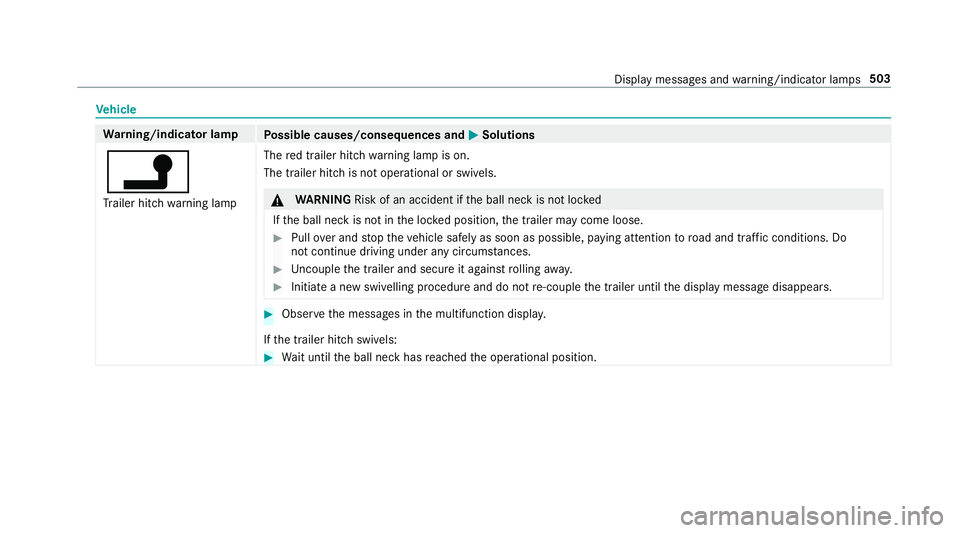
j Tr ailer hit chwarning lamp The
red trailer hitch warning lamp is on.
The trailer hitch is not operational or swivels. &
WARNING Risk of an accident if the ball neck is not loc ked
If th e ball neck is not in the loc ked position, the trailer may come loose. #
Pull over and stop theve hicle safely as soon as possible, paying attention toroad and traf fic conditions. Do
not continue driving under any circums tances. #
Uncouple the trailer and secure it against rolling away. #
Initiate a new swivelling procedure and do not re-couple the trailer until the display message disappears. #
Obser vethe messages in the multifunction displa y.
If th e trailer hitch swivels: #
Wait until the ball neck has reached the operational position. Display messages and
warning/indicator lamps 503
Page 507 of 557
Wa
rning/indicator lamp
Possible causes/consequences and M
MSolutions
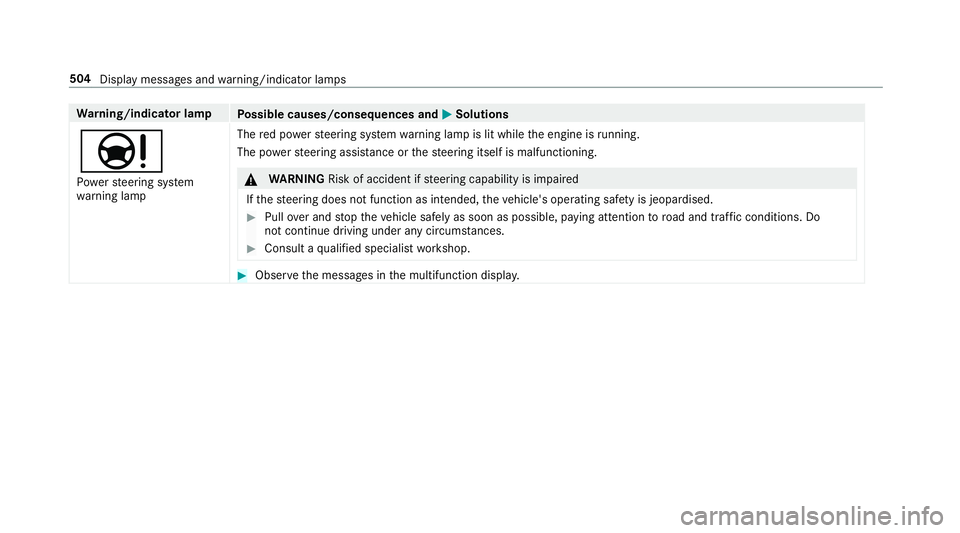
Ð Po we rst eering sy stem
wa rning lamp The
red po werst eering sy stem warning lamp is lit while the engine is running.
The po werst eering assis tance or thesteering itself is malfunctioning. &
WARNING Risk of accident if steering capability is impaired
If th esteering does not function as intended, theve hicle's operating saf ety is jeopardised. #
Pull over and stop theve hicle safely as soon as possible, paying attention toroad and traf fic conditions. Do
not continue driving under any circums tances. #
Consult a qualified specialist workshop. #
Obser vethe messages in the multifunction displa y.504
Display messages and warning/indicator lamps
Page 509 of 557
Wa
rning/indicator lamp
Possible causes/consequences and M
MSolutions
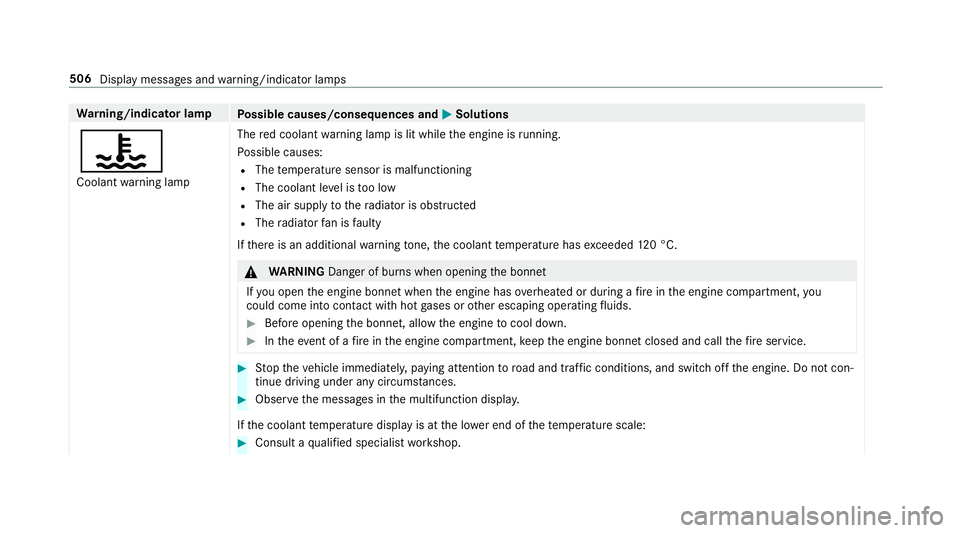
? Coolant warning lamp The
red coolant warning lamp is lit while the engine is running.
Po ssible causes:
R The temp erature sensor is malfunctioning
R The coolant le vel is too low
R The air supply tothera diator is obstructed
R The radiator fan is faulty
If th ere is an additional warning tone, the coolant temp erature has exceeded 120 °C. &
WARNING Danger of bu rns when opening the bonn et
If yo u open the engine bonn etwhen the engine has overheated or during a fire inthe engine compartment, you
could come into contact wi thhot gases or other escaping operating fluids. #
Before opening the bonn et, allow the engine tocool down. #
Intheeve nt of a fire inthe engine compartment, keep the engine bonn etclosed and call thefire service. #
Stop theve hicle immediately, paying attention toroad and traf fic conditions, and switch off the engine. Do not con‐
tinue driving under any circums tances. #
Obser vethe messages in the multifunction displa y.
If th e coolant temp erature display is at the lo wer end of thete mp erature scale: #
Consult a qualified specialist workshop. 506
Display messages and warning/indicator lamps
Page 510 of 557
Wa
rning/indicator lamp
Possible causes/consequences and M
MSolutions
Otherwise: #
Lea vetheve hicle and keep a safe dis tance from theve hicle until the engine has cooled down. #
Check the coolant le vel . #
Make sure that the air supply tothera diator is not obstructed. #
Avoiding high loads on the engine, drive on tothe nearest qualified specialist workshop. In doing so, ensure that the
coolant temp erature display remains below 120 °C. Displ
aymessa ges and warning/indicator lamps 507
Page 511 of 557

Ty
res Wa
rning/indicator lamp
Possible causes/consequences and M
MSolutions
h Ty re pressure monitoring
sy stem warning lamp lights
up The
yellow tyre pressure monitoring sy stem warning lamp (pressure loss/malfunction) is lit.
The tyre pressure monitoring sy stem has de tected tyre pressure loss in at least one of the tyres. &
WARNING Risk of an accident due toinsuf ficient tyre pressure
Ty res with insuf ficient tyre pressure pose thefo llowing risks:
R The tyres may bur st, especially as the load and vehicle speed increase.
R The tyres may wearexc essively and/or une venly, which may greatly impair tyre traction.
R ‑ The driving characteristics, steering and braking may be greatly impaired.
Yo u could then lose control of theve hicle. #
Obser vethere commended tyre pressures. #
Adjust the tyre pressure if necessar y. #
Stop theve hicle, paying attention toroad and traf fic conditions. #
Check the tyre pressure and the tyres. 508
Display messages and warning/indicator lamps
Page 512 of 557

Wa
rning/indicator lamp
Possible causes/consequences and M
MSolutions
h Ty re pressure monitoring
sy stem warning lamp
fl ashes The
yellow tyre pressure monitoring sy stem warning lamp (pressure loss/malfunction) flashes for appro ximately one
minute and then remains lit.
The tyre pressu remonitoring sy stem is faulty. &
WARNING Thereis a risk of an accident if the tyre pressure monitoring sy stem is malfunctioning
If th e tyre pressure monitoring sy stem is malfunctioning, it is not able toissue a warning if there is pressure loss in
one or more of the tyres.
Ty res with insuf ficient tyre pressure ma y,forex ample, af fect theve hicle's handling characteristics, steering and
braking. ‑ #
Have the tyre pressure monitoring sy stem checked at a qualified specialist workshop. #
Consult a qualified specialist workshop. Display messages and
warning/indicator lamps 509
Page 516 of 557

Au
tomatic mir rorfo lding function
Ac tivating/deactivating ...................... .139
Au tomatic transmission
DIRECT SELECT le ver ........................... 16 2
Drive program display .......................... 161
Drive programs .................................... 16 0
DY NA MIC SELECT switch .................... 16 0
Engaging drive position ....................... 16 4
Engaging reve rsege ar ........................ .164
Kickdown ............................................. 16 5
Manual gearshifting ............................ .165
Selecting park position ........................ 16 4
Shifting toneutral ................................ 16 4
St eering wheel gearshift paddles ........ .165
Tr ansmission position display .............. 16 2
Tr ansmission positions ........................ 16 2
Au tomatic transmission
see Selector le ver
Axle load Perm issible .......................................... 423
Tr ailer operation .................................. 436 B
Ball neck Extending/r etra cting ........................... 238
BA S (Brake Assist Sy stem) .................... .181
Battery Key ........................................................ 66
Re mo tecontrol (s tationary heater) ...... 14 9
Battery (vehicle) Charging .............................................. 389
Notes ................................................... 387
St arting assis tance .............................. 389
Battery (vehicle) see Vehicle battery
Belt .............................................................32
Belt airbag Activation .............................................. 31
Fu nction/no tes .....................................35
Bic ycle rack
Tr ailer operation .................................. .241
Blind Spot Assi st..................................... 232
Ac tivating/deactivating ...................... .234
Fu nction/no tes ................................... 232
Sy stem limits ....................................... 232 Blind Spot Assist
see Active Blind Spot Assi st
Blo wer
see Climate control
BlueTEC see AdBlue ®
Blue tooth ®
Ac tivating/deactivating ...................... .278
Setting up an Internet connection ....... 330
Settings ............................................... 277
Switching profile (DUN/PAN) .............. 332
Blue tooth ®
Au dio
Ac tivating ............................................ 349
De-authorising (de-regis tering) the
device .................................................. 349
Information .......................................... 346
Overview .............................................3 47
Sea rching for and auth orisingthe
device .................................................. 348
Switching device via NFC .................... 349
Boot box see EASY -PAC K boot box Index
513
Page 521 of 557
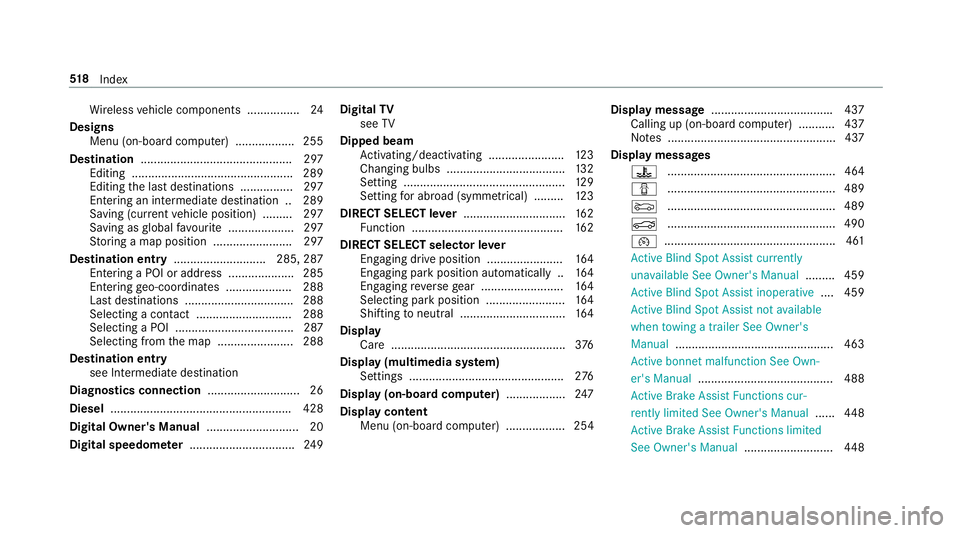
Wi
reless vehicle components ................24
Designs Menu (on-board co mputer) .................. 255
Destination .............................................. 297
Editing ................................................ .289
Editing the last destinations ................2 97
Entering an intermedia tedestination .. 289
Saving (cur rent vehicle position) ......... 297
Saving as global favo urite .................... 297
St oring a map position ........................ 297
Destination entry ............................2 85, 287
Entering a POI or add ress .................... 285
Entering geo-coordinates .................... 288
Last destinations ................................. 288
Selecting a contact ............................. 288
Selecting a POI .................................... 287
Selecting from the map ....................... 288
Destination entry see Intermediate destination
Diagnostics connection ............................26
Diesel ...................................................... .428
Digital Owner's Manual ............................ 20
Digital speedome ter ................................ 24 9Digital
TV
see TV
Dipped beam Activating/deactivating ...................... .123
Changing bulbs ................................... .132
Setting ................................................. 12 9
Setting for abroad (symmetrical) ......... 12 3
DIRECT SELECT le ver............................... 16 2
Fu nction .............................................. 16 2
DIRECT SELECT selector le ver
Engaging drive position ....................... 16 4
Engaging pa rkposition automatically .. 16 4
Engaging reve rsege ar ........................ .164
Selecting pa rkposition ........................ 16 4
Shifting toneutral ................................ 16 4
Display Care .................................................... .376
Display (multimedia sy stem)
Settings .............................................. .276
Display (on-boa rdcompu ter) .................. 247
Display content Menu (on-board co mputer) .................. 254 Display message
.................................... .437
Calling up (on-board co mputer) .......... .437
No tes ................................................... 437
Display messages ? ................................................... 464
C ................................................... 489
M ................................................... 489
N ................................................... 490
¯ ....................................................4 61
Ac tive Blind Spot Assi stcur rently
una vailable See Owner's Manual .........459
Ac tive Blind Spot Assi stinope rative .... 459
Ac tive Blind Spot Assi stnot available
when towing a trailer See Owner's
Manual ................................................ 463
Ac tive bonnet malfunction See Own‐
er's Manual ......................................... 488
Ac tive Brake Assi stFunctions cur‐
re ntly limited See Owner's Manual ......448
Ac tive Brake Assi stFunctions limited
See Owner's Manual ...........................448518
Index
Page 525 of 557
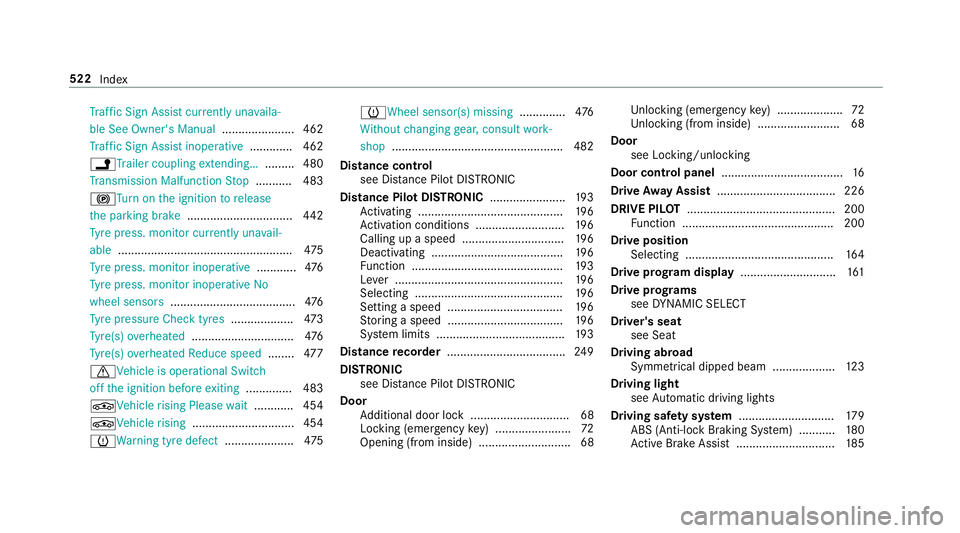
Tr
af fic Sign Assi stcur rently una vaila‐
ble See Owner's Manual ...................... 462
Tr af fic Sign Assi stinope rative ............. 462
jTr ailer coupling extending… ......... 480
Tr ansmission Malfunction Stop ........... 483
!Tu rnon the ignition torelease
th e parking brake ................................ 442
Ty re press. monitor cur rently una vail‐
able .................................................... .475
Ty re press. monitor inoperative ............476
Ty re press. monitor inoperative No
wheel sensors ...................................... 476
Ty re pressure Check tyres ...................473
Ty re(s) ove rheated ...............................4 76
Ty re(s) ove rheated Reduce speed ........477
d Vehicle is operational Switch
off the ignition before exiting .............. 483
ÉVe hiclerising Please wait............ 454
ÉVe hiclerising ...............................4 54
h Warning tyre defect .....................475 h
Wheel sensor(s) missing ..............476
Wi thout changing gear, consult work‐
shop ....................................................4 82
Dist ance control
see Dis tance Pilot DISTRONIC
Di stance Pil otDISTRONIC ...................... .193
Ac tivating ............................................ 19 6
Ac tivation conditions ........................... 19 6
Calling up a speed .............................. .196
Deactivating ........................................ 19 6
Fu nction .............................................. 19 3
Le ver ................................................... 19 6
Selecting ............................................. 19 6
Setting a speed ................................... 19 6
St oring a speed ................................... 19 6
Sy stem limits ....................................... 19 3
Distance recorder .................................... 24 9
DISTRONIC see Di stance Pilot DI STRONIC
Door Additional door lock .............................. 68
Locking (emer gency key) ...................... .72
Opening (from inside) ............................68 Un
locking (emer gency key) .................... 72
Un locking (from inside) ........................ .68
Door see Locking/unlocking
Door cont rol panel .................................... .16
Drive Away Assist .................................... 226
DRIVE PIL OT............................................. 200
Fu nction .............................................. 200
Drive position Selecting ............................................. 16 4
Drive prog ram display ............................. 161
Drive prog rams
see DYNA MIC SELECT
Driver's seat see Seat
Driving abroad Symmetrical dipped beam ...................1 23
Driving light see Automatic driving lights
Driving saf ety sy stem ............................ .179
ABS (Anti-lock Braking Sy stem) ........... 180
Ac tive Brake Assi st.............................. 185522
Index
Page 526 of 557
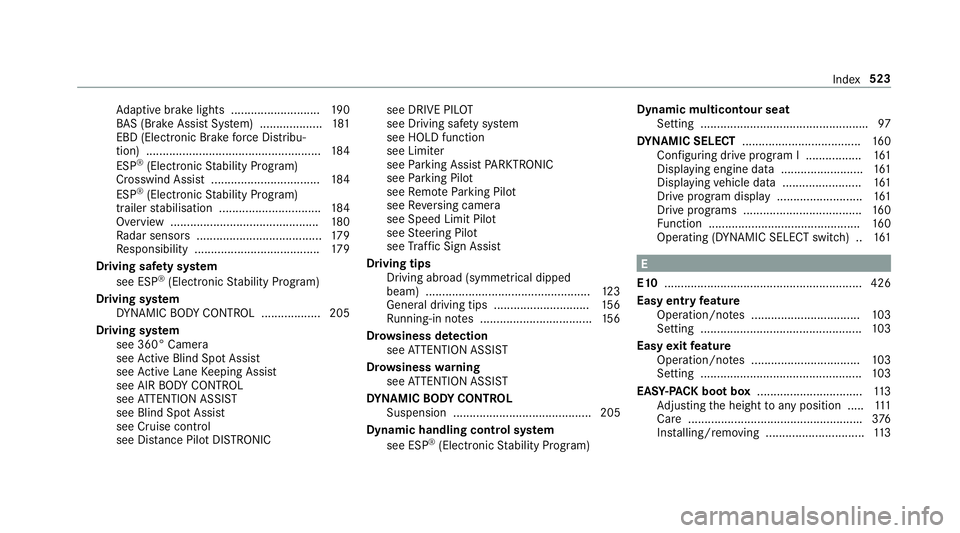
Ad
aptive brake lights .......................... .190
BA S (Brake Assi stSystem) ...................1 81
EBD (Electronic Brake forc e Distribu‐
tion) ..................................................... 184
ESP ®
(Electronic Stability Prog ram)
Crosswind Assist ................................. 184
ESP ®
(Electronic Stability Prog ram)
trailer stabilisation .............................. .184
Overview ............................................. 180
Ra dar sensors ...................................... 17 9
Re sponsibility ...................................... 17 9
Driving saf ety sy stem
see ESP ®
(Elect ronic Stability Prog ram)
Driving sy stem
DY NA MIC BODY CONTROL .................. 205
Driving sy stem
see 360° Camera
see Active Blind Spot Assi st
see Active Lane Keeping Assist
see AIR BODY CONTROL
see ATTENTION ASSIST
see Blind Spot Assist
see Cruise control
see Dis tance Pilot DISTRONIC see DRIVE PIL
OT
see Driving saf ety sy stem
see HOLD function
see Limiter
see Parking Assist PARKTRONIC
see Parking Pilot
see Remo teParking Pilot
see Reversing camera
see Speed Limit Pilot
see Steering Pilot
see Traf fic Sign Assi st
Driving tips Driving abroad (symmetrical dipped
beam) .................................................. 12 3
Gene ral driving tips ............................ .156
Ru nning-in no tes ..................................1 56
Dr ow siness de tection
see ATTENTION ASSIST
Dr ow siness warning
see ATTENTION ASSIST
DY NA MIC BODY CONT ROL
Suspension .......................................... 205
Dynamic handling control sy stem
see ESP ®
(Elect ronic Stability Prog ram) Dynamic multicontour seat
Setting .................................................. .97
DY NA MIC SELECT ................................... .160
Configu ring drive program I ................. 161
Displ aying engine data ........................ .161
Displ aying vehicle data ........................ 161
Drive prog ram display ......................... .161
Drive prog rams ................................... .160
Fu nction .............................................. 16 0
Operating (DYNAMIC SELECT switch) .. 161 E
E10 ............................................................ 426
Easy entry feature
Operation/no tes ................................. 103
Setting ................................................. 103
Easy exitfeature
Operation/no tes ................................. 103
Setting ................................................. 103
EAS Y-PA CK boot box ................................ 11 3
Ad justing the height toany position .... .111
Care .................................................... .376
Ins talling/ removing .............................. 11 3 Index
523