service indicator MERCEDES-BENZ E400 HYBRID 2014 Owners Manual
[x] Cancel search | Manufacturer: MERCEDES-BENZ, Model Year: 2014, Model line: E400 HYBRID, Model: MERCEDES-BENZ E400 HYBRID 2014Pages: 52, PDF Size: 32.59 MB
Page 7 of 52
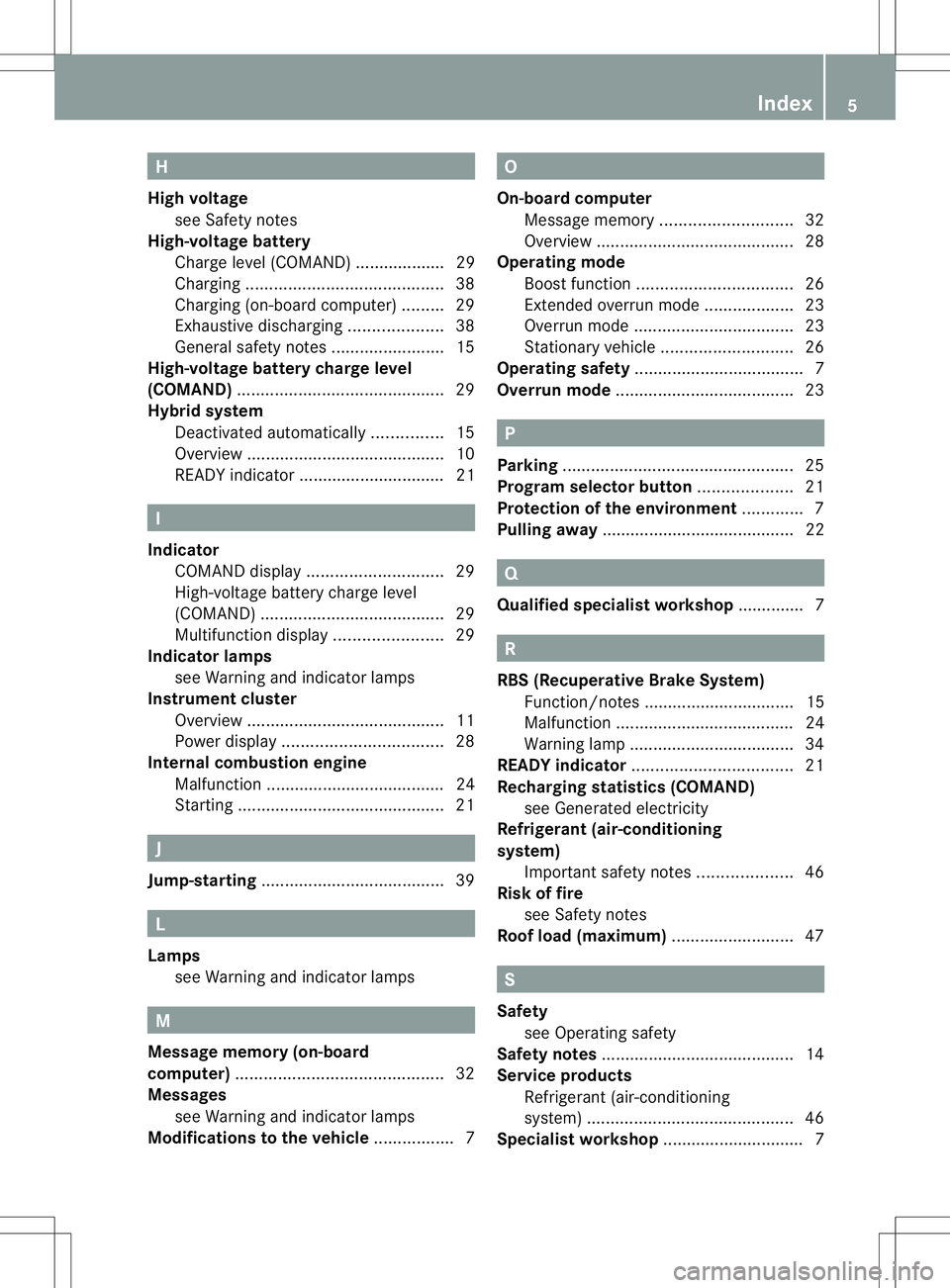
H
High voltage see Safety notes
High-voltage battery
Charge level (COMAND) ................... 29
Charging .......................................... 38
Charging (on-board computer) .........29
Exhaustive discharging ....................38
General safety notes ........................15
High-voltage battery charge level
(COMAND) ............................................ 29
Hybrid system Deactivated automatically ...............15
Overview .......................................... 10
READY indicator ............................... 21 I
Indicator COMAND displa y............................. 29
High-voltage battery charg elevel
(COMAND )....................................... 29
Multifunctio ndisplay ....................... 29
Indicator lamps
see Warning and indicator lamps
Instrument cluster
Overview .......................................... 11
Power displa y.................................. 28
Internal combustion engine
Malfunction ...................................... 24
Starting ............................................ 21J
Jump-starting ....................................... 39L
Lamps see Warning and indicator lamps M
Message memory (on-board
computer) ............................................ 32
Messages see Warning and indicator lamps
Modifications to the vehicle ................. 7 O
On-board computer Message memory ............................ 32
Overview .......................................... 28
Operating mode
Boost function ................................. 26
Extended overru nmode ................... 23
Overru nmode .................................. 23
Stationary vehicle ............................ 26
Operating safety .................................... 7
Overrun mode ...................................... 23 P
Parking ................................................. 25
Program selector button ....................21
Protection of the environment ............. 7
Pulling away ......................................... 22 Q
Qualified specialist workshop .............. 7 R
RBS (Recuperative Brake System) Function/notes ................................ 15
Malfunction ...................................... 24
Warning lamp ................................... 34
READY indicator .................................. 21
Recharging statistics (COMAND) see Generated electricity
Refrigerant (air-conditioning
system)
Important safety notes ....................46
Risk of fire
see Safety notes
Roof load (maximum) ..........................47 S
Safety see Operating safety
Safety notes ......................................... 14
Service products Refrigerant (air-conditioning
system) ............................................ 46
Specialist workshop .............................. 7 Index
5
Page 30 of 52
Useful information
i This Operator's Manual describes all
models and all standard and optional
equipment of your vehicle available at the
time of publication of the Operator's
Manual. Country-specific differences are
possible. Please note that your vehicle may
not be equipped with all features
described. This also applies to safety-
related systems and functions.
i Read the information on qualified
specialist workshops: (Y page 7).Displays and operation
Coolant temperature display
The coolan ttemperature can only be called
up on the on-board computer.
X Press =or; on the steering wheel
to select the Serv. menu.
X Press 9or: to select Coolant .
Electric motor performance display
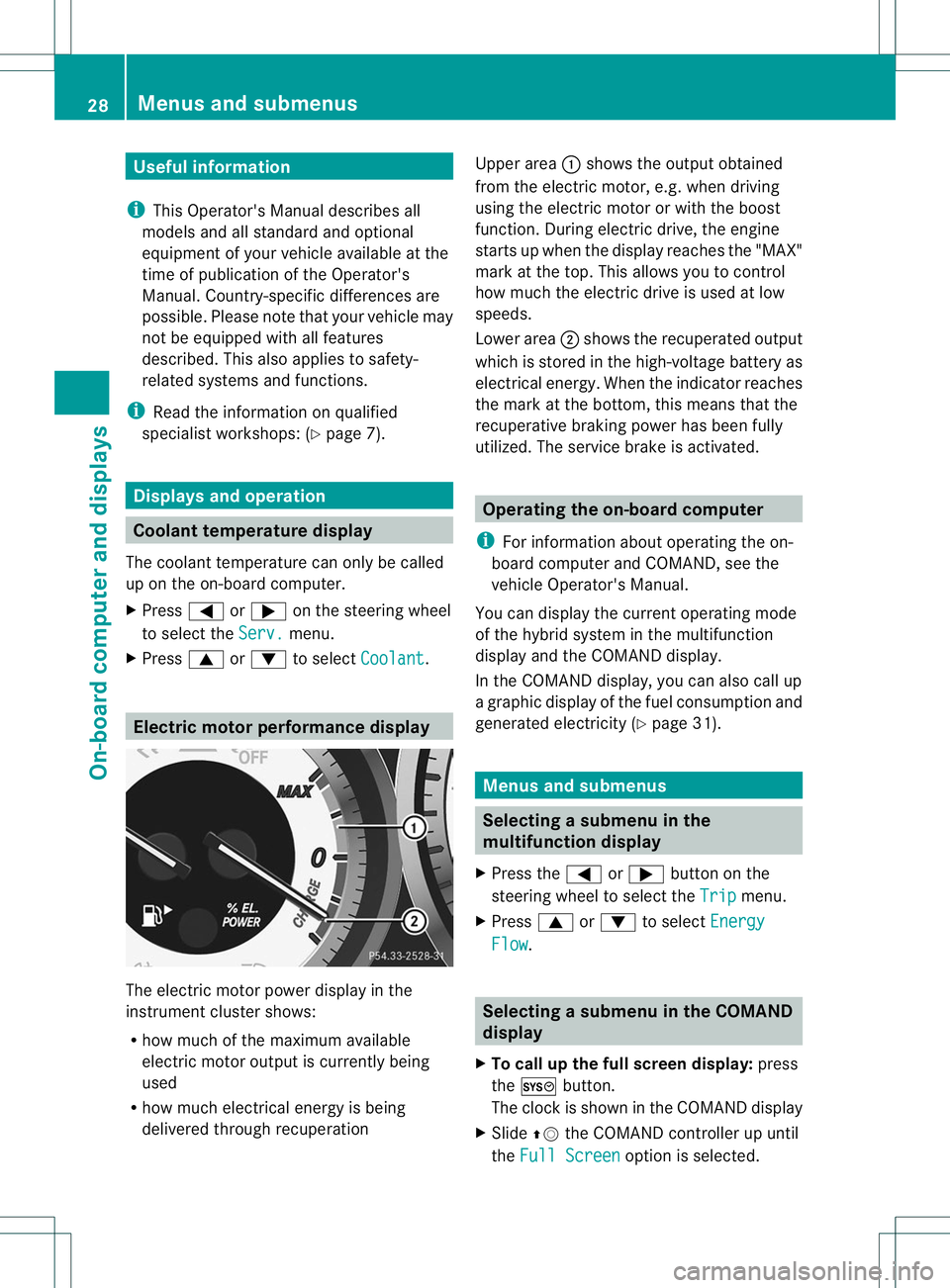
The electric moto
rpower display in the
instrument cluster shows:
R how much of the maximum available
electric motor output is currently being
used
R how much electrical energy is being
delivered through recuperation Upper area
:shows the output obtained
from the electric motor, e.g. when driving
using the electric motor or with the boost
function. During electric drive, the engine
starts up when the display reaches the "MAX"
mark at the top. This allows you to control
how much the electric drive is used at low
speeds.
Lower area ;shows the recuperated output
which is stored in the high-voltage battery as
electrical energy. When the indicator reaches
the mark at the bottom, this means that the
recuperative braking power has been fully
utilized. The service brake is activated. Operating the on-board computer
i For information about operating the on-
board computer and COMAND, see the
vehicle Operator's Manual.
You can display the current operating mode
of the hybrid system in the multifunction
display and the COMAND display.
In the COMAND display, you can also call up
a graphic display of the fuel consumption and
generated electricity (Y page 31). Menus and submenus
Selecting
asubmenu in the
multifunction display
X Press the =or; button on the
steering wheel to select the Trip menu.
X Press 9or: to select Energy Flow .
Selecting
asubmenu in the COMAND
display
X To call up the full screen display: press
the W button.
The clock is show ninthe COMAND display
X Slide ZVthe COMAND controller up until
the Full Screen option is selected.28
Menus and submenusOn-board computer and displays