stop start MERCEDES-BENZ G-CLASS 2018 COMAND Manual
[x] Cancel search | Manufacturer: MERCEDES-BENZ, Model Year: 2018, Model line: G-CLASS, Model: MERCEDES-BENZ G-CLASS 2018Pages: 198, PDF Size: 4.53 MB
Page 7 of 198
Audio device mode and searching
for mobile phones .......................... 157
Basic display (audio mode) ............ 153
Connecting audio devices .............. 154
De-authorizing (de-registering) a
device ............................................ 157
Device list ...................................... 154
Displaying connection details .......... 96
Displaying details ........................... 155
Entering the passcode ..................... 94
External authorization (audio
device) ........................................... 154
Increasing the volume using
COMAND ....................................... 156
Interface .......................................... 91
Playback options ........................... 156
Preparation .................................... 152
Reconnecting an audio device ....... 156
Searching for a mobile phone .......... 93
Selecting a playback option ........... 156
Selecting a track ............................ 155
Starting and stopping playback ..... 155
Starting playback if the Blue-
tooth
®audio device has been
stopped ......................................... 155
Telephony ........................................ 92
Telephony notes .............................. 91
Buttons and controller ........................ 21
C
Call lists
Displaying details ........................... 111
Opening and selecting an entry ..... 111
Saving an entry in the address
book .............................................. 111
Camera
360° camera (COMAND) ................. 47
Rear view camera ............................ 48
Car pool lanes ...................................... 56
Category list (music search) ............ 151
CD
Fast forward/fast rewind ............... 149
Inserting ........................................ 146
Inserting/loading (DVD changer) ... 147
Inserting/loading (Rear Seat
Entertainment System) .................. 186
Notes on discs ............................... 146 Removing/ejecting (Rear Seat
Entertainment System) .................. 186
Selecting a track ............................ 149
CD mode
Playback options ........................... 148
Character entry
Phone book ...................................... 29
Characters
Entering (navigation) ........................ 30
Clear button ......................................... 21
Climate control
Ionization (COMAND) ....................... 45
COMAND
Active multicontour seat .................. 46
Basic functions ................................ 27
Components .................................... 18
Control panel ................................... 20
Controller ......................................... 21
Display ............................................. 19
Functions ......................................... 18
Multicontour seat ............................ 46
Seat functions .................................. 46
Switching on/off .............................. 27
COMAND display
Cleaning instructions ....................... 19
Setting ............................................. 34
Contacts
Deleting ......................................... 109
Importing .......................................1 09
Controller ............................................. 21
Cordless headphones
Changing batteries ........................ 183
Indicator lamp ................................ 182
Rear Seat Entertainment System ... 181
Selecting the screen ......................1 82
D
Date format, setting............................ 36
Day design, setting .............................3 4
Delayed switch-off
Interio rlighting ................................ 45
Delayed switch-off time
Settin g(COMAND) .......................... .45
Destination
Savin gto an SD car d...................... .80
Storing in the address book ............. 80
Index5
Page 10 of 198
Video function ............................... 159
Media mode
Bluetooth
®Audio ........................... 152
Connections for external media
sources .......................................... 143
Media search
By folder ........................................ 152
Category list .................................. 151
Current track list ............................ 151
General notes ................................ 151
Keyword search .............................1 52
Music genres ................................. 152
Selecting by cover ......................... 152
Starting the media search .............. 151
Menu overview
CD audio and MP3 mode ...............1 46
Mercedes-Benz Apps
Calling up ....................................... 128
Voice-operated control system ...... 129
Microphone, switching on/off ........... 99
Mobile phone
Authorizing ....................................... 94
Connecting (Bluetooth
®inter-
face) ................................................ 92
Connecting another mobile
phone .............................................. 95
De-authorizing ................................. 96
Displaying Bluetooth
®connection
details .............................................. 96
Enabling for Internet access .......... 125
MP3
Copyright ....................................... 146
Fast forward/fast rewind ...............1 49
Notes ............................................. 144
Safety notes .................................. 144
Stop and playback function ........... 149
N
Navigation
Adjusting the volume of the navi-
gation announcements .................... 27
Alternative route .............................. 74
Avoiding an area .............................. 85
Basic settings .................................. 54
Blocking a route section affected
by a traffic jam ................................. 75
Calling up the compass display ........ 88 Calling up the menu ......................... 88
Entering a destination ...................... 56
Entering a destination using the
map ................................................. 63
Entering a point of interest .............. 61
Entering characters (character
bar) .................................................. 30
GPS reception .................................. 52
Important safety notes .................... 52
Info on navigation ............................ 88
Lane recommendation ..................... 71
Off-road/Off-map (off-road desti-
nation) ............................................. 76
Online map display .......................... 88
Reading out traffic reports ............... 79
Repeating announcements .............. 73
Selecting a destination from the
list of last destinations ..................... 60
Setting route options (avoiding:
highways, toll roads, tunnels, fer-
ries) ................................................. 54
Setting the route type (short
route, fast route, dynamic route or
economic route) ............................... 54
Showing/hiding the menu ............... 53
Starting route calculation ................ 58
Switching announcements
on/off .............................................. 73
Switching to ..................................... 53
Navigation announcements
Switching off .................................... 28
North orientation (navigation) ........... 82
O
Off-road................................................ 76
Online and Internet functions
Calling up the device list ................ 127
Enabling a mobile phone for Inter-
net access ..................................... 125
Ending the connection ................... 128
Establishing a connection .............. 128
Manually setting the access data
of the mobile phone network pro-
vider .............................................. 126
Mercedes-Benz Apps ..................... 128
Selecting the access data of the
mobile phone network provider ..... 126
8Index
Page 52 of 198
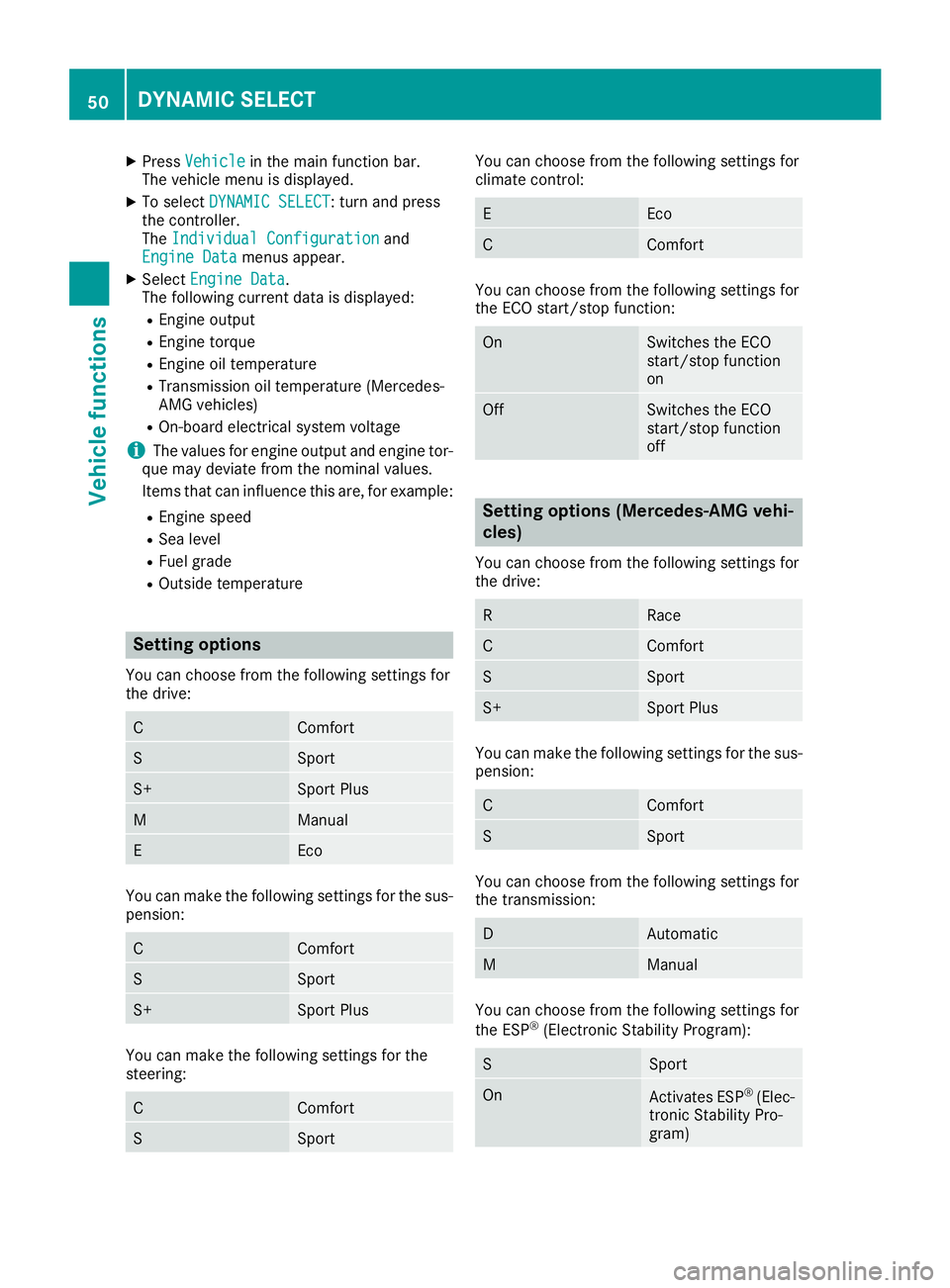
XPressVehiclein the main function bar.
The vehicle menu is displayed.
XTo select DYNAMIC SELECT: turn and press
the controller.
The Individual Configuration
and
Engine Datamenus appear.
XSelect Engine Data.
The following current data is displayed:
REngine output
REngine torque
REngine oil temperature
RTransmission oil temperature (Mercedes-
AMG vehicles)
ROn-board electrical system voltage
iThe values for engine output and engine tor-
que may deviate from the nominal values.
Items that can influence this are, for example:
REngine speed
RSea level
RFuel grade
ROutside temperature
Setting options
You can choose from the following settings for
the drive:
CComfort
SSport
S+Sport Plus
MManual
EEco
You can make the following settings for the sus-
pension:
CComfort
SSport
S+Sport Plus
You can make the following settings for the
steering:
CComfort
SSport
You can choose from the following settings for
climate control:
EEco
CComfort
You can choose from the following settings for
the ECO start/stop function:
OnSwitches the ECO
start/stop function
on
OffSwitches the ECO
start/stop function
off
Setting options (Mercedes-AMG vehi-
cles)
You can choose from the following settings for
the drive:
RRace
CComfort
SSport
S+Sport Plus
You can make the following settings for the sus-
pension:
CComfort
SSport
You can choose from the following settings for
the transmission:
DAutomatic
MManual
You can choose from the following settings for
the ESP®(Electronic Stability Program):
SSport
OnActivates ESP®(Elec-
tronic Stability Pro-
gram)
50DYNAMIC SELECT
Vehicle functions
Page 53 of 198
You can choose from the following settings for
the ECO start/stop function:
OnSwitches the ECO
start/stop function
on
OffSwitches the ECO
start/stop function
off
Driving dynamics
General notes
In theDrivingDynamicsmenu you can call up
current vehicle and engine data. There may be
less or no data and displays depending on your
vehicle's equipment.
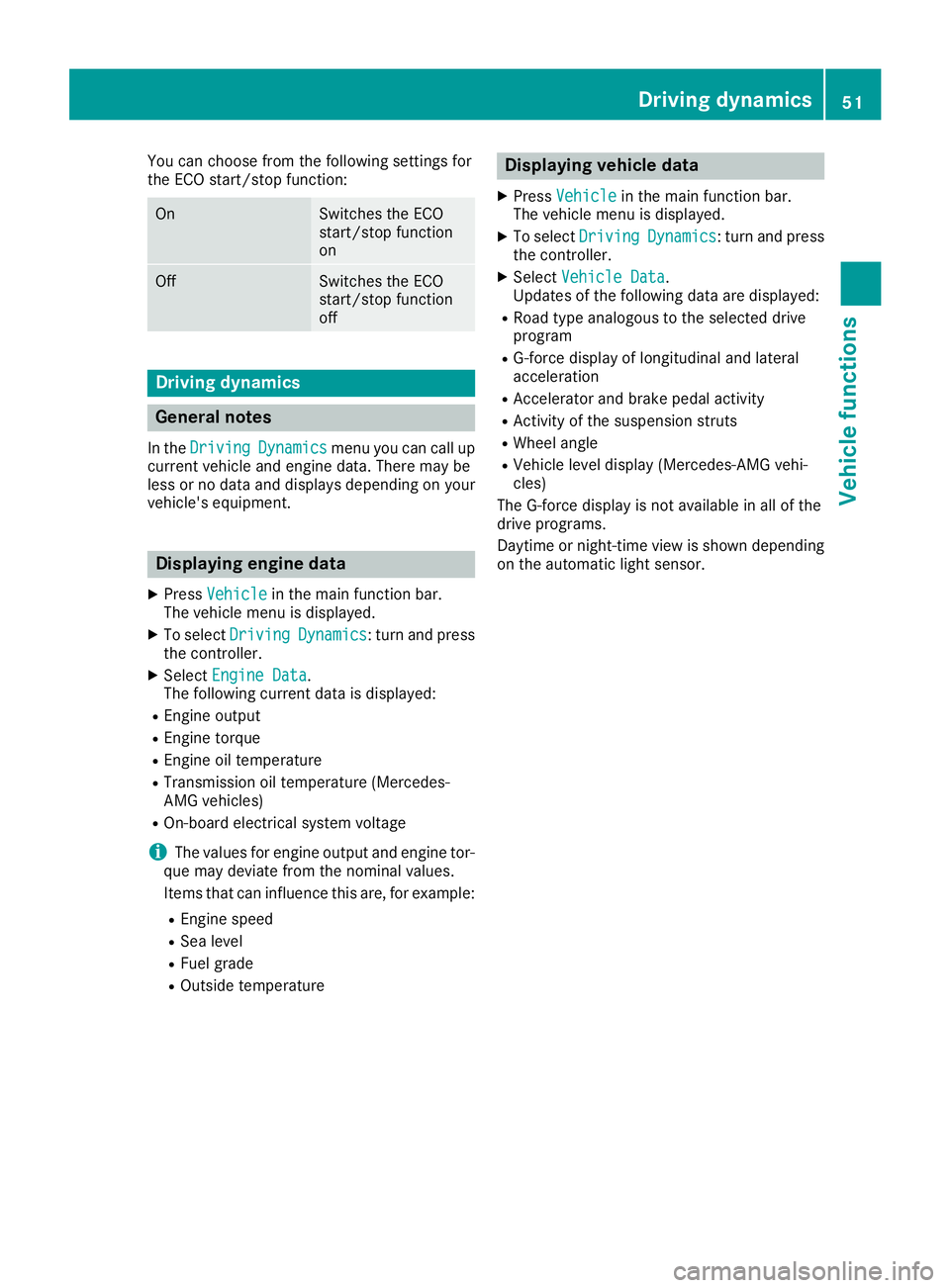
Displaying engine data
XPress Vehiclein the main function bar.
The vehicle menu is displayed.
XTo select DrivingDynamics: turn and press
the controller.
XSelect Engine Data.
The following current data is displayed:
REngine output
REngine torque
REngine oil temperature
RTransmission oil temperature (Mercedes-
AMG vehicles)
ROn-board electrical system voltage
iThe values for engine output and engine tor-
que may deviate from the nominal values.
Items that can influence this are, for example:
REngine speed
RSea level
RFuel grade
ROutside temperature
Displaying vehicle data
XPress Vehiclein the main function bar.
The vehicle menu is displayed.
XTo select DrivingDynamics: turn and press
the controller.
XSelect Vehicle Data.
Updates of the following data are displayed:
RRoad type analogous to the selected drive
program
RG-force display of longitudinal and lateral
acceleration
RAccelerator and brake pedal activity
RActivity of the suspension struts
RWheel angle
RVehicle level display (Mercedes-AMG vehi-
cles)
The G-force display is not available in all of the
drive programs.
Daytime or night-time view is shown depending
on the automatic light sensor.
Driving dynamics51
Vehicle functions
Z
Page 57 of 198
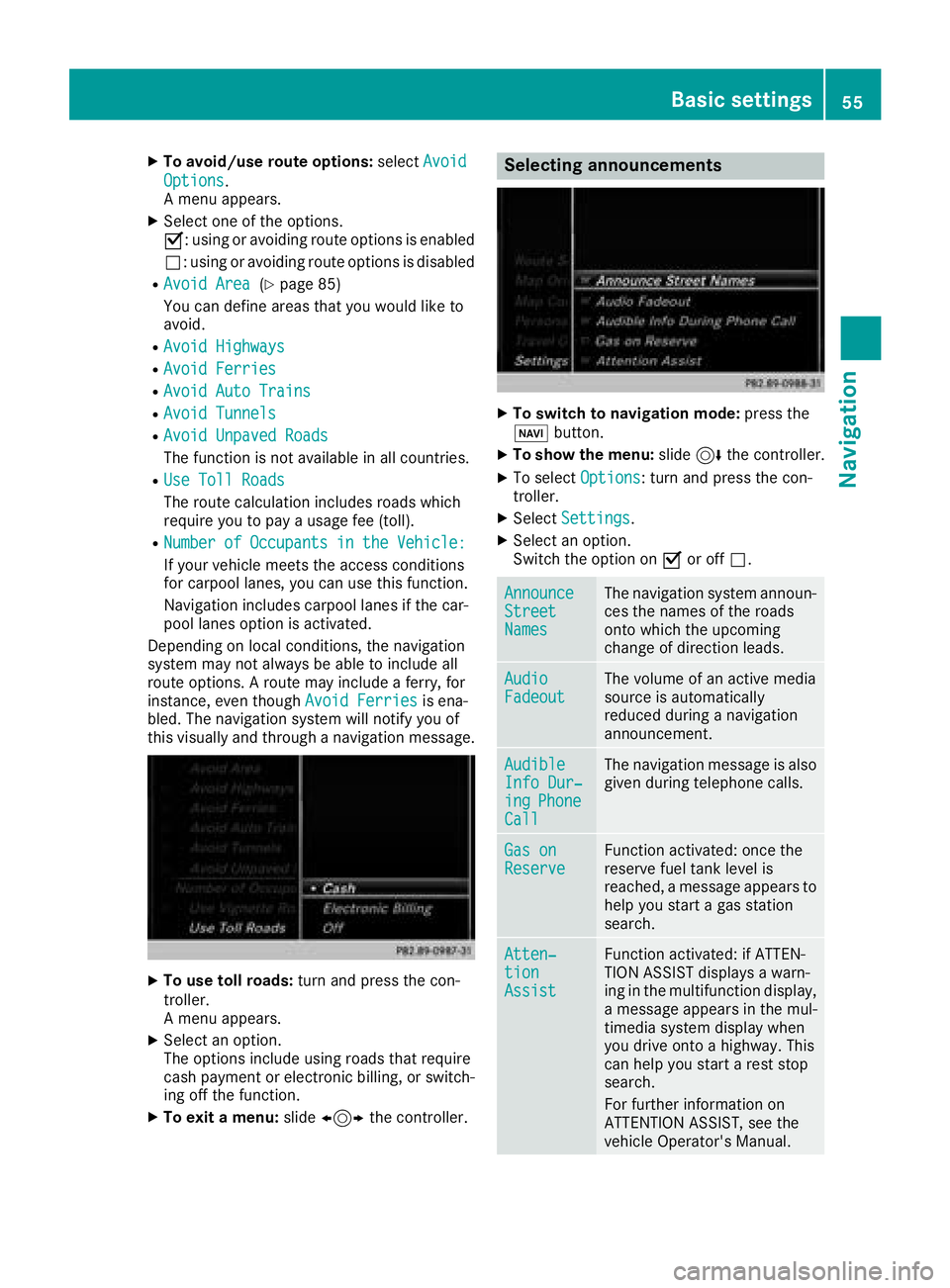
XTo avoid/use route options:selectAvoid
Options.
A menu appears.
XSelect one of the options.
O: using or avoiding route options is enabled
ª: using or avoiding route options is disabled
RAvoid Area(Ypage 85)
You can define areas that you would like to
avoid.
RAvoid Highways
RAvoid Ferries
RAvoid Auto Trains
RAvoid Tunnels
RAvoid Unpaved Roads
The function is not available in all countries.
RUse Toll Roads
The route calculation includes roads which
require you to pay a usage fee (toll).
RNumberofOccupantsintheVehicle:
If your vehicle meets the access conditions
for carpool lanes, you can use this function.
Navigation includes carpool lanes if the car-
pool lanes option is activated.
Depending on local conditions, the navigation
system may not always be able to include all
route options. A route may include a ferry, for
instance, even though Avoid Ferries
is ena-
bled. The navigation system will notify you of
this visually and through a navigation message.
XTo use toll roads: turn and press the con-
troller.
A menu appears.
XSelect an option.
The options include using roads that require
cash payment or electronic billing, or switch-
ing off the function.
XTo exit a menu: slide1 the controller.
Selecting announcements
XTo switch to navigation mode: press the
Ø button.
XTo show the menu: slide6the controller.
XTo select Options: turn and press the con-
troller.
XSelect Settings.
XSelect an option.
Switch the option on Oor off ª.
AnnounceStreetNames
The navigation system announ-
ces the names of the roads
onto which the upcoming
change of direction leads.
AudioFadeoutThe volume of an active media
source is automatically
reduced during a navigation
announcement.
AudibleInfo Dur‐ingPhoneCall
The navigation message is also
given during telephone calls.
Gas onReserveFunction activated: once the
reserve fuel tank level is
reached, a message appears to
help you start a gas station
search.
Atten‐tionAssist
Function activated: if ATTEN-
TION ASSIST displays a warn-
ing in the multifunction display,
a message appears in the mul-
timedia system display when
you drive onto a highway. This
can help you start a rest stop
search.
For further information on
ATTENTION ASSIST, see the
vehicle Operator's Manual.
Basic settings55
Navigation
Z
Page 71 of 198
XSelect personal POI or personal route
(Ypage 68).
XTo explore a personal POI or route:slide
5 and press the controller to select Map
.
The map with the crosshair appears and
shows the destination.
XScroll the map (Ypage 53).
XSet the map scale (Ypage 82).
XTo return to the menu: press the %button.
XTo call the personal POI: turn and press the
controller to select Call
.
If a mobile phone is connected to the multi-
media system and the telephone number is
available, the call is connected (
Ypage 98).
XTo change the name: turn and press the
controller to select Edit
.
XSelectChange NameorEdit Icon.
XTo change name: enter character (Ypage 30).
XTo delete a personal POI or route: turn and
press the controller to select Delete
.
A prompt will appear.
XSelect YesorNo.
If you select Yes, the personal destination or
personal route is deleted.
XTo select the outward and return routes:
select Swap
by turning and pressing the con-
troller.
The starting and destination positions of your
personal route, and thus the direction for
route guidance, are switched round. One-way
streets or restricted intersections are taken
into consideration. Therefore, the outward
and return routes may differ from each other.
XTo save a personal POI: turn and press the
controller to select Save
.
XContinue saving (Ypage 80).
XTo start route guidance: selectStartby
turning and pressing the controller.
Recording the route
General notes
When recording the route, bear in mind the fol-
lowing:
RIf the SD card is inserted, it must not be
removed during recording.
RIf route recording is started manually, it must
be finished manually before the multimedia
system is switched off.
RThe multimedia system minimizes the num-
ber of route points recorded. Therefore when
the recorded route is subsequently com-
menced, it may differ from the route that was
originally recorded.
Starting/finishing route recording
XInsert the SD memory card (Ypage 148).
XTo switch to navigation mode: press the
ß button.
XTo show the menu: slide6the controller.
XTo select Destination: turn and press the
controller.
XSelect From Memory Card.
XSelectStart Route Recording.
The route is recorded and RECappears at the
bottom edge of the screen.
XTo stop recording, select End RouteRecordingfrom the menu.
The route is stored under Personal Routes.
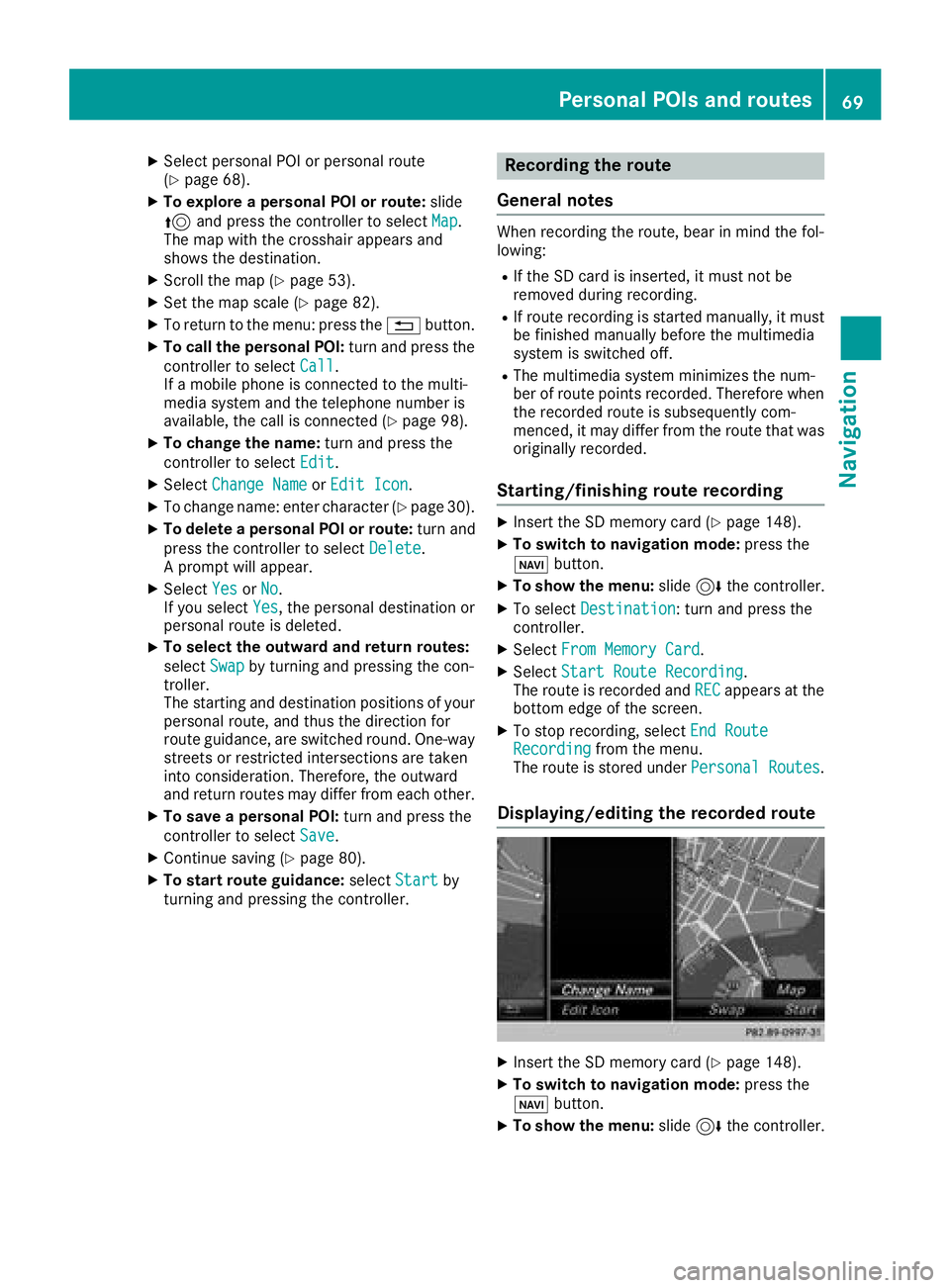
Displaying/editing the recorded route
XInsert the SD memory card (Ypage 148).
XTo switch to navigation mode: press the
ß button.
XTo show the menu: slide6the controller.
Personal POIs and routes69
Navigation
Z
Page 72 of 198
XTo selectDestination: turn and press the
controller.
XSelect From Memory Card.
XSelectPersonal Routes.
Previously recorded routes are displayed.
XTo select a route: turn and press the control-
ler.
The map appears with a menu. The recorded
route is shown on the map in blue.
XTo start route calculation: selectStart.
XTo change the name and symbol: select
Edit
.
XSelect Change NameorEdit Icon.
XTo change name: enter character (Ypage 30).
XTo change symbol: select a symbol.
The symbol is saved.
Route guidance
General notes
Always observe the traffic regulations when
driving. Road and traffic rules and regulations
always have priority over system driving recom-
mendations.
The multimedia system calculates the route to
the destination without taking account of the
following, for example:
Rtraffic lights
Rstop and yield signs
Rparking or stopping restrictions
Rroad narrowing
Rtemporary traffic rules and regulations
The multimedia system may give differing navi-
gation commands if the actual street/traffic sit-
uation does not correspond with the digital
map's data. For example, if the road layout or
the direction of a one-way street has been
changed.
Route guidance begins once a route has been
calculated (
Ypage 58).
The multimedia system guides you to your des-
tination by means of navigation announcements
in the form of audible navigation announce-
ments and route guidance displays.
Navigation messages guide you during the jour-
ney without distracting you from traffic condi-
tions or driving. Please always use this feature
instead of consulting the map display for direc- tions. The symbols or the map display could dis-
tract you from traffic conditions and driving.
The route guidance displays can be seen if nav-
igation mode is switched on.
If you do not follow the navigation announce-
ments or if you leave the calculated route, the
multimedia system automatically calculates a
new route to the destination.
If the digital map contains the corresponding
information, the following applies:
RDuring route guidance, the multimedia sys-
tem tries to avoid roads with restricted
access. These include, for example, roads
which are closed to through-traffic.
RRoads that have time restrictions (e.g. closed
on Sundays and public holidays) are consid-
ered for route guidance on days when they are
open. For this purpose, the relevant times
must be correctly stored in the database.
Change of direction
Overview
Changes of direction have three phases:
RPreparation phase
RAnnouncement phase
RChange-of-direction phase
Changes in direction are also shown in the mul-
tifunction display of the instrument cluster (see
the vehicle Operator's Manual).
Preparation phase
The multimedia system prepares you for the
upcoming driving maneuver, e.g. with the
announcement "Prepare to turn right". You see
the full-screen map.
70Route guidance
Navigation
Page 74 of 198
Lane recommendations are also shown in the
multifunction display of the instrument cluster
(see the vehicle Operator's Manual).
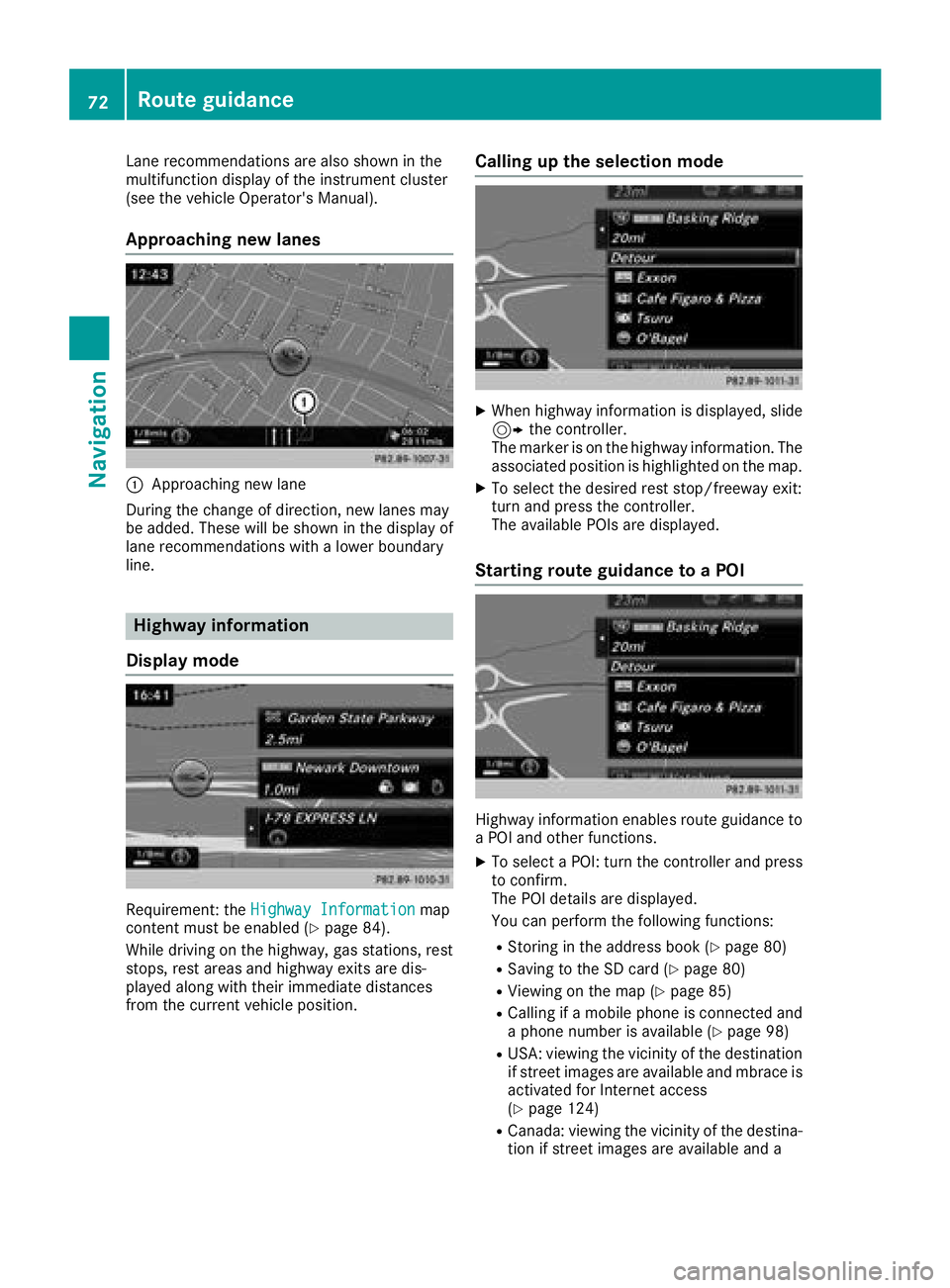
Approaching new lanes
:Approaching new lane
During the change of direction, new lanes may
be added. These will be shown in the display of
lane recommendations with a lower boundary
line.
Highway information
Display mode
Requirement: the Highway Informationmap
content must be enabled (Ypage 84).
While driving on the highway, gas stations, rest
stops, rest areas and highway exits are dis-
played along with their immediate distances
from the current vehicle position.
Calling up the selection mode
XWhen highway information is displayed, slide 9 the controller.
The marker is on the highway information. The
associated position is highlighted on the map.
XTo select the desired rest stop/freeway exit:
turn and press the controller.
The available POIs are displayed.
Starting route guidance to a POI
Highway information enables route guidance to
a POI and other functions.
XTo select a POI: turn the controller and press to confirm.
The POI details are displayed.
You can perform the following functions:
RStoring in the address book (Ypage 80)
RSaving to the SD card (Ypage 80)
RViewing on the map (Ypage 85)
RCalling if a mobile phone is connected and
a phone number is available (Ypage 98)
RUSA: viewing the vicinity of the destination
if street images are available and mbrace is
activated for Internet access
(
Ypage 124)
RCanada: viewing the vicinity of the destina- tion if street images are available and a
72Route guidance
Navigation
Page 91 of 198
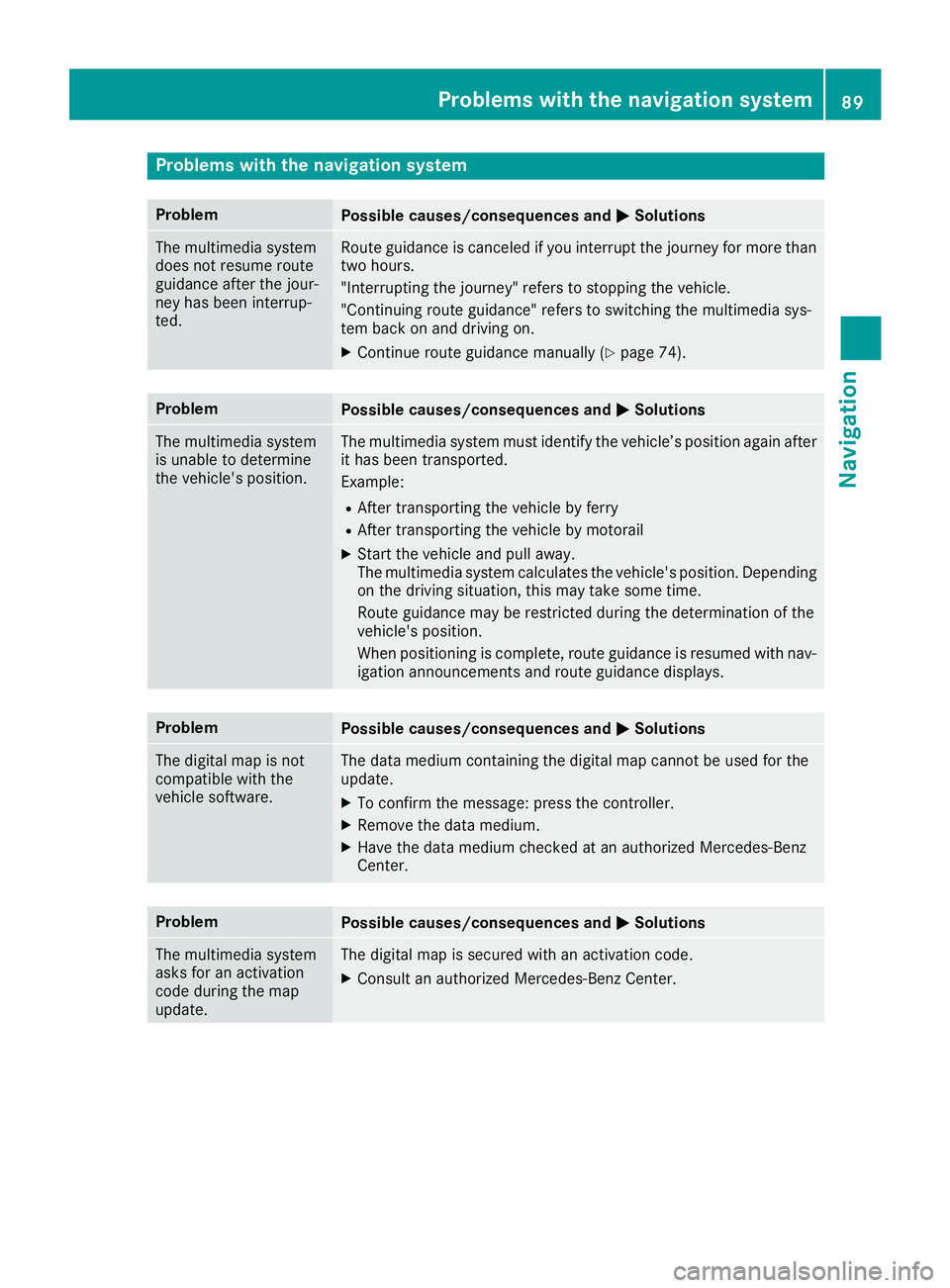
Problems with the navigation system
ProblemPossible causes/consequences andMSolutions
The multimedia system
does not resume route
guidance after the jour-
ney has been interrup-
ted.Route guidance is canceled if you interrupt the journey for more than
two hours.
"Interrupting the journey" refers to stopping the vehicle.
"Continuing route guidance" refers to switching the multimedia sys-
tem back on and driving on.
XContinue route guidance manually (Ypage 74).
ProblemPossible causes/consequences andMSolutions
The multimedia system
is unable to determine
the vehicle's position.The multimedia system must identify the vehicle’s position again after
it has been transported.
Example:
RAfter transporting the vehicle by ferry
RAfter transporting the vehicle by motorail
XStart the vehicle and pull away.
The multimedia system calculates the vehicle's position. Depending
on the driving situation, this may take some time.
Route guidance may be restricted during the determination of the
vehicle's position.
When positioning is complete, route guidance is resumed with nav-
igation announcements and route guidance displays.
ProblemPossible causes/consequences andMSolutions
The digital map is not
compatible with the
vehicle software.The data medium containing the digital map cannot be used for the
update.
XTo confirm the message: press the controller.
XRemove the data medium.
XHave the data medium checked at an authorized Mercedes-Benz
Center.
ProblemPossible causes/consequences andMSolutions
The multimedia system
asks for an activation
code during the map
update.The digital map is secured with an activation code.
XConsult an authorized Mercedes-Benz Center.
Problems with the navigation system89
Navigation
Z
Page 102 of 198
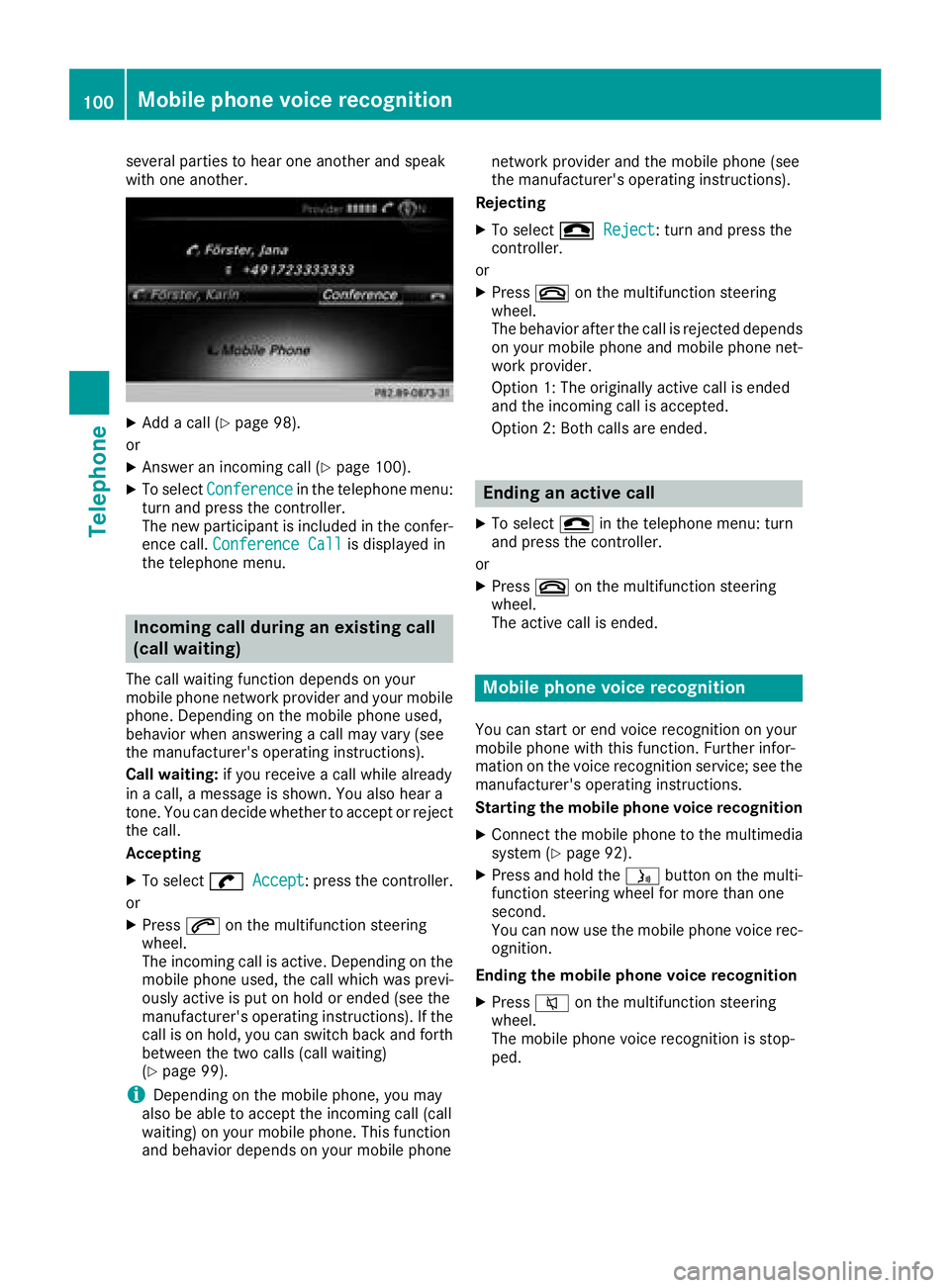
several parties to hear one another and speak
with one another.
XAdd a call (Ypage 98).
or
XAnswer an incoming call (Ypage 100).
XTo select Conferencein the telephone menu:
turn and press the controller.
The new participant is included in the confer-
ence call. Conference Call
is displayed in
the telephone menu.
Incoming call during an existing call
(call waiting)
The call waiting function depends on your
mobile phone network provider and your mobile
phone. Depending on the mobile phone used,
behavior when answering a call may vary (see
the manufacturer's operating instructions).
Call waiting: if you receive a call while already
in a call, a message is shown. You also hear a
tone. You can decide whether to accept or reject
the call.
Accepting
XTo select wAccept: press the controller.
or
XPress 6on the multifunction steering
wheel.
The incoming call is active. Depending on the
mobile phone used, the call which was previ-
ously active is put on hold or ended (see the
manufacturer's operating instructions). If the
call is on hold, you can switch back and forth
between the two calls (call waiting)
(
Ypage 99).
iDepending on the mobile phone, you may
also be able to accept the incoming call (call
waiting) on your mobile phone. This function
and behavior depends on your mobile phone network provider and the mobile phone (see
the manufacturer's operating instructions).
Rejecting
XTo select =Reject: turn and press the
controller.
or
XPress ~on the multifunction steering
wheel.
The behavior after the call is rejected depends
on your mobile phone and mobile phone net-
work provider.
Option 1: The originally active call is ended
and the incoming call is accepted.
Option 2: Both calls are ended.
Ending an active call
XTo select =in the telephone menu: turn
and press the controller.
or
XPress ~on the multifunction steering
wheel.
The active call is ended.
Mobile phone voice recognition
You can start or end voice recognition on your
mobile phone with this function. Further infor-
mation on the voice recognition service; see the
manufacturer's operating instructions.
Starting the mobile phone voice recognition
XConnect the mobile phone to the multimedia
system (Ypage 92).
XPress and hold the óbutton on the multi-
function steering wheel for more than one
second.
You can now use the mobile phone voice rec-
ognition.
Ending the mobile phone voice recognition
XPress 8on the multifunction steering
wheel.
The mobile phone voice recognition is stop-
ped.
100Mobile phone voice recognition
Telephone