oil reset MERCEDES-BENZ G-CLASS SUV 2008 Owners Manual
[x] Cancel search | Manufacturer: MERCEDES-BENZ, Model Year: 2008, Model line: G-CLASS SUV, Model: MERCEDES-BENZ G-CLASS SUV 2008Pages: 293, PDF Size: 4.49 MB
Page 12 of 293
9
Luggage net
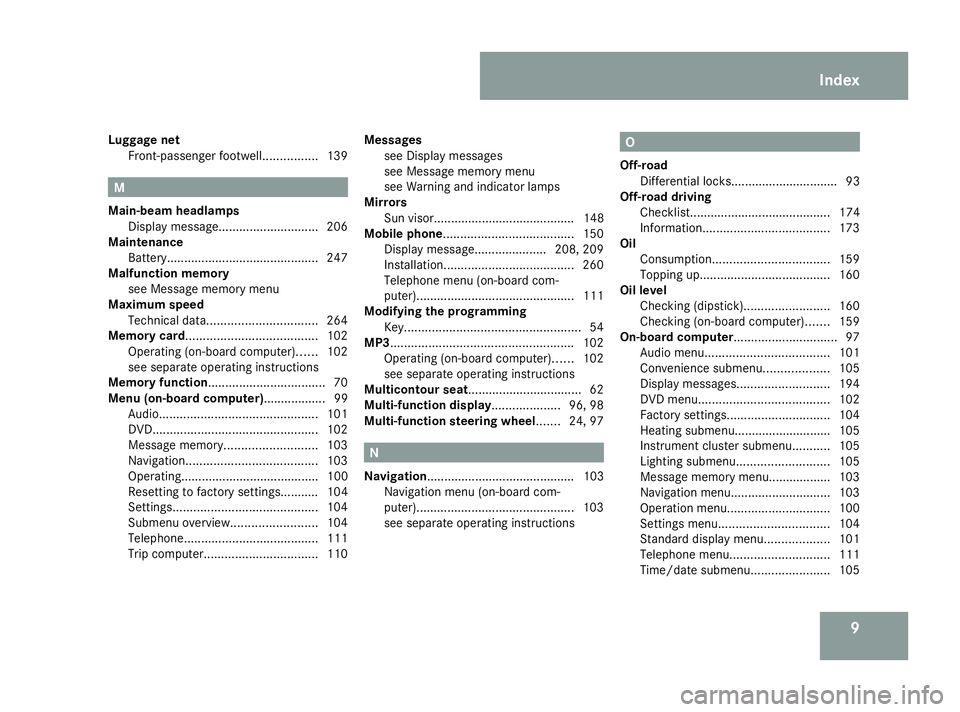
Front-passenger footwell. ...............139 M
Main-beam headlamps Display message ............................. 206
Maintenance
Battery ............................................ 247
Malfunction memory
see Message memory menu
Maximum speed
Technical data. ............................... 264
Memory card...................................... 102
Operating (on-board computer). .....102
see separate operating instructions
Memory function.................................. 70
Menu (on-board computer).................. 99 Audio. ............................................. 101
DVD. ............................................... 102
Message memory. .......................... 103
Navigation. ..................................... 103
Operating........................................ 100
Resetting to factory settings........... 104
Settings .......................................... 104
Submenu overview. ........................104
Telephone. ...................................... 111
Trip computer. ................................ 110Messages
see Display messages
see Message memory menu
see Warning and indicator lamps
Mirrors
Sun visor......................................... 148
Mobile phone...................................... 150
Display message..................... 208, 209
Installation. ..................................... 260
Telephone menu (on-board com-
puter). ............................................. 111
Modifying the programming
Key. .................................................. 54
MP3..................................................... 102
Operating (on-board computer). .....102
see separate operating instructions
Multicontour seat................................. 62
Multi-function display ....................96, 98
Multi-function steering wheel....... 24, 97 N
Navigation........................................... 103 Navigation menu (on-board com-
puter). ............................................. 103
see separate operating instructions O
Off-road Differential locks............................... 93
Off-road driving
Checklist......................................... 174
Information ..................................... 173
Oil
Consumption. ................................. 159
Topping up. ..................................... 160
Oil level
Checking (dipstick). ........................160
Checking (on-board computer). ......159
On-board computer.............................. 97
Audio menu. ................................... 101
Convenience submenu. ..................105
Display messages ........................... 194
DVD menu ...................................... 102
Factory settings .............................. 104
Heating submenu............................ 105
Instrument cluster submenu ...........105
Lighting submenu. ..........................105
Message memory menu.................. 103
Navigation menu. ............................ 103
Operation menu. ............................. 100
Settings menu ................................ 104
Standard display menu. ..................101
Telephone menu. ............................ 111
Time/date submenu. ......................105 Index
463_AKB; 1; 8, en-GB
wobuchh,
Version: 2.10.6 2008-07-17T15:19:41+02:00 - Seite 9Dateiname: 6515_4091_02_buchblock.pdf; preflight
Page 103 of 293
On-board computer
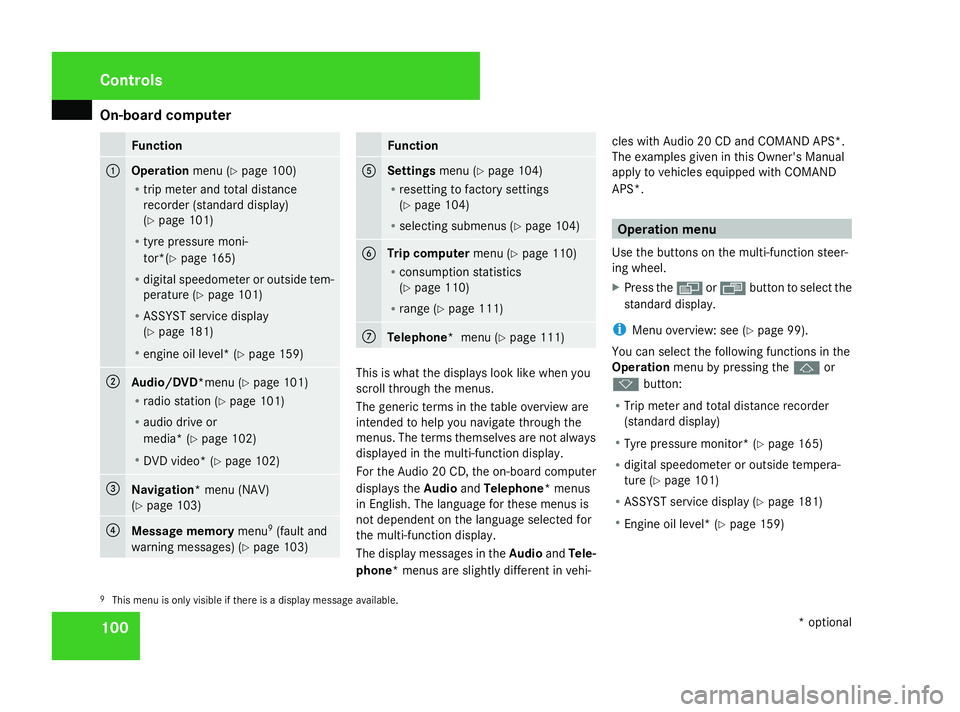
100 Function
1
Operation
menu (Ypage 100)
R trip meter and total distance
recorder (standard display)
(Y page 101)
R tyre pressure moni-
tor*(Y page 165)
R digital speedometer or outside tem-
perature (Y page 101)
R ASSYST service display
(Y page 181)
R engine oil level* (Y page 159) 2
Audio/DVD*
menu (Ypage 101)
R radio station (Y page 101)
R audio drive or
media* ( Ypage 102)
R DVD video* (Y page 102) 3
Navigation* menu (NAV)
(Y
page 103) 4
Message memory
menu9
(fault and
warning messages) (Y page 103) Function
5
Settings
menu (Ypage 104)
R resetting to factory settings
(Y page 104)
R selecting submenus (Y page 104) 6
Trip computer
menu (Ypage 110)
R consumption statistics
(Y page 110)
R range (Y page 111) 7
Telephone* menu (Y
page 111) This is what the displays look like when you
scroll through the menus.
The generic terms in the table overview are
intended to help you navigate through the
menus. The terms themselves are not always
displayed in the multi-function display.
For the Audio 20 CD, the on-board computer
displays the
AudioandTelephone* menus
in English. The language for these menus is
not dependent on the language selected for
the multi-function display.
The display messages in the AudioandTele-
phone* menus are slightly different in vehi- cles with Audio 20 CD and COMAND APS*.
The examples given in this Owner's Manual
apply to vehicles equipped with COMAND
APS*. Operation menu
Use the buttons on the multi-function steer-
ing wheel.
X Press the èor· button to select the
standard display.
i Menu overview: see ( Ypage 99).
You can select the following functions in the
Operation menu by pressing the jor
k button:
R Trip meter and total distance recorder
(standard display)
R Tyre pressure monitor* (Y page 165)
R digital speedometer or outside tempera-
ture (Y page 101)
R ASSYST service display (Y page 181)
R Engine oil level* (Y page 159)
9 This menu is only visible if there is a display message available. Controls
* optional
463_AKB; 1; 8, en-GB
wobuchh
,V ersion: 2.10.6
2008-07-17T15:19:41+02:00 - Seite 100 Dateiname: 6515_4091_02_buchblock.pdf; preflight